lucky8197/dsh-git-hygiene
DSH 插件:Git 卫生巡检——只读扫描已合并/过期分支、大文件、未跟踪文件与未提交修改,输出体检报告与清理建议,不自动删除任何东西。Git Hygiene Checker for DeepSeek Harness.
Project Overview项目介绍
dsh-git-hygiene is a read-only plugin for DeepSeek Harness that audits Git repository health. It runs a whitelisted set of git commands to detect merged-but-undeleted branches, stale branches with no recent commits, oversized tracked files, untracked files, and uncommitted changes, then emits a canonical JSON report with severities and cleanup suggestions. Use it for periodic hygiene checks on long-lived repositories. The plugin never deletes or modifies anything; all cleanup actions must be performed manually by the user.
dsh-git-hygiene 是面向 DeepSeek Harness 的只读 Git 卫生巡检插件。它通过白名单内的 git 命令扫描仓库,识别已合并未删分支、长期无提交分支、超大跟踪文件、未跟踪文件与未提交修改,输出带严重度和清理建议的 JSON 报告。适用于定期巡检中长期积累的代码库膨胀问题。插件不会自动删除或修改任何内容,所有清理动作由用户自行执行。
请帮我安装这个 DSH 插件。安装前先完成【兼容性检查 + 安全性检查】,检查通过再动手。

插件:dsh-git-hygiene(lucky8197/dsh-git-hygiene)
仓库:https://github.com/lucky8197/dsh-git-hygiene
本站详情页:https://www.yhbd.top/plugins/lucky8197-dsh-git-hygiene/
本站登记:类型 plugin · 归类 原生 DSH 插件 · 许可证 BSD-3-Clause · ⭐ 2 · 最近提交 2026-08-15 · 主语言 TypeScript

按下面顺序执行,每步先把结论告诉我,再进入下一步:

【1 兼容性检查】
① 我这边:DSH 版本、Node 版本、操作系统、当前 profile(web / desktop)。
② 读它的 README、package.json、插件 manifest,列出它要求的 DSH 版本 / Node 版本 / 操作系统 / 外部依赖 / 需要另外先装的运行时。
③ 逐条比对,结论只写「满足 / 不满足 / 未知」三种;不满足的给出可行替代方案。
④ 检查是否和我已装的插件冲突:命令名重复、skill / tool 重名、端口占用、重复注册的 MCP server。

【2 安全性检查】
① 仓库可信度:和上面「本站登记」是否一致;star / fork 数、创建时间、最近提交,是否归档或长期停更。
② 安装脚本:逐行看 package.json 的 preinstall / install / postinstall,以及 install.sh、setup.ps1 之类脚本。出现 curl|bash、下载后直接执行、混淆代码、访问与插件功能无关的域名,立刻停下来告诉我,不要继续装。
③ 依赖:列出新增依赖,标出无人维护、或与知名包拼写近似的可疑包(typosquatting)。
④ 权限与副作用:它会读写哪些目录、访问哪些域名、需要哪些 DSH 权限(filesystem / network / shell / clipboard 等),以及怎么卸载和回滚。
⑤ 如果它要求 sudo / 管理员权限,或权限明显超出功能所需,先停下来问我。

【3 安装】
上面两步没有「不满足」和「高危项」时才执行;用官方推荐方式安装,不要自行提权。

【4 汇报】
用表格输出:检查项 / 结论 / 依据 / 是否需要我决策。拿不准的一律写「未知」并说明要我怎么确认——不要猜,也不要替我决定。
Send this message to DSH in your current session: it verifies compatibility and security first (answering met / not met / unknown item by item) and only installs once everything checks out — it will stop and ask you if it finds a high-risk item. The box scrolls; the copy is the full prompt. CLI install commands may not be accurate across systems, so DSH is the safer route.把上面这条消息直接发给当前会话里的 DSH:它会先核对兼容性与安全性(逐条给「满足 / 不满足 / 未知」),确认没问题再安装,有高危项会停下来问你。框内可滚动,复制到的是完整提示词;安装命令不一定准确,发给 DSH 更稳。
- Only 2 stars - very few users, little community feedback星标只有 2,几乎没人在用,遇到问题缺少社区反馈
DSH walks through these 9 checksDSH 会逐条核对这 9 项
Compatibility兼容性
- DSH, Node, OS and profile requirementsDSH 版本 / Node 版本 / 操作系统 / profile 是否满足要求
- External dependencies and runtimes (Electron / Python / Docker, ...)外部依赖与运行时(Electron / Python / Docker 等)是否齐备
- Conflicts with installed plugins: command names, skill / tool names, ports, duplicate MCP registration与已装插件是否冲突:命令名、skill / tool 重名、端口占用、重复 MCP 注册
Security安全性
- Repo matches the facts registered here; archived or abandoned?仓库是否与页面登记一致,是否归档或长期停更
- Safety of preinstall / install / postinstall and install.sh / setup.ps1preinstall / install / postinstall 与 install.sh、setup.ps1 是否安全
- curl|bash, download-then-execute, obfuscation, unrelated domains → stop immediatelycurl|bash、下载即执行、混淆代码、无关域名 → 立刻停止
- Typosquatting or unmaintained packages among the new dependencies新增依赖里有没有 typosquatting 或无人维护的包
- Requested permissions vs. what the feature actually needs申请了哪些权限、是否超出功能所需(filesystem / network / shell / clipboard)
- Any sudo / admin requirement, plus uninstall and rollback是否要求 sudo / 管理员权限,以及卸载与回滚方式
Anything uncertain must be marked unknown with a note on how to confirm it. This site's signal screen is a static snapshot, not a security audit.拿不准的必须标「未知」并说明要我怎么确认。本站的信号筛查是静态快照,不能替代安全审计。
Or use CLI install (for developers)或使用命令行安装(适合开发者)
CLI Install命令行安装
dsh plugin --profile web add "github:lucky8197/dsh-git-hygiene#main"把 lucky8197/dsh-git-hygiene 加入你的 DSH 配置(web profile)即可启用。
READMEREADME
dsh-git-hygiene(Git 卫生巡检)
Git Hygiene Checker for DeepSeek Harness. A read-only DSH plugin that inspects a repository's hygiene: merged-but-not-deleted branches, stale branches with no commits for months, oversized tracked files, untracked files, and uncommitted work — then outputs a health report with cleanup suggestions. It never deletes or modifies anything automatically. Install with:
dsh plugin --profile web add "github:lucky8197/dsh-git-hygiene#main".
仓库用久了会"长胖":功能分支合并后没人删、几个月不动的老分支堆积、不小心提交了
几十 MB 的二进制、未跟踪文件散落一地。dsh-git-hygiene 用只读 git 命令给仓库
做一次"体检",把这些问题量化成带清理建议的报告。
特性
| 维度 | 说明 | 发现类型 | 严重度 |
|---|---|---|---|
| 已合并分支 | 已合并到当前分支但未删除的分支(git branch --merged) |
merged_branch |
medium |
| 过期分支 | 超过 N 天(默认 90)无提交的分支(for-each-ref committerdate) |
stale_branch |
low |
| 大文件 | 跟踪文件超过阈值(默认 5 MB),提示用 LFS/filter-repo 处理 | large_file |
low |
| 未跟踪文件 | git status --porcelain 的 ?? 条目 |
untracked |
low |
| 未提交修改 | 工作区 dirty 状态(M/A/D 等) |
dirty_worktree |
low |
快速安装
dsh plugin --profile web add "github:lucky8197/dsh-git-hygiene#main"
工具用法
git_hygiene
  参数:
    cwd?: string          仓库目录(默认当前会话工作目录)
    staleDays?: number    过期分支阈值(天,默认 90)
    maxFileBytes?: number 大文件阈值(字节,默认 5MB)
  输出:canonical JSON 报告(渲染为分节文本)
canonical JSON
{
  "tool": "git_hygiene",
  "version": 1,
  "cwd": "/path/to/repo",
  "repo": { "isRepo": true, "root": "/path/to/repo", "branch": "main",
            "head": "abc1234…", "remotes": ["origin"], "sizeBytes": 4211000, "objectCount": 1200 },
  "findings": [
    { "severity": "medium", "kind": "merged_branch",
      "detail": "2 个分支已合并到当前分支,可以安全删除:feature-a、feature-b",
      "evidence": "feature-a, feature-b",
      "fix": "对每个已合并分支执行 `git branch -d <branch>`(-d 安全删除,未合并会拒绝)" }
  ],
  "stats": { "findingCount": 1, "byKind": { "merged_branch": 1 } },
  "suggestions": [ { "severity": "medium", "text": "…" } ]
}
配置(cordis 配置节)
- insert:
    - id: git-hygiene
      name: 'dsh-git-hygiene'
      config:
        staleDays: 90          # 过期分支阈值(天)
        maxFileBytes: 5242880  # 大文件阈值(字节)
        maxList: 30            # 各清单最大展示条数
Showing the opening section of the README — the full document lives in the repository以上为 README 开头摘要,完整文档在仓库内 · View the full README on GitHub →在 GitHub 查看完整 README →
Related相关推荐
-
 Ikalus1988/MisakaNet
📚 A zero-dependency, git-backed micro-lesson library for AI Agents to asynchronously share and search verified debuggin…
Ikalus1988/MisakaNet
📚 A zero-dependency, git-backed micro-lesson library for AI Agents to asynchronously share and search verified debuggin…
-
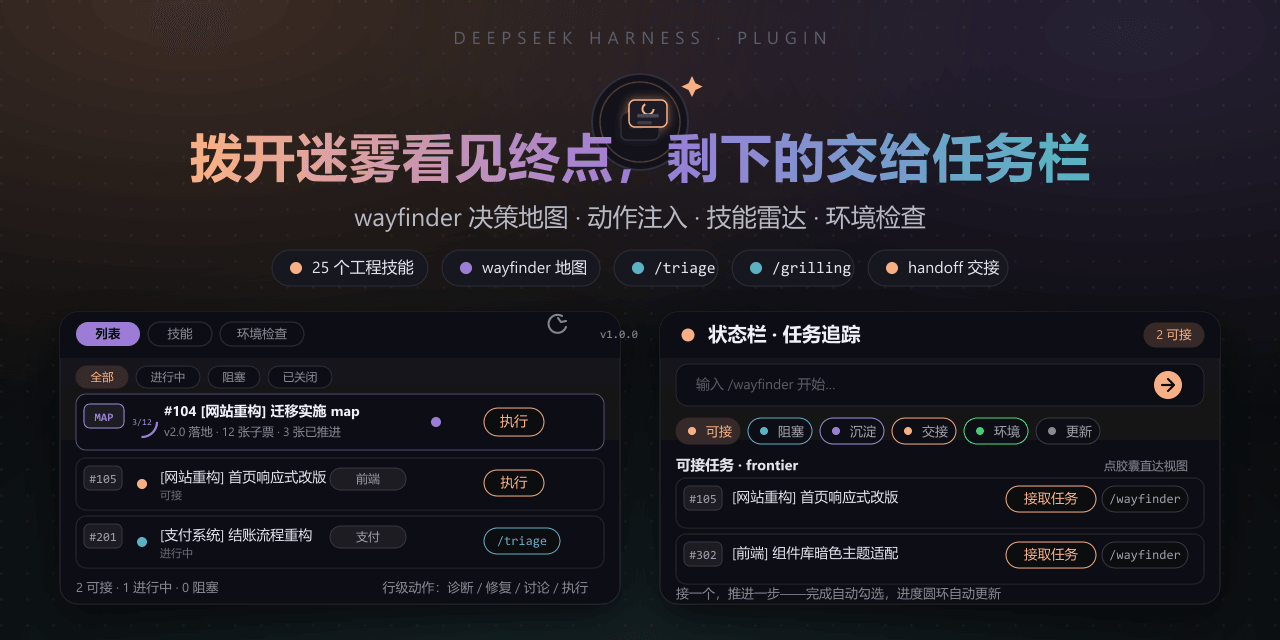 FeatherHunter/dsh-mattpocock-skills-deck
安装即自带mattpocock/skills v1.2.3的25个工程与效率技能,无需手动装技能。300亿token打造。本插件在原始技能之上提供10倍的开发效率。主力支持GitHub issue;Markdown为预览版;GitLab暂不…
FeatherHunter/dsh-mattpocock-skills-deck
安装即自带mattpocock/skills v1.2.3的25个工程与效率技能,无需手动装技能。300亿token打造。本插件在原始技能之上提供10倍的开发效率。主力支持GitHub issue;Markdown为预览版;GitLab暂不…
-
 yoli-mi/dsh-client-ui-custom
Configurable DSH web-surface plugin: wallpaper & frosted-glass themes, accent colors, custom keyboard shortcuts, app-usa…
yoli-mi/dsh-client-ui-custom
Configurable DSH web-surface plugin: wallpaper & frosted-glass themes, accent colors, custom keyboard shortcuts, app-usa…
-
 omdsh-dev/dsh-toolkit
DSH 零依赖工具包 collection —— time / encoding / json / calculator / csv / regex / markdown / diff / stat / schema 十个确定性工具,统一入…
omdsh-dev/dsh-toolkit
DSH 零依赖工具包 collection —— time / encoding / json / calculator / csv / regex / markdown / diff / stat / schema 十个确定性工具,统一入…
- seed-forge/harness-ai-kit Package manager for AI agent assets — 42 skills, 5 CLIs, 1 plugin. Skills for AI/LLM agent engineering, eval-driven dev,…
-
 XieZongChen/dsh-md-notes
A note-taking plugin for DeepSeek Harness (DSH). It provides a full MD notes manager and MD notes editor, letting you qu…
XieZongChen/dsh-md-notes
A note-taking plugin for DeepSeek Harness (DSH). It provides a full MD notes manager and MD notes editor, letting you qu…
- FNOSP/fnos-dsh DeepSeek Harness应用与harness插件 monorepo
-
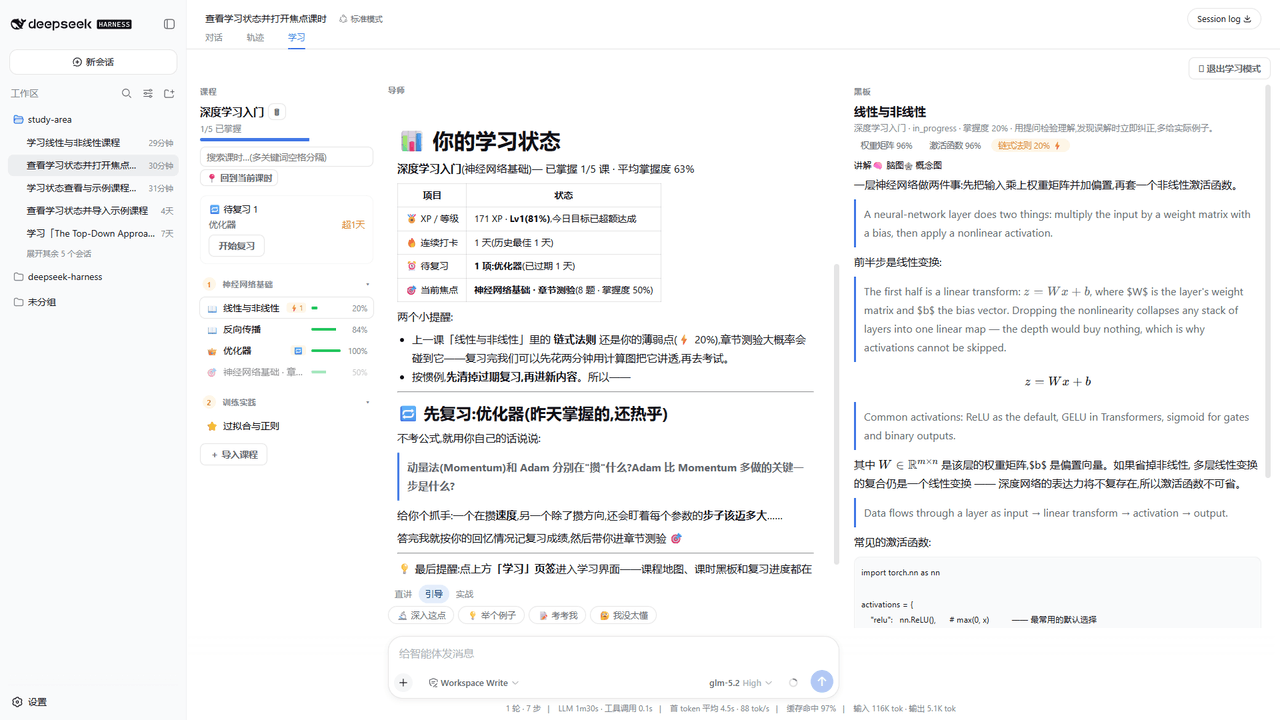 Kaiji-Z/dsh-plugin-lookatstudy
dsh community plugin: turn any markdown/folder/GitHub learning repo into a guided AI-tutor course (gated skill tree, BKT…
Kaiji-Z/dsh-plugin-lookatstudy
dsh community plugin: turn any markdown/folder/GitHub learning repo into a guided AI-tutor course (gated skill tree, BKT…