MarcSierszen/dsh-specify-lite
DSH plugin that provides a light version of Githubs spec-kit. Specifically designed for non-subagent implementation with local models.
Project Overview项目介绍
dsh-specify-lite is a lean, DSH-only plugin for spec-driven development maintained by MarcSierszen under the MIT license, with the repo holding only two stars and tagged with the dsh-plugin topic plus a bundle-manifest. It began as an initial migration from 904915452/dsh-specify and is now independently maintained, deliberately not installing or using GitHub Spec-Kit or any external SDD CLI. Installation is performed through DSH itself via dsh plugin --profile web add git+https://github.com/MarcSierszen/dsh-specify-lite.git, and the minimum tested DSH release is 0.1.1-rc.2, while Node.js 20 or newer is required on the host.
The plugin is aimed at developers who prefer a single local model, API-first thinking, and deterministic artifacts rather than multi-agent orchestration. A linear /speckit command pipeline drives the workflow — init, constitution, specify, clarify, plan, tasks, analyze, and implement — and each stage emits inspectable Markdown files inside .speckit/ and specs/001-feature-slug/. Initialization is idempotent and only touches those two directories, while feature identity comes from a slug like 001-feature-slug or a --feature flag rather than from Git branches. Tasks carry stable T001-style IDs, partial runs accept selectors such as --tasks T003,T005-T008, and the derived stage — not-started, specified, planned, tasked, in-progress, or complete — is computed from the checkboxes and JSON verification records written into tasks.md.
By design the plugin runs the entire workflow inside one agent session with no subagents and no parallel execution, and it never mutates Git state in any way, meaning it will not create, switch, reset, stash, commit, merge, or rebase branches. Artifact edits are explicit: existing files are read, proposed, and confirmed before changes are written, and /speckit-implement asks once before applying selected source edits, checkbox updates, and the verification record, additionally inspecting project documentation and package scripts to pick a test command or asking when none is clear. Version 0.2.0 is a breaking redesign built around the three-artifact model above, so projects on older artifacts must move feature directories into specs/, rename specify.md to spec.md, relocate any constitution to .speckit/constitution.md, and discard brownfield, branch metadata, status.json, or checklist.md files.
dsh-specify-lite 是一款面向 DSH(DeepSeek Harness)的轻量级规范驱动开发插件,由 MarcSierszen 以 MIT 协议维护,仓库仅 2 颗星。它源自 904915452/dsh-specify 的初次迁移,目前已独立演进,不再承诺与原项目兼容,也不依赖 GitHub Spec-Kit 或任何外部 SDD CLI。其打包采用 bundle-manifest 清单,并通过 dsh plugin --profile web add git+https://github.com/MarcSierszen/dsh-specify-lite.git 命令安装到 DSH 中运行,最低需要 DSH 0.1.1-rc.2 与 Node.js 20 以上环境。
该插件面向采用单模型本地推理、追求 API 优先与确定性产物的开发者,通过 /speckit 系列斜杠命令驱动 constitution → specify → plan → tasks → analyze → implement 的线性工作流。每一阶段都会产出可审查的 Markdown 制品,初始仅创建 .speckit/ 与 specs/ 目录,过程幂等安全;特性身份由 001-feature-slug 这类 slug 标识,不依赖 Git 分支。任务使用稳定的 T001 编号,部分实现支持 --tasks T003,T005-T008 形式的选择,阶段状态由 tasks.md 的勾选与 JSON 验证记录派生而来。
设计明确放弃子代理与并行执行,所有编辑与验证都集中在同一会话内完成,且插件绝不改动 Git 状态——不会创建、切换、重置、暂存、提交、合并或变基分支。/speckit-implement 会在写入源码、更新勾选与记录验证之前请求一次确认,并优先检查项目文档与 package 脚本以推断测试命令。0.2.0 引入三制品模型的破坏性重设计,旧版本产物需手动迁移到 specs/、将 specify.md 改名为 spec.md,并将 constitution 移入 .speckit/constitution.md,同时丢弃 brownfield 与分支元数据。
请帮我安装这个 DSH 插件。安装前先完成【兼容性检查 + 安全性检查】,检查通过再动手。

插件:dsh-specify-lite(MarcSierszen/dsh-specify-lite)
仓库:https://github.com/MarcSierszen/dsh-specify-lite
本站详情页:https://www.yhbd.top/plugins/marcsierszen-dsh-specify-lite/
本站登记:类型 plugin · 归类 原生 DSH 插件 · 许可证 MIT · ⭐ 2 · 最近提交 2026-09-15 · 主语言 JavaScript

按下面顺序执行,每步先把结论告诉我,再进入下一步:

【1 兼容性检查】
① 我这边:DSH 版本、Node 版本、操作系统、当前 profile(web / desktop)。
② 读它的 README、package.json、插件 manifest,列出它要求的 DSH 版本 / Node 版本 / 操作系统 / 外部依赖 / 需要另外先装的运行时。
③ 逐条比对,结论只写「满足 / 不满足 / 未知」三种;不满足的给出可行替代方案。
④ 检查是否和我已装的插件冲突:命令名重复、skill / tool 重名、端口占用、重复注册的 MCP server。

【2 安全性检查】
① 仓库可信度:和上面「本站登记」是否一致;star / fork 数、创建时间、最近提交,是否归档或长期停更。
② 安装脚本:逐行看 package.json 的 preinstall / install / postinstall,以及 install.sh、setup.ps1 之类脚本。出现 curl|bash、下载后直接执行、混淆代码、访问与插件功能无关的域名,立刻停下来告诉我,不要继续装。
③ 依赖:列出新增依赖,标出无人维护、或与知名包拼写近似的可疑包(typosquatting)。
④ 权限与副作用:它会读写哪些目录、访问哪些域名、需要哪些 DSH 权限(filesystem / network / shell / clipboard 等),以及怎么卸载和回滚。
⑤ 如果它要求 sudo / 管理员权限,或权限明显超出功能所需,先停下来问我。

【3 安装】
上面两步没有「不满足」和「高危项」时才执行;用官方推荐方式安装,不要自行提权。

【4 汇报】
用表格输出:检查项 / 结论 / 依据 / 是否需要我决策。拿不准的一律写「未知」并说明要我怎么确认——不要猜,也不要替我决定。
Send this message to DSH in your current session: it verifies compatibility and security first (answering met / not met / unknown item by item) and only installs once everything checks out — it will stop and ask you if it finds a high-risk item. The box scrolls; the copy is the full prompt. CLI install commands may not be accurate across systems, so DSH is the safer route.把上面这条消息直接发给当前会话里的 DSH:它会先核对兼容性与安全性(逐条给「满足 / 不满足 / 未知」),确认没问题再安装,有高危项会停下来问你。框内可滚动,复制到的是完整提示词;安装命令不一定准确,发给 DSH 更稳。
- Only 2 stars - very few users, little community feedback星标只有 2,几乎没人在用,遇到问题缺少社区反馈
DSH walks through these 9 checksDSH 会逐条核对这 9 项
Compatibility兼容性
- DSH, Node, OS and profile requirementsDSH 版本 / Node 版本 / 操作系统 / profile 是否满足要求
- External dependencies and runtimes (Electron / Python / Docker, ...)外部依赖与运行时(Electron / Python / Docker 等)是否齐备
- Conflicts with installed plugins: command names, skill / tool names, ports, duplicate MCP registration与已装插件是否冲突:命令名、skill / tool 重名、端口占用、重复 MCP 注册
Security安全性
- Repo matches the facts registered here; archived or abandoned?仓库是否与页面登记一致,是否归档或长期停更
- Safety of preinstall / install / postinstall and install.sh / setup.ps1preinstall / install / postinstall 与 install.sh、setup.ps1 是否安全
- curl|bash, download-then-execute, obfuscation, unrelated domains → stop immediatelycurl|bash、下载即执行、混淆代码、无关域名 → 立刻停止
- Typosquatting or unmaintained packages among the new dependencies新增依赖里有没有 typosquatting 或无人维护的包
- Requested permissions vs. what the feature actually needs申请了哪些权限、是否超出功能所需(filesystem / network / shell / clipboard)
- Any sudo / admin requirement, plus uninstall and rollback是否要求 sudo / 管理员权限,以及卸载与回滚方式
Anything uncertain must be marked unknown with a note on how to confirm it. This site's signal screen is a static snapshot, not a security audit.拿不准的必须标「未知」并说明要我怎么确认。本站的信号筛查是静态快照,不能替代安全审计。
Or use CLI install (for developers)或使用命令行安装(适合开发者)
CLI Install命令行安装
dsh plugin --profile web add git+https://github.com/MarcSierszen/dsh-specify-lite.git把 MarcSierszen/dsh-specify-lite 加入你的 DSH 配置(web profile)即可启用。
READMEREADME
dsh-specify-lite
From a clear idea to verified implementation — natively in DSH.




Specify clearly. Plan deliberately. Implement safely.
A lean, DSH-only plugin for spec-driven development (SDD). It was initially migrated from @904915452/dsh-specify and is now independently maintained as dsh-specify-lite. It is inspired by GitHub Spec-Kit, but is independent and incompatible: it does not install or use Spec-Kit or any external SDD CLI.
✨ Quick start
Install the plugin, then run the workflow from your project root:
dsh plugin --profile web add git+https://github.com/MarcSierszen/dsh-specify-lite.git
/speckit init
/speckit-constitution
/speckit-specify
/speckit-plan
/speckit-tasks
/speckit-analyze
/speckit-implement
Initialization creates only .speckit/ and specs/, safely and idempotently. The minimum tested DSH release is 0.1.1-rc.2; Node.js 20 or newer is required.
🧭 The workflow
  principles       contract          design           execution
      │                │                │                 │
      ▼                ▼                ▼                 ▼
 constitution  →  specify  →  plan  →  tasks  →  analyze  →  implement
Each stage produces inspectable artifacts, keeps scope explicit, and ends with evidence you can verify.
🧰 Commands
| Command | Purpose |
|---|---|
/speckit |
Help, initialization, and derived project stage |
/speckit-constitution |
Define optional project-wide principles |
/speckit-specify |
Create or revise a feature specification |
/speckit-clarify |
Resolve consequential ambiguity |
/speckit-plan |
Produce a repository-informed technical plan |
/speckit-tasks |
Produce an ordered, traceable task list |
/speckit-analyze |
Perform a read-only quality review |
/speckit-implement |
Implement approved tasks and record verification |
Showing the opening section of the README — the full document lives in the repository以上为 README 开头摘要,完整文档在仓库内 · View the full README on GitHub →在 GitHub 查看完整 README →
Related相关推荐
-
 omdsh-dev/DSH-better-sidebar
开放的侧边栏底座,支持三方拓展注册新侧边栏页面。内置文件渲染编辑/终端/侧边对话/Git/子代理页面 | Open sidebar foundation, supports third-party extensions to registe…
omdsh-dev/DSH-better-sidebar
开放的侧边栏底座,支持三方拓展注册新侧边栏页面。内置文件渲染编辑/终端/侧边对话/Git/子代理页面 | Open sidebar foundation, supports third-party extensions to registe…
-
 LiPu-jpg/Openwrite
dsh-Openwrite:OpenWrite 的 DeepSeek Harness 小说创作插件,含统一创作 Agent、90 个小说工具、原生工作台与标准审稿 DAG
LiPu-jpg/Openwrite
dsh-Openwrite:OpenWrite 的 DeepSeek Harness 小说创作插件,含统一创作 Agent、90 个小说工具、原生工作台与标准审稿 DAG
-
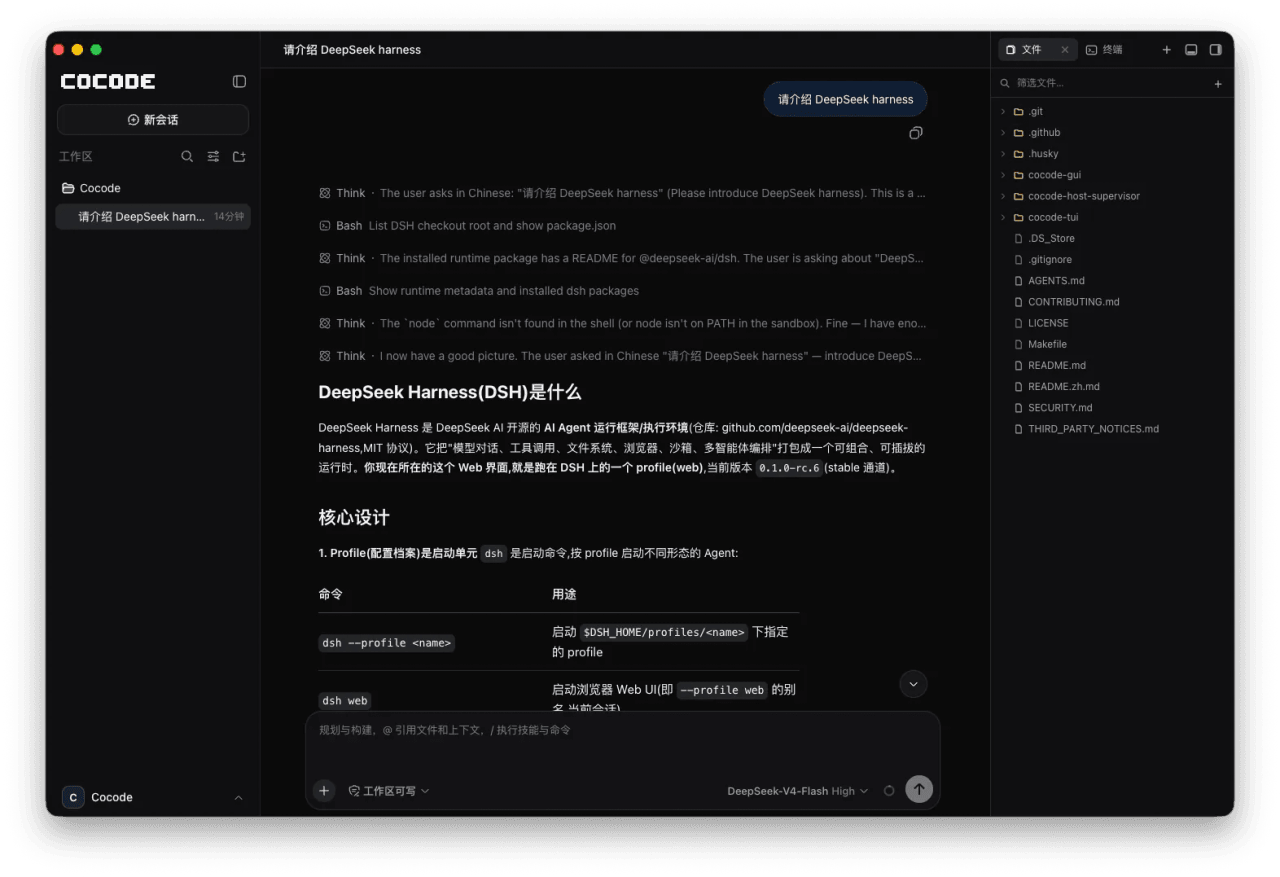 cocode-agency/cocode
Best ready-to-run DeepSeek Harness distribution: DSH desktop GUI, DSH terminal TUI, and harness integration.
cocode-agency/cocode
Best ready-to-run DeepSeek Harness distribution: DSH desktop GUI, DSH terminal TUI, and harness integration.
-
 drewnekota/cetus
One macOS app for Claude Code, Codex, and every agent runtime you use — scheduled runs, global hotkey launcher, per-run …
drewnekota/cetus
One macOS app for Claude Code, Codex, and every agent runtime you use — scheduled runs, global hotkey launcher, per-run …
-
 cosyncing/cosyncing
Synchronize and Orchestrate agents from CLI to GUI, across desktop to phone.
cosyncing/cosyncing
Synchronize and Orchestrate agents from CLI to GUI, across desktop to phone.
-
 UNLINEARITY/dsh-code
A terminal coding interface that brings the DeepSeek Harness kernel's full capability set — special modes, plugins, mode…
UNLINEARITY/dsh-code
A terminal coding interface that brings the DeepSeek Harness kernel's full capability set — special modes, plugins, mode…
-
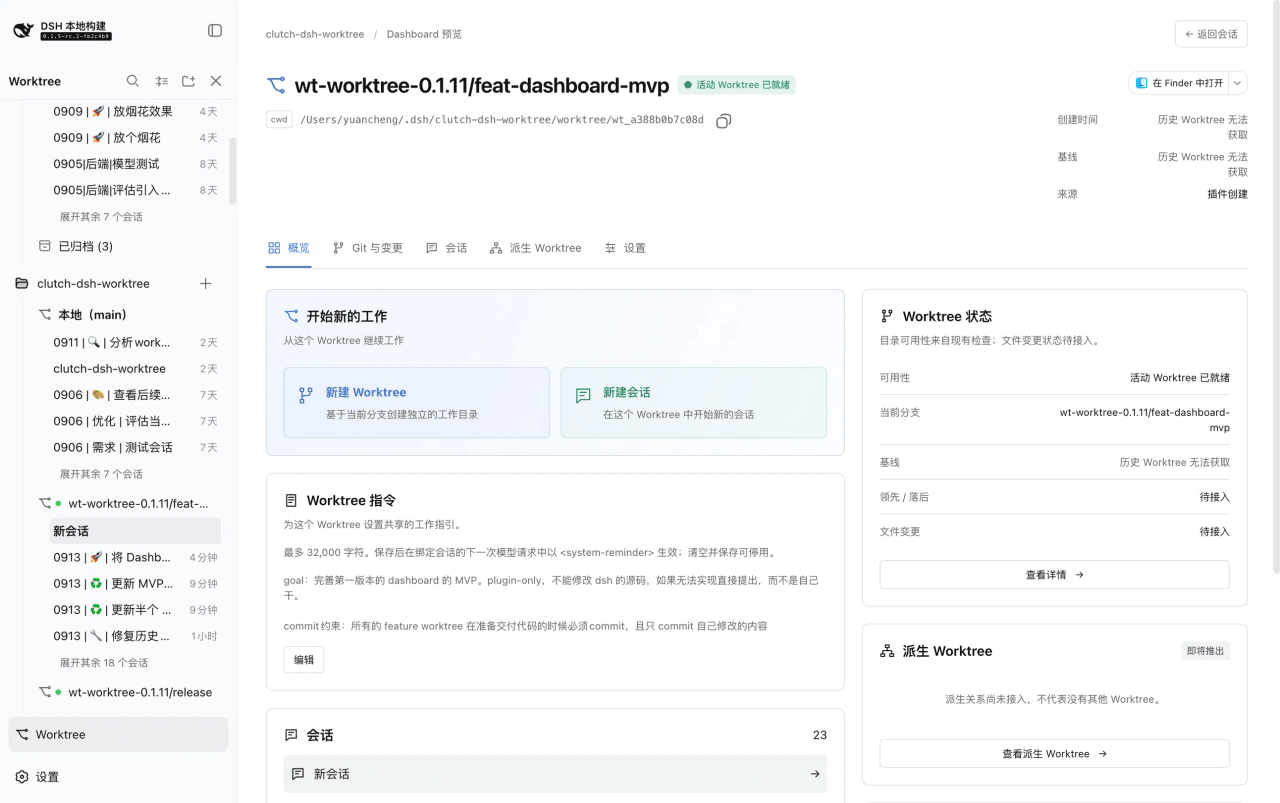 Cerbur/clutch-dsh
Open-source DSH plugins for DeepSeek Harness:Git Worktree session management(会话管理)、Session Title(会话标题)与 Fireworks(庆祝特效),…
Cerbur/clutch-dsh
Open-source DSH plugins for DeepSeek Harness:Git Worktree session management(会话管理)、Session Title(会话标题)与 Fireworks(庆祝特效),…
-
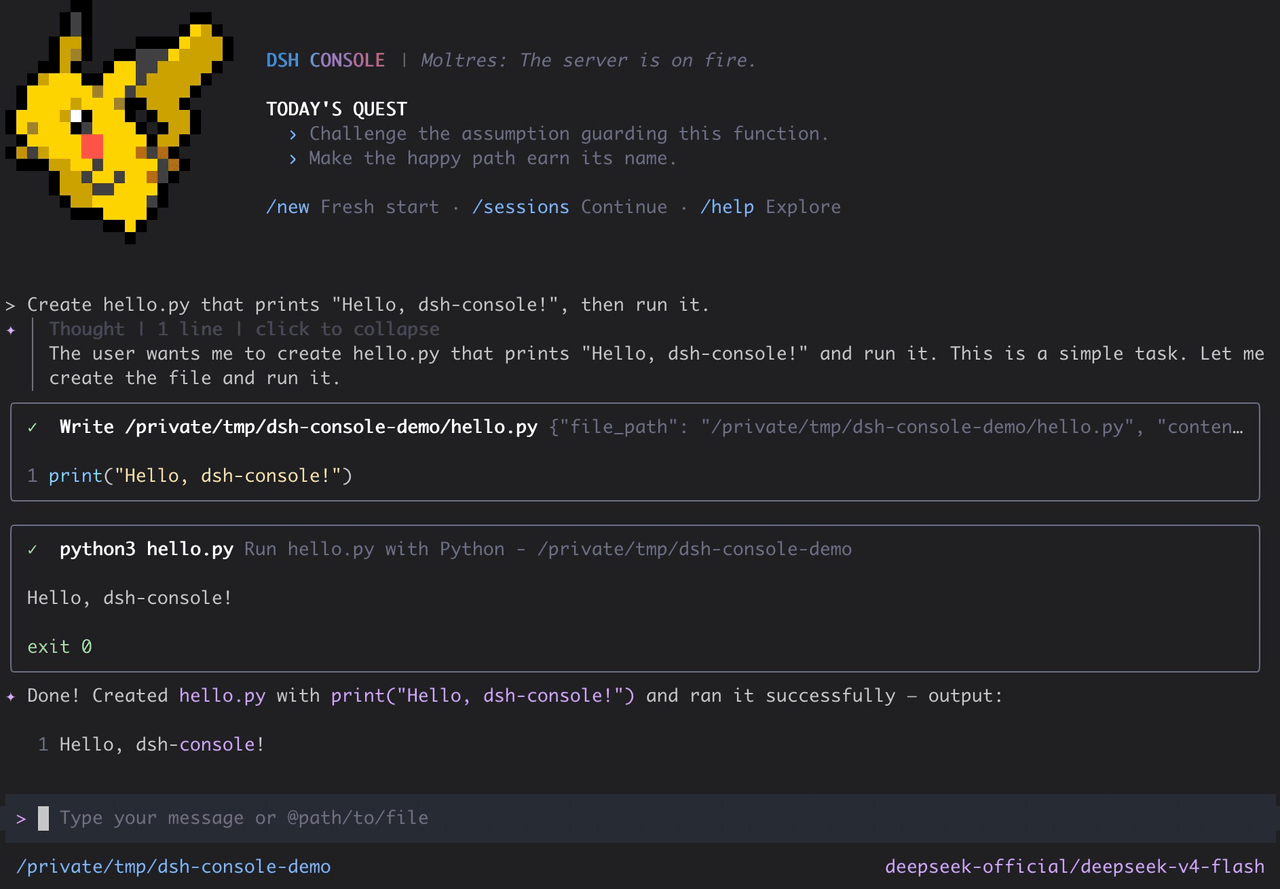 cofy-x/dsh-console
DSH-native terminal workbench (TUI) for DeepSeek Harness with durable sessions, structured tools, plans, subagents, and …
cofy-x/dsh-console
DSH-native terminal workbench (TUI) for DeepSeek Harness with durable sessions, structured tools, plans, subagents, and …