MJorgin/dsh-agent-conductor
⚡ DSH 指挥家(动态插件/热更新版):在会话内调配任务给11种外部agent CLI(Codex/Claude Code/TraeCode等),通过cordis_define秒级安装,无需修改配置文件。
Project Overview项目介绍
dsh-agent-conductor is a DeepSeek Harness plugin that auto-matches by skill description and dispatches tasks headlessly to 11 external agent CLIs (Codex, Claude Code, TraeCode, OpenCode, Gemini, Cursor, Kimi, Qwen, Copilot, WorkBuddy, Grok), returning their stdout as the answer. Use it to outsource subtasks like translation, investigation, or refactoring. Caveat: target CLIs must be installed locally with valid login quotas, and task text is sent to each CLI's provider, so avoid including secrets.
dsh-agent-conductor 是 DeepSeek Harness 插件,按 skill 描述自动匹配,将任务以 headless 模式分派给 11 个外部 agent CLI(Codex、Claude Code、TraeCode、OpenCode、Gemini、Cursor、Kimi、Qwen、Copilot、WorkBuddy、Grok),把 stdout 直接作为答案返回。适用于翻译、调查、重构等子任务外包。需在主机预装目标 CLI 并配置登录;任务文本会发往对应服务商,注意避免写入敏感数据。
请帮我了解并安装插件:【dsh-agent-conductor】【https://github.com/MJorgin/dsh-agent-conductor】Send this message to DSH in your current session. CLI install commands may not be accurate across systems — DSH will figure it out for you.把上面这条消息直接发给当前会话里的 DSH,让它帮你了解并安装。安装命令不一定准确,发给 DSH 更稳。
Or use CLI install (for developers)或使用命令行安装(适合开发者)
CLI Install命令行安装
dsh plugin --profile web add github:MJorgin/dsh-agent-conductor把 MJorgin/dsh-agent-conductor 加入你的 DSH 配置(web profile)即可启用。
READMEREADME
⚡ dsh-agent-conductor
Let your DeepSeek Harness agent dispatch tasks to 11 external agent CLIs — Codex, Claude Code, TraeCode, OpenCode, Gemini, Cursor, Kimi, Qwen, Copilot, WorkBuddy, Grok — headlessly, and bring results back into the conversation.




English · 简体中文
DeepSeek Harness is a great reasoning engine — but sometimes the job is better done by another coding agent: a Codex translation, a Claude Code investigation, a Cursor refactor. This plugin lets your DSH agent recognize when to delegate (by skill-description matching), dispatch a self-contained task to one of 11 external agent CLIs in headless mode, and bring the stdout result back as the answer.
Inspired by Multica — the "agent squad" idea as a zero-install DSH skill.
✨ What you get
| Capability | What it does | Cost |
|---|---|---|
| 🧠 Auto-triggered dispatch | Say "have Codex translate this README" — the model matches the skill, runs the dispatch script, and answers from the result | Free (uses the target CLI's quota) |
🔧 conductor_dispatch tool (optional bundle) |
The same registry as a first-class DSH tool, installed into a profile with one command | Free |
🩺 doctor self-check |
python3 dispatch.py doctor probes which CLIs are installed (resolves PATH + tries --version) before you dispatch |
Free |
| 👥 11 agent CLIs | Codex, Claude Code, TraeCode, OpenCode, Gemini, Cursor, Kimi, Qwen, Copilot, WorkBuddy, Grok | Their login quotas |
| 🔒 Privacy | Task text goes only to the CLI's own provider; keys stay local | — |
🧭 Why a Skill (and not just a plugin)
| profile plugin / bundle | dynamic plugin | Skill (this repo) | |
|---|---|---|---|
| Install | write profile + restart | define in-session | copy a folder |
| Trigger | manual | model calls a tool | description matching, model auto-recognizes |
| Risk | touches the host | session-scoped, gone on restart | read-only script, host-agnostic |
| Result | tool result | tool result | stdout directly becomes the answer |
One SKILL.md + a ~90-line zero-dependency dispatch.py (Python stdlib only).
⚡ Quick start (Skill)
Copy skills/conductor/ to any skill root (project-level .dsh/skills/ or global ~/.dsh/skills/):
mkdir -p .dsh/skills/conductor
cp -R skills/conductor/. .dsh/skills/conductor/
No restart needed — from the next message on, just say:
- "派 codex 把这份 README 翻译成繁体中文" (have Codex translate this README)
- "让 Claude Code 查一下这个报错的成因" (ask Claude Code to investigate this error)
- "用 Codex 独立实现一个 XXX" (have Codex implement XXX independently)
The agent auto-recognizes the need (SKILL.md description matching) → runs dispatch.py → returns the result.
🛠️ Prereqs: install the CLIs you want to dispatch to
# Codex / Claude Code / OpenCode / Gemini / Qwen
npm i -g @openai/codex
npm i -g @anthropic-ai/claude-code
npm i -g opencode-ai
npm i -g @google/gemini-cli
npm i -g @qwen-code/qwen-code
# Kimi / Grok / Copilot (headless flags verified against each CLI's own --help)
npm i -g @moonshot-ai/kimi-code
npm i -g @xai-official/grok
npm i -g @github/copilot
# TraeCode CLI: https://docs.trae.cn/cli_command-line-parameters
# (already have codex-cli? symlink instead: ln -s ~/.codex/plugins/.plugin-appserver/codex ~/.local/bin/codex)
Headless note: Copilot non-interactive mode must auto-approve tools, so the registry runs
copilot -p "<task>" --allow-all-tools. The other CLIs run their standard print/headless flag.
Then check what's actually dispatchable on this machine:
python3 skills/conductor/scripts/dispatch.py doctor
# ✅ Codex  …/codex — codex-cli 0.151.0 …
# ❌ Gemini … 未找到 `gemini`  →  安装:npm i -g @google/gemini-cli
Working directory is auto-detected. The bundle tool runs each CLI in the current session's workspace (
exec.agent.session.header.cwd), thenCONDUCTOR_CWD, then the harness cwd — no hardcoded paths. Codex still requires a trusted git repo: pointCONDUCTOR_CWD=/path/to/git/repo(env or~/.dsh/secrets/media-tools.env) at one if the auto-detected folder isn't trusted. The skill script honorsCONDUCTOR_CWDand falls back to the current directory. To let the dispatched agent write files: addsandbox_mode = "workspace-write"to Codex's~/.codex/config.toml. Dispatching consumes the target CLI's login quota.
✅ Verified vs ⏳ pending
| CLI | Headless command | Status |
|---|---|---|
| Codex | codex exec "{task}" |
✅ field-tested (translation task delivered) |
| Claude Code | claude -p "{task}" --output-format text |
✅ installed; per official docs |
| TraeCode | traecli exec "{task}" |
✅ per official docs |
| OpenCode | opencode run "{task}" |
✅ per official docs |
| Gemini CLI | gemini -p "{task}" |
✅ per official docs |
| Qwen Code | qwen --prompt "{task}" |
✅ per official docs (Gemini-CLI fork) |
| Kimi CLI | kimi --prompt "{task}" |
✅ flag confirmed from the CLI's own help (-p, --prompt = non-interactive) |
| Copilot CLI | copilot -p "{task}" --allow-all-tools |
✅ flag confirmed from copilot --help (bin is copilot, not github-copilot; --allow-all-tools is required headless) |
| Grok CLI | grok -p "{task}" |
✅ per official README (grok -p "..." = run one task) |
| Cursor CLI | cursor-agent -p "{task}" |
⏳ command shape pending field test (install via cursor.com; the npm cursor-agent package is unrelated) |
| WorkBuddy | workbuddy -p "{task}" |
⏳ command shape pending field test |
Install packages were verified against the npm registry: Kimi is
@moonshot-ai/kimi-code(binkimi), Grok is@xai-official/grok(bingrok), Copilot is@github/copilot(bincopilot), Codex is@openai/codex. Thekimi-clinpm package is an unrelated placeholder with no binary — do not use it.
📦 Optional: bundle install (host-only tool)
This repo is also a host-only dsh bundle (declares dsh.bundle, zero client code — the Web UI is untouched). One command installs the conductor_dispatch tool into a profile:
dsh plugin --profile web add github:MJorgin/dsh-agent-conductor
- The tool and the skill share the same CLI registry (
index.js⇄conductor-dynamic.js⇄dispatch.py— keep the three in sync when adding CLIs); - No client half, so the Web UI is never affected (the early panel-carrying client version was removed — see git log);
- Hardened host execution: explicitly declares the
subprocessdependency, enforces a real 10-minute timeout that terminates the whole process tree (also on cancel — no orphaned CLIs), and clips over-long output (head + tail, ~20k chars) so a chatty agent can't blow up the context; - Panels / task-board recycling are on the roadmap.
📂 Repo layout
index.js                      # bundle host half: conductor_dispatch tool (host-only)
cordis.patch.yml              # bundle layer (one row, no client)
skills/conductor/SKILL.md      # skill definition: trigger description + dispatch rules + privacy
skills/conductor/scripts/dispatch.py  # dispatch engine (Python stdlib, zero deps)
conductor-dynamic.js           # alternative: dynamic-plugin edition (cordis_define route)
🗺️ Roadmap
- Panel UI (optional, dynamic-plugin client half)
- Task-board recycling: dispatch results written back to dsh-task-board cards
- Squad orchestration: one task fanned out to several agents and merged (Multica squads shape)
🔑 Keys & privacy
- Keys are never stored in this repo. The skill script reads env vars, then
~/.dsh/secrets/media-tools.env(same convention as dsh-media-skills). - Task text is sent to the target CLI's provider — never put secrets or internal data into a task.
- Results belong to the target CLI's terms of service; mark deliverables as "done by ".
License
Related
- 🎨 dsh-media-skills — free vision & image generation for DSH (GLM-4V-Flash + Qwen3-VL + Gemini failover)
- 📬 Community listing PR: awesome-dsh-plugin#664
- 📋 awesome-dsh-plugin · ecosystem index: dsh-plugin topic
- 🎯 Benchmarks: Multica (multi-agent workbench) · dsh-web-ui (task board)
Related相关推荐
- yaoshuo530/dsh-prompt-enhancer A prompt-enhancement plugin for DeepSeek Harness: an ✨ Enhance composer button that rewrites prompts with first-principl…
- rxa3c/chat2skill Extracting and iterating skills from daily conversations with AI
- ffyuuu/dsh-llm-longcat LongCat (LongCat-2.0) provider for DeepSeek Harness — 1M context, thinking mode, tool calling
- Nagi-ovo/voyager Enhancement suite for Gemini, AI Studio, Claude & ChatGPT — plus a prompt manager for any websites, DeepSeek Harness inc…
-
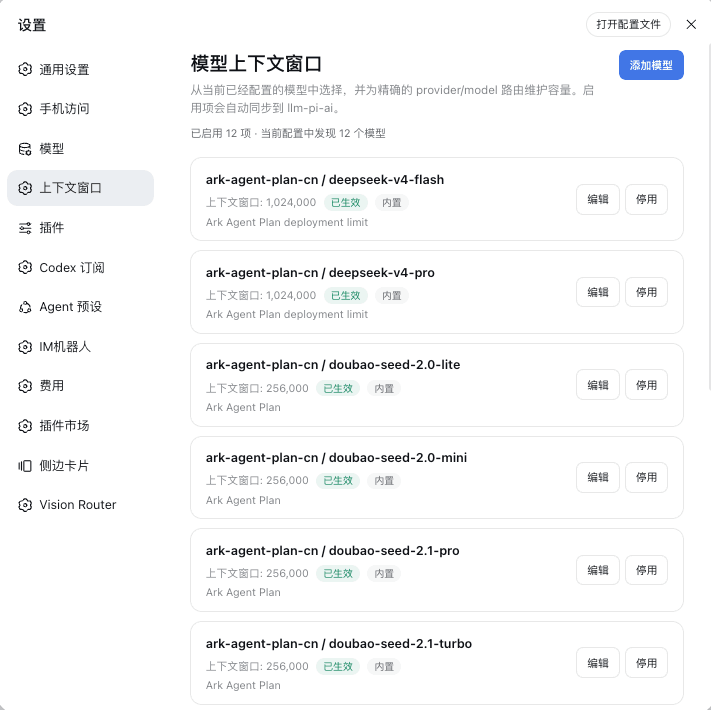 HOWILLMAKEIT/dsh-model-context-catalog
DeepSeek Harness 插件:维护 llm-pi-ai 模型的准确上下文窗口,避免长会话被误判为上下文溢出。
HOWILLMAKEIT/dsh-model-context-catalog
DeepSeek Harness 插件:维护 llm-pi-ai 模型的准确上下文窗口,避免长会话被误判为上下文溢出。
-
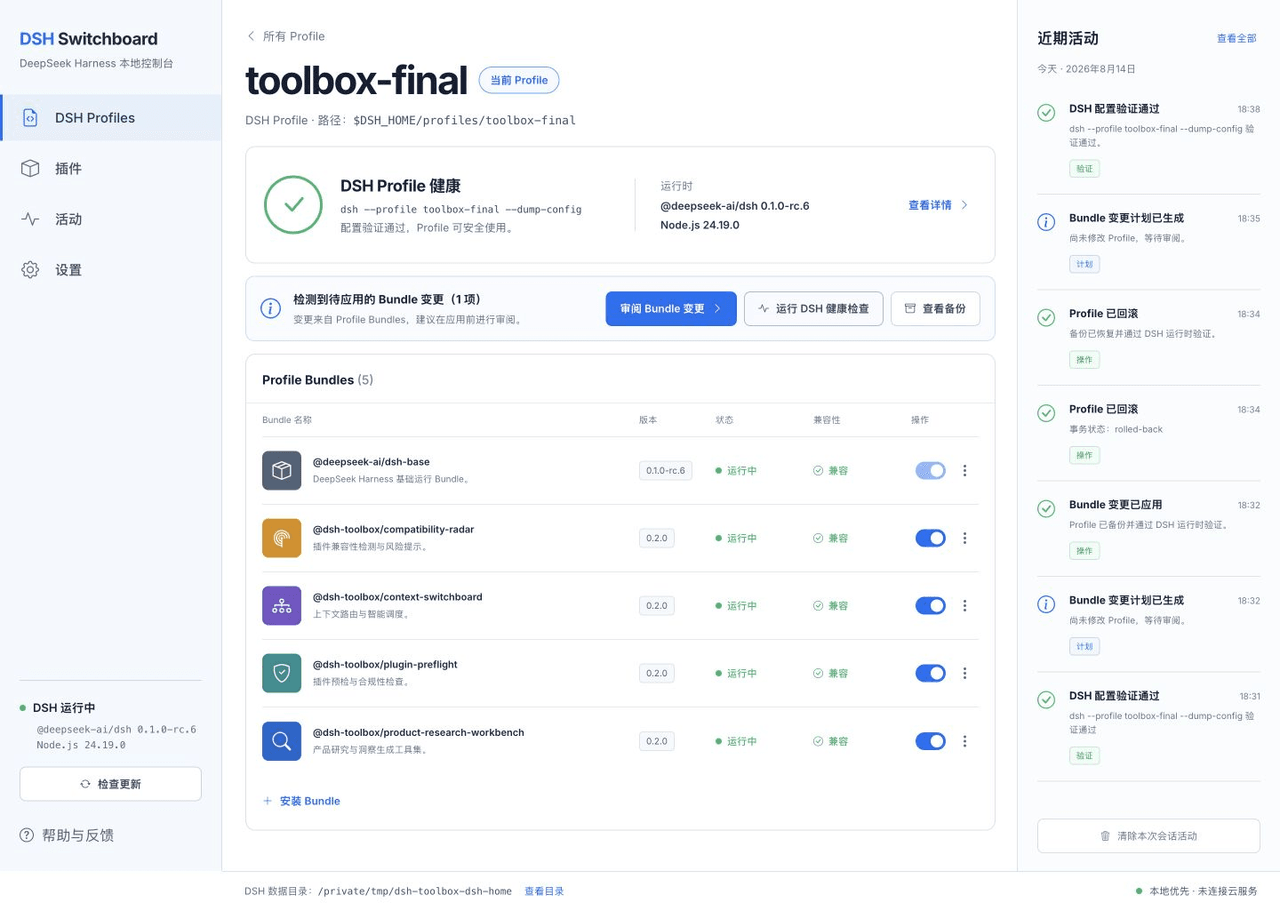 HiWhaleW/dsh-toolbox
Local-first DeepSeek Harness plugins for product research, context routing, plugin preflight, and compatibility monitori…
HiWhaleW/dsh-toolbox
Local-first DeepSeek Harness plugins for product research, context routing, plugin preflight, and compatibility monitori…
-
 a735624258/dsh-skill-picker
DSH 实现 workbuddy 同款选择 skill 功能 | WorkBuddy-style skill picker for DeepSeek Harness: pick a skill in the composer, insert…
a735624258/dsh-skill-picker
DSH 实现 workbuddy 同款选择 skill 功能 | WorkBuddy-style skill picker for DeepSeek Harness: pick a skill in the composer, insert…
-
 omdsh-dev/dsh-llm-fallbacks
An dsh plugin for role-based LLM retry&fallback strategy. 基于角色的模型重试备用策略插件
omdsh-dev/dsh-llm-fallbacks
An dsh plugin for role-based LLM retry&fallback strategy. 基于角色的模型重试备用策略插件