Moeblack/deepseek-manners
DSH 插件:在每条消息后注入感谢语 | DSH plugin: 在每次消息后自动添加感谢语句 (deepseek-manners)
Project Overview项目介绍
This is a plugin built exclusively for DeepSeek Harness (DSH), designed to inject custom text at the end of every user-facing payload sent to DeepSeek. It can be installed directly through DSH’s command line interface by running the command dsh plugin --profile web add github:moeblack/deepseek-manners, or linked from local source code with a similar command. Pre-built output files index.mjs and client.js are already included in the repository, so no extra build steps are required after installation. Once installed, a heart-shaped toggle appears next to the input box on DSH’s web interface to quickly turn the injection on or off.
The core use case for this plugin is to add custom role-play prompts, adjust how the model handles its thinking process, and set specific requirements for output format and tone. All injected content is controlled via the text field in the deepseek-manners section of DSH_HOME/settings.yaml. Users can write multi-line injected content using YAML block scalar syntax, which preserves line breaks for structured instructions. The plugin only injects content during the first model request of a new conversation turn, and manages old suffixes based on the length of the assistant’s most recent reply to preserve prompt cache integrity.
Changes to the plugin’s configuration do not require a full restart of your DSH instance, because DSH enables hot reloading of configuration files by default, and any valid change will take effect within 1 to 2 seconds. If you enter invalid YAML syntax in the configuration section, DSH will keep the last working valid configuration and send a warning alert to the service logs, so it will not crash your running DSH instance. This plugin is also specifically adapted to work with the chain-of-thought overwrite mode from the public deepseek_v4_rolepaly_instruct repository.
这是一个专为 DeepSeek Harness(DSH)开发的原生插件,功能是在每次用户请求的 payload 末尾注入自定义文本。它支持通过 DSH 命令行直接从 GitHub 安装,也支持本地源码链接安装,仓库已经提交了预构建的 index.mjs 和 client.js,安装后不需要额外执行构建步骤。安装完成后,DSH 的 Web 界面输入框右侧会新增一个心形开关,可随时开启或关闭注入功能。
它主要用于给模型追加自定义的角色扮演要求、修改模型思考模式、指定输出格式要求。用户可通过 DSH_HOME/settings.yaml 配置文件中的 text 字段自定义注入内容,支持使用 YAML 块标量写法写入多行文本。它仅在当前轮次的第一个模型请求中注入文本,还可根据助理上一次回复的长度自动选择保留或清除之前的后缀,以此保护 prompt 缓存。
修改配置后不需要重启 DSH,因为 DSH 默认开启了配置文件的热重载功能,改动会在 1 到 2 秒内自动生效。如果配置中出现 YAML 语法错误,服务会保留最后一份合法配置,并在日志中发出告警,不会导致服务崩溃。该插件还专门适配了 deepseek_v4_rolepaly_instruct 仓库的思维链覆写模式。
请帮我安装这个 DSH 插件。安装前先完成【兼容性检查 + 安全性检查】,检查通过再动手。

插件:deepseek-manners(Moeblack/deepseek-manners)
仓库:https://github.com/Moeblack/deepseek-manners
本站详情页:https://www.yhbd.top/plugins/moeblack-deepseek-manners/
本站登记:类型 plugin · 归类 原生 DSH 插件 · 许可证未声明 · ⭐ 14 · 最近提交 2026-08-13 · 主语言 TypeScript

按下面顺序执行,每步先把结论告诉我,再进入下一步:

【1 兼容性检查】
① 我这边:DSH 版本、Node 版本、操作系统、当前 profile(web / desktop)。
② 读它的 README、package.json、插件 manifest,列出它要求的 DSH 版本 / Node 版本 / 操作系统 / 外部依赖 / 需要另外先装的运行时。
③ 逐条比对,结论只写「满足 / 不满足 / 未知」三种;不满足的给出可行替代方案。
④ 检查是否和我已装的插件冲突:命令名重复、skill / tool 重名、端口占用、重复注册的 MCP server。

【2 安全性检查】
① 仓库可信度:和上面「本站登记」是否一致;star / fork 数、创建时间、最近提交,是否归档或长期停更。
② 安装脚本:逐行看 package.json 的 preinstall / install / postinstall,以及 install.sh、setup.ps1 之类脚本。出现 curl|bash、下载后直接执行、混淆代码、访问与插件功能无关的域名,立刻停下来告诉我,不要继续装。
③ 依赖:列出新增依赖,标出无人维护、或与知名包拼写近似的可疑包(typosquatting)。
④ 权限与副作用:它会读写哪些目录、访问哪些域名、需要哪些 DSH 权限(filesystem / network / shell / clipboard 等),以及怎么卸载和回滚。
⑤ 如果它要求 sudo / 管理员权限,或权限明显超出功能所需,先停下来问我。

【3 安装】
上面两步没有「不满足」和「高危项」时才执行;用官方推荐方式安装,不要自行提权。

【4 汇报】
用表格输出:检查项 / 结论 / 依据 / 是否需要我决策。拿不准的一律写「未知」并说明要我怎么确认——不要猜,也不要替我决定。
Send this message to DSH in your current session: it verifies compatibility and security first (answering met / not met / unknown item by item) and only installs once everything checks out — it will stop and ask you if it finds a high-risk item. The box scrolls; the copy is the full prompt. CLI install commands may not be accurate across systems, so DSH is the safer route.把上面这条消息直接发给当前会话里的 DSH:它会先核对兼容性与安全性(逐条给「满足 / 不满足 / 未知」),确认没问题再安装,有高危项会停下来问你。框内可滚动,复制到的是完整提示词;安装命令不一定准确,发给 DSH 更稳。
- No license declared - all rights reserved by default; ask the author before commercial use or redistribution未声明开源许可证 —— 默认「保留所有权利」,商用或再分发前先问作者
- 14 stars - an early-stage project星标 14,属于早期项目
DSH walks through these 9 checksDSH 会逐条核对这 9 项
Compatibility兼容性
- DSH, Node, OS and profile requirementsDSH 版本 / Node 版本 / 操作系统 / profile 是否满足要求
- External dependencies and runtimes (Electron / Python / Docker, ...)外部依赖与运行时(Electron / Python / Docker 等)是否齐备
- Conflicts with installed plugins: command names, skill / tool names, ports, duplicate MCP registration与已装插件是否冲突:命令名、skill / tool 重名、端口占用、重复 MCP 注册
Security安全性
- Repo matches the facts registered here; archived or abandoned?仓库是否与页面登记一致,是否归档或长期停更
- Safety of preinstall / install / postinstall and install.sh / setup.ps1preinstall / install / postinstall 与 install.sh、setup.ps1 是否安全
- curl|bash, download-then-execute, obfuscation, unrelated domains → stop immediatelycurl|bash、下载即执行、混淆代码、无关域名 → 立刻停止
- Typosquatting or unmaintained packages among the new dependencies新增依赖里有没有 typosquatting 或无人维护的包
- Requested permissions vs. what the feature actually needs申请了哪些权限、是否超出功能所需(filesystem / network / shell / clipboard)
- Any sudo / admin requirement, plus uninstall and rollback是否要求 sudo / 管理员权限,以及卸载与回滚方式
Anything uncertain must be marked unknown with a note on how to confirm it. This site's signal screen is a static snapshot, not a security audit.拿不准的必须标「未知」并说明要我怎么确认。本站的信号筛查是静态快照,不能替代安全审计。
Or use CLI install (for developers)或使用命令行安装(适合开发者)
CLI Install命令行安装
dsh plugin --profile web add github:moeblack/deepseek-manners把 Moeblack/deepseek-manners 加入你的 DSH 配置(web profile)即可启用。
READMEREADME
deepseek-manners
在每次发消息之后给可爱的鲸鱼娘说谢谢(默认「谢谢你,鲸鱼大人」),仅当轮生效。
安装
本插件是 DeepSeek Harness(DSH) 的插件,需要先有一个可运行的 DSH。
本地源码装配
dsh plugin --profile web add -w link:/path/to/deepseek-manners
从 GitHub 安装
dsh plugin --profile web add github:moeblack/deepseek-manners
构建产物(index.mjs / client.js)已随仓库提交,git 安装无需额外构建步骤。
装配完成后,Web 界面输入框右侧会多出一个心形开关,用于随时开关注入。
配置
DSH_HOME/settings.yaml:
deepseek-manners:
  text: 谢谢你,鲸鱼大人
  enabled: true
  hideAboveChars: 2000   # 最近一Turn assistant 回复超过此字符数时跳过遮蔽(保护 prompt cache);0 = 总是遮蔽
机制
- 仅在包含用户直接输入的 step(turn 的第一个模型请求)注入,落在 payload 底部
- 只看最近一次 assistant 回复长度——
- 回复短 → 回收最近一条旧后缀(surface replace 为空,日志保留)
- 回复超长 → 跳过回收,该后缀永久保留(保护长回复的 prompt cache)
如何自定义注入文本
text 字段的内容会原样注入到每次上行 payload 的底部。你可以把它写成一段多行指令(YAML 块标量),用于:
- 追加角色扮演风格的回复引导
- 覆写模型的思考模式(think 标签行为)
- 追加风格、语气、输出格式要求
text 不支持模板变量,写入什么就注入什么。
多行长文本写法
YAML 中使用 |(保留换行)或 |-(去掉末尾换行)块标量:
deepseek-manners:
  text: |-
    以下是对本次回复的补充要求,请严格遵守:

    1. 回复开头使用角色惯用的口头禅,保持角色语气一致。
    2. 思考过程放在 <think> 标签内,正文直接输出。
    3. 正文不使用列表式结构,用自然段落叙述。
    4. 每次回复控制在 200 字以内。
  enabled: true
  hideAboveChars: 600
块标量内的每一行都要至少缩进 6 个空格(text: 本身缩进 2,正文在它之下再缩进 4)。
生效方式
- 修改
settings.yaml后无需重启:DSH 的dsh-settings-file默认开启文件热重载(chokidar,100ms 防抖),改动 1-2 秒内自动生效。 - 若 YAML 语法错误,服务会保留最后一份合法配置并在日志告警,不会崩溃。
示例:注入思考模式覆写
deepseek-manners:
  text: |-
    <think>
    请在思考过程中遵循以下约定:

    - 先简要分析当前对话的目标与立场。
    - 列出 2-3 个可选回应方向,再选择最符合角色设定的一项。
    - 思考结束后直接输出正文,不重写、不检查。
    </think>
  enabled: true
  hideAboveChars: 600
额外用法(主要用法)
Related相关推荐
- xiaobright/dsh-anchored-standard Two-phase DeepSeek Harness preset: Minimal-aligned bootstrap, then full Standard tools (Project2 98/99)
-
 titanwings/dsh-automation
DSH 自动化插件:让 Coding 任务按计划在全新 Agent Session 中运行,并由用户或 Agent 创建和管理定时任务。 / Run coding tasks in fresh Agent sessions and mana…
titanwings/dsh-automation
DSH 自动化插件:让 Coding 任务按计划在全新 Agent Session 中运行,并由用户或 Agent 创建和管理定时任务。 / Run coding tasks in fresh Agent sessions and mana…
-
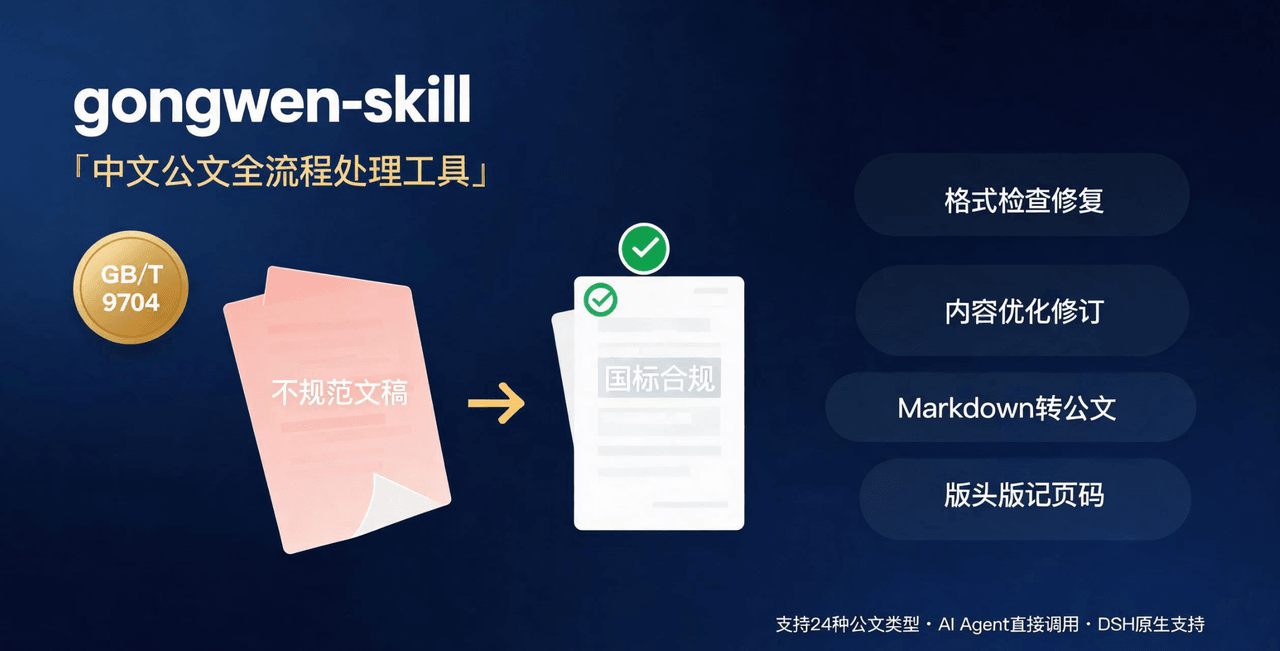 linhut/gongwen-skill
公文全流程处理工具——基于 GB/T 9704《党政机关公文格式》 国家标准,面向公文写作、企事业单位材料编制场景,支持 格式检查与修复、内容优化(Word 原生修订+批注/差异对比版)、模板生成、Markdown 转公文、版头版记页码注入…
linhut/gongwen-skill
公文全流程处理工具——基于 GB/T 9704《党政机关公文格式》 国家标准,面向公文写作、企事业单位材料编制场景,支持 格式检查与修复、内容优化(Word 原生修订+批注/差异对比版)、模板生成、Markdown 转公文、版头版记页码注入…
-
 Jungod1121/dsh-anchored-standard
Two-phase DeepSeek Harness preset: Minimal-aligned bootstrap (bash+read), then full Standard tools after the first tool …
Jungod1121/dsh-anchored-standard
Two-phase DeepSeek Harness preset: Minimal-aligned bootstrap (bash+read), then full Standard tools after the first tool …
-
 omdsh-dev/dsh-advisor
Advisor - Pair a second model that passively reviews each turn and injects notes. 搭配一个会在每轮对话被动注入见解和审查的副模型。
omdsh-dev/dsh-advisor
Advisor - Pair a second model that passively reviews each turn and injects notes. 搭配一个会在每轮对话被动注入见解和审查的副模型。
-
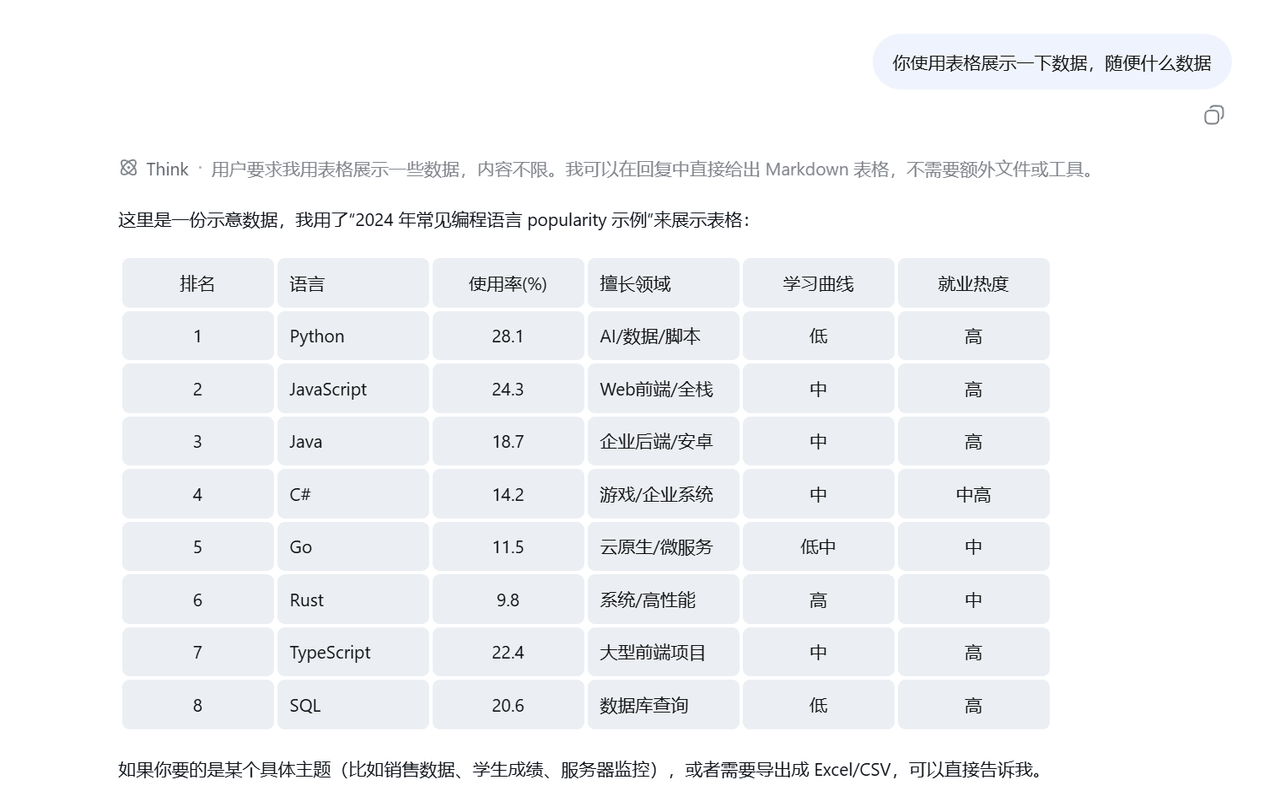 wlj521/dsh-ui-tweaks
一切皆插件,可以定义自己喜欢的dsh,开关控制单项功能,字体大小,表格样式,对话框长度,timeline,git等
wlj521/dsh-ui-tweaks
一切皆插件,可以定义自己喜欢的dsh,开关控制单项功能,字体大小,表格样式,对话框长度,timeline,git等
- kxh4892636/pi-deepseek-anchor pi extension: DeepSeek V4 Pro Minimal-anchored bootstrap, then full Standard tools (port of dsh-anchored-standard)
- wdsjwzl/session-seed-plugin 对话自动注入,可用于高概率破甲模型