omdsh-dev/dsh-advisor
搭配一个会在每轮对话被动注入见解和审查的副模型。
Project Overview项目介绍
dsh-advisor is a native plugin built exclusively for DeepSeek Harness (DSH), porting the advisor subsystem from omp to add per-session independent AI review functionality to DSH sessions. When installed and enabled, it uses a user-specified model provider and model ID to observe every turn of the primary agent’s transcript, then generates severity-ranked advice that is injected back into the running session. It does not recursively review its own output or pollute the primary session flow, and it works with both DSH’s web front end and the dsh-tui terminal front end. Installation is done via the DSH plugin command, with a different profile flag for each front end type.
To install the plugin for the web profile, run dsh plugin --profile web add dsh-advisor, and for the dsh-tui profile run dsh plugin --profile dsh-tui add dsh-advisor. After installation, the plugin is disabled by default, so you must explicitly enable it and fill in the required provider and model fields in your global DSH settings file or the web settings card to start using it. You can also configure optional parameters like cooldown turns after a review and the maximum size of the context window. This plugin is targeted at developers who want an extra layer of review on their primary agent’s actions during development workflows.
dsh-advisor is released under the open source MIT license, and the current version is an MVP with several known functional limitations. Each session can only run one advisor instance, the review model cannot call tools to verify its own claims, there is no in-session advisor panel or persistent review history, and long sessions will have old context truncated. Pre-V3 DSH session logs cannot be migrated to work with this version of the plugin, and the fix for this issue is still in upstream development and not yet available. All required runtime dependencies are provided by the base DSH installation, so no extra installation steps are needed by users.
dsh-advisor 是专为 DeepSeek Harness(DSH)开发的原生插件,移植了 omp 的 advisor 审查子系统,为每个 DSH 会话提供独立的 AI 审查功能。插件运行时,会使用用户指定的大模型提供商和模型,观察主会话的每一轮交互,生成按严重程度(提示/关注/阻塞)分级的建议注入回会话,不会递归审查自身输出,也不会污染主会话流程,同时支持 DSH 的网页端和 dsh-tui 终端端两种前端。
安装方式根据前端 profile 区分,网页端 profile 执行 dsh plugin --profile web add dsh-advisor 安装,终端端执行 dsh plugin --profile dsh-tui add dsh-advisor 安装。启用后需要用户在全局配置文件或网页端设置面板中指定必填的模型提供商和模型名称,默认处于关闭状态,用户可按自身需求配置冷却回合、上下文窗口大小等参数。适合需要对主代理的每一步操作获得额外审查建议的开发者使用。
本插件采用 MIT 许可证开源,当前版本为 MVP,存在若干已知功能限制:每个会话仅支持一个审查实例,审查模型无法调用工具验证结论,不提供会话内审查面板和持久化历史,长会话会截断上下文。预 V3 版本的旧会话日志无法迁移,相关修复工作正在上游开发中,尚未可用。插件依赖 DSH 自带的依赖,无需用户额外安装。
请帮我安装这个 DSH 插件。安装前先完成【兼容性检查 + 安全性检查】,检查通过再动手。

插件:dsh-advisor(omdsh-dev/dsh-advisor)
仓库:https://github.com/omdsh-dev/dsh-advisor
本站详情页:https://www.yhbd.top/plugins/omdsh-dev-dsh-advisor/
本站登记:类型 plugin · 归类 原生 DSH 插件 · 许可证 MIT · ⭐ 24 · 最近提交 2026-09-29 · 主语言 TypeScript

按下面顺序执行,每步先把结论告诉我,再进入下一步:

【1 兼容性检查】
① 我这边:DSH 版本、Node 版本、操作系统、当前 profile(web / desktop)。
② 读它的 README、package.json、插件 manifest,列出它要求的 DSH 版本 / Node 版本 / 操作系统 / 外部依赖 / 需要另外先装的运行时。
③ 逐条比对,结论只写「满足 / 不满足 / 未知」三种;不满足的给出可行替代方案。
④ 检查是否和我已装的插件冲突:命令名重复、skill / tool 重名、端口占用、重复注册的 MCP server。

【2 安全性检查】
① 仓库可信度:和上面「本站登记」是否一致;star / fork 数、创建时间、最近提交,是否归档或长期停更。
② 安装脚本:逐行看 package.json 的 preinstall / install / postinstall,以及 install.sh、setup.ps1 之类脚本。出现 curl|bash、下载后直接执行、混淆代码、访问与插件功能无关的域名,立刻停下来告诉我,不要继续装。
③ 依赖:列出新增依赖,标出无人维护、或与知名包拼写近似的可疑包(typosquatting)。
④ 权限与副作用:它会读写哪些目录、访问哪些域名、需要哪些 DSH 权限(filesystem / network / shell / clipboard 等),以及怎么卸载和回滚。
⑤ 如果它要求 sudo / 管理员权限,或权限明显超出功能所需,先停下来问我。

【3 安装】
上面两步没有「不满足」和「高危项」时才执行;用官方推荐方式安装,不要自行提权。

【4 汇报】
用表格输出:检查项 / 结论 / 依据 / 是否需要我决策。拿不准的一律写「未知」并说明要我怎么确认——不要猜,也不要替我决定。
Send this message to DSH in your current session: it verifies compatibility and security first (answering met / not met / unknown item by item) and only installs once everything checks out — it will stop and ask you if it finds a high-risk item. The box scrolls; the copy is the full prompt. CLI install commands may not be accurate across systems, so DSH is the safer route.把上面这条消息直接发给当前会话里的 DSH:它会先核对兼容性与安全性(逐条给「满足 / 不满足 / 未知」),确认没问题再安装,有高危项会停下来问你。框内可滚动,复制到的是完整提示词;安装命令不一定准确,发给 DSH 更稳。
- 24 stars - an early-stage project星标 24,属于早期项目
DSH walks through these 9 checksDSH 会逐条核对这 9 项
Compatibility兼容性
- DSH, Node, OS and profile requirementsDSH 版本 / Node 版本 / 操作系统 / profile 是否满足要求
- External dependencies and runtimes (Electron / Python / Docker, ...)外部依赖与运行时(Electron / Python / Docker 等)是否齐备
- Conflicts with installed plugins: command names, skill / tool names, ports, duplicate MCP registration与已装插件是否冲突:命令名、skill / tool 重名、端口占用、重复 MCP 注册
Security安全性
- Repo matches the facts registered here; archived or abandoned?仓库是否与页面登记一致,是否归档或长期停更
- Safety of preinstall / install / postinstall and install.sh / setup.ps1preinstall / install / postinstall 与 install.sh、setup.ps1 是否安全
- curl|bash, download-then-execute, obfuscation, unrelated domains → stop immediatelycurl|bash、下载即执行、混淆代码、无关域名 → 立刻停止
- Typosquatting or unmaintained packages among the new dependencies新增依赖里有没有 typosquatting 或无人维护的包
- Requested permissions vs. what the feature actually needs申请了哪些权限、是否超出功能所需(filesystem / network / shell / clipboard)
- Any sudo / admin requirement, plus uninstall and rollback是否要求 sudo / 管理员权限,以及卸载与回滚方式
Anything uncertain must be marked unknown with a note on how to confirm it. This site's signal screen is a static snapshot, not a security audit.拿不准的必须标「未知」并说明要我怎么确认。本站的信号筛查是静态快照,不能替代安全审计。
Or use CLI install (for developers)或使用命令行安装(适合开发者)
CLI Install命令行安装
dsh plugin --profile web add dsh-advisor把 omdsh-dev/dsh-advisor 加入你的 DSH 配置(web profile)即可启用。
READMEREADME
dsh-advisor





A standalone dsh (DeepSeek Harness) plugin bundle porting the omp "advisor" subsystem: a per-session independent reviewer model that observes the primary transcript, reviews each stepped turn with an explicitly configured model (provider + model are required), and injects severity-ranked advice (nit / concern / blocker) back into the session — without polluting or recursively reviewing itself.
Advisory only. The advisor never approves or rejects the primary agent's actions, and never issues commands as if it were the primary agent. Every delivered message is self-described advisory content, and a misbehaving reviewer is bounded end to end (emission guard, immuneTurns cooldown, failure policy) so it can never stall or pollute the primary loop.
Works in both dsh front ends: the web profile (sidebar → Plugins → dsh-advisor → Advisor card) and the dsh-tui terminal profile (/advisor + /advisor config).
Quick start
Install
dsh plugin --profile web add dsh-advisor      # web profile (Settings → Advisor card)
dsh plugin --profile dsh-tui add dsh-advisor  # dsh-tui terminal profile
Same plugin, either front end — the only difference is the --profile flag. Pin a version with @<version> (e.g. dsh-advisor@0.1.0). A registry install fetches the published tarball, which ships the built artifacts (lib/ + cordis.patch.yml) — nothing builds on the target machine, and runtime dependencies (@deepseek-ai/cordis, @deepseek-ai/schemastery, @deepseek-ai/dsh-* peers) resolve through the dsh installation's flat profile module fallback — no extra install step. Registry / git / tarball / local-directory variants (local-dir from a built checkout: dsh plugin --profile web add . or dsh plugin --profile dsh-tui add .), web Settings exposure, uninstall, and --dump-config verification → docs/install.md.
Showing the opening section of the README — the full document lives in the repository以上为 README 开头摘要,完整文档在仓库内 · View the full README on GitHub →在 GitHub 查看完整 README →
Related相关推荐
-
 wlj521/dsh-ui-tweaks
一切皆插件,可以定义自己喜欢的dsh,开关控制单项功能,字体大小,表格样式,对话框长度,timeline,git等
wlj521/dsh-ui-tweaks
一切皆插件,可以定义自己喜欢的dsh,开关控制单项功能,字体大小,表格样式,对话框长度,timeline,git等
-
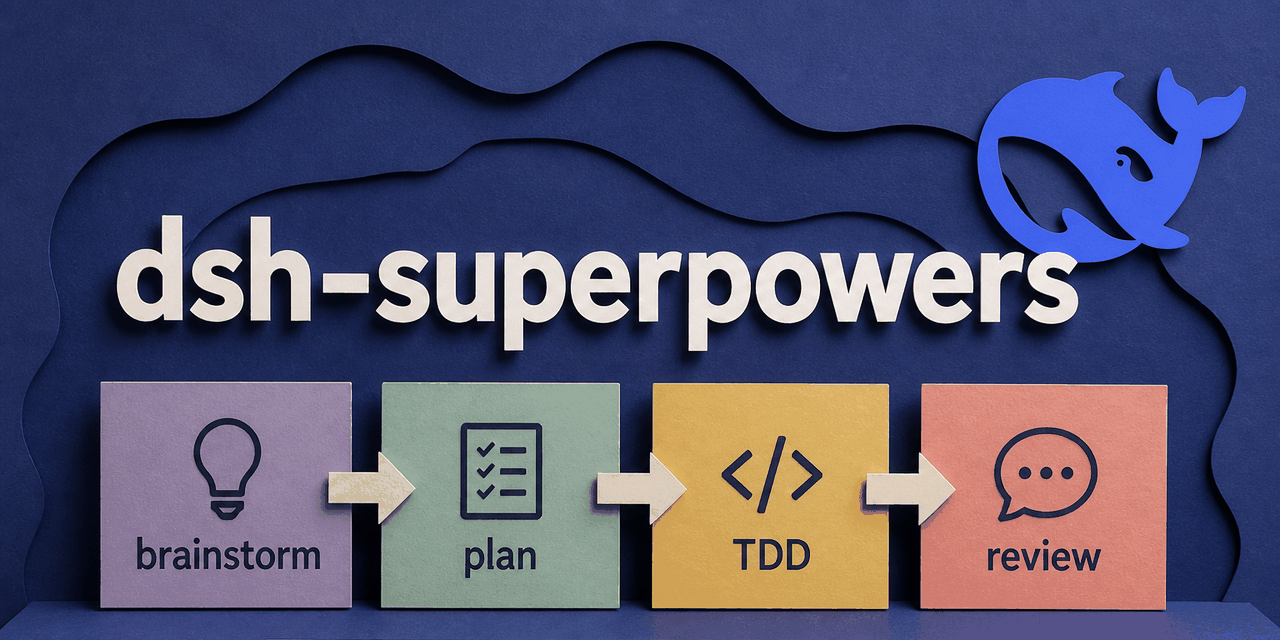 codeAnqiang-ma/dsh-superpowers
Superpowers (obra/superpowers) as a DeepSeek Harness plugin: the methodology skills plus their session bootstrap
codeAnqiang-ma/dsh-superpowers
Superpowers (obra/superpowers) as a DeepSeek Harness plugin: the methodology skills plus their session bootstrap
- yangwuan55/dsh-accounts DSH 凭据桥接插件:AI 代填登录表单/注入 env 运行 CLI,值不进模型上下文;附网页管理界面
- xiaobright/dsh-anchored-standard Two-phase DeepSeek Harness preset: Minimal-aligned bootstrap, then full Standard tools (Project2 98/99)
-
 titanwings/dsh-automation
DSH 自动化插件:让 Coding 任务按计划在全新 Agent Session 中运行,并由用户或 Agent 创建和管理定时任务。 / Run coding tasks in fresh Agent sessions and mana…
titanwings/dsh-automation
DSH 自动化插件:让 Coding 任务按计划在全新 Agent Session 中运行,并由用户或 Agent 创建和管理定时任务。 / Run coding tasks in fresh Agent sessions and mana…
-
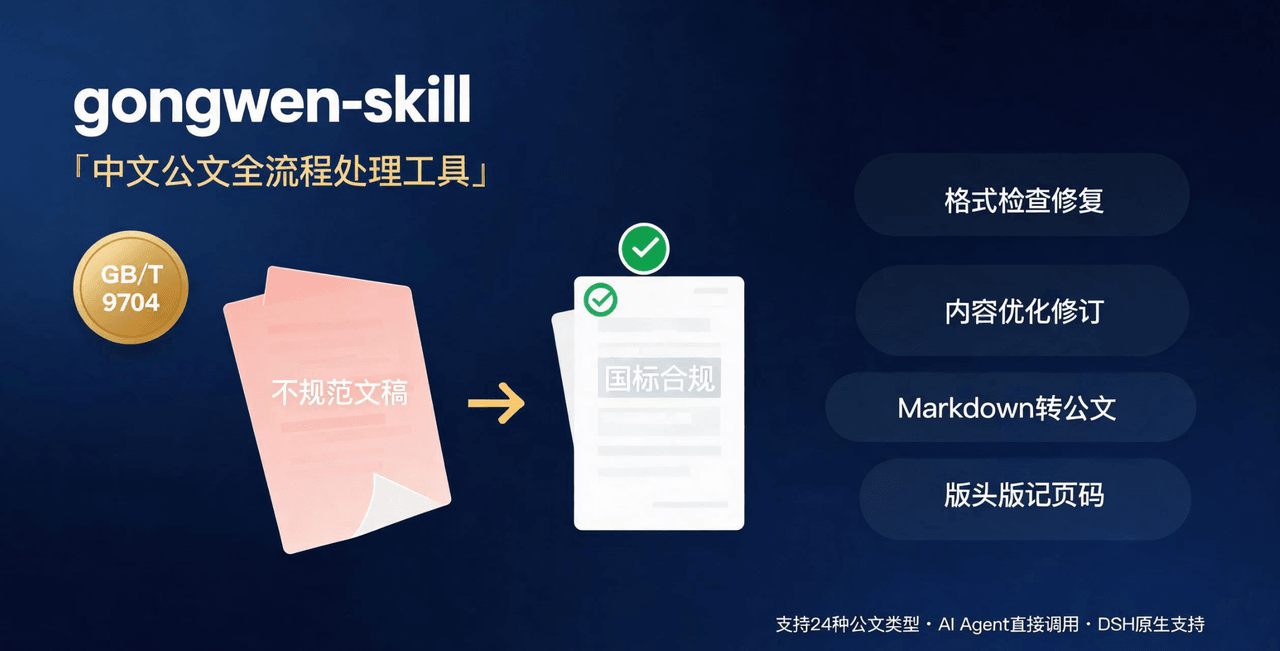 linhut/gongwen-skill
公文全流程处理工具——基于 GB/T 9704《党政机关公文格式》 国家标准,面向公文写作、企事业单位材料编制场景,支持 格式检查与修复、内容优化(Word 原生修订+批注/差异对比版)、模板生成、Markdown 转公文、版头版记页码注入…
linhut/gongwen-skill
公文全流程处理工具——基于 GB/T 9704《党政机关公文格式》 国家标准,面向公文写作、企事业单位材料编制场景,支持 格式检查与修复、内容优化(Word 原生修订+批注/差异对比版)、模板生成、Markdown 转公文、版头版记页码注入…
-
 yannicksong0106/dsh-550c-boot
550C 开机动画 for DeepSeek Harness — 首帧由宿主半边注入,DSH 的 Loading 卡片不露脸;桌面原生标题栏按钮收编成终端配色 | 550C boot splash plugin for DSH
yannicksong0106/dsh-550c-boot
550C 开机动画 for DeepSeek Harness — 首帧由宿主半边注入,DSH 的 Loading 卡片不露脸;桌面原生标题栏按钮收编成终端配色 | 550C boot splash plugin for DSH
-
 Jungod1121/dsh-anchored-standard
Two-phase DeepSeek Harness preset: Minimal-aligned bootstrap (bash+read), then full Standard tools after the first tool …
Jungod1121/dsh-anchored-standard
Two-phase DeepSeek Harness preset: Minimal-aligned bootstrap (bash+read), then full Standard tools after the first tool …