mozi-desk/mozi-forge
A foundation for self-evolving AI agents, built on DeepSeek Harness.
Project Overview项目介绍
Mozi Forge is a foundation for building self-evolving AI agents built exclusively for DeepSeek Harness (DSH). It organizes its functionality across a set of integrated DSH plugins that cover core capabilities: session evidence management, feedback collection, agent reflection, training planning, isolated evaluation, and human-in-the-loop review. To install Mozi Forge locally, you first need to have Node.js 24 or newer, Git, and pnpm 11.7.0 set up on your machine. After cloning the repository, you run pnpm install --frozen-lockfile followed by pnpm build to compile all packages, then start the service with pnpm start -- --no-open.
A standard workflow begins when the agent collects session performance data and execution feedback from its operations. The reflection module then organizes the collected data to identify problems, then generates a structured improvement plan for the agent. The training module executes the planned changes in an isolated environment to avoid disrupting existing work, then runs an independent evaluation of the changes. This project is targeted at DSH ecosystem developers who want to build or study self-evolving AI agents, and it also serves as a good reference for new DSH plugin developers.
Mozi Forge is released under the open-source Apache 2.0 license, with third-party dependency licenses noted in a dedicated notices file. Its deterministic tests use scripted model responses and do not require a valid API key from any model provider, so you can run the test suite without configuring a model provider first. If you want to run live tests or use the framework with a real model, you will need to configure your model provider credentials through the DSH settings interface. When you first run the agent, you should use a dedicated development directory that only contains the files you want the agent to access.
Mozi Forge 是专为 DeepSeek Harness (DSH) 打造的原生智能体框架,用于搭建可自我进化的 AI 智能体。它整合了会话证据留存、反馈收集、智能体反思、训练计划生成、隔离评估和人工审核集成六大核心模块,支持智能体自主提出改进方案,由宿主服务执行操作并全程留存可追溯的审核证据,所有模块都遵循 DSH 插件规范开发。
典型工作流从智能体收集会话运行数据与执行反馈开始,随后经反思模块整理问题,生成结构化改进训练计划,再由训练模块在隔离环境中执行变更并完成独立评估,最后经人工审核确认后集成正式生效。这个项目面向 DSH 生态的智能体开发者,适合想要开发或研究自主进化型 AI 智能体的技术人员使用,也可供新手开发者学习 DSH 插件的模块化开发模式。
该项目需要 Node.js 24 或更高版本、Git 以及 pnpm 11.7.0 依赖环境,安装时需要使用锁定文件保证依赖一致,构建完成后可通过 DSH 启动访问本地服务。它采用 Apache 2.0 许可证开源,确定性测试无需模型提供商密钥,实时测试需要自行配置模型密钥,首次运行建议使用专用开发目录存放目标文件。
请帮我安装这个 DSH 插件。安装前先完成【兼容性检查 + 安全性检查】,检查通过再动手。

插件:mozi-forge(mozi-desk/mozi-forge)
仓库:https://github.com/mozi-desk/mozi-forge
本站详情页:https://www.yhbd.top/plugins/mozi-desk-mozi-forge/
本站登记:类型 plugin · 归类 原生 DSH 插件 · 许可证 Apache-2.0 · ⭐ 5 · 最近提交 2026-09-22 · 主语言 TypeScript · 未检测到 DSH 插件清单

按下面顺序执行,每步先把结论告诉我,再进入下一步:

【1 兼容性检查】
① 我这边:DSH 版本、Node 版本、操作系统、当前 profile(web / desktop)。
② 读它的 README、package.json、插件 manifest,列出它要求的 DSH 版本 / Node 版本 / 操作系统 / 外部依赖 / 需要另外先装的运行时。
③ 逐条比对,结论只写「满足 / 不满足 / 未知」三种;不满足的给出可行替代方案。
④ 检查是否和我已装的插件冲突:命令名重复、skill / tool 重名、端口占用、重复注册的 MCP server。

【2 安全性检查】
① 仓库可信度:和上面「本站登记」是否一致;star / fork 数、创建时间、最近提交,是否归档或长期停更。
② 安装脚本:逐行看 package.json 的 preinstall / install / postinstall,以及 install.sh、setup.ps1 之类脚本。出现 curl|bash、下载后直接执行、混淆代码、访问与插件功能无关的域名,立刻停下来告诉我,不要继续装。
③ 依赖:列出新增依赖,标出无人维护、或与知名包拼写近似的可疑包(typosquatting)。
④ 权限与副作用:它会读写哪些目录、访问哪些域名、需要哪些 DSH 权限(filesystem / network / shell / clipboard 等),以及怎么卸载和回滚。
⑤ 如果它要求 sudo / 管理员权限,或权限明显超出功能所需,先停下来问我。

【3 安装】
上面两步没有「不满足」和「高危项」时才执行;用官方推荐方式安装,不要自行提权。

【4 汇报】
用表格输出:检查项 / 结论 / 依据 / 是否需要我决策。拿不准的一律写「未知」并说明要我怎么确认——不要猜,也不要替我决定。
Send this message to DSH in your current session: it verifies compatibility and security first (answering met / not met / unknown item by item) and only installs once everything checks out — it will stop and ask you if it finds a high-risk item. The box scrolls; the copy is the full prompt. CLI install commands may not be accurate across systems, so DSH is the safer route.把上面这条消息直接发给当前会话里的 DSH:它会先核对兼容性与安全性(逐条给「满足 / 不满足 / 未知」),确认没问题再安装,有高危项会停下来问你。框内可滚动,复制到的是完整提示词;安装命令不一定准确,发给 DSH 更稳。
- Only 5 stars - very few users, little community feedback星标只有 5,几乎没人在用,遇到问题缺少社区反馈
- No DSH plugin manifest detected - it may only carry the dsh-plugin topic, so the install method must be confirmed on the spot未检测到 DSH 插件清单:可能只是打了 dsh-plugin 话题,安装方式要现场确认
DSH walks through these 9 checksDSH 会逐条核对这 9 项
Compatibility兼容性
- DSH, Node, OS and profile requirementsDSH 版本 / Node 版本 / 操作系统 / profile 是否满足要求
- External dependencies and runtimes (Electron / Python / Docker, ...)外部依赖与运行时(Electron / Python / Docker 等)是否齐备
- Conflicts with installed plugins: command names, skill / tool names, ports, duplicate MCP registration与已装插件是否冲突:命令名、skill / tool 重名、端口占用、重复 MCP 注册
Security安全性
- Repo matches the facts registered here; archived or abandoned?仓库是否与页面登记一致,是否归档或长期停更
- Safety of preinstall / install / postinstall and install.sh / setup.ps1preinstall / install / postinstall 与 install.sh、setup.ps1 是否安全
- curl|bash, download-then-execute, obfuscation, unrelated domains → stop immediatelycurl|bash、下载即执行、混淆代码、无关域名 → 立刻停止
- Typosquatting or unmaintained packages among the new dependencies新增依赖里有没有 typosquatting 或无人维护的包
- Requested permissions vs. what the feature actually needs申请了哪些权限、是否超出功能所需(filesystem / network / shell / clipboard)
- Any sudo / admin requirement, plus uninstall and rollback是否要求 sudo / 管理员权限,以及卸载与回滚方式
Anything uncertain must be marked unknown with a note on how to confirm it. This site's signal screen is a static snapshot, not a security audit.拿不准的必须标「未知」并说明要我怎么确认。本站的信号筛查是静态快照,不能替代安全审计。
Or use CLI install (for developers)或使用命令行安装(适合开发者)
CLI Install命令行安装
dsh plugin --profile web add github:mozi-desk/mozi-forge把 mozi-desk/mozi-forge 加入你的 DSH 配置(web profile)即可启用。
READMEREADME
Mozi Forge
A foundation for self-evolving AI agents, built on DeepSeek Harness.
Forge combines session evidence, feedback collection, reflection, training plans, human plan approval, isolated evaluation, and autonomous verified integration. Agents propose improvements; host services execute operations and preserve reviewable evidence.
Quick start
Requirements: Node.js 24 or newer, Git, and pnpm 11.7.0. Install the pinned pnpm version using Corepack or your package manager.
pnpm install --frozen-lockfile
pnpm build
pnpm start -- --no-open
Open the local URL printed by Harness. Configure your model provider through
Harness's settings interface. The example selects deepseek-official/deepseek-v4-flash.
The coding agent uses a local shell: use a dedicated development directory with
only the files you intend the agent to access.
Capabilities
| Module | Responsibility |
|---|---|
| Runtime | Shared presets, host configuration, plugin resolution |
| Session Insights | Bounded, revisioned session evidence |
| Agent Pain | Durable feedback and execution signals |
| Reflect Loop | Group feedback and deliver reflection work |
| Sleep Loop | Schedule incremental session analysis |
| Trainer | Reviewed plans, isolated changes, integration |
| Agent Test | Isolated evaluations and reports |
| Human Request | Persistent requests and human replies |
| Review Agent | Structured review of frozen evidence |
Documentation
Packages use the @mozi-forge/* namespace. This checkout is the source of the
initial release; publishing is a separate maintainer action. See the configuration
guide for local consumption and the release checklist.
Development
pnpm typecheck
pnpm lint
pnpm test
pnpm check:pack
Deterministic tests use scripted model responses with real Harness services, Web RPC, subprocesses and temporary Git repositories. They do not require provider keys. Live provider behavior requires a separately configured provider.
License
Apache License 2.0. Dependency licenses remain applicable to their respective packages; see third-party notices.
Related相关推荐
-
 foryourhealth111-pixel/Vibe-Skills
Intelligent Skill routing and workflow orchestration for AI agents — +21.12 pp reward, −29.6% tokens on SkillsBench with…
foryourhealth111-pixel/Vibe-Skills
Intelligent Skill routing and workflow orchestration for AI agents — +21.12 pp reward, −29.6% tokens on SkillsBench with…
-
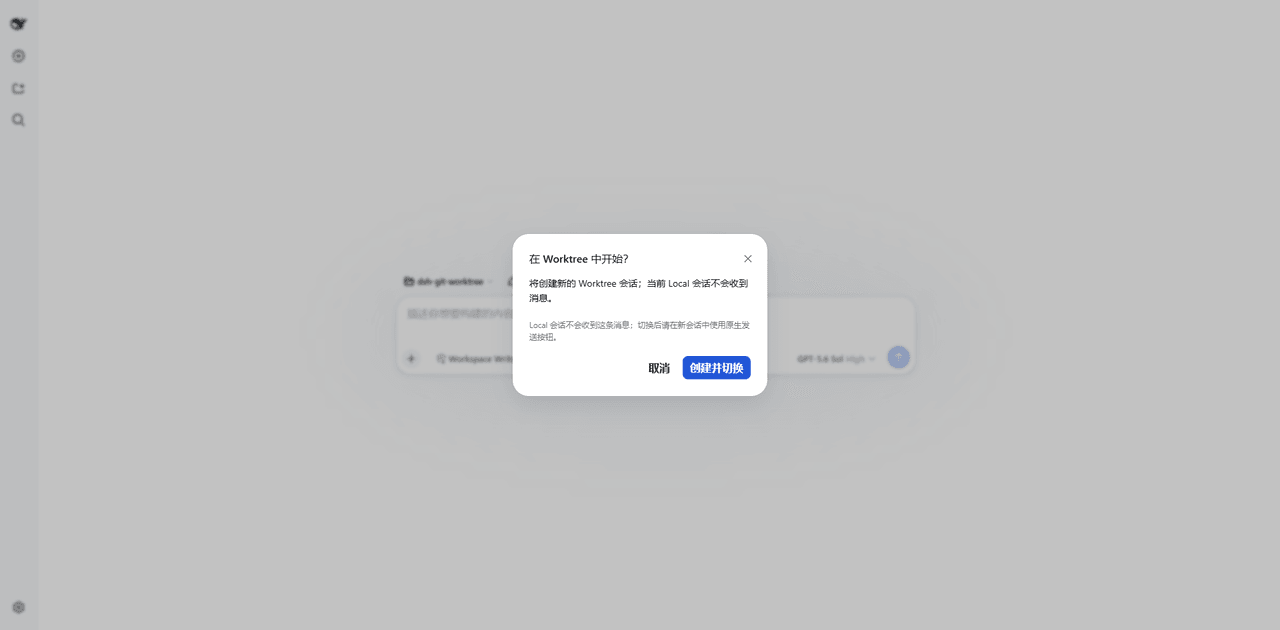 wloops/dsh-git-worktree
Git worktree Session Targets for DeepSeek Harness with isolated task sessions, reversible Local Preview, human-confirmed…
wloops/dsh-git-worktree
Git worktree Session Targets for DeepSeek Harness with isolated task sessions, reversible Local Preview, human-confirmed…
-
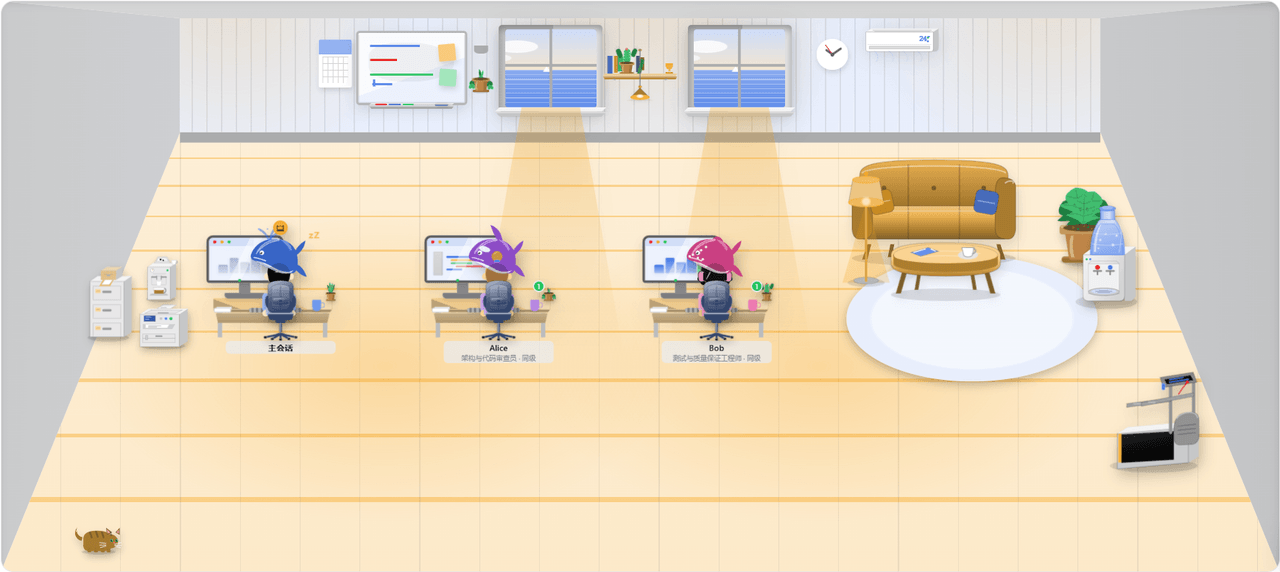 huxint/dsh-team
Agent teams for DeepSeek Harness: named long-lived teammates over ctx.subagents, a shared task list, a member-to-member …
huxint/dsh-team
Agent teams for DeepSeek Harness: named long-lived teammates over ctx.subagents, a shared task list, a member-to-member …
-
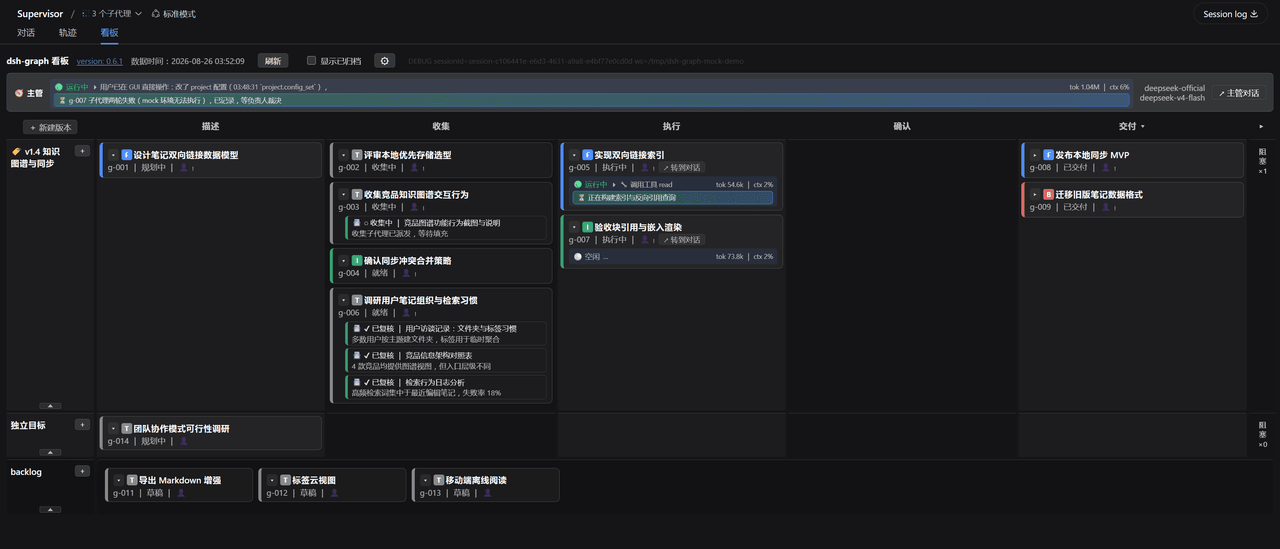 miuzel/dsh-graph
把工作组织成目标看板的 DeepSeek Harness (dsh) 插件:目标 / 判据 / 上下文卡片 / 执行 attempt 的二维泳道看板,数据以文件+事件流落在 .dsh-graph · Goal-kanban plugin f…
miuzel/dsh-graph
把工作组织成目标看板的 DeepSeek Harness (dsh) 插件:目标 / 判据 / 上下文卡片 / 执行 attempt 的二维泳道看板,数据以文件+事件流落在 .dsh-graph · Goal-kanban plugin f…
-
 LeemanCheung/dsh-task-dag
Persistent live DAG visualization for DeepSeek Harness subagents and workflows
LeemanCheung/dsh-task-dag
Persistent live DAG visualization for DeepSeek Harness subagents and workflows
-
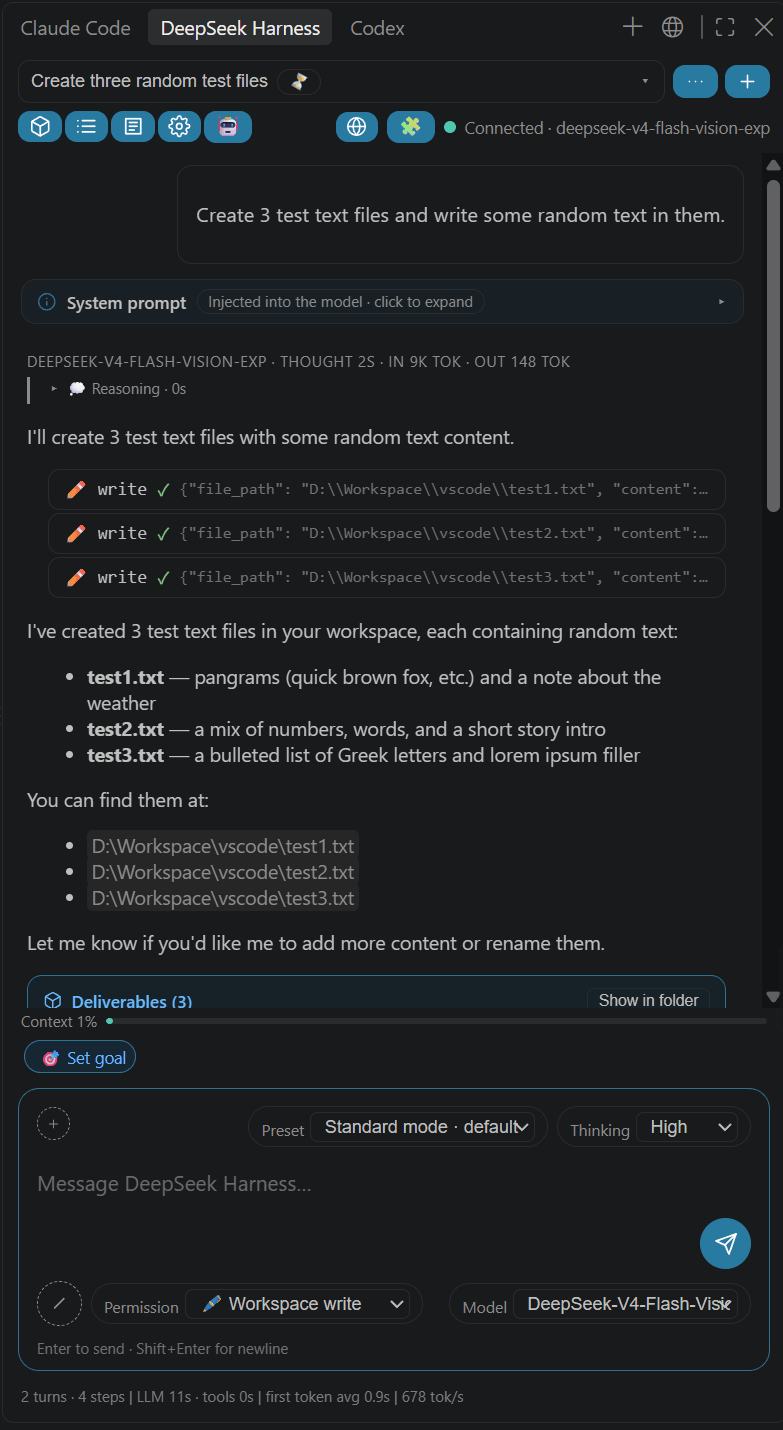 NEXTINDIE/DeepSeek-Harness-for-VS-Code
DeepSeek Harness for VS Code: @dsh chat participant, sidebar & standalone chat, plan mode, goals, subagents, turn-level …
NEXTINDIE/DeepSeek-Harness-for-VS-Code
DeepSeek Harness for VS Code: @dsh chat participant, sidebar & standalone chat, plan mode, goals, subagents, turn-level …
-
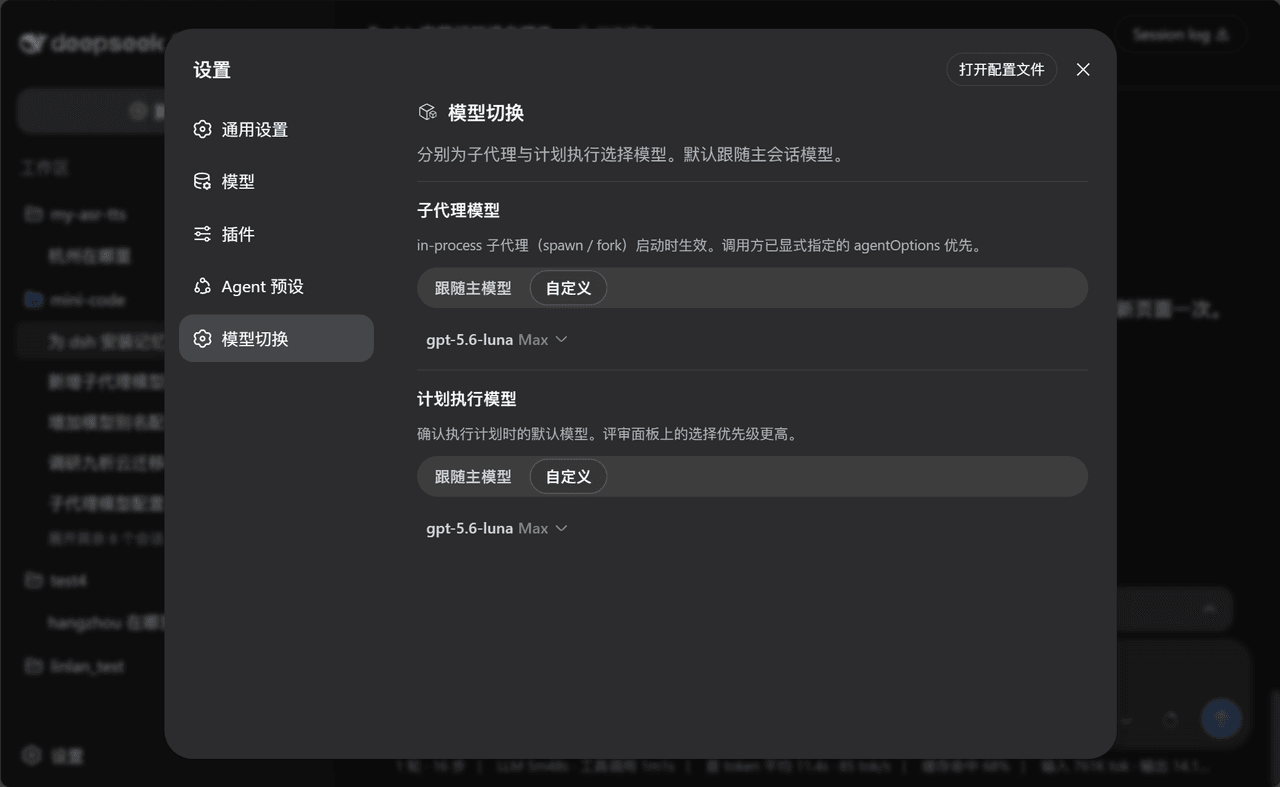 lincong1987/dsh-model-switch
dsh plugin: flexible model switch for sub‑agent & plan execution. 为子代理和计划执行选择更合适的模型。
lincong1987/dsh-model-switch
dsh plugin: flexible model switch for sub‑agent & plan execution. 为子代理和计划执行选择更合适的模型。
-
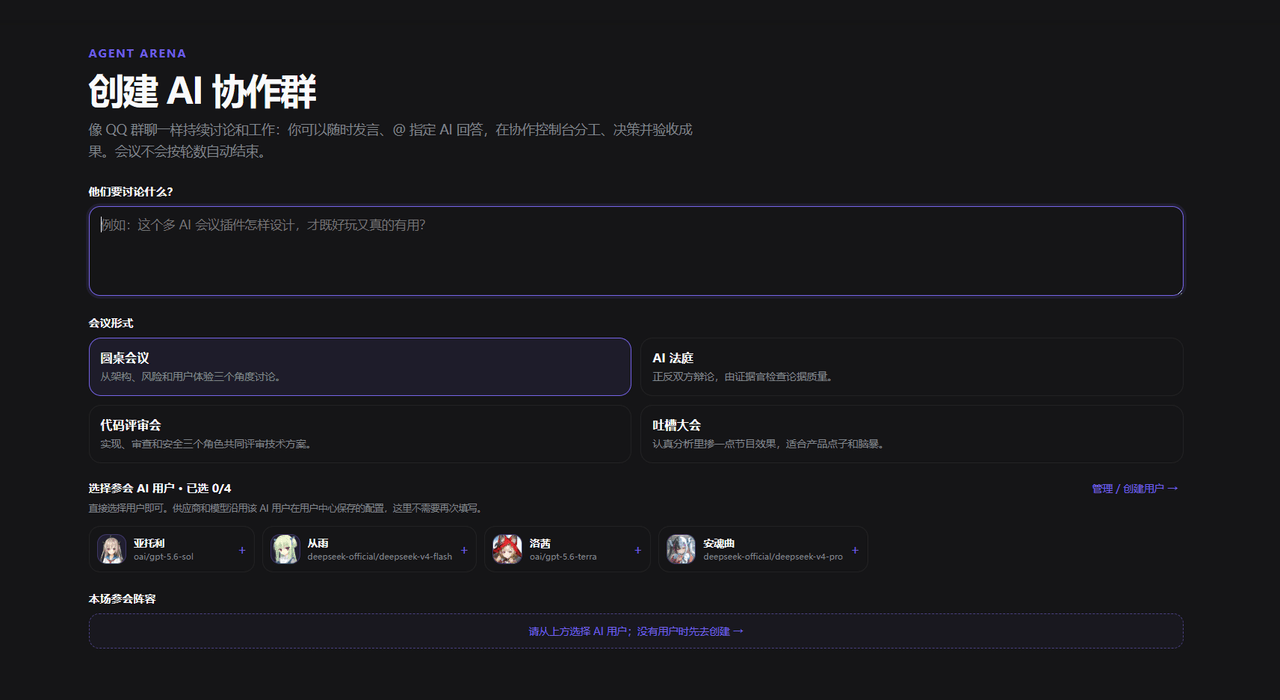 Tikzen/dsh-agent-arena
Interactive multi-agent collaboration, meetings, group chats, and task execution for DeepSeek Harness.
Tikzen/dsh-agent-arena
Interactive multi-agent collaboration, meetings, group chats, and task execution for DeepSeek Harness.