Nagi-ovo/dsh-music-tui
在 dsh-TUI 里查看并控制已经运行的 YesPlayMusic TUI。插件提供 /music 命令和提示框上方的紧凑音乐条,不修改 DeepSeek Harness、dsh-TUI 或 YesPlayMusic 本体,也不会自动启动播放器。
catalog descriptioncatalog 简介 / catalog description:YesPlayMusic controls and now-playing status for dsh-TUI
Project Overview项目介绍
dsh-music-tui is a native DSH plugin built specifically for the dsh-TUI front end of DeepSeek Harness. It adds a /music slash command and a compact music strip above the prompt that observes and controls an already-running YesPlayMusic TUI (YPM) instance, without patching either dsh-TUI or YesPlayMusic itself and without auto-launching the player. The plugin talks only to the public ypm --json --tui CLI, which in turn speaks to YPM's local Unix socket, so all integration is mediated by a documented out-of-process contract rather than private APIs.
The typical workflow is to start YesPlayMusic TUI first in another terminal or as a background process, then launch dsh --profile dsh-tui, and finally use /music show to reveal the strip. Subsequent commands cover show, hide, status, toggle, next, prev, and absolute-time seek such as /music seek 90.5; in fullscreen mode the strip accepts mouse clicks, button presses, and drag-to-preview scrubbing, while the inline mode falls back to typed seek. The target audience is DSH users who want to keep AI work and playback control inside one terminal; multiple TUI sessions each keep their own strip state but still steer the same single YPM instance, and the plugin is deliberately scoped to the TUI rather than guessing between GUI and TUI targets.
Dependencies are Node.js ^22.19 || >=24, dsh-TUI >=0.9.2 <0.11.0, and the YesPlayMusic TUI build that ships the ypm CLI, with ypm 0.11.0 required for the live spectrum stream. Installation clones the matching release tag, runs pnpm install --frozen-lockfile and pnpm build, then registers the working tree with dsh plugin --profile dsh-tui add "$PWD". Defaults baked into cordis.patch.yml are executable: ypm, showStatus: true, pollIntervalMs: 3000, timeoutMs: 3000, and spectrumStyle: follow, all overridable from the profile's own cordis.patch.yml. Limits to plan around: macOS or Linux only; rich status view needs a recent host or the strip degrades to one-shot details; the spectrum only subscribes at terminal widths of 80 columns and above (12/18/24/≤48 bins); cover art is fetched only over HTTPS from music.126.net and its subdomains, capped at 2 s, 256 KiB, and 1024×1024 pixels; and first-run users should verify ypm --version resolves on PATH. The license is MIT.
dsh-music-tui 是为 dsh-TUI(DeepSeek Harness 终端界面)开发的原生音乐控制插件。它通过 /music 等命令与提示框上方的紧凑音乐条,控制已经运行的 YesPlayMusic TUI(YPM)实例;插件既不修改 dsh-TUI 也不修改 YesPlayMusic,更不会自动启动播放器。核心功能由公开的 ypm --json --tui CLI 与本地 Unix socket 通信承载,包含播放暂停、上下首、按绝对秒数 seek、频谱与封面订阅等能力。
典型使用流程是先在另一个终端或后台启动 YesPlayMusic TUI,再启动 dsh --profile dsh-tui,随后用 /music show 唤出音乐条。该插件适合希望在不离开 DSH 终端的前提下监听并控制后台播放的 DSH 用户;多个 TUI 仍操作同一个 YPM 实例,但每个 TUI 各自保留独立的显示状态。命令行与按钮控制面向需要在同一屏内兼顾 AI 与音乐的人,覆盖范围仅限 macOS 与 Linux 上的 TUI。
依赖方面,需要 Node.js ^22.19 || >=24、dsh-TUI >=0.9.2 <0.11.0,以及带 ypm CLI 的 YesPlayMusic TUI(频谱需 ypm 0.11.0)。安装通过 git clone 后 pnpm install --frozen-lockfile、pnpm build,再用 dsh plugin --profile dsh-tui add "$PWD" 加载到指定 profile。默认配置包括 executable=ypm、showStatus=true、pollIntervalMs=3000、timeoutMs=3000、spectrumStyle=follow,可经 profile 自己的 cordis.patch.yml 覆盖。限制方面:富状态视图需要较新宿主,否则只保留一次性详情;终端 ≥80 列才订阅频谱;封面仅来自 HTTPS music.126.net,每张限制 2 秒、256 KiB 与 1024×1024 像素;仅适用 TUI,不在 GUI 与 TUI 之间猜测;首次运行前请确认 ypm --version 能在 PATH 中解析。许可证为 MIT。
请帮我安装这个 DSH 插件。安装前先完成【兼容性检查 + 安全性检查】,检查通过再动手。

插件:dsh-music-tui(Nagi-ovo/dsh-music-tui)
仓库:https://github.com/Nagi-ovo/dsh-music-tui
本站详情页:https://www.yhbd.top/plugins/nagi-ovo-dsh-music-tui/
本站登记:类型 client · 归类 原生 DSH 插件 · 许可证 MIT · ⭐ 2 · 最近提交 2026-08-31 · 主语言 TypeScript

按下面顺序执行,每步先把结论告诉我,再进入下一步:

【1 兼容性检查】
① 我这边:DSH 版本、Node 版本、操作系统、当前 profile(web / desktop)。
② 读它的 README、package.json、插件 manifest,列出它要求的 DSH 版本 / Node 版本 / 操作系统 / 外部依赖 / 需要另外先装的运行时。
③ 逐条比对,结论只写「满足 / 不满足 / 未知」三种;不满足的给出可行替代方案。
④ 检查是否和我已装的插件冲突:命令名重复、skill / tool 重名、端口占用、重复注册的 MCP server。

【2 安全性检查】
① 仓库可信度:和上面「本站登记」是否一致;star / fork 数、创建时间、最近提交,是否归档或长期停更。
② 安装脚本:逐行看 package.json 的 preinstall / install / postinstall,以及 install.sh、setup.ps1 之类脚本。出现 curl|bash、下载后直接执行、混淆代码、访问与插件功能无关的域名,立刻停下来告诉我,不要继续装。
③ 依赖:列出新增依赖,标出无人维护、或与知名包拼写近似的可疑包(typosquatting)。
④ 权限与副作用:它会读写哪些目录、访问哪些域名、需要哪些 DSH 权限(filesystem / network / shell / clipboard 等),以及怎么卸载和回滚。
⑤ 如果它要求 sudo / 管理员权限,或权限明显超出功能所需,先停下来问我。

【3 安装】
上面两步没有「不满足」和「高危项」时才执行;用官方推荐方式安装,不要自行提权。

【4 汇报】
用表格输出:检查项 / 结论 / 依据 / 是否需要我决策。拿不准的一律写「未知」并说明要我怎么确认——不要猜,也不要替我决定。
Send this message to DSH in your current session: it verifies compatibility and security first (answering met / not met / unknown item by item) and only installs once everything checks out — it will stop and ask you if it finds a high-risk item. The box scrolls; the copy is the full prompt. CLI install commands may not be accurate across systems, so DSH is the safer route.把上面这条消息直接发给当前会话里的 DSH:它会先核对兼容性与安全性(逐条给「满足 / 不满足 / 未知」),确认没问题再安装,有高危项会停下来问你。框内可滚动,复制到的是完整提示词;安装命令不一定准确,发给 DSH 更稳。
- Only 2 stars - very few users, little community feedback星标只有 2,几乎没人在用,遇到问题缺少社区反馈
DSH walks through these 9 checksDSH 会逐条核对这 9 项
Compatibility兼容性
- DSH, Node, OS and profile requirementsDSH 版本 / Node 版本 / 操作系统 / profile 是否满足要求
- External dependencies and runtimes (Electron / Python / Docker, ...)外部依赖与运行时(Electron / Python / Docker 等)是否齐备
- Conflicts with installed plugins: command names, skill / tool names, ports, duplicate MCP registration与已装插件是否冲突:命令名、skill / tool 重名、端口占用、重复 MCP 注册
Security安全性
- Repo matches the facts registered here; archived or abandoned?仓库是否与页面登记一致,是否归档或长期停更
- Safety of preinstall / install / postinstall and install.sh / setup.ps1preinstall / install / postinstall 与 install.sh、setup.ps1 是否安全
- curl|bash, download-then-execute, obfuscation, unrelated domains → stop immediatelycurl|bash、下载即执行、混淆代码、无关域名 → 立刻停止
- Typosquatting or unmaintained packages among the new dependencies新增依赖里有没有 typosquatting 或无人维护的包
- Requested permissions vs. what the feature actually needs申请了哪些权限、是否超出功能所需(filesystem / network / shell / clipboard)
- Any sudo / admin requirement, plus uninstall and rollback是否要求 sudo / 管理员权限,以及卸载与回滚方式
Anything uncertain must be marked unknown with a note on how to confirm it. This site's signal screen is a static snapshot, not a security audit.拿不准的必须标「未知」并说明要我怎么确认。本站的信号筛查是静态快照,不能替代安全审计。
Or use CLI install (for developers)或使用命令行安装(适合开发者)
CLI Install命令行安装
dsh plugin --profile dsh-tui add "$PWD"把 Nagi-ovo/dsh-music-tui 加入你的 DSH 配置(web profile)即可启用。
READMEREADME
dsh-music-tui
在 dsh-TUI 里查看并控制已经运行的 YesPlayMusic TUI。插件提供 /music
命令和提示框上方的紧凑音乐条,不修改 DeepSeek Harness、dsh-TUI 或
YesPlayMusic 本体,也不会自动启动播放器。
能做什么
/music或/music show:打开音乐条(默认隐藏)/music hide:关闭音乐条/music status:一次性显示曲名、歌手、专辑与进度详情/music toggle:发送播放/暂停切换/music next:发送下一首/music prev:发送上一首/music seek <秒>:跳到歌曲的绝对时间,例如/music seek 90.5- 音乐条显示小封面、曲名、歌手、进度、实时频谱和上一首/播放暂停/下一首/关闭按钮
fullscreen 模式下,鼠标按钮与 slash 命令等价,进度条支持点击定位和拖动预览;
松手时只发送一次 seek。inline 模式请使用 /music seek <秒>。控制正在等待时会
暂时禁用重复操作,切歌或暂停不会擅自
打开、关闭音乐条。富状态视图可用时最多占三行,并随终端宽度降级:窄屏优先
保留三个控制和关闭按钮。旧版宿主没有常驻状态行,/music 会返回一次性详情。
按钮图标跟随 YPM 的 icons = "unicode" | "nerd" 设置;旧 YPM 没有上报该字段时安全回退
到 Unicode。
宿主支持 Kitty graphics 时封面会显示为平滑真图;其他终端、inline、辅助功能模式
或终端多路复用器会自动使用同尺寸的半块字符缩略图,不需要额外配置。
终端达到 80 列时,音乐条右侧才订阅真实音频频谱;80/96/120 列分别使用
12/18/24 格,超过 120 列后每增加 2 列再增加 1 格,最多 48 格。窄屏会释放本插件的频谱订阅;若 YPM 自身没有显示频谱,分析器也随之停用。内置 blocks、led、
braille、shade 四种紧凑样式,也可以跟随 YPM 当前支持的同名样式。
控制结果只会说“已发送”。YesPlayMusic 的 CLI 确认的是命令已接收,而不是播放器 已经完成切歌;插件随后会重新读取状态,绝不把确认包冒充最终播放状态。 播放器离线时音乐条会保留并提示重新启动;若 YPM 声称正在播放、但远端进度连续 6 秒没有前进,音乐条会停止可能失真的频谱并提示重启,状态恢复后自动重连。
前置条件
- Node.js
^22.19 || >=24 - dsh-TUI
>=0.9.2 <0.11.0 - YesPlayMusic TUI 及其
ypmCLI (当前验证版本:ypm 0.11.0;实时频谱需要此版本) - macOS 或 Linux;
ypm的 TUI 远程控制面使用本机 Unix socket
先确认 ypm 在 PATH 中:
ypm --version
安装
当前版本通过 GitHub Release 分发。从对应 tag 安装本地工作树:
git clone --branch v0.1.0 --depth 1 https://github.com/Nagi-ovo/dsh-music-tui.git
cd dsh-music-tui
pnpm install --frozen-lockfile
pnpm build
dsh plugin --profile dsh-tui add "$PWD"
参与开发时,省略 --branch v0.1.0 --depth 1 即可使用最新分支。
先在另一个终端或后台启动 YesPlayMusic TUI,再启动 DSH:
dsh --profile dsh-tui
不需要改 YesPlayMusic 源码,也不需要在 YesPlayMusic 仓库里安装插件。 本插件不会替你启动或关闭 YesPlayMusic。
音乐条的显示状态只属于当前 TUI。你在一个 TUI 里执行 /music,不会打开其他
TUI 的音乐条;多个 TUI 的播放控制仍会操作同一个 YesPlayMusic TUI 实例。
配置
默认配置已经写进 cordis.patch.yml:
| 键 | 默认值 | 说明 |
|---|---|---|
executable |
ypm |
CLI 名称或绝对路径 |
showStatus |
true |
是否启用可由 /music 打开的音乐条;启动时仍保持隐藏 |
pollIntervalMs |
3000 |
在线轮询间隔(1000 至 60000 ms) |
timeoutMs |
3000 |
单次 CLI 硬超时(250 至 30000 ms) |
spectrumStyle |
follow |
off / follow / blocks / led / braille / shade |
Showing the opening section of the README — the full document lives in the repository以上为 README 开头摘要,完整文档在仓库内 · View the full README on GitHub →在 GitHub 查看完整 README →
Related相关推荐
-
 ccch1mneyyy/dsh-TUI
DSH's officially top-recommended TUI plugin — high performance, low overhead, cute pixel whale, smooth mouse interaction…
ccch1mneyyy/dsh-TUI
DSH's officially top-recommended TUI plugin — high performance, low overhead, cute pixel whale, smooth mouse interaction…
-
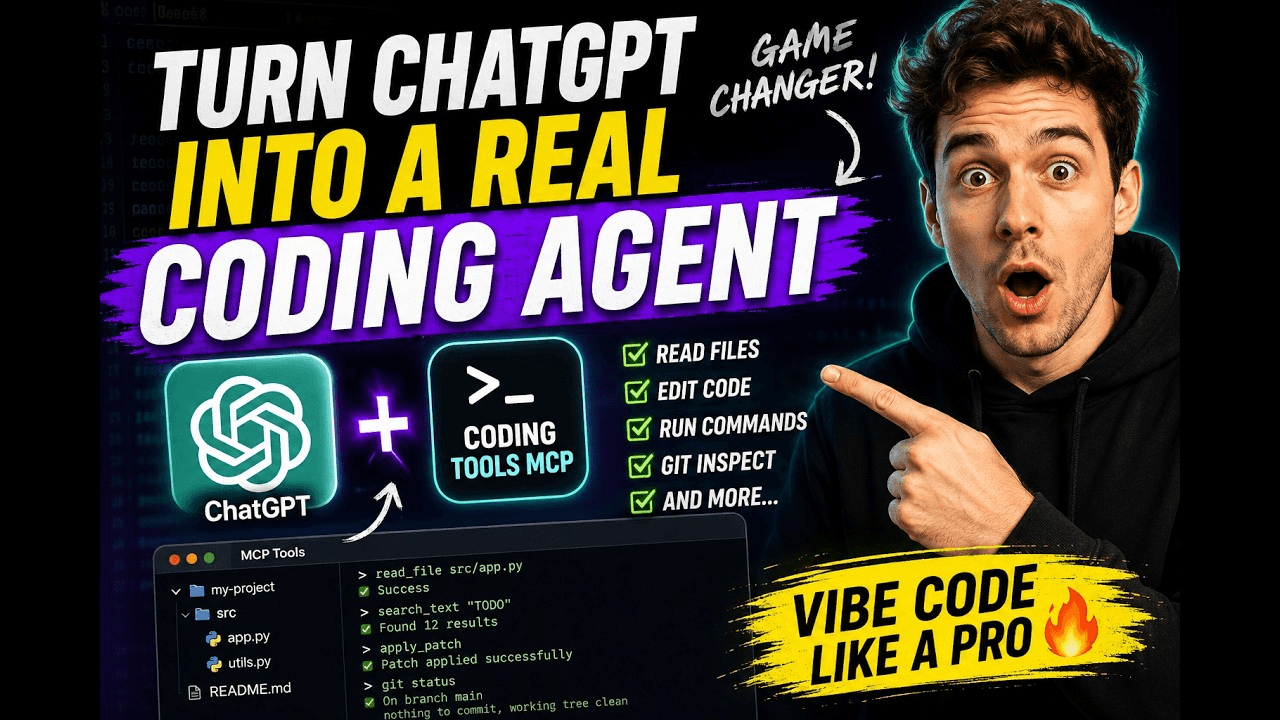 xyTom/coding-tools-mcp
Give any AI agent the ability to code
xyTom/coding-tools-mcp
Give any AI agent the ability to code
-
 myYangyunfan/dsh_desktop
DeepSeek Harness (dsh) Windows desktop client - bundled Node.js + dsh CLI, one-click launch
myYangyunfan/dsh_desktop
DeepSeek Harness (dsh) Windows desktop client - bundled Node.js + dsh CLI, one-click launch
-
 ChisaAlter/Deepseek-Harness-Desktop
DSH桌面端,支持主题和背景图等多种个性化配置。Electron desktop shell for DeepSeek Harness web UI
ChisaAlter/Deepseek-Harness-Desktop
DSH桌面端,支持主题和背景图等多种个性化配置。Electron desktop shell for DeepSeek Harness web UI
-
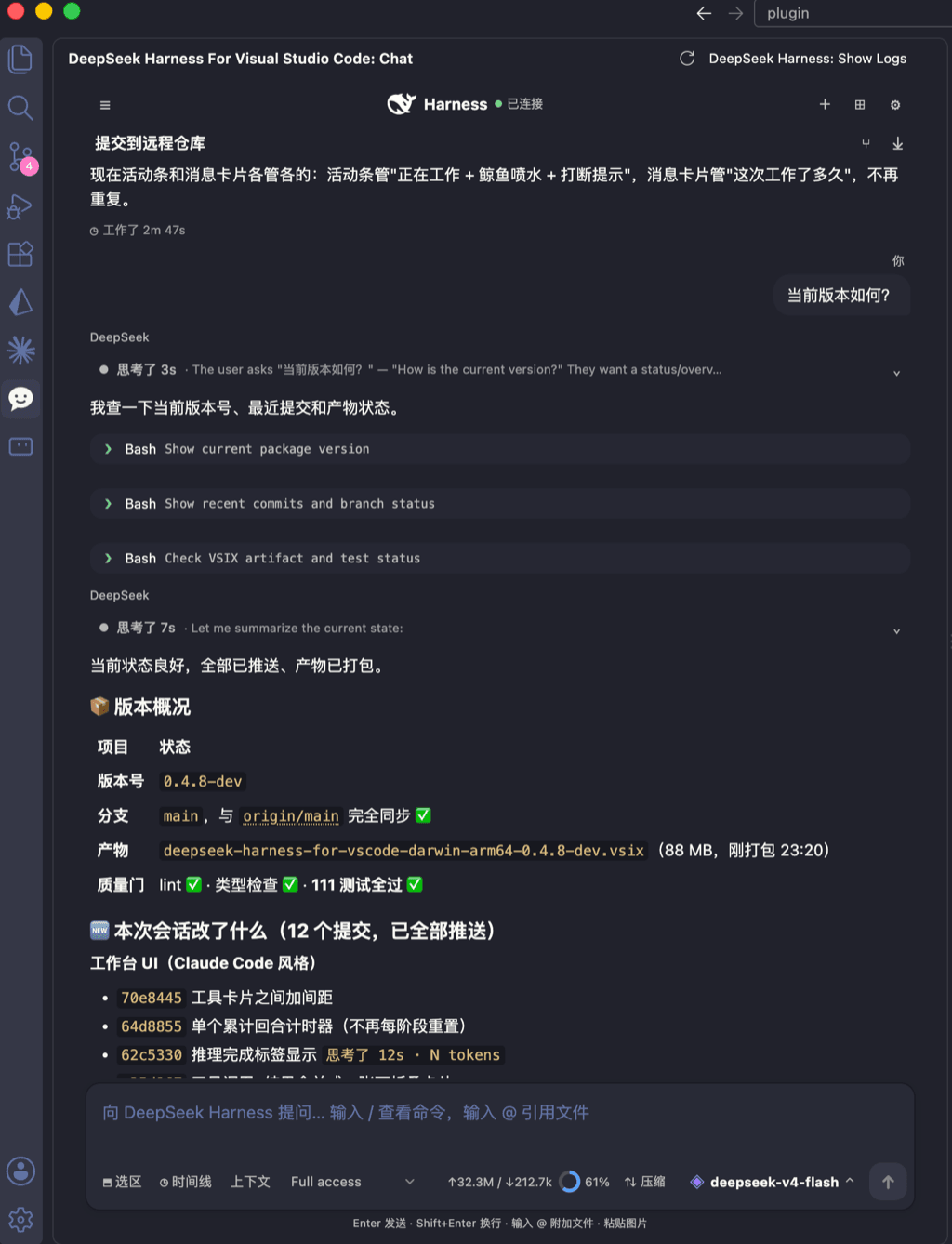 skymecode/deepseek-harness-for-vscode
deepseek-harness for vscode .A native VS Code coding-agent extension for DeepSeek Harness. Streamlined workbench with se…
skymecode/deepseek-harness-for-vscode
deepseek-harness for vscode .A native VS Code coding-agent extension for DeepSeek Harness. Streamlined workbench with se…
- Yan-Zero/dsh-std
-
 rison114514/dsh-endfield-ui
Endfield-inspired industrial UI shell for DeepSeek Harness (dsh) — non-official fan theme. Install: dsh plugin --profile…
rison114514/dsh-endfield-ui
Endfield-inspired industrial UI shell for DeepSeek Harness (dsh) — non-official fan theme. Install: dsh plugin --profile…
-
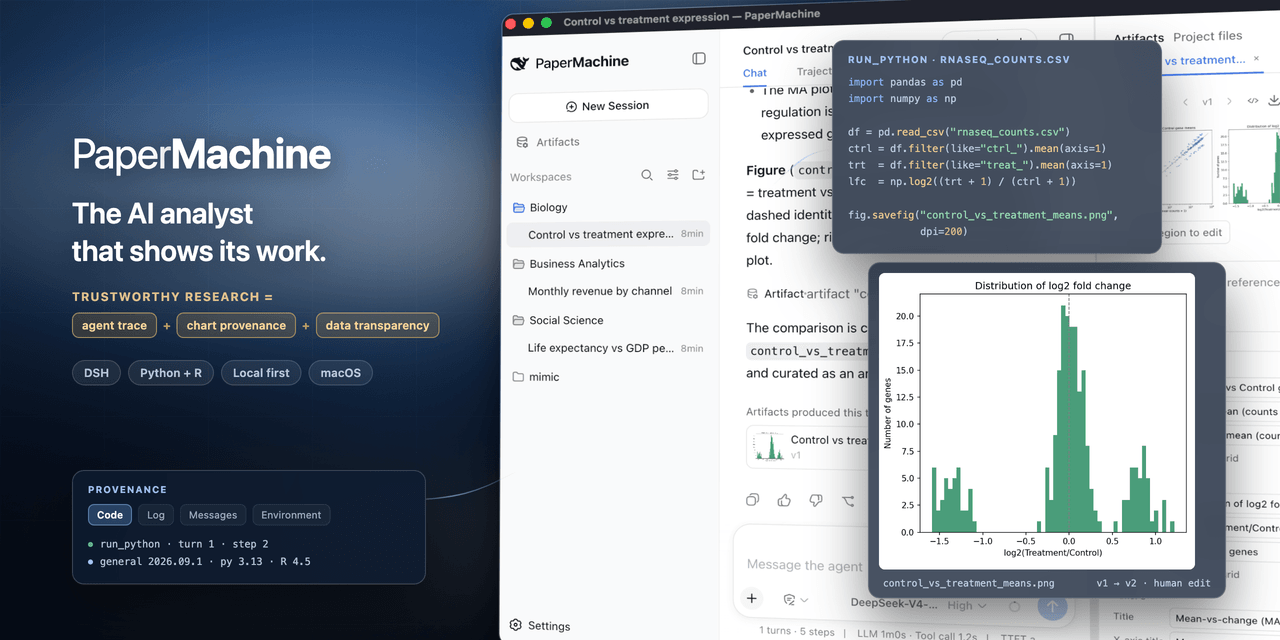 SuperJJ007/papermachine
The AI analyst that shows its work. Runs Python and R on your own machine, and traces every chart back to the code behin…
SuperJJ007/papermachine
The AI analyst that shows its work. Runs Python and R on your own machine, and traces every chart back to the code behin…