omdsh-dev/dsh-shuttle
Migrate conversation histories bidirectionally between DeepSeek Harness and Codex, Claude Code, Pi, Reasonix, and OpenCode, with support for both CLI and Web UI.
Project Overview项目介绍
dsh-shuttle is a native DSH plugin that includes an offline CLI tool for bidirectional conversation migration between DSH and five other major AI agent platforms: Codex, Claude Code, Pi, Reasonix, and OpenCode. It converts source conversations to a provider-neutral intermediate model before outputting to the target platform’s native import format, preserving as much metadata as possible including text, reasoning traces, tool calls, timestamps, working directories, and model provider identity. You can install it through the standard DSH plugin workflow, which automatically mounts the migration service and registers the migrate-conversations skill to your DSH instance. The bundled cordis.patch.yml sets up all required integration points automatically during installation.
The tool offers three interfaces for migration: a graphical settings UI built into DSH, a DSH slash command, and the standalone offline CLI. The graphical UI walks you through import or export step by step, requiring a successful preview before you can run the actual migration operation. All operations default to dry run preview mode, so no changes are made to your existing conversations or files unless you explicitly add the --apply flag to the command. It never recurses through symlink directories, and reads are bounded by configured limits for file size and session count to prevent unintended large operations. This safety feature prevents accidental overwrites of existing data, keeping your original conversation history intact.
dsh-shuttle is released under the open source MIT license, and uses pnpm for dependency management and building. There are a few known limitations users should be aware of before running migrations. Codex and Claude Code do not guarantee a stable on-disk transcript schema, so you should re-preview migrations after any client upgrade to confirm compatibility. Binary and image attachments become text placeholders if their referenced bytes cannot be safely copied, and platform-private state, UI-only data, and internal indexes are not portable between platforms. Developers can run the full test suite with pnpm test after installing dependencies.
dsh-shuttle 是专为 DeepSeek Harness 开发的原生插件,同时提供离线 CLI 工具,核心功能是支持在 DSH 与 Codex、Claude Code、Pi、Reasonix、OpenCode 这些AI代理平台之间双向迁移对话会话,支持从其他平台导入对话到DSH,也支持将DSH现有会话导出到其他平台使用。它会先将源对话转换为平台无关的中立模型,再输出为目标平台支持的格式,尽可能保留文本、推理过程、工具调用、时间戳、工作目录和模型信息。
用户既可以通过 DSH 设置界面的图形化入口完成导入导出,也可以使用 DSH 斜杠命令或离线 CLI 执行迁移操作。所有操作默认都是预览模式,只有添加 --apply 参数才会实际写入数据,工具默认不会覆盖已有ID和目标文件,最大限度保障原有数据安全。面向开发者还提供了专用插件API,可以在其他 DSH 插件中调用迁移能力,灵活扩展迁移功能。
本项目采用 MIT 许可证开源,可通过 DSH 标准插件工作流安装,依赖 pnpm 进行构建和开发。它存在一些局限性:不保证兼容 Codex 和 Claude Code 未来变化的磁盘会话结构,二进制附件无法完整保留,平台私有状态和UI数据不可迁移,用户使用前需要注意这些限制条件。
请帮我安装这个 DSH 插件。安装前先完成【兼容性检查 + 安全性检查】,检查通过再动手。

插件:dsh-shuttle(omdsh-dev/dsh-shuttle)
仓库:https://github.com/omdsh-dev/dsh-shuttle
本站详情页:https://www.yhbd.top/plugins/omdsh-dev-dsh-shuttle/
本站登记:类型 plugin · 归类 原生 DSH 插件 · 许可证 MIT · ⭐ 2 · 最近提交 2026-08-14 · 主语言 TypeScript

按下面顺序执行,每步先把结论告诉我,再进入下一步:

【1 兼容性检查】
① 我这边:DSH 版本、Node 版本、操作系统、当前 profile(web / desktop)。
② 读它的 README、package.json、插件 manifest,列出它要求的 DSH 版本 / Node 版本 / 操作系统 / 外部依赖 / 需要另外先装的运行时。
③ 逐条比对,结论只写「满足 / 不满足 / 未知」三种;不满足的给出可行替代方案。
④ 检查是否和我已装的插件冲突:命令名重复、skill / tool 重名、端口占用、重复注册的 MCP server。

【2 安全性检查】
① 仓库可信度:和上面「本站登记」是否一致;star / fork 数、创建时间、最近提交,是否归档或长期停更。
② 安装脚本:逐行看 package.json 的 preinstall / install / postinstall,以及 install.sh、setup.ps1 之类脚本。出现 curl|bash、下载后直接执行、混淆代码、访问与插件功能无关的域名,立刻停下来告诉我,不要继续装。
③ 依赖:列出新增依赖,标出无人维护、或与知名包拼写近似的可疑包(typosquatting)。
④ 权限与副作用:它会读写哪些目录、访问哪些域名、需要哪些 DSH 权限(filesystem / network / shell / clipboard 等),以及怎么卸载和回滚。
⑤ 如果它要求 sudo / 管理员权限,或权限明显超出功能所需,先停下来问我。

【3 安装】
上面两步没有「不满足」和「高危项」时才执行;用官方推荐方式安装,不要自行提权。

【4 汇报】
用表格输出:检查项 / 结论 / 依据 / 是否需要我决策。拿不准的一律写「未知」并说明要我怎么确认——不要猜,也不要替我决定。
Send this message to DSH in your current session: it verifies compatibility and security first (answering met / not met / unknown item by item) and only installs once everything checks out — it will stop and ask you if it finds a high-risk item. The box scrolls; the copy is the full prompt. CLI install commands may not be accurate across systems, so DSH is the safer route.把上面这条消息直接发给当前会话里的 DSH:它会先核对兼容性与安全性(逐条给「满足 / 不满足 / 未知」),确认没问题再安装,有高危项会停下来问你。框内可滚动,复制到的是完整提示词;安装命令不一定准确,发给 DSH 更稳。
- Only 2 stars - very few users, little community feedback星标只有 2,几乎没人在用,遇到问题缺少社区反馈
DSH walks through these 9 checksDSH 会逐条核对这 9 项
Compatibility兼容性
- DSH, Node, OS and profile requirementsDSH 版本 / Node 版本 / 操作系统 / profile 是否满足要求
- External dependencies and runtimes (Electron / Python / Docker, ...)外部依赖与运行时(Electron / Python / Docker 等)是否齐备
- Conflicts with installed plugins: command names, skill / tool names, ports, duplicate MCP registration与已装插件是否冲突:命令名、skill / tool 重名、端口占用、重复 MCP 注册
Security安全性
- Repo matches the facts registered here; archived or abandoned?仓库是否与页面登记一致,是否归档或长期停更
- Safety of preinstall / install / postinstall and install.sh / setup.ps1preinstall / install / postinstall 与 install.sh、setup.ps1 是否安全
- curl|bash, download-then-execute, obfuscation, unrelated domains → stop immediatelycurl|bash、下载即执行、混淆代码、无关域名 → 立刻停止
- Typosquatting or unmaintained packages among the new dependencies新增依赖里有没有 typosquatting 或无人维护的包
- Requested permissions vs. what the feature actually needs申请了哪些权限、是否超出功能所需(filesystem / network / shell / clipboard)
- Any sudo / admin requirement, plus uninstall and rollback是否要求 sudo / 管理员权限,以及卸载与回滚方式
Anything uncertain must be marked unknown with a note on how to confirm it. This site's signal screen is a static snapshot, not a security audit.拿不准的必须标「未知」并说明要我怎么确认。本站的信号筛查是静态快照,不能替代安全审计。
Or use CLI install (for developers)或使用命令行安装(适合开发者)
CLI Install命令行安装
dsh plugin --profile web add github:omdsh-dev/dsh-shuttle把 omdsh-dev/dsh-shuttle 加入你的 DSH 配置(web profile)即可启用。
READMEREADME
DSH Shuttle
DSH Shuttle is a DeepSeek Harness plugin and offline CLI for bidirectional conversation migration between DSH and Codex, Claude Code, Pi, Reasonix, or OpenCode.
Every source is projected into a provider-neutral model before conversion to DSH events or the target's native import format. Text, reasoning, tool calls/results, timestamps, working directory, and provider/model identity are preserved where the target supports them.
Safety
- Operations are dry runs unless
--applyis present. - Existing DSH IDs and destination files are skipped, never overwritten.
- Reads are size/count bounded and do not recurse through symlink directories.
- DSH writes use
ctx.sessionPersistence, so JSONL and SQLite backends work. - OpenCode's database is never edited directly; Shuttle uses its official export/import JSON envelope.
Install
Install this package through the normal DSH plugin workflow. The bundled
cordis.patch.yml mounts ctx.shuttle and the migrate-conversations skill.
The plugin exports the standard name, inject, Config, and apply symbols.
DSH interface
Settings UI
Open Settings → Conversation migration to use two independent import and export units without composing a command manually:
- In Import to DSH, choose a source platform and optionally set a source path and limit.
- In Export from DSH, choose a target platform, DSH task, destination, and scope.
- Preview each unit independently. Settings previews use a dedicated Remote API and never create DSH conversations or write destination files.
- Review that unit's report, check its confirmation, and run the import or export.
The execution button is only available after a successful preview of the current form. Changing any migration input invalidates that preview.
Slash command
When the interactive DSH command service is present, type /shuttle in the
conversation input to see help. The command result is shown directly in the UI
and is not sent to the model.
/shuttle import codex
/shuttle import codex --source "~/.codex/sessions" --apply
/shuttle export pi --destination "~/.pi/agent/sessions"
/shuttle export opencode --session <id> --destination /tmp/opencode --apply
Showing the opening section of the README — the full document lives in the repository以上为 README 开头摘要,完整文档在仓库内 · View the full README on GitHub →在 GitHub 查看完整 README →
Related相关推荐
-
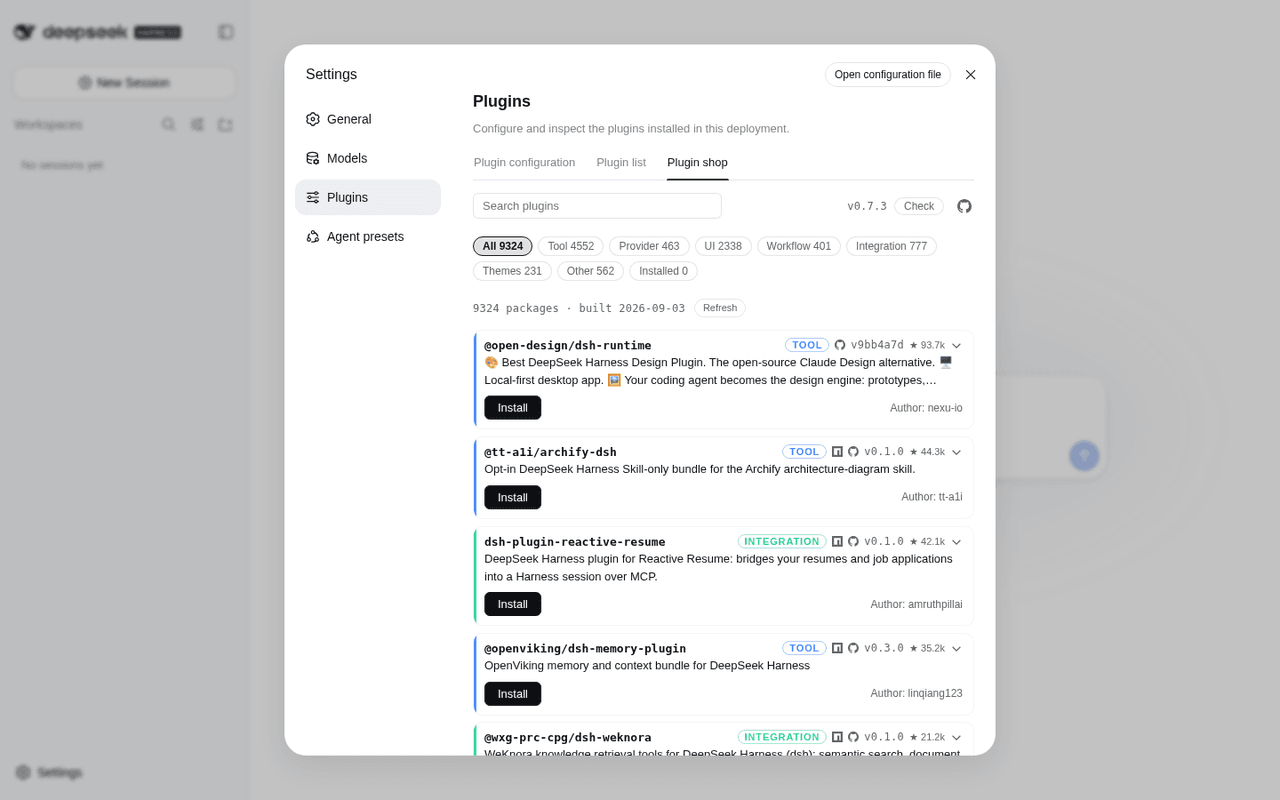 LivXue/dsh-plugin-shop
The most comprehensive DeepSeek Harness plugin market — refreshed daily, sourced across the Internet, reviewed before pu…
LivXue/dsh-plugin-shop
The most comprehensive DeepSeek Harness plugin market — refreshed daily, sourced across the Internet, reviewed before pu…
-
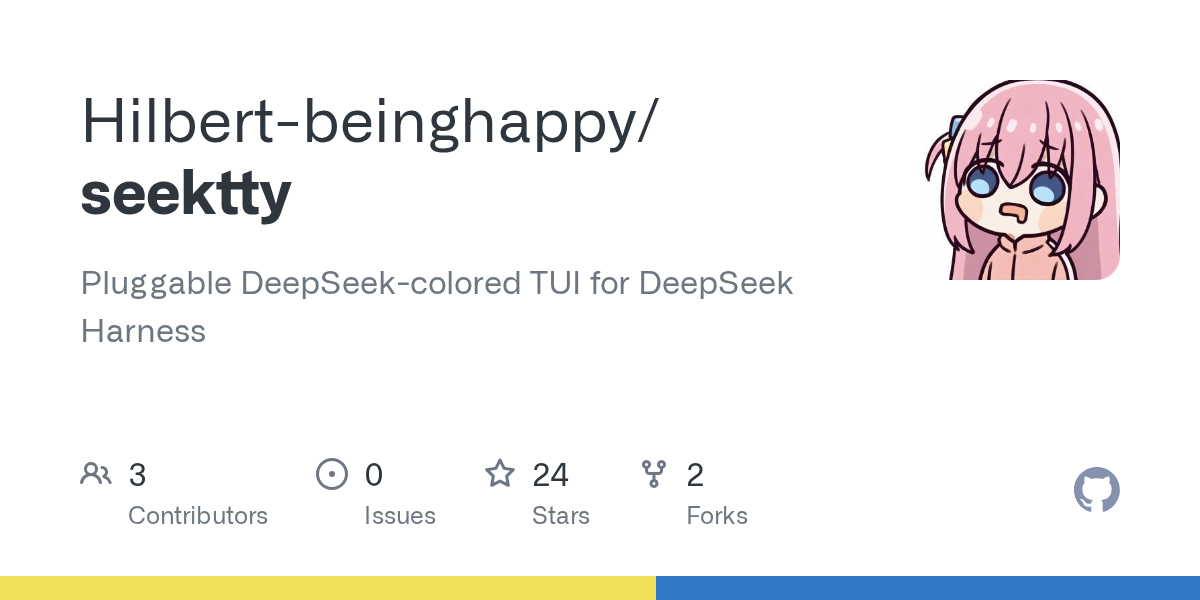 Hilbert-beinghappy/seektty
面向 DeepSeek Harness 的 Claude Code 风格终端界面,支持 Windows、macOS 与 Linux,兼容透明终端、VS Code 主题和自定义配色。
Hilbert-beinghappy/seektty
面向 DeepSeek Harness 的 Claude Code 风格终端界面,支持 Windows、macOS 与 Linux,兼容透明终端、VS Code 主题和自定义配色。
-
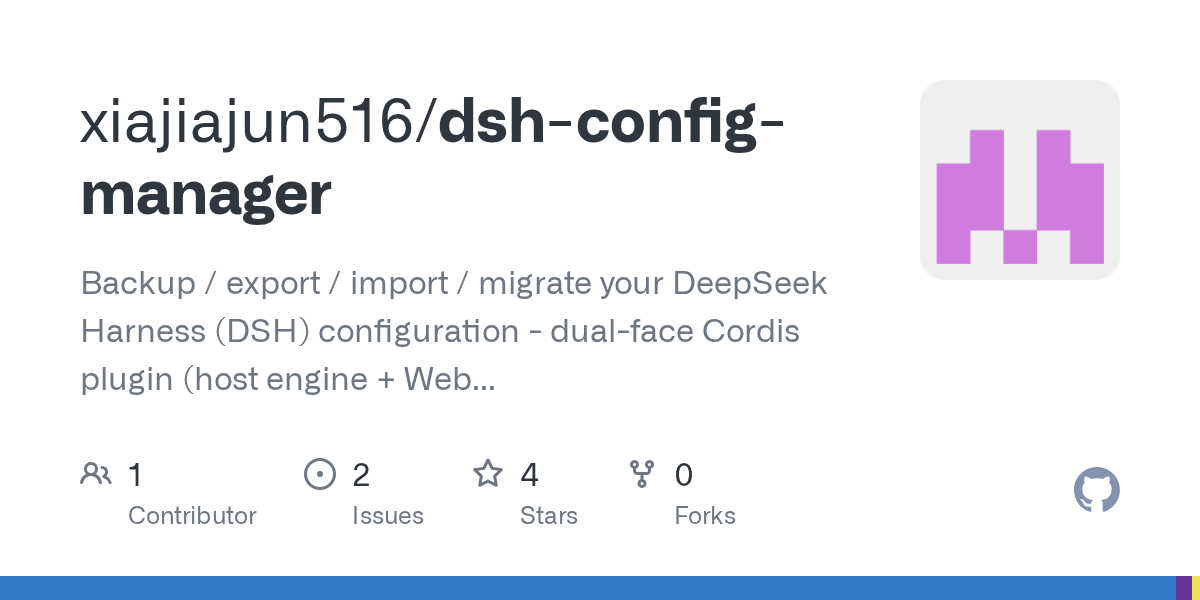 xiajiajun516/dsh-config-manager
DeepSeek Harness (DSH) backup & restore plugin — export, import, migrate and sync your complete DSH configuration, plugi…
xiajiajun516/dsh-config-manager
DeepSeek Harness (DSH) backup & restore plugin — export, import, migrate and sync your complete DSH configuration, plugi…
-
 Renzic-Stone/DSH-EasyRewrite
DSH Web内目前最无感的消息撤回、重编辑插件,原版体验,兼容性强,功能简单可开关,设置丰富,现代化轻量ui框架。The most seamless message recall & re-edit plugin for DSH Web …
Renzic-Stone/DSH-EasyRewrite
DSH Web内目前最无感的消息撤回、重编辑插件,原版体验,兼容性强,功能简单可开关,设置丰富,现代化轻量ui框架。The most seamless message recall & re-edit plugin for DSH Web …
-
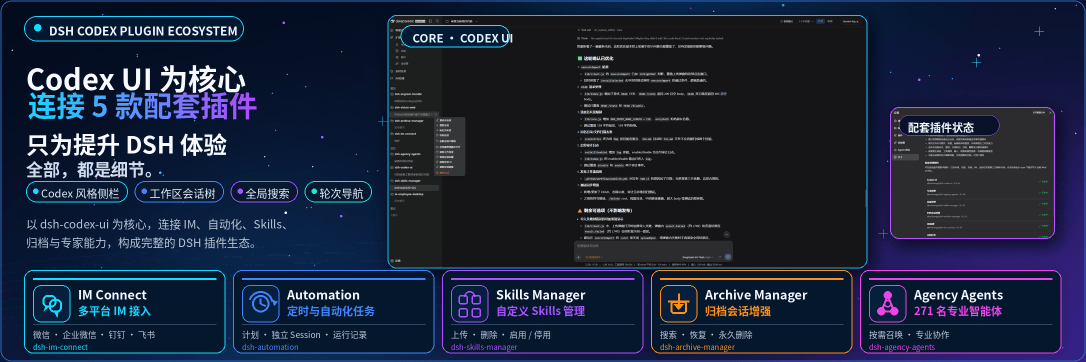 MichengAI/dsh-codex-ui
DSH Codex UI — 为 DeepSeek Harness Web 提供 Codex 风格侧栏、工作区会话树、全局搜索和轮次导航 · A Codex-style sidebar, workspace session tree, gl…
MichengAI/dsh-codex-ui
DSH Codex UI — 为 DeepSeek Harness Web 提供 Codex 风格侧栏、工作区会话树、全局搜索和轮次导航 · A Codex-style sidebar, workspace session tree, gl…
-
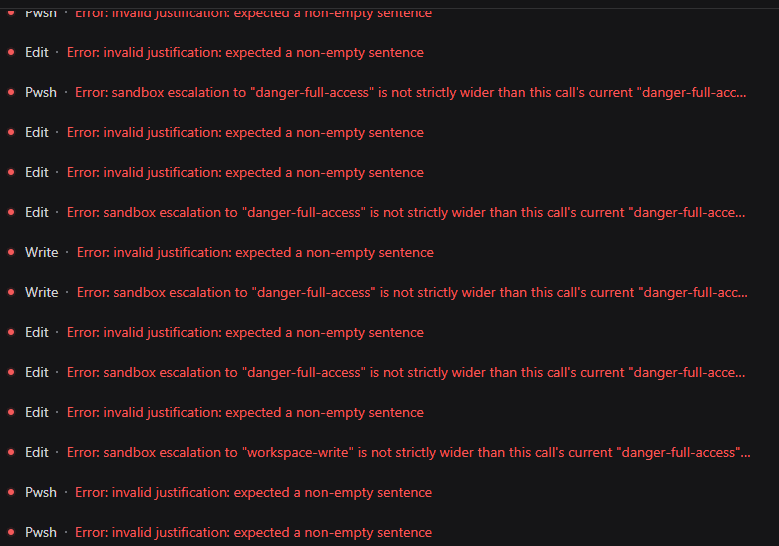 HakureiMonika/dsh-sandbox-escalation-fix
Session-aware sandbox escalation compatibility plugin for DeepSeek Harness/DSH第三方模型会话沙箱升级兼容插件
HakureiMonika/dsh-sandbox-escalation-fix
Session-aware sandbox escalation compatibility plugin for DeepSeek Harness/DSH第三方模型会话沙箱升级兼容插件
-
 PerryLink/dsh-claude-move
Four-source migration wizard for DeepSeek Harness: move Claude Code, Codex, OpenCode and Hermes sessions, memories, skil…
PerryLink/dsh-claude-move
Four-source migration wizard for DeepSeek Harness: move Claude Code, Codex, OpenCode and Hermes sessions, memories, skil…
- hkkz9522/dsh-session-manager DeepSeek Harness session manager: delete, archive, move sessions across workspaces, migrate presets, favorites, review-l…