qianshe/dsh-assistant-optimization
Eight capabilities, all plug-and-play. Official rendering is never replaced — the plugin shadows DSH components and delegates back to them, so Markdown, tool cards, images, and tables keep working exactly as shipped.
catalog descriptioncatalog 简介 / catalog description:DSH plugin: fold mis-rendered thinking/reasoning content into collapsible blocks and render mermaid diagrams inline.
Project Overview项目介绍
This is a native plugin built exclusively for the web profile of DeepSeek Harness (DSH). It adds eight quality-of-life features to the DSH web user interface without overriding DSH’s native rendering logic. It works by shadowing existing DSH components and delegating rendering back to DSH, so all core features like Markdown parsing, tool cards, images, and tables work exactly as they do in a vanilla DSH install. To install, you can run the official DSH CLI command dsh plugin --profile web add github:qianshe/dsh-assistant-optimization then restart your DSH web instance.
The eight features added by this plugin cover common pain points when using DSH for agentic software development. Reasoning fold puts unchanneled chain-of-thought content into DSH’s native Think block, while Mermaid rendering adds interactive zoomable and pannable SVG diagrams for mermaid code blocks. Other features include grouped consecutive tool calls, one-click prompt enhancement using your currently selected model, resuming interrupted sessions from breakpoints, auto-collapsing finished turn processes, semantic code search, and one-click archived session cleanup. All features are plug-and-play, and the plugin works seamlessly with DSH’s native light and dark theme modes.
This plugin has very few external dependencies. It only requires an existing DSH installation that is running the web profile, and only needs internet access to pull Mermaid.js from a public CDN when a diagram is first rendered. Semantic search requires an optional Windsurf API key to be enabled, and all configurable options like reasoning tag markers and auto-turn-folding can be edited directly from DSH’s settings page, no manual config file edits needed. The project is released under the open-source MIT license, so anyone can use, modify, or redistribute it freely without restriction.
这是一个专为 DeepSeek Harness(DSH)网页端配置开发的原生插件,为 DSH 网页界面新增了八项实用功能,优化了会话交互体验与输出可读性。插件不会替换 DSH 官方原生渲染逻辑,而是通过阴影覆盖原有组件后委托原生逻辑处理,因此原有的 Markdown、工具卡片、图片、表格等功能均可正常工作。你可以通过 DSH 内置的插件管理命令,从 GitHub 一键安装本插件。
本插件的功能包含推理过程折叠、Mermaid 交互图表渲染、工具调用分组、提示词一键优化、断点续发、历史回合折叠、代码语义搜索和归档会话清理。所有功能均为开箱即用,适配 DSH 原生设计风格,支持浅色/深色主题切换,符合原生交互逻辑,不会带来额外的学习成本。适合所有使用 DSH 网页端配置进行开发对话的用户。
本插件仅要求运行环境为带网页端配置的 DSH,仅在首次渲染 Mermaid 图表时需要从公共 CDN 获取 Mermaid.js,语义搜索功能需要配置 Windsurf API 密钥才会启用。所有配置项均可在 DSH 设置页面直接修改,不需要手动编辑配置文件。本插件采用 MIT 许可开源,用户可以自由使用、修改和分发。
请帮我安装这个 DSH 插件。安装前先完成【兼容性检查 + 安全性检查】,检查通过再动手。

插件:dsh-assistant-optimization(qianshe/dsh-assistant-optimization)
仓库:https://github.com/qianshe/dsh-assistant-optimization
本站详情页:https://www.yhbd.top/plugins/qianshe-dsh-assistant-optimization/
本站登记:类型 plugin · 归类 原生 DSH 插件 · 许可证 MIT · ⭐ 2 · 最近提交 2026-09-21 · 主语言 JavaScript

按下面顺序执行,每步先把结论告诉我,再进入下一步:

【1 兼容性检查】
① 我这边:DSH 版本、Node 版本、操作系统、当前 profile(web / desktop)。
② 读它的 README、package.json、插件 manifest,列出它要求的 DSH 版本 / Node 版本 / 操作系统 / 外部依赖 / 需要另外先装的运行时。
③ 逐条比对,结论只写「满足 / 不满足 / 未知」三种;不满足的给出可行替代方案。
④ 检查是否和我已装的插件冲突:命令名重复、skill / tool 重名、端口占用、重复注册的 MCP server。

【2 安全性检查】
① 仓库可信度:和上面「本站登记」是否一致;star / fork 数、创建时间、最近提交,是否归档或长期停更。
② 安装脚本:逐行看 package.json 的 preinstall / install / postinstall,以及 install.sh、setup.ps1 之类脚本。出现 curl|bash、下载后直接执行、混淆代码、访问与插件功能无关的域名,立刻停下来告诉我,不要继续装。
③ 依赖:列出新增依赖,标出无人维护、或与知名包拼写近似的可疑包(typosquatting)。
④ 权限与副作用:它会读写哪些目录、访问哪些域名、需要哪些 DSH 权限(filesystem / network / shell / clipboard 等),以及怎么卸载和回滚。
⑤ 如果它要求 sudo / 管理员权限,或权限明显超出功能所需,先停下来问我。

【3 安装】
上面两步没有「不满足」和「高危项」时才执行;用官方推荐方式安装,不要自行提权。

【4 汇报】
用表格输出:检查项 / 结论 / 依据 / 是否需要我决策。拿不准的一律写「未知」并说明要我怎么确认——不要猜,也不要替我决定。
Send this message to DSH in your current session: it verifies compatibility and security first (answering met / not met / unknown item by item) and only installs once everything checks out — it will stop and ask you if it finds a high-risk item. The box scrolls; the copy is the full prompt. CLI install commands may not be accurate across systems, so DSH is the safer route.把上面这条消息直接发给当前会话里的 DSH:它会先核对兼容性与安全性(逐条给「满足 / 不满足 / 未知」),确认没问题再安装,有高危项会停下来问你。框内可滚动,复制到的是完整提示词;安装命令不一定准确,发给 DSH 更稳。
- Only 2 stars - very few users, little community feedback星标只有 2,几乎没人在用,遇到问题缺少社区反馈
DSH walks through these 9 checksDSH 会逐条核对这 9 项
Compatibility兼容性
- DSH, Node, OS and profile requirementsDSH 版本 / Node 版本 / 操作系统 / profile 是否满足要求
- External dependencies and runtimes (Electron / Python / Docker, ...)外部依赖与运行时(Electron / Python / Docker 等)是否齐备
- Conflicts with installed plugins: command names, skill / tool names, ports, duplicate MCP registration与已装插件是否冲突:命令名、skill / tool 重名、端口占用、重复 MCP 注册
Security安全性
- Repo matches the facts registered here; archived or abandoned?仓库是否与页面登记一致,是否归档或长期停更
- Safety of preinstall / install / postinstall and install.sh / setup.ps1preinstall / install / postinstall 与 install.sh、setup.ps1 是否安全
- curl|bash, download-then-execute, obfuscation, unrelated domains → stop immediatelycurl|bash、下载即执行、混淆代码、无关域名 → 立刻停止
- Typosquatting or unmaintained packages among the new dependencies新增依赖里有没有 typosquatting 或无人维护的包
- Requested permissions vs. what the feature actually needs申请了哪些权限、是否超出功能所需(filesystem / network / shell / clipboard)
- Any sudo / admin requirement, plus uninstall and rollback是否要求 sudo / 管理员权限,以及卸载与回滚方式
Anything uncertain must be marked unknown with a note on how to confirm it. This site's signal screen is a static snapshot, not a security audit.拿不准的必须标「未知」并说明要我怎么确认。本站的信号筛查是静态快照,不能替代安全审计。
Or use CLI install (for developers)或使用命令行安装(适合开发者)
CLI Install命令行安装
dsh plugin --profile web add github:qianshe/dsh-assistant-optimization把 qianshe/dsh-assistant-optimization 加入你的 DSH 配置(web profile)即可启用。
READMEREADME
dsh-assistant-optimization
A DSH plugin for the web profile that makes model output easier to read and your prompts easier to write.
Features
Eight capabilities, all plug-and-play. Official rendering is never replaced — the plugin shadows DSH components and delegates back to them, so Markdown, tool cards, images, and tables keep working exactly as shipped.
| Capability | What it does | |
|---|---|---|
| 💭 | Reasoning fold | Collapses mis-rendered chain-of-thought into the native "Think" block |
| 📊 | Mermaid diagrams | Renders mermaid code blocks as interactive SVG (zoom / pan / touch) |
| ✎ | Tool-call grouping | Collapses consecutive tool-call rows into one # bash · N tools header. Reasoning rows between calls do not break the group — merge across them; collapsed groups tuck those reasoning rows in, expanded groups indent them like members |
| ✨ | Prompt enhance | Rewrites a rough draft into a clearer instruction in one click |
| ▶ | Resume-from-breakpoint | After a manual stop or session error, the send button becomes a play key — hover shows a tooltip, one click resumes from the interruption with the currently selected model. Typing or starting a new turn instantly restores the normal send button. |
| 📁 | Turn folding | When a turn finishes, its process (thinking, tool calls, intermediate text) auto-collapses into one "已完成 · 时长" header; the final summary reply stays expanded. Interrupted-and-resumed turns merge into one group; mid-run steering messages collapse with a "· N 条插话" count. The plugin takes over the built-in transcript mode so folds never double up. |
| 🛰️ | Semantic search | context_search — locate code from a vague description (Windsurf-backed) |
| 🧹 | Archived-session cleanup | Lists what archiving hid, frees the disk it still occupies, and un-archives — in one click, no host restart, no hand-edited JSON |
Reasoning fold
Some providers (OpenAI-compatible APIs with no dedicated reasoning_content channel) dump chain-of-thought into the regular text stream:
The user wants to know about X, I should explain Y first...
</thinking>

Here is the answer to your question...
Showing the opening section of the README — the full document lives in the repository以上为 README 开头摘要,完整文档在仓库内 · View the full README on GitHub →在 GitHub 查看完整 README →
Related相关推荐
-
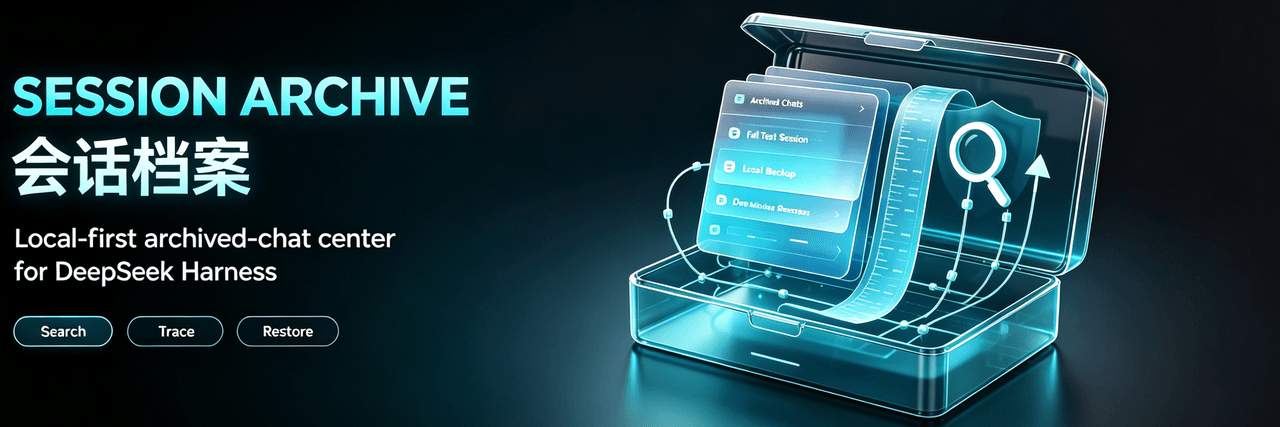 Ultronen/dsh-archived-chats
Archive Management for DeepSeek Harness: browse, search, preview and restore archived chats, with workspace bulk archivi…
Ultronen/dsh-archived-chats
Archive Management for DeepSeek Harness: browse, search, preview and restore archived chats, with workspace bulk archivi…
-
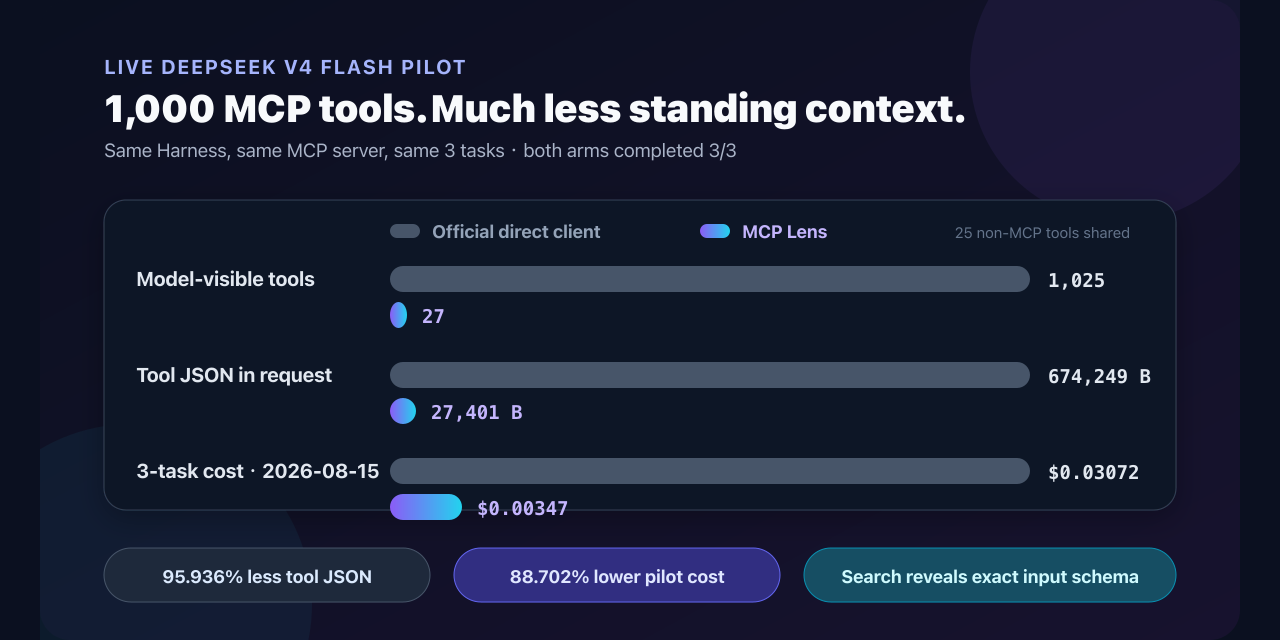 labmimors/dsh-mcp-lens
Search 1,000 MCP tools through two interfaces in DeepSeek Harness. Load exact schemas on demand and keep structured resu…
labmimors/dsh-mcp-lens
Search 1,000 MCP tools through two interfaces in DeepSeek Harness. Load exact schemas on demand and keep structured resu…
-
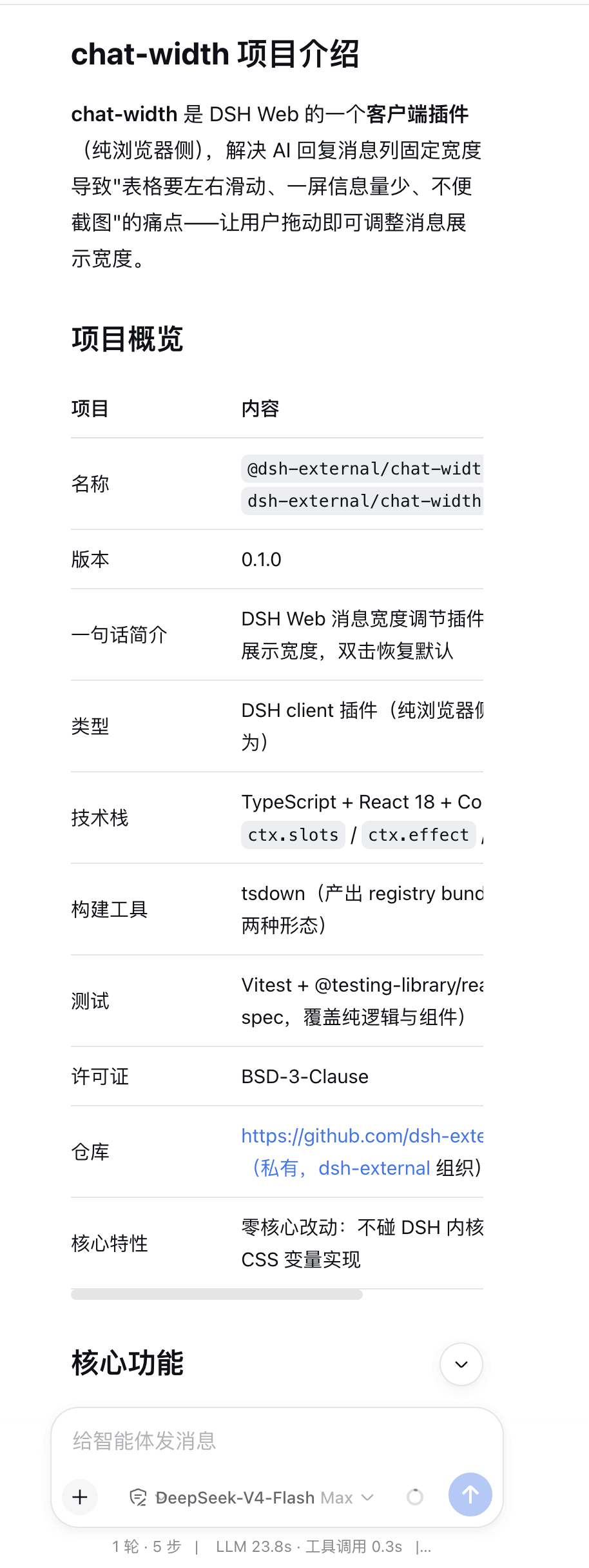 chen-001/dsh-chat-width
Adjust the width of dsh's reply.
chen-001/dsh-chat-width
Adjust the width of dsh's reply.
- Letter2025/dsh-tool-search Tool search & slimming for DeepSeek Harness: Hermes-style progressive disclosure — search, describe, and call long-tail …
- lmst2/dsh-asc
-
 nicolas-zhao-4/dsh-reply-nav
a history navigator for deepseek-harness
nicolas-zhao-4/dsh-reply-nav
a history navigator for deepseek-harness
-
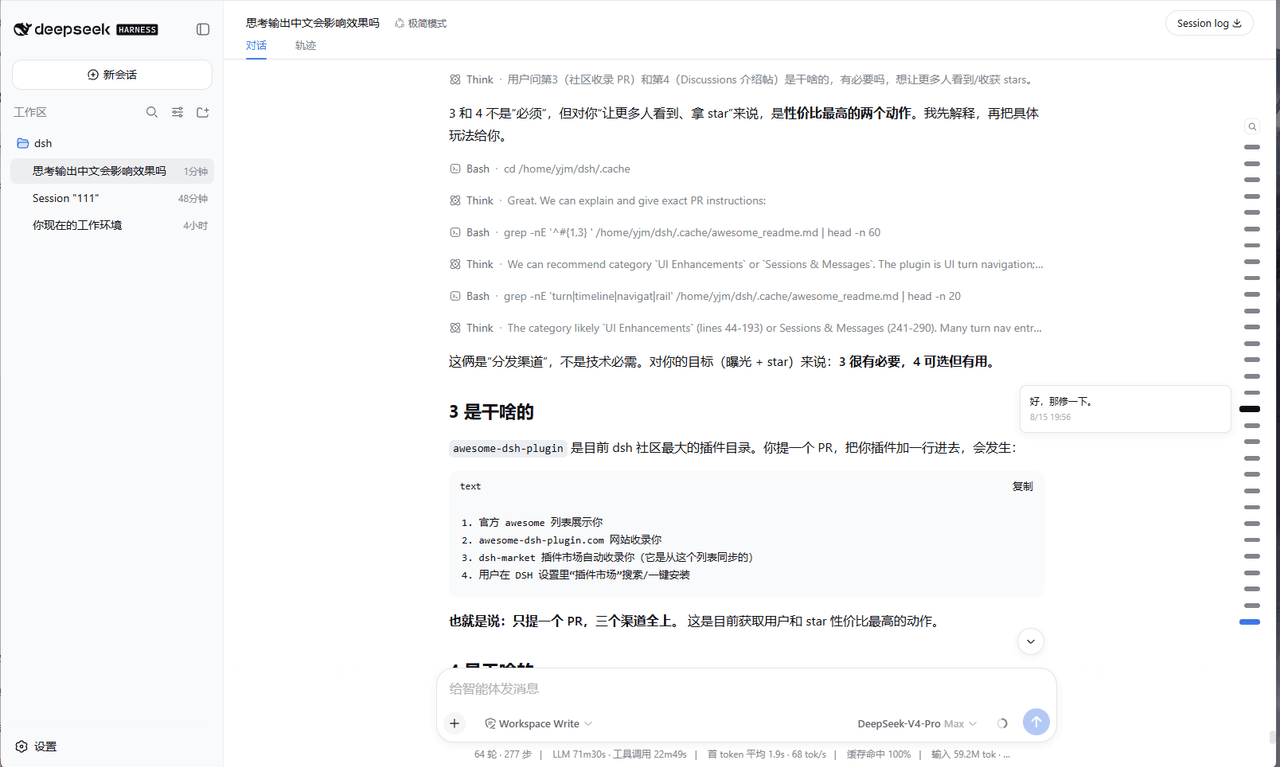 Yujm888/dsh-turn-rail
- fenxin-fx/dsh-default-workspace-plugin