QIN-SMART/dsh-session-md
DeepSeek Harness plugin: export a session as human-readable Markdown or a self-contained HTML page — full / handoff / readable / audit presets, one-click download
Project Overview项目介绍
dsh-session-md is a native Cordis plugin built specifically for DeepSeek Harness (DSH), designed to render a single session into human-readable Markdown or a self-contained single-file HTML document organized by turns, including user messages, assistant replies, reasoning chains, tool calls and results, todos, compressed summaries, and delivered files. It fills the gap left by the official @deepseek-ai/dsh-session-log-export, which only exports raw JSONL inside a ZIP archive. Installation is done via dsh plugin --profile web add dsh-session-md (npm, version-pinned) or dsh plugin --profile web add github:QIN-SMART/dsh-session-md (GitHub source); the plugin declares a dsh.bundle.patch, so add automatically writes the session-md line into the profile's patch layer without manually editing cordis.yml. After installation, refreshing the browser surfaces the ⬇ export menu in the session header; source code edits require restarting dsh web because the running host does not re-import already-loaded modules.
The plugin supports two workflows: clicking the UI button to immediately download the document through an authenticated route at GET|HEAD /api/session.export-md, or asking the model to invoke the export_session_md tool which writes Markdown into the session workspace via ctx.fs. Four rendering modes are available — full (tool params and results included), handoff (drops reasoning chains to save tokens), readable (tools collapsed to names only), and audit (no truncation, includes system prompt and injected context) — plus an HTML format whose CSS is fully inlined, has no external requests, follows system dark/light mode, and exposes a top "expand all" toggle. The target users are developers who need to share DSH conversations with others, paste them into weekly reports, archive them, or hand them off to a follow-up agent.
The plugin has zero @deepseek-ai/* runtime dependencies and zero peerDependencies, which keeps evaluatePluginCompatibility from rejecting it on DSH 0.2.0-rc.1; Node must satisfy ^22.19.0 || >=24, and behavior is consistent on Windows, macOS, and Linux. File names go through slugify to strip Windows-forbidden characters, trailing dots/spaces, and reserved device names like CON, NUL, and COM1. Licensing is MIT, sandbox writes are intentionally limited to the session workspace, and attachments are recorded as description lines rather than copied as binaries; the project is solely a DSH plugin and is not a standalone or cross-platform product.
dsh-session-md 是面向 DeepSeek Harness(DSH)的原生 Cordis 插件,把一次会话按 Turn 渲染成可读的 Markdown 或自包含的单文件 HTML,弥补官方 @deepseek-ai/dsh-session-log-export 仅提供原始 JSONL ZIP 的空缺。安装方式为 dsh plugin --profile web add dsh-session-md(npm)或 dsh plugin --profile web add github:QIN-SMART/dsh-session-md(GitHub),插件声明 dsh.bundle.patch,add 会自动将 session-md 写入 profile patch 层,无需手工编辑 cordis.yml。安装后刷新浏览器即可在会话标题栏看到 ⬇ 导出菜单;改动源码后须重启 dsh web。
典型用法有两种:界面按钮直接下载,或让模型调用 export_session_md 工具把 Markdown 写进会话工作目录;提供 full / handoff / readable / audit 四种模式以及 Markdown / HTML 两种格式,HTML 可通过 ⌘P 存为 PDF。目标用户是需要把 DSH 对话发给他人、贴周报、做归档或交接给后续 agent 接手处理的开发者。
零 @deepseek-ai/* 依赖、零 peerDependencies,Node 要求 ^22.19.0 || >=24,在 Windows / macOS / Linux 上行为一致;文件名经 slugify 处理避免 Windows 保留设备名问题。MIT 协议开源,但仅作为 DSH 插件运行,不提供独立产品或跨平台支持。
请帮我安装这个 DSH 插件。安装前先完成【兼容性检查 + 安全性检查】,检查通过再动手。

插件:dsh-session-md(QIN-SMART/dsh-session-md)
仓库:https://github.com/QIN-SMART/dsh-session-md
本站详情页:https://www.yhbd.top/plugins/qin-smart-dsh-session-md/
本站登记:类型 plugin · 归类 原生 DSH 插件 · 许可证 MIT · ⭐ 2 · 最近提交 2026-10-02 · 主语言 JavaScript

按下面顺序执行,每步先把结论告诉我,再进入下一步:

【1 兼容性检查】
① 我这边:DSH 版本、Node 版本、操作系统、当前 profile(web / desktop)。
② 读它的 README、package.json、插件 manifest,列出它要求的 DSH 版本 / Node 版本 / 操作系统 / 外部依赖 / 需要另外先装的运行时。
③ 逐条比对,结论只写「满足 / 不满足 / 未知」三种;不满足的给出可行替代方案。
④ 检查是否和我已装的插件冲突:命令名重复、skill / tool 重名、端口占用、重复注册的 MCP server。

【2 安全性检查】
① 仓库可信度:和上面「本站登记」是否一致;star / fork 数、创建时间、最近提交,是否归档或长期停更。
② 安装脚本:逐行看 package.json 的 preinstall / install / postinstall,以及 install.sh、setup.ps1 之类脚本。出现 curl|bash、下载后直接执行、混淆代码、访问与插件功能无关的域名,立刻停下来告诉我,不要继续装。
③ 依赖:列出新增依赖,标出无人维护、或与知名包拼写近似的可疑包(typosquatting)。
④ 权限与副作用:它会读写哪些目录、访问哪些域名、需要哪些 DSH 权限(filesystem / network / shell / clipboard 等),以及怎么卸载和回滚。
⑤ 如果它要求 sudo / 管理员权限,或权限明显超出功能所需,先停下来问我。

【3 安装】
上面两步没有「不满足」和「高危项」时才执行;用官方推荐方式安装,不要自行提权。

【4 汇报】
用表格输出:检查项 / 结论 / 依据 / 是否需要我决策。拿不准的一律写「未知」并说明要我怎么确认——不要猜,也不要替我决定。
Send this message to DSH in your current session: it verifies compatibility and security first (answering met / not met / unknown item by item) and only installs once everything checks out — it will stop and ask you if it finds a high-risk item. The box scrolls; the copy is the full prompt. CLI install commands may not be accurate across systems, so DSH is the safer route.把上面这条消息直接发给当前会话里的 DSH:它会先核对兼容性与安全性(逐条给「满足 / 不满足 / 未知」),确认没问题再安装,有高危项会停下来问你。框内可滚动,复制到的是完整提示词;安装命令不一定准确,发给 DSH 更稳。
- Only 2 stars - very few users, little community feedback星标只有 2,几乎没人在用,遇到问题缺少社区反馈
DSH walks through these 9 checksDSH 会逐条核对这 9 项
Compatibility兼容性
- DSH, Node, OS and profile requirementsDSH 版本 / Node 版本 / 操作系统 / profile 是否满足要求
- External dependencies and runtimes (Electron / Python / Docker, ...)外部依赖与运行时(Electron / Python / Docker 等)是否齐备
- Conflicts with installed plugins: command names, skill / tool names, ports, duplicate MCP registration与已装插件是否冲突:命令名、skill / tool 重名、端口占用、重复 MCP 注册
Security安全性
- Repo matches the facts registered here; archived or abandoned?仓库是否与页面登记一致,是否归档或长期停更
- Safety of preinstall / install / postinstall and install.sh / setup.ps1preinstall / install / postinstall 与 install.sh、setup.ps1 是否安全
- curl|bash, download-then-execute, obfuscation, unrelated domains → stop immediatelycurl|bash、下载即执行、混淆代码、无关域名 → 立刻停止
- Typosquatting or unmaintained packages among the new dependencies新增依赖里有没有 typosquatting 或无人维护的包
- Requested permissions vs. what the feature actually needs申请了哪些权限、是否超出功能所需(filesystem / network / shell / clipboard)
- Any sudo / admin requirement, plus uninstall and rollback是否要求 sudo / 管理员权限,以及卸载与回滚方式
Anything uncertain must be marked unknown with a note on how to confirm it. This site's signal screen is a static snapshot, not a security audit.拿不准的必须标「未知」并说明要我怎么确认。本站的信号筛查是静态快照,不能替代安全审计。
Or use CLI install (for developers)或使用命令行安装(适合开发者)
CLI Install命令行安装
dsh plugin --profile web add dsh-session-md把 QIN-SMART/dsh-session-md 加入你的 DSH 配置(web profile)即可启用。
READMEREADME
dsh-session-md


DSH 插件:把一次会话导出成人读的 Markdown 或自包含 HTML(按 Turn 分组:用户消息 / 助手回复 / 思维链 / 工具调用与结果 / 待办 / 压缩摘要 / 交付文件),直接发给别人、贴周报、存归档都行。 官方
@deepseek-ai/dsh-session-log-export只给 raw JSONL 的 ZIP,本插件补齐「一段对话一份干净文档」的缺口。
English → README_EN.md
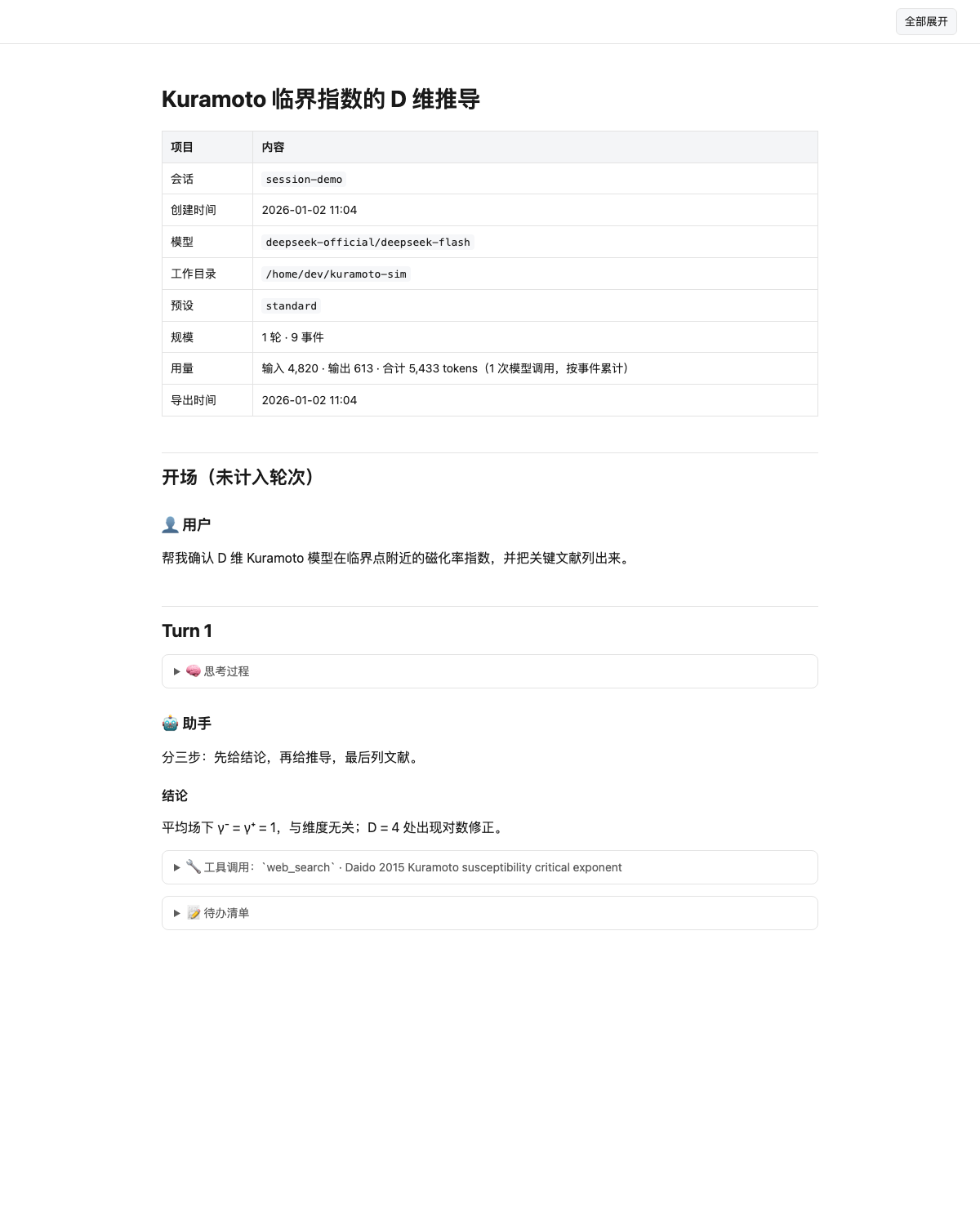
上图为合成会话的导出效果(scripts/make-demo-screenshot.mjs 生成,不含任何真实会话内容)。
安装
两种装法等价,装到的代码逐文件一致(都实测过):
dsh plugin --profile web add dsh-session-md                        # npm(推荐,版本冻结、可钉版本)
dsh plugin --profile web add github:QIN-SMART/dsh-session-md       # GitHub(跟仓库源码走)
插件声明了 dsh.bundle.patch,add 会自动把 session-md 这一行写进 profile 的 patch 层,无需手工编辑
cordis.yml。装完刷新浏览器页面即可看到会话标题栏的导出菜单。
改了插件源码之后,运行中的 host 不会重新 import 已加载的模块,需要重启
dsh web;只刷新页面只能更新浏览器半边。
零 @deepseek-ai/* 依赖、零 peerDependencies,因此 DSH 的插件兼容性闸门(evaluatePluginCompatibility)
没有任何可拒绝的项。Node 版本要求 ^22.19.0 || >=24。
三个平台
Windows / macOS / Linux 行为一致:写进会话工作区的导出走 ctx.fs(受会话沙箱约束),浏览器下载走认证路由
(落点由浏览器决定)。文件名统一由 slugify 处理:Windows 禁止的 \ / : * ? " < > |、控制字符、
末尾的点或空格、以及 CON / NUL / COM1 这类保留设备名都不会出现,导出在 Windows 上不会因为文件名写不出来。
CI 在 ubuntu / windows / macos × Node 22/24 上跑同一套自测。
开发本仓库
git clone https://github.com/QIN-SMART/dsh-session-md
cd dsh-session-md
node --test test/verify.mjs     # 自测(零依赖,不需要 DSH)
npm run ci                     # 上面这些 + 夹具 / 浏览器半 / 真实 Cordis / 真实会话巡检(缺会话日志时自动跳过)
npm run dump -- --list         # 离线把会话日志转成 Markdown,不启动 DSH
dsh plugin --profile web add "link:$PWD"   # 本机联调;PowerShell 里路径要加引号
给编码 agent 的约定(结构、硬约束、常用命令、隐私红线)见 AGENTS.md。
热插拔(Cordis 生命周期)
插件本体是标准 Cordis 插件,支持热插拔,实测证据在 scripts/hotplug-test.mjs:用 DSH 自带的真实
@deepseek-ai/cordis 按 loader 的规则(exports.default ?? exports)装载本插件、挂上 stub 服务并真的执行一次导出,
load → unload → load 全绿——卸载插件 fiber 时工具立刻从注册表消失,重新装载不会撞重复名,
执行期间访问任何未声明的服务会当场抛错。
两条踩过的坑,现在都有回归测试盯着:
- 绝对不能有
export default。cordis-plugin-loader对模块做exports = exports.default ?? exports, 一旦有 default 导出,loader 拿到的就是裸apply函数,name/inject被丢掉,挂载时报cannot get property "tools" without inject。DSH 自家包一律只做具名导出(export { apply, inject, name })。 - 读
ctx.<service>必须先inject。Cordis 对任何未声明的属性读取都会抛(连不存在的名字也抛), 可选链?.救不了。所以四个真正依赖的服务(tools/sessions/sessionPersistence/fs)写进inject,只有真正可选的sandboxPolicy走ctx.get('sandboxPolicy')——ctx.get不要求 inject,缺失时返回undefined。
Showing the opening section of the README — the full document lives in the repository以上为 README 开头摘要,完整文档在仓库内 · View the full README on GitHub →在 GitHub 查看完整 README →
Related相关推荐
-
 huangziyuan-general/dsh-novel-forge
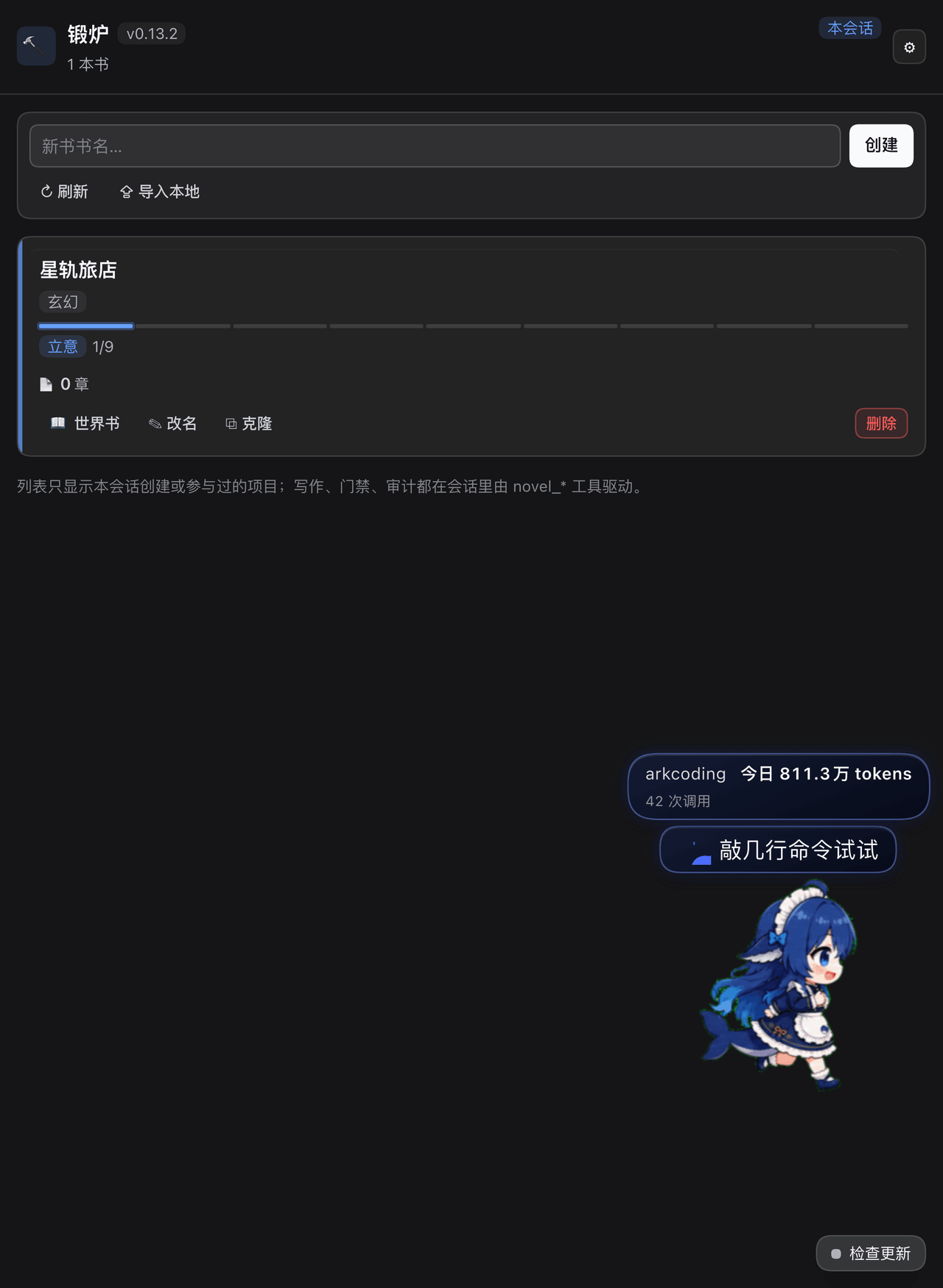
DSH 小说锻炉:把 AI 长篇写作通病变成代码强制的硬约束(事实账本/上下文包/阶段门禁/零费用去AI味扫描/确定性审计/提案制修订)。Novel-writing guardrails plugin for DeepSeek Harnes…
huangziyuan-general/dsh-novel-forge
DSH 小说锻炉:把 AI 长篇写作通病变成代码强制的硬约束(事实账本/上下文包/阶段门禁/零费用去AI味扫描/确定性审计/提案制修订)。Novel-writing guardrails plugin for DeepSeek Harnes…
-
 omdsh-dev/dsh-security-audit
DSH 本机安全审计插件:配置/插件来源/会话/网络暴露面,只读脱敏风险报告
omdsh-dev/dsh-security-audit
DSH 本机安全审计插件:配置/插件来源/会话/网络暴露面,只读脱敏风险报告
- yangyongzhen/dsh-session-export Export DeepSeek Harness sessions to Markdown for review, blogging and audit. dsh plugin.
-
 huanghai-lab/dsh-custom-instructions
DSH Web 安全自定义指令管理器:编辑全局 AGENTS.md,支持模板、Markdown 预览、历史恢复、导入导出与并发保护。
huanghai-lab/dsh-custom-instructions
DSH Web 安全自定义指令管理器:编辑全局 AGENTS.md,支持模板、Markdown 预览、历史恢复、导入导出与并发保护。
-
 toby-bridges/api-relay-audit
Local security audit for AI API relays and LLM proxies: detects prompt injection, model substitution, tool-call rewritin…
toby-bridges/api-relay-audit
Local security audit for AI API relays and LLM proxies: detects prompt injection, model substitution, tool-call rewritin…
-
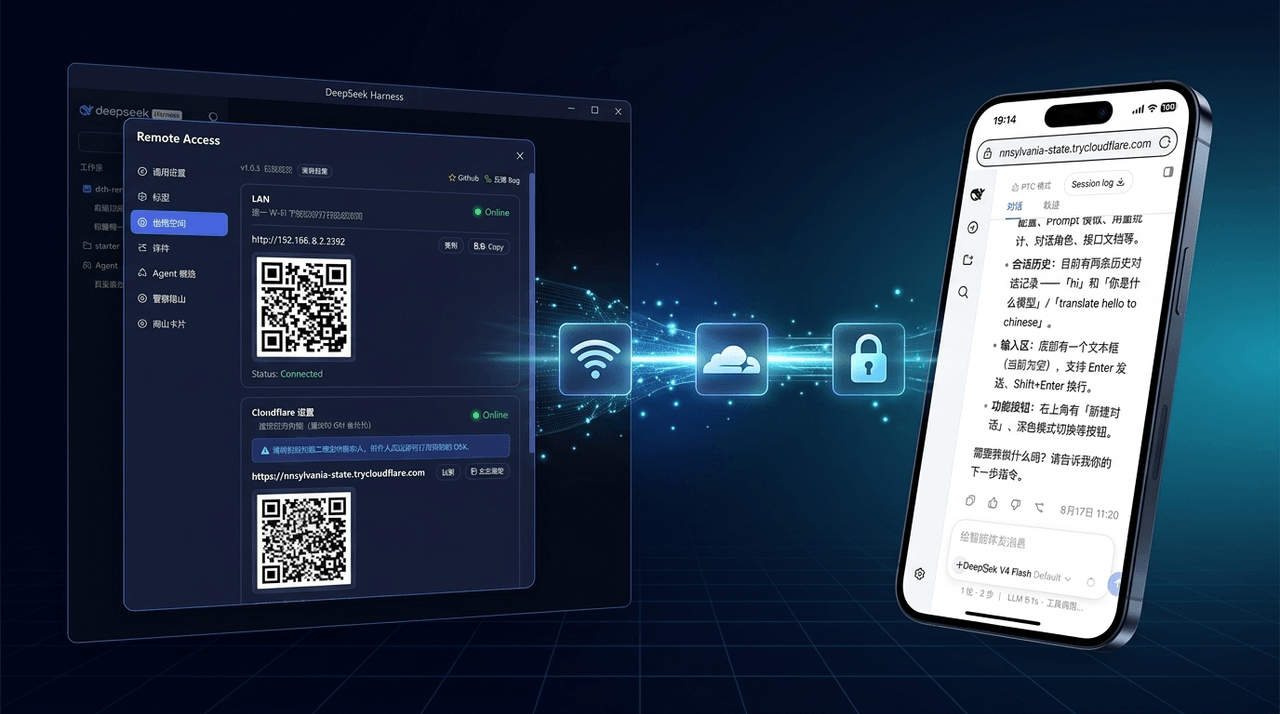 wenbin-wb/dsh-bridge
🚀 DeepSeek Harness 多通道远程访问与安全守护插件 | 局域网扫码直连、Cloudflare / 自建公网隧道、微信 / QQ / 飞书 / Telegram 机器人全生命周期对话 | 内置全协议访问安全认证、后台防篡改与…
wenbin-wb/dsh-bridge
🚀 DeepSeek Harness 多通道远程访问与安全守护插件 | 局域网扫码直连、Cloudflare / 自建公网隧道、微信 / QQ / 飞书 / Telegram 机器人全生命周期对话 | 内置全协议访问安全认证、后台防篡改与…
-
 PerryLink/dsh-permission-rules
Claude Code-style declarative permission rules for DeepSeek Harness: ordered allow/deny/ask rules with tool-name, argume…
PerryLink/dsh-permission-rules
Claude Code-style declarative permission rules for DeepSeek Harness: ordered allow/deny/ask rules with tool-name, argume…
-
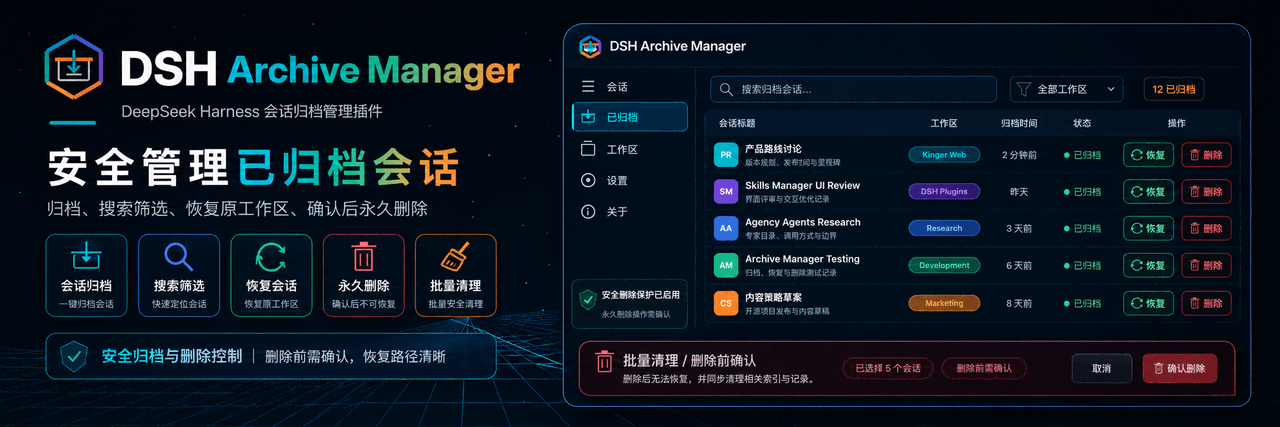 MichengAI/dsh-archive-manager
DSH Archive Manager — 在 DeepSeek Harness 中安全查看、恢复和管理已归档会话 · Safely view, restore, and manage archived sessions in DSH
MichengAI/dsh-archive-manager
DSH Archive Manager — 在 DeepSeek Harness 中安全查看、恢复和管理已归档会话 · Safely view, restore, and manage archived sessions in DSH