QuanWenG/token_usage_heatmap
DeepSeek Harness Web 的 GitHub 风格令牌使用热力图与个人统计仪表盘。
Project Overview项目介绍
DSH Token Usage Heatmap is an out-of-tree bundle for DeepSeek Harness Web that adds a GitHub/Codex-style token usage heatmap under Settings → Personal Statistics. It derives cumulative tokens, daily peaks, longest chat duration, and streaks in real time from existing session logs, with daily, weekly, and cumulative views over the last 53 weeks. Hover and keyboard focus reveal exact token counts plus input, output, cache-read, and cache-write breakdowns. Caveat: it only supports DSH web profile in the >=0.1.0-rc.5 <0.2.0 range, and a deleted session's token contribution disappears on the next read.
DSH Token 使用热力日历是 DeepSeek Harness Web 的树外 bundle 插件,在"设置 → 个人统计"中新增类似 GitHub/Codex 的 Token 使用热力日历。它从持久会话日志实时派生累计、每日峰值、最长聊天时长与连续天数等指标,提供 53 周日/周/累计三种视图,支持悬浮与键盘聚焦查看精确输入、输出、缓存读写明细,兼容中英文、亮/暗主题与响应式布局。注意:仅支持 DSH >=0.1.0-rc.5 <0.2.0 的 web profile,删除会话后其 Token 贡献会在下次读取时消失。
请帮我了解并安装插件:【token_usage_heatmap】【https://github.com/QuanWenG/token_usage_heatmap】Send this message to DSH in your current session. CLI install commands may not be accurate across systems — DSH will figure it out for you.把上面这条消息直接发给当前会话里的 DSH,让它帮你了解并安装。安装命令不一定准确,发给 DSH 更稳。
Or use CLI install (for developers)或使用命令行安装(适合开发者)
CLI Install命令行安装
dsh plugin --profile web add github:QuanWenG/token_usage_heatmap把 QuanWenG/token_usage_heatmap 加入你的 DSH 配置(web profile)即可启用。
READMEREADME
DSH Token 使用热力日历
中文 | English
dsh-plugin-token-usage-heatmap 是一个适用于 DeepSeek Harness Web 的树外 bundle。它在“设置 → 个人统计”中增加 GitHub/Codex 风格的 Token 使用热力日历,不修改 DSH 源码。
界面预览
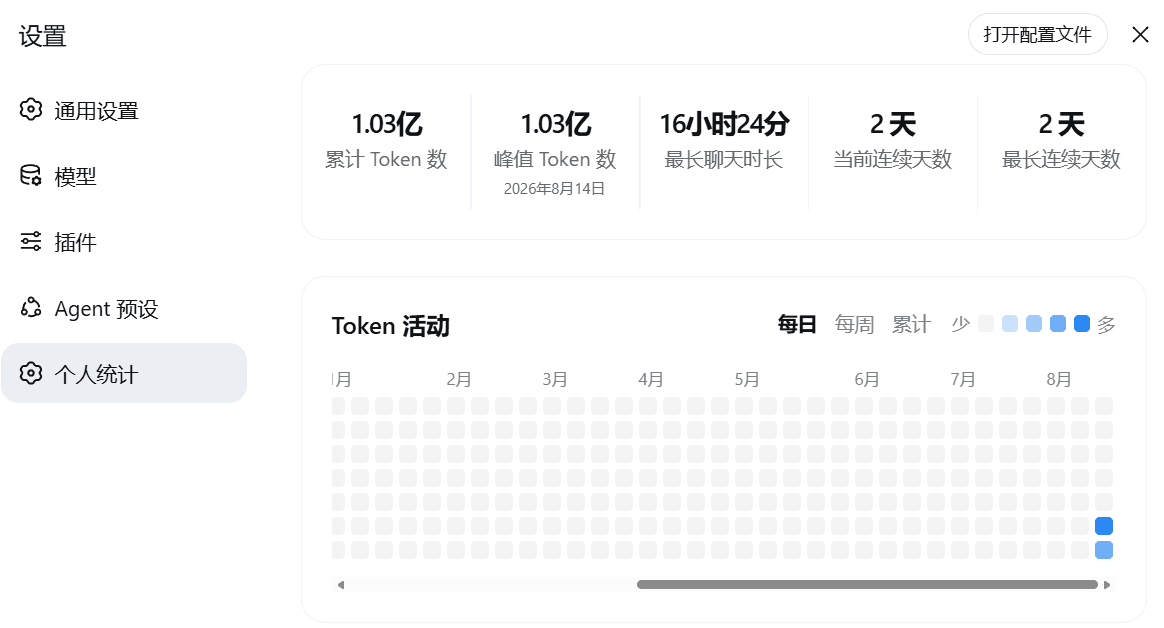
中文界面
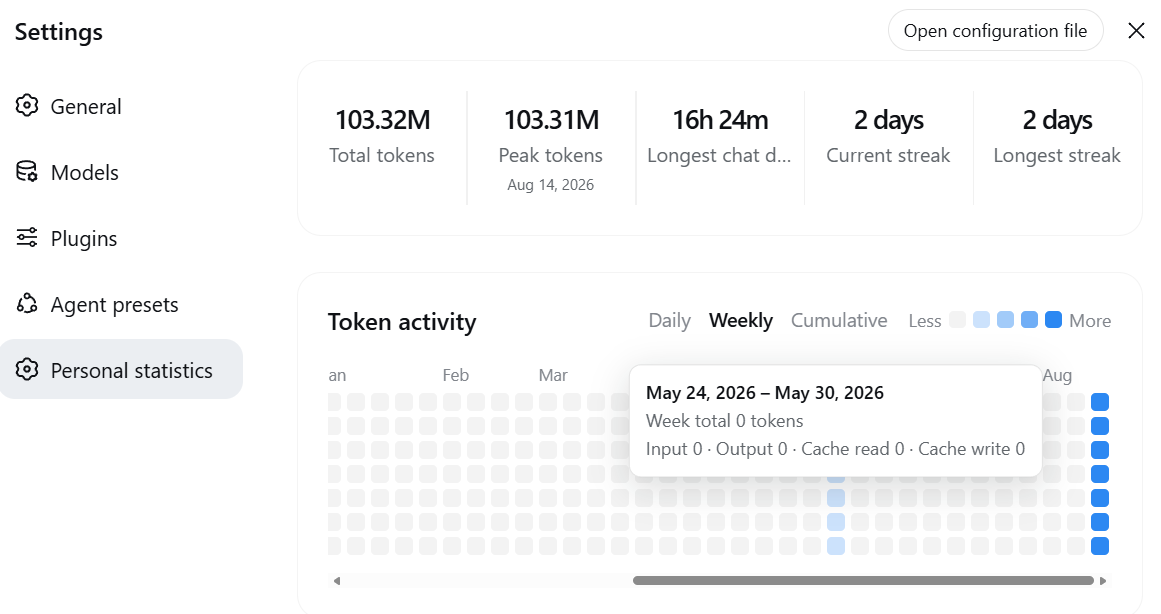
English UI
功能
- 展示累计 Token、单日峰值、最长聊天时长、当前连续天数和最长连续天数。
- 提供最近 53 周的每日、每周和累计三种视图。
- Token 使用量越高,格子颜色或周柱高度越明显。
- 鼠标悬浮和键盘聚焦均可查看精确 Token 数及输入、输出、缓存读取、缓存写入明细。
- 支持中英文、亮色/暗色主题、横向滚动和响应式布局。
- 从已有会话日志实时派生统计,安装前的历史记录也会自动纳入。
统计口径
- 数据来自 DSH 的持久会话日志和当前活会话;主会话、子代理及工作流会话均会统计。
- 使用 DSH token-meter 的折叠语义:统计
assistant/chunkusage,最终assistant/messageusage 会替换同一步骤的早期样本,避免重复累计。 - 每日总量为未缓存输入、输出、缓存读取、缓存写入之和,日期按照浏览器所在的 IANA 时区归属。
- 最长聊天时长是单个会话从首个事件到最后事件的最大时间跨度。
- 今天没有使用量时不会立即中断当前连续天数;如果今天产生使用量,则今天会计入连续天数。
- 删除会话后,该会话的 Token 贡献会在下次读取时消失。插件不会创建或复制会话事件。
兼容性
| 项目 | 支持范围 |
|---|---|
| DeepSeek Harness | >=0.1.0-rc.5 <0.2.0 |
| DSH profile | web |
| Node.js | 跟随所安装 DSH 的版本要求 |
| 源码构建 | Corepack;仓库固定使用 pnpm 11.7.0 |
| GitHub 直接安装 | pnpm 10 或更高版本 |
已验证 DSH 0.1.0-rc.5 实际运行,以及 0.1.0-rc.6 的安装、测试、类型检查、构建与打包。
从 GitHub 克隆并安装
1. 克隆项目
git clone https://github.com/QuanWenG/token_usage_heatmap.git
cd token_usage_heatmap
2. 安装依赖并构建
pnpm install
pnpm test
pnpm typecheck
pnpm build
3. 安装到 DSH Web profile
如果使用已经安装到系统中的 dsh CLI,请在插件目录执行:
dsh plugin --profile web add .
dsh --profile web --dump-config
dsh --profile web
如果从 DSH 源码运行,请切换到 DSH 源码根目录,并把插件路径替换为刚才克隆目录的绝对路径:
pnpm dsh plugin --profile web add /absolute/path/to/token_usage_heatmap
pnpm dsh --profile web --dump-config
pnpm dsh --profile web
启动后打开 http://127.0.0.1:3080,进入“设置 → 个人统计”。--dump-config 输出中应包含 # == dsh-plugin-token-usage-heatmap 层和 token-usage-heatmap 插件行。
Windows PowerShell 也使用相同命令,只需将示例路径替换为实际的绝对路径。
直接从 GitHub 安装(可选)
DSH 也支持把 GitHub 仓库直接添加到 profile。建议锁定 release、tag 或 commit,避免后续提交静默改变实际安装的代码:
dsh plugin --profile web add github:QuanWenG/token_usage_heatmap#<tag-or-commit>
Git 依赖会通过本项目的 prepare 脚本生成 lib/。pnpm 10 及以上默认禁止依赖在安装期间执行构建脚本;首次安装若被拒绝,请按照 DSH/pnpm 输出,把它显示的确切包键加入该 profile 的 pnpm-workspace.yaml:
allowBuilds:
  dsh-plugin-token-usage-heatmap: true
确认源码可信后再授予构建权限,然后重新运行安装命令。
配置
冷会话读取并发数默认为 4,可在 profile 的 cordis.patch.yml 中覆盖完整插件配置:
- id: token-usage-heatmap
  name: dsh-plugin-token-usage-heatmap
  config:
    maxConcurrentSessionReads: 4
允许范围为 1–32。DSH 的后置 patch 会替换整份 config,而不是深度合并,因此覆盖时需要保留所有仍然需要的配置键。
更新
在克隆目录中执行:
git pull --ff-only
pnpm install
pnpm test
pnpm build
随后重启 DSH Web,使 Host 和浏览器 bundle 重新加载。
卸载
dsh plugin --profile web remove dsh-plugin-token-usage-heatmap
从 DSH 源码运行时,将命令开头改为 pnpm dsh。卸载只移除 bundle 层和 profile 依赖,不需要清理额外的统计数据库。
开发与检查
pnpm test
pnpm typecheck
pnpm build
pnpm pack:check
构建输出包括 Host 的 lib/index.js、浏览器 window.__ModuleLoader__ 工厂格式的 lib/client.js、内嵌 CSS Modules 以及 lib/types 声明。
GitHub Actions 在 Node.js 22 和 24 上执行安装、测试、类型检查、构建与打包检查。
许可证
本项目采用 MIT License。
Related相关推荐
-
 chuspeeism/dashi-taskboard
现代化可灵活嵌入的任务面板,支持 Codex、DeepSeek Harness
chuspeeism/dashi-taskboard
现代化可灵活嵌入的任务面板,支持 Codex、DeepSeek Harness
-
 zhoushoujianwork/easyeda-agent
嘉立创EDA专业版(EasyEDA Pro)自动化:给 AI harness 装上画板的「手」—— 一套 typed 原理图/PCB 动作,CLI / Agent Skill / stdio MCP 三形态融合接入。承接嘉立创「不以卖板赚钱…
zhoushoujianwork/easyeda-agent
嘉立创EDA专业版(EasyEDA Pro)自动化:给 AI harness 装上画板的「手」—— 一套 typed 原理图/PCB 动作,CLI / Agent Skill / stdio MCP 三形态融合接入。承接嘉立创「不以卖板赚钱…
-
 morluto/rea
Reverse engineer anything with agents, from app behavior down to native binaries.
morluto/rea
Reverse engineer anything with agents, from app behavior down to native binaries.
-
 linhay/harmony-next.skills
Offline HarmonyOS NEXT developer skill library for AI coding assistants. Covers API 12–26 declarations, ArkTS/ArkUI, NDK…
linhay/harmony-next.skills
Offline HarmonyOS NEXT developer skill library for AI coding assistants. Covers API 12–26 declarations, ArkTS/ArkUI, NDK…
-
 liceses/dsh-gitbash-preset
DeepSeek Harness 插件:一键安装「极简模式 (Git Bash)」agent preset —— 把 DSH 自带极简模式中的 bash 调用映射到 Git for Windows 的 bash(MSYS),让 Window…
liceses/dsh-gitbash-preset
DeepSeek Harness 插件:一键安装「极简模式 (Git Bash)」agent preset —— 把 DSH 自带极简模式中的 bash 调用映射到 Git for Windows 的 bash(MSYS),让 Window…
-
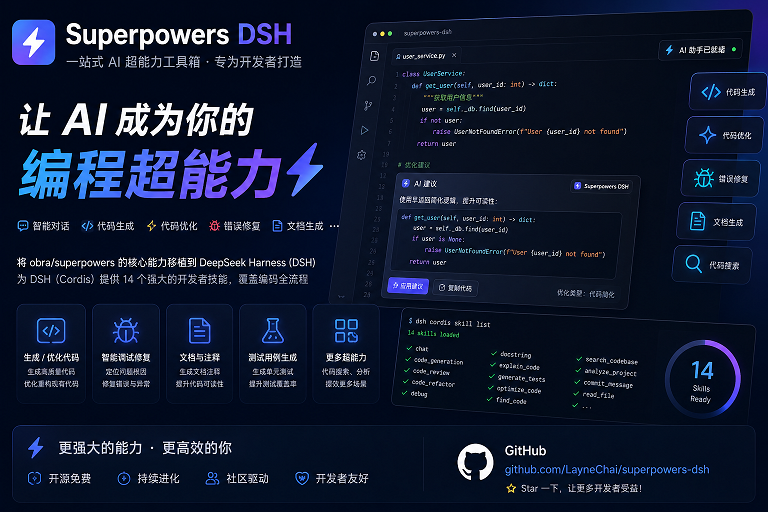 LayneChai/superpowers-dsh
Superpowers skills for DeepSeek Harness: TDD, debugging, planning, and collaboration skills adapted from obra/superpower…
LayneChai/superpowers-dsh
Superpowers skills for DeepSeek Harness: TDD, debugging, planning, and collaboration skills adapted from obra/superpower…
-
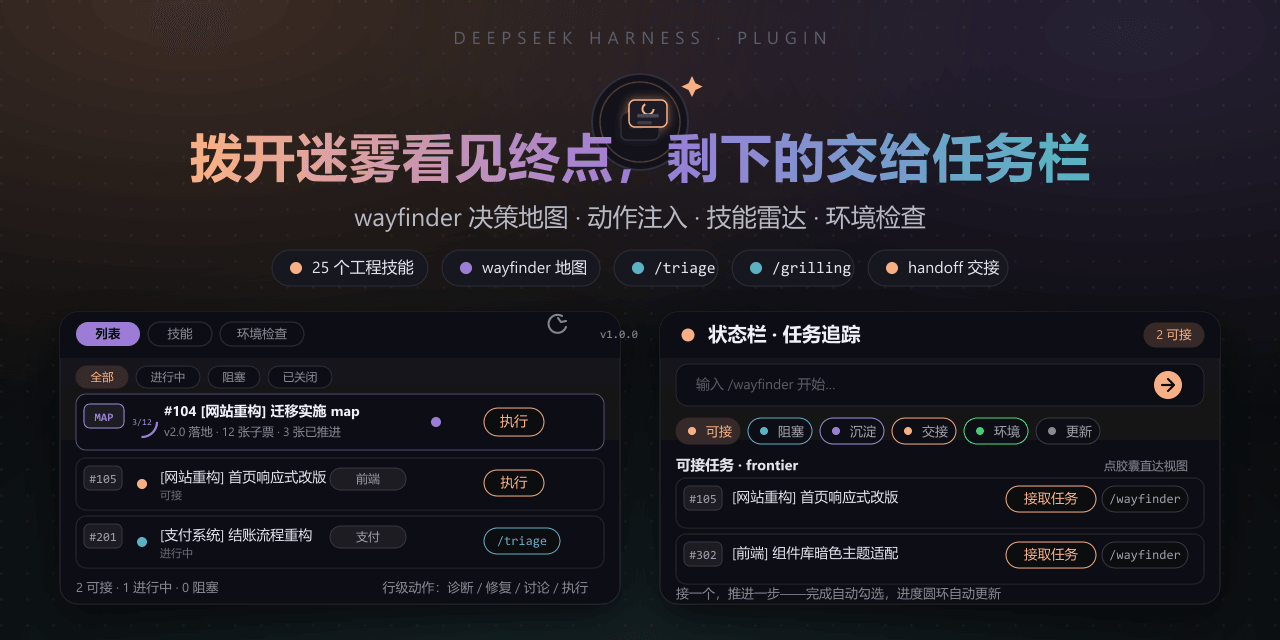 FeatherHunter/dsh-mattpocock-skills-deck
Matt Pocock 技能面板(DSH Deck):安装即自带 25 个工程与效率技能(mattpocock/skills v1.2.3:triage、grilling、wayfinder、handoff 等),右侧面板直接调用,无需手动…
FeatherHunter/dsh-mattpocock-skills-deck
Matt Pocock 技能面板(DSH Deck):安装即自带 25 个工程与效率技能(mattpocock/skills v1.2.3:triage、grilling、wayfinder、handoff 等),右侧面板直接调用,无需手动…
-
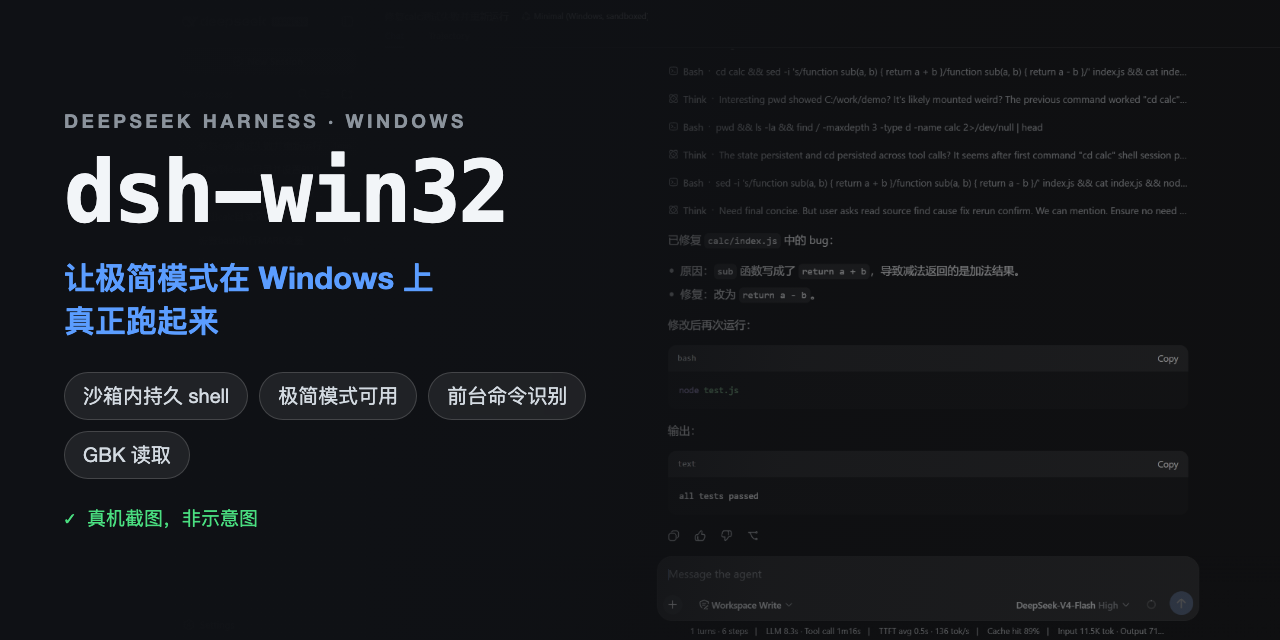 sjh9714/dsh-win32
Fix and diagnose DeepSeek Harness on native Windows. Official PowerShell, Workspace Write, shortcuts, and legacy preset …
sjh9714/dsh-win32
Fix and diagnose DeepSeek Harness on native Windows. Official PowerShell, Workspace Write, shortcuts, and legacy preset …