Ray1270/dsh-task-stack
Persistent per-session task stack for DeepSeek Harness agents - focus_task / focus_complete / read_focus + /focus, zero prompt injection
Project Overview项目介绍
@ray1270/dsh-task-stack is a Cordis plugin bundle packaged as the npm scope @ray1270/dsh-task-stack and built exclusively for the DeepSeek Harness (DSH) Agent, targeting DSH 0.2.0-rc.2 in development and CI. It installs as a profile bundle via dsh plugin --profile desktop add @ray1270/dsh-task-stack, which drops the package into the profile's node_modules and records it inside dsh.profile.bundles of the profile's package.json; the included cordis.patch.yml then resolves the loader line name: @ray1270/dsh-task-stack from that location, and a DSH Desktop restart is required before new sessions can invoke the tools. For ad-hoc debugging the repo ships a dev.patch.yml that uses name: ./lib/index.js and is mounted with dsh --profile web --patch ./dev.patch.yml --no-open, which does not require installation or any node_modules resolution.
The plugin exposes three defineTool registrations — focus_task, focus_complete, and read_focus — plus a /focus slash command for the human operator. The intended workflow is: push the outermost user-facing goal onto the stack with focus_task, push subgoals above it as they emerge, and pop completed tasks with focus_complete only after the deliverable has actually landed and before writing the final reply. State is written as plain JSON under <session-cwd>/<stateDir>/<sessionId>.json, so it survives context compaction and is recoverable whenever the same sessionId plus cwd is reattached. It targets multi-step agents that need durable focus across compression, not single-turn Q&A.
Runtime dependencies are declared as peerDependencies and supplied by the host: @deepseek-ai/cordis ^4.0.2, @deepseek-ai/dsh-tools, @deepseek-ai/dsh-commands, and @deepseek-ai/schemastery ^3.18.2. Configurable fields include stateDir (default .dsh/task-stack, must be relative and non-empty), maxStackDepth (integer ≥ 1, default 20), historyLimit (integer ≥ 1, default 100), and statePruneDays (integer ≥ 0, default 0). Schema violations are rejected by Cordis before plugin activation, with the specific offending field named in the startup log rather than silently clamped. Release is gated by prepack running a ten-step scripts/release-check.mjs (typecheck, build, check-build, probe, five test suites, demo) without invoking any package manager, so a misbehaving pnpm on PATH cannot poison it; first publish needs npm publish --access public. First-run caveat — do not write "dependencies": { "@ray1270/dsh-task-stack": "link:..." } when the profile lives on a different drive, because path.resolve stops at the drive root and a broken link: makes future pnpm install fail.
@ray1270/dsh-task-stack 是一个面向 DeepSeek Harness(DSH)Agent 的可持久化任务栈 Cordis 插件,以纯 npm 包形式发布在 @ray1270 scope 下,仓库声明 DSH 0.2.0-rc.2 为目标版本。它通过 profile bundle 安装:dsh plugin --profile desktop add @ray1270/dsh-task-stack,由 cordis.patch.yml 写入 dsh.profile.bundles,重启 DSH Desktop 后生效;调试时可用 dsh --profile web --patch ./dev.patch.yml --no-open 作免安装 overlay。该包把三个 defineTool(focus_task、focus_complete、read_focus)注册到 Agent 工具表,同时暴露一个 /focus 斜杠命令给人类用户。
典型工作流:Agent 在收到多步骤目标时调用 focus_task(description) 把最外层目标压栈,遇到子目标再压一条,遇到当前栈顶多步工作已落地就调 focus_complete(conclusion) 把它弹出,下一层任务重新变 active。栈以 <session-cwd>/<stateDir>/<sessionId>.json 持久化,跨上下文压缩、同 sessionId+cwd 重挂都能读回。它适合需要在一次交付里需要任意路径分支、又要让结论在多轮里也能看到,而不是单步问答的活体 Agent。
依赖皆为 peerDependencies,由宿主运行时提供:@deepseek-ai/cordis ^4.0.2、@deepseek-ai/dsh-tools、@deepseek-ai/dsh-commands、@deepseek-ai/schemastery ^3.18.2。默认配置 stateDir=.dsh/task-stack、maxStackDepth=20、historyLimit=100、statePruneDays=0;越界会被 Cordis 启动前拒绝并写日志。首次发布需 npm publish --access public,闸门挂在 prepack 上顺序跑十步;坑提示:profile 在 C: 而插件在 D: 时不能写 link:,bundle 靠 node_modules 里的 junction 解析;license 为 MIT。
请帮我安装这个 DSH 插件。安装前先完成【兼容性检查 + 安全性检查】,检查通过再动手。

插件:dsh-task-stack(Ray1270/dsh-task-stack)
仓库:https://github.com/Ray1270/dsh-task-stack
本站详情页:https://www.yhbd.top/plugins/ray1270-dsh-task-stack/
本站登记:类型 plugin · 归类 原生 DSH 插件 · 许可证 MIT · ⭐ 2 · 最近提交 2026-10-01 · 主语言 JavaScript

按下面顺序执行,每步先把结论告诉我,再进入下一步:

【1 兼容性检查】
① 我这边:DSH 版本、Node 版本、操作系统、当前 profile(web / desktop)。
② 读它的 README、package.json、插件 manifest,列出它要求的 DSH 版本 / Node 版本 / 操作系统 / 外部依赖 / 需要另外先装的运行时。
③ 逐条比对,结论只写「满足 / 不满足 / 未知」三种;不满足的给出可行替代方案。
④ 检查是否和我已装的插件冲突:命令名重复、skill / tool 重名、端口占用、重复注册的 MCP server。

【2 安全性检查】
① 仓库可信度:和上面「本站登记」是否一致;star / fork 数、创建时间、最近提交,是否归档或长期停更。
② 安装脚本:逐行看 package.json 的 preinstall / install / postinstall,以及 install.sh、setup.ps1 之类脚本。出现 curl|bash、下载后直接执行、混淆代码、访问与插件功能无关的域名,立刻停下来告诉我,不要继续装。
③ 依赖:列出新增依赖,标出无人维护、或与知名包拼写近似的可疑包(typosquatting)。
④ 权限与副作用:它会读写哪些目录、访问哪些域名、需要哪些 DSH 权限(filesystem / network / shell / clipboard 等),以及怎么卸载和回滚。
⑤ 如果它要求 sudo / 管理员权限,或权限明显超出功能所需,先停下来问我。

【3 安装】
上面两步没有「不满足」和「高危项」时才执行;用官方推荐方式安装,不要自行提权。

【4 汇报】
用表格输出:检查项 / 结论 / 依据 / 是否需要我决策。拿不准的一律写「未知」并说明要我怎么确认——不要猜,也不要替我决定。
Send this message to DSH in your current session: it verifies compatibility and security first (answering met / not met / unknown item by item) and only installs once everything checks out — it will stop and ask you if it finds a high-risk item. The box scrolls; the copy is the full prompt. CLI install commands may not be accurate across systems, so DSH is the safer route.把上面这条消息直接发给当前会话里的 DSH:它会先核对兼容性与安全性(逐条给「满足 / 不满足 / 未知」),确认没问题再安装,有高危项会停下来问你。框内可滚动,复制到的是完整提示词;安装命令不一定准确,发给 DSH 更稳。
- Only 2 stars - very few users, little community feedback星标只有 2,几乎没人在用,遇到问题缺少社区反馈
DSH walks through these 9 checksDSH 会逐条核对这 9 项
Compatibility兼容性
- DSH, Node, OS and profile requirementsDSH 版本 / Node 版本 / 操作系统 / profile 是否满足要求
- External dependencies and runtimes (Electron / Python / Docker, ...)外部依赖与运行时(Electron / Python / Docker 等)是否齐备
- Conflicts with installed plugins: command names, skill / tool names, ports, duplicate MCP registration与已装插件是否冲突:命令名、skill / tool 重名、端口占用、重复 MCP 注册
Security安全性
- Repo matches the facts registered here; archived or abandoned?仓库是否与页面登记一致,是否归档或长期停更
- Safety of preinstall / install / postinstall and install.sh / setup.ps1preinstall / install / postinstall 与 install.sh、setup.ps1 是否安全
- curl|bash, download-then-execute, obfuscation, unrelated domains → stop immediatelycurl|bash、下载即执行、混淆代码、无关域名 → 立刻停止
- Typosquatting or unmaintained packages among the new dependencies新增依赖里有没有 typosquatting 或无人维护的包
- Requested permissions vs. what the feature actually needs申请了哪些权限、是否超出功能所需(filesystem / network / shell / clipboard)
- Any sudo / admin requirement, plus uninstall and rollback是否要求 sudo / 管理员权限,以及卸载与回滚方式
Anything uncertain must be marked unknown with a note on how to confirm it. This site's signal screen is a static snapshot, not a security audit.拿不准的必须标「未知」并说明要我怎么确认。本站的信号筛查是静态快照,不能替代安全审计。
Or use CLI install (for developers)或使用命令行安装(适合开发者)
CLI Install命令行安装
dsh plugin --profile desktop add @ray1270/dsh-task-stack把 Ray1270/dsh-task-stack 加入你的 DSH 配置(web profile)即可启用。
READMEREADME
@ray1270/dsh-task-stack


给 DeepSeek Harness Agent 用的可持久化任务栈:Agent 显式调用三个工具来 push / pop / 查看自己的多步任务焦点,状态以纯文本 JSON 落在会话工作区里。
- 跨上下文压缩存活 —— 状态在磁盘上,压缩掉对话也不丢
- 跨会话恢复可找回 —— 同一
sessionId+cwd重新挂载即读回同一份文件 - 零自动注入 —— 不写系统提示词、不注入上下文,Agent 不主动调用就一个 token 都不花
focus_task("给 CLI 加 JSON 导入命令")
   └─ 遇到需要单独完成的多步目标 → focus_task("顺便把导入的错误提示改掉")
        └─ focus_complete("错误提示已改,附带单测")
   ← 栈顶回到 "给 CLI 加 JSON 导入命令",重新变 active
focus_complete("导入命令已加,冒烟测试通过")
三个工具
模型看到的描述都按「什么时候该用 / 什么时候不该用 / 返回什么」写。
focus_task(description)
把一行任务描述压到栈顶;原先 active 的任务自动变 paused。返回新的栈深度与栈顶任务。
- 该用:用户要的东西需要好几步才能交付,尤其是一个请求里有多个可分离目标时。推你最外层要对用户负责的那个目标,不是你自己计划的每一步。
- 不该用:单轮问答;栈顶任务内部的例行步骤;复述用户消息。
- 栈到达
maxStackDepth时拒绝并说明原因,不抛异常。
focus_complete(conclusion)
弹出栈顶任务,记下一行结论,下面那个任务重新变 active。返回被关闭的任务、重新激活的任务、剩余深度。
- 该用:栈顶任务的多步工作完成、产物已经落地时,且在写最终答复之前调用——这样之后即使发生上下文压缩,也能看到已关闭的结论。
- 不该用:放弃、暂停、改名。目标变了应该改述栈顶任务,而不是把它挂着。
- 空栈时拒绝并提示:说明这次工作根本没 push 过任务。
read_focus()
以 markdown 返回完整栈(active + paused)与最近若干条已完成记录。
- 该用:上下文压缩之后、恢复会话时、用户问「你现在在做什么」时、决定该 push 还是 complete 之前。
- 不该用:每一步之后都调。你自己近几轮还看得到焦点时就别花 token。
- 因为本插件不注入提示词,这是唯一能看到任务栈的办法。
/focus 斜杠命令(人用,不花模型 token)
除了三个工具,插件还注册一个 /focus 命令,直接作用于当前会话的任务栈——排查问题或手工收尾时不用消耗一轮对话。
| 输入 | 作用 |
|---|---|
/focus |
打印任务栈(active/paused 标注 + 深度)与最近历史 |
/focus done <结论> |
关闭栈顶任务并把结论写进 history,等价于一次 focus_complete |
/focus clear |
清空整个栈,每个被清的任务都会记入 history(结论为 cleared via /focus),不会静默丢失 |
/focus clear 是幂等的:空栈时回一句"已经是空的",不算错误。/focus done 空栈时会明确告诉你栈是空的——那是"没 push 过任务"的信号,而不是需要重试。
安装
方式 A:作为 profile bundle 安装(常规使用)
# 从 npm 安装(推荐)
dsh plugin --profile desktop add @ray1270/dsh-task-stack

# 或者克隆仓库后按本地目录安装(适合要改源码时)
git clone https://github.com/Ray1270/dsh-task-stack.git
cd dsh-task-stack
dsh plugin --profile desktop add $pwd
Showing the opening section of the README — the full document lives in the repository以上为 README 开头摘要,完整文档在仓库内 · View the full README on GitHub →在 GitHub 查看完整 README →
Related相关推荐
-
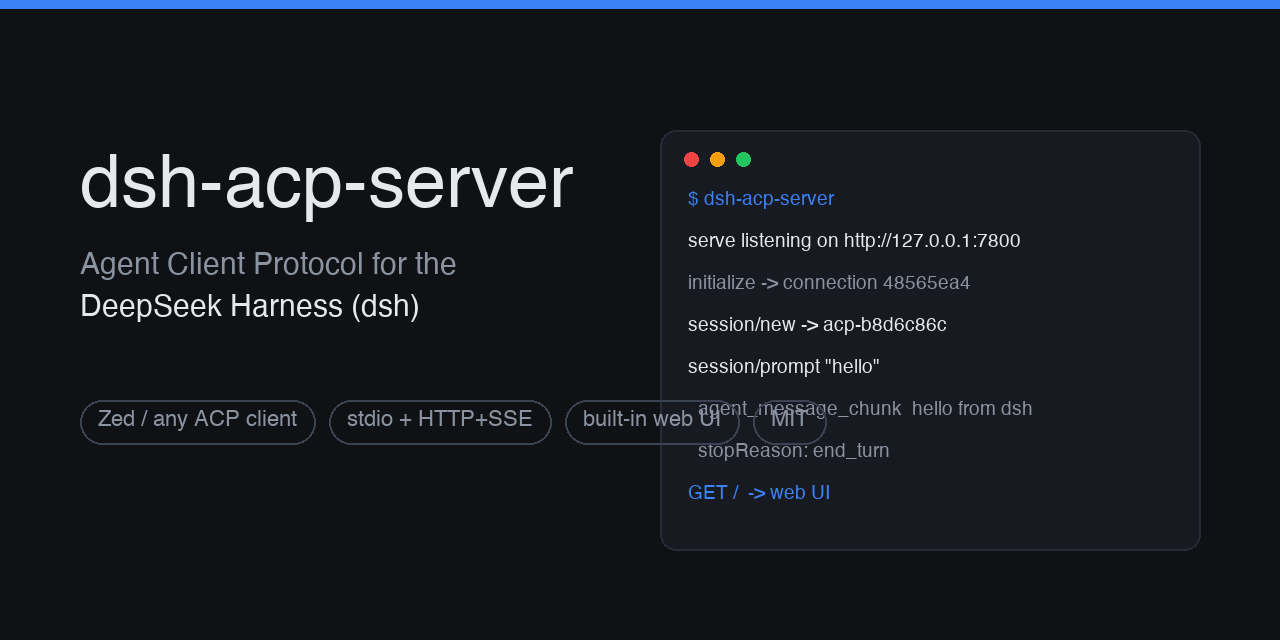 dushaobindoudou/dsh-acp
Agent Client Protocol (ACP) server plugin for the DeepSeek Harness (dsh) - drive dsh agents from Zed, any ACP v1 client,…
dushaobindoudou/dsh-acp
Agent Client Protocol (ACP) server plugin for the DeepSeek Harness (dsh) - drive dsh agents from Zed, any ACP v1 client,…
- WODE25500/dsh-skillopt Nightly self-improvement for your DeepSeek Harness agent: harvest past sessions, replay recurring tasks, and consolidate…
- Cavan-Ou/dsh-observation-journal Zero-touch runtime telemetry for DeepSeek Harness: every session writes its own report card (task/model/tools/failures/d…
-
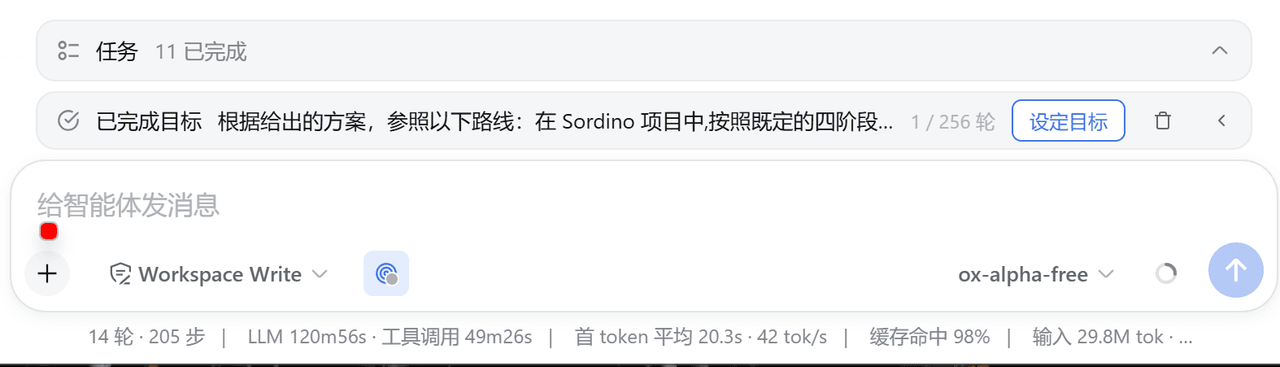 xlennart/dsh-goal-mode-enhance
为 DeepSeek Harness 提供可视化 goal 模式:Goal 栏 / 头部入口 / 设置页(历史+多会话总览)/ goal_overview 模型工具
xlennart/dsh-goal-mode-enhance
为 DeepSeek Harness 提供可视化 goal 模式:Goal 栏 / 头部入口 / 设置页(历史+多会话总览)/ goal_overview 模型工具
- yangdongzhen590/dsh-knj-scheduler Cron task scheduler for DeepSeek Harness: scheduled sessions with your prompt, workspace-aware placement, paginated exec…
-
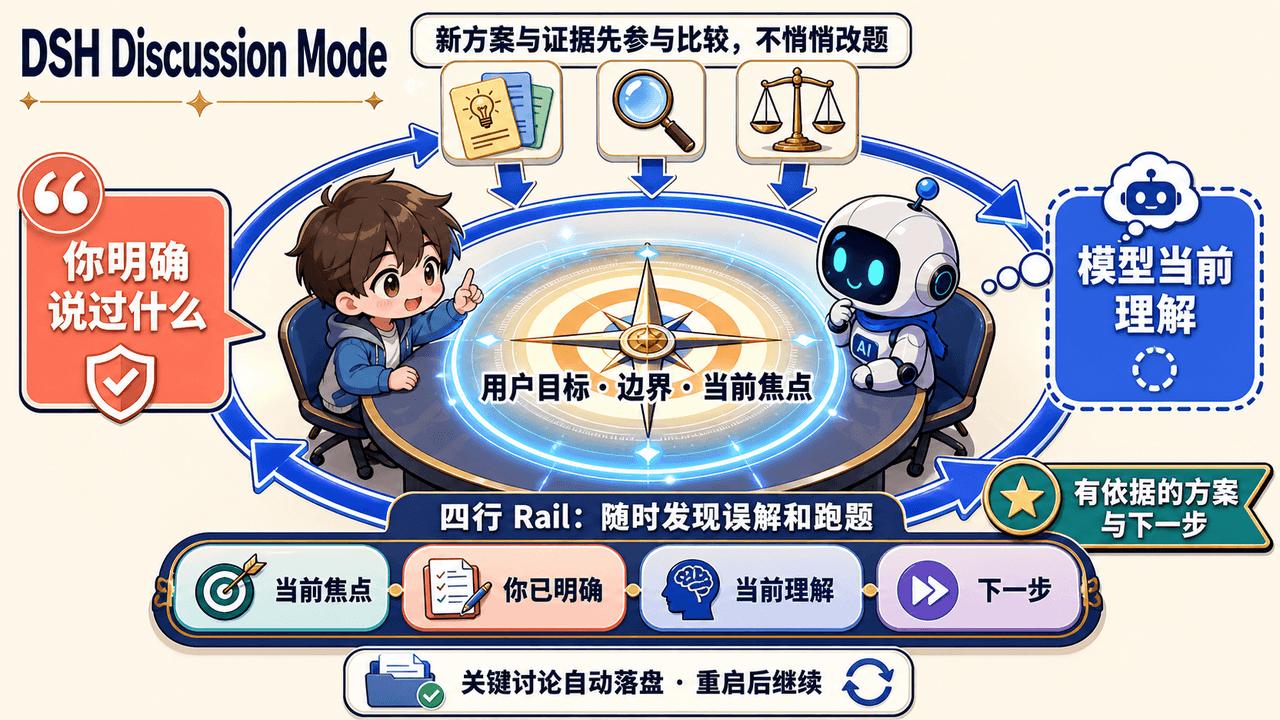 JinPLu/dsh-plugin-discussion-intent
A DSH Discussion Mode that keeps complex AI conversations aligned with your goals and turns them into evidence-based nex…
JinPLu/dsh-plugin-discussion-intent
A DSH Discussion Mode that keeps complex AI conversations aligned with your goals and turns them into evidence-based nex…
- wicm84266964/dsh-minimal-mode-compaction 为 DeepSeek Harness 极简模式增加自动上下文压缩、/compact、/context 和模型主动压缩,解决极简模式长任务无法持续工作的问题。
-
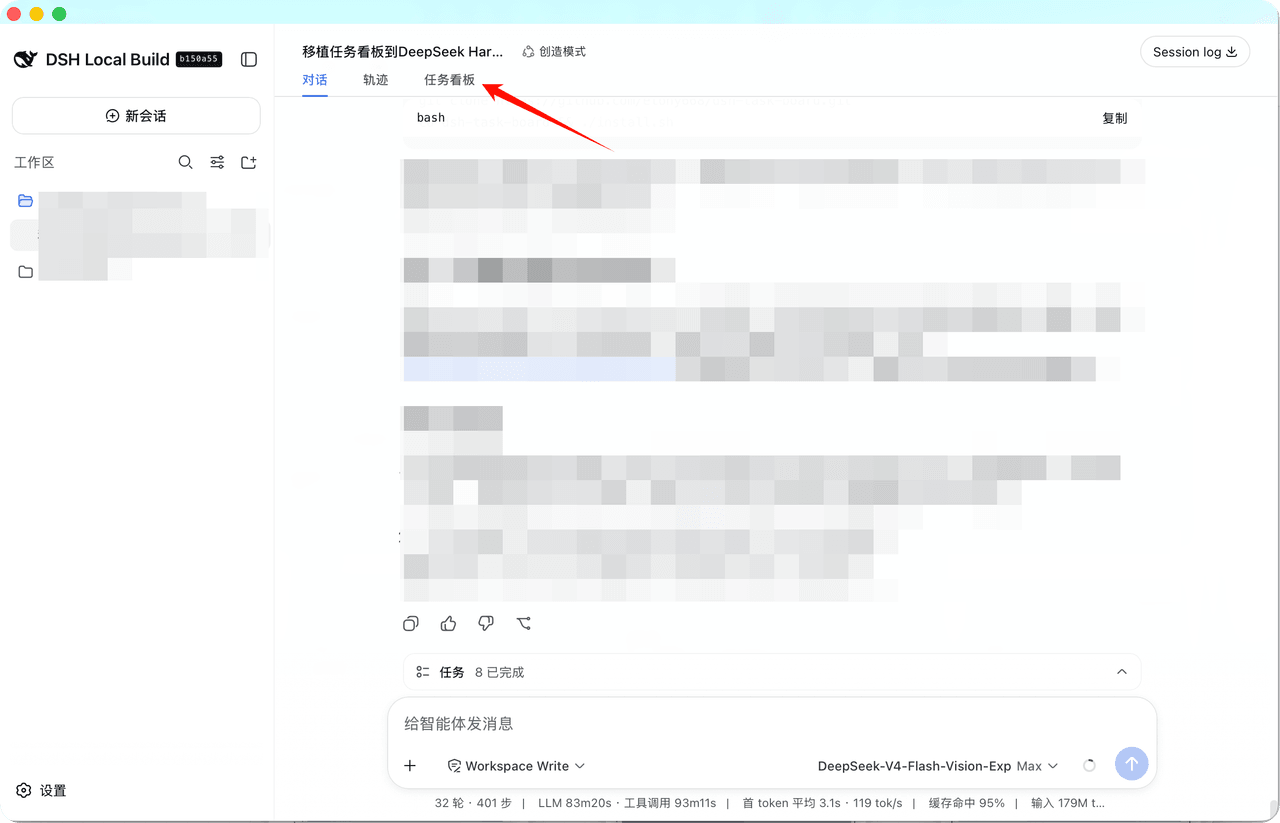 etony668/dsh-task-board
DSH 项目任务看板插件:会话「任务看板」视图 + 父子任务树工具与技能 + 本地 JSON 存储(CodexFF 移植)
etony668/dsh-task-board
DSH 项目任务看板插件:会话「任务看板」视图 + 父子任务树工具与技能 + 本地 JSON 存储(CodexFF 移植)