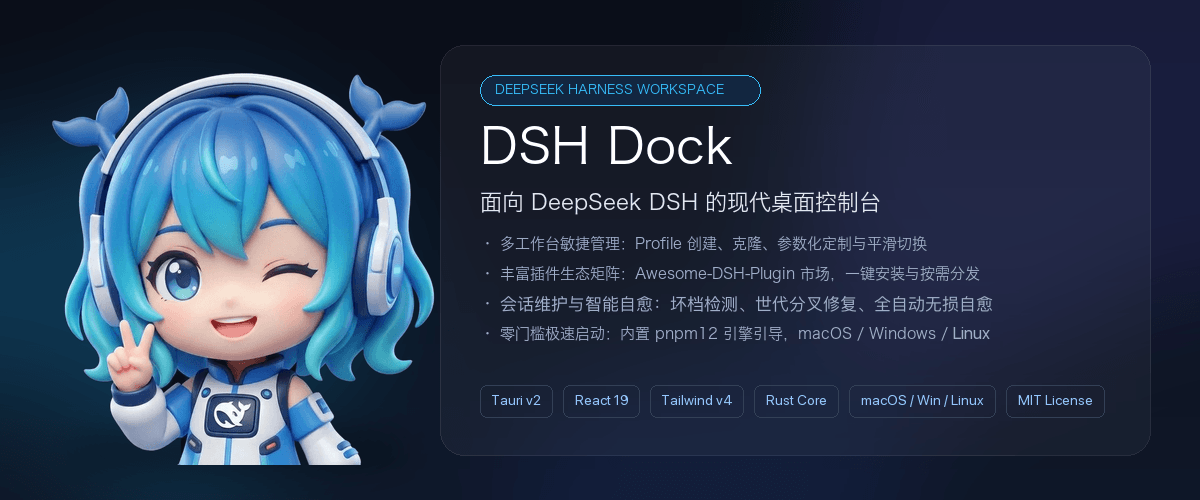
realguan/dsh-dock
专为 DeepSeek Harness (DSH) 打造的跨平台桌面控制中心:多工作台管理、3,400+ 社区插件市场、会话自愈、凭据与系统诊断。Tauri v2 + Rust + React 19,支持 macOS / Windows / Linux。
Project Overview项目介绍
DSH Dock is a desktop control center built exclusively for DeepSeek Harness (DSH), DeepSeek’s official AI agent development toolchain. It is built with Tauri v2, Rust, and React 19, and adds the visual management experience that the official DSH CLI does not provide. It follows a strict Non-Fork principle, meaning it never modifies any of the upstream DSH source code, and all interactions follow official CLI specifications. It supports three major desktop platforms: macOS (Apple Silicon), Windows (including WSL2 integration), and Linux. Distribution packages start at 22MB, require no pre-installed Node.js, pnpm, or DSH, and automatically bootstrap all required dependencies on first launch.
DSH Dock includes four core functional modules: full lifecycle management for multiple workbenches, search and installation for over 3400 community DSH plugins, session health checks and automatic damage repair, and system configuration and running log diagnostics. It also adds global quality-of-life features including system tray support, automatic updates, and crash protection. It is designed for DSH users who prefer visual interfaces over memorizing complex CLI parameters. Users can view all workbench statuses in a card grid, launch their target workflow with a single click, and no longer need to type complex command-line arguments.
DSH Dock is released under the permissive open-source MIT license, with full source code available and welcomes community contributions. There are several platform-specific caveats for first-time users: on macOS, the app may be blocked by system security policies initially, so users need to manually allow it in Privacy & Security settings. On Windows, the installer is not yet code-signed, so Windows SmartScreen will show an unknown publisher warning that can be bypassed by selecting "Run anyway". On Linux, system tray functionality requires the libayatana-appindicator3 package; if the dependency is missing, the app still runs but no tray icon will appear.
dsh-dock 是专为 DeepSeek Harness(DSH)打造的跨平台桌面控制中心,基于 Tauri v2 + Rust + React 19 开发,为官方 DSH CLI 补齐了官方缺失的可视化管理体验。它支持 macOS(Apple Silicon)、Windows(含 WSL2 穿透)、Linux 三大桌面平台,独立打包后安装包从 22MB 起,无需用户预先安装 Node.js、pnpm 或 DSH。它严格遵循 Non-Fork 原则,不会修改上游 DSH 的任何源码,所有交互都通过官方 CLI 规范和文件契约完成,保证和上游版本同步。
它提供四大核心功能模块,分别是多工作台全生命周期管理、超过三千四百个社区插件的检索安装、会话健康巡检与损坏自愈、系统配置与运行日志诊断。此外它还自带托盘常驻、自动更新、崩溃熔断守护等全局能力,适合偏好可视化操作、不想记忆 DSH CLI 复杂参数的 DSH 用户。用户可以通过卡片网格快速查看所有工作台的运行状态,点击就能直达目标工作流,无需手动输入复杂的启动参数。
它采用 MIT 开源许可证,完全开放源代码,欢迎社区参与开发贡献。不同平台有不同的首次运行注意事项:macOS 若被系统安全策略拦截,需要在隐私与安全性设置中手动放行;Windows 安装包暂未做代码签名,SmartScreen 会提示未知发布者,需要手动选择仍要运行;Linux 托盘功能依赖 libayatana-appindicator3,依赖缺失后应用仍可正常运行,但不会显示托盘图标。
请帮我安装这个 DSH 插件。安装前先完成【兼容性检查 + 安全性检查】,检查通过再动手。

插件:dsh-dock(realguan/dsh-dock)
仓库:https://github.com/realguan/dsh-dock
本站详情页:https://www.yhbd.top/plugins/realguan-dsh-dock/
本站登记:类型 client · 归类 原生 DSH 插件 · 许可证 MIT · ⭐ 13 · 最近提交 2026-09-29 · 主语言 Rust · 未检测到 DSH 插件清单

按下面顺序执行,每步先把结论告诉我,再进入下一步:

【1 兼容性检查】
① 我这边:DSH 版本、Node 版本、操作系统、当前 profile(web / desktop)。
② 读它的 README、package.json、插件 manifest,列出它要求的 DSH 版本 / Node 版本 / 操作系统 / 外部依赖 / 需要另外先装的运行时。
③ 逐条比对,结论只写「满足 / 不满足 / 未知」三种;不满足的给出可行替代方案。
④ 检查是否和我已装的插件冲突:命令名重复、skill / tool 重名、端口占用、重复注册的 MCP server。

【2 安全性检查】
① 仓库可信度:和上面「本站登记」是否一致;star / fork 数、创建时间、最近提交,是否归档或长期停更。
② 安装脚本:逐行看 package.json 的 preinstall / install / postinstall,以及 install.sh、setup.ps1 之类脚本。出现 curl|bash、下载后直接执行、混淆代码、访问与插件功能无关的域名,立刻停下来告诉我,不要继续装。
③ 依赖:列出新增依赖,标出无人维护、或与知名包拼写近似的可疑包(typosquatting)。
④ 权限与副作用:它会读写哪些目录、访问哪些域名、需要哪些 DSH 权限(filesystem / network / shell / clipboard 等),以及怎么卸载和回滚。
⑤ 如果它要求 sudo / 管理员权限,或权限明显超出功能所需,先停下来问我。

【3 安装】
上面两步没有「不满足」和「高危项」时才执行;用官方推荐方式安装,不要自行提权。

【4 汇报】
用表格输出:检查项 / 结论 / 依据 / 是否需要我决策。拿不准的一律写「未知」并说明要我怎么确认——不要猜,也不要替我决定。
Send this message to DSH in your current session: it verifies compatibility and security first (answering met / not met / unknown item by item) and only installs once everything checks out — it will stop and ask you if it finds a high-risk item. The box scrolls; the copy is the full prompt. CLI install commands may not be accurate across systems, so DSH is the safer route.把上面这条消息直接发给当前会话里的 DSH:它会先核对兼容性与安全性(逐条给「满足 / 不满足 / 未知」),确认没问题再安装,有高危项会停下来问你。框内可滚动,复制到的是完整提示词;安装命令不一定准确,发给 DSH 更稳。
- 13 stars - an early-stage project星标 13,属于早期项目
- No DSH plugin manifest detected - it may only carry the dsh-plugin topic, so the install method must be confirmed on the spot未检测到 DSH 插件清单:可能只是打了 dsh-plugin 话题,安装方式要现场确认
- Desktop client: installation downloads an executable - verify the publisher and checksums桌面客户端:安装会下载可执行文件,请核对发布者与校验和
DSH walks through these 9 checksDSH 会逐条核对这 9 项
Compatibility兼容性
- DSH, Node, OS and profile requirementsDSH 版本 / Node 版本 / 操作系统 / profile 是否满足要求
- External dependencies and runtimes (Electron / Python / Docker, ...)外部依赖与运行时(Electron / Python / Docker 等)是否齐备
- Conflicts with installed plugins: command names, skill / tool names, ports, duplicate MCP registration与已装插件是否冲突:命令名、skill / tool 重名、端口占用、重复 MCP 注册
Security安全性
- Repo matches the facts registered here; archived or abandoned?仓库是否与页面登记一致,是否归档或长期停更
- Safety of preinstall / install / postinstall and install.sh / setup.ps1preinstall / install / postinstall 与 install.sh、setup.ps1 是否安全
- curl|bash, download-then-execute, obfuscation, unrelated domains → stop immediatelycurl|bash、下载即执行、混淆代码、无关域名 → 立刻停止
- Typosquatting or unmaintained packages among the new dependencies新增依赖里有没有 typosquatting 或无人维护的包
- Requested permissions vs. what the feature actually needs申请了哪些权限、是否超出功能所需(filesystem / network / shell / clipboard)
- Any sudo / admin requirement, plus uninstall and rollback是否要求 sudo / 管理员权限,以及卸载与回滚方式
Anything uncertain must be marked unknown with a note on how to confirm it. This site's signal screen is a static snapshot, not a security audit.拿不准的必须标「未知」并说明要我怎么确认。本站的信号筛查是静态快照,不能替代安全审计。
Or use CLI install (for developers)或使用命令行安装(适合开发者)
CLI Install命令行安装
dsh plugin --profile web add github:realguan/dsh-dock把 realguan/dsh-dock 加入你的 DSH 配置(web profile)即可启用。
READMEREADME
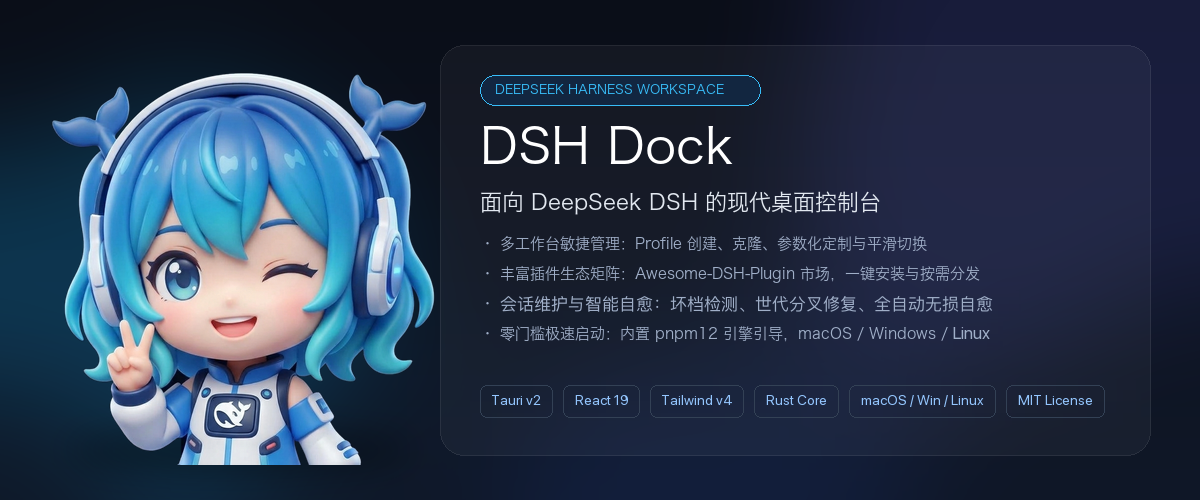
DSH Dock
专为 DeepSeek Harness (DSH) 打造的跨平台桌面控制中心
Desktop Control Center for DeepSeek Harness

%20%7C%20Linux-3b82f6?style=flat-square)




"命令行留给极客,工作台交给 Dock。"
📥 下载安装 · 🎯 核心能力 · 🖥️ 运行时与桌面集成 · ⚡ 快速上手 · 🏛️ 架构 · 🗺️ 路线图
💡 什么是 DSH Dock?
DSH(DeepSeek Harness)是 DeepSeek 官方的智能体开发工具链,通过文件驱动架构与 Cordis 插件系统提供强大的 AI 编程和任务编排能力。
DSH Dock 是为 DSH 打造的跨平台桌面客户端与独立控制中心(基于 Tauri v2 + Rust + React 19),补齐官方 CLI 尚未提供的可视化管理体验:
- 🪶 安装包 22 MB 起 — 各平台独立打包,内置 pnpm 引导器,不预装 Node.js 与 DSH
- 🛡️ 严守 Non-Fork 原则 — 不修改上游 DSH 任何源码,通过官方 CLI 规范与文件契约协同,与上游始终保持同步
- 🌐 多语言界面 — 支持中文与 English,跟随系统语言自动切换
- ⚡ 开箱即用 — 无需预装 Node.js / pnpm / DSH,首次启动自动补齐
- 🖥️ 三平台覆盖 — macOS(Apple Silicon)、Windows(含 WSL2 穿透)、Linux(deb / rpm / AppImage)
🎯 核心能力
DSH Dock 的四个主模块与应用内导航一一对应,另有一层贯穿全局的壳层能力:
| 模块 | 应用内位置 | 解决什么 |
|---|---|---|
| ① 多工作台管理 | 控制中心 → Profile 列表 |
工作台的创建、克隆、重命名、删除与启动 |
| ② 插件中心 | 控制中心 → 插件中心 |
3,400+ 社区插件的检索与安装 |
| ③ 会话维护 | 控制中心 → 会话维护 |
会话健康巡检与损坏自愈 |
| ④ 系统控制台 | 控制中心 → 系统控制台 |
凭据、引擎配置、健康诊断与运行日志 |
| 壳层能力 | 贯穿全局 | 运行时自举、托盘常驻、熔断守护、自动更新 |
Showing the opening section of the README — the full document lives in the repository以上为 README 开头摘要,完整文档在仓库内 · View the full README on GitHub →在 GitHub 查看完整 README →
Related相关推荐
-
 hyqibot/A-share-Ai
幻银量化A股阿法狗AlphaHYQi,100%由ai自主驱动的实盘交易机器。接入自产龙虾iClaw,手机端一句话控制四大模型同时干活。获取方法:前往https://hyqibot.com/card-shop.html 捐赠相应期限的服务卡即…
hyqibot/A-share-Ai
幻银量化A股阿法狗AlphaHYQi,100%由ai自主驱动的实盘交易机器。接入自产龙虾iClaw,手机端一句话控制四大模型同时干活。获取方法:前往https://hyqibot.com/card-shop.html 捐赠相应期限的服务卡即…
-
 Sanqi-normal/dsh-webui-market-plugin
dsh Web GUI 社区插件市场:浏览 awesome-dsh-plugin.com 插件目录,一键安装/卸载到 profile。Community plugin market for the DeepSeek Harness (dsh…
Sanqi-normal/dsh-webui-market-plugin
dsh Web GUI 社区插件市场:浏览 awesome-dsh-plugin.com 插件目录,一键安装/卸载到 profile。Community plugin market for the DeepSeek Harness (dsh…
-
 euanguo/dsh-studio
DSH Studio — a local development workbench for DeepSeek Harness: project tree, Git review, terminal, and plugin marketpl…
euanguo/dsh-studio
DSH Studio — a local development workbench for DeepSeek Harness: project tree, Git review, terminal, and plugin marketpl…
- AKS1st/dock DSH 生态中最好的工作台基座插件:VSCode 风格布局外壳(活动栏/侧边栏/编辑器区/面板/状态栏)+ ctx.workbench 开放注册表,功能插件即插即用;推荐搭配 dock-files/dock-editor/dock-git …
-
 Yui-Little/dsh-mobile-shell
Mobile shell UI plugin for DeepSeek Harness web: overlay drawer, full-width conversation, settings sheet, marketplace wi…
Yui-Little/dsh-mobile-shell
Mobile shell UI plugin for DeepSeek Harness web: overlay drawer, full-width conversation, settings sheet, marketplace wi…
-
 Toukaiteio/dsh-plugin-installer
A marketplace plugin to quickly integrate your DeepSeek Harness into the GitHub plugin ecosystem.
Toukaiteio/dsh-plugin-installer
A marketplace plugin to quickly integrate your DeepSeek Harness into the GitHub plugin ecosystem.
- jing-hy/dsh-unified-market Unified plugin market for DSH Desktop (EAC): curated catalog + GitHub dsh-plugin + npm registry three sources; install/u…
- qubyyang/awesome-ios-sim Simulator State as Code for iOS developers, CI, and AI agents—capture, diff, plan, and safely apply reproducible simulat…