Retr67/dsh-plugin-manager
DeepSeek Harness (DSH) 插件管理器:在 WebUI 设置 → 插件 → 插件管理 里可视化查看、临时打开、关闭其他插件。
catalog descriptioncatalog 简介 / catalog description:在设置里关闭与启用插件
Project Overview项目介绍
DSH Plugin Manager is a visual toggle panel for DeepSeek Harness, registered as a tab under Settings → Plugins → Plugin Management. It enumerates user plugins and system components, performs hot toggle at runtime via Cordis loader entry.disabled (no restart required), and persists closed plugin IDs to .plugin-manager/state.json for replay on next start. System components are read-only; the manager itself cannot be disabled. Toggling auto-reloads the page so UI plugins take full effect, and POST endpoints enforce same-origin checks bound to loopback. Group plugins are toggled via their child entries.
DSH 插件管理器是 DeepSeek Harness 的可视化插件开关面板,注册在「设置 → 插件 → 插件管理」标签页。可列出用户插件与系统组件,运行时热切换(走 Cordis loader 的 entry.disabled,无需重启),状态持久化到 .plugin-manager/state.json 并自动回放。系统组件只读,管理器自身不可关。开启后默认自动刷新页面以使前端插件生效,POST 接口做同源校验,仅监听回环;注意 group 插件会被改为开关其子条目。
请帮我安装这个 DSH 插件。安装前先完成【兼容性检查 + 安全性检查】,检查通过再动手。

插件:dsh-plugin-manager(Retr67/dsh-plugin-manager)
仓库:https://github.com/Retr67/dsh-plugin-manager
本站详情页:https://www.yhbd.top/plugins/retr67-dsh-plugin-manager/
本站登记:类型 plugin · 归类 原生 DSH 插件 · 许可证 MIT · ⭐ 2 · 最近提交 2026-09-01 · 主语言 JavaScript

按下面顺序执行,每步先把结论告诉我,再进入下一步:

【1 兼容性检查】
① 我这边:DSH 版本、Node 版本、操作系统、当前 profile(web / desktop)。
② 读它的 README、package.json、插件 manifest,列出它要求的 DSH 版本 / Node 版本 / 操作系统 / 外部依赖 / 需要另外先装的运行时。
③ 逐条比对,结论只写「满足 / 不满足 / 未知」三种;不满足的给出可行替代方案。
④ 检查是否和我已装的插件冲突:命令名重复、skill / tool 重名、端口占用、重复注册的 MCP server。

【2 安全性检查】
① 仓库可信度:和上面「本站登记」是否一致;star / fork 数、创建时间、最近提交,是否归档或长期停更。
② 安装脚本:逐行看 package.json 的 preinstall / install / postinstall,以及 install.sh、setup.ps1 之类脚本。出现 curl|bash、下载后直接执行、混淆代码、访问与插件功能无关的域名,立刻停下来告诉我,不要继续装。
③ 依赖:列出新增依赖,标出无人维护、或与知名包拼写近似的可疑包(typosquatting)。
④ 权限与副作用:它会读写哪些目录、访问哪些域名、需要哪些 DSH 权限(filesystem / network / shell / clipboard 等),以及怎么卸载和回滚。
⑤ 如果它要求 sudo / 管理员权限,或权限明显超出功能所需,先停下来问我。

【3 安装】
上面两步没有「不满足」和「高危项」时才执行;用官方推荐方式安装,不要自行提权。

【4 汇报】
用表格输出:检查项 / 结论 / 依据 / 是否需要我决策。拿不准的一律写「未知」并说明要我怎么确认——不要猜,也不要替我决定。
Send this message to DSH in your current session: it verifies compatibility and security first (answering met / not met / unknown item by item) and only installs once everything checks out — it will stop and ask you if it finds a high-risk item. The box scrolls; the copy is the full prompt. CLI install commands may not be accurate across systems, so DSH is the safer route.把上面这条消息直接发给当前会话里的 DSH:它会先核对兼容性与安全性(逐条给「满足 / 不满足 / 未知」),确认没问题再安装,有高危项会停下来问你。框内可滚动,复制到的是完整提示词;安装命令不一定准确,发给 DSH 更稳。
- Only 2 stars - very few users, little community feedback星标只有 2,几乎没人在用,遇到问题缺少社区反馈
DSH walks through these 9 checksDSH 会逐条核对这 9 项
Compatibility兼容性
- DSH, Node, OS and profile requirementsDSH 版本 / Node 版本 / 操作系统 / profile 是否满足要求
- External dependencies and runtimes (Electron / Python / Docker, ...)外部依赖与运行时(Electron / Python / Docker 等)是否齐备
- Conflicts with installed plugins: command names, skill / tool names, ports, duplicate MCP registration与已装插件是否冲突:命令名、skill / tool 重名、端口占用、重复 MCP 注册
Security安全性
- Repo matches the facts registered here; archived or abandoned?仓库是否与页面登记一致,是否归档或长期停更
- Safety of preinstall / install / postinstall and install.sh / setup.ps1preinstall / install / postinstall 与 install.sh、setup.ps1 是否安全
- curl|bash, download-then-execute, obfuscation, unrelated domains → stop immediatelycurl|bash、下载即执行、混淆代码、无关域名 → 立刻停止
- Typosquatting or unmaintained packages among the new dependencies新增依赖里有没有 typosquatting 或无人维护的包
- Requested permissions vs. what the feature actually needs申请了哪些权限、是否超出功能所需(filesystem / network / shell / clipboard)
- Any sudo / admin requirement, plus uninstall and rollback是否要求 sudo / 管理员权限,以及卸载与回滚方式
Anything uncertain must be marked unknown with a note on how to confirm it. This site's signal screen is a static snapshot, not a security audit.拿不准的必须标「未知」并说明要我怎么确认。本站的信号筛查是静态快照,不能替代安全审计。
Or use CLI install (for developers)或使用命令行安装(适合开发者)
CLI Install命令行安装
npx -y @deepseek-ai/dsh plugin --profile web add https://github.com/Retr67/dsh-plugin-manager.git把 Retr67/dsh-plugin-manager 加入你的 DSH 配置(web profile)即可启用。
READMEREADME
dsh-plugin-manager
DeepSeek Harness (DSH) 插件管理器:在 WebUI 设置 → 插件 → 插件管理 里可视化查看、临时打开、关闭其他插件。
- 用户插件(可开关):你在
profile/package.json里安装的社区插件 + 你自己在cordis.patch.yml里加的条目(如 MCP 桥梁)。 - 系统组件(只读):DSH 自带的 host/web 基础设施,只展示、不提供开关,避免误关导致 Harness 起不来。
- 开关无需重启 dsh:走的是 Cordis loader 的
entry.update({ disabled })(与官方 dsh-market 主题开关同一条路)。默认在切换后自动刷新网页,让带前端界面的插件(桌宠、侧边栏等)也立即完全生效;也可在面板里切到手动刷新模式(选择保存在浏览器 localStorage)。 - 跨重启保持:被关闭的插件 id 会记在
<profile>/.plugin-manager/state.json,下次启动时自动回放为关闭,直到你把它打开。 - 「全部恢复开启」按钮一键清空所有保持关闭的插件。
环境要求
- DeepSeek Harness (dsh)
- Node.js(含
npx) - Windows / macOS / Linux 均可
安装(一行命令)
在任意终端执行(默认安装到 web profile):
npx -y @deepseek-ai/dsh plugin --profile web add https://github.com/Retr67/dsh-plugin-manager.git
该命令会:① 安装依赖;② 检测到包声明了
dsh.bundle,自动把插件加进dsh.profile.bundles(下次启动自动加载)。
如果你的 dsh 已全局可用,也可以直接:
dsh plugin --profile web add https://github.com/Retr67/dsh-plugin-manager.git
安装到其他 profile
把 web 换成你的 profile 名:
npx -y @deepseek-ai/dsh plugin --profile myprofile add https://github.com/Retr67/dsh-plugin-manager.git
使用
- 重启 dsh:安装后重启一次
dsh web(让插件加载),并刷新浏览器页面。 - 打开 设置(⚙️ / Settings)→ 插件 → 插件管理。
- 你会看到:
- 用户插件(可开关):每个插件一行,右侧有开关,点击即可打开 / 关闭。
- 系统组件(只读):只展示,不提供开关,防止误关导致 Harness 起不来。
- 刷新模式:
- 默认自动刷新:开关后页面自动刷新,带前端界面的插件也会立即完全生效。
- 可切到手动刷新:开关后不自动刷新,点面板里的「刷新」或手动刷新网页后生效(选择会保存在浏览器 localStorage)。
卸载
npx -y @deepseek-ai/dsh plugin --profile web remove dsh-plugin-manager
目录结构
dsh-plugin-manager/
├── package.json        # dsh.bundle + dsh.client 声明
├── cordis.patch.yml    # 挂载 plugin-manager 主机条目
├── dsh/
│   ├── index.js        # 主机端:HTTP API + loader 枚举/开关 + 状态持久化
│   └── client.js       # 浏览器端:注册 设置→插件→插件管理 标签页(React)
├── install.ps1         # Windows 一键安装脚本(内部即标准 npx 命令)
├── install.sh          # POSIX 一键安装脚本(内部即标准 npx 命令)
├── README.md
└── LICENSE             # MIT
install.ps1 / install.sh 只是标准命令的便捷封装,默认安装源是上面的 GitHub 仓库;不以自定义
file:路径作为主安装方式。
与官方机制的关系
- 不对
package.json的dsh.profile.bundles做热增删(那需要重启生效),而是对运行中的 loader entry 做热开关——这是 dsh-market 主题切换验证过的做法。 - 状态持久化、启动回放、自愈守卫(
internal/plugin事件)同样移植自 dsh-market。 - group 插件(如把某个插件包包裹成 group 的宿主)无法直接置
disabled,管理器会自动改为开关其子条目。
HTTP API(同源校验)
| 方法 | 路径 | 说明 |
|---|---|---|
| GET | /plugin-manager/list |
返回插件列表与开关状态 |
| POST | /plugin-manager/toggle |
{ id, enabled } 热开关某个插件 |
| POST | /plugin-manager/reset |
恢复所有被保持关闭的插件 |
POST 接口(toggle/reset)做了 Origin === Host 的同源校验;GET 列表是只读、且只暴露在回环地址绑定的 web server 上,不再要求 Origin 头(同源 GET fetch 默认不携带 Origin,要求它会导致面板报 untrusted origin)。
安全
- 主机端仅使用 node 内置模块(fs/os/path),无网络调用、无子进程、无 eval。
- 客户端用 React 渲染插件名(自动转义,无 XSS),所有请求都是同源 fetch。
- 管理器自己(
plugin-manager)不会被关闭;系统组件不会提供开关。
License
MIT
Related相关推荐
- yjh051108/dsh-routing-suite dsh-routing-suite — injector + router-standard kit: install the runtime injector first, then the task-aware reasoning-mo…
- xiaobright/dsh-anchored-standard Two-phase DeepSeek Harness preset: Minimal-aligned bootstrap, then full Standard tools (Project2 98/99)
-
 jingyunstudio/jingyun-dsh
基于 Jingyun Studio + DeepSeek Harness (DSH) 打造的一站式 AI 商业化桌面客户端,一个将 AI 智能体 / 技能 / 工作流转化为可交易商品的完整商业化平台客户端。 井云为 DSH 注入了完整的商…
jingyunstudio/jingyun-dsh
基于 Jingyun Studio + DeepSeek Harness (DSH) 打造的一站式 AI 商业化桌面客户端,一个将 AI 智能体 / 技能 / 工作流转化为可交易商品的完整商业化平台客户端。 井云为 DSH 注入了完整的商…
-
 Unclecheng-li/DeepSec
DeepSec — AI Security Offense & Defense Platform. Shield audits AI-generated code for hallucinated packages, missing saf…
Unclecheng-li/DeepSec
DeepSec — AI Security Offense & Defense Platform. Shield audits AI-generated code for hallucinated packages, missing saf…
-
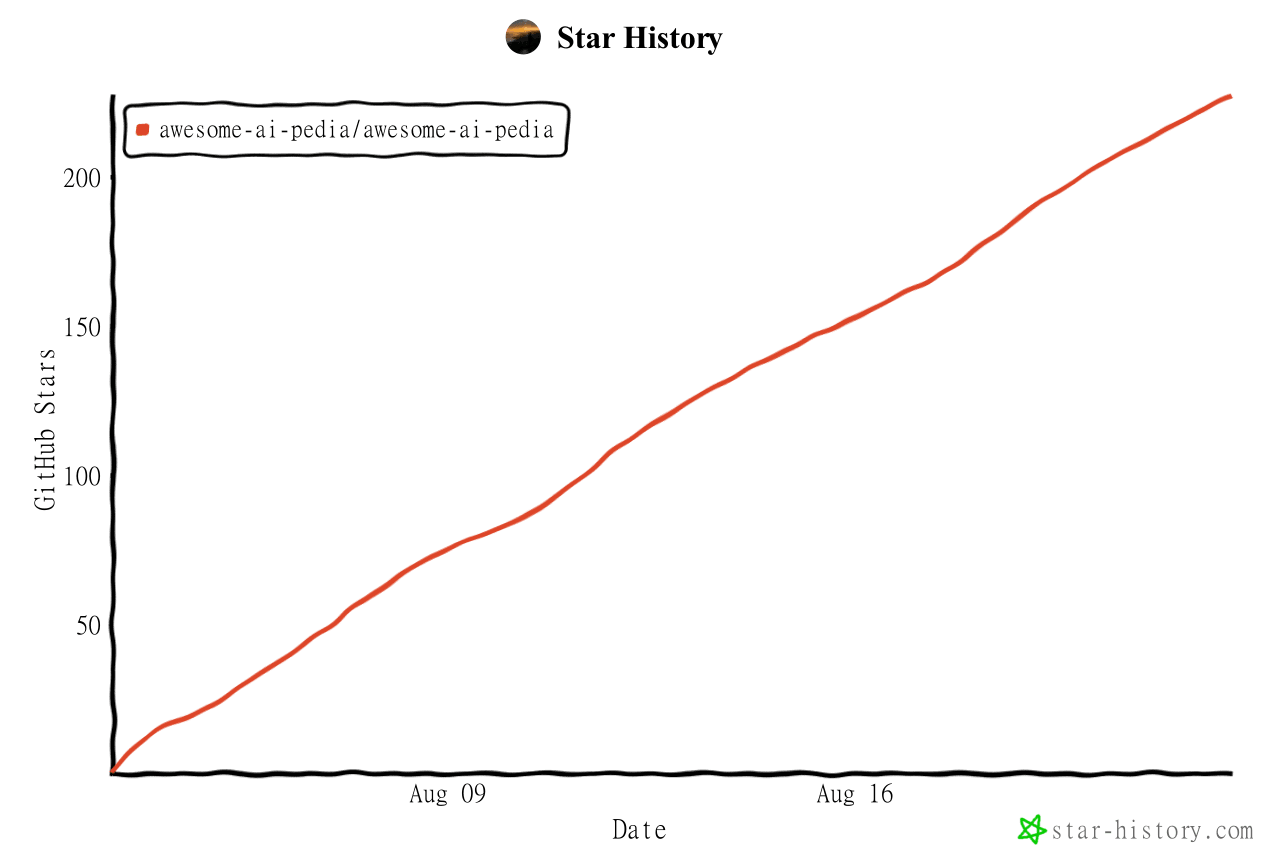 Awesome-AI-Pedia/Awesome-AI-Pedia
AI skills大全 mcp ai知识库 Agent 全维度 AI 资源百科,DSH插件 收录大模型、智能 Agent、RAG 检索增强、多模态、MLOps、AI 应用工具、AI面试集、Vibe coding 大全、零基础学习路线,持续更…
Awesome-AI-Pedia/Awesome-AI-Pedia
AI skills大全 mcp ai知识库 Agent 全维度 AI 资源百科,DSH插件 收录大模型、智能 Agent、RAG 检索增强、多模态、MLOps、AI 应用工具、AI面试集、Vibe coding 大全、零基础学习路线,持续更…
-
 imsai-sh/awesome-deepseek-harness-plugins
DeepSeek Harness plugin store, marketplace and hub — 11,000+ dsh plugins with search, rankings, install commands and a f…
imsai-sh/awesome-deepseek-harness-plugins
DeepSeek Harness plugin store, marketplace and hub — 11,000+ dsh plugins with search, rankings, install commands and a f…
- seriousz158/dsh-memory
-
 yjh051108/dsh-super-injector
推荐组件(非必须):DeepSeek Harness 运行时注入器;已随 dsh-routing-suite 单仓库化保留,本仓库继续维护/发布。
yjh051108/dsh-super-injector
推荐组件(非必须):DeepSeek Harness 运行时注入器;已随 dsh-routing-suite 单仓库化保留,本仓库继续维护/发布。