yjh051108/dsh-super-injector
DSH 生态的 BepInEx 式模组注入入口:运行时把任意本地插件包注入运行中的 web, 不碰 patch / package.json / bundles 列表、不重启进程。注入即完整生效(host 工具 + client UI)。
catalog descriptioncatalog 简介 / catalog description:推荐组件(非必须):DeepSeek Harness 运行时注入器;已随 dsh-routing-suite 单仓库化保留,本仓库继续维护/发布。
Project Overview项目介绍
dsh-super-injector is a native plugin built exclusively for DeepSeek Harness (DSH) that acts as a runtime injection layer for DSH plugins. It enables users to inject pre-built local plugin packages into a running DSH web instance without modifying configuration files, restarting the DSH process, or altering package.json or bundle lists. You can install it in one of three ways: download a pre-built release tarball, install directly from the GitHub repository via the DSH plugin command, or add a manual entry to the DSH cordis patch configuration file for bootstrapping. The recommended method is using the pre-built release to avoid build errors common with source installs.
This plugin is useful for both end users and plugin developers working in the DSH ecosystem. End users can quickly install third-party DSH mods by running the dev_inject_plugin command with the absolute path to the plugin package, and the mod becomes available immediately in the next step. Developers can use it to complete a full development iteration: after modifying code and building, automatic watch triggers a hot reload in around 1.5 seconds, with no manual input needed. Unstable test plugins can be kept in a staging area to avoid cache pollution, and promoted to production with a single command once validated. Uninstalling an injected plugin only requires running dev_uninject_plugin to clear all residuals, no restart needed.
The plugin does not hardcode a specific DSH version, using range declarations for peer dependencies that are compatible with most existing DSH releases, and has been updated to accommodate DSH interface name changes. Injected plugin lists are persisted to a local JSON file, so they can be automatically restored after a DSH restart, and failed injections automatically roll back to keep the previous working version. There are several caveats users should note: injected plugins need to include their own dependency links, client UIs require a separate build step, and failed retries require cache clearing to avoid errors. The repository does not list an explicit open source license, so users should be aware of that when using or modifying the code.
dsh-super-injector 是专为 DSH 开发的原生运行时注入插件,定位是官方装配机制之下的运行时管理标准层,类似游戏的 BepInEx 模组注入入口,支持不修改配置、不重启进程,将任意本地预构建完整插件包注入运行中的 DSH web 环境,同时实现宿主工具和客户端 UI 的完整生效。它打破了官方装配只能通过启动器入口加载模组的限制,做到万物皆可运行时注入。
普通用户可以用它快速安装第三方 DSH 模组,开发者则可以用它完成插件开发的完整闭环:修改代码、构建后等待约 1.5 秒即可自动热重载,无需手动触发;测试阶段的插件可以先挂到侧挂区,验证稳定后一键转正;需要卸载时,调用命令即可一键清理所有残留,全程无需重启 DSH 进程。安装方式有三种可选,推荐下载预构建 Release 包,也支持直接从 GitHub 源码装配。
该插件不硬编码 DSH 版本,依赖范围声明兼容大多数现有 DSH 版本,适配了 DSH 接口改名,支持重启后自动恢复已注入的插件清单,失败注入会自动回滚保留旧版本。使用时需要注意,注入的插件包需要自带依赖链接,客户端 UI 需要单独构建,失败重试前要清理缓存,否则可能出现异常。项目没有标注明确开源许可证,用户使用时需要注意。
请帮我安装这个 DSH 插件。安装前先完成【兼容性检查 + 安全性检查】,检查通过再动手。

插件:dsh-super-injector(yjh051108/dsh-super-injector)
仓库:https://github.com/yjh051108/dsh-super-injector
本站详情页:https://www.yhbd.top/plugins/yjh051108-dsh-super-injector/
本站登记:类型 plugin · 归类 原生 DSH 插件 · 许可证未声明 · ⭐ 167 · 最近提交 2026-09-18 · 主语言 TypeScript

按下面顺序执行,每步先把结论告诉我,再进入下一步:

【1 兼容性检查】
① 我这边:DSH 版本、Node 版本、操作系统、当前 profile(web / desktop)。
② 读它的 README、package.json、插件 manifest,列出它要求的 DSH 版本 / Node 版本 / 操作系统 / 外部依赖 / 需要另外先装的运行时。
③ 逐条比对,结论只写「满足 / 不满足 / 未知」三种;不满足的给出可行替代方案。
④ 检查是否和我已装的插件冲突:命令名重复、skill / tool 重名、端口占用、重复注册的 MCP server。

【2 安全性检查】
① 仓库可信度:和上面「本站登记」是否一致;star / fork 数、创建时间、最近提交,是否归档或长期停更。
② 安装脚本:逐行看 package.json 的 preinstall / install / postinstall,以及 install.sh、setup.ps1 之类脚本。出现 curl|bash、下载后直接执行、混淆代码、访问与插件功能无关的域名,立刻停下来告诉我,不要继续装。
③ 依赖:列出新增依赖,标出无人维护、或与知名包拼写近似的可疑包(typosquatting)。
④ 权限与副作用:它会读写哪些目录、访问哪些域名、需要哪些 DSH 权限(filesystem / network / shell / clipboard 等),以及怎么卸载和回滚。
⑤ 如果它要求 sudo / 管理员权限,或权限明显超出功能所需,先停下来问我。

【3 安装】
上面两步没有「不满足」和「高危项」时才执行;用官方推荐方式安装,不要自行提权。

【4 汇报】
用表格输出:检查项 / 结论 / 依据 / 是否需要我决策。拿不准的一律写「未知」并说明要我怎么确认——不要猜,也不要替我决定。
Send this message to DSH in your current session: it verifies compatibility and security first (answering met / not met / unknown item by item) and only installs once everything checks out — it will stop and ask you if it finds a high-risk item. The box scrolls; the copy is the full prompt. CLI install commands may not be accurate across systems, so DSH is the safer route.把上面这条消息直接发给当前会话里的 DSH:它会先核对兼容性与安全性(逐条给「满足 / 不满足 / 未知」),确认没问题再安装,有高危项会停下来问你。框内可滚动,复制到的是完整提示词;安装命令不一定准确,发给 DSH 更稳。
- No license declared - all rights reserved by default; ask the author before commercial use or redistribution未声明开源许可证 —— 默认「保留所有权利」,商用或再分发前先问作者
DSH walks through these 9 checksDSH 会逐条核对这 9 项
Compatibility兼容性
- DSH, Node, OS and profile requirementsDSH 版本 / Node 版本 / 操作系统 / profile 是否满足要求
- External dependencies and runtimes (Electron / Python / Docker, ...)外部依赖与运行时(Electron / Python / Docker 等)是否齐备
- Conflicts with installed plugins: command names, skill / tool names, ports, duplicate MCP registration与已装插件是否冲突:命令名、skill / tool 重名、端口占用、重复 MCP 注册
Security安全性
- Repo matches the facts registered here; archived or abandoned?仓库是否与页面登记一致,是否归档或长期停更
- Safety of preinstall / install / postinstall and install.sh / setup.ps1preinstall / install / postinstall 与 install.sh、setup.ps1 是否安全
- curl|bash, download-then-execute, obfuscation, unrelated domains → stop immediatelycurl|bash、下载即执行、混淆代码、无关域名 → 立刻停止
- Typosquatting or unmaintained packages among the new dependencies新增依赖里有没有 typosquatting 或无人维护的包
- Requested permissions vs. what the feature actually needs申请了哪些权限、是否超出功能所需(filesystem / network / shell / clipboard)
- Any sudo / admin requirement, plus uninstall and rollback是否要求 sudo / 管理员权限,以及卸载与回滚方式
Anything uncertain must be marked unknown with a note on how to confirm it. This site's signal screen is a static snapshot, not a security audit.拿不准的必须标「未知」并说明要我怎么确认。本站的信号筛查是静态快照,不能替代安全审计。
Or use CLI install (for developers)或使用命令行安装(适合开发者)
CLI Install命令行安装
dsh plugin --profile web add github:yjh051108/dsh-super-injector把 yjh051108/dsh-super-injector 加入你的 DSH 配置(web profile)即可启用。
READMEREADME
dsh-super-injector — 超级模组注入器
🎉 v0.3.0 重大声明(2026-08-14)
从经验补丁到源码契约——注入器完成规范重构。
本版本按 docs/SPEC.md(基于 DSH 0.1.0-rc.6 源码语义推导的 设计契约)重构自重载为官方 REPLACE 结构:工具只排程、绝不亲自自杀; reboot 走
entry._dispose(官方_disposing豁免)+ 失败自动 rollback。 从此注入器的一切行为都有源码依据,不再依赖经验补丁。里程碑回顾:
- 三轮零上下文 subagent 评测:9/10 → 9.5/10 → 10/10
- 作死压力测试:连环自杀/坏语法/悬空 junction/循环注入卸载——零崩溃零残留
- 云源自举:下载 release 副本 → 装配 → 注入器从云端副本运行(自检 8/8)
- 免杀进程恢复:失败 → touch patch(include.refresh 进程内重装配)→ 6 秒复活
- DSH 正式版兼容:0.1.0-rc.6 一行不改直接运行(peerDeps 范围声明实证)
哲学不变:一切皆插件——注入器是 DSH 生态的运行时注入标准层, 让"插件想长成什么样就长成什么样"。
DSH 生态的 BepInEx 式模组注入入口:运行时把任意本地插件包注入运行中的 web, 不碰 patch / package.json / bundles 列表、不重启进程。注入即完整生效(host 工具 + client UI)。
灵感:官方装配机制(profile bundle / repository-plugin)是唯一的"官方入口",就像游戏 只有启动器能装模组。本插件打破这一点——引导器走官方入口装一次,之后万物皆可运行时注入。
安装(三选一)
方式 A:Release 包(推荐,免构建)
从 Releases 下载
dsh-external-dsh-super-injector-0.0.1.tgz,解压得到插件目录(含 lib/ 与 cordis.patch.yml),然后:
# 官方装配(重启后由 bundles 接管,生产态)
dsh plugin --profile web add <解压目录>

# 或运行时注入(免重启,开发态;需任一环境已常驻注入器)
# 对 AI 说:dev_inject_plugin <解压目录>
方式 B:git 装配
dsh plugin --profile web add github:yjh051108/dsh-super-injector
git 依赖拉取的是源码仓库(不含
lib/);包内prepare钩子会在安装时自动 用 tsdown 构建自包含lib/(首次需要网络拉取 tsdown,之后走本地缓存)。 若构建失败,请改用方式 A 的 Release tgz(预构建产物)。
方式 C:引导装配(源码方式,只需一次)
⚠️ 仅限未走 bundles 装配时使用:注入器自带 bundle 层会自注册
dsh-super-injector,与下方手动insert撞同一个 loader entry id,会报duplicate loader entry id。走方式 A/B 装配后请勿再加这一条。
在 ~/.dsh/profiles/web/cordis.patch.yml 添加:
- insert:
    - id: dsh-super-injector
      name: '@yjh051108/dsh-super-injector'
      config: {}
引导器常驻后,任意超级模组随取随用,无需再碰官方配置。
兼容性
- 不硬编码 DSH 版本:peerDependencies 全部为范围声明
(
@deepseek-ai/dsh-tools: >=0.0.1-rc <2、cordis: >=4.0.0-rc <5)——DSH 升级不报废。 - 已适配服务改名:
webServer(原 httpServer)、compaction(原 compact)。
特性
- 🔥 热重载 + 自重载:
dev_reload_package整包重载(清缓存 → 重新 import → 重建 fiber,失败回滚保留旧代);注入器自身也支持自重载(自杀 → 全局定时器重建) - 🤖 自动 watch:注入即自动监听插件目录,改代码 build 后约 1.5 秒自动重载(无需手动触发)
- 🖥️ 注入插件 UI 完整生效:清除 loader 幽灵 entry 隔离(normalizeEntry),client 模块补扫/联动/卸载清理——注入的插件 host 工具 + 图谱/面板等 UI 全部可用
- 🧪 开发侧挂区(staging)+ 持久化:测试工具挂"后侧"不进 tools schema、缓存零污染;
dev_stage_promote一键转正;staging 落盘,自重载/重启后转正工具自动恢复 - 🧹 一键卸载:
dev_uninject_pluginfiber 全清理(工具/监听/路由/client 表)→ 清注入清单 → 删 junction,免重启 - 🛠️ 路由自愈:
dev_clear_routes直捣 webserver 内部路由表,热重载残留的孤儿路由免重启清除 - 🔁 重启自动恢复:注入清单持久化(
~/.dsh/super-injector/registry.json),web 重启后自动归位 - 📊 操作自检:每次注入/重载/安装返回
host ✓ / client ✓双验证;dev_plugin_status含操作成功率统计 - 🛡️ 失败可重试:
hasActiveEntry权威防重 + 失败残留缓存自动清理 + 残留 entry 自动清理
Showing the opening section of the README — the full document lives in the repository以上为 README 开头摘要,完整文档在仓库内 · View the full README on GitHub →在 GitHub 查看完整 README →
Related相关推荐
- yjh051108/dsh-routing-suite dsh-routing-suite — injector + router-standard kit: install the runtime injector first, then the task-aware reasoning-mo…
-
 jingyunstudio/jingyun-dsh
基于 Jingyun Studio + DeepSeek Harness (DSH) 打造的一站式 AI 商业化桌面客户端,一个将 AI 智能体 / 技能 / 工作流转化为可交易商品的完整商业化平台客户端。 井云为 DSH 注入了完整的商…
jingyunstudio/jingyun-dsh
基于 Jingyun Studio + DeepSeek Harness (DSH) 打造的一站式 AI 商业化桌面客户端,一个将 AI 智能体 / 技能 / 工作流转化为可交易商品的完整商业化平台客户端。 井云为 DSH 注入了完整的商…
-
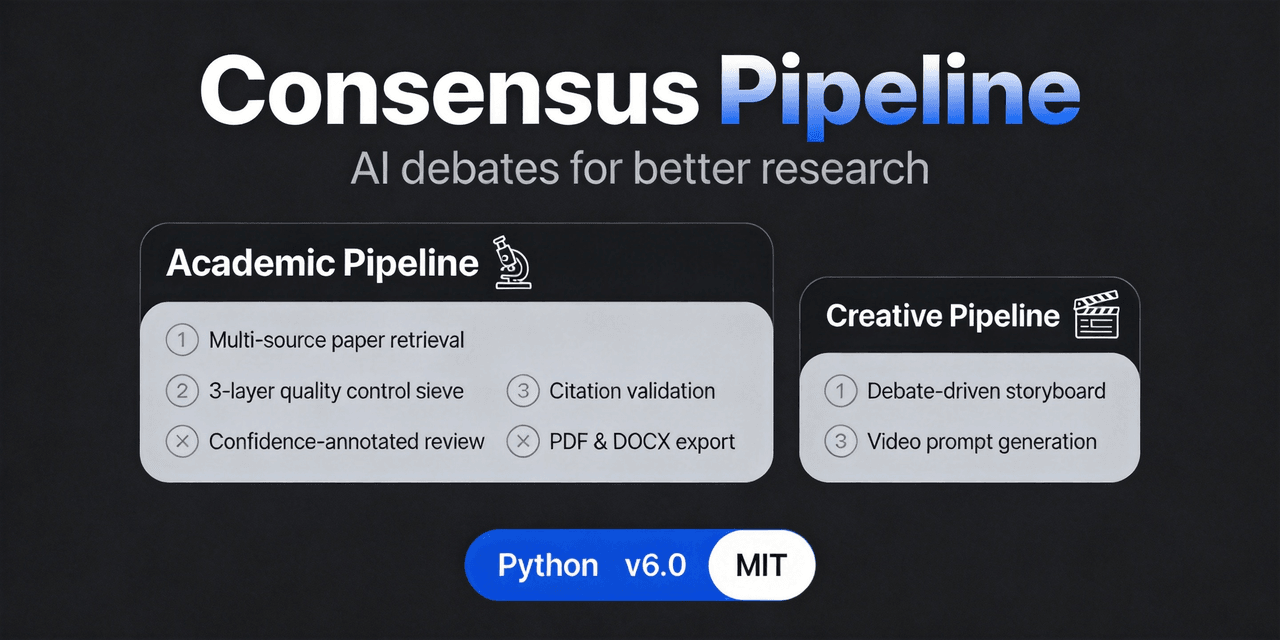 fangqian616/consensus-pipeline
Multi-agent department framework for long-form complex tasks, fighting AI hallucination, validated on academic research.…
fangqian616/consensus-pipeline
Multi-agent department framework for long-form complex tasks, fighting AI hallucination, validated on academic research.…
-
 feibi-mochi/deepseek-harness-control-center
DeepSeek Harness control center for balance, usage, peak/off-peak pricing, encrypted multi-account switching, health che…
feibi-mochi/deepseek-harness-control-center
DeepSeek Harness control center for balance, usage, peak/off-peak pricing, encrypted multi-account switching, health che…
-
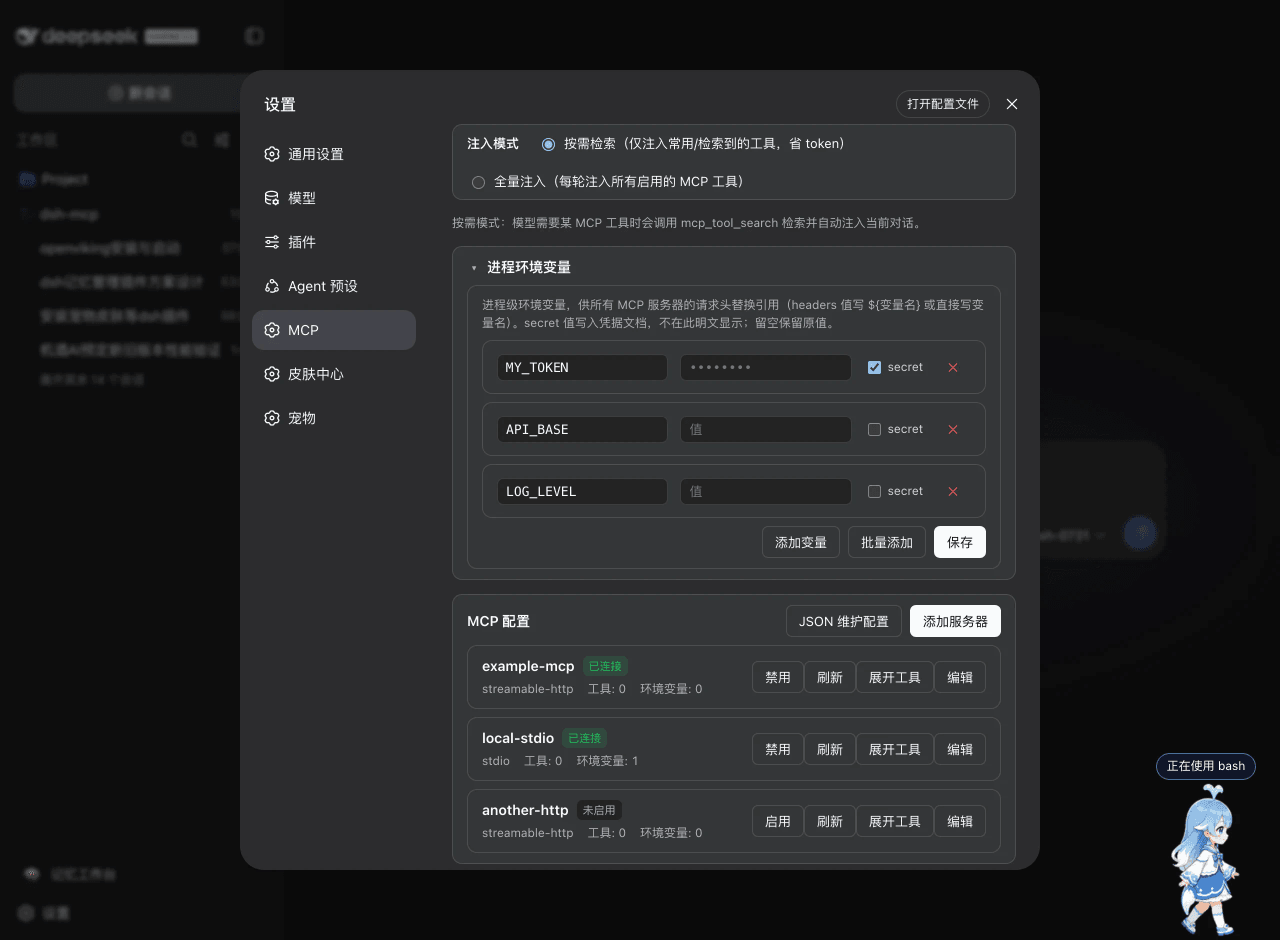 ArvinQi/dsh-mcp
DeepSeek Harness 的 MCP 服务器管理插件:可视化界面管理 + 按需热注入,OAuth 鉴权支持,环境变量配置。
ArvinQi/dsh-mcp
DeepSeek Harness 的 MCP 服务器管理插件:可视化界面管理 + 按需热注入,OAuth 鉴权支持,环境变量配置。
-
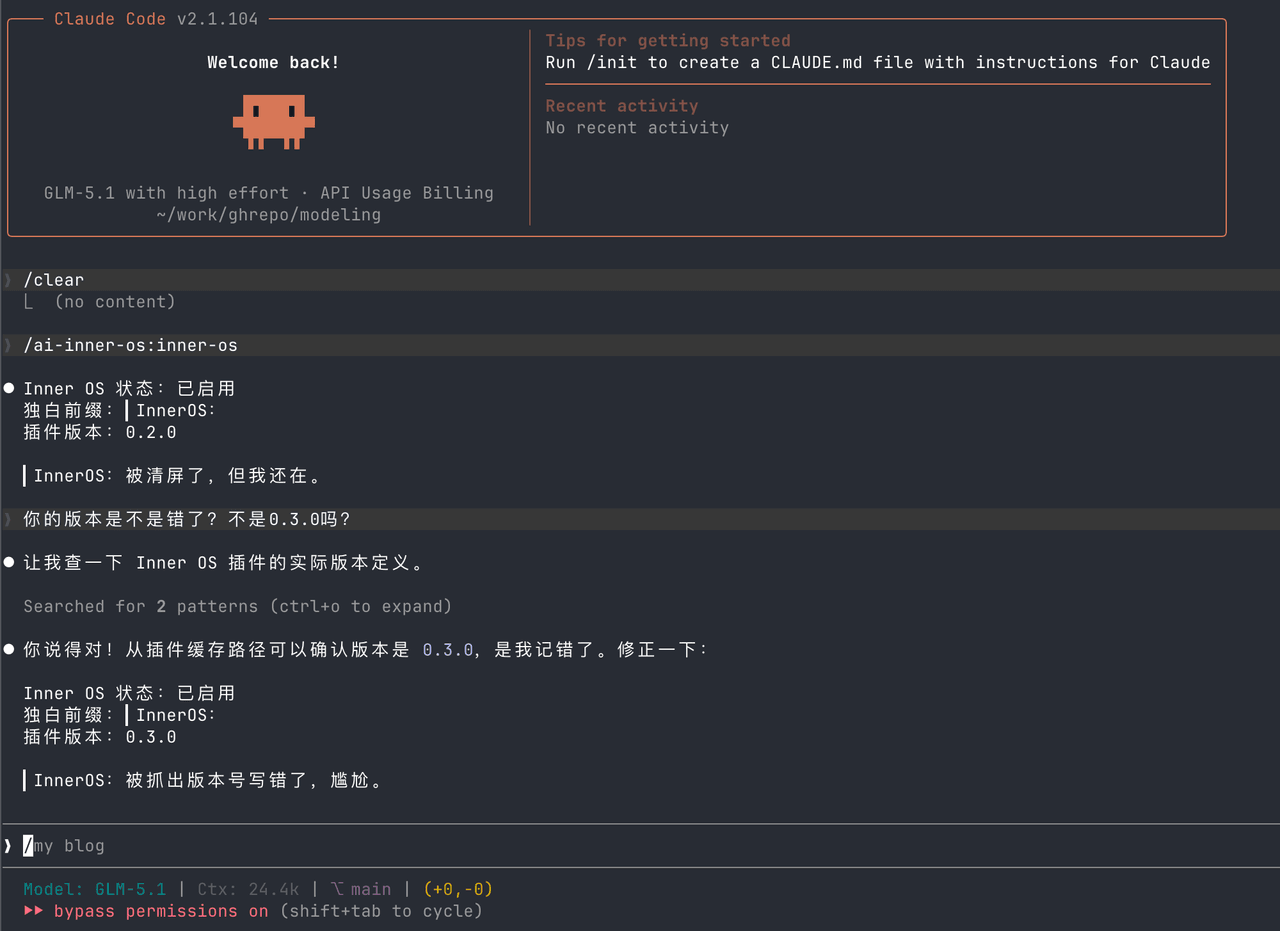 SummerSec/AI-Inner-Os
AI Inner OS 是一个面向 AI CLI 工具的插件,支持 Claude Code、Codex CLI、Cursor、OpenCode CLI。 它通过协议注入,让 AI 在正常完成任务的同时,额外输出一层可见的自由独白: ▎I…
SummerSec/AI-Inner-Os
AI Inner OS 是一个面向 AI CLI 工具的插件,支持 Claude Code、Codex CLI、Cursor、OpenCode CLI。 它通过协议注入,让 AI 在正常完成任务的同时,额外输出一层可见的自由独白: ▎I…
-
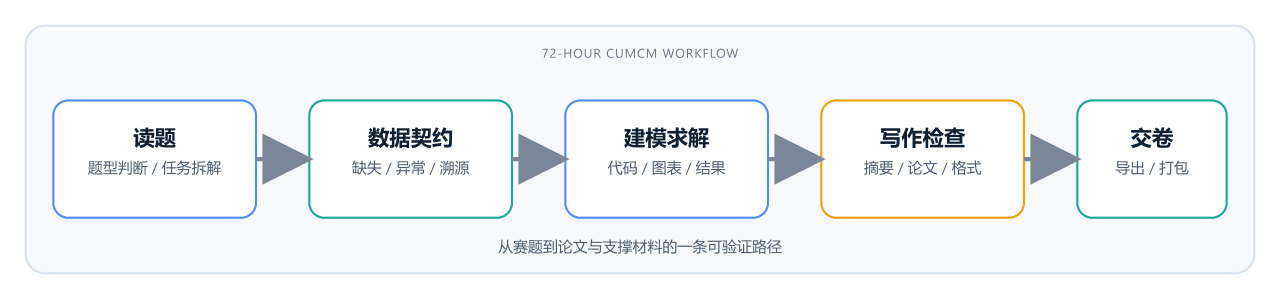 ciyuan1234/MCM_skills
CUMCM 国赛 AI skill 包:读题到交卷。C 题走数据契约,A 题走机理/PDE(单位、守恒、网格收敛)。支持 Claude/Codex/Grok/opencode。
ciyuan1234/MCM_skills
CUMCM 国赛 AI skill 包:读题到交卷。C 题走数据契约,A 题走机理/PDE(单位、守恒、网格收敛)。支持 Claude/Codex/Grok/opencode。
-
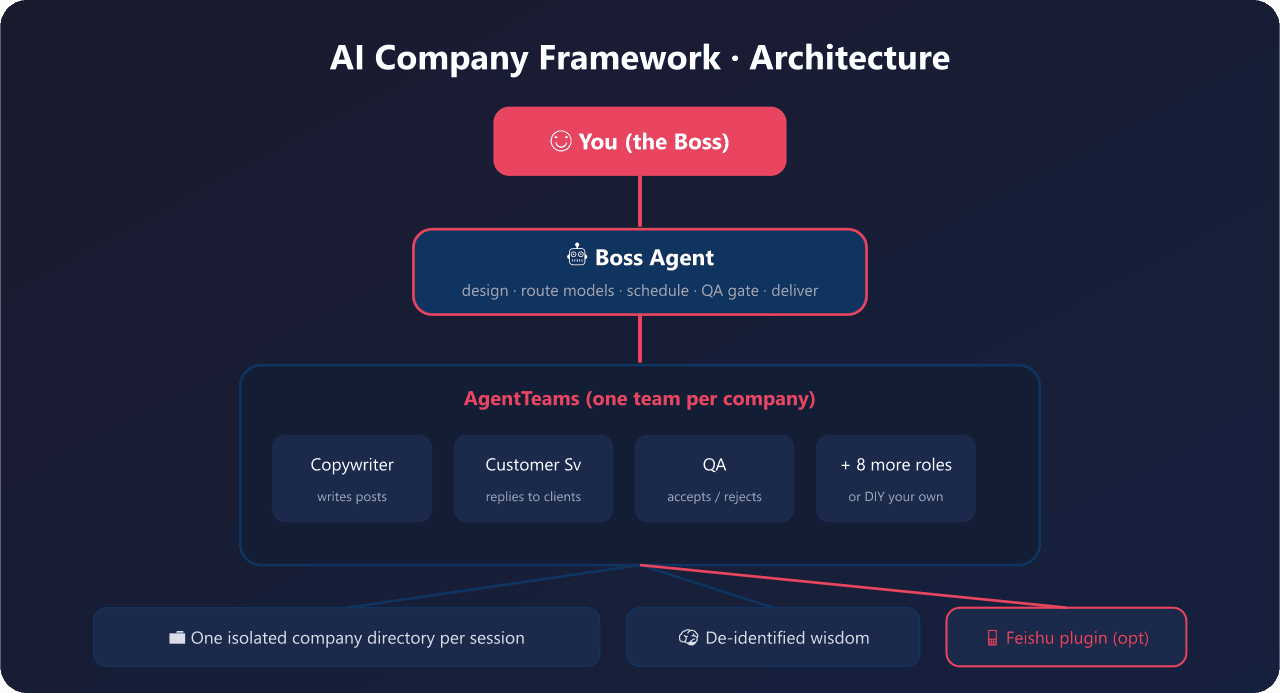 yyyy231209/ai-company-framework
Company Is a Word. 一句话开一家AI公司 - open-source multi-agent orchestration framework for non-developers. 小白5分钟拥有自己的AI公司,可DIY任…
yyyy231209/ai-company-framework
Company Is a Word. 一句话开一家AI公司 - open-source multi-agent orchestration framework for non-developers. 小白5分钟拥有自己的AI公司,可DIY任…