RexCue/dsh-wallpaper
Wallpaper skin for the DeepSeek Harness (dsh) web UI: image background with opacity, mask and blur controls.
Project Overview项目介绍
dsh-wallpaper is a DSH web skin plugin that sets an image as the window background, with a bottom-right panel to adjust image opacity, panel opacity, darkening mask, and background blur (up to 40px) in real time. It suits users who want to personalize the chat interface. Settings persist via localStorage across refreshes. Note: requires Chrome, Safari, or Firefox 2023+ for color-mix() support; HEIC files cannot be decoded, and broken links will surface errors in the panel.
dsh-wallpaper 是一款 DSH Web 界面皮肤插件,将一张图片设为窗口背景,并在右下角面板实时调节图片透明度、面板透明度、压暗遮罩和背景模糊(≤40px)。它适合希望自定义聊天界面视觉风格的用户。配置存于 localStorage,刷新后仍生效。注意:需 Chrome/Safari/Firefox 2023+ 以支持 color-mix();HEIC 格式无法解码,链接失效时面板会报错。
请帮我了解并安装插件:【dsh-wallpaper】【https://github.com/RexCue/dsh-wallpaper】Send this message to DSH in your current session. CLI install commands may not be accurate across systems — DSH will figure it out for you.把上面这条消息直接发给当前会话里的 DSH,让它帮你了解并安装。安装命令不一定准确,发给 DSH 更稳。
Or use CLI install (for developers)或使用命令行安装(适合开发者)
CLI Install命令行安装
dsh plugin --profile web add dsh-wallpaper把 RexCue/dsh-wallpaper 加入你的 DSH 配置(web profile)即可启用。
READMEREADME
dsh-wallpaper — DeepSeek Harness 图片壁纸皮肤插件
用一张图片作为 DSH Web 界面的窗口背景,并可通过右下角小面板实时控制:
- 图片透明度(0–100%)
- 面板透明度(0–100%,越小背景图越透)
- 压暗遮罩(0–100%,提高文字可读性)
- 背景模糊(0–40px)
原理
- 在
<body>里插入两个固定全屏层:#dsh-wallpaper-bg(背景<img>,object-fit: cover+referrerpolicy="no-referrer"以绕开防盗链)与#dsh-wallpaper-mask(遮罩),并把应用根节点#root抬到z-index: 1,图片层垫在应用之下。 - 把
--dsw-alias-*语义 token 用color-mix()改为半透明(!important压过主题 presenter 的内联 token),让图片从所有面板后面透出来;浅色 / 深色两套底色分别处理。 - 配置存于浏览器
localStorage(key:dsh-wallpaper:v1)。图片支持本地文件(自动缩放并压缩成 JPEG,稳稳落进 localStorage 配额)或 http(s) 链接(应用前先探测能否加载,失败会在面板提示)。
文件
| 文件 | 说明 |
|---|---|
package.json |
包元数据:dsh.bundle.patch(可被 dsh plugin add 安装)+ dsh.client.platform=web、immediately=true、exports["./client"] |
cordis.patch.yml |
bundle patch:把 dsh-wallpaper 插入 composition |
index.js |
host half(空实现,仅满足 cordis loader 导入) |
client.js |
浏览器 half:window.__ModuleLoader__.load({ id: "dsh-wallpaper", factory }),含样式注入、背景层、控制面板 |
安装
发布到 npm 后(或直接以 GitHub 仓库 owner/repo 形式),一条命令装进 web profile:
dsh plugin --profile web add dsh-wallpaper     # npm 包名
# 或
dsh plugin --profile web add <owner>/dsh-wallpaper   # GitHub 仓库
然后启动 web:
dsh --profile web
本机开发时的做法(源码在
~/Desktop/harness/dsh-wallpaper/):改动后把client.js index.js package.json cordis.patch.yml同步到~/.dsh/profiles/web/node_modules/dsh-wallpaper/,并在~/.dsh/profiles/web/cordis.patch.yml里保留- insert: [{ id: wallpaper, name: 'dsh-wallpaper' }],再重启 web 服务。
使用
- 页面右下角出现 🖼 按钮,点开面板:
- 选本地图片 / 粘贴图片链接 → 应用;
- 拖动滑块实时调整透明度 / 遮罩 / 模糊;
- 「移除图片」或「恢复默认」关闭壁纸。
- 配置自动保存在浏览器本地,刷新 / 重开浏览器仍生效(换浏览器需重新设置)。
卸载
dsh plugin --profile web remove dsh-wallpaper
然后重启 web 服务。
备注
- 需要较新的浏览器(
color-mix(),Chrome/Safari/Firefox 2023+ 均支持)。 - 第三方主题(
ctx.theme.register注册的皮肤)与壁纸半透明层可共存;壁纸层的 token 覆盖优先级更高。 - 显示不出来的常见原因已做处理:HEIC(iPhone 照片)无法解码会明确提示、过大的本地图会自动压缩、链接失效/防盗链会在面板报错;如仍显示黑色背景,请打开浏览器开发者工具 Console 看
[dsh-wallpaper]开头的报错。
Related相关推荐
-
 liustack/modlens
The first vision plugin for DeepSeek Harness, and the vision bridge for every text-only coding agent. Paste an image, ge…
liustack/modlens
The first vision plugin for DeepSeek Harness, and the vision bridge for every text-only coding agent. Paste an image, ge…
-
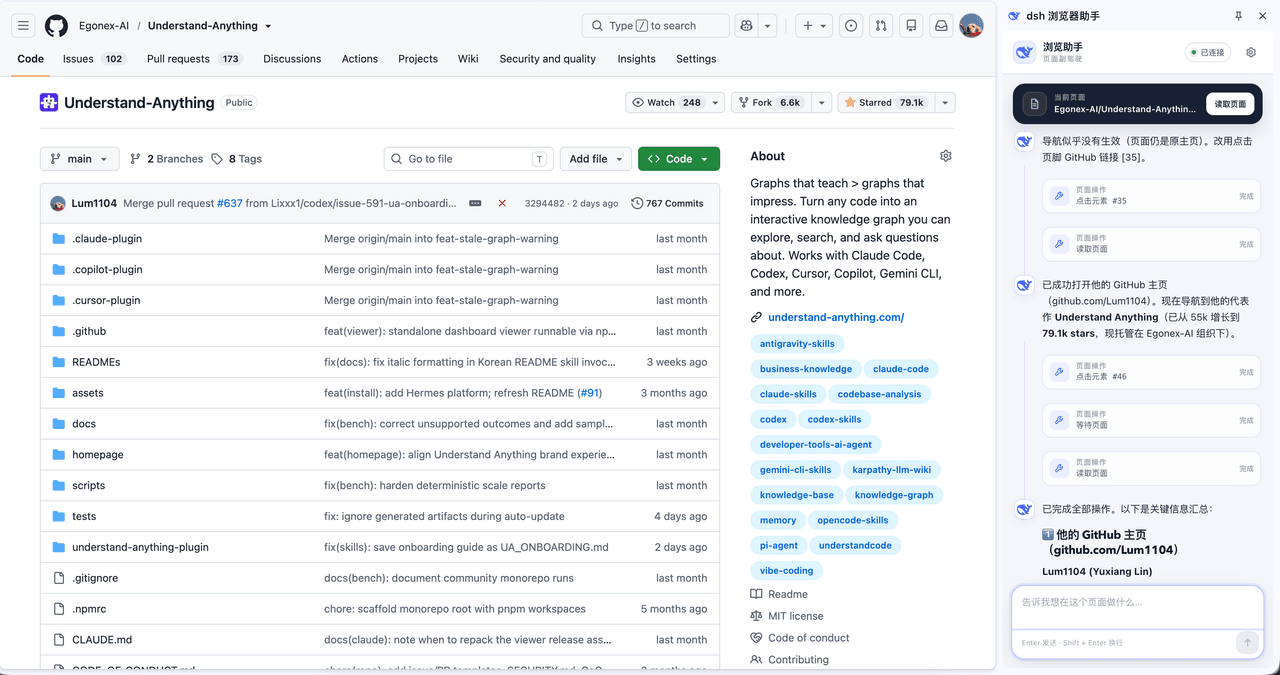 Lum1104/dsh-browser
Chrome sidebar extension that lets DeepSeek Harness operate your browser directly, no vision capabilities required. 一款 C…
Lum1104/dsh-browser
Chrome sidebar extension that lets DeepSeek Harness operate your browser directly, no vision capabilities required. 一款 C…
-
 elysia395/dsh-wallpaper-engine
把本机 Wallpaper Engine 的壁纸变成 DSH 网页界面的背景:Video 动态播放、Web 以 iframe 加载、Scene 壁纸提取主纹理作为静态帧;iOS 液态玻璃设置窗口(配色 / 玻璃颜色 / 透明度)、内容分级与…
elysia395/dsh-wallpaper-engine
把本机 Wallpaper Engine 的壁纸变成 DSH 网页界面的背景:Video 动态播放、Web 以 iframe 加载、Scene 壁纸提取主纹理作为静态帧;iOS 液态玻璃设置窗口(配色 / 玻璃颜色 / 透明度)、内容分级与…
-
 starsstreaming/beautiCode
面向 AI 编程客户端的动态、可响应环境——视频背景、氛围场景与主题,适用于 DeepSeek Harness 与 Codex Desktop。
starsstreaming/beautiCode
面向 AI 编程客户端的动态、可响应环境——视频背景、氛围场景与主题,适用于 DeepSeek Harness 与 Codex Desktop。
-
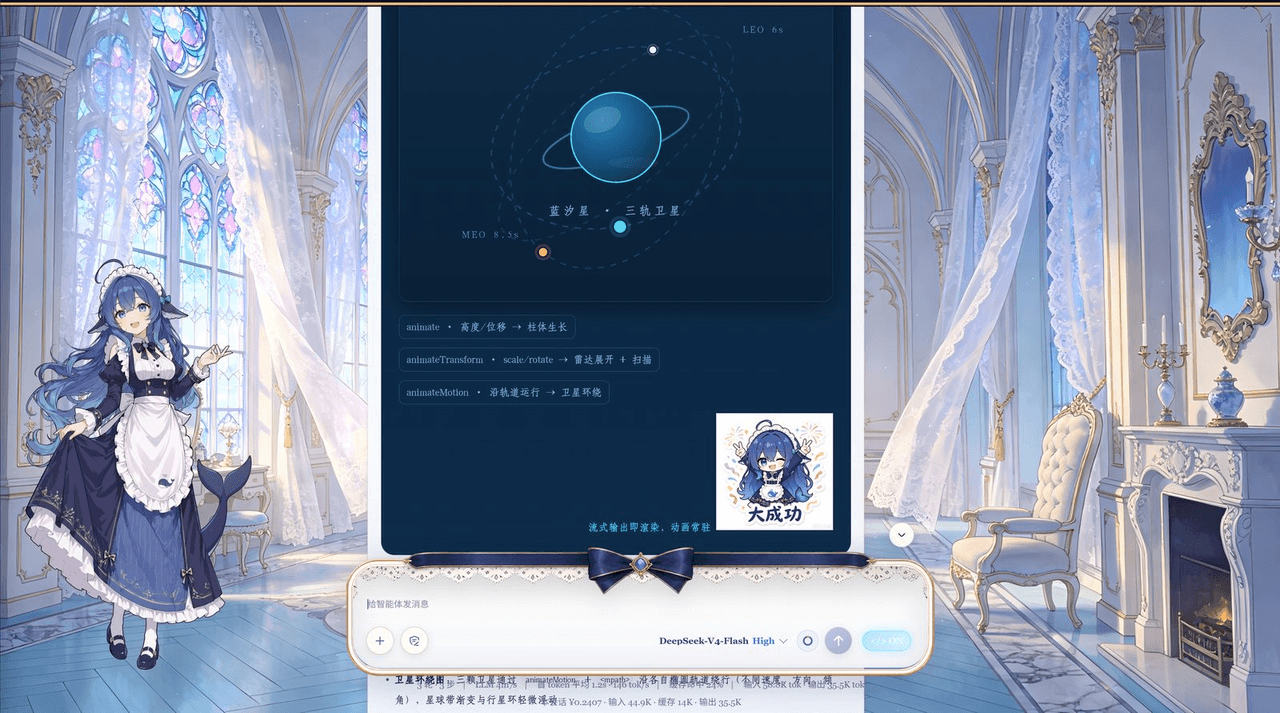 plolpl789/dsh-raw-html
VCP visual-synesthesia protocol plugin for DeepSeek Harness: render agent HTML output as real UI (cards / KaTeX math / M…
plolpl789/dsh-raw-html
VCP visual-synesthesia protocol plugin for DeepSeek Harness: render agent HTML output as real UI (cards / KaTeX math / M…
-
 Tkingxiao/dsh-any-background
Deepseek Harness 自定义主题插件,支持自定义图片/视频壁纸,对话框,侧边栏等透明度模糊度调整,全局主题色的色轮调整插件
Tkingxiao/dsh-any-background
Deepseek Harness 自定义主题插件,支持自定义图片/视频壁纸,对话框,侧边栏等透明度模糊度调整,全局主题色的色轮调整插件
-
 sz1698/dsh-bg-new
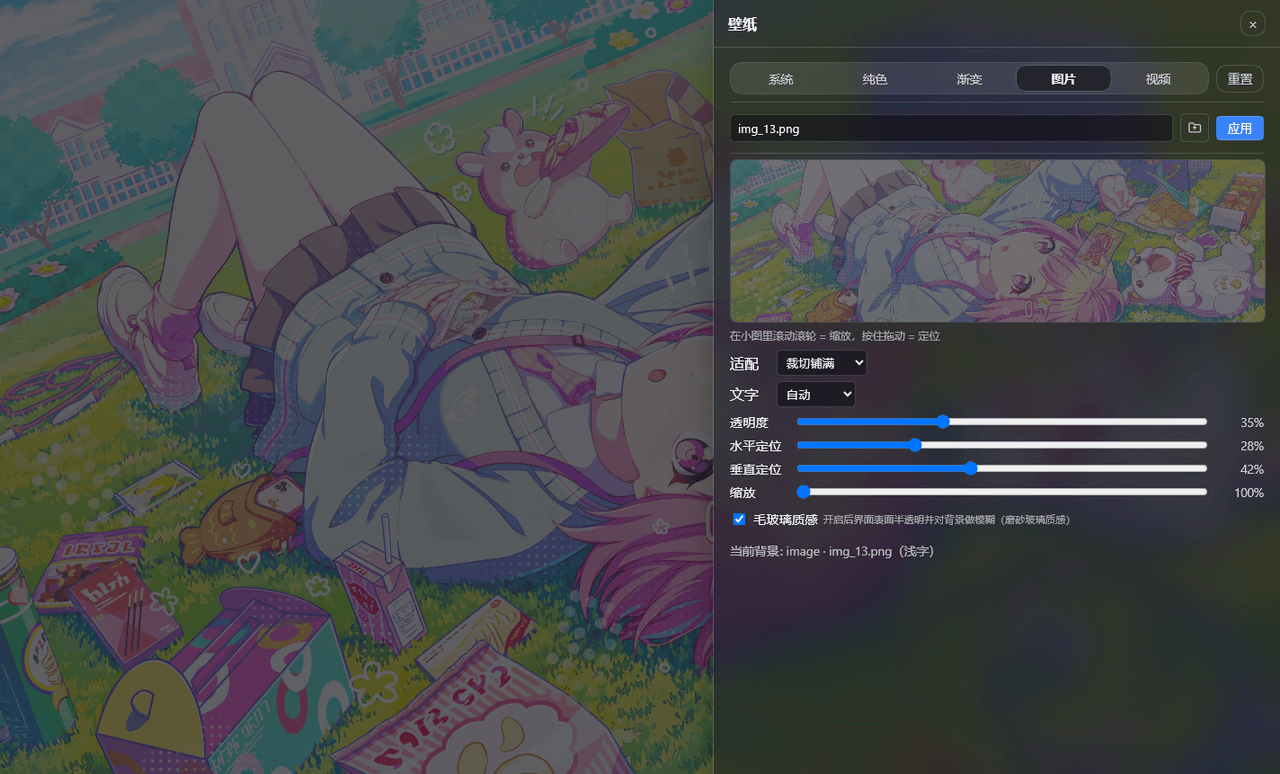
DSH 网页界面换背景:侧栏「壁纸」按钮弹出右侧抽屉,支持系统预设/纯色/渐变/图片/视频,滚轮+拖动小图同时管缩放与定位,毛玻璃质感,本地媒体伺服不走云端。DSH web background & wallpaper plugin wit…
sz1698/dsh-bg-new
DSH 网页界面换背景:侧栏「壁纸」按钮弹出右侧抽屉,支持系统预设/纯色/渐变/图片/视频,滚轮+拖动小图同时管缩放与定位,毛玻璃质感,本地媒体伺服不走云端。DSH web background & wallpaper plugin wit…
-
 TQSY114514/dsh-ui-appearance
Appearance customization plugin for DeepSeek Harness: theme color palette, background image, opacity/blur, glass effect
TQSY114514/dsh-ui-appearance
Appearance customization plugin for DeepSeek Harness: theme color palette, background image, opacity/blur, glass effect