Scorp1o117/dsh-tdai-memory
Agent memory for DeepSeek Harness | DeepSeek Harness 记忆插件
Project Overview项目介绍
dsh-tdai-memory is a long-term memory plugin for DeepSeek Harness, ported from TencentDB Agent Memory's four-layer system. It captures every conversation turn at L0 (JSONL + SQLite + FTS + vectors), uses a background LLM pipeline to extract L1 structured facts, preferences, and events, generates L2 scenes and L3 user profiles, and auto-injects relevant memories into prompt assembly. Use it when agents must remember user identity and context across sessions. Caveat: settings changes require a DSH restart, and deepseek-v4-flash fails at L1 extraction (returns empty).
dsh-tdai-memory 是 DeepSeek Harness 的长期记忆插件,移植自腾讯云 TencentDB Agent Memory 四层记忆系统。它在 L0 捕获每轮对话(JSONL+SQLite+FTS+向量),由 LLM 后台流水线抽取 L1 结构化事实与偏好,生成 L2 场景与 L3 用户画像,并在提示词组装时自动检索注入相关记忆与画像。适用于需要跨会话持续记住用户身份、偏好和事件的代理场景。需注意:设置修改后必须重启 DSH 才生效,且 L1 抽取模型若选用 deepseek-v4-flash 会得到空结果。
请帮我了解并安装插件:【dsh-tdai-memory】【https://github.com/Scorp1o117/dsh-tdai-memory】Send this message to DSH in your current session. CLI install commands may not be accurate across systems — DSH will figure it out for you.把上面这条消息直接发给当前会话里的 DSH,让它帮你了解并安装。安装命令不一定准确,发给 DSH 更稳。
Or use CLI install (for developers)或使用命令行安装(适合开发者)
CLI Install命令行安装
dsh plugin --profile web add dsh-tdai-memory把 Scorp1o117/dsh-tdai-memory 加入你的 DSH 配置(web profile)即可启用。
READMEREADME
dsh-tdai-memory

GitHub: Scorp1o117/dsh-tdai-memory · npm: dsh-tdai-memory


Part of the DeepSeek Harness Enhancement Suite — Vision · Soul/Persona · Long-term Memory · Plugin Marketplace.
A port of TencentDB Agent Memory (Tencent Cloud's open-source four-layer memory system, originally an OpenClaw plugin) into DeepSeek Harness.
Features
- L0 conversation capture: every turn (turn end, request boundary) is written to raw conversation storage (JSONL + SQLite + FTS + vectors)
- L1 structured memory: a background pipeline uses an LLM to extract
facts / preferences / events (persona / episodic / instruction) from
conversations, stored in
records/+ SQLite + FTS + vectors - L2 scenes / L3 persona: scene blocks and user profile generation (pipeline-scheduled)
- Automatic recall injection: on every prompt assembly, relevant memories and the user profile are retrieved by the current user message and injected as dynamic context (the model "just remembers")
- Tools:
tdai_memory_search(L1 structured search),tdai_conversation_search(L0 raw-text search)
The data directory reuses the existing ~/.memory-tencentdb/memory-tdai, so
previously accumulated memories carry over seamlessly.
Architecture (porting approach)
| Layer | Content |
|---|---|
| Core | The host-neutral core of tdai-memory-openclaw-plugin (src/core, src/utils), tsc-compiled to ESM (dist-dsh/), zero changes |
| Host adapter | StandaloneHostAdapter (official standalone mode, direct OpenAI-compatible calls) |
| dsh shell | index.js: config mapping, session/event + session/flush capture, system-prompt/assemble recall injection on agent.ctx, tool registration, lifecycle |
| Fallback | recall-inject.js: preset-row recall injection (used when mounted inside an agent preset) |
Hard-won wiring details:
- Capture:
session/flushlistener (await semantics; must complete before headless exits);turn/starttimestamps as the L0 cursor floor; turn-id dedup - Headless one-shot runs: wait for
core.handleSessionEnd()inside flush (L1 extraction finishes before exit; otherwise the 5s shutdown timeout kills it) - Recall injection: must be registered on
agent.ctx(assembly runs in the agent scope; root listeners never see it); attach one tick aftersession/createdby resolving the agent from theagentsservice
Configuration (profile patch + settings)
Configuration is settings-namespace driven: the profile patch is the base
layer, and the tdai-memory: section of $DSH_HOME/settings.yaml overrides it
(LLM/embedding keys live in settings.yaml). The Web UI Settings → 记忆
section edits every field (v0.2.0, write-only keys); TdaiCore is built at
startup, so changes apply after a restart.
# $DSH_HOME/settings.yaml
tdai-memory:
  llm:
    apiKey: 'sk-...'
  embedding:
    apiKey: 'local-no-key'
# profile patch (base layer)
- id: tdai-memory
  name: 'dsh-tdai-memory'
  config:
    extraction:
      enabled: true
      enableDedup: false      # dedup LLM output parsing is flaky; off by default
    llm:                      # L1/L2/L3 extraction model (OpenAI-compatible)
      baseUrl: 'https://opencode.ai/zen/go/v1'
      model: 'mimo-v2.5'      # deepseek-v4-flash produces invalid extraction JSON
      sendSessionHeader: true # send x-opencode-session on LLM requests (required by OpenCode Go & similar gateways)
      sessionId: ''           # fixed session id; empty = persistent auto id under the data dir
    embedding:                # vectors (OpenAI-compatible /v1/embeddings)
      baseUrl: 'http://127.0.0.1:8088/v1'
      model: 'Qwen3-Embedding-0.6B'
      dimensions: 1024
      sendDimensions: false
Install
dsh plugin --profile web add dsh-tdai-memory
then mount it in $DSH_HOME/profiles/web/cordis.patch.yml:
- insert:
    - id: tdai-memory
      name: 'dsh-tdai-memory'
      config: {}          # keys can live in settings.yaml instead
and restart dsh web. LLM/embedding API keys can be set in the Web UI
settings page (记忆 / Memory) or directly in settings.yaml under
tdai-memory:.
Note for users
- This plugin is a standard profile bundle (
dsh.bundle.patch):dsh plugin --profile web add dsh-tdai-memoryinstalls and mounts it in one step — no manualcordis.patch.ymledits needed.- DSH exposes the registered
tdai-memorysettings namespace directly; the plugin does not modify files in the host installation.- Settings changes apply after a restart (TdaiCore is built at startup).
- Version 0.2.13 and newer require DSH
0.1.0-rc.7or newer and are tested against0.1.0-rc.7,0.1.0-rc.8, and0.1.1-rc.1.- DSH
0.1.0-rc.6users must pindsh-tdai-memory@0.2.11, the last release carrying the legacy settings-allowlist compatibility patch.
node-llama-cpp is an optional peer used only by the fully local embedding
backend. It is intentionally not installed by default because its native build
requires explicit pnpm build approval. Remote OpenAI-compatible embeddings do
not need it. Users who select the local backend should install and approve
node-llama-cpp in the target DSH profile separately.
Known trade-offs
- Extraction model:
mimo-v2.5extracts correctly but takes 20-30s per call (background execution, does not block the conversation);deepseek-v4-flashis fast but its JSON output is non-compliant (extracts 0) - dedup: LLM conflict-detection output parsing is unstable (once caused stored=0); off by default; enable only with a more reliable model
- L1 memory vectors: written with storage (8088 embedding is fast); L0
vectors run as a background task, drained by
destroy()on headless exit - Upgrades: after pulling new upstream code, rerun
npx tsc -p dsh-tsconfig.jsonin the tdai project dir (output indist-dsh/)
License
MIT
Related相关推荐
-
 MemTensor/MemOS
Self-evolving memory OS for LLM & AI Agents: ultra-persistent memory, hybrid-retrieval, and cross-task skill reuse, with…
MemTensor/MemOS
Self-evolving memory OS for LLM & AI Agents: ultra-persistent memory, hybrid-retrieval, and cross-task skill reuse, with…
-
 zilliztech/memsearch
A persistent, unified memory layer for all your AI agents (e.g. Claude Code, Codex, DSH), backed by Markdown and Milvus.
zilliztech/memsearch
A persistent, unified memory layer for all your AI agents (e.g. Claude Code, Codex, DSH), backed by Markdown and Milvus.
-
 vshulcz/deja-vu
One memory shared by Claude Code, Codex, Cursor, Copilot CLI, OpenClaw and 20 more coding agents, built from the session…
vshulcz/deja-vu
One memory shared by Claude Code, Codex, Cursor, Copilot CLI, OpenClaw and 20 more coding agents, built from the session…
-
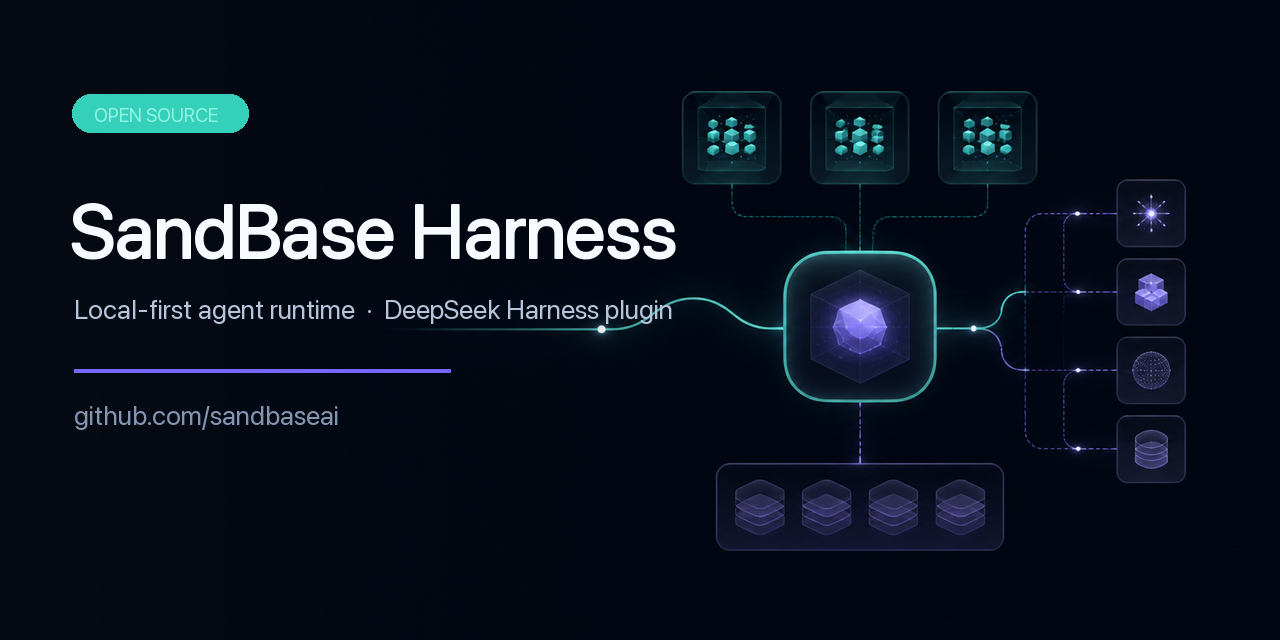 sandbaseai/sandbase-harness
Local-first, self-hosted AI agent runtime and MCP bridge with sandboxed sessions, memory, credentials, audit/replay, and…
sandbaseai/sandbase-harness
Local-first, self-hosted AI agent runtime and MCP bridge with sandboxed sessions, memory, credentials, audit/replay, and…
-
 adoresever/graph-memory
Deepseek Harness、Openclaw知识图谱记忆插件。2026年4月受邀发布在清华大学讨论会。Knowledge Graph + Memory;Knowledge Graph Context Engine for OpenCl…
adoresever/graph-memory
Deepseek Harness、Openclaw知识图谱记忆插件。2026年4月受邀发布在清华大学讨论会。Knowledge Graph + Memory;Knowledge Graph Context Engine for OpenCl…
-
 mnemon-dev/mnemon
LLM-supervised persistent memory for AI agents — graph-based recall, cross-session knowledge, single binary. Works with …
mnemon-dev/mnemon
LLM-supervised persistent memory for AI agents — graph-based recall, cross-session knowledge, single binary. Works with …
-
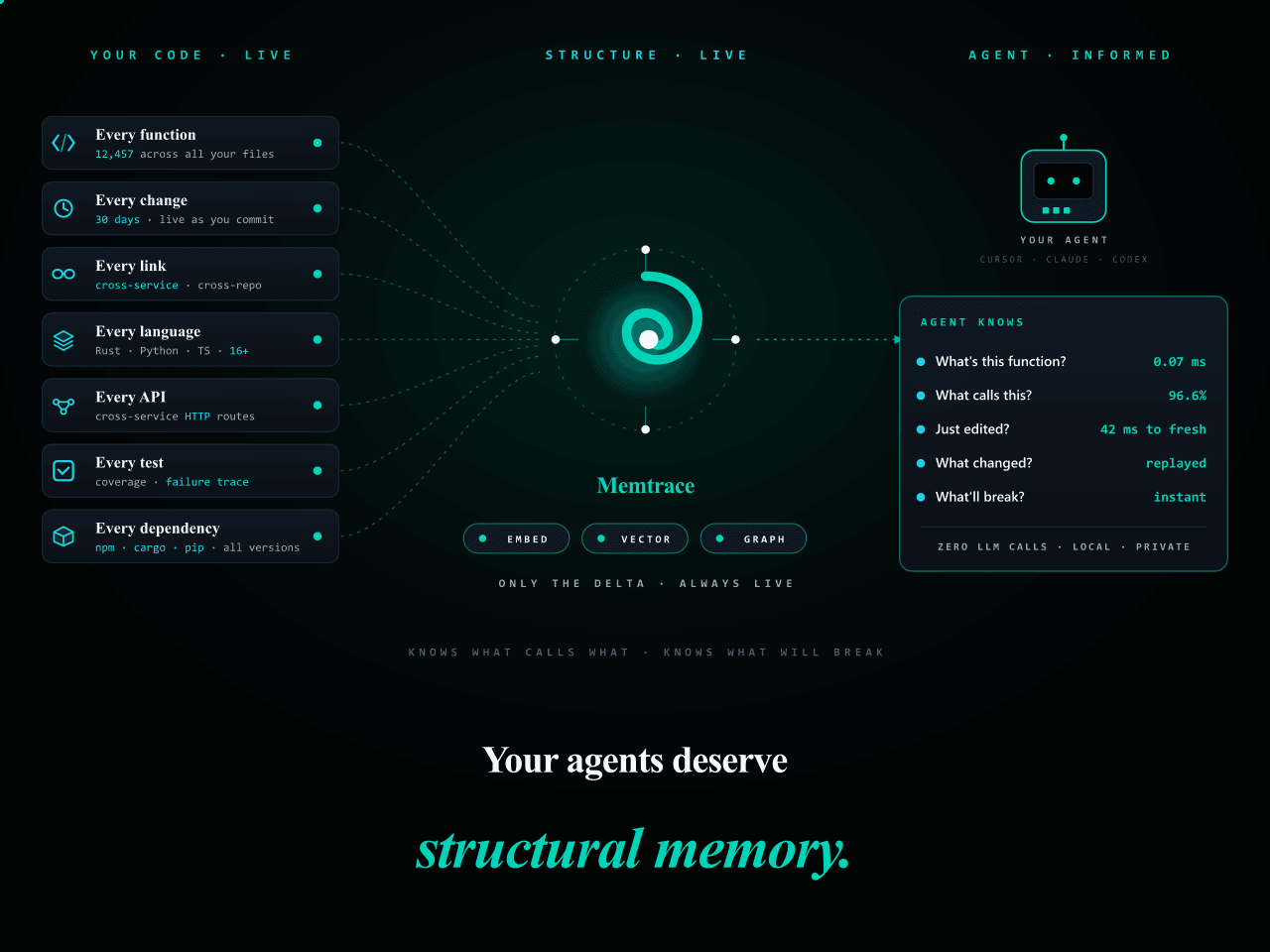 syncable-dev/memtrace-public
Structural memory for AI coding agents. Bi-temporal graph, MCP-native, zero LLM calls. Cursor · Claude Code · Codex · De…
syncable-dev/memtrace-public
Structural memory for AI coding agents. Bi-temporal graph, MCP-native, zero LLM calls. Cursor · Claude Code · Codex · De…
-
 text2future/flowix
Notes for you, Memory for your agents. / 内置 Deepseek harness Agent / 适用 办公 & 写作 & Coding
text2future/flowix
Notes for you, Memory for your agents. / 内置 Deepseek harness Agent / 适用 办公 & 写作 & Coding