secretxuan/dsh-computer-use-win
DeepSeek Harness 的 Windows 电脑操控插件
Project Overview项目介绍
This repository is a purpose-built plugin for DeepSeek Harness (DSH) that adds full computer-use capabilities to DSH running on Windows systems. It is the Windows counterpart to the macOS-first dsh-computer-use plugin, filling the gap for Windows-native automation and visual observation for DSH agents. It ships with over 15 distinct tools covering screen capture, window enumeration, UI element discovery, OCR processing, mouse and keyboard input injection, and direct Windows Settings launching. It supports both vision-capable DeepSeek routes and text-only routes, normalizing screenshots to fit model pixel and byte budgets automatically. It works with DSH version 0.1.1-rc.2 or newer, following DSH's official plugin conventions.
The plugin enables DSH agents to complete a wide range of desktop automation tasks on Windows, from launching system settings to interacting with custom-rendered third-party applications. It follows different documented recommended workflows based on whether you are using a vision-capable model or a text-only model. For text-only models, the workflow starts with listing windows and UI elements, falls back to OCR and structured visual observation when UI Automation does not expose enough control details, then executes actions and verifies results. For vision models, you can just capture a screenshot, let the model analyze the image, then execute the required input actions directly.
The plugin has no external native binary dependencies, all capabilities are implemented via Windows built-in APIs called from a sandboxed PowerShell child process. To install, you need a working DSH CLI installation on Windows, and you can install it in one click via Oh My DSH, or manually add it to your profile's cordis.patch.yml configuration. It is released under the permissive MIT open source license, and has several documented known limitations, including that elevated admin windows may ignore input from non-elevated processes, and some VDI environments filter certain key combinations, and UI coverage depends on app accessibility metadata.
这是一个专门为 DeepSeek Harness (DSH) 开发的 Windows 原生计算机控制插件,作为 macOS 优先的 dsh-computer-use 的 Windows 分支,填补了 DSH 在 Windows 平台上的端侧计算机操作能力空白。它提供屏幕截图、窗口枚举、UI 元素发现、OCR 文本识别、鼠标键盘控制和快速打开 Windows 设置等能力,同时适配 DSH 的视觉大模型路线和纯文本大模型路线。
它面向需要让大模型在 Windows 桌面完成自动化任务的 DSH 用户,支持从目标窗口定位到元素点击输入的全流程自动化操作。针对纯文本模型,推荐先枚举窗口、获取可访问 UI 元素,UIA 覆盖不足时用 OCR 和视觉观察生成结构化 UI 地图,再执行对应点击输入,最后验证操作结果。对于视觉模型,可以直接截图让模型分析后再执行操作。
插件没有额外原生二进制依赖,所有能力都通过受限 PowerShell 子进程调用 Windows 原生 API 实现,采用 MIT 许可证开源。已知限制包括管理员窗口可能忽略非提权进程的输入,部分 VDI 会过滤 Win 组合键,UI 自动化覆盖度依赖目标应用的可访问性元数据。安装通过 Oh My DSH 一键完成,也可手动配置到 cordis.patch.yml。
请帮我安装这个 DSH 插件。安装前先完成【兼容性检查 + 安全性检查】,检查通过再动手。

插件:dsh-computer-use-win(secretxuan/dsh-computer-use-win)
仓库:https://github.com/secretxuan/dsh-computer-use-win
本站详情页:https://www.yhbd.top/plugins/secretxuan-dsh-computer-use-win/
本站登记:类型 plugin · 归类 原生 DSH 插件 · 许可证 MIT · ⭐ 3 · 最近提交 2026-08-21 · 主语言 TypeScript

按下面顺序执行,每步先把结论告诉我,再进入下一步:

【1 兼容性检查】
① 我这边:DSH 版本、Node 版本、操作系统、当前 profile(web / desktop)。
② 读它的 README、package.json、插件 manifest,列出它要求的 DSH 版本 / Node 版本 / 操作系统 / 外部依赖 / 需要另外先装的运行时。
③ 逐条比对,结论只写「满足 / 不满足 / 未知」三种;不满足的给出可行替代方案。
④ 检查是否和我已装的插件冲突:命令名重复、skill / tool 重名、端口占用、重复注册的 MCP server。

【2 安全性检查】
① 仓库可信度:和上面「本站登记」是否一致;star / fork 数、创建时间、最近提交,是否归档或长期停更。
② 安装脚本:逐行看 package.json 的 preinstall / install / postinstall,以及 install.sh、setup.ps1 之类脚本。出现 curl|bash、下载后直接执行、混淆代码、访问与插件功能无关的域名,立刻停下来告诉我,不要继续装。
③ 依赖:列出新增依赖,标出无人维护、或与知名包拼写近似的可疑包(typosquatting)。
④ 权限与副作用:它会读写哪些目录、访问哪些域名、需要哪些 DSH 权限(filesystem / network / shell / clipboard 等),以及怎么卸载和回滚。
⑤ 如果它要求 sudo / 管理员权限,或权限明显超出功能所需,先停下来问我。

【3 安装】
上面两步没有「不满足」和「高危项」时才执行;用官方推荐方式安装,不要自行提权。

【4 汇报】
用表格输出:检查项 / 结论 / 依据 / 是否需要我决策。拿不准的一律写「未知」并说明要我怎么确认——不要猜,也不要替我决定。
Send this message to DSH in your current session: it verifies compatibility and security first (answering met / not met / unknown item by item) and only installs once everything checks out — it will stop and ask you if it finds a high-risk item. The box scrolls; the copy is the full prompt. CLI install commands may not be accurate across systems, so DSH is the safer route.把上面这条消息直接发给当前会话里的 DSH:它会先核对兼容性与安全性(逐条给「满足 / 不满足 / 未知」),确认没问题再安装,有高危项会停下来问你。框内可滚动,复制到的是完整提示词;安装命令不一定准确,发给 DSH 更稳。
- Only 3 stars - very few users, little community feedback星标只有 3,几乎没人在用,遇到问题缺少社区反馈
DSH walks through these 9 checksDSH 会逐条核对这 9 项
Compatibility兼容性
- DSH, Node, OS and profile requirementsDSH 版本 / Node 版本 / 操作系统 / profile 是否满足要求
- External dependencies and runtimes (Electron / Python / Docker, ...)外部依赖与运行时(Electron / Python / Docker 等)是否齐备
- Conflicts with installed plugins: command names, skill / tool names, ports, duplicate MCP registration与已装插件是否冲突:命令名、skill / tool 重名、端口占用、重复 MCP 注册
Security安全性
- Repo matches the facts registered here; archived or abandoned?仓库是否与页面登记一致,是否归档或长期停更
- Safety of preinstall / install / postinstall and install.sh / setup.ps1preinstall / install / postinstall 与 install.sh、setup.ps1 是否安全
- curl|bash, download-then-execute, obfuscation, unrelated domains → stop immediatelycurl|bash、下载即执行、混淆代码、无关域名 → 立刻停止
- Typosquatting or unmaintained packages among the new dependencies新增依赖里有没有 typosquatting 或无人维护的包
- Requested permissions vs. what the feature actually needs申请了哪些权限、是否超出功能所需(filesystem / network / shell / clipboard)
- Any sudo / admin requirement, plus uninstall and rollback是否要求 sudo / 管理员权限,以及卸载与回滚方式
Anything uncertain must be marked unknown with a note on how to confirm it. This site's signal screen is a static snapshot, not a security audit.拿不准的必须标「未知」并说明要我怎么确认。本站的信号筛查是静态快照,不能替代安全审计。
Or use CLI install (for developers)或使用命令行安装(适合开发者)
CLI Install命令行安装
dsh plugin --profile web add https://github.com/secretxuan/dsh-computer-use-win/releases/download/v0.7.0/dsh-computer-use-win-0.7.0.tgz把 secretxuan/dsh-computer-use-win 加入你的 DSH 配置(web profile)即可启用。
READMEREADME
dsh-computer-use-win
中文 | English
Windows computer-use bundle for DeepSeek Harness (dsh): screenshots, window and UI Automation element discovery, OCR/visual observation for text-only models, mouse/keyboard control, and direct Windows Settings launch.
With DSH 0.1.1-rc.2 or newer, the built-in deepseek-v4-flash-vision-exp route receives computer_screenshot captures as native image content. DSH normalizes each screenshot to the route's pixel and byte budget, then uses the DeepSeek Files API with an inline fallback. Text-only routes keep the OCR-compatible saved-file flow.
The macOS-first sibling is Anionex/dsh-computer-use; this plugin fills the Windows gap.
What It Adds
| Tool | Purpose |
|---|---|
computer_screenshot |
Capture the full screen or a specific window. Vision-capable routes receive an image; text-only routes receive a saved PNG path. |
computer_list_windows |
List visible top-level windows with process, pid, title, screen rectangle, and active state. |
computer_list_elements |
Search controls exposed through Windows UI Automation and return names, types, physical-pixel rectangles, click=(x,y) centers, and diagnostics when UIA cannot see inside custom UI. |
computer_ocr_image |
Run Windows OCR on an existing image file and return recognized text boxes with absolute coordinates. |
computer_ocr_window |
Capture a window and OCR it, useful for CEF/Chromium/custom-rendered apps that UIA exposes only as a shell. |
computer_observe_image |
Turn an existing image into a generic text-model UI map: OCR, coarse regions, clickable text centers, and heuristic visual candidates. |
computer_observe_window |
Capture a window and return the same UI map, useful for icon-only controls and custom-rendered apps. |
computer_observe_media_controls |
Observe the bottom/player area and report generic play/pause toggle state without custom pixel scripts. |
computer_search_in_window |
Generic search flow: locate a likely search field, click it, type a query, and press Enter. |
computer_locate_text |
Locate visible text in a window through OCR without moving the mouse. |
computer_click_text |
OCR a window, find visible text, and click the matching text center with an explicit purpose. |
computer_open_settings |
Open Windows Settings through the documented ms-settings: URI. |
computer_click |
Move the mouse and click at absolute screen coordinates. |
computer_type_text |
Type literal text through clipboard paste first, with SendInput fallback. This keeps CJK text reliable under VDI/RDP filtering. |
computer_press_key |
Press a key or key combination. SendKeys is primary; SendInput is used for combinations SendKeys cannot spell. |
computer_scroll |
Scroll the mouse wheel, optionally at given coordinates. |
computer_drag |
Left-button drag between two screen points. |
computer_move_mouse |
Move the cursor without clicking. |
Showing the opening section of the README — the full document lives in the repository以上为 README 开头摘要,完整文档在仓库内 · View the full README on GitHub →在 GitHub 查看完整 README →
Related相关推荐
- Fisfzy/dsh-ego-browser DSH(DeepSeek Harness)插件:把 ego-lite 浏览器(给 AI Agent 用的 Chromium)接入 HARNESS——13 个结构化 ego_* 工具(文本语义快照、语义定位点击、表单填充、截图、CDP 控制、…
-
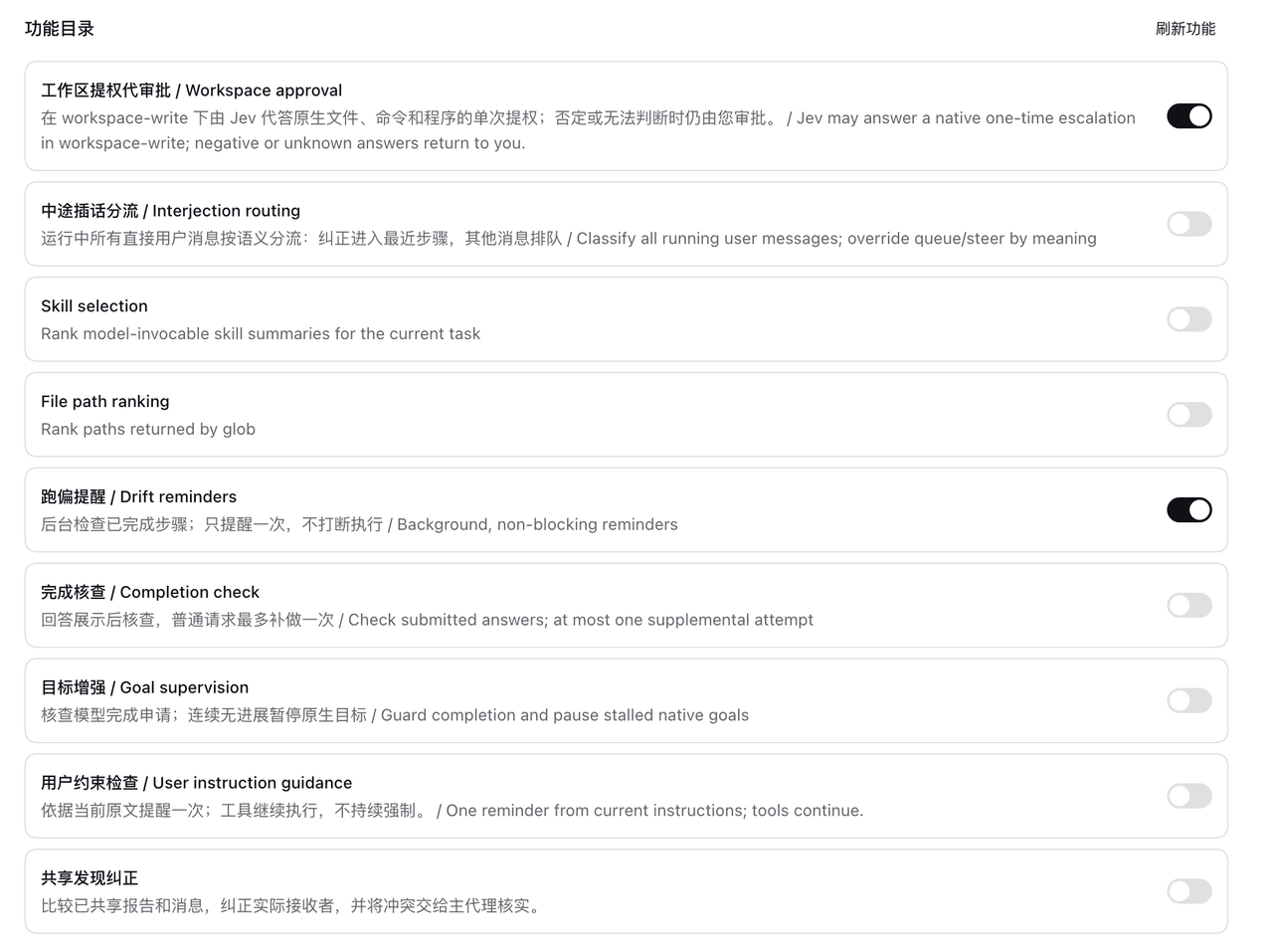 luobosibing2/dsh-jev-plugin
Native DeepSeek Harness (DSH) plugin integrating TypeSafe Jev as a System One decision layer for agent selection, superv…
luobosibing2/dsh-jev-plugin
Native DeepSeek Harness (DSH) plugin integrating TypeSafe Jev as a System One decision layer for agent selection, superv…
- Yts1919/dsh-vision-complete 给 DeepSeek 补上「眼睛和耳朵」的多模态视觉插件:看图 / OCR / 物体检测 / 视频理解 / 语音转写 / 截图直读,一键安装(DSH 插件)。
-
 988hj7tczd-oss/dsh-computer-use
Cross-platform Computer Use plugin for DeepSeek Harness: observable desktop automation with an isolated virtual cursor, …
988hj7tczd-oss/dsh-computer-use
Cross-platform Computer Use plugin for DeepSeek Harness: observable desktop automation with an isolated virtual cursor, …
-
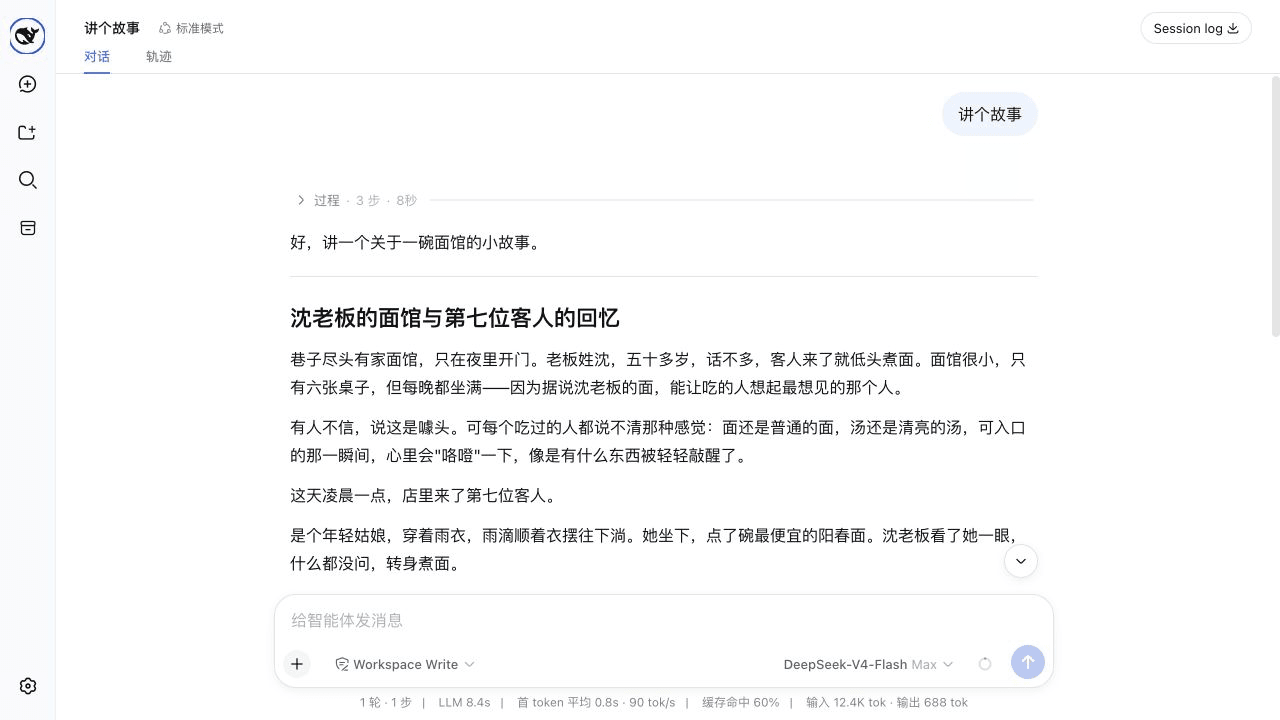 ayuanwong/dsh-ux
长任务,不刷屏:关键进度清晰可见,完成后自动折叠,详情随时展开。 Long agent tasks, without transcript clutter: focused progress, auto-folded history, de…
ayuanwong/dsh-ux
长任务,不刷屏:关键进度清晰可见,完成后自动折叠,详情随时展开。 Long agent tasks, without transcript clutter: focused progress, auto-folded history, de…
- MrmoLabs/dsh-mermaid Render Mermaid code blocks as SVG diagrams in DeepSeek Harness Web, with diagram/code switching, streaming support, dark…
-
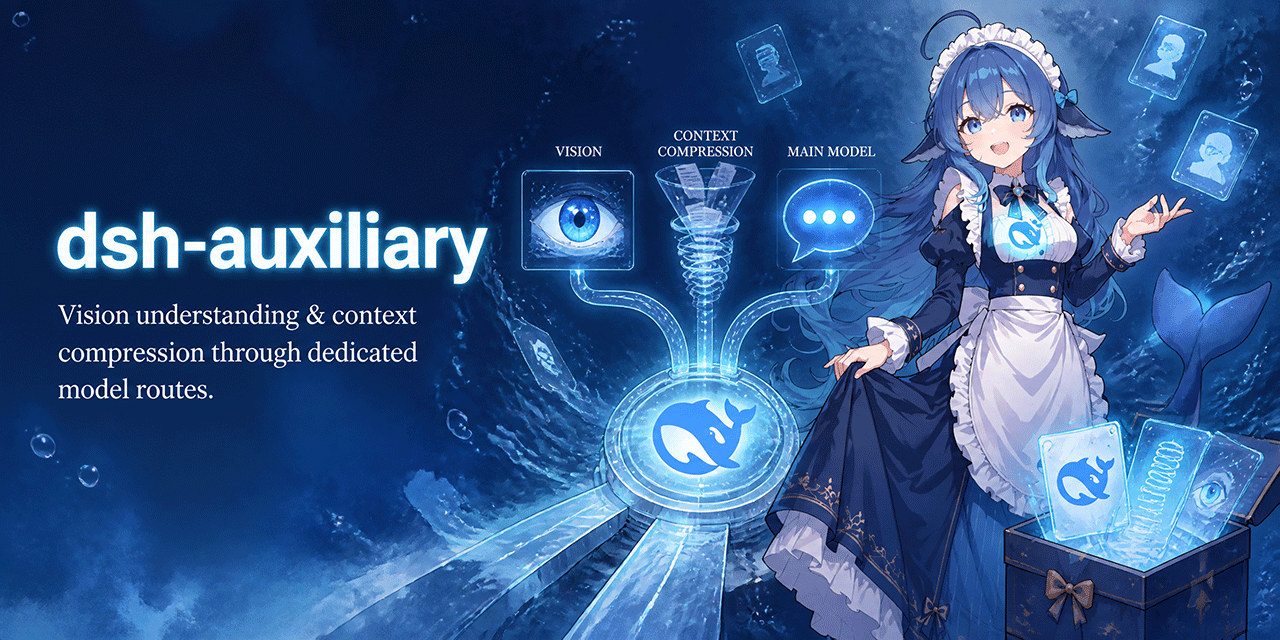 dsh-plugins/dsh-auxiliary
Auxiliary models for DeepSeek Harness: vision understanding and context compression through dedicated model routes. Deep…
dsh-plugins/dsh-auxiliary
Auxiliary models for DeepSeek Harness: vision understanding and context compression through dedicated model routes. Deep…
-
 pan17/dsh-wechat
DSH插件,将微信私聊消息桥接到DSH,支持文本、图片、文件、音视频的双向传输。目标是在微信端还原DSH的原生体验
pan17/dsh-wechat
DSH插件,将微信私聊消息桥接到DSH,支持文本、图片、文件、音视频的双向传输。目标是在微信端还原DSH的原生体验