Sev7een/dsh-plugin-automations
DeepSeek Harness Web Profile 的定时任务插件
Project Overview项目介绍
dsh-plugin-automations adds scheduled tasks to the DeepSeek Harness Web profile. It supports two execution modes, on_time and when_idle (avoiding Beijing peak hours 09:00-12:00 and 14:00-18:00), plus once and daily repeat rules, with durable state via ctx.storageDomain. Use it to trigger automated work on a schedule or defer heavy runs to off-peak windows. Caveat: the MVP exposes only create and list endpoints, with no edit, delete, pause, retry, or pagination.
dsh-plugin-automations 为 DeepSeek Harness Web 配置提供定时任务,支持“on_time”准点启动与“when_idle”仅在 DeepSeek 北京非高峰(09:00-12:00、14:00-18:00 外)谷时段执行的模式,并提供 once 与 daily 两种重复规则,状态通过 ctx.storageDomain 持久化。适用于需要按计划触发自动化或利用谷时段降低负载的场景,但 MVP 暂不提供编辑、删除、暂停、重试与分页接口。
请帮我了解并安装插件:【dsh-plugin-automations】【https://github.com/Sev7een/dsh-plugin-automations】Send this message to DSH in your current session. CLI install commands may not be accurate across systems — DSH will figure it out for you.把上面这条消息直接发给当前会话里的 DSH,让它帮你了解并安装。安装命令不一定准确,发给 DSH 更稳。
Or use CLI install (for developers)或使用命令行安装(适合开发者)
CLI Install命令行安装
dsh plugin --profile web add dsh-plugin-automations把 Sev7een/dsh-plugin-automations 加入你的 DSH 配置(web profile)即可启用。
READMEREADME
dsh-plugin-automations
Scheduled tasks for the DeepSeek Harness Web Profile: run once or on a standard six-field Cron schedule, either on time or during DeepSeek off-peak hours.
Features
- Settings-page form and task list with 5-second polling.
- Two execution modes: on time and when idle (valley hours).
- Two schedule types: once and standard six-field Cron expressions. Cron is evaluated in the host's local timezone.
when_idleruns outside Beijing peak hours (09:00-12:00and14:00-18:00) and automatically defers to the next valley window.- Optional Session title templates support all task fields and Moment-style datetime formats, for example
Daily Feed · {{scheduledAt:YYYY-MM-DD}}. - Durable task state through
ctx.storageDomain. - One serialized scheduler pump persists
runningbefore launching the runner. - Each occurrence uses an ordinary isolated Session with the default Agent preset, model, and Host workspace root.
- Fixed 30-minute execution timeout and explicit
host_interruptedrecovery. - Strict JSON API validation, request-size limits, same-origin checks, and a custom mutation header.
- Automated messages use
{ kind: 'plugin', plugin: 'dsh-plugin-automations' }and never impersonate direct human input.
The full behavioral contract is documented in SDD.zh-CN.md.
Installation
dsh plugin add (recommended)
Install into the Web profile and restart DSH after installation.
From GitHub
dsh plugin --profile web add github:Sev7een/dsh-plugin-automations
From npm
Once the package is published to npm:
dsh plugin --profile web add dsh-plugin-automations
If you run DSH through npx, use the equivalent command:
npx @deepseek-ai/dsh plugin --profile web add github:Sev7een/dsh-plugin-automations
Verify the composed profile and restart the Web app:
dsh --profile web --dump-config
dsh web
Then open Settings → 定时任务 (Scheduled Tasks).
Local checkout (development)
git clone https://github.com/Sev7een/dsh-plugin-automations.git
dsh plugin --profile web add ./dsh-plugin-automations
Remove
dsh plugin --profile web remove dsh-plugin-automations
Usage
Execution modes
| Mode | Behavior |
|---|---|
on_time |
Creates an isolated DSH Session and starts as soon as the task is due. |
when_idle |
Runs only outside Beijing peak hours; a task due during peak hours waits for the next valley window. |
Schedule types
| Schedule | Behavior |
|---|---|
once |
Reaches a terminal state and does not run again. |
cron |
After each terminal occurrence, computes the next matching occurrence. A failed occurrence is not retried. |
HTTP API
POST /dsh-scheduled-tasks/api/v1/tasksContent-Type: application/jsonX-DSH-Scheduled-Tasks: 1- Body:
{ prompt, schedule, mode, sessionTitleTemplate? }
GET /dsh-scheduled-tasks/api/v1/tasks
curl -X POST http://127.0.0.1:3080/dsh-scheduled-tasks/api/v1/tasks \
  -H 'Content-Type: application/json' \
  -H 'X-DSH-Scheduled-Tasks: 1' \
  -d '{
    "prompt": "check project tests",
    "schedule": { "type": "cron", "expression": "0 0 8 * * *" },
    "mode": "on_time",
    "sessionTitleTemplate": "Daily Feed · {{scheduledAt:YYYY-MM-DD}}"
  }'
The MVP has no edit, delete, pause, cancel, retry, or pagination endpoints.
Development
npm install --legacy-peer-deps
npm run check
npm test
npm run build
npm pack --dry-run
--legacy-peer-deps is currently needed for local development because the published @deepseek-ai/dsh-storage-domain package still carries an older peer range than the current DSH Web bundle.
License
MIT
Related相关推荐
-
 chuspeeism/dashi-taskboard
现代化可灵活嵌入的任务面板,支持 Codex、DeepSeek Harness
chuspeeism/dashi-taskboard
现代化可灵活嵌入的任务面板,支持 Codex、DeepSeek Harness
-
 Aisland-SJL/dsh-worktable
🖥️ Agent-project workbench for DeepSeek Harness — sidebar app drawer + dockable split workspace + a live control room w…
Aisland-SJL/dsh-worktable
🖥️ Agent-project workbench for DeepSeek Harness — sidebar app drawer + dockable split workspace + a live control room w…
- ericshang98/Perfect-Web-Clone Pixel-perfect clones of any webpage. Paste a URL, get a measured Vite + React replica.
-
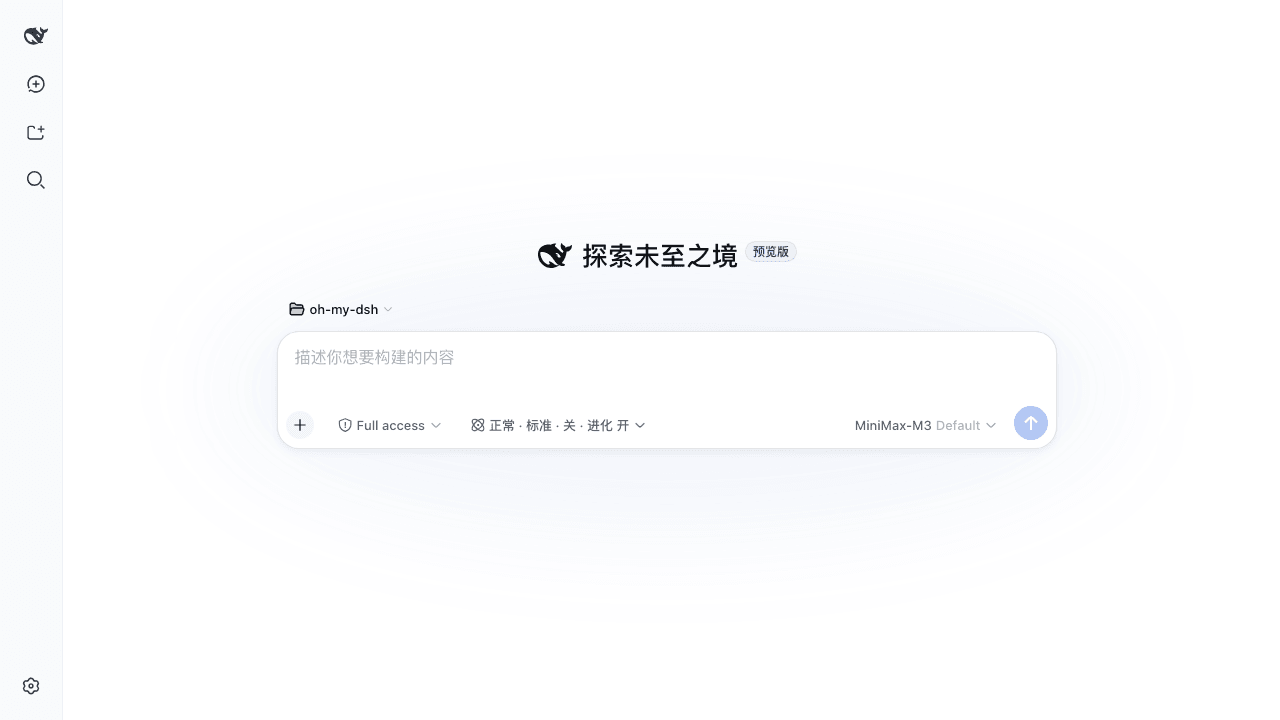 GraySilver/dsh-evolve-modes
让 Agent 的工作方式可组合、可审查、可持续改进,最终实现 Agent Self Evoling。 DeepSeek Harness Web plugin with composable task controls and isolat…
GraySilver/dsh-evolve-modes
让 Agent 的工作方式可组合、可审查、可持续改进,最终实现 Agent Self Evoling。 DeepSeek Harness Web plugin with composable task controls and isolat…
-
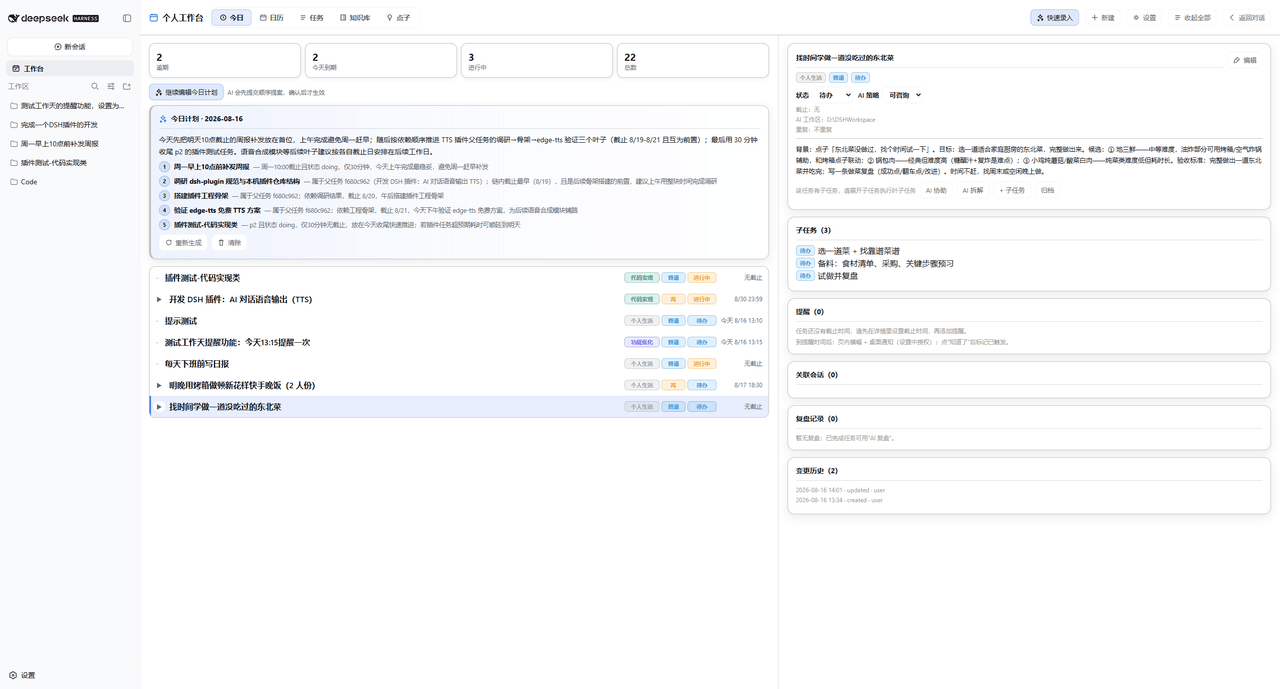 Dely0/dsh-personal-workbench
DSH 个人工作台:日历 + 任务列表 + AI 澄清/拆解/执行/复盘 | Personal workbench for DeepSeek Harness Web: calendar + task list + AI assistant
Dely0/dsh-personal-workbench
DSH 个人工作台:日历 + 任务列表 + AI 澄清/拆解/执行/复盘 | Personal workbench for DeepSeek Harness Web: calendar + task list + AI assistant
-
 naodeng/dsh-qa
dsh-qa · QA Workbench — A local software testing workbench plugin for DeepSeek Harness. Zero-dependency test project & i…
naodeng/dsh-qa
dsh-qa · QA Workbench — A local software testing workbench plugin for DeepSeek Harness. Zero-dependency test project & i…
-
 vlln/dsh-task-status
DSH 插件:后台任务状态条(对话页任务进度 + 实时输出 tail)。官方 bundle 插件,dsh plugin --profile web add 安装
vlln/dsh-task-status
DSH 插件:后台任务状态条(对话页任务进度 + 实时输出 tail)。官方 bundle 插件,dsh plugin --profile web add 安装
-
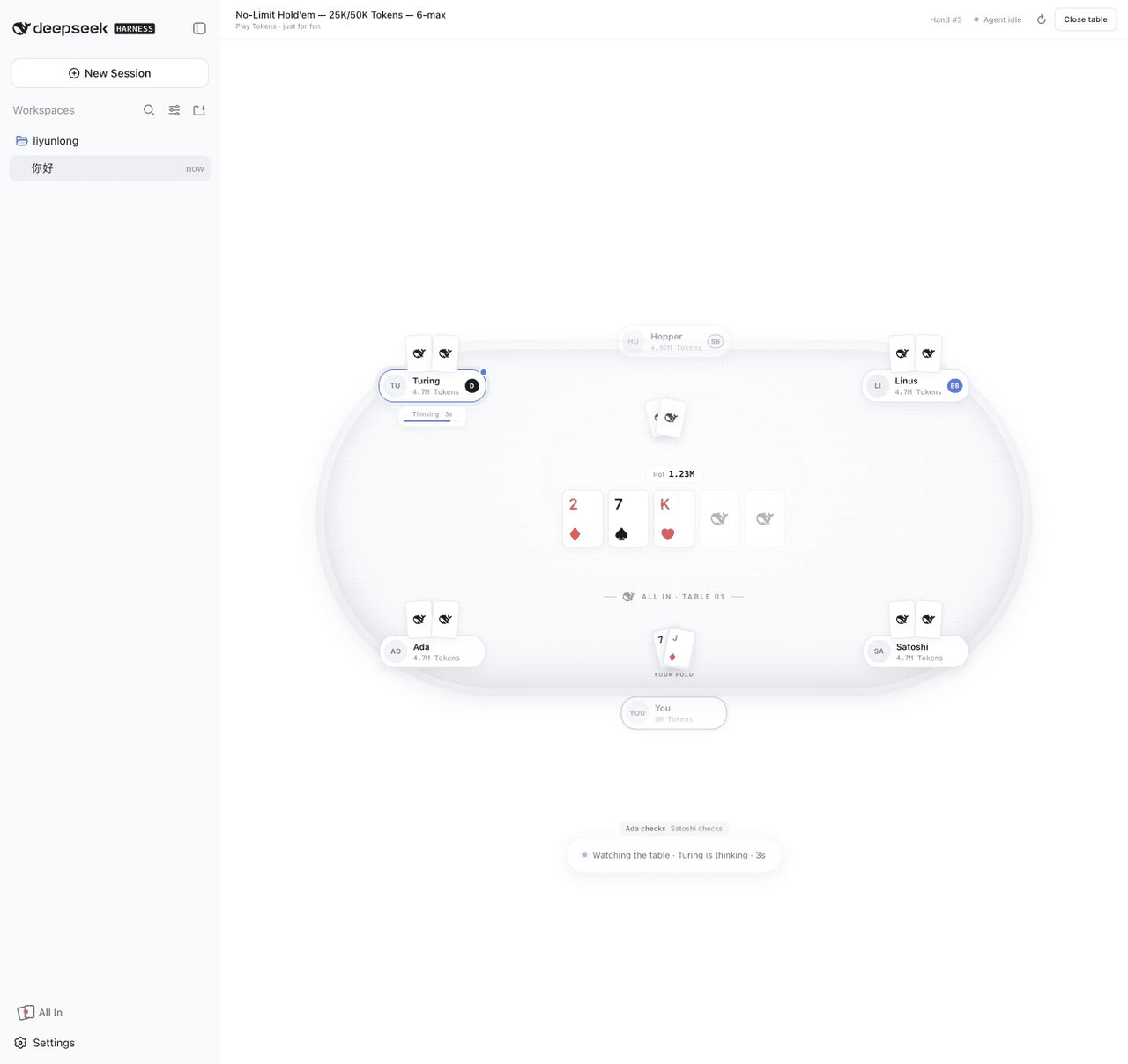 leeclouddragon/dsh-all-in
A local six-max Texas Hold'em plugin for DeepSeek Harness — play with Tokens while your agent thinks.
leeclouddragon/dsh-all-in
A local six-max Texas Hold'em plugin for DeepSeek Harness — play with Tokens while your agent thinks.