tianjiqx/dsh-wigolo
Wigolo 元搜索守护进程与 DeepSeek Harness 集成——搜索、爬取、提取、研究、缓存、监控
Project Overview项目介绍
dsh-wigolo is a DSH plugin that replaces the built-in web_search and web_fetch with a self-hosted wigolo meta-search daemon. It exposes seven agent tools (search, crawl, extract, research, find_similar, cache, watch) backed by 18+ engines, RRF merging, and a local cache. A single takeover switch routes the official web seam through wigolo, with hot-reload for connection settings and a loopback-only sidebar panel. Use it when you need full control over search engines, caching, and data privacy without cloud dependencies or per-query costs. Requires a running wigolo daemon v0.2+; takeover and tool-exposure changes need a DSH restart.
dsh-wigolo 是 DSH 的自托管网页搜索插件,将 DSH 内置的 web_search / web_fetch 替换为本地部署的 wigolo 元搜索引擎。支持 7 个代理工具(搜索、抓取、提取、研究、相似、缓存、监听)和 18+ 引擎、RRF 合并、本地缓存。一键接管官方搜索,无需云服务和 API Key。适合需要完全掌控搜索基础设施与数据隐私的场景。前提是需自行部署 wigolo 守护进程 v0.2+,切换接管开关需重启 DSH。
请帮我了解并安装插件:【dsh-wigolo】【https://github.com/tianjiqx/dsh-wigolo】Send this message to DSH in your current session. CLI install commands may not be accurate across systems — DSH will figure it out for you.把上面这条消息直接发给当前会话里的 DSH,让它帮你了解并安装。安装命令不一定准确,发给 DSH 更稳。
Or use CLI install (for developers)或使用命令行安装(适合开发者)
CLI Install命令行安装
dsh plugin --profile web add @tianjiqx/dsh-wigolo把 tianjiqx/dsh-wigolo 加入你的 DSH 配置(web profile)即可启用。
READMEREADME
dsh-wigolo
Self-hosted web search for DSH (DeepSeek Harness). This plugin integrates a privately deployed wigolo meta-search daemon into DSH, replacing the built-in web search with your own self-hosted search infrastructure — full control over search engines, caching, and data privacy.
Core purpose: Proxy and replace DSH's built-in
web_search/web_fetchwith a self-hosted wigolo daemon. One toggle switches all agent web searches to your private deployment — no cloud dependencies, no API keys, zero cost per query.
dsh web GUI ── sidebar panel ── /api/dsh-wigolo/* ──┐
                                                     │
agent tools (wigolo_search, …) ── MCP streamable-http ──► wigolo daemon
web seam (web_search / web_fetch) ───────────────────┘   18+ engines · RRF · local cache
Features
- Agent-first design — seven tools (
wigolo_search,wigolo_crawl,wigolo_extract,wigolo_research,wigolo_find_similar,wigolo_cache,wigolo_watch) expose trimmed, model-friendly parameter surfaces. Write operations stay agent-only; read-only cache/watch browsing also lives in an opt-in "Wigolo Cache" conversation tab (off by default). - Provider takeover, configurable — route the official
web_search/web_fetchthrough wigolo with one switch (on = wigolo drives both, off = official providers), toggled from the GUI with automatic cordis routing management. - Official settings integration —
enabled,announceToAgent, andguidanceoverride live in the official DSH settings UI (dsh-ssh pattern). Hot-reload: change settings, no restart needed. - Sidebar panel (React, i18n) — four tabs: Connection (live test + latency), Takeover & Tools, About, and Help (bundled usage guide rendered in-panel). Connection settings with live test + latency, takeover switch, tool exposure flags, and the cache-tab toggle, all loopback-fenced. Token can be written directly from the panel (no terminal required).
- Hot-reconfigure — connection and token edits take effect immediately (MCP client hot-reconfigured); only the takeover switch and tool exposure changes need a restart.
- Fail-loud config validation — unknown config keys trigger warnings with "did you mean?" hints instead of being silently dropped.
- Secret-safe by construction — the token lives in its own 0600 file, never in the config JSON, never returned to the browser.
- Timezone-aware cache timestamps — wigolo daemon stores timestamps in zone-less UTC; the plugin converts them to your configured timezone (
local, numeric offset like+8, or IANA name likeAsia/Shanghai) sowigolo_cacheresults display in your local time.
Prerequisites
A running wigolo daemon (v0.2+), reachable over HTTP with a bearer token. Local (127.0.0.1:3333) is the default and needs zero extra setup.
Install
From npm
dsh plugin --profile web add @tianjiqx/dsh-wigolo
From GitHub
dsh plugin --profile web add github:tianjiqx/dsh-wigolo
Both methods install the plugin and automatically register it in the profile's bundle list (via the plugin's bundled cordis.patch.yml). No manual editing required.
Local development (link mode)
git clone https://github.com/tianjiqx/dsh-wigolo.git
cd dsh-wigolo
pnpm install
pnpm build
dsh plugin --profile web add link:$PWD
This clones the repo, builds it, and registers the plugin in the profile's bundle list automatically via link: (no manual cordis.patch.yml editing needed).
Post-install
Put your daemon token into ~/.dsh/wigolo-token (first line, 0600):
echo "YOUR_TOKEN" > ~/.dsh/wigolo-token && chmod 600 ~/.dsh/wigolo-token
Restart dsh, open the Wigolo entry in the sidebar, and hit Test connection.
Uninstall
dsh plugin --profile web remove @tianjiqx/dsh-wigolo
This removes the plugin and its bundle registration. The token file ~/.dsh/wigolo-token and config ~/.dsh/wigolo.json are preserved (delete manually if desired).
For detailed usage scenarios and examples, see the Usage Guide (中文).
Configuration
Via GUI (recommended)
All settings can be configured through the Wigolo sidebar panel (click the Wigolo icon in the sidebar):
- Connection tab: Host, port, token, hostHeader, test connection
- Takeover & Tools tab: Takeover switch, tool enable/disable, cache tab toggle
- About tab: Version info, documentation links
Changes take effect immediately (hot-reload), except for the takeover switch which requires a restart.
Manual configuration file
For advanced settings not exposed in the UI (e.g., per-tool defaults, timeout overrides), edit ~/.dsh/wigolo.json directly:
{
  "version": 2,
  "connection": {
    "host": "127.0.0.1",       // daemon address
    "port": 3333,
    "hostHeader": "auto",       // auto | none | "<literal>"
    "tokenFile": ""             // "" = ~/.dsh/wigolo-token
  },
  "takeover": false,            // true = wigolo drives web_search + web_fetch; false = official providers
  "tools": {
    "wigolo_search":  { "enabled": true,  "defaults": { "max_results": 10, "search_depth": "balanced" } },
    "wigolo_crawl":   { "enabled": true,  "defaults": { "max_pages": 50 }, "timeoutMs": 300000 },
    "wigolo_extract": { "enabled": true },
    "wigolo_research":{ "enabled": true,  "timeoutMs": 600000 },
    "wigolo_find_similar": { "enabled": false },
    "wigolo_cache":   { "enabled": true },
    "wigolo_watch":   { "enabled": true }
  },
  "cacheTab": { "enabled": false },   // "Wigolo Cache" read-only GUI tab (default off; hot-apply)
  "announceToAgent": true,
  "timezone": "local"               // cache timestamp timezone: "local" | "+8" | "-5" | "+5.5" | "Asia/Shanghai"
}
Per-tool defaults merge under the model's explicit arguments (the model always wins); timeoutMs overrides the built-in per-tool budget.
Takeover switch
takeover is a simple boolean:
| Value | web_search |
web_fetch |
Notes |
|---|---|---|---|
true |
wigolo | wigolo | full replacement |
false |
official | official | wigolo_* tools only (default) |
Why a switch at all: when several providers register into the web seam and none is explicitly routed, web_search fails with WEB_PROVIDER_AMBIGUOUS. Takeover on (true) therefore also writes a self-managed block into ~/.dsh/cordis.patch.yml (searchProvider: wigolo, dsh-skin-style managed markers); takeover off (false) removes it and registers nothing, so it coexists safely with the official provider. Routing changes need a dsh restart — the panel tells you when.
Timezone
The wigolo daemon persists cache timestamps as zone-less UTC ("YYYY-MM-DD HH:MM:SS"). The plugin converts them to the configured timezone before returning to the agent or rendering in the UI.
| Value | Example | Description |
|---|---|---|
"local" |
"local" |
Use the DSH host's system timezone (default) |
| Numeric offset | "+8", "-5", "+5.5" |
Fixed offset from UTC; supports half-hour zones |
| IANA name | "Asia/Shanghai", "America/New_York" |
Full timezone with DST rules |
Changes to timezone take effect after a dsh restart.
The Host header, explained
wigolo guards against DNS-rebinding by allowlisting Host values: localhost, the loopback literals, and its own bind host. Two consequences:
- A daemon bound to
0.0.0.0on a LAN machine accepts requests whoseHostheader is0.0.0.0. fetch()refuses to setHost(Fetch spec), so the plugin usesnode:http, which allows it.
hostHeader: "auto" (default) sends no custom header for local daemons and the bind-host trick for remote ones. Set a literal only if your deployment needs it.
Agent tools
| Tool | Wigolo capability | Highlights | Timeout |
|---|---|---|---|
wigolo_search |
search | category / time_range / domain filters / depth tiers / "a | b" multi-variant queries |
60s |
wigolo_crawl |
crawl | site crawl with patterns, strategy, page caps; every page lands in the cache | 300s |
wigolo_extract |
extract | CSS selector or field-schema structured extraction | 60s |
wigolo_research |
research | decomposes, searches in parallel, synthesizes a cited report | 600s |
wigolo_find_similar |
find_similar | related content from URL or concept (default off) | 120s |
wigolo_cache |
cache | search the local cache before hitting the network; stats / clear | 30s |
wigolo_watch |
watch | persistent URL change monitoring; pair with a scheduled agent task for notifications | 120s |
All timeouts are configurable per tool via timeoutMs in the config.
Security notes
- Panel routes are loopback-only (remote address + Host +
sec-fetch-site+ origin checks) — they read/write private config and must never be served to LAN-exposed deployments. - The token sits in
~/.dsh/wigolo-token(0600); API responses never include it. wigolo_cache clearis destructive; the tool description tells the model to confirm first.
Development
pnpm install
pnpm test          # vitest (61 tests)
pnpm typecheck     # tsc --noEmit
pnpm build         # lib/index.mjs + lib/client.js (CSS inlined)
node test/smoke-real-daemon.mjs   # manual smoke against a live daemon
License
Apache-2.0
Related相关推荐
-
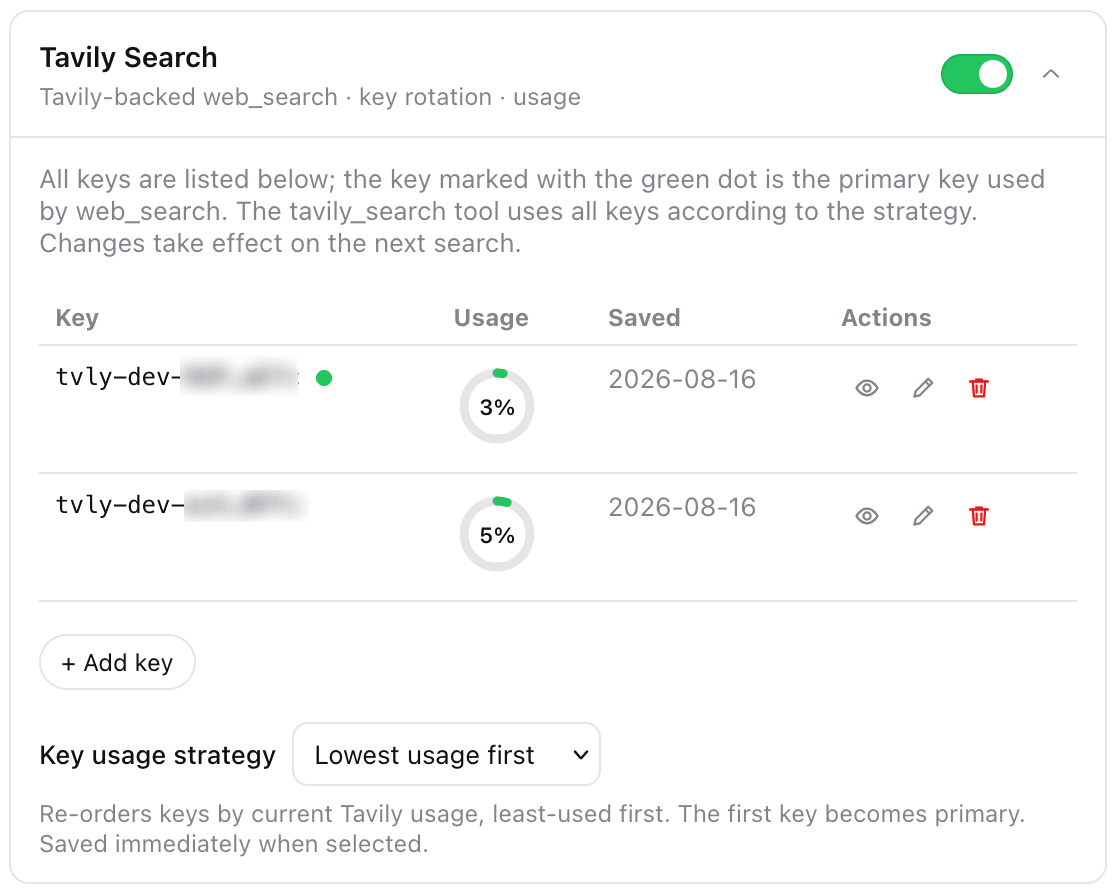 moguiyu/dsh-tavily
Tavily-powered optional search tool for DeepSeek Harness (rc.7 plugin management): multi-key rotation/failover, usage ga…
moguiyu/dsh-tavily
Tavily-powered optional search tool for DeepSeek Harness (rc.7 plugin management): multi-key rotation/failover, usage ga…
- acdcgz/dsh-web-search-searxng SearXNG-backed WebSearchProvider for DeepSeek Harness (ctx.web) — self-hosted, zero per-search model cost, multi-engine …
-
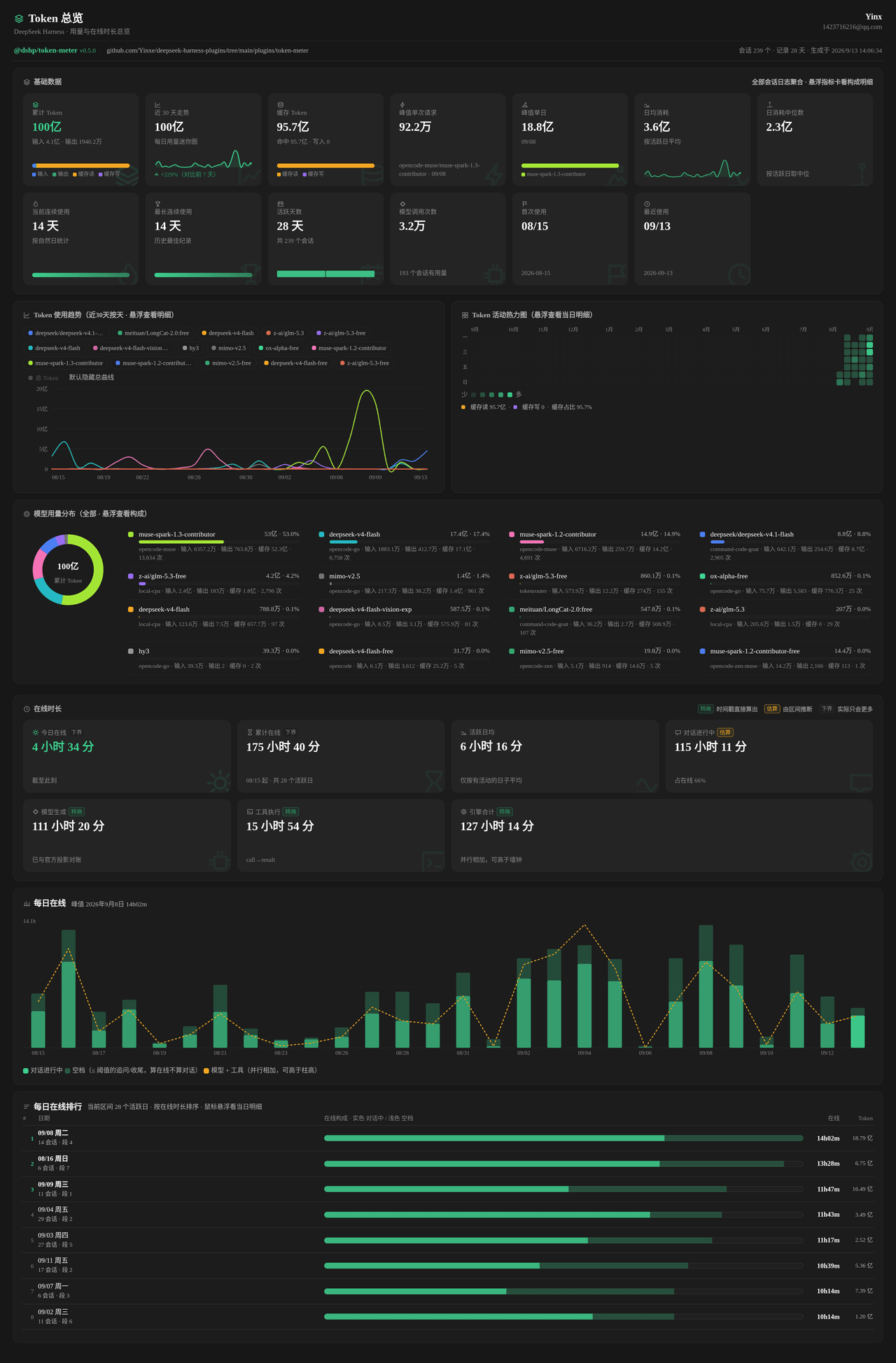 Yinxe/deepseek-harness-plugins
DeepSeek Harness (DSH) plugins monorepo (pnpm + TypeScript)
Yinxe/deepseek-harness-plugins
DeepSeek Harness (DSH) plugins monorepo (pnpm + TypeScript)
- Tannnnhauser/pivot-web-search Resilient multi-provider web search & content extraction for Claude Code, DeepSeek Harness, and any MCP host — quota-awa…
-
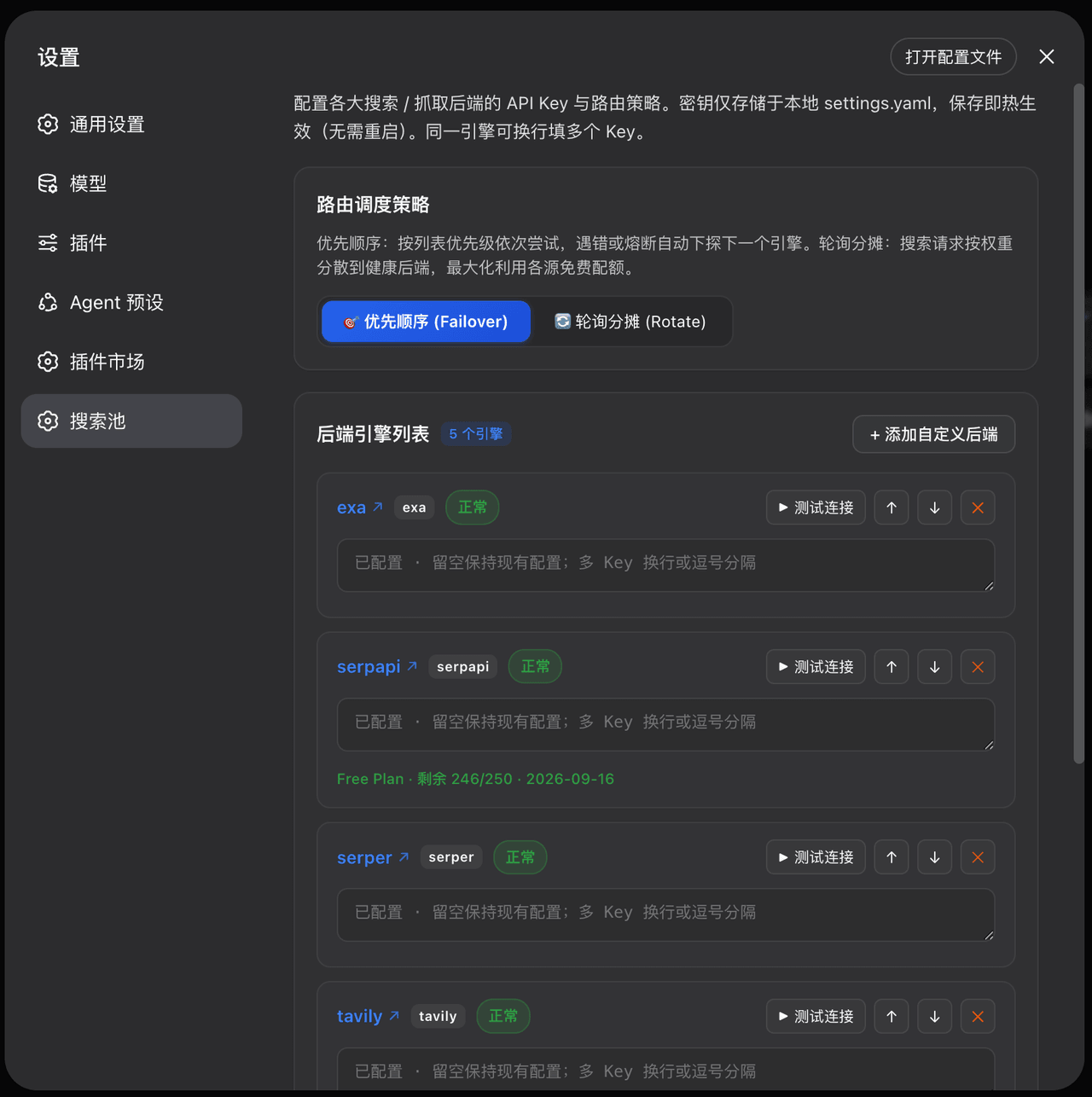 Walvez/dsh-search-failover
DSH provider-level web search failover pool: 8 free/paid backends with quota-aware circuit breaking (keeps native web_se…
Walvez/dsh-search-failover
DSH provider-level web search failover pool: 8 free/paid backends with quota-aware circuit breaking (keeps native web_se…
- liangdabiao/dsh-weather-plugin dsh = 一台"所有零件都能换"的智能体机器。写插件 = 造一个零件装上去。本项目展示怎样开发一个天气插件:天气插件的设计:Node 端调 Open-Meteo 拿温度风力,浏览器端用这些数据画一张会动的天气卡片。
- sgzxs/dsh-global-task-list A global task library plugin for DeepSeek Harness featuring cross-session persistence, a real-time generative-UI browser…
-
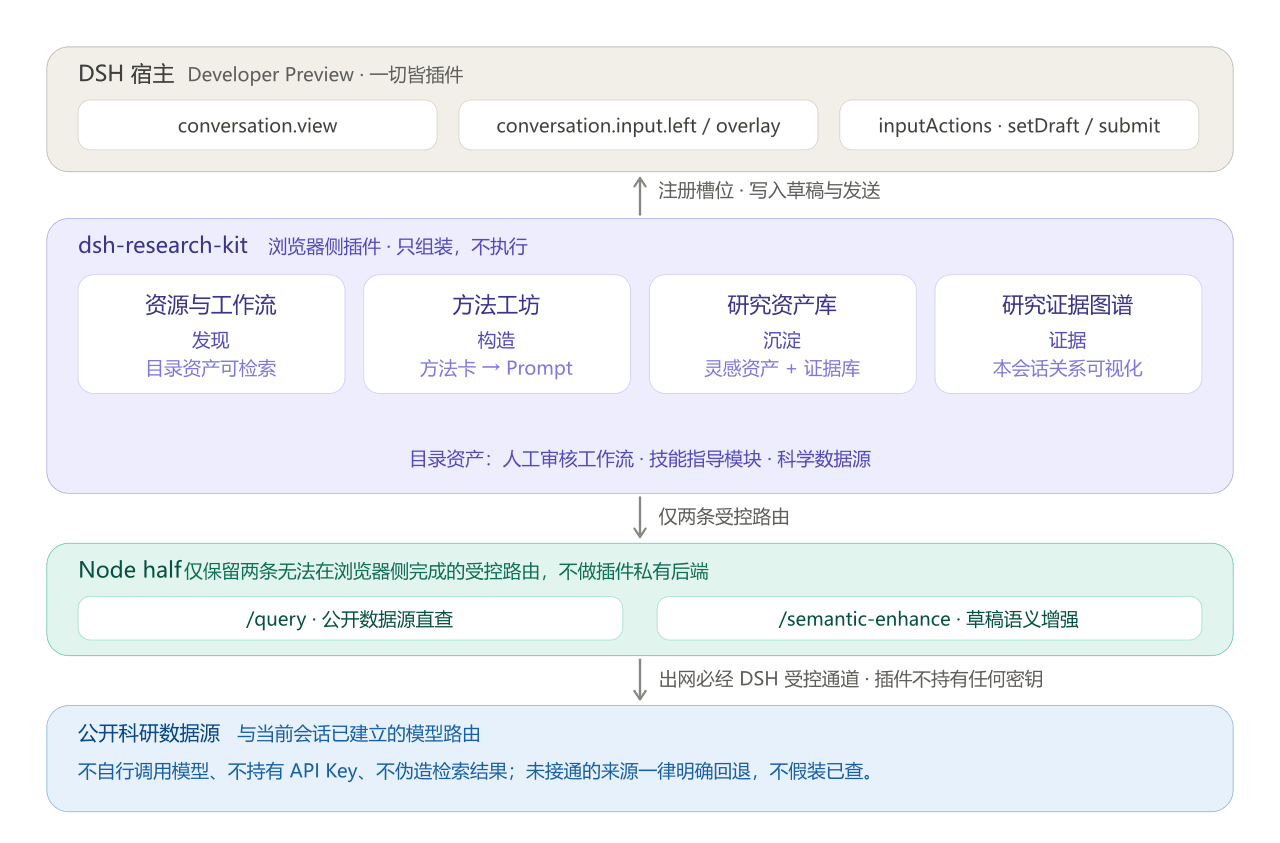 fsrmqi/dsh-research-kit
dsh-research-kit 是一个 浏览器侧 DSH 插件:它维护科研资源目录、把工作流和用户参数组装成可编辑 Prompt,并由 DSH 当前会话负责实际发送与执行。
fsrmqi/dsh-research-kit
dsh-research-kit 是一个 浏览器侧 DSH 插件:它维护科研资源目录、把工作流和用户参数组装成可编辑 Prompt,并由 DSH 当前会话负责实际发送与执行。