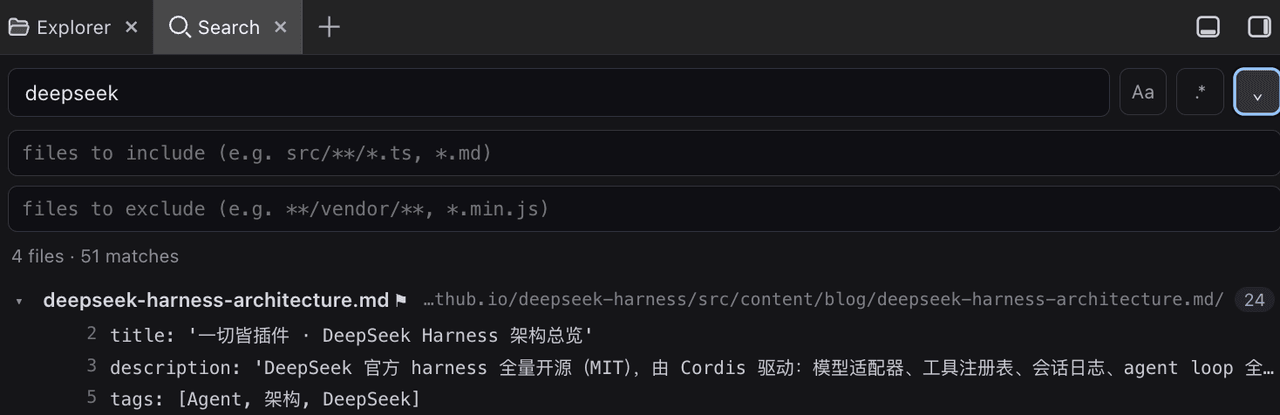
tsonglew/dsh-workspace-search
为 DeepSeek Harness 提供 VS Code 风格的工作区关键字搜索:在 dsh-better-sidebar 中增加一个搜索标签页。
Project Overview项目介绍
DSH Workspace Search adds a VS Code-style keyword search tab to dsh-better-sidebar, scanning workspace file names and contents, then reporting matches grouped per file with line numbers. It supports include/exclude glob patterns, regex toggling, and case toggling; clicking a match opens the file in the sidebar editor. Default excludes like .git, node_modules, dist, and build are skipped, and truncation is reported honestly. It requires dsh-better-sidebar ≥ 0.4.0; large binary files are skipped from content scanning.
DSH 工作区搜索为 dsh-better-sidebar 添加 VS Code 风格的关键字搜索标签页,可扫描文件名与内容并按文件分组显示行号。支持 include/exclude glob、通配符与 {a,b}、正则切换与大小写切换,点击匹配项在侧栏编辑器打开。默认跳过 .git、node_modules、dist 等目录,并在截断时如实提示。需配合 dsh-better-sidebar ≥ 0.4.0 一起使用;大型二进制文件不会进行内容扫描。
请帮我了解并安装插件:【dsh-workspace-search】【https://github.com/tsonglew/dsh-workspace-search】Send this message to DSH in your current session. CLI install commands may not be accurate across systems — DSH will figure it out for you.把上面这条消息直接发给当前会话里的 DSH,让它帮你了解并安装。安装命令不一定准确,发给 DSH 更稳。
Or use CLI install (for developers)或使用命令行安装(适合开发者)
CLI Install命令行安装
dsh plugin --profile web add github:tsonglew/dsh-workspace-search把 tsonglew/dsh-workspace-search 加入你的 DSH 配置(web profile)即可启用。
READMEREADME
dsh-workspace-search

VS Code-style workspace keyword search for the DeepSeek Harness (dsh) web GUI, registered as a Search tab inside dsh-better-sidebar.
- Keyword search across the session workspace: file names and file contents, grouped per file with line numbers
- VS Code-style search rules: files to include / files to exclude glob
patterns (comma-separated, supports
**,*,?,{a,b}), regular expression queries (.*toggle), and case toggle (Aa) - Click a match to open the file in better-sidebar's built-in editor
- VS Code default excludes: hidden files,
.git,node_modules,dist,build,.next,targetetc. are skipped; caps on files, matches, and line length are reported honestly as truncation
Install
dsh plugin --profile web add ./plugins/dsh-workspace-search
(Requires dsh-better-sidebar ≥ 0.4.0, which exposes ctx.betterSidebar.)
Configuration
All fields optional (profile patch layer):
- id: workspace-search
  config:
    maxFiles: 5000       # hard cap on files scanned per search
    maxMatches: 300      # hard cap on total content matches
    maxLineLength: 300   # hard cap on one reported line
    maxFileBytes: 1048576  # files above this skip the content scan
How it works
Dual-face bundle. The host half registers a Connection RPC channel
/workspace-search (loopback trust fence, same as the built-in /api).
The browser half registers a tab through ctx.betterSidebar.registerTab.
Search results open in the sidebar editor via openTab({type: 'editor'}).
License
MIT
Related相关推荐
-
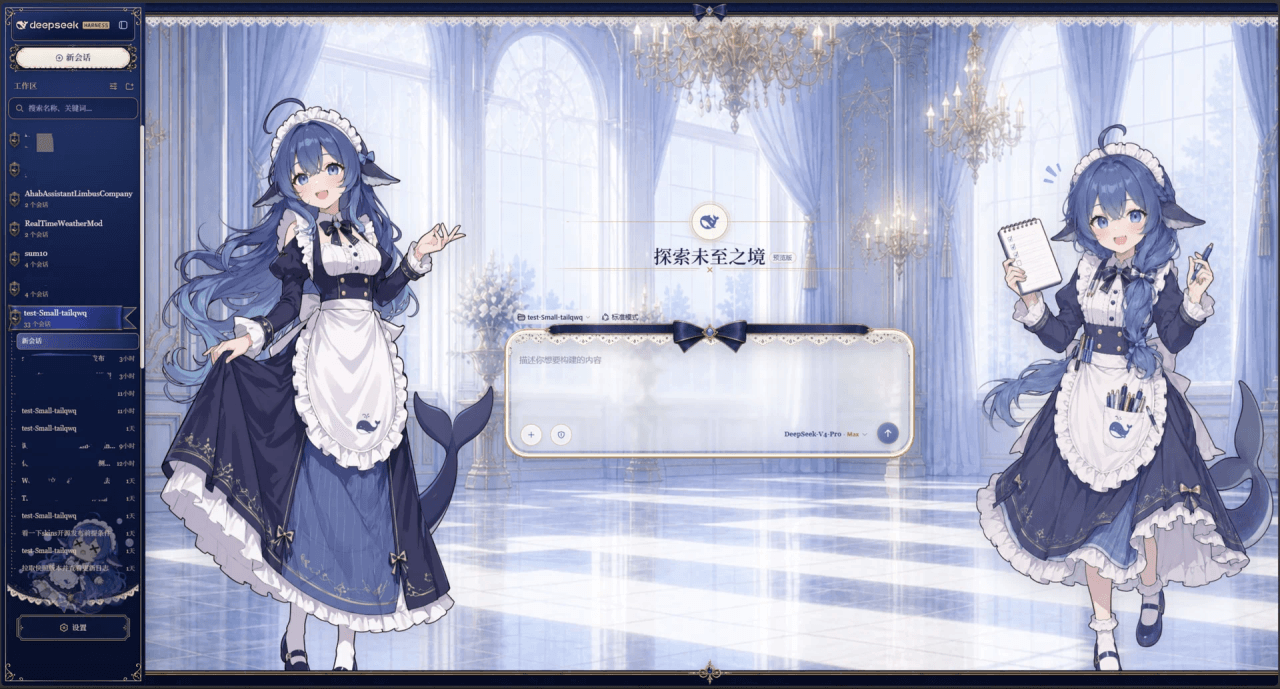 Small-tailqwq/dsh-deep-whale
Whale Girl skin series for DeepSeek Harness. 适用于 DeepSeek Harness 的,鲸鱼娘系列皮肤。
Small-tailqwq/dsh-deep-whale
Whale Girl skin series for DeepSeek Harness. 适用于 DeepSeek Harness 的,鲸鱼娘系列皮肤。
-
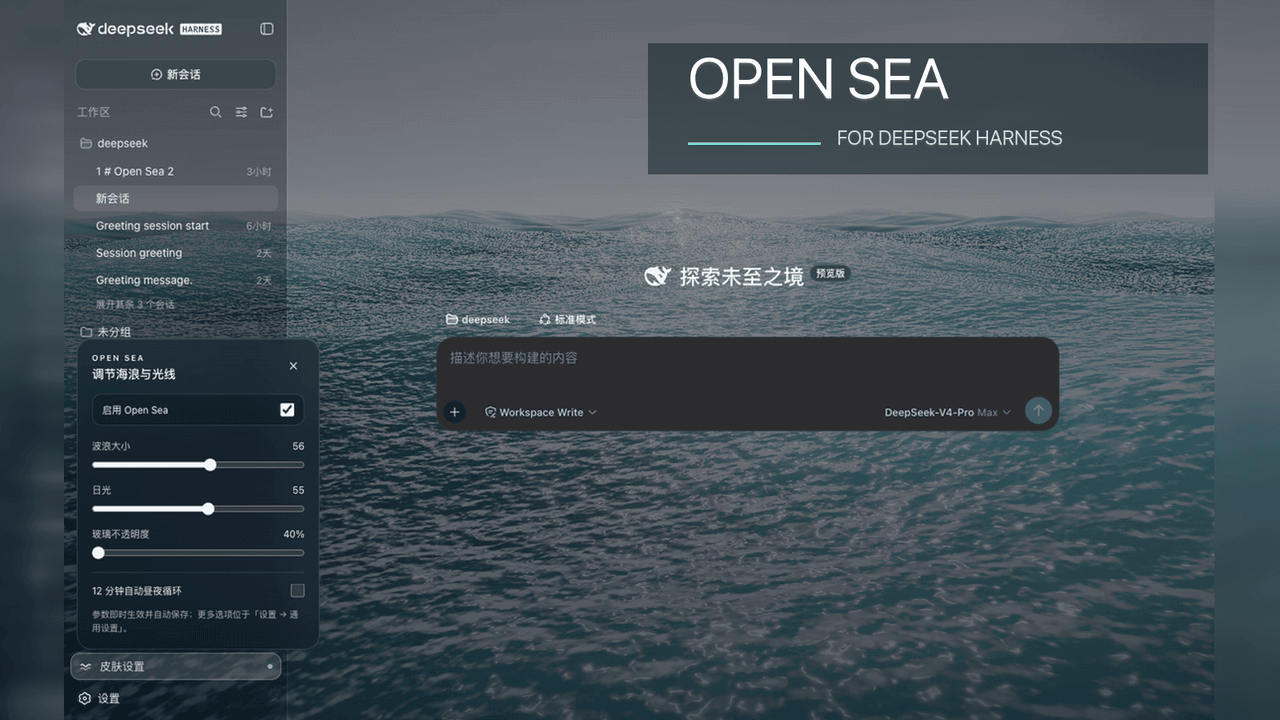 d-dev0101/open-sea-skin
🌊 DeepSeek Harness 海洋皮肤与动态主题 | Real-time ocean theme with adjustable waves, sunset & glass opacity. DSH plugin + Chrome…
d-dev0101/open-sea-skin
🌊 DeepSeek Harness 海洋皮肤与动态主题 | Real-time ocean theme with adjustable waves, sunset & glass opacity. DSH plugin + Chrome…
-
 kingOfSoySauce/dsh-liang-skin
DeepSeek Harness 滑动变阻器皮肤
kingOfSoySauce/dsh-liang-skin
DeepSeek Harness 滑动变阻器皮肤
-
 RevolutionLA/dsh-dream-skin
DeepSeek Harness 换肤 / 壁纸 / 主题包插件 (dsh-plugin) — 8 套 Mirage 主题、每用户强调色、壁纸2.0、主题包导入导出/分享链接、收藏与随机,纯原生 token 系统实现。
RevolutionLA/dsh-dream-skin
DeepSeek Harness 换肤 / 壁纸 / 主题包插件 (dsh-plugin) — 8 套 Mirage 主题、每用户强调色、壁纸2.0、主题包导入导出/分享链接、收藏与随机,纯原生 token 系统实现。
-
 Fishquito7/dsh-skill-mcp-panel
DSH Web UI plugin: skill and MCP management(Web界面的skill/MCP管理工具)
Fishquito7/dsh-skill-mcp-panel
DSH Web UI plugin: skill and MCP management(Web界面的skill/MCP管理工具)
-
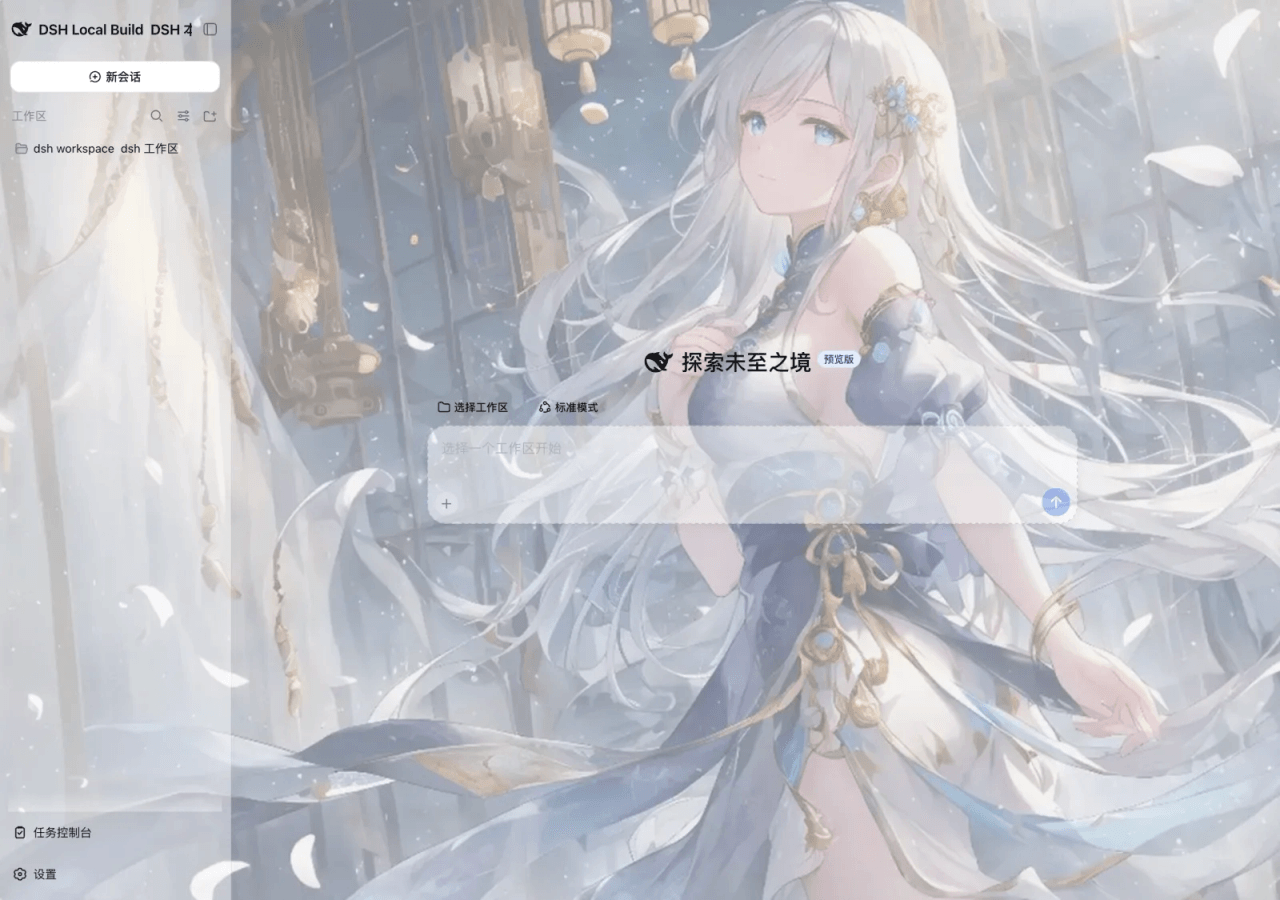 SLin-code/dsh-custom-skin
DSH自定义壁纸/皮肤插件——Custom wallpapers and translucent skins for DeepSeek Harness Web
SLin-code/dsh-custom-skin
DSH自定义壁纸/皮肤插件——Custom wallpapers and translucent skins for DeepSeek Harness Web
-
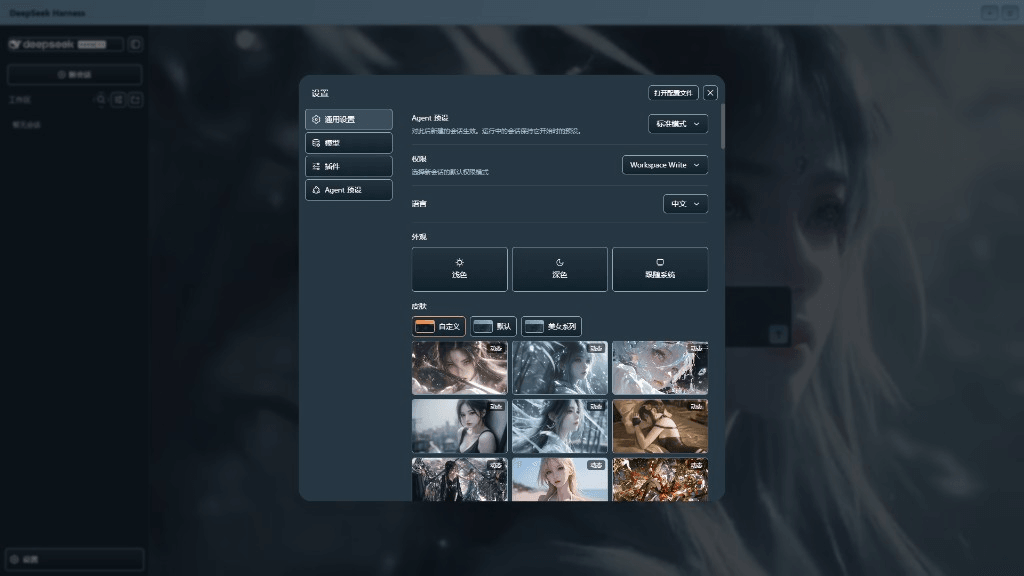 XieRW/dsh-beauty-skins
给 DeepSeek Harness 用的美女系列皮肤:设置里从 哲风壁纸 拉预览网格,点一张即应用,配色从壁纸提取。支持动态壁纸,也保留自定义选图。
XieRW/dsh-beauty-skins
给 DeepSeek Harness 用的美女系列皮肤:设置里从 哲风壁纸 拉预览网格,点一张即应用,配色从壁纸提取。支持动态壁纸,也保留自定义选图。
- ymh0000123/dsh-theme-endfield 终末地官网风格的 DSH Web 主题:奶油纸底、墨黑文字、信号黄强调、全直角工业编辑风。