Viveksssss/DeepSeek-harness-marketplace
deepseekharness的插件市场。
项目介绍Project Overview
DSH 插件市场是为 DeepSeek Harness 网页版打造的插件生态入口插件,在「设置 → 插件」中新增「插件市场」标签页,可按 topic 搜索 GitHub 上的 dsh 插件、预览仓库元信息与 README,并一键启用或停用,启用列表持久化至 ~/.dsh/plugin-marketplace.json。安装时复用官方 dsh plugin CLI,并校验入口文件,缺失则自动回滚以避免 profile 损坏。需在 web profile 下使用,并依赖 dsh CLI、pnpm 与 GitHub API;匿名调用可能触发限流,安装后须重启 DSH 生效。
DSH Plugin Marketplace is a web-profile plugin for DeepSeek Harness that adds a "Plugin Marketplace" tab under Settings → Plugins. It searches GitHub for repositories tagged with dsh-plugin topics, previews repository metadata and README, and enables or disables plugins with one click, reusing the official dsh plugin CLI under the hood. Enabled plugins are persisted to ~/.dsh/plugin-marketplace.json, and installation is validated against the entry file with automatic rollback on failure. It requires the dsh CLI, pnpm, and GitHub API access, only supports the web profile, and changes take effect after restarting DSH.
请帮我了解并安装插件:【DeepSeek-harness-marketplace】【https://github.com/Viveksssss/DeepSeek-harness-marketplace】把上面这条消息直接发给当前会话里的 DSH,让它帮你了解并安装。安装命令不一定准确,发给 DSH 更稳。Send this message to DSH in your current session. CLI install commands may not be accurate across systems — DSH will figure it out for you.
或使用命令行安装(适合开发者)Or use CLI install (for developers)
命令行安装CLI Install
dsh plugin --profile web add github:Viveksssss/DeepSeek-harness-marketplace把 Viveksssss/DeepSeek-harness-marketplace 加入你的 DSH 配置(web profile)即可启用。
READMEREADME
🛍️ DSH Plugin Marketplace
一个为 DeepSeek Harness (DSH) 打造的插件生态入口
在「设置 → 插件」里直接浏览、预览、一键安装 GitHub 上的 DSH 插件, 启用列表持久化保存,重启不丢失。


📖 目录
🧭 它是什么
dsh-plugin-marketplace 是一个 DSH web 端插件,它在 DSH 的网页版「设置 → 插件」区域新增了一个
「插件市场」 标签页。
你可以像逛应用商店一样:
- 🔍 浏览 GitHub 上带
topic:dsh-plugin标签的仓库; - 📖 直接查看仓库的 README、星标、语言、许可证 等元信息;
- ⚡ 一键安装 / 卸载,自动调用 DSH 官方的插件机制;
- 💾 已启用的插件列表会 持久化 到本地 JSON 文件,重启 DSH 后依然保留。
它本身是「DSH 的插件」,同时又是「DSH 插件的安装器」——是一个典型的生态入口(bootstrap)。
✨ 核心特性
| 特性 | 说明 |
|---|---|
| 🔎 GitHub 搜索 | 按 topic:dsh-plugin / topic:dsh-theme / topic:dsh-skill 等关键词检索,按星标排序 |
| 📄 仓库预览 | 拉取仓库描述、星标、fork 数、语言、许可证、topics 与 README(自动截断) |
| ⚡ 一键启用 | 底层调用 dsh plugin --profile <name> add github:owner/repo,复用官方安装流程 |
| 🛡️ 安装校验 | 装完后验证插件包入口文件是否存在,缺失则自动回滚,避免弄坏 profile 下次无法启动 |
| 💾 持久化启用列表 | 写入 ~/.dsh/plugin-marketplace.json,重启不丢失 |
| 🎨 深度契合主题 | 全部样式使用 DSW 设计令牌(--dsw-alias-*),自动适配明暗主题 |
| 🚦 友好反馈 | 区分错误 / 警告 / 提示三态,网络异常、GitHub 限流都有清晰提示 |
⚙️ 工作原理
 DSH Web UI(设置 → 插件 → 插件市场)
        │  fetch POST /marketplace/*
        ▼
 后端 handler(lib/index.js,通过 ctx.webServer.register 挂载)
        │
        ├── /marketplace/browse   → GitHub Search API 搜仓库
        ├── /marketplace/import   → GitHub Repos API 拉单个仓库 + README
        ├── /marketplace/enable   → 调 dsh plugin add github:owner/repo(pnpm 转发)
        ├── /marketplace/disable  → 调 dsh plugin remove <pkg>
        └── /marketplace/enabled  → 读/写 ~/.dsh/plugin-marketplace.json
        │
        ▼
  dsh plugin(官方 CLI)→ 转发给 pnpm → reconcilePlugins → 写入 profile 的 bundles 层栈
关键点:本插件 不重新发明安装逻辑,而是完全复用 DSH 官方的
dsh plugin命令(它本质是 pnpm 转发器 + bundle 调和器), 只负责「搜索、预览、持久化、安装后校验与回滚」这些官方 CLI 没有的 UI 能力。
🚀 快速开始
前置要求
- ✅ 已安装 DeepSeek Harness(
dshCLI 可用) - ✅ 已安装 pnpm(
dsh plugin内部依赖 pnpm) - ✅ 能访问 GitHub(含
api.github.com)
一键安装
把这个仓库作为一个插件安装进你的 web profile:
dsh plugin --profile web add github:Viveksssss/DeepSeek-harness-marketplace
然后用 dsh web 启动:
dsh web
打开网页版 → 进入 设置 → 插件,就能看到新增的 「插件市场」 标签页。🎉
📚 详细使用指南
方式一:通过本插件市场(推荐)
装好插件市场之后,日常管理插件就再也不用记命令了:
- 启动 DSH 网页版:
dsh web - 进入 「设置」→「插件」
- 点击顶部 「插件市场」 标签
现在就进入了插件市场,包含三个子页面:
🔍 浏览页
搜索框:默认值是 topic:dsh-plugin,输入任意 GitHub 搜索关键词后回车或点「搜索」。
快捷标签(chips):一键切换热门搜索词:
| 快捷词 | 用途 |
|---|---|
topic:dsh-plugin |
搜索打上 dsh-plugin 标签的插件 |
topic:dsh-theme |
搜索 DSH 主题 |
topic:dsh-skill |
搜索 DSH 技能 |
deepseek-harness |
搜索含该关键词的仓库 |
结果卡片:每个仓库显示 —— 名称(可点开 GitHub)、星标数、描述、语言、许可证、topics, 以及一个 「启用 / 已启用 · 停用」 按钮。
- 点 「启用」 → 开始安装,按钮变为「处理中…」;
- 安装完成后顶部提示「操作已保存:已安装插件,重启 DSH 后生效」;
- 再次点击(此时为「已启用 · 停用」红色按钮)→ 卸载该插件。
分页:列表底部有「上一页 / 第 N 页 / 下一页」,每次最多 30 个结果。
📥 导入仓库
用于精确安装某个已知仓库(浏览搜索不到时很实用)。
在输入框中填入仓库地址,支持以下任意格式:
deepseek-ai/deepseek-harness                  # owner/repo
https://github.com/owner/repo                 # 完整 URL
https://github.com/owner/repo/tree/main       # 带路径的 URL
git@github.com:owner/repo.git                 # SSH 形式(会被归一化)
点 「导入并预览」 后,卡片会显示:
- 仓库描述、星标、语言、许可证、topics;
- README 前 6000 字符(等宽字体滚动框);
- 默认分支名;
- 「添加并启用」按钮(逻辑同浏览页)。
📋 已启用列表
展示所有已启用(且已持久化)的插件。
- 显示每个插件的名称、星标、描述;
- 每个条目的 「停用」 按钮会卸载插件;
- 顶部提示:启用列表已持久化到
~/.dsh/plugin-marketplace.json。
方式二:使用 DSH 命令行
插件市场本质上是对官方 CLI 的封装,你也可以完全脱离 UI 使用官方命令:
# 安装(推荐 github: 协议,git 依赖会执行 prepare 脚本)
dsh plugin --profile web add github:Viveksssss/DeepSeek-harness-marketplace

# 卸载
dsh plugin --profile web remove <pkg-name>

# 查看已安装
dsh plugin --profile web list

# 升级
dsh plugin --profile web update
⚠️ 注意:DSH / pnpm 不识别
@owner:repo这种写法(那是 npx 的语法)。 请使用github:owner/repo或owner/repo。
🧩 插件识别规则
一个 GitHub 仓库要能作为 DSH 插件被本市场(以及 dsh plugin)正确安装,需要同时具备两个条件:
1. 声明 dsh.bundle(作为 profile bundle 层被加载)
package.json 里声明 dsh.bundle.patch,指向仓库根目录的 cordis.patch.yml:
{
  "name": "dsh-plugin-marketplace",
  "dsh": {
    // 关键:声明自己是 bundle,reconcilePlugins 会据此把它加进 dsh.profile.bundles
    "bundle": {
      "patch": "./cordis.patch.yml"
    }
  }
}
仓库根目录同时需要一个 cordis.patch.yml,把自己 insert 进 Loader 的 entries
(name 必须是 package.json 的包名;id 全局唯一):
- insert:
    - id: plugin-marketplace
      name: dsh-plugin-marketplace
      inject: [webServer, subprocess]   # 仅当 host 半需要这些服务时才写
⚠️ 没有
dsh.bundle声明,dsh plugin add会把它当普通依赖安装(不加入 bundle 层), 并打印declares no dsh.bundle警告;没有cordis.patch.yml里的 entry,则不会被 Loader 加载。两者缺一不可。
2. 声明 dsh.client(作为浏览器插件被扫描)
如果插件有前端 UI,再声明 dsh.client:
{
  "dsh": {
    "bundle": { "patch": "./cordis.patch.yml" },
    "client": {
      "inject": ["@deepseek-ai/dsh-client-runtime"],
      "platform": "web"
    }
  },
  "exports": {
    ".": "./lib/index.js",      // host 半(后端,提供 /marketplace 路由)
    "./client": "./lib/client.js" // browser 半(前端,slot 注入 UI)
  }
}
client-modules扫描ctx.loader.entries(),对每个包读dsh.client,校验platform === "web"且存在exports["./client"],然后 serve/plugins/<id>/client.js。
3. 入口文件必需真实存在
这是最常见的坑——很多 git 仓库不提交 lib/ 构建产物,安装时又没跑 prepare/build,
导致装上后却无法启动。
- ✅ 方案 A:把构建产物提交进 git;
- ✅ 方案 B:把
build脚本改成(或加上)prepare,因为 pnpm 安装 git 依赖时会执行prepare。
本市场在启用插件时会对入口文件做校验,缺失会自动回滚并给出具体报错, 避免污染 profile 导致下次
dsh web启动失败。
💾 状态文件
插件市场会把启用状态写入:
~/.dsh/plugin-marketplace.json
结构大致如下(DSH_HOME 环境变量可自定义 DSH 主目录):
{
  "version": 1,
  "updatedAt": "2025-08-15T12:00:00.000Z",
  "enabled": [
    {
      "full": "owner/repo",
      "owner": "owner",
      "name": "repo",
      "description": "...",
      "htmlUrl": "https://github.com/owner/repo",
      "stars": 123,
      "pkgName": "实际的 npm 包名",
      "enabledAt": "2025-08-15T12:00:00.000Z"
    }
  ]
}
- 卸载插件时会读取该文件中记录的
pkgName,用真实的 npm 包名来卸载 (因为 git 依赖装进 profile 后,dependencies里写的是 npm 名,不是owner/repo); - 删除这个文件即可重置市场状态(不会卸载已装的插件本体)。
❓ 常见问题
Q:安装后提示「插件缺少入口文件」,怎么办?
这是最典型的问题:仓库没提交构建产物(lib/),安装时也没生成。请**
联系插件作者**,让其要么提交构建产物,要么把 build 改为 prepare。
本市场已自动回滚,未污染你的 profile。
Q:提示「已触发 GitHub 速率限制」,怎么回事?
GitHub API 对匿名请求有速率上限(约 60 次/小时)。稍等一段时间再试,或为本机 配置一个 GitHub token 提升额度(本市场当前版本暂未内置 token 注入,后续可扩展)。
Q:装完插件后需要重启吗?
需要。插件市场安装/卸载后都会提示「重启 DSH 后生效」,因为 DSH 的 bundle 层 在启动时解析。Q:状态文件删掉后,已装的插件会消失吗?
不会。状态文件只是市场用于「记住启用了哪些、卸载时用什么 npm 名」的索引。
真正的插件本体在 profile 的 node_modules 里,由 DSH 官方机制管理。
⚠️ 踩坑与已知限制
- 入口文件校验是兜底而非万能:只检查主入口是否存在且非空,无法做深度语法检查。
- 匿名 GitHub API 限流:共享 IP 下浏览/导入频繁可能触发限流,属 GitHub 限制。
- 安装依赖网络:
dsh plugin add github:...走 git + pnpm,网络慢或prepare脚本 未在pnpm-workspace.yaml的allowBuilds白名单里时可能失败,此时 CLI 会打印 具体需要放行的 key。 - 仅支持 web 平台:本插件
platform声明为web,客户端注入的是@deepseek-ai/dsh-client-runtime,TUI 等其它 profile 不适用。
🛠️ 开发
# 克隆
git clone https://github.com/Viveksssss/DeepSeek-harness-marketplace.git
cd dsh-plugin-marketplace

# 本项目无独立构建步骤(源码即产物,lib/ 已提交)
# 以 git 依赖方式装进本地 profile 调试:
dsh plugin --profile web add github:Viveksssss/DeepSeek-harness-marketplace

# 或者用本地路径:
dsh plugin --profile web add link:$(pwd)
目录结构
.
├── package.json      # 包清单:dsh.bundle(bundle 层)+ dsh.client(浏览器插件)声明
├── cordis.patch.yml  # bundle 补丁:把自己 insert 进 Loader entries
├── LICENSE           # MIT
└── lib
    ├── index.js      # host 半:/marketplace HTTP 路由 + dsh plugin 调用 + 校验/回滚
    └── client.js     # browser 半:设置页 UI(React + DSW 设计令牌)
📄 License
MIT © 2025
相关推荐Related
-
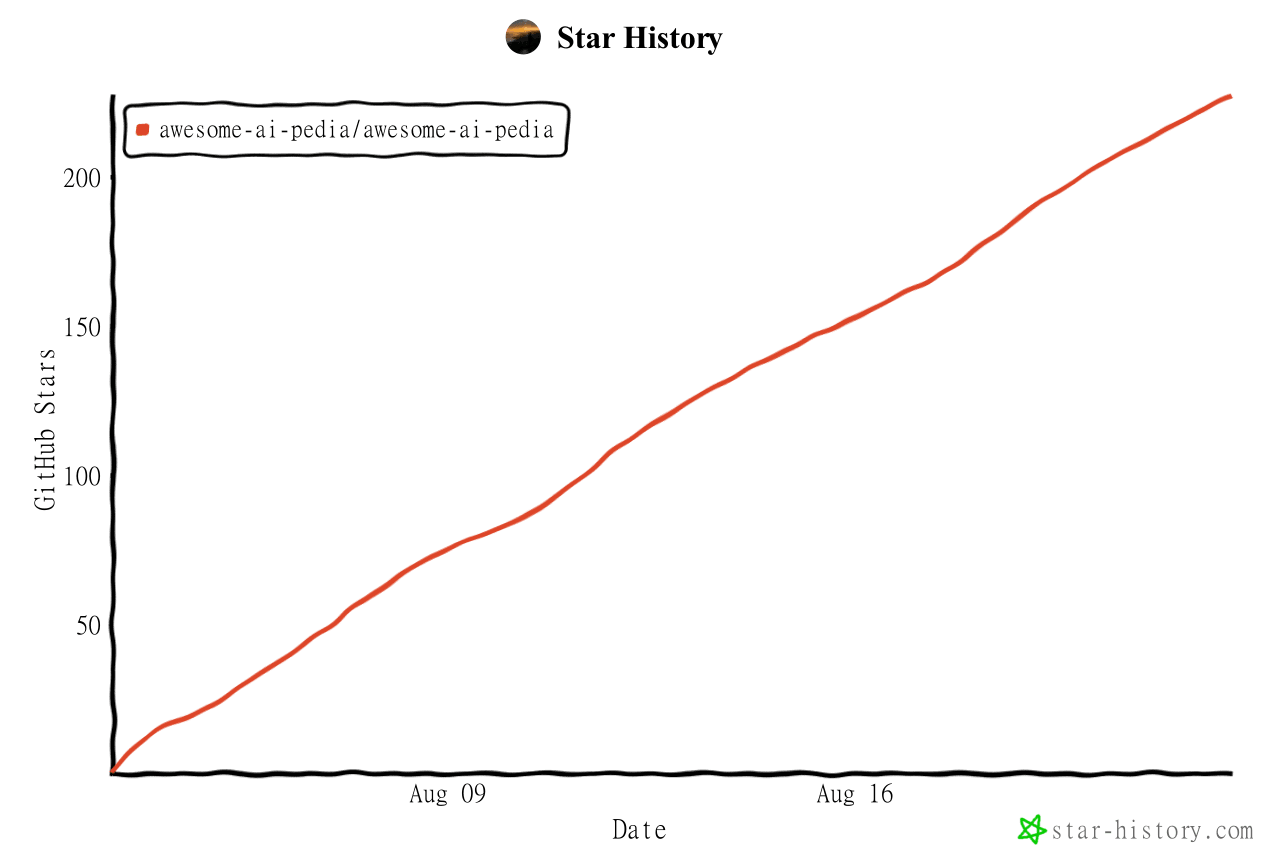 Awesome-AI-Pedia/Awesome-AI-Pedia
AI skills大全 mcp ai知识库 Agent 全维度 AI 资源百科,DSH插件 收录大模型、智能 Agent、RAG 检索增强、多模态、MLOps、AI 应用工具、AI面试集、Vibe coding 大全、零基础学习路线,持续更…
Awesome-AI-Pedia/Awesome-AI-Pedia
AI skills大全 mcp ai知识库 Agent 全维度 AI 资源百科,DSH插件 收录大模型、智能 Agent、RAG 检索增强、多模态、MLOps、AI 应用工具、AI面试集、Vibe coding 大全、零基础学习路线,持续更…
-
 imsai-sh/awesome-deepseek-harness-plugins
DeepSeek Harness plugin store, marketplace and hub — 11,000+ dsh plugins with search, rankings, install commands and a f…
imsai-sh/awesome-deepseek-harness-plugins
DeepSeek Harness plugin store, marketplace and hub — 11,000+ dsh plugins with search, rankings, install commands and a f…
-
 2BingLing/dsh-market
DeepSeek Harness 插件市场 · 持续收录 1500+ DSH 插件:中文搜索 + 实用五维评分 + 一键安装。Web 版与 DSH 侧边栏插件双形态。Plugin marketplace for DeepSeek Harne…
2BingLing/dsh-market
DeepSeek Harness 插件市场 · 持续收录 1500+ DSH 插件:中文搜索 + 实用五维评分 + 一键安装。Web 版与 DSH 侧边栏插件双形态。Plugin marketplace for DeepSeek Harne…
-
 akira399/dsh-novel-writer
大肥鱼的小说工坊 — DSH 网络小说创作插件:九阶段门禁式创作流程 + 世界书设定注入 + 本地书籍导入 + AI 一键润色 + 去AI味 + 黄金三章诊断 + 百万字一致性 + 市场调研与模板复制。
akira399/dsh-novel-writer
大肥鱼的小说工坊 — DSH 网络小说创作插件:九阶段门禁式创作流程 + 世界书设定注入 + 本地书籍导入 + AI 一键润色 + 去AI味 + 黄金三章诊断 + 百万字一致性 + 市场调研与模板复制。
-
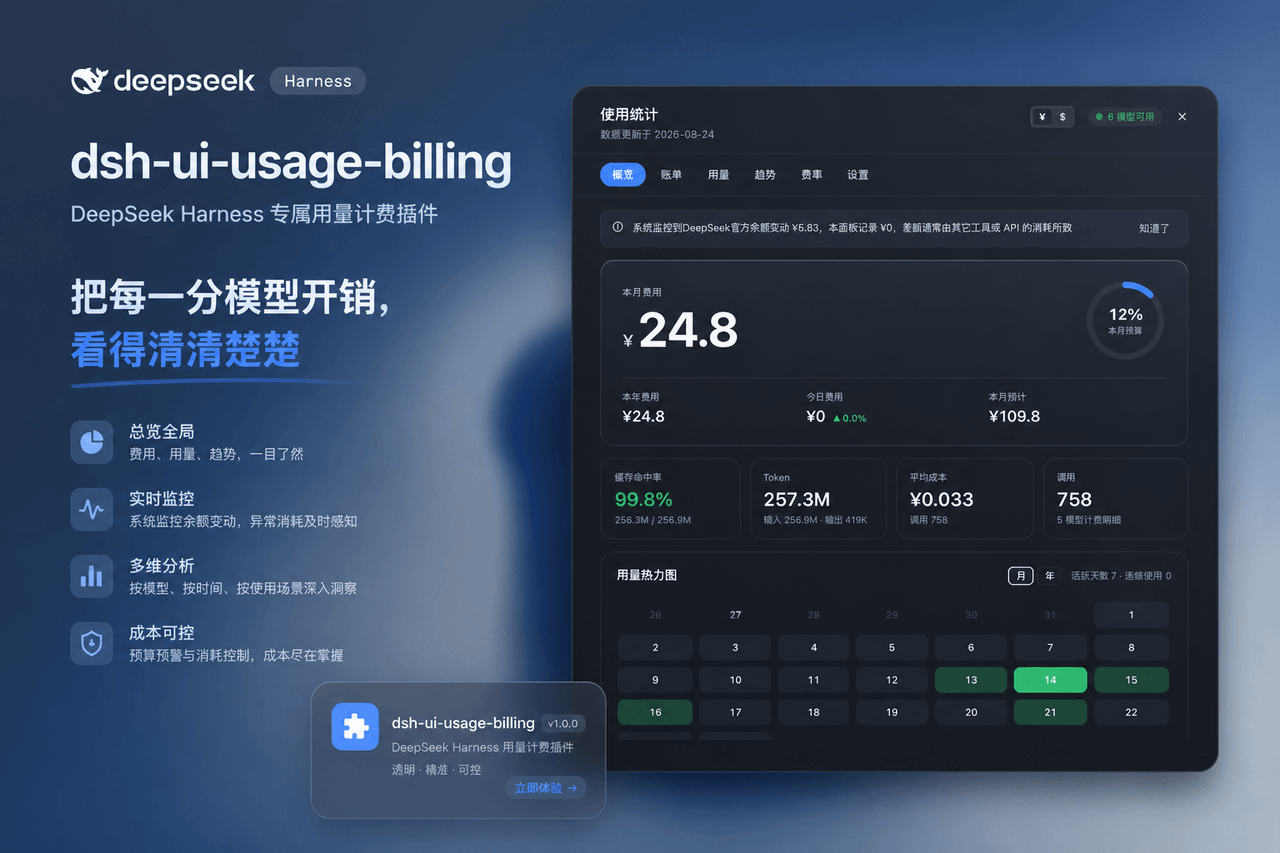 kenz1117/dsh-ui-usage-billing
Usage billing dashboard plugin for DeepSeek Harness: sidebar cost metrics, real usage aggregation from session logs, cur…
kenz1117/dsh-ui-usage-billing
Usage billing dashboard plugin for DeepSeek Harness: sidebar cost metrics, real usage aggregation from session logs, cur…
- Eidosiny/dsh-accessory-hub 配件中心(Accessory Hub):DSH Web GUI 悬浮卡片插件 —— 可拖动/可缩放,聚合插件、MCP、预设、技能卡片,支持自定义显示名与颜色、彩色关系连线、确认注入"请使用xxx"前缀。A floating-card plu…
-
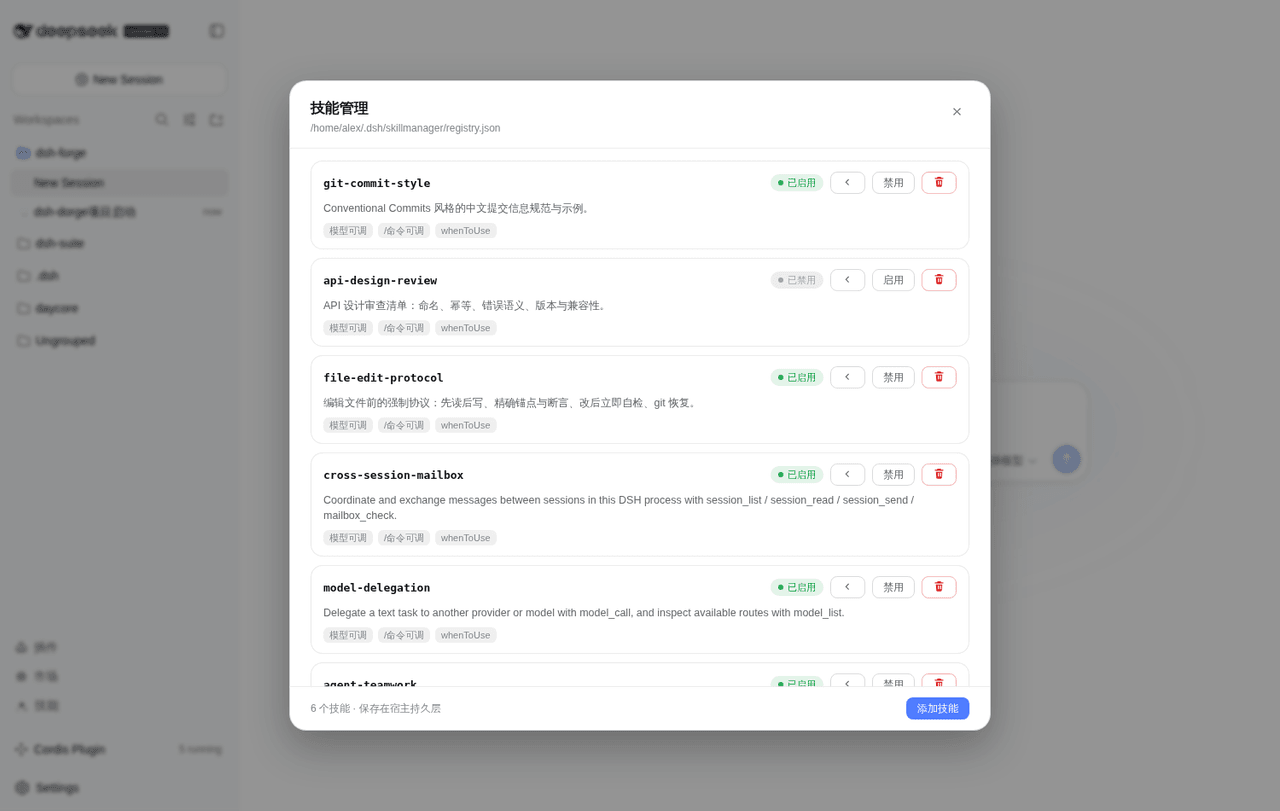 alex04130/dsh-forge
DeepSeek Harness 扩展套件:运行时注入器、子代理派发与模型路由策略、插件市场/技能/插件管理面板、浏览器桥与 MCP 集成。
alex04130/dsh-forge
DeepSeek Harness 扩展套件:运行时注入器、子代理派发与模型路由策略、插件市场/技能/插件管理面板、浏览器桥与 MCP 集成。
-
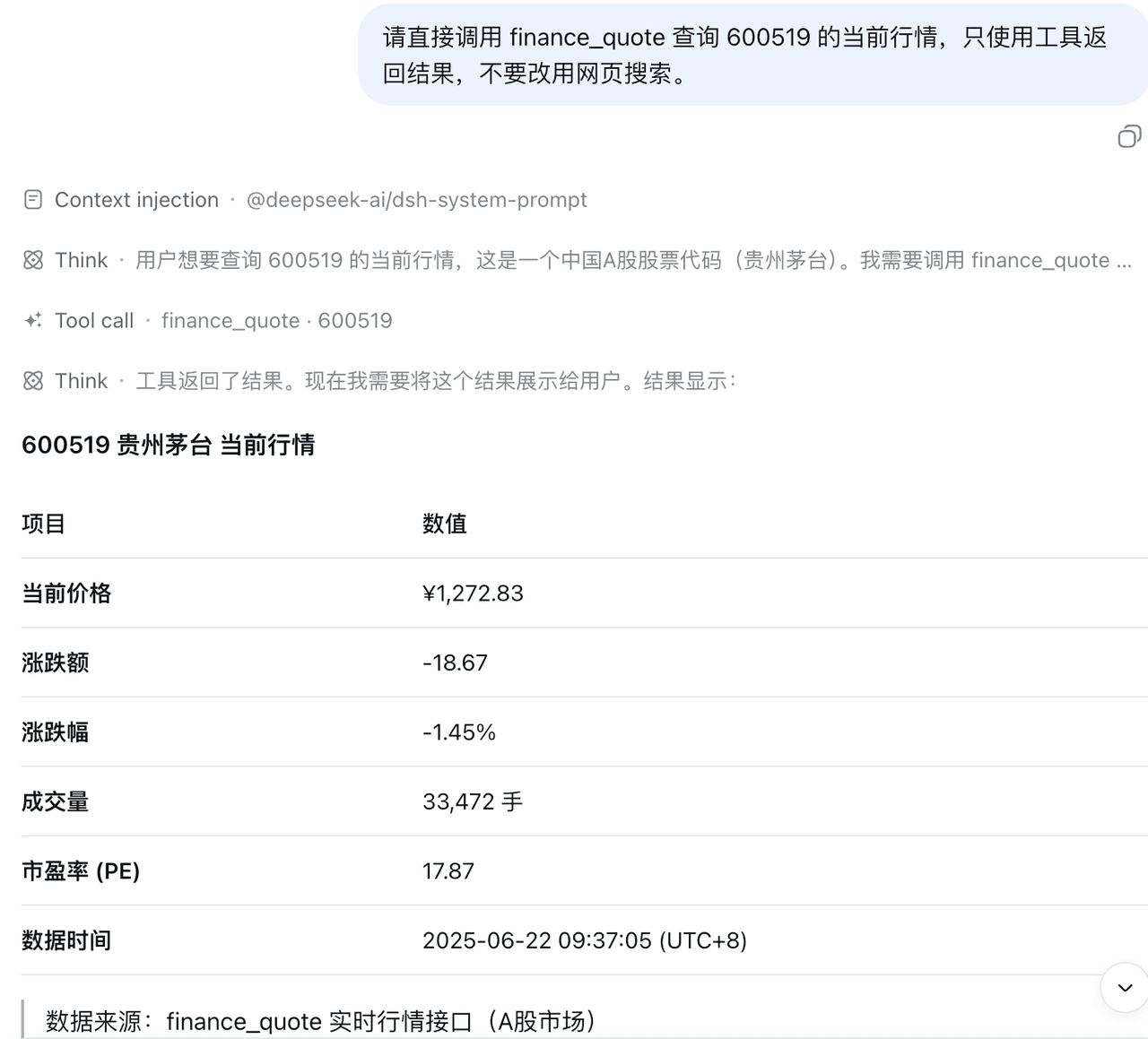 zhiyaoli0221/dsh-finance-db
Read-only market data for DeepSeek Harness. Ask about a stock, and let DSH call the data tools directly. | 为 DeepSeek Ha…
zhiyaoli0221/dsh-finance-db
Read-only market data for DeepSeek Harness. Ask about a stock, and let DSH call the data tools directly. | 为 DeepSeek Ha…