voyager-crew/voyager
Enhancement suite for Gemini, AI Studio, Claude, ChatGPT & DeepSeek — plus a prompt manager for any website, DeepSeek Harness included. / 面向 Gemini、AI Studio、Claude、ChatGPT 与 DeepSeek 的增强套件;其中的提示词管理器可用于任意网站,如 DeepSeek Harness。
Project Overview项目介绍
Voyager is an independent, cross-platform browser extension authored by Jesse Zhang under the voyager-crew organization, distributed through the Chrome Web Store, the Microsoft Edge Add-ons store, and Mozilla's Firefox add-on portal. It is built on the Bun JavaScript runtime with a Manifest V3 WebExtension architecture and injects a sidebar panel directly into supported AI chat websites. The project targets Gemini, Claude, ChatGPT, and DeepSeek web interfaces, including the DeepSeek Harness UI, adding timeline navigation, nested folders, prompt library, conversation export, code copy helpers, and image refinement tools. The README explicitly names DeepSeek Harness in its social preview banner alongside the four primary AI services.
The standard workflow begins by installing the extension from a marketplace and pinning it to the browser toolbar, then navigating to gemini.google.com, claude.ai, chatgpt.com, or chat.deepseek.com where the sidebar activates automatically. Users create multi-level folder hierarchies, drag threads into them, save frequently used prompts to a searchable library, and export entire conversations or branches as JSON or Markdown files for backup or migration. Power users can lock the default model, jump between sibling chats via the timeline, and import prompts exported from sister extensions such as claude-nexus, while the ecosystem page lists forks like DeepSeek Voyager, DeepSeek Enhancer, and Better_Doubao that extend the same UX to additional providers.
The extension is fully client-side: no backend account is required, prompts and thread metadata live in IndexedDB, and optional Bun scripts assist local development. Because features hook into the live DOM of each provider, target-site redesigns can temporarily break sidebar injection, so the README advises keeping the extension updated through the store channel. Voyager ships under GPL-3.0 with retained MIT notices for the Image Refinement module borrowed from gemini-watermark-remover, and the author disclaims any affiliation with Google, Anthropic, OpenAI, or DeepSeek. First-run caveats include granting site permissions and reviewing the THIRD_PARTY_NOTICES.md file before redistribution.
Voyager 是一款独立的多平台浏览器扩展,可作为 Chrome、Edge、Firefox 插件安装,并以 Bun 为运行时。它主要为 Gemini、Claude、ChatGPT 三个 Web 端聊天界面提供时间线导航、文件夹管理、提示词库、对话导出等增强功能,同时也兼容 DeepSeek Web 与 DeepSeek Harness。安装后无需后端账号,扩展会自动注入到目标网页侧边栏,弹出面板即可创建分组、收藏提示词并导出 JSON 或 Markdown。
典型使用流程:安装并固定扩展图标 → 打开 gemini.google.com、claude.ai、chatgpt.com 或 chat.deepseek.com → 在侧边栏创建文件夹与子文件夹,把会话拖入分组 → 通过内置提示词库快速插入常用提示,或将整段对话一键导出。该项目适合需要在多个 AI 站点之间整理长对话、复用提示词的研究人员、开发者和重度用户,README 也列出了 claude-nexus、Better_Doubao、DeepSeek Voyager 等受其启发的衍生扩展。
依赖方面,Voyager 完全在浏览器端运行,使用 WebExtension MV3、IndexedDB 本地存储与 Bun 工具脚本,因此无需服务器或账号,但部分增强功能依赖页面 DOM 结构,目标站点改版后可能失效。项目以 GPL-3.0 开源,第三方图像精修代码保留 MIT 声明,并明确声明与 Google、Anthropic、OpenAI 无关。首次安装需授予对应站点的读写权限,建议在隐私窗口中先试用。
请帮我安装这个 DSH 插件。安装前先完成【兼容性检查 + 安全性检查】,检查通过再动手。

插件:voyager(voyager-crew/voyager)
仓库:https://github.com/voyager-crew/voyager
本站详情页:https://www.yhbd.top/plugins/voyager-crew-voyager/
本站登记:类型 plugin · 归类 多平台兼容工具(非 DSH 原生) · 许可证 GPL-3.0 · ⭐ 20292 · 最近提交 2026-09-29 · 主语言 TypeScript · 未检测到 DSH 插件清单

按下面顺序执行,每步先把结论告诉我,再进入下一步:

【1 兼容性检查】
① 我这边:DSH 版本、Node 版本、操作系统、当前 profile(web / desktop)。
② 读它的 README、package.json、插件 manifest,列出它要求的 DSH 版本 / Node 版本 / 操作系统 / 外部依赖 / 需要另外先装的运行时。
③ 逐条比对,结论只写「满足 / 不满足 / 未知」三种;不满足的给出可行替代方案。
④ 检查是否和我已装的插件冲突:命令名重复、skill / tool 重名、端口占用、重复注册的 MCP server。

【2 安全性检查】
① 仓库可信度:和上面「本站登记」是否一致;star / fork 数、创建时间、最近提交,是否归档或长期停更。
② 安装脚本:逐行看 package.json 的 preinstall / install / postinstall,以及 install.sh、setup.ps1 之类脚本。出现 curl|bash、下载后直接执行、混淆代码、访问与插件功能无关的域名,立刻停下来告诉我,不要继续装。
③ 依赖:列出新增依赖,标出无人维护、或与知名包拼写近似的可疑包(typosquatting)。
④ 权限与副作用:它会读写哪些目录、访问哪些域名、需要哪些 DSH 权限(filesystem / network / shell / clipboard 等),以及怎么卸载和回滚。
⑤ 如果它要求 sudo / 管理员权限,或权限明显超出功能所需,先停下来问我。

【3 安装】
上面两步没有「不满足」和「高危项」时才执行;用官方推荐方式安装,不要自行提权。

【4 汇报】
用表格输出:检查项 / 结论 / 依据 / 是否需要我决策。拿不准的一律写「未知」并说明要我怎么确认——不要猜,也不要替我决定。
Send this message to DSH in your current session: it verifies compatibility and security first (answering met / not met / unknown item by item) and only installs once everything checks out — it will stop and ask you if it finds a high-risk item. The box scrolls; the copy is the full prompt. CLI install commands may not be accurate across systems, so DSH is the safer route.把上面这条消息直接发给当前会话里的 DSH:它会先核对兼容性与安全性(逐条给「满足 / 不满足 / 未知」),确认没问题再安装,有高危项会停下来问你。框内可滚动,复制到的是完整提示词;安装命令不一定准确,发给 DSH 更稳。
- No DSH plugin manifest detected - it may only carry the dsh-plugin topic, so the install method must be confirmed on the spot未检测到 DSH 插件清单:可能只是打了 dsh-plugin 话题,安装方式要现场确认
- Not DSH-native: a multi-platform tool that may require Node / Electron or another runtime first非 DSH 原生,是多平台兼容工具:可能要先装 Node / Electron 等运行时
DSH walks through these 9 checksDSH 会逐条核对这 9 项
Compatibility兼容性
- DSH, Node, OS and profile requirementsDSH 版本 / Node 版本 / 操作系统 / profile 是否满足要求
- External dependencies and runtimes (Electron / Python / Docker, ...)外部依赖与运行时(Electron / Python / Docker 等)是否齐备
- Conflicts with installed plugins: command names, skill / tool names, ports, duplicate MCP registration与已装插件是否冲突:命令名、skill / tool 重名、端口占用、重复 MCP 注册
Security安全性
- Repo matches the facts registered here; archived or abandoned?仓库是否与页面登记一致,是否归档或长期停更
- Safety of preinstall / install / postinstall and install.sh / setup.ps1preinstall / install / postinstall 与 install.sh、setup.ps1 是否安全
- curl|bash, download-then-execute, obfuscation, unrelated domains → stop immediatelycurl|bash、下载即执行、混淆代码、无关域名 → 立刻停止
- Typosquatting or unmaintained packages among the new dependencies新增依赖里有没有 typosquatting 或无人维护的包
- Requested permissions vs. what the feature actually needs申请了哪些权限、是否超出功能所需(filesystem / network / shell / clipboard)
- Any sudo / admin requirement, plus uninstall and rollback是否要求 sudo / 管理员权限,以及卸载与回滚方式
Anything uncertain must be marked unknown with a note on how to confirm it. This site's signal screen is a static snapshot, not a security audit.拿不准的必须标「未知」并说明要我怎么确认。本站的信号筛查是静态快照,不能替代安全审计。
Or use CLI install (for developers)或使用命令行安装(适合开发者)
CLI Install命令行安装
dsh plugin --profile web add github:voyager-crew/voyager把 voyager-crew/voyager 加入你的 DSH 配置(web profile)即可启用。
READMEREADME

Make Your AI Experience Truly Yours ✨
Gemini · Claude · ChatGPT · DeepSeek — finally, complete.






📖 Documentation • 简体中文 • 繁體中文 • 日本語 • Français • Español • Português • Русский • العربية • 한국어
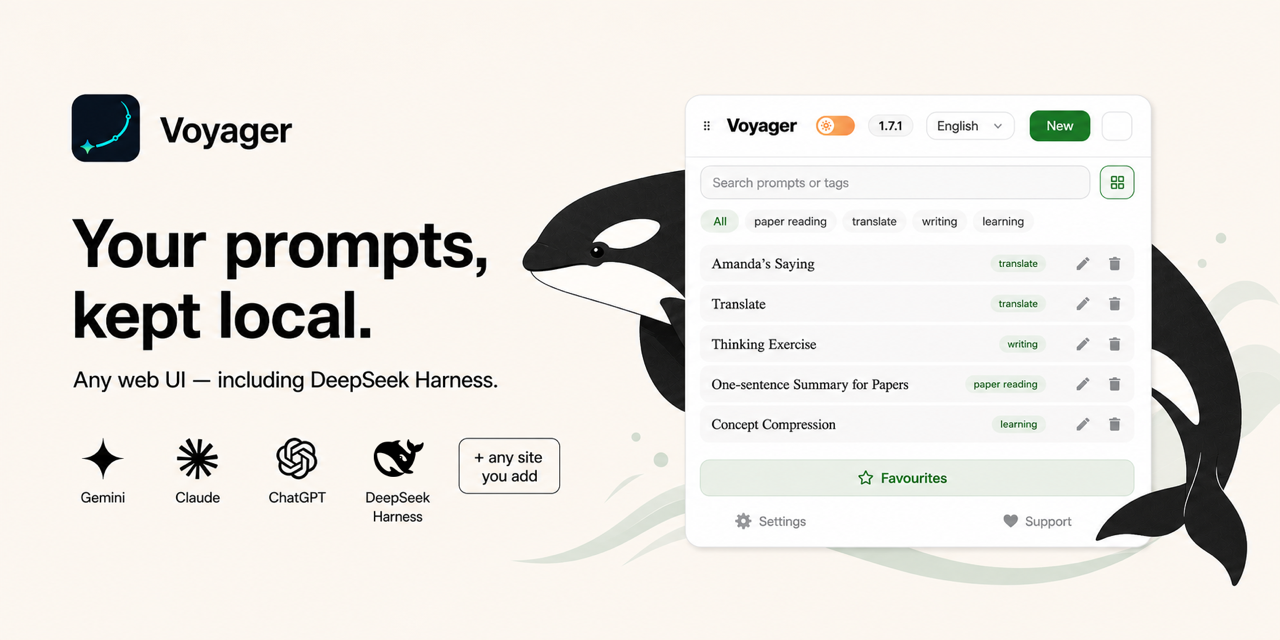
[!NOTE] If Voyager helps you, feel free to share it on X, Reddit, YouTube, Threads, etc. Every share helps more people discover the project. Thanks.
👋 Why Voyager?
Showing the opening section of the README — the full document lives in the repository以上为 README 开头摘要,完整文档在仓库内 · View the full README on GitHub →在 GitHub 查看完整 README →
Related相关推荐
-
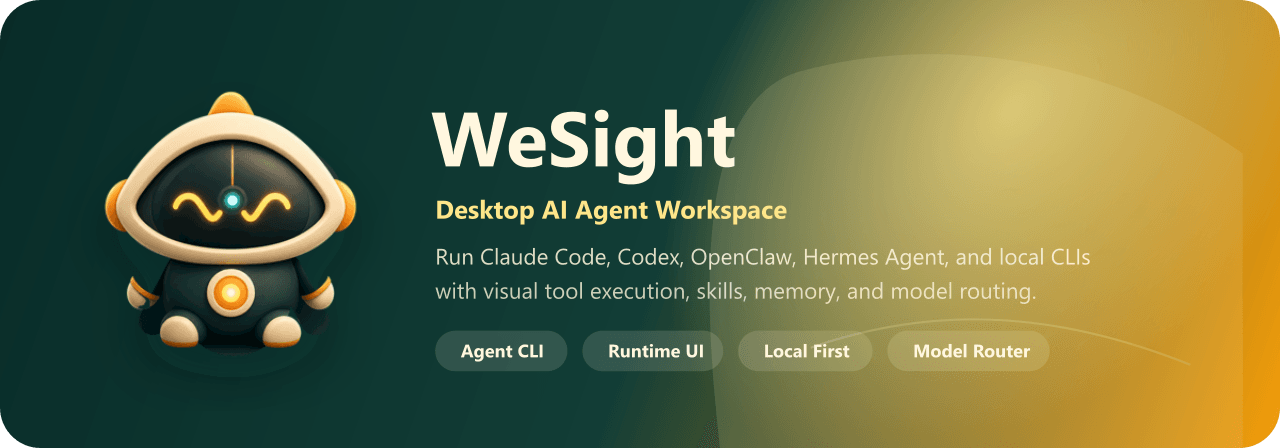 freestylefly/wesight
Open-source desktop AI agent workspace with one-click Claude Code, Codex, OpenClaw, Hermes Agent setup and custom LLM mo…
freestylefly/wesight
Open-source desktop AI agent workspace with one-click Claude Code, Codex, OpenClaw, Hermes Agent setup and custom LLM mo…
- houyanchao/chatgpt-gemini-timeline ChatGPT & Gemini:Add Folders, Timeline & Prompts. - 为 ChatGPT & Gemini 添加文件夹、提示词库和时间轴。
-
 Finderchangchang/brewreel
精酿 BrewReel:让 DeepSeek 这类便宜模型也能做出好看的竖版宣传片。写一份产品简报,AI 挑镜头、写文案,一条命令出片。3 种配方、6 个行业、广告法校验,开源可商用。
Finderchangchang/brewreel
精酿 BrewReel:让 DeepSeek 这类便宜模型也能做出好看的竖版宣传片。写一份产品简报,AI 挑镜头、写文案,一条命令出片。3 种配方、6 个行业、广告法校验,开源可商用。
- iamaanahmad/everything-kiro The complete collection of Kiro IDE configs, agents, skills, hooks, and MCP integrations for maximum productivity.
-
 omdsh-dev/dsh-llm-fallbacks
An dsh plugin for role-based LLM retry&fallback strategy. 基于角色的模型重试备用策略插件
omdsh-dev/dsh-llm-fallbacks
An dsh plugin for role-based LLM retry&fallback strategy. 基于角色的模型重试备用策略插件
-
 cloveric/tarocub
The local-first answer to Grok Bot, OpenAI dots and Meta Muse: always-on personal AI bots that run on your own machine a…
cloveric/tarocub
The local-first answer to Grok Bot, OpenAI dots and Meta Muse: always-on personal AI bots that run on your own machine a…
-
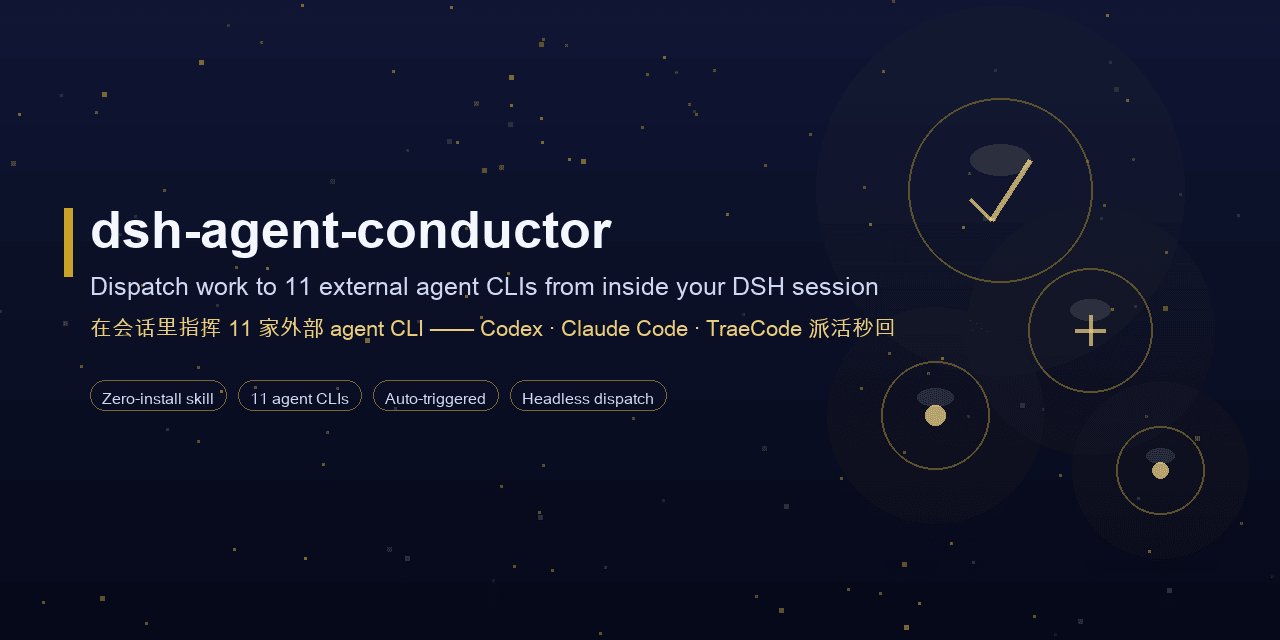 MJorgin/dsh-agent-conductor
⚡ DSH 指挥家 / Conductor for DeepSeek Harness — in-session dispatch to 11 external agent CLIs (Codex, Claude Code, TraeCode…
MJorgin/dsh-agent-conductor
⚡ DSH 指挥家 / Conductor for DeepSeek Harness — in-session dispatch to 11 external agent CLIs (Codex, Claude Code, TraeCode…
- zeng6125-rgb/dsh-llm-retry-settings DSH 插件:LLM 自动重试设置卡片——重试次数/退避/抖动与 25 个错误码可勾选(也能自己输入),可按 provider/model 单独设策略、回答被输出 token 上限截断时自动续写且提示词可改,内置重试观测面板,改完实时生效。