wangxueqi00/dsh-client-ui-knowledge-cards
Turn any conversation in your DeepSeek Harness Web GUI into clean, textured knowledge cards — concepts, flowcharts, comparisons, summaries, mind maps, quotes, checklists, timelines and FAQs — generated by the agent, previewed in a tabbed gallery, and downloadable in multiple formats.
catalog descriptioncatalog 简介 / catalog description:A plugin of Deepseek Harness(DSH),transform your recent chat history into beautifully designed knowledge cards, ready to download and share.
Project Overview项目介绍
DSH Knowledge Cards is a DeepSeek Harness client plugin that turns any conversation into five structured card types: concept, flowchart, comparison, summary, and mind map. Core capability: a one-click header button triggers agent parsing, a tabbed gallery previews results grouped by type, and per-card or batch download exports Markdown, HTML, JSON, TXT, and Mermaid SVG. Use it to consolidate long chats into reusable learning material. Caveat: flowcharts and mind maps rely on Mermaid; in restricted environments where the Mermaid CDN is blocked, diagram export and inline preview will fail.
DSH 知识卡片是一款 DeepSeek Harness 客户端插件,可将任意对话生成概念、流程图、对比、摘要与思维导图五类结构化卡片。核心能力:会话头部一键触发、智能体解析输出后由 tabbed gallery 展示,并支持 Markdown / HTML / JSON / TXT 及 Mermaid SVG 批量下载。适用于把长对话整理成可分享、可复用的学习材料。需注意:流程图与思维导图依赖 Mermaid 在浏览器中渲染,少数老旧或受限环境下 Mermaid CDN 不可达会影响导出与预览。
请帮我了解并安装插件:【dsh-client-ui-knowledge-cards】【https://github.com/wangxueqi00/dsh-client-ui-knowledge-cards】Send this message to DSH in your current session. CLI install commands may not be accurate across systems — DSH will figure it out for you.把上面这条消息直接发给当前会话里的 DSH,让它帮你了解并安装。安装命令不一定准确,发给 DSH 更稳。
Or use CLI install (for developers)或使用命令行安装(适合开发者)
CLI Install命令行安装
dsh plugin --profile web add @wangxueqi/dsh-client-ui-knowledge-cards把 wangxueqi00/dsh-client-ui-knowledge-cards 加入你的 DSH 配置(web profile)即可启用。
READMEREADME
DSH Knowledge Cards
Turn any conversation in your DeepSeek Harness Web GUI into clean, textured knowledge cards — concepts, flowcharts, comparisons, summaries, mind maps, quotes, checklists, timelines and FAQs — generated by the agent, previewed in a tabbed gallery, and downloadable in multiple formats.
Features
- 🎴 One-click generation — a header button on every conversation opens the card dialog
- 🧠 Nine card types — concept, flowchart (Mermaid), comparison, summary, mind map (Mermaid), quote, checklist, timeline (Mermaid), FAQ
- 🗂 Tabbed gallery — cards grouped by type, each tab scrolls independently
- ⬇ Multi-format download — Markdown / HTML / JSON / TXT / SVG for every card; per-card format selection and batch "download all"
- 🔄 Background generation — close the dialog and generation continues; a badge and browser notification tell you when cards are ready
- 🌗 Dark mode — follows
prefers-color-scheme - 🌍 i18n — Simplified Chinese and English
What's new in v0.1.3
- 🆕 Four new card types —
quote,checklist,timeline, andfaq - 🧾 Facts layer for timeline / checklist — the agent emits a
```factsJSON block; the client merges and deduplicates it into a session-scoped store, then deterministically builds those two cards from the whole history - 🎚 Conversation scope selector — pick specific turns or use the whole history;
timelineandchecklistalways use the whole history - ♾ Whole-history mode auto-loads older pages — older conversation pages are pulled automatically until exhausted
- 🖼 SVG download for all nine card types — Mermaid cards export the rendered diagram, Markdown cards export a self-contained styled text-card SVG
- 🎨 FAQ SVG export fixed and styled — preserves theme color, card frame, header background, title/body styling, and heading / quote / code formatting
- 🎯 Strict card-type generation — only the selected card types are generated; no extra types are emitted
- 📐 Compact generation dialog — the dialog is now height-adaptive with much less empty space
- 🧹 Simplified UI — the obsolete manual-turn / auto-topic-split mode buttons were removed from the top of the generation page
Version & Compatibility
Current release: v0.1.3, published on GitHub and npm with the same version on both platforms.
Compatible DSH versions (unchanged from v0.1.2 — this release targets the same DSH versions):
| DSH version | Date |
|---|---|
0.1.1-rc.2 |
2026-08-21 |
0.1.1-rc.1 |
2026-08-21 |
0.1.0-rc.8 |
2026-08-19 |
0.1.0-rc.7 |
2026-08-17 |
0.1.0-rc.6 |
2026-08-13 |
Installation
From npm:
dsh plugin --profile web add @wangxueqi/dsh-client-ui-knowledge-cards
Or from GitHub (main branch):
dsh plugin --profile web add github:wangxueqi00/dsh-client-ui-knowledge-cards
Or pinned to a tag:
dsh plugin --profile web add github:wangxueqi00/dsh-client-ui-knowledge-cards#v0.1.3
Then restart:
dsh --profile web
The package declares dsh.bundle, so dsh plugin add activates it as a profile layer automatically — no manual config edits. Build artifacts (lib/) are committed to the repository, so GitHub installs need no build step.
Usage
- Open any conversation and click the 🎴 知识卡片 / Cards button in the session header.
- Pick the scope — Select turns (manual) or Whole history (auto-loads earlier pages). Timeline and checklist cards always use the whole history regardless of scope.
- Select the card types you want, then click 生成卡片 / Generate.
- The agent analyzes the selected turns and emits structured card data.
- Preview the cards in the tabbed gallery (grouped by type), switch formats per card, and download individually or in batch.
- You may close the dialog while generating — a badge on the button shows the card count when ready, and a browser notification fires on completion.
Card types
| Type | Icon | Content | Best for |
|---|---|---|---|
| Concept | 💡 | Markdown headings + bullet lists | Definitions and explanations |
| Flowchart | 🔀 | Mermaid graph |
Processes and decision flows |
| Comparison | ⚖️ | Markdown table | Side-by-side trade-offs |
| Summary | 📋 | Bullet list | Key takeaways |
| Mind map | 🧠 | Mermaid mindmap |
Hierarchical concept maps |
| Quote | ❝ | Markdown blockquotes | Key conclusions and quotes |
| Checklist | ✅ | Markdown task list | Action items and todos |
| Timeline | 🕒 | Mermaid timeline |
Chronological events and milestones |
| FAQ | ❓ | Markdown Q&A | Questions and answers |
Download formats
| Format | Concept / Comparison / Summary / Quote / Checklist / FAQ | Flowchart / Mind map / Timeline |
|---|---|---|
Markdown (.md) |
✅ | ✅ |
HTML (standalone .html) |
✅ | ✅ (Mermaid via CDN) |
JSON (.json) |
✅ | ✅ |
Plain text (.txt) |
✅ | ✅ |
SVG (.svg) |
✅ (text card) | ✅ (rendered diagram) |
How it works
The plugin is a single-file browser bundle plus a small host layer:
- Host layer adds system-prompt guidance teaching the agent to emit
```cardJSON blocks followed by a<!-- knowledge-cards-generated -->completion marker. - Client layer registers a button into the
conversation.session.header.actionsslot. The button stays mounted and watches the conversation in the background; when the agent finishes, it parses the card blocks into a module-level store, so closing the dialog never loses state. - Fact layer — timeline/checklist requests first emit a
```factsJSON block; the client merges those facts into a per-session store and builds the two cards deterministically, so whole-history cards stay deduplicated and regenerate without re-reading the conversation. - Rendering uses Mermaid (inlined into the bundle) for diagrams and Markdown for the rest, with a low-saturation theme per card type.
Development
This repository is developed inside a DeepSeek Harness monorepo checkout: the build preset, tsconfig references, and platform module table live there. One physical tree, two views - clone it into the monorepo, or junction your clone onto it:
# inside your DSH checkout: this repo's clone IS the physical tree
git clone https://github.com/wangxueqi00/dsh-client-ui-knowledge-cards.git `
  packages/client/ui-knowledge-cards

# optional: keep a convenient view elsewhere
New-Item -ItemType Junction -Path <your-path> -Target <dsh-checkout>\packages\client\ui-knowledge-cards

# then at the monorepo root
pnpm install
Build (from either path - the script resolves the junction):
./scripts/build.ps1         # tsc -b + bundle
./scripts/build.ps1 -Watch  # tsc -b + watch
pnpm run bundle             # bundle alone also works from the repo path
The same package.json serves development and release alike: real version ranges (^0.1.1-rc.2) link to the workspace packages inside the monorepo (linkWorkspacePackages) and install cleanly from npm/git - no transformation between dev and release forms.
Repository layout
src/
├── index.ts               # host layer: system-prompt guidance
├── invariant.ts           # invariant companion
└── client/
    ├── index.ts           # plugin entry: apply(), slot registration
    ├── card-store.ts      # module-level card store (persists across dialog open/close)
    ├── card-generator.ts  # card types, themes, prompt builders
    ├── card-parser.ts     # parses ```card blocks from agent output
    ├── card-data-collector.ts
    ├── download.ts        # MD / HTML / JSON / TXT / SVG export
    ├── mermaid-renderer.ts
    ├── locales.ts         # zh / en dictionaries
    └── components/        # CardButton, CardDialog, CardGallery, CardView, MermaidDiagram
Publishing
The repo itself is the release vehicle - source, committed lib/ artifacts, and a release-ready package.json all in one place:
./scripts/build.ps1                     # 1. build (lib/ lands in the repo)
# 2. bump "version" in package.json
git add .
git commit -m "release: v0.x.y"
git tag v0.x.y
git push origin main --tags             # 3. GitHub release
pnpm publish --no-git-checks            # 4. npm release
lib/ must stay committed (check .gitignore): the artifacts are what makes dsh plugin add github:... work without a build step.
License
MIT
Related相关推荐
-
 MemTensor/MemOS
Self-evolving memory OS for LLM & AI Agents: ultra-persistent memory, hybrid-retrieval, and cross-task skill reuse, with…
MemTensor/MemOS
Self-evolving memory OS for LLM & AI Agents: ultra-persistent memory, hybrid-retrieval, and cross-task skill reuse, with…
-
 zilliztech/memsearch
A persistent, unified memory layer for all your AI agents (e.g. Claude Code, Codex, DSH), backed by Markdown and Milvus.
zilliztech/memsearch
A persistent, unified memory layer for all your AI agents (e.g. Claude Code, Codex, DSH), backed by Markdown and Milvus.
-
 vshulcz/deja-vu
One memory shared by Claude Code, Codex, Cursor, Copilot CLI, OpenClaw and 20 more coding agents, built from the session…
vshulcz/deja-vu
One memory shared by Claude Code, Codex, Cursor, Copilot CLI, OpenClaw and 20 more coding agents, built from the session…
-
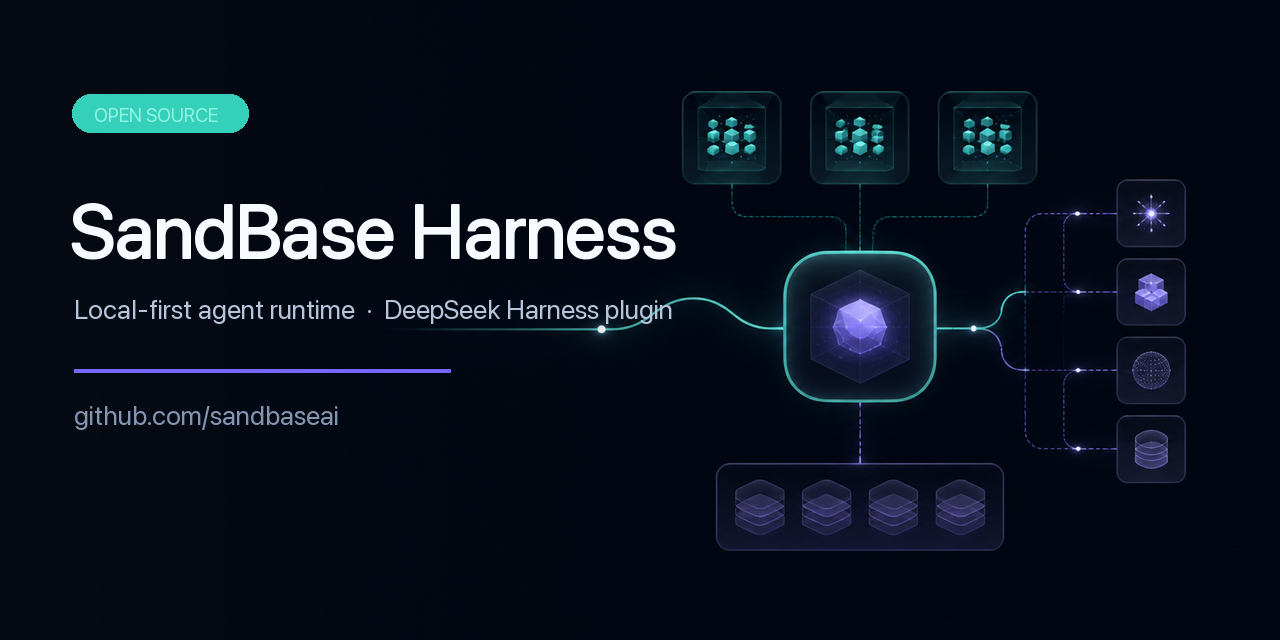 sandbaseai/sandbase-harness
Local-first, self-hosted AI agent runtime and MCP bridge with sandboxed sessions, memory, credentials, audit/replay, and…
sandbaseai/sandbase-harness
Local-first, self-hosted AI agent runtime and MCP bridge with sandboxed sessions, memory, credentials, audit/replay, and…
-
 adoresever/graph-memory
Deepseek Harness、Openclaw知识图谱记忆插件。2026年4月受邀发布在清华大学讨论会。Knowledge Graph + Memory;Knowledge Graph Context Engine for OpenCl…
adoresever/graph-memory
Deepseek Harness、Openclaw知识图谱记忆插件。2026年4月受邀发布在清华大学讨论会。Knowledge Graph + Memory;Knowledge Graph Context Engine for OpenCl…
-
 mnemon-dev/mnemon
LLM-supervised persistent memory for AI agents — graph-based recall, cross-session knowledge, single binary. Works with …
mnemon-dev/mnemon
LLM-supervised persistent memory for AI agents — graph-based recall, cross-session knowledge, single binary. Works with …
-
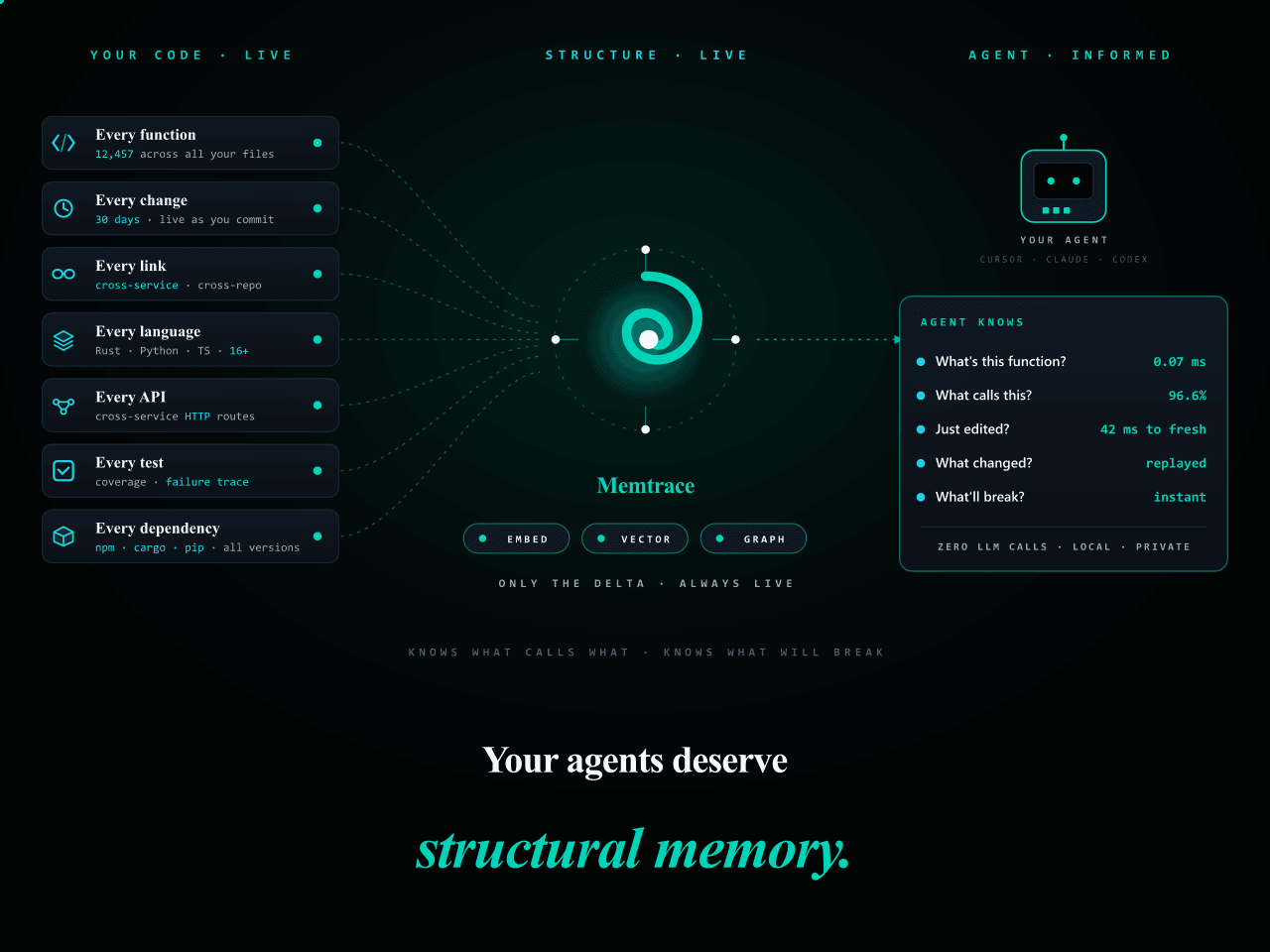 syncable-dev/memtrace-public
Structural memory for AI coding agents. Bi-temporal graph, MCP-native, zero LLM calls. Cursor · Claude Code · Codex · De…
syncable-dev/memtrace-public
Structural memory for AI coding agents. Bi-temporal graph, MCP-native, zero LLM calls. Cursor · Claude Code · Codex · De…
-
 text2future/flowix
Notes for you, Memory for your agents. / 内置 Deepseek harness Agent / 适用 办公 & 写作 & Coding
text2future/flowix
Notes for you, Memory for your agents. / 内置 Deepseek harness Agent / 适用 办公 & 写作 & Coding