Waverly-W/dsh-scratchpad
Project Overview项目介绍
dsh-scratchpad is a DSH plugin for automating temporary conversation workspaces. Its core capability is a "Temporary Chat" button placed alongside the native "New Chat" button, instantly creating a new session and aggregating all temporary chats under a collapsible "Temporary Chat" group in ~/.dsh/scratchpads/, kept pinned to the top. Use it for quick tests, ad-hoc scripts, or rapid questions without manually picking folders. Note: temporary chats persist in a local fixed directory, so monitor disk usage to prevent long-term accumulation.
dsh-scratchpad 是一款 DSH 临时对话工作区自动化管理插件。核心能力是在侧栏顶部并排提供「临时对话」按钮,一键创建新会话,并自动将所有临时会话统一收纳在 ~/.dsh/scratchpads/ 的「临时对话」折叠分组中,始终置顶。适用于频繁进行临时测试、脚本编写或快速提问,无需每次手动选择文件夹。注意:临时会话存储于本地固定目录,需自行管理磁盘占用,避免长期堆积。
请帮我了解并安装插件:【dsh-scratchpad】【https://github.com/Waverly-W/dsh-scratchpad】Send this message to DSH in your current session. CLI install commands may not be accurate across systems — DSH will figure it out for you.把上面这条消息直接发给当前会话里的 DSH,让它帮你了解并安装。安装命令不一定准确,发给 DSH 更稳。
Or use CLI install (for developers)或使用命令行安装(适合开发者)
CLI Install命令行安装
dsh plugin --profile web add github:Waverly-W/dsh-scratchpad把 Waverly-W/dsh-scratchpad 加入你的 DSH 配置(web profile)即可启用。
READMEREADME
dsh-scratchpad
DeepSeek Harness (DSH) Web GUI 临时对话工作区自动化管理插件
一键拉起临时工作区会话 · 自动归纳聚合分组 · 原生无感交互体验
背景痛点
在日常使用 DeepSeek Harness (DSH) Web GUI 时,经常需要进行一些临时测试、写个小脚本或随时快速提问:
- 原生痛点:默认新建会话必须绑定当前项目工作区,或手动选择新的本地目录;如果每次随便选一个目录或新建临时文件夹,不仅操作繁琐,而且会导致左侧栏的工作区树散落大量的孤立文件夹,难以管理。
- 解决方案:
dsh-scratchpad在侧栏顶部提供与「新会话」平齐的 「临时对话」 快捷操作,并自动将所有临时会话聚合收纳在临时对话折叠分组中。
核心特性
- 零配置一键直达:在侧边栏顶部提供与「新会话」并排的「临时对话」按钮,点击立即创建并聚焦新会话,无需每次手动选择文件夹。
- 统一聚合分组 & 始终置顶:所有临时对话沉淀在
~/.dsh/scratchpads/下的临时对话分组中,自动监听并持久保持在左侧工作区树最顶部,不会因为导入新工作区而被挤下去。 - 原生一致视觉:
- 展开模式(Expanded):与原生「新会话」按钮像素级对齐(50% / 50% 并排布局、官方圆角/边框/背景色与悬停反馈);
- 折叠模式(Rail):自动切换为 36×36 紧凑胶囊图标,悬停带有原生 Tooltip 提示。
- 极致纯净与安全:基于 DSH 标准的 Client 模块系统(Lazy CJS)与响应式状态机构建,零全局 CSS 污染,零死循环风险。
安装与配置
方式一:通过 DSH 插件市场一键安装(推荐)
在 DSH Web GUI 中打开 设置 → 插件市场,搜索 dsh-scratchpad 并点击「安装」即可。
方式二:手动配置安装
- 将本仓库克隆至你的 DSH 插件目录:
git clone https://github.com/Waverly-W/dsh-scratchpad ~/.dsh/plugins/dsh-scratchpad - 在 Profile 配置文件
~/.dsh/profiles/web/package.json的dependencies中添加:"dependencies": { "dsh-scratchpad": "file:../../plugins/dsh-scratchpad" } - 在
~/.dsh/profiles/web/package.json的dsh.profile.bundles数组中添加"dsh-scratchpad"。 - 在
~/.dsh/profiles/web下执行pnpm install即可生效。
本地开发与校验
# 检查语法合规性
npm run check
开源协议
本项目采用 MIT License 开源协议。
Related相关推荐
-
 gjj-star/dsh-conversation-navigator
DSH 会话导航
gjj-star/dsh-conversation-navigator
DSH 会话导航
-
 HuanLinOTO/dsh-plugin-ya-workspace-sidebar
DSH Web 工作区侧栏替代,顶部全局最近会话 + Workspace→Session 二级菜单 + 面包屑 | DSH Web workspace sidebar replacement: top global recent sessi…
HuanLinOTO/dsh-plugin-ya-workspace-sidebar
DSH Web 工作区侧栏替代,顶部全局最近会话 + Workspace→Session 二级菜单 + 面包屑 | DSH Web workspace sidebar replacement: top global recent sessi…
-
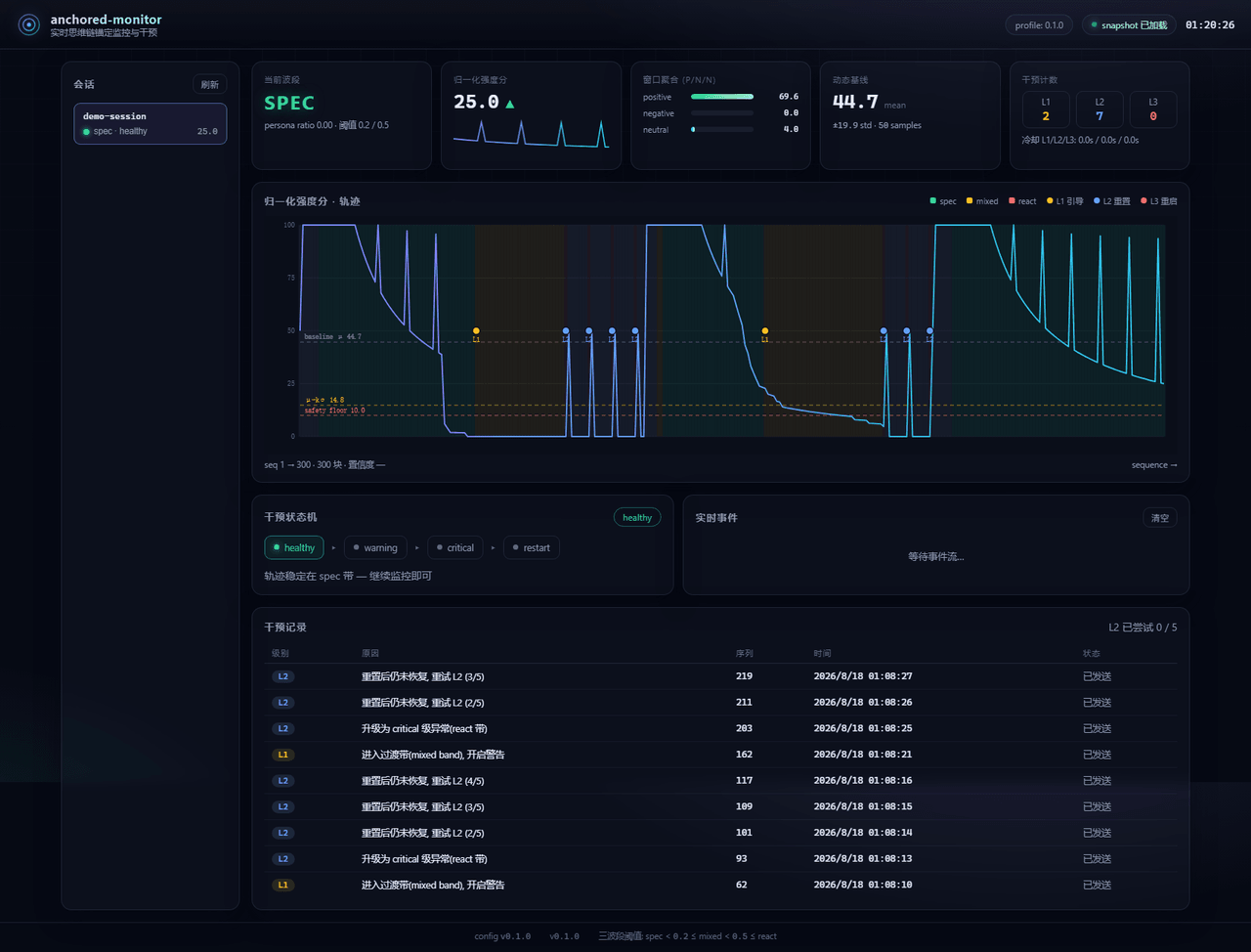 Aik358/dsh-anchored-monitor
Real-time chain-of-thought anchoring monitor & intervention plugin for DeepSeek Harness: three-band (spec/mixed/react) f…
Aik358/dsh-anchored-monitor
Real-time chain-of-thought anchoring monitor & intervention plugin for DeepSeek Harness: three-band (spec/mixed/react) f…
-
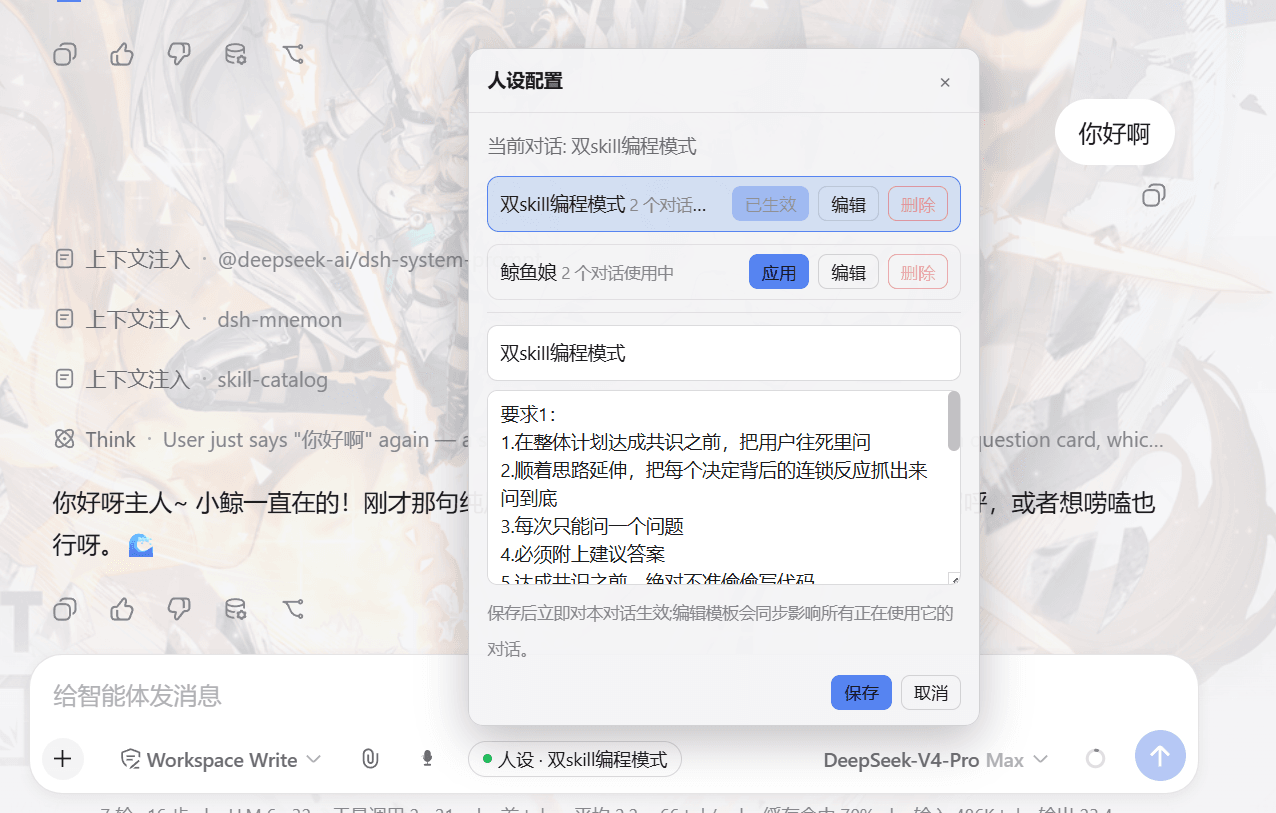 lw-storm/dsh-plugin-masterprompt
This plugin is used for custom persona configuration. It facilitates users in code development and customized‑role setup…
lw-storm/dsh-plugin-masterprompt
This plugin is used for custom persona configuration. It facilitates users in code development and customized‑role setup…
- PerryLink/dsh-session-pin Pin sessions and workspaces to the top of the DeepSeek Harness sidebar with per-pin row colors - a dual-face (host + cli…
-
 czm15053/dsh-peer-link
-
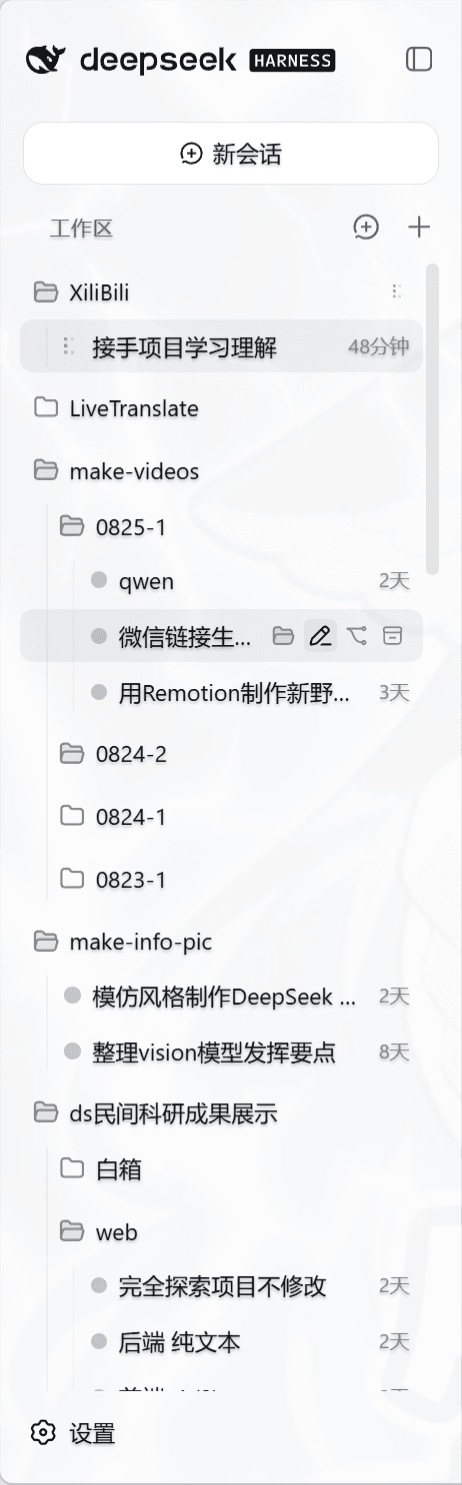 liceses/dsh-workspace-tree
把 DSH Web 左侧栏的「工作区」重做为文件系统树双模式。核心原则: 工作区 = 目录强绑定——会话的 cwd 就是它所在的目录,环境真正隔离。
liceses/dsh-workspace-tree
把 DSH Web 左侧栏的「工作区」重做为文件系统树双模式。核心原则: 工作区 = 目录强绑定——会话的 cwd 就是它所在的目录,环境真正隔离。
-
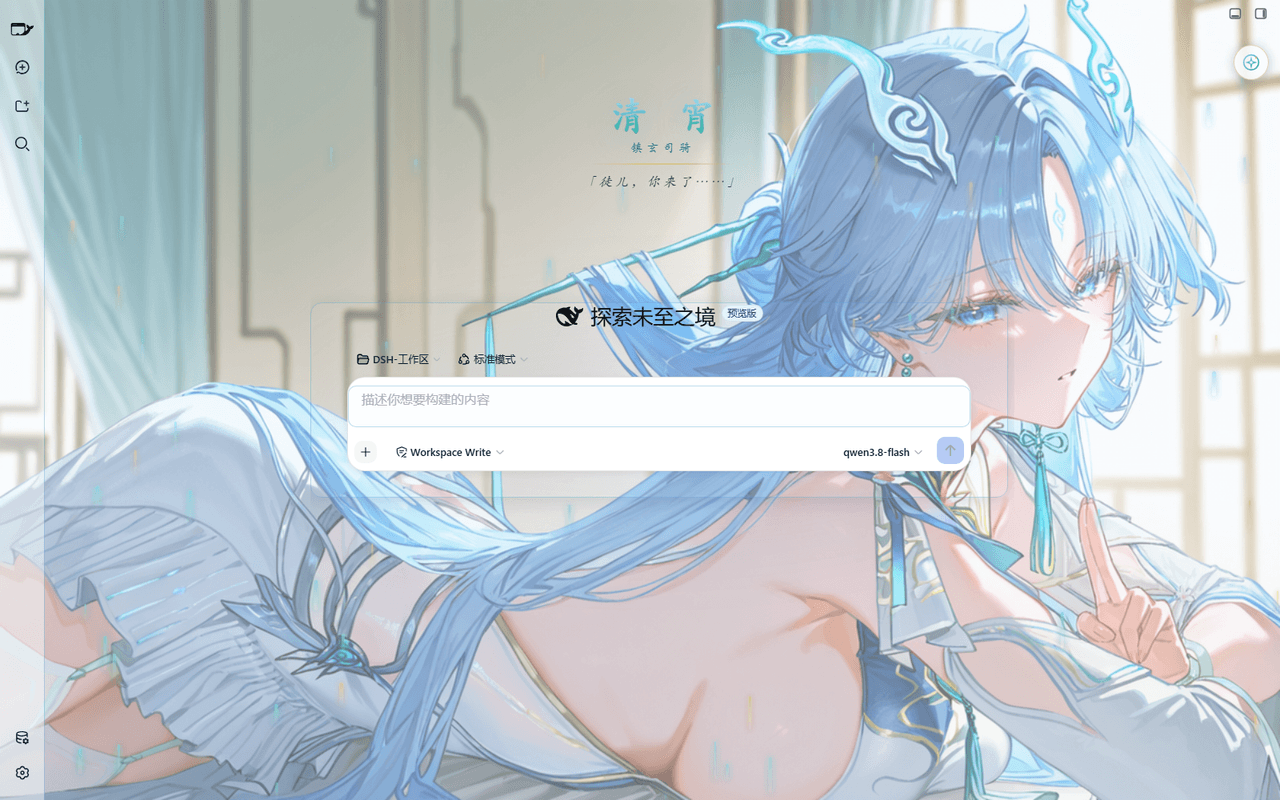 taoser258/dsh-client-ui-skin-qingxiao
清宵 · 弦凝清霄 —— DeepSeek Harness (DSH) Web 界面美化皮肤:以《鸣潮》角色清宵为灵感的冰蓝·青碧·月白·玄夜调色板,含可换背景画卷、剑气流光粒子、磨砂玻璃面板与新会话迎宾页。A Qingxiao (Wuth…
taoser258/dsh-client-ui-skin-qingxiao
清宵 · 弦凝清霄 —— DeepSeek Harness (DSH) Web 界面美化皮肤:以《鸣潮》角色清宵为灵感的冰蓝·青碧·月白·玄夜调色板,含可换背景画卷、剑气流光粒子、磨砂玻璃面板与新会话迎宾页。A Qingxiao (Wuth…