WilShi/dsh-skill-station
Skill station for DeepSeek Harness: scan Claude/Codex/Cursor/Gemini skill libraries, one-click import, global/project skill management, drag-and-drop install — all from a sidebar panel.
Project Overview项目介绍
dsh-skill-station is a skill management panel inside DeepSeek Harness, opened from a single sidebar button. It scans the skill libraries of Claude Code, Codex CLI, Cursor, and Gemini CLI for one-click import, unifies global and project skills, and supports detail viewing, in-place editing, export, drag-and-drop install, local path copy, and a restorable trash. Use it when migrating skills across tools or centralizing skill maintenance. Caveat: imported skills are third-party content; review them before enabling.
dsh-skill-station 是 DeepSeek Harness 的技能管理面板,从侧边栏一键打开。它扫描 Claude Code、Codex CLI、Cursor、Gemini CLI 的技能库并一键导入,统一管理全局与项目技能,支持详情查看、编辑、导出、拖拽安装、本地路径复制和回收站恢复。适合在多工具间迁移和集中维护技能时使用。注意:导入的技能属于第三方内容,启用前请先审阅。
请帮我了解并安装插件:【dsh-skill-station】【https://github.com/WilShi/dsh-skill-station】Send this message to DSH in your current session. CLI install commands may not be accurate across systems — DSH will figure it out for you.把上面这条消息直接发给当前会话里的 DSH,让它帮你了解并安装。安装命令不一定准确,发给 DSH 更稳。
Or use CLI install (for developers)或使用命令行安装(适合开发者)
CLI Install命令行安装
dsh plugin --profile web add dsh-skill-station把 WilShi/dsh-skill-station 加入你的 DSH 配置(web profile)即可启用。
READMEREADME
dsh-skill-station
English | 中文
A skill hub inside DeepSeek Harness: one sidebar button opens a panel that scans the skill libraries of Claude Code, Codex CLI, Cursor, and Gemini CLI, imports skills with one click, manages global and project skills, and installs a skill folder by dragging it in.
Install
dsh plugin --profile web add dsh-skill-station
Restart dsh web. The station appears as a 技能站 button above Settings in the sidebar, and as a settings section.
What you get
- Skill library — every skill in the writable roots, grouped: global
~/.dsh/skills, shared~/.agents/skills, and per-workspace<project>/.dsh/skills/.agents/skills. Search and user-defined scene tags, enable/disable (rewrites thedisable-model-invocationfrontmatter flag), delete into a restorable trash. - Detail, edit, export — open any skill to browse its file tree and edit files in place (saving SKILL.md re-reads the invocation flags live), download it as a re-importable zip, and scaffold new skills from a wizard. A diagnostics pass flags every skill the host loader would ignore — strict-YAML, missing fields, legacy keys — with one-click repair for broken frontmatter.
- External import — read-only scan of
~/.claude/skills,~/.codex/skills,~/.cursor/skills,~/.gemini/antigravity/skillsand~/.gemini/skills, plus each selected workspace's.claude|.codex|.cursor|.gemini/skills. Pick candidates, choose a target root, import with a conflict policy (skip / rename / replace — replaced skills go to the trash). Skills appear in the session catalog without a restart. - Drag-and-drop install — drop a skill folder (or several) or a
.ziparchive onto the install tab, or pick them. Zip archives are decompressed server-side, which also carries large skills with vendored dependency trees. Files are validated (SKILL.md with kebab-casenameanddescription) and previewed before anything is written. - Local path install — paste the absolute path of a skill folder already on this machine and the server copies it disk-to-disk: no upload, no size limit. Every install is staged and renamed into place, so a failed copy never leaves a half-installed skill.
- Trash — deletions move to
~/.dsh/skill-station/trashwith an origin manifest; restore or empty from the panel.
Security model
- Writes only ever land inside the writable skill roots listed above; every path is containment-checked after normalization, symlinks are never followed during copies, and uploads reject traversal segments.
- Mutating HTTP endpoints reject cross-origin requests; the API is served on the same local server as the GUI.
- External agent directories are scanned read-only; the station never modifies them.
- Uploaded and imported skills are third-party content — review them before enabling.
Config
All fields optional, under the dsh-skill-station plugin row in your profile patch:
plugins:
  dsh-skill-station:
    maxBodyBytes: 67108864      # upload request cap (default 64 MB)
    sources:                    # replace the default scan sources entirely
      - id: claude
        label: Claude Code
        userDirs: ['~/.claude/skills']
        projectDirs: ['.claude/skills']
Development
npm install
npm run build     # tsc server build + esbuild client bundle
npm test          # vitest unit tests
node scripts/smoke.mjs   # in-process API smoke (needs a prior build)
The client bundle is served through the shell's window.__ModuleLoader__ and registers into the sidebar.footer.action and settings.section slots.
License
MIT
Related相关推荐
-
 Freakz2z/dsh-catgirl-plugin
A token-efficient persona runtime for DeepSeek Harness. 把人格留在界面,把智能留给模型。Measured: -67% input tokens, -66% cache reads, 0…
Freakz2z/dsh-catgirl-plugin
A token-efficient persona runtime for DeepSeek Harness. 把人格留在界面,把智能留给模型。Measured: -67% input tokens, -66% cache reads, 0…
- Nagi-ovo/voyager Enhancement suite for Gemini, AI Studio, Claude & ChatGPT — plus a prompt manager for any websites, DeepSeek Harness inc…
-
 a735624258/dsh-skill-picker
DSH 实现 workbuddy 同款选择 skill 功能 | WorkBuddy-style skill picker for DeepSeek Harness: pick a skill in the composer, insert…
a735624258/dsh-skill-picker
DSH 实现 workbuddy 同款选择 skill 功能 | WorkBuddy-style skill picker for DeepSeek Harness: pick a skill in the composer, insert…
-
 omdsh-dev/dsh-llm-fallbacks
An dsh plugin for role-based LLM retry&fallback strategy. 基于角色的模型重试备用策略插件
omdsh-dev/dsh-llm-fallbacks
An dsh plugin for role-based LLM retry&fallback strategy. 基于角色的模型重试备用策略插件
-
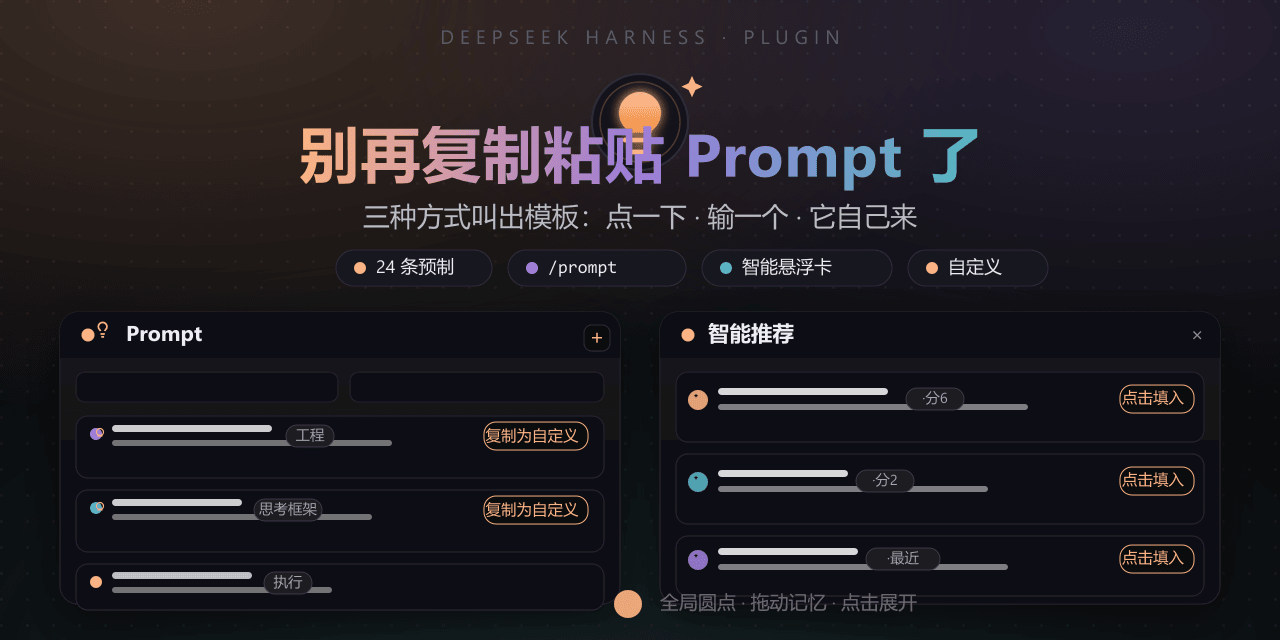 FeatherHunter/dsh-prompt
DeepSeek Harness 的 Prompt 工具箱:别再复制粘贴——24 条深度模板随手点,/prompt 与智能推荐主动兜底,装好即用、可自定义。 | The Prompt toolbox for DeepSeek Harness…
FeatherHunter/dsh-prompt
DeepSeek Harness 的 Prompt 工具箱:别再复制粘贴——24 条深度模板随手点,/prompt 与智能推荐主动兜底,装好即用、可自定义。 | The Prompt toolbox for DeepSeek Harness…
- Jesse-njx/dsh-skillport Every skill you already have — Claude Code, Codex, Cursor, Gemini CLI — works in DSH: Agent Skills SKILL.md discovery, T…
-
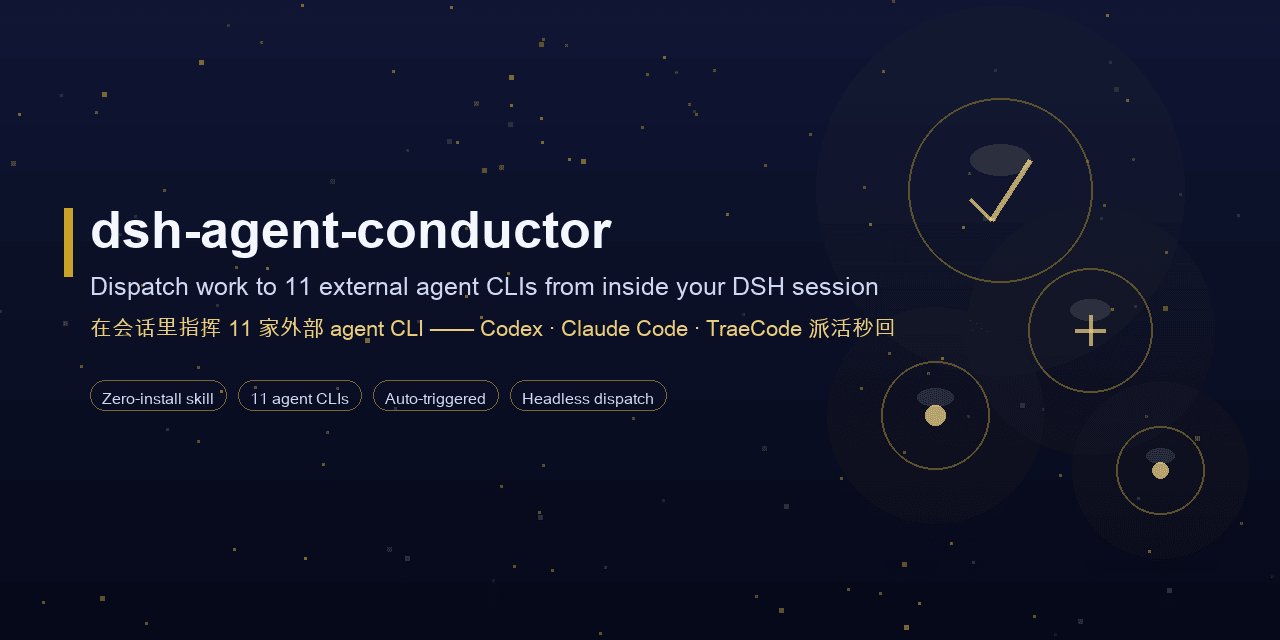 MJorgin/dsh-agent-conductor
⚡ DSH 指挥家 / Conductor for DeepSeek Harness — in-session dispatch to 11 external agent CLIs (Codex, Claude Code, TraeCode…
MJorgin/dsh-agent-conductor
⚡ DSH 指挥家 / Conductor for DeepSeek Harness — in-session dispatch to 11 external agent CLIs (Codex, Claude Code, TraeCode…
-
 JopenChen/dsh-go
dsh-go 是一个纯 Go、进程内的 DeepSeek Harness Agent 实现 —— 让任意 Go 后端能以内嵌库的方式直接获得一个等价、具备规划能力的 Agent,无需界面、无需独立运行时。它不是又一个 ReAct 骨架,而是…
JopenChen/dsh-go
dsh-go 是一个纯 Go、进程内的 DeepSeek Harness Agent 实现 —— 让任意 Go 后端能以内嵌库的方式直接获得一个等价、具备规划能力的 Agent,无需界面、无需独立运行时。它不是又一个 ReAct 骨架,而是…