ximisi/dsh-quick-attach
项目介绍Project Overview
dsh-quick-attach 是 DSH 的浏览器侧插件,拦截会话输入框中的图片粘贴操作,将图片自动保存到配置目录,并把生成的绝对路径追加到消息草稿中。适用于需要向 AI 传递本地图片路径供文件或视觉工具读取的场景。注意事项:仅作用于会话输入框内的粘贴,会替换原有的附件发送流程。
dsh-quick-attach is a DSH browser plugin that intercepts image pastes inside the conversation composer, saves each image to a configured directory, and appends the resulting absolute path to the message draft. Use it when you want the AI to receive a local image path for its file and vision tooling to read. Caveat: it only triggers on pastes in the composer and replaces the native paste-as-attachment flow with path-based delivery.
请帮我了解并安装插件:【dsh-quick-attach】【https://github.com/ximisi/dsh-quick-attach】把上面这条消息直接发给当前会话里的 DSH,让它帮你了解并安装。安装命令不一定准确,发给 DSH 更稳。Send this message to DSH in your current session. CLI install commands may not be accurate across systems — DSH will figure it out for you.
或使用命令行安装(适合开发者)Or use CLI install (for developers)
命令行安装CLI Install
dsh plugin --profile web add https://github.com/ximisi/dsh-quick-attach/releases/download/v0.1.1/dsh-quick-attach-0.1.1.tgz把 ximisi/dsh-quick-attach 加入你的 DSH 配置(web profile)即可启用。
READMEREADME
dsh-quick-attach(快捷附图)

在 DSH web GUI 的会话输入框粘贴图片时,自动把图片保存到你在设置中配置的目录, 并把保存后的图片绝对路径追加到消息草稿——发送消息时,AI 会收到该路径, 可通过文件工具与视觉能力读取识别图片。
Paste an image into the DSH web GUI composer: the plugin saves it into your configured directory and appends the absolute path to your message draft — when you send, the AI receives the path and can read the image with its file and vision tooling.
安装 Install
从 GitHub Release 安装(from the GitHub release):
dsh plugin --profile web add https://github.com/ximisi/dsh-quick-attach/releases/download/v0.1.1/dsh-quick-attach-0.1.1.tgz
本地安装示例(local install examples):
dsh plugin --profile web add ./dsh-quick-attach-0.1.1.tgz
dsh plugin --profile web add ./dsh-quick-attach
安装后重启 web 服务,在 设置 → 快捷附图 中配置保存目录并启用。 After installing, restart the web service and configure the save directory under Settings → 快捷附图.
使用 Usage
- 打开任意会话(Open any conversation);
- 在输入框粘贴(Ctrl+V)一张或多张图片(截图、复制网页图片等) (paste one or more images into the composer);
- 图片自动保存到配置目录(文件名
qa-<时间戳>-<随机>.png等), 绝对路径自动追加到输入框(the image is saved and its path is appended to the draft); - 正常输入文字并发送——路径随消息发给 AI(send — the path travels with the message)。
说明 Notes
- 仅拦截发生在会话输入框内的图片粘贴;其他输入框、设置、终端等不受影响。 Only image pastes inside the composer are intercepted; other inputs are untouched.
- 原生「粘贴图片作为附件」流程被替换(不再以附件形式发送图片数据,改为发送路径)。 The native paste-as-attachment flow is replaced with save + send-path.
- 配置保存在
<DSH_HOME>/quick-attach.json;默认目录<DSH_HOME>/quick-attach(config lives in<DSH_HOME>/quick-attach.json; default dir is<DSH_HOME>/quick-attach)。 - 保存的图片可通过
/quick-attach-files/<文件名>预览(saved images are served under/quick-attach-files/<name>)。
结构 Structure
lib/index.js— host:/api/quick-attach/save、/api/quick-attach/config、/quick-attach-files/*lib/client.js— client:document 捕获阶段粘贴拦截 + 设置栏「快捷附图」分区
License
MIT
相关推荐Related
-
 ZSeven-W/dsh-ios
DeepSeek Harness (DSH) plugin: a live iOS Simulator — and a USB-connected iPhone — inside the conversation. 22 agent too…
ZSeven-W/dsh-ios
DeepSeek Harness (DSH) plugin: a live iOS Simulator — and a USB-connected iPhone — inside the conversation. 22 agent too…
-
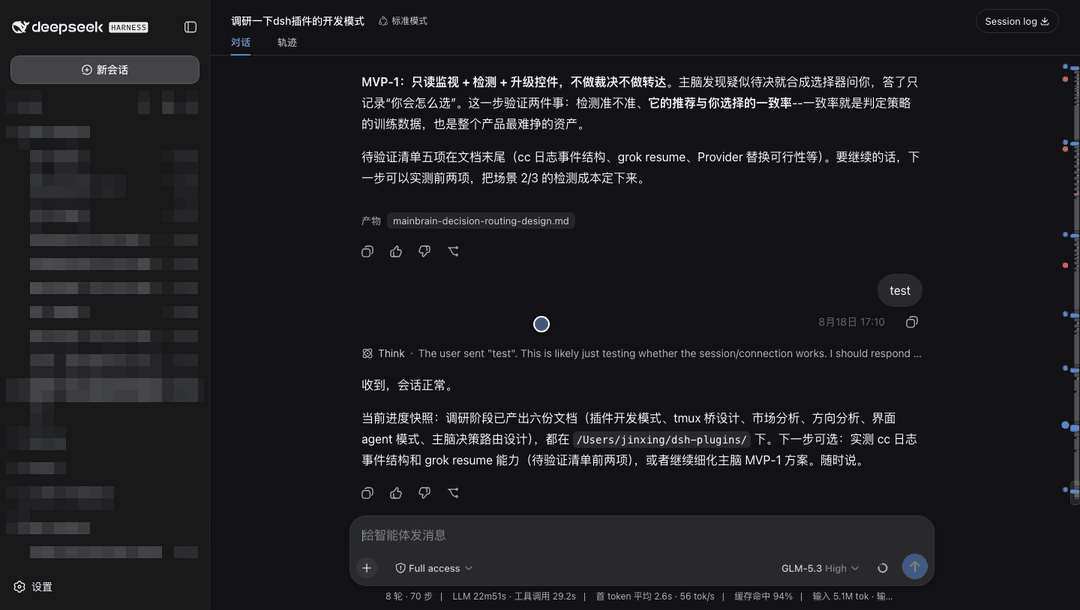 jsdvjx/dsh-strata
Session strata for the DeepSeek Harness Web GUI: the transcript's scrollbar becomes a to-scale, colour-coded map of the …
jsdvjx/dsh-strata
Session strata for the DeepSeek Harness Web GUI: the transcript's scrollbar becomes a to-scale, colour-coded map of the …
-
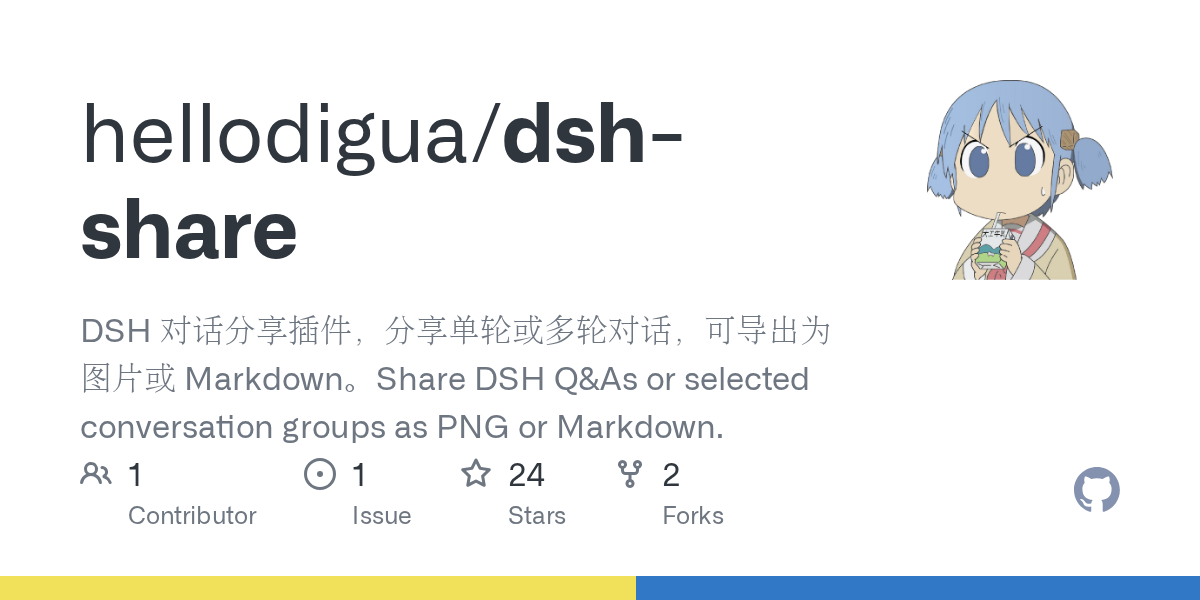 hellodigua/dsh-share
DSH 对话分享插件,分享单轮或多轮对话,可导出为图片或 Markdown。Share DSH Q&As or selected conversation groups as PNG or Markdown.
hellodigua/dsh-share
DSH 对话分享插件,分享单轮或多轮对话,可导出为图片或 Markdown。Share DSH Q&As or selected conversation groups as PNG or Markdown.
-
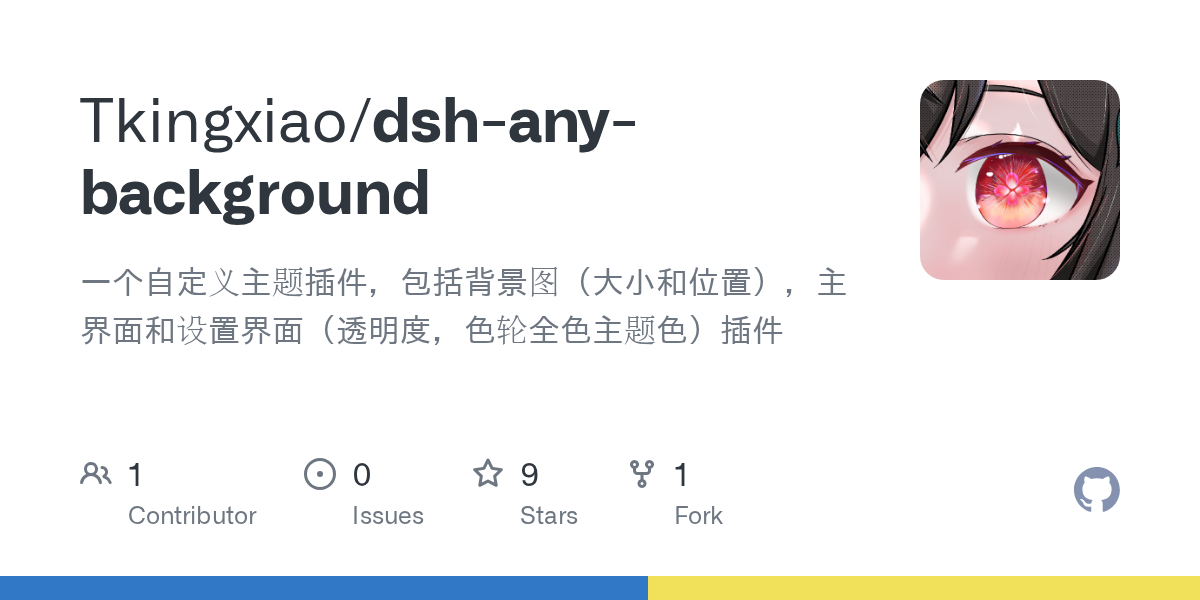 Tkingxiao/dsh-any-background
Deepseek Harness 自定义主题插件,支持自定义图片/视频壁纸,对话框,侧边栏等透明度模糊度调整,全局主题色的色轮调整插件
Tkingxiao/dsh-any-background
Deepseek Harness 自定义主题插件,支持自定义图片/视频壁纸,对话框,侧边栏等透明度模糊度调整,全局主题色的色轮调整插件
-
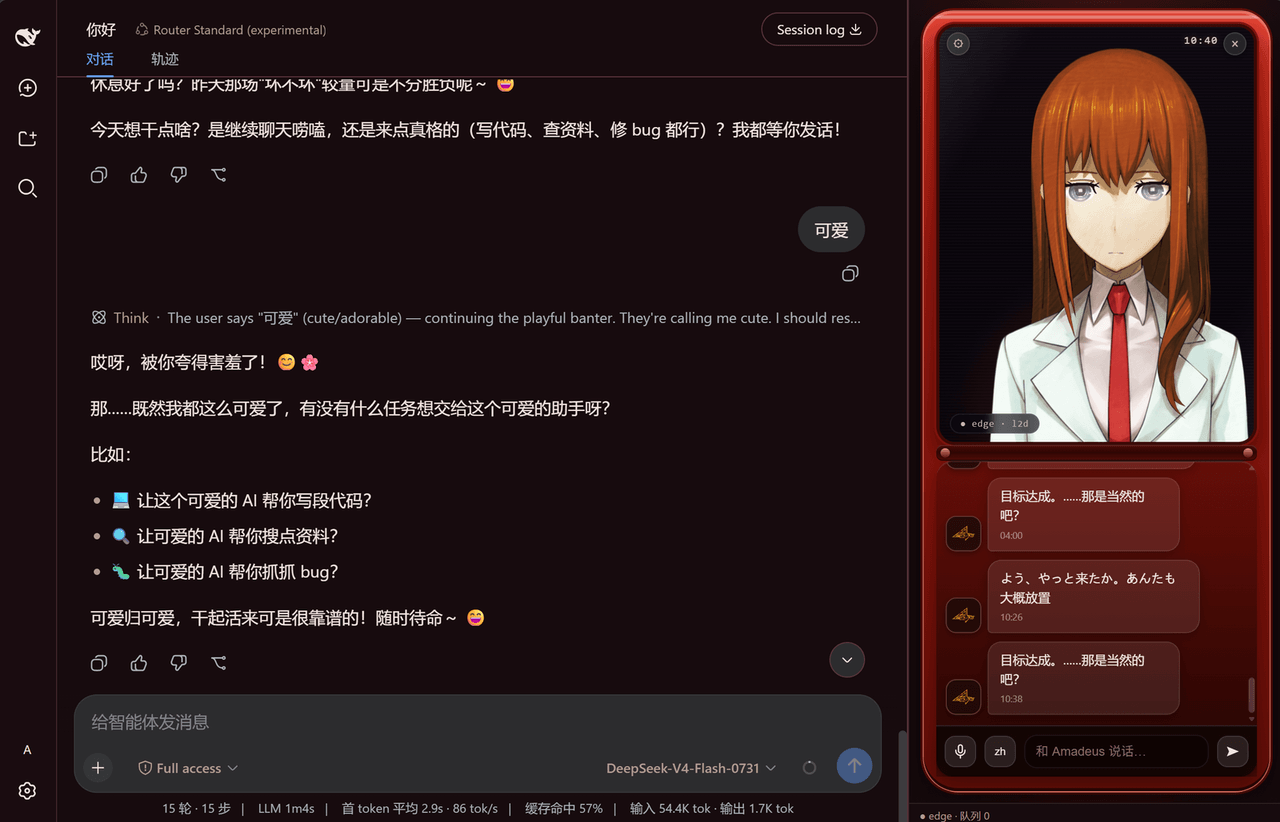 yyxcnasd/amadeus-for-dsh
Amadeus (AI assistant from Steins;Gate 0) for DeepSeek Harness
yyxcnasd/amadeus-for-dsh
Amadeus (AI assistant from Steins;Gate 0) for DeepSeek Harness
-
 a903067276-rgb/dsh-file-upload
One upload button plus drag-and-drop files into the conversation as local paths: save to project uploads/, path text int…
a903067276-rgb/dsh-file-upload
One upload button plus drag-and-drop files into the conversation as local paths: save to project uploads/, path text int…
-
 LeemanCheung/dsh-whale-animation
Persistent closed-loop whale-dive animation for DeepSeek Harness Web turn status
LeemanCheung/dsh-whale-animation
Persistent closed-loop whale-dive animation for DeepSeek Harness Web turn status
-
 tianji-qingtian/dsh-composer-polish
DeepSeek Harness plugin: one-click ✨ polish for composer drafts — flash rewrite, auto fill-back · DeepSeek Harness 插件:输入…
tianji-qingtian/dsh-composer-polish
DeepSeek Harness plugin: one-click ✨ polish for composer drafts — flash rewrite, auto fill-back · DeepSeek Harness 插件:输入…