Yu-tao-Li/dsh-computer-use-win
DeepSeek Harness(dsh)的Windows电脑操作:MCP stdio服务器+PowerShell UIA后端,22款桌面工具
Project Overview项目介绍
This is a DSH-native plugin that adds Windows desktop automation capabilities to DeepSeek Harness. It runs as an MCP stdio server that connects to DSH via DSH's built-in MCP client bridge, so no modifications to the core DSH installation are required. It comes with 22 pre-built tools that let DSH agents inspect UI elements via the UIA accessibility tree, capture screenshots, run OCR for text recognition, simulate mouse and keyboard input, and manage open application windows. It doesn't rely on pixel-based matching for UI elements, instead it uses stable UIA Runtime IDs that remain consistent even after UI refreshes.
Installing the plugin is straightforward for DSH users. You can run the dsh plugin --profile web add dsh-computer-use-win command to install it directly from npm, which is the recommended method. Alternatively, you can install it from GitHub with dsh plugin --profile web add github:Yu-tao-Li/dsh-computer-use-win, or search for it directly in the DSH plugin market. After installation, you need to restart dsh web and the plugin will load automatically with all tools prefixed by mcp__wincu__. A typical workflow starts with the agent using the snapshot or find tool to locate the target UI element, then uses an action tool like click or type_text to interact with it. The plugin includes built-in safety checks to prevent misclicks or operations on the wrong window.
The plugin is released under the open-source MIT license, and it is a derivative work of cgissing/windows-computer-use, also under MIT. It requires Node.js 22 or newer to run, and it only supports Windows systems, as the name suggests. It includes several built-in security features, such as emergency stop that stops all operations if the mouse is held in the screen corner for 500ms, coordinate compensation for moved windows, and input validation. There are some known limitations: UAC/elevated windows cannot be accessed due to Windows security restrictions, and some UI frameworks like Electron may drop background input messages.
这是一个专为 DeepSeek Harness (DSH) 开发的原生 Windows 平台插件,通过 MCP 协议桥接 DSH,为 DSH Agent 赋予原生 Windows 桌面操控能力,内置 22 个工具,既支持通过 UIA 无障碍树获取界面信息、窗口裁剪截图、OCR 识别文字坐标,也支持模拟鼠标键盘操作和窗口应用管理。
普通用户可以通过 DSH 内置的插件命令一键完成安装,支持从官方 npm 源或者 GitHub 仓库拉取安装包,也可以直接在 DSH 插件市场搜索 dsh-computer-use-win 进行安装。安装完成后只需要重启 dsh web 服务,所有工具就会带有 mcp__wincu__ 前缀自动加载完成。
插件基于 MIT 许可开源,仅支持 Windows 平台,对提权窗口、部分框架 UI 有一定访问限制,内置多重安全机制包括紧急停止、坐标补偿等,同时会如实上报操作验证结果,避免 Agent 错误操作目标窗口。
请帮我安装这个 DSH 插件。安装前先完成【兼容性检查 + 安全性检查】,检查通过再动手。

插件:dsh-computer-use-win(Yu-tao-Li/dsh-computer-use-win)
仓库:https://github.com/Yu-tao-Li/dsh-computer-use-win
本站详情页:https://www.yhbd.top/plugins/yu-tao-li-dsh-computer-use-win/
本站登记:类型 client · 归类 原生 DSH 插件 · 许可证 MIT · ⭐ 19 · 最近提交 2026-10-03 · 主语言 PowerShell

按下面顺序执行,每步先把结论告诉我,再进入下一步:

【1 兼容性检查】
① 我这边:DSH 版本、Node 版本、操作系统、当前 profile(web / desktop)。
② 读它的 README、package.json、插件 manifest,列出它要求的 DSH 版本 / Node 版本 / 操作系统 / 外部依赖 / 需要另外先装的运行时。
③ 逐条比对,结论只写「满足 / 不满足 / 未知」三种;不满足的给出可行替代方案。
④ 检查是否和我已装的插件冲突:命令名重复、skill / tool 重名、端口占用、重复注册的 MCP server。

【2 安全性检查】
① 仓库可信度:和上面「本站登记」是否一致;star / fork 数、创建时间、最近提交,是否归档或长期停更。
② 安装脚本:逐行看 package.json 的 preinstall / install / postinstall,以及 install.sh、setup.ps1 之类脚本。出现 curl|bash、下载后直接执行、混淆代码、访问与插件功能无关的域名,立刻停下来告诉我,不要继续装。
③ 依赖:列出新增依赖,标出无人维护、或与知名包拼写近似的可疑包(typosquatting)。
④ 权限与副作用:它会读写哪些目录、访问哪些域名、需要哪些 DSH 权限(filesystem / network / shell / clipboard 等),以及怎么卸载和回滚。
⑤ 如果它要求 sudo / 管理员权限,或权限明显超出功能所需,先停下来问我。

【3 安装】
上面两步没有「不满足」和「高危项」时才执行;用官方推荐方式安装,不要自行提权。

【4 汇报】
用表格输出:检查项 / 结论 / 依据 / 是否需要我决策。拿不准的一律写「未知」并说明要我怎么确认——不要猜,也不要替我决定。
Send this message to DSH in your current session: it verifies compatibility and security first (answering met / not met / unknown item by item) and only installs once everything checks out — it will stop and ask you if it finds a high-risk item. The box scrolls; the copy is the full prompt. CLI install commands may not be accurate across systems, so DSH is the safer route.把上面这条消息直接发给当前会话里的 DSH:它会先核对兼容性与安全性(逐条给「满足 / 不满足 / 未知」),确认没问题再安装,有高危项会停下来问你。框内可滚动,复制到的是完整提示词;安装命令不一定准确,发给 DSH 更稳。
- 19 stars - an early-stage project星标 19,属于早期项目
- Desktop client: installation downloads an executable - verify the publisher and checksums桌面客户端:安装会下载可执行文件,请核对发布者与校验和
DSH walks through these 9 checksDSH 会逐条核对这 9 项
Compatibility兼容性
- DSH, Node, OS and profile requirementsDSH 版本 / Node 版本 / 操作系统 / profile 是否满足要求
- External dependencies and runtimes (Electron / Python / Docker, ...)外部依赖与运行时(Electron / Python / Docker 等)是否齐备
- Conflicts with installed plugins: command names, skill / tool names, ports, duplicate MCP registration与已装插件是否冲突:命令名、skill / tool 重名、端口占用、重复 MCP 注册
Security安全性
- Repo matches the facts registered here; archived or abandoned?仓库是否与页面登记一致,是否归档或长期停更
- Safety of preinstall / install / postinstall and install.sh / setup.ps1preinstall / install / postinstall 与 install.sh、setup.ps1 是否安全
- curl|bash, download-then-execute, obfuscation, unrelated domains → stop immediatelycurl|bash、下载即执行、混淆代码、无关域名 → 立刻停止
- Typosquatting or unmaintained packages among the new dependencies新增依赖里有没有 typosquatting 或无人维护的包
- Requested permissions vs. what the feature actually needs申请了哪些权限、是否超出功能所需(filesystem / network / shell / clipboard)
- Any sudo / admin requirement, plus uninstall and rollback是否要求 sudo / 管理员权限,以及卸载与回滚方式
Anything uncertain must be marked unknown with a note on how to confirm it. This site's signal screen is a static snapshot, not a security audit.拿不准的必须标「未知」并说明要我怎么确认。本站的信号筛查是静态快照,不能替代安全审计。
Or use CLI install (for developers)或使用命令行安装(适合开发者)
CLI Install命令行安装
dsh plugin --profile web add dsh-computer-use-win把 Yu-tao-Li/dsh-computer-use-win 加入你的 DSH 配置(web profile)即可启用。
READMEREADME
dsh-computer-use-win





给 DeepSeek Harness 装上 Windows 电脑操控能力——MCP stdio 服务器 + PowerShell/UIA 桌面引擎,22 个工具让 agent 能看(UIA 无障碍树、窗口裁剪截图、OCR 词框)也能做(鼠标、键盘、UIA 语义动作、窗口管理)真实的 Windows 桌面应用。
通过 DSH 内置的 @deepseek-ai/dsh-mcp-client 桥接,不改 DSH 本体,零运行时依赖。
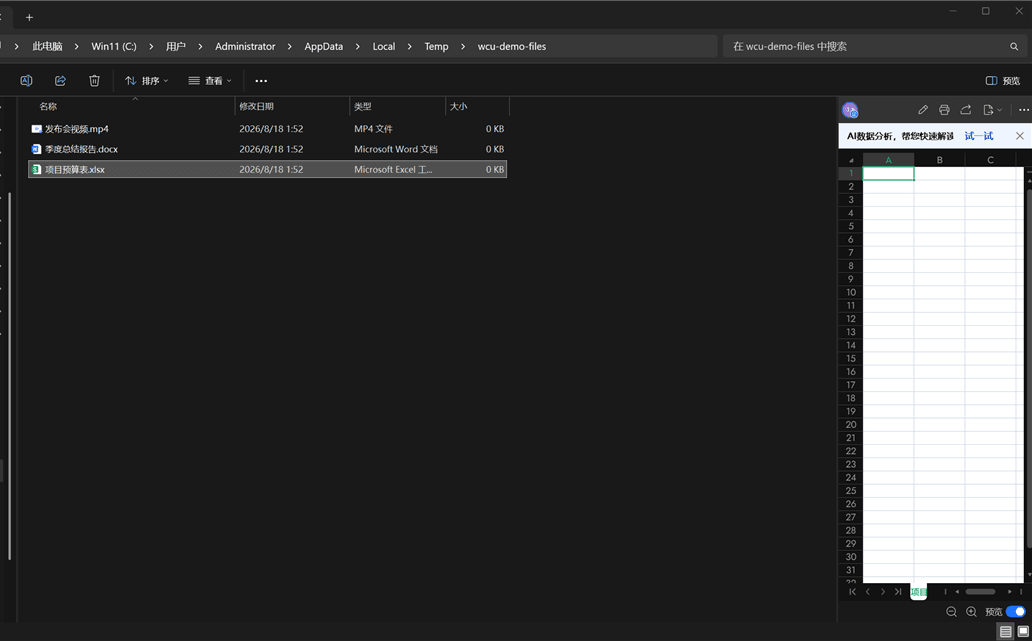
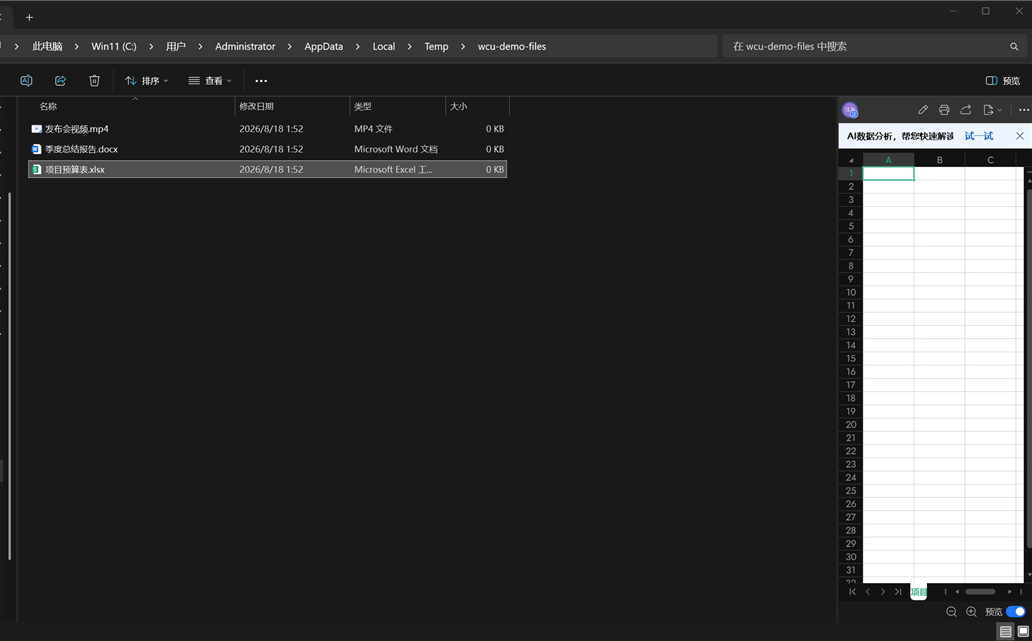
① 文件资源管理器:find 定位 + 语义 invoke 选中文件(状态栏"选中 1 个项目") |
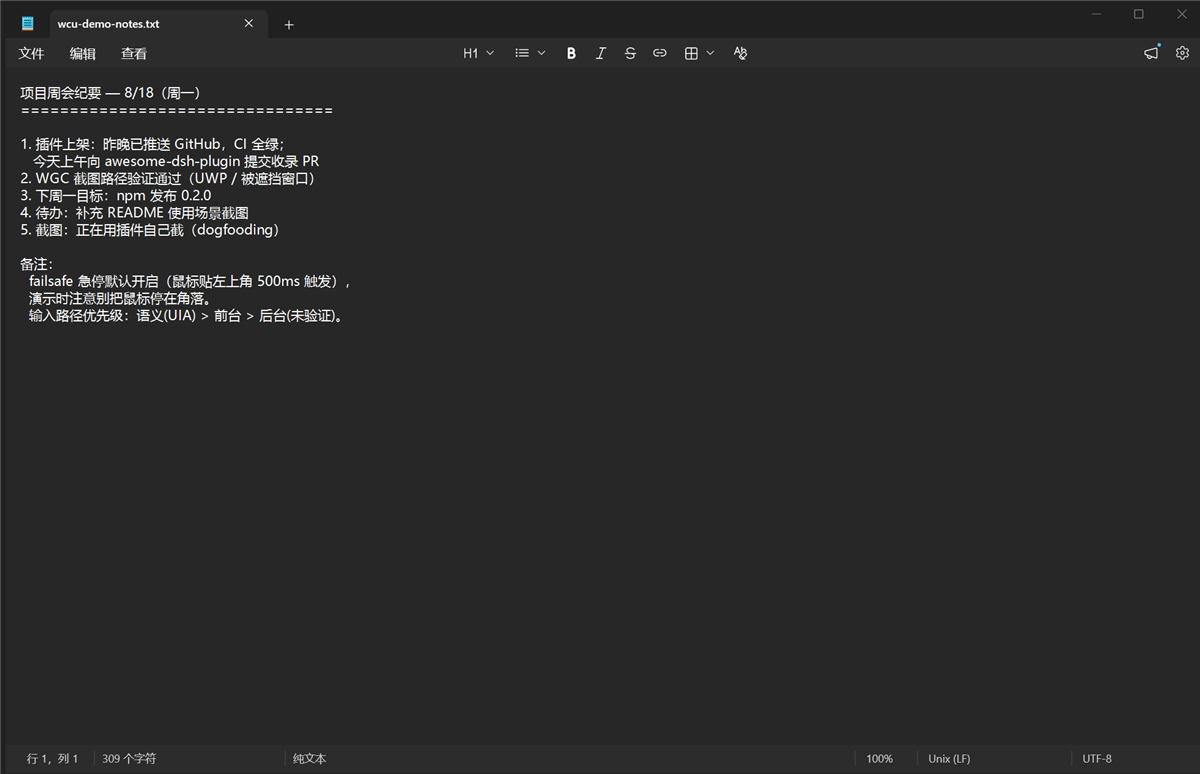
② type_text 写入真实文档(剪贴板路径,verifyValue 回读) |
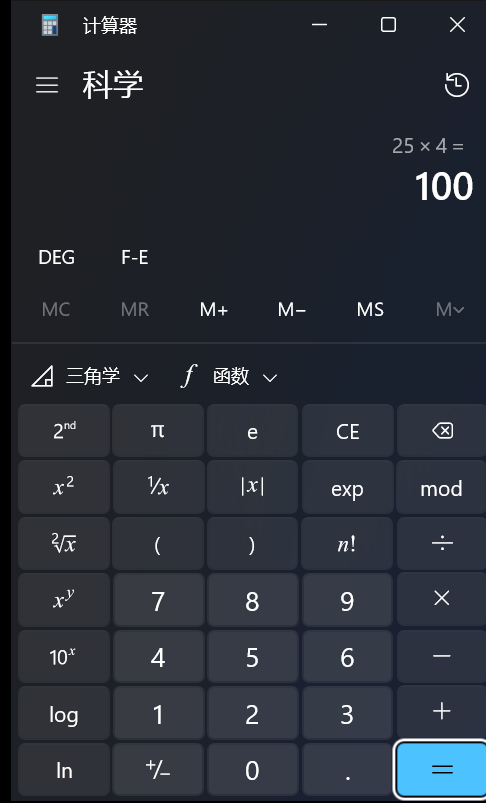
③ UWP 计算器:find 定位按钮 + 语义 Invoke 点击(25×4=100) |
|---|---|---|
 |
 |
 |
特性
- 文本优先的观察——UIA 无障碍树三视图(
control/content/raw);按 name/automationId/类名/值找控件,不靠猜像素。元素 id 用 UIA RuntimeId(UI 刷新后仍稳定,过期报stale而非点错地方)。 - 三级截图链——
PrintWindow(非前台窗口也能抓)→ WGC(Windows.Graphics.Capture,DirectComposition/被遮挡窗口)→ 屏幕区域兜底(带occludedPossible标记)。窗口裁剪 + 降采样 +imageScale/origin坐标映射,PNG 30 分钟自动清理。 - 三条输入路径,诚实上报——语义(UIA pattern,不碰鼠标)/ 前台(
SetCursorPos+ SendInput + 剪贴板 /KEYEVENTF_UNICODE)/ 后台(PostMessage 直进窗口消息队列,不抢前台;投递未验证,如实verified:false——Chromium/Electron/WinUI 会静默丢合成消息,工具会明说)。 - UIA 盲区 OCR 回退——
Windows.Media.Ocr(csc 编译的 C# WinRT 助手);返回文字 + 逐词屏幕坐标词框,query命中后自动回查匹配词下的控件(ControlFromPoint)。 - 内置安全机制
- 坐标 homing——观察后窗口被移动,点击自动补偿并回报
homed:{dx,dy} - 急停 failsafe——物理鼠标停屏幕角落 500ms,所有输入被拒(
EMERGENCY STOP),只有人把鼠标移开才恢复 - identity guard——按
windowTitle操作时窗口 HWND/PID 变了就拒绝(identity_changed) - 前台校验——输入 fail-closed:目标窗口不是真前台就直接报错,绝不打进别的窗口
- Win 键黑名单——
Win+R/X/L/S类组合按设计拦截
- 坐标 homing——观察后窗口被移动,点击自动补偿并回报
- 持久化后端——一个常驻 PowerShell 进程 + JSON 行协议,热态延迟 6–100ms(首次 ~500ms 冷启动);C# P/Invoke 助手按 hash 编译成缓存 DLL,重启免重编。
Showing the opening section of the README — the full document lives in the repository以上为 README 开头摘要,完整文档在仓库内 · View the full README on GitHub →在 GitHub 查看完整 README →
Related相关推荐
-
 ccch1mneyyy/dsh-TUI
DSH's officially top-recommended TUI plugin — high performance, low overhead, cute pixel whale, smooth mouse interaction…
ccch1mneyyy/dsh-TUI
DSH's officially top-recommended TUI plugin — high performance, low overhead, cute pixel whale, smooth mouse interaction…
-
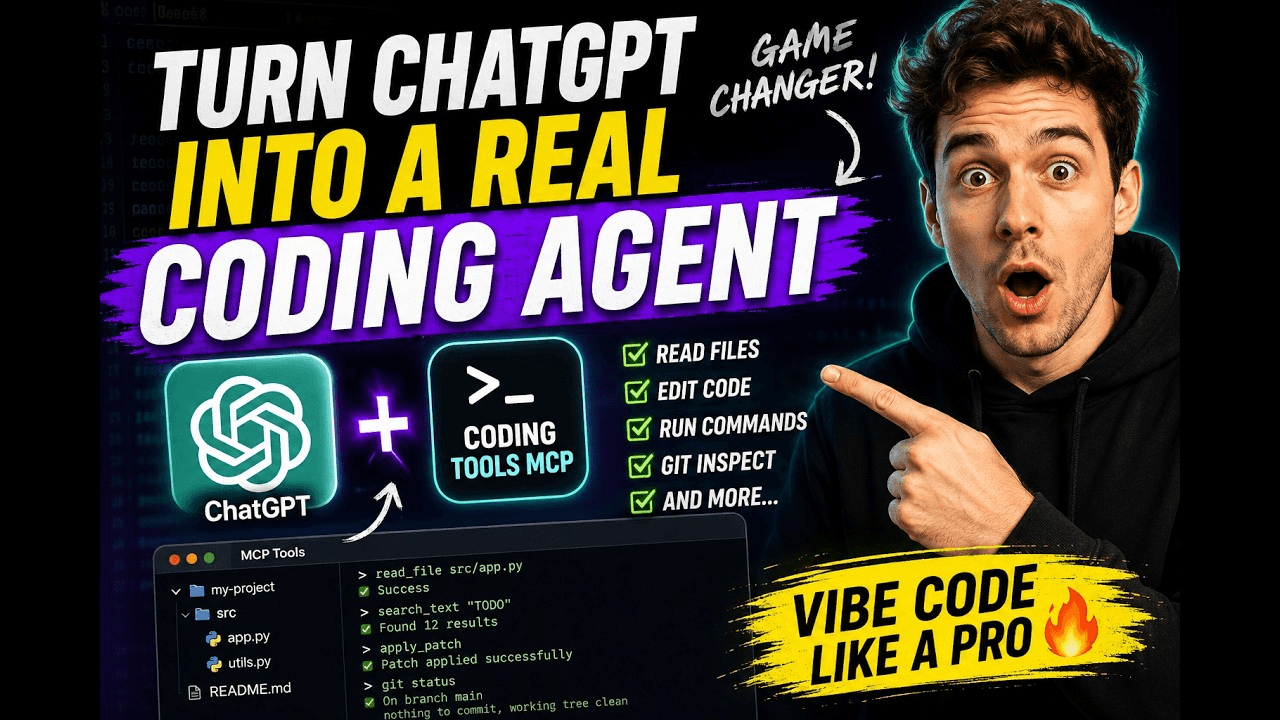 xyTom/coding-tools-mcp
Give any AI agent the ability to code
xyTom/coding-tools-mcp
Give any AI agent the ability to code
-
 myYangyunfan/dsh_desktop
DeepSeek Harness (dsh) Windows desktop client - bundled Node.js + dsh CLI, one-click launch
myYangyunfan/dsh_desktop
DeepSeek Harness (dsh) Windows desktop client - bundled Node.js + dsh CLI, one-click launch
-
 ChisaAlter/Deepseek-Harness-Desktop
DSH桌面端,支持主题和背景图等多种个性化配置。Electron desktop shell for DeepSeek Harness web UI
ChisaAlter/Deepseek-Harness-Desktop
DSH桌面端,支持主题和背景图等多种个性化配置。Electron desktop shell for DeepSeek Harness web UI
-
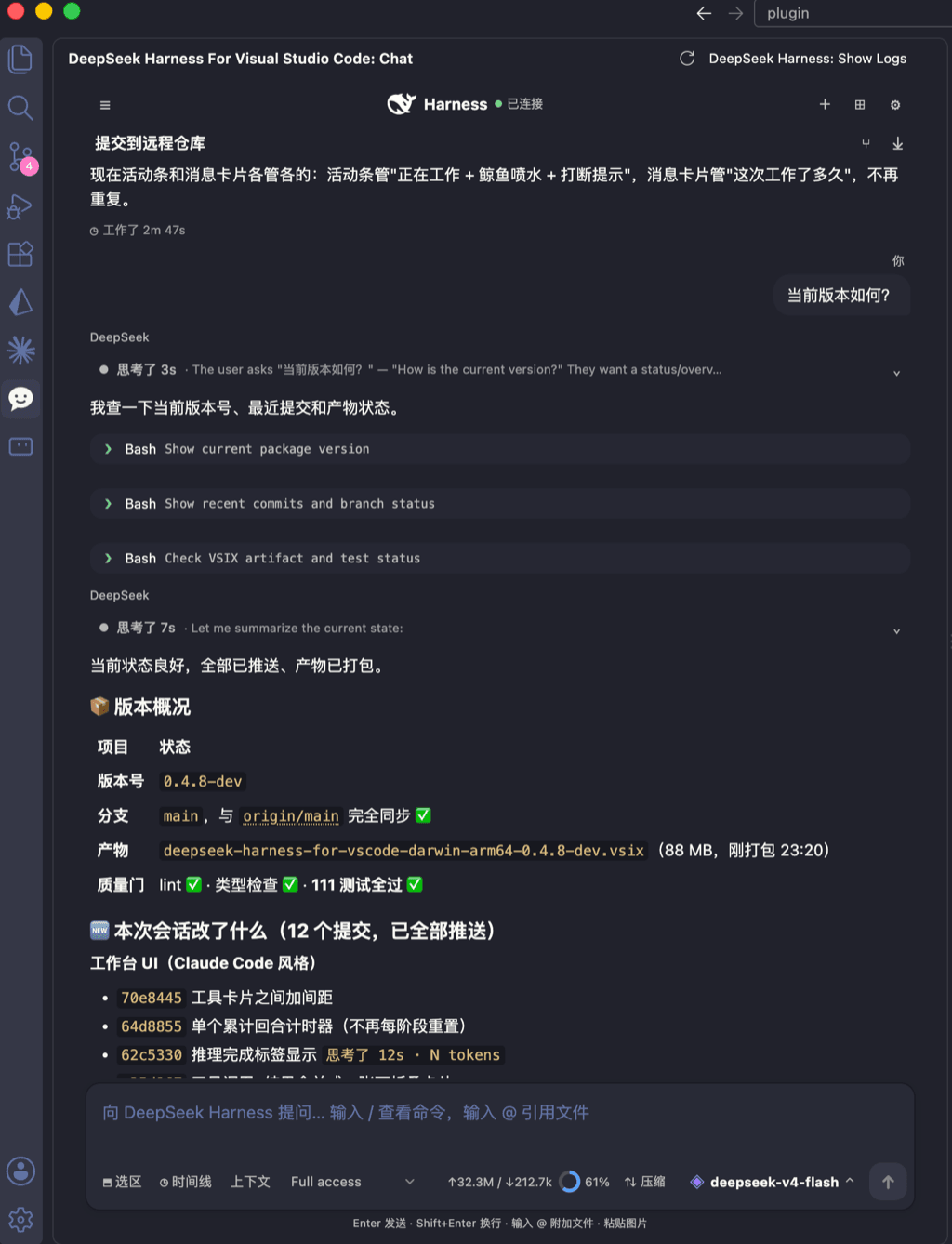 skymecode/deepseek-harness-for-vscode
deepseek-harness for vscode .A native VS Code coding-agent extension for DeepSeek Harness. Streamlined workbench with se…
skymecode/deepseek-harness-for-vscode
deepseek-harness for vscode .A native VS Code coding-agent extension for DeepSeek Harness. Streamlined workbench with se…
- Yan-Zero/dsh-std
-
 rison114514/dsh-endfield-ui
Endfield-inspired industrial UI shell for DeepSeek Harness (dsh) — non-official fan theme. Install: dsh plugin --profile…
rison114514/dsh-endfield-ui
Endfield-inspired industrial UI shell for DeepSeek Harness (dsh) — non-official fan theme. Install: dsh plugin --profile…
-
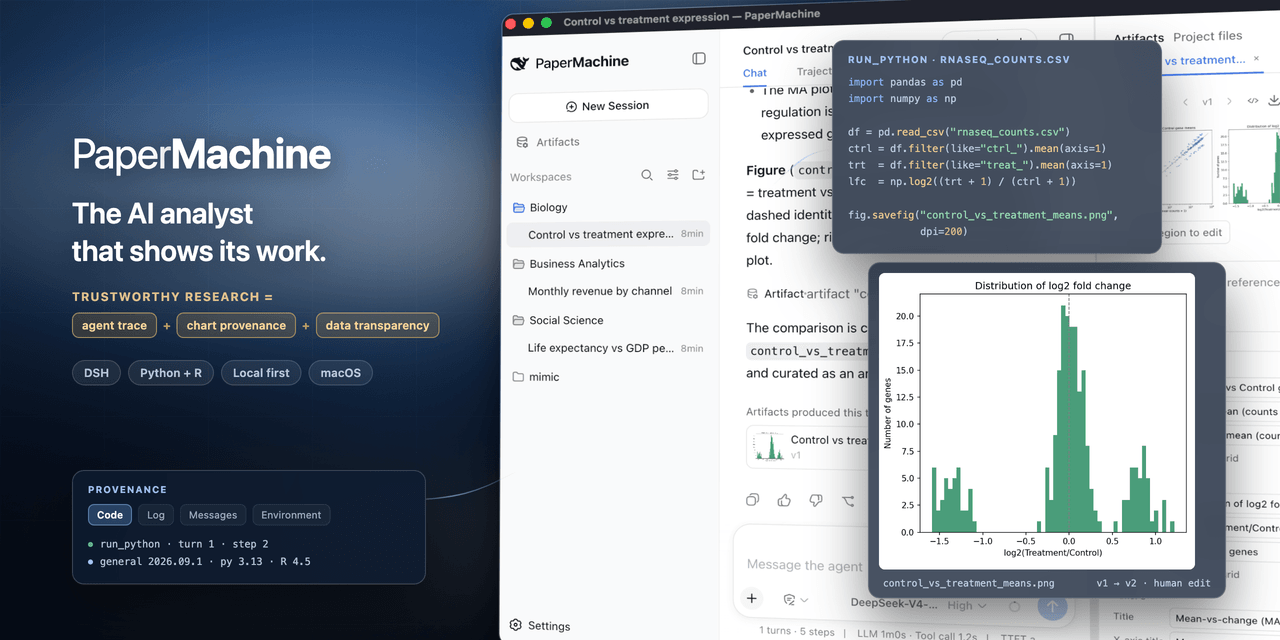 SuperJJ007/papermachine
The AI analyst that shows its work. Runs Python and R on your own machine, and traces every chart back to the code behin…
SuperJJ007/papermachine
The AI analyst that shows its work. Runs Python and R on your own machine, and traces every chart back to the code behin…