YYTbit/dsh-plugin-meta-memory
DeepSeek Harness的结构化长期记忆系统
Project Overview项目介绍
dsh-plugin-meta-memory is a structured long-term memory plugin for DeepSeek Harness. It organizes memories into units named verb-modifier-noun.unit, where each record stores a brief version (auto-injected into context) and a full version (loaded on demand), with a self-maintained global index.md tracking the storyline. Use it when an agent needs to retain and retrieve context across sessions, such as debugging notes or paper summaries. Configuration exposes memoryPath, enableInjection, enableSkill, and maxBriefBytes. The CLI (mm init, list, read, search, index) manages the memory directory. Caveat: briefs exceeding maxBriefBytes (default 4096) are truncated, so keep summaries concise.
dsh-plugin-meta-memory 是为 DeepSeek Harness 设计的长效记忆插件,通过结构化分类(verb-modifier-noun.unit)将记忆按工作单元组织,每条记录包含精简版 brief(自动注入上下文)和完整版 full(按需加载),并维护全局索引 index.md 追踪主线剧情。配置 memoryPath 与 enableInjection 后,代理可在多轮会话中自动检索相关记忆。CLI 提供 mm init、list、search、index 等命令管理记忆库。提示:brief 体积受 maxBriefBytes 限制(默认 4096),过长的摘要会被截断。
请帮我了解并安装插件:【dsh-plugin-meta-memory】【https://github.com/YYTbit/dsh-plugin-meta-memory】Send this message to DSH in your current session. CLI install commands may not be accurate across systems — DSH will figure it out for you.把上面这条消息直接发给当前会话里的 DSH,让它帮你了解并安装。安装命令不一定准确,发给 DSH 更稳。
Or use CLI install (for developers)或使用命令行安装(适合开发者)
CLI Install命令行安装
dsh plugin --profile web add dsh-plugin-meta-memory把 YYTbit/dsh-plugin-meta-memory 加入你的 DSH 配置(web profile)即可启用。
READMEREADME
dsh-plugin-meta-memory
Structured long-term memory system for DeepSeek Harness.
What it does
Teaches the agent how to organize memories using a structured system:
- Units: Work categories named
verb-modifier-noun.unit - Records: Each memory has a brief (quick scan) and full (detailed) version
- Index: Self-maintained global storyline
- Auto-injection: Relevant briefs are injected into context automatically
Install
dsh plugin --profile your-profile add dsh-plugin-meta-memory
How it works
Memory structure
.meta-memory/
├── index.md
└── units/
    ├── debug-auth-module.unit/
    │   ├── 0.token-refresh-fail.brief.md
    │   └── 0.token-refresh-fail.full.md
    └── read-deeplearning-paper.unit/
        ├── 0.transformer-attention.brief.md
        └── 0.transformer-attention.full.md
Brief format (injected into context)
# token-refresh-fail
JWT token refresh returns 401 due to timestamp offset calculation error.
Full format (loaded on demand)
# token-refresh-fail

## Context
Auth module was failing on token refresh after 1 hour.

## Finding
expiresAt calculated using milliseconds instead of seconds.

## Evidence
src/auth/refresh.ts:42 - Math.floor(Date.now() / 1000) fixes it.

## Relevance
Any JWT/token related debugging in the future.
CLI tool
mm init              # Initialize memory directory
mm list              # List all units and records
mm read <unit>       # Read all briefs in a unit
mm search <query>    # Search briefs by keyword
mm index             # Show the index
Configuration
- id: meta-memory
  name: dsh-plugin-meta-memory
  config:
    memoryPath: '~/.dsh/meta-memory'
    enableInjection: true
    enableSkill: true
    maxBriefBytes: 4096
License
MIT -- YYTbit
Related相关推荐
-
 MemTensor/MemOS
Self-evolving memory OS for LLM & AI Agents: ultra-persistent memory, hybrid-retrieval, and cross-task skill reuse, with…
MemTensor/MemOS
Self-evolving memory OS for LLM & AI Agents: ultra-persistent memory, hybrid-retrieval, and cross-task skill reuse, with…
-
 zilliztech/memsearch
A persistent, unified memory layer for all your AI agents (e.g. Claude Code, Codex, DSH), backed by Markdown and Milvus.
zilliztech/memsearch
A persistent, unified memory layer for all your AI agents (e.g. Claude Code, Codex, DSH), backed by Markdown and Milvus.
-
 vshulcz/deja-vu
One memory shared by Claude Code, Codex, Cursor, Copilot CLI, OpenClaw and 20 more coding agents, built from the session…
vshulcz/deja-vu
One memory shared by Claude Code, Codex, Cursor, Copilot CLI, OpenClaw and 20 more coding agents, built from the session…
-
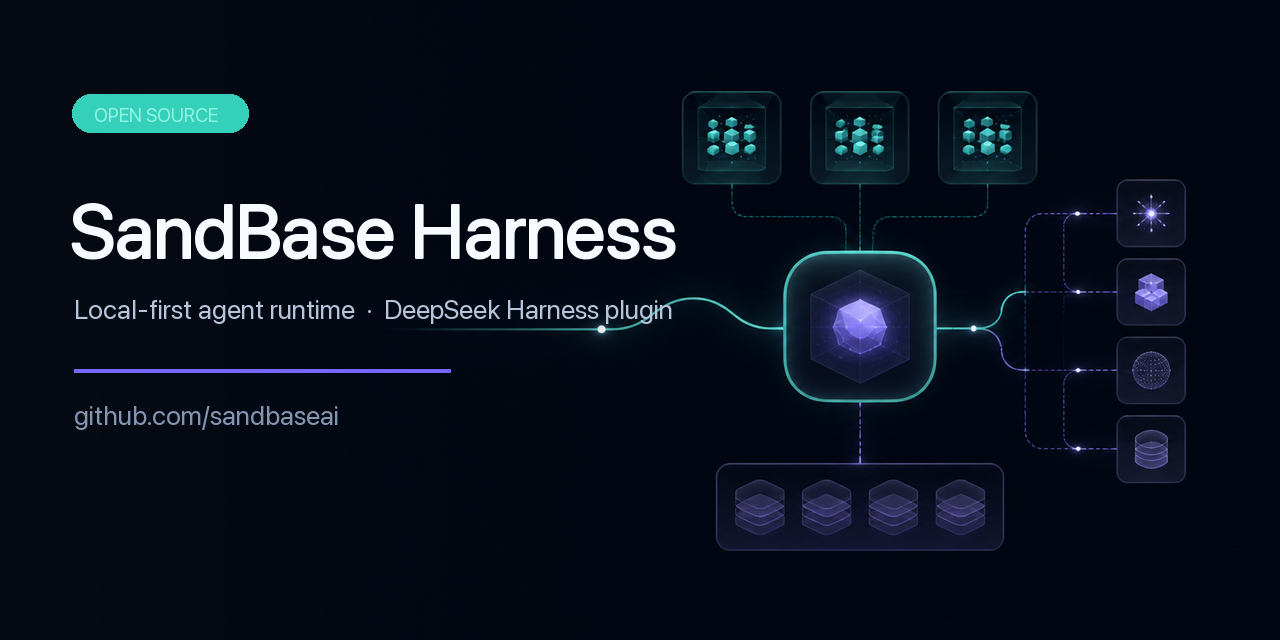 sandbaseai/sandbase-harness
Local-first, self-hosted AI agent runtime and MCP bridge with sandboxed sessions, memory, credentials, audit/replay, and…
sandbaseai/sandbase-harness
Local-first, self-hosted AI agent runtime and MCP bridge with sandboxed sessions, memory, credentials, audit/replay, and…
-
 adoresever/graph-memory
Deepseek Harness、Openclaw知识图谱记忆插件。2026年4月受邀发布在清华大学讨论会。Knowledge Graph + Memory;Knowledge Graph Context Engine for OpenCl…
adoresever/graph-memory
Deepseek Harness、Openclaw知识图谱记忆插件。2026年4月受邀发布在清华大学讨论会。Knowledge Graph + Memory;Knowledge Graph Context Engine for OpenCl…
-
 mnemon-dev/mnemon
LLM-supervised persistent memory for AI agents — graph-based recall, cross-session knowledge, single binary. Works with …
mnemon-dev/mnemon
LLM-supervised persistent memory for AI agents — graph-based recall, cross-session knowledge, single binary. Works with …
-
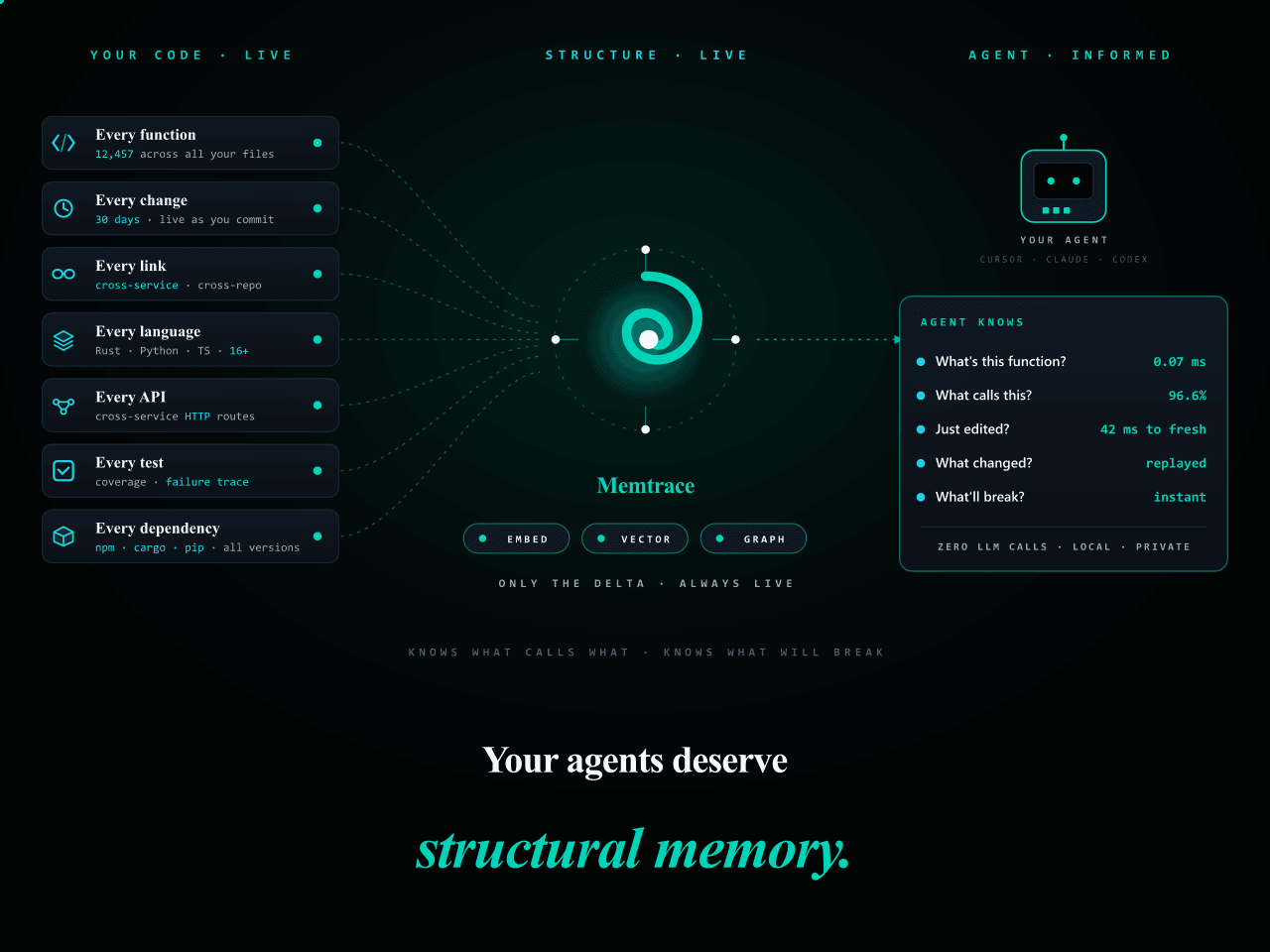 syncable-dev/memtrace-public
Structural memory for AI coding agents. Bi-temporal graph, MCP-native, zero LLM calls. Cursor · Claude Code · Codex · De…
syncable-dev/memtrace-public
Structural memory for AI coding agents. Bi-temporal graph, MCP-native, zero LLM calls. Cursor · Claude Code · Codex · De…
-
 text2future/flowix
Notes for you, Memory for your agents. / 内置 Deepseek harness Agent / 适用 办公 & 写作 & Coding
text2future/flowix
Notes for you, Memory for your agents. / 内置 Deepseek harness Agent / 适用 办公 & 写作 & Coding