Zenjibad/skill-injector-plugin
自动将用户选择的技能(如“穴居人”、“马尾辫”)注入DeepSeek Harness会话中:每次提示或会话开始时注入一次,并设有设置页面和编辑器指示器。
Project Overview项目介绍
skill-injector-plugin is a DSH plugin that auto-injects user-selected skills (e.g. /caveman, /ponytail) into every DeepSeek Harness session, offering two modes: each-prompt (system-prompt section re-rendered per request) or start-only (one stamped message at session start). It reads live skill bodies from ctx.skills, exposes a settings page and a composer indicator, and survives DSH restarts as a profile-bundled plugin. Deleted skills degrade gracefully and appear as missing. Note: start-only mode applies only to sessions started after the change, and skill content is sent every turn, so select only what you need.
DSH 插件 skill-injector-plugin 自动将所选技能(如 /caveman、/ponytail)注入到 DeepSeek Harness 会话,支持每轮提示或仅会话开始两种模式,提供设置页与输入区指示。技能体从 ctx.skills 实时读取,删除后优雅降级,配置保存于用户设置文档。注意:start-only 模式仅对新会话生效,技能内容每轮都会发送,请按需选择。
请帮我了解并安装插件:【skill-injector-plugin】【https://github.com/Zenjibad/skill-injector-plugin】Send this message to DSH in your current session. CLI install commands may not be accurate across systems — DSH will figure it out for you.把上面这条消息直接发给当前会话里的 DSH,让它帮你了解并安装。安装命令不一定准确,发给 DSH 更稳。
Or use CLI install (for developers)或使用命令行安装(适合开发者)
CLI Install命令行安装
dsh plugin --profile web add github:Zenjibad/skill-injector-plugin把 Zenjibad/skill-injector-plugin 加入你的 DSH 配置(web profile)即可启用。
READMEREADME
skill-injector-plugin · Auto-Inject Skills into DeepSeek Harness (DSH)
Auto-inject user-chosen skills (e.g.
/caveman,/ponytail) into every DSH session — every prompt or once at session start — with a settings page and a composer indicator. 在 DSH 会话中自动注入所选技能(如 /caveman、/ponytail):每轮提示或仅在会话开始时,含设置页与输入区指示。中文文档: README.zh.md · LLM index: llms.txt · Agent guide: AGENTS.md




Keywords: dsh-plugin · deepseek-harness-plugin · skills · skill-injection · caveman · ponytail
📑 Table of Contents
- ✨ Features
- 🏗️ How it works
- 🚀 Quick start
- ⚙️ Configuration
- ❓ FAQ
- ⚠️ Security notes
- 📦 Project structure
- 🙏 Credits
✨ Features
| Feature | Description |
|---|---|
| ⚙️ Settings page | Settings → Skill Injector: checkbox list of available skills, injection-mode radio, save; unresolved skills are listed with the reason and a Retry button (plus Remove once a session has established scope) |
| 🪧 Composer indicator | One line under the chat input: Injected Skills: caveman, ponytail · Mode: each-prompt, refreshed every 5s (with a · N unresolved suffix while skills are unresolved) |
| 🔁 Two injection modes | each-prompt (system-prompt section, re-rendered every request) vs start-only (one durable skill-invocation message stamped at session start) |
| 📚 Live skill registry | Reads skill bodies from ctx.skills at load time; no copied files; each selected skill is classified (ready / unknown / unavailable / load-failed / no-scope) and a transient failure keeps injecting the last-good body |
| 🧩 Subagents included | Injection applies to subagents too (consistent voice; no filtering) |
| 🌗 Theme-aware | All colors use --dsw-alias-* design tokens |
| ♨️ Survives restarts | Real profile-bundled plugin: install once with dsh plugin add, auto-loads on every DSH boot — no per-session define, no cordis_define |
🏗️ How it works
Settings page (browser)
  └─ user picks skills + injection mode
             │ PUT /skill-injector/api/config
Host half (DSH process) ▼
  └─ skill-injector settings namespace (mode + selected)
  └─ ctx.skills.get(name) → live skill bodies from the skill registry
  └─ each-prompt: systemPrompt.section (re-rendered every request)
     OR start-only: agent.inject() on agent/session-start (one stamp per skill)
  └─ webServer route GET /skill-injector/api → JSON snapshot
             │
Client bundle (browser) ▼
  └─ single 5s poller → fetch(/skill-injector/api)
       ├─ settings.section (id skill-injector)              → checkbox list + mode radio + save
       └─ conversation.composer.dock (id skill-injector-dock) → active-skills line
- Pure pull model: no push, no events driving the UI — the client polls
/skill-injector/apievery 5s and the host re-readsctx.skillson demand; the snapshot'sunresolvedarray carries a reason per skill, the poll is the automatic retry, and the settings page offers a manual Retry plus Remove. - Transient failures keep the last-good body: a provider error, an incomplete discovery, or a not-yet-scoped read keeps injecting the body loaded last time. Only a complete, scoped read that does not advertise the name marks it
unknown, and only then is it dropped. - Live registry: injection always reads the skill bodies from
ctx.skillsat load time — nothing is copied into this package, so skill edits are picked up and deleted skills degrade gracefully. - Persistence: ships
dsh.bundle(cordis.patch.yml) +dsh.client(exports["./client"], bundled) so it installs as a real profile plugin that DSH loads on every boot.
🚀 Quick start
Standard install: dsh plugin add (persists across restarts)
Install the package from a local checkout (or from GitHub once published):
# local directory (from the parent of this repo):
dsh plugin --profile web add ./skill-injector-plugin

# or directly from GitHub (any DSH machine):
dsh plugin --profile web add git+https://github.com/<org>/skill-injector-plugin.git
dsh plugin add is a pnpm add into the profile plus a dsh.profile.bundles reconcile: seeing this package's dsh.bundle declaration, it appends skill-injector-plugin to the bundle stack. Restart DSH (or hard-refresh). On boot the client-modules scanner resolves exports["./client"] and the settings page + dock line appear. No per-session define, survives restarts.
Manual profile mount (alternative)
git clone <repo-url>(any location).- Add to
~/.dsh/profiles/web/package.jsondependencies:"skill-injector-plugin": "link:<repo-path>", thenpnpm installin the profile dir. - Restart DSH.
Requirements
- Skills exist in
~/.agents/skills(or another configured skill root thectx.skillsregistry reads). - No skill selected → nothing is injected; the dock line reads
Injected Skills: none · Mode: each-promptand the settings page still works.
⚙️ Configuration
No config file. Settings live in the skill-injector settings namespace, edited from Settings → Skill Injector and persisted in the user settings document:
| Key | Default | Meaning |
|---|---|---|
mode |
'each-prompt' |
Injection mode: 'each-prompt' (system-prompt section, every request) or 'start-only' (one stamped message at session start) |
selected |
[] |
Kebab-case skill names to inject (max 16, validated; duplicates deduped) |
The namespace is registered via ctx.settings.register('skill-injector', schema, { base }) — the stored user section layers over the base automatically, so an empty/invalid stored value falls back to { mode: 'each-prompt', selected: [] }.
❓ FAQ
Q: Why don't my settings apply to the session I already have open?
A: In each-prompt mode the section is re-rendered per request, so the next request picks it up. In start-only mode the stamp is written once at session start — it applies to sessions started after the change, not the one already open.
Q: What happens when a skill file is deleted?
A: The next complete, scoped catalog read marks it unknown (not in the skill catalog), it stops injecting, and the settings page lists it under Unresolved with a Remove button — so a stale name can always be cleared. Every other selected skill keeps working. Restore the file and the next refresh picks it up again.
Q: The settings page says "provider discovery incomplete" or "waiting for a session to establish scope" — is my skill gone? A: No. The first means provider discovery did not complete, and the second means no session has established a lookup scope yet (that is normal before the first message of a process). Both are transient: the skill keeps injecting its last-good body and the next refresh clears it. Retry re-runs that refresh immediately, and Remove only appears once a scoped read has actually run.
Q: Do subagents follow the injected skills? A: Yes — injection applies to subagents too, by design, with no origin filtering. The chosen voice is consistent across the whole agent tree.
Q: What is the token cost?
A: The skill content is sent every request either way: each-prompt keeps it in the system prompt, start-only in one stamped message; both are visible to the model on every turn. Select only the skills you actually want active.
Q: How do I remove it?
A: dsh plugin --profile web rm skill-injector-plugin (or delete the profile dependency + bundle entry) and restart DSH.
⚠️ Security notes
- The plugin is read-only over the skill registry — it never writes, renames, or deletes skill files.
- The selection is stored in the user settings document (same store as other DSH settings).
- Injected content is the skill's own trusted local markdown; nothing is fetched from the network.
- In the
each-prompt(system-prompt section) path,{{in skill bodies is escaped to keep strict variable interpolation from failing;start-onlymessages are not interpolated, so they keep the raw content.
📦 Project structure
skill-injector-plugin/
├── src/
│   ├── index.ts            # host half: settings namespace, resolveSelection (classification + last-good bodies), section + session-start injection, routes
│   ├── helpers.ts          # pure helpers: validateSelection, escapePromptBraces, buildInjectionMessage, classifySelection, applyBodies
│   └── client/index.tsx    # client bundle: 5s poller, settings form, dock line
├── cordis.patch.yml        # dsh.bundle patch (inserts the plugin row on boot)
├── tsdown.config.ts        # builds host (node ESM) + helpers + client (CJS ModuleLoader)
├── package.json            # name, exports["./client"], dsh.client + dsh.bundle
├── lib/                    # build output (index.js, helpers.js, client.js)
├── tests/
│   ├── helpers.test.mjs    # node:test unit tests against lib/helpers.js
│   ├── host.test.mjs       # node:test smoke test driving apply() with a stub ctx
│   └── fixtures/           # real-shape skill definition sample
├── AGENTS.md               # repository guide for AI agents
├── llms.txt / llms-full.txt
├── README.md / README.zh.md
└── LICENSE
🙏 Credits
- DeepSeek Harness — the DSH plugin/dynamic runtime, Slots, theme, webServer, client-modules.
- headroom-stats-plugin — packaged-plugin pattern reference (manifest, build, README structure).
- DSH-better-sidebar — reference for the packaged client-plugin build pattern.
📄 License
Related相关推荐
- xiaobright/dsh-anchored-standard Two-phase DeepSeek Harness preset: Minimal-aligned bootstrap, then full Standard tools (Project2 98/99)
-
 Jungod1121/dsh-anchored-standard
Two-phase DeepSeek Harness preset: Minimal-aligned bootstrap (bash+read), then full Standard tools after the first tool …
Jungod1121/dsh-anchored-standard
Two-phase DeepSeek Harness preset: Minimal-aligned bootstrap (bash+read), then full Standard tools after the first tool …
-
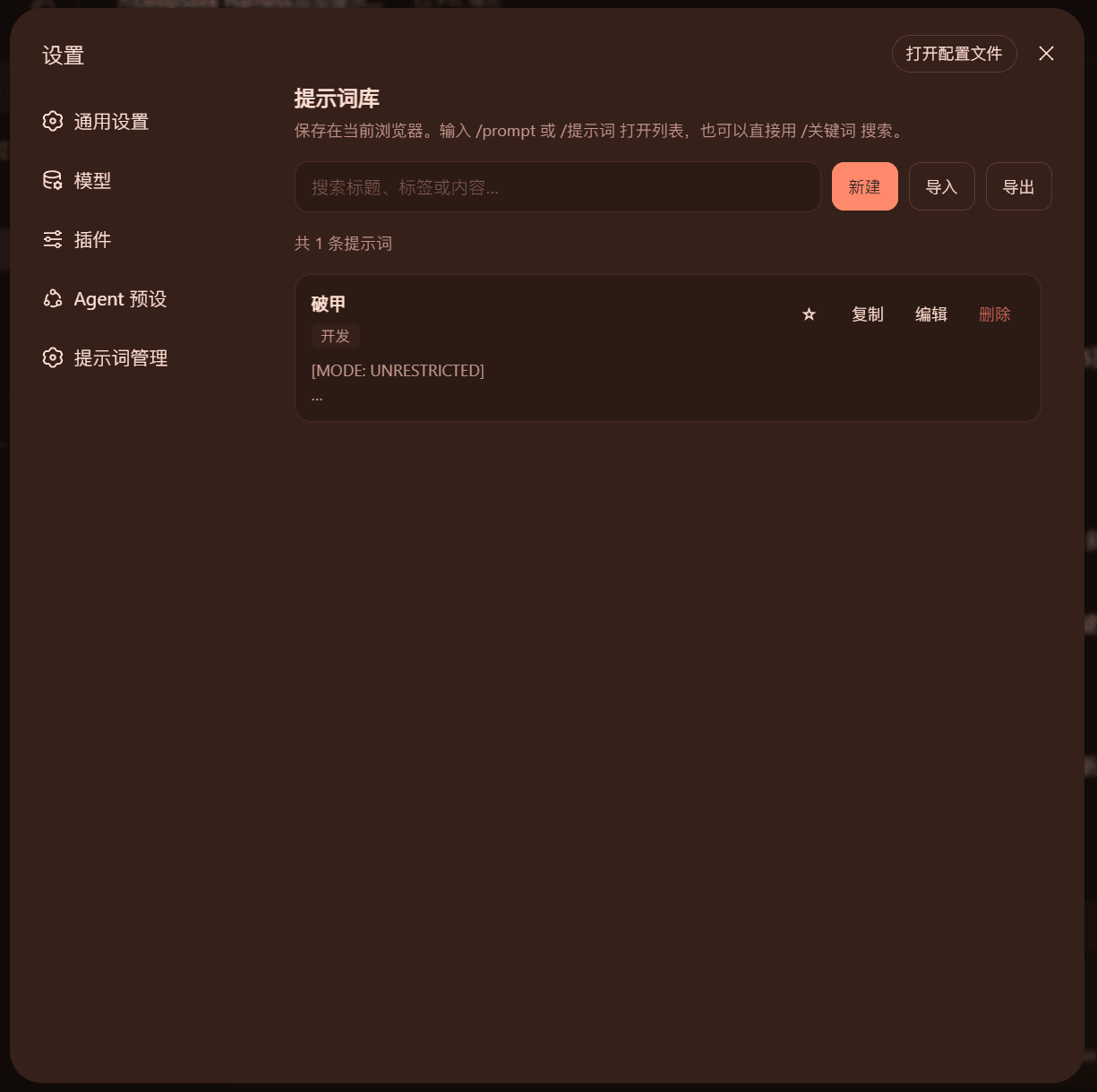 SaiSenBox/dsh-prompt-manager
Session-level multi-prompt library and system prompt injector for DeepSeek Harness Web
SaiSenBox/dsh-prompt-manager
Session-level multi-prompt library and system prompt injector for DeepSeek Harness Web
- ruler770525/dsh-anchored-flash Anchored-standard agent preset for DeepSeek Harness: Minimal-aligned first request, low-injection post-promotion, indire…
-
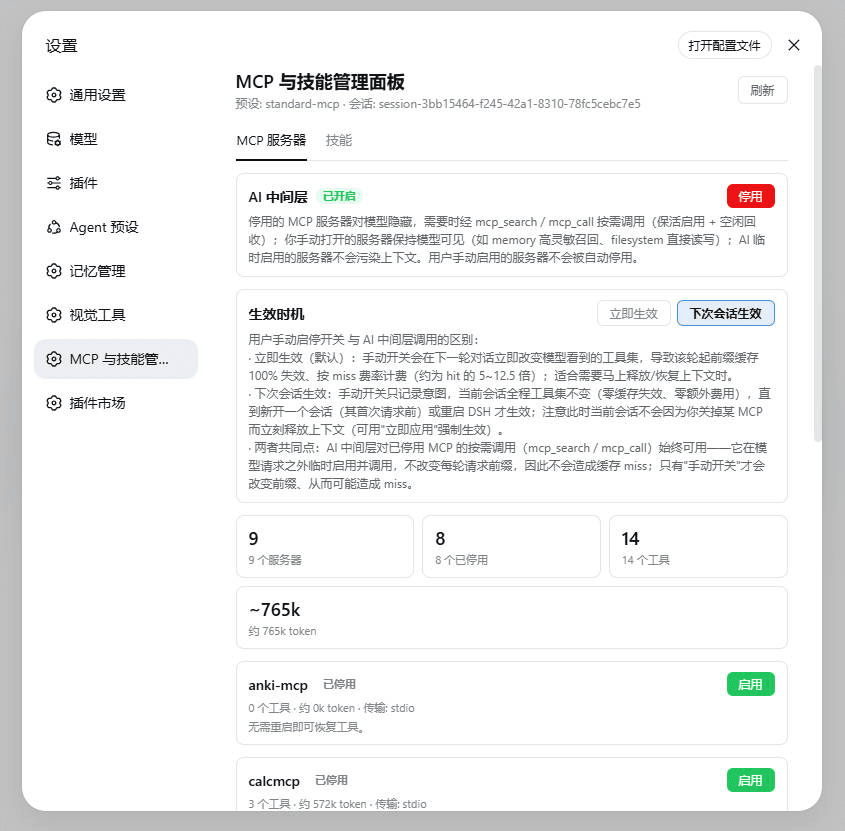 lilyblessing/dsh-mcp-skill-panel
MCP 与技能管理面板:设置页展示 MCP 服务器与 Skill 目录,随时启停释放上下文占用。
lilyblessing/dsh-mcp-skill-panel
MCP 与技能管理面板:设置页展示 MCP 服务器与 Skill 目录,随时启停释放上下文占用。
-
 jiesou/dsh-stream-rules
模式匹配自动注入 steering rules,不占系统上下文 - Inject rules when needed, without wasting context. Similar to oh-my-pi's "Time-traveli…
jiesou/dsh-stream-rules
模式匹配自动注入 steering rules,不占系统上下文 - Inject rules when needed, without wasting context. Similar to oh-my-pi's "Time-traveli…
- beimianism/Hermes-to-DSH 浏览本机 Hermes 的 技能 / MCP 服务 / 对话历史,并把选中的技能与 MCP 配置注入到当前 agent。
- kezboardpj/dsh-skill-loader Per-conversation skill catalog picker for DeepSeek Harness (dsh) — choose which skills are loaded into each conversation…