
Spirtxiaoqi7/mindspace-dsh-session-memory
适用于DeepSeek Harness的可编辑、会话隔离的个性化记忆功能
Project Overview项目介绍
Mindspace Multi-Person Session Memory is an editable, session-isolated plugin for DeepSeek Harness that separates people, ordinary memories, and explicit requirements into distinct layers. Version 0.5.0 promotes explicit AI requirements into the DSH persona section, replacing the Agent preset rather than appending to it; the persona stays empty when no requirements exist. Use it for long-running roleplay and personalization that span multiple real people instead of a single user. The model reads and writes through get_session_memory and update_session_memory, with one read authorizing one classified mutation. V1–V3 data migrates losslessly to the V4 sidecar format, and grandfathered text beyond the new 300-character edit limit is preserved until edited. Note: do not install alongside a legacy embedded Mindspace Memory implementation.
Mindspace 多人物会话记忆是 DeepSeek Harness 的可编辑、会话隔离插件,将人物、普通记忆与显式需求分层管理。需求提升至 DSH 人设层,替代 Agent 预设;无需求时人设留空。适用于需要长期多人物陪伴、避免单用户记忆窄化的角色扮演与个性化场景。模型通过 get_session_memory 与 update_session_memory 读写,一读对应一次分类变更。V1–V3 数据无损迁移至 V4 旁挂格式,超出 300 字编辑上限的历史内容在主动修改前保留。注意:不可与旧版嵌入式 Mindspace 记忆实现并存。
请帮我了解并安装插件:【mindspace-dsh-session-memory】【https://github.com/Spirtxiaoqi7/mindspace-dsh-session-memory】Send this message to DSH in your current session. CLI install commands may not be accurate across systems — DSH will figure it out for you.把上面这条消息直接发给当前会话里的 DSH,让它帮你了解并安装。安装命令不一定准确,发给 DSH 更稳。
Or use CLI install (for developers)或使用命令行安装(适合开发者)
CLI Install命令行安装
dsh plugin --profile web add github:Spirtxiaoqi7/mindspace-dsh-session-memory把 Spirtxiaoqi7/mindspace-dsh-session-memory 加入你的 DSH 配置(web profile)即可启用。
READMEREADME
Mindspace Memory for DeepSeek Harness
中文 · Community plugin · MIT
Separate work from everyday conversation. Maintain memory beyond context summaries.
Chat and Work are two memory contexts for the same user and assistant, not two tool-permission presets. Each stores people, relationships, preferences, assistant identity, current state and lasting experiences.
What's new in 0.7
- Independent maintenance after compaction. The main model can still write memory, but is no longer solely responsible for remembering. After successful compaction, a separate model call reconciles existing memory against the original conversation captured before summarization.
- Updates instead of blind accumulation. Maintenance adds durable omissions, corrects superseded facts and merges duplicates. Absence from recent conversation is not a deletion reason.
- No shortest-card eviction. Each card section supports up to 100 entries. Exceeding three entries no longer removes the shortest one.
- Settings inheritance. Create a blank session with the current Chat/Work memories, people, identity, bridge and compaction policy, without copying conversation history.
- General current state. Appearance or clothing may be described here, but is not a required dedicated feature.
Interaction
Use the composer Chat / Work chip to express the current context. The model may also switch when the main intent changes. Modes never disable tools or alter permissions.
In Settings → Personalization, inspect/edit memory, inherit it into a new session, change the compaction policy or compact manually.
Cross-context facts are staged in a neutral bridge: a short transition note (up to 300 characters) plus pending write instructions. Only after entering the target mode does the model merge or dismiss each pending item.
Maintenance lifecycle
Compaction captures the original textual conversation since the last successful compaction. On success, a separate request receives this evidence and current memory, then proposes source-linked operations. Long conversations are processed in ordered batches rather than truncated.
Memory revisions are checked before applying changes. Concurrent edits cause a retry against the latest state; cross-mode changes remain staged. Failed calls preserve memory and task evidence, with up to three attempts per batch. Background maintenance does not block ordinary conversation.
This incurs additional model usage after compaction, not after every turn. Empty provider/model settings reuse the session route; a dedicated lower-cost model can be selected. No tools are supplied to the maintenance call. Model judgments can still be corrected in the Memory Center.
Configuration
Override the installed bundle in your Web profile's cordis.patch.yml:
- id: mindspace-session-memory
  config:
    maxTextBytes: 4096
    maxItemsPerSection: 100
    maxProfileCharacters: 300
    maintenanceEnabled: true
    maintenanceProvider: ''
    maintenanceModel: ''
    maintenanceMaxTokens: 6000
Restart after configuration changes. Compaction enablement/thresholds are per-session; maintenance configuration is plugin-wide. Successful manual compaction also triggers maintenance.
Compatibility and migration
Version 0.7 targets DSH 0.1.5-rc.2 and the corresponding 0.1.x APIs. Keep plugin 0.6.10 on the older 0.1.1 core until upgrading DSH.
Storage remains under DSH_HOME/mindspace-session-memory/v1; the directory name is not the document format version. V5 Chat/Work documents remain unchanged. Existing V1–V4 data is read through the migration path into Chat without inventing a Work persona. Legacy memory events can still be imported; new memory writes remain outside canonical session logs.
Maintenance tasks and original evidence live in DSH_HOME/mindspace-session-memory/maintenance. These are local user data, not repository artifacts. Back up DSH_HOME before upgrading. DSH handles its own session-format migration; use the matching pre-upgrade backup when rolling back.
Install from source
git clone https://github.com/Spirtxiaoqi7/mindspace-dsh-session-memory.git
Set-Location .\mindspace-dsh-session-memory
corepack pnpm install
corepack pnpm run check
$memoryTgz = (Get-Item .\dist\mindspace-dsh-session-memory-0.7.0.tgz).FullName
Set-Location C:\path\to\deepseek-harness
corepack pnpm dsh plugin --profile web add $memoryTgz
corepack pnpm dsh web
No DSH core patch is required. Do not load a duplicate legacy implementation alongside this plugin. Manual edits, model writes and maintenance share the same storage and revision path.
See CHANGELOG. This is not an official DeepSeek project.
Related相关推荐
-
 Aik358/dsh-auto-memory
Proactive associative memory for DSH: zero-prompt recall injected before the model speaks, three-layer auto-consolidatio…
Aik358/dsh-auto-memory
Proactive associative memory for DSH: zero-prompt recall injected before the model speaks, three-layer auto-consolidatio…
- oliblue-evan/dsh-roleplay-preset DeepSeek 深度调校的沉浸式角色扮演 Agent 预设(dsh)——零工具纯对话、酒馆式演出格式、文件记忆库
-
 knqiufan/powercontext-dsh
DeepSeek Harness plugin that connects to a PowerContext Server over HTTP for recall, memory, handoff, experience, and sk…
knqiufan/powercontext-dsh
DeepSeek Harness plugin that connects to a PowerContext Server over HTTP for recall, memory, handoff, experience, and sk…
- Xiaofei-fei/dsh-prompt-history Bash-like prompt history for the DSH web composer: Up/Down arrows recall previously submitted messages, sourced from the…
-
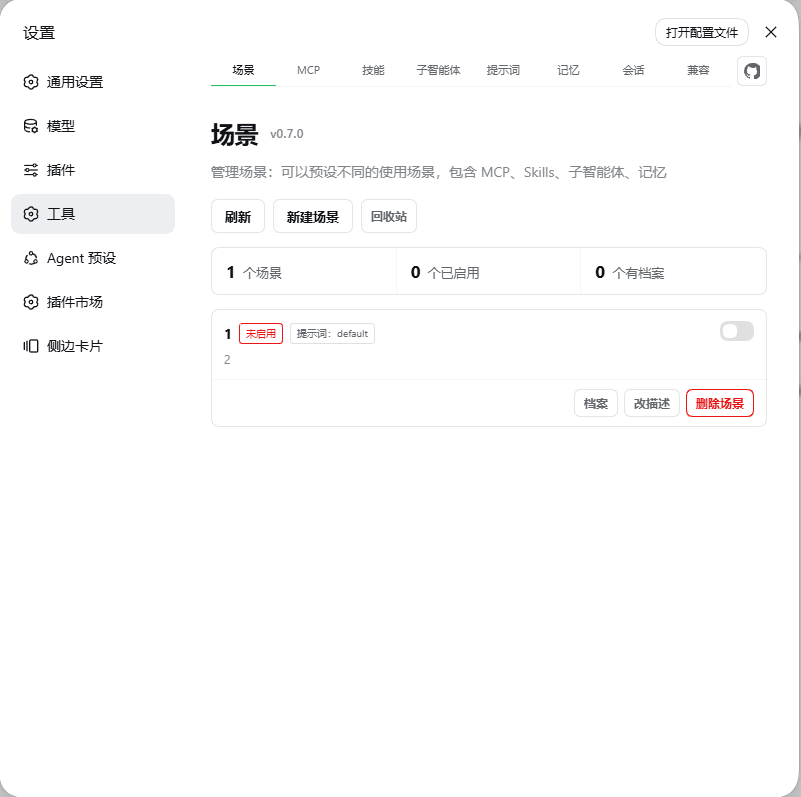 ouli-1242/dsh-plugin-tool-management
DSH 的 MCP、技能、场景记忆、提示词、归档会话,一个面板统一管理 | Manage DSH MCP, skills, scene memory, presets & archived sessions in one panel
ouli-1242/dsh-plugin-tool-management
DSH 的 MCP、技能、场景记忆、提示词、归档会话,一个面板统一管理 | Manage DSH MCP, skills, scene memory, presets & archived sessions in one panel
- guyuefangyuanl/dsh-memory Cross-session persistent memory for the DeepSeek Harness: a model-facing memory tool, an always-on index section, and a …
- mbj733/dsh-hermes-memory DSH (DeepSeek Harness) agent preset + plugin: Hermes-style cross-session memory & autonomous skill learning.
- DDDFXYqiming/dsh-layered-memory Cross-session long-term memory plugin for DeepSeek Harness