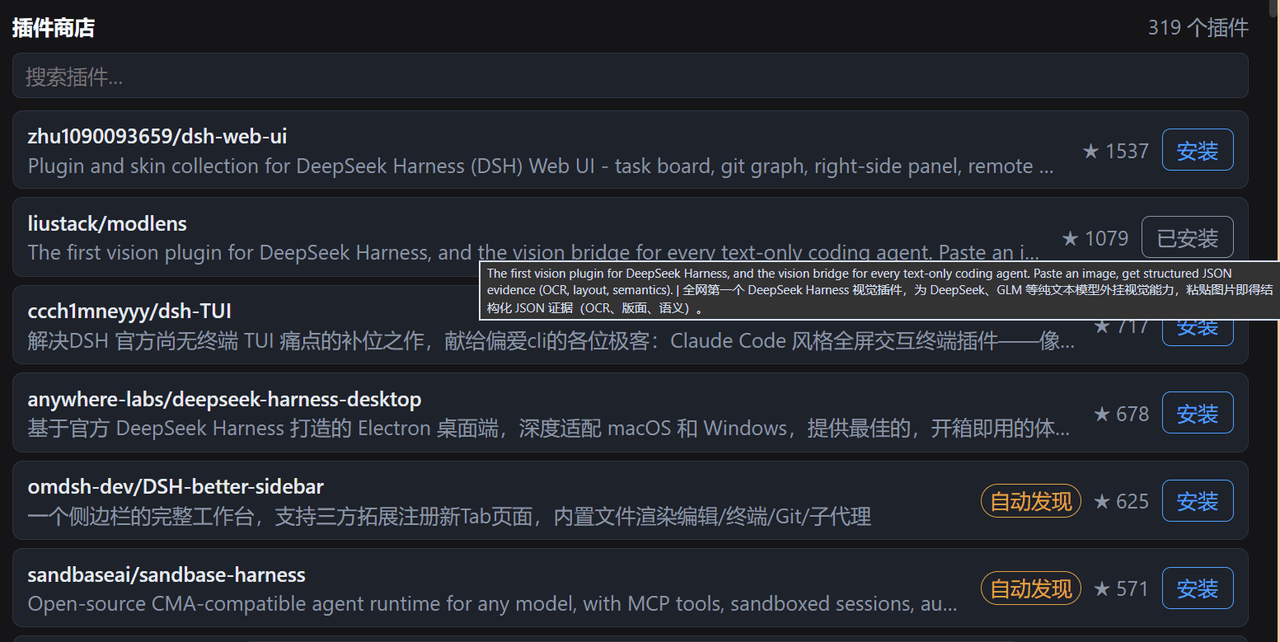
zhang66633/dsh-plugin-installer
DeepSeek Harness(dsh)的插件商店及安装助手:在Web GUI中浏览插件目录,一键确认安装,由agent代你完成安装。
Project Overview项目介绍
dsh-plugin-installer is a plugin store and install assistant for DeepSeek Harness. It adds a plugin store tab in the Web GUI session ring for browsing and searching the catalog, then one-click confirms and delegates installation to the agent, which verifies the source, picks the install path, registers the plugin in the profile, and verifies the result, with every step explainable and reversible. Use it when discovering and installing dsh plugins from the UI. Caveat: the store UI requires dsh 0.1.0-rc.6 with the web profile and Node 22.19+; non-GUI profiles must use the skill-only route.
dsh-plugin-installer 是 DeepSeek Harness 的插件商店+安装助手,在 Web GUI 会话视图环中提供「插件商店」标签,可浏览/搜索目录并一键发起安装;内置技能让智能体完成校验源、选路径、写入配置、验证结果等步骤,每步可解释、可回退。适用于想在界面内发现并安装 dsh 插件的用户。需要 dsh 0.1.0-rc.6、Node ≥ 22.19,且仅在 web 配置下提供商店 UI,其他配置仅可走技能路线。
请帮我了解并安装插件:【dsh-plugin-installer】【https://github.com/zhang66633/dsh-plugin-installer】Send this message to DSH in your current session. CLI install commands may not be accurate across systems — DSH will figure it out for you.把上面这条消息直接发给当前会话里的 DSH,让它帮你了解并安装。安装命令不一定准确,发给 DSH 更稳。
Or use CLI install (for developers)或使用命令行安装(适合开发者)
CLI Install命令行安装
dsh plugin --profile web add dsh-plugin-installer把 zhang66633/dsh-plugin-installer 加入你的 DSH 配置(web profile)即可启用。
READMEREADME
dsh-plugin-installer
A plugin store + install assistant for DeepSeek Harness (dsh): browse the plugin catalog in the Web GUI, confirm an install with one click, and let the agent finish it for you.




Overview
dsh-plugin-installer is a dual-face plugin for dsh. One package provides two things:
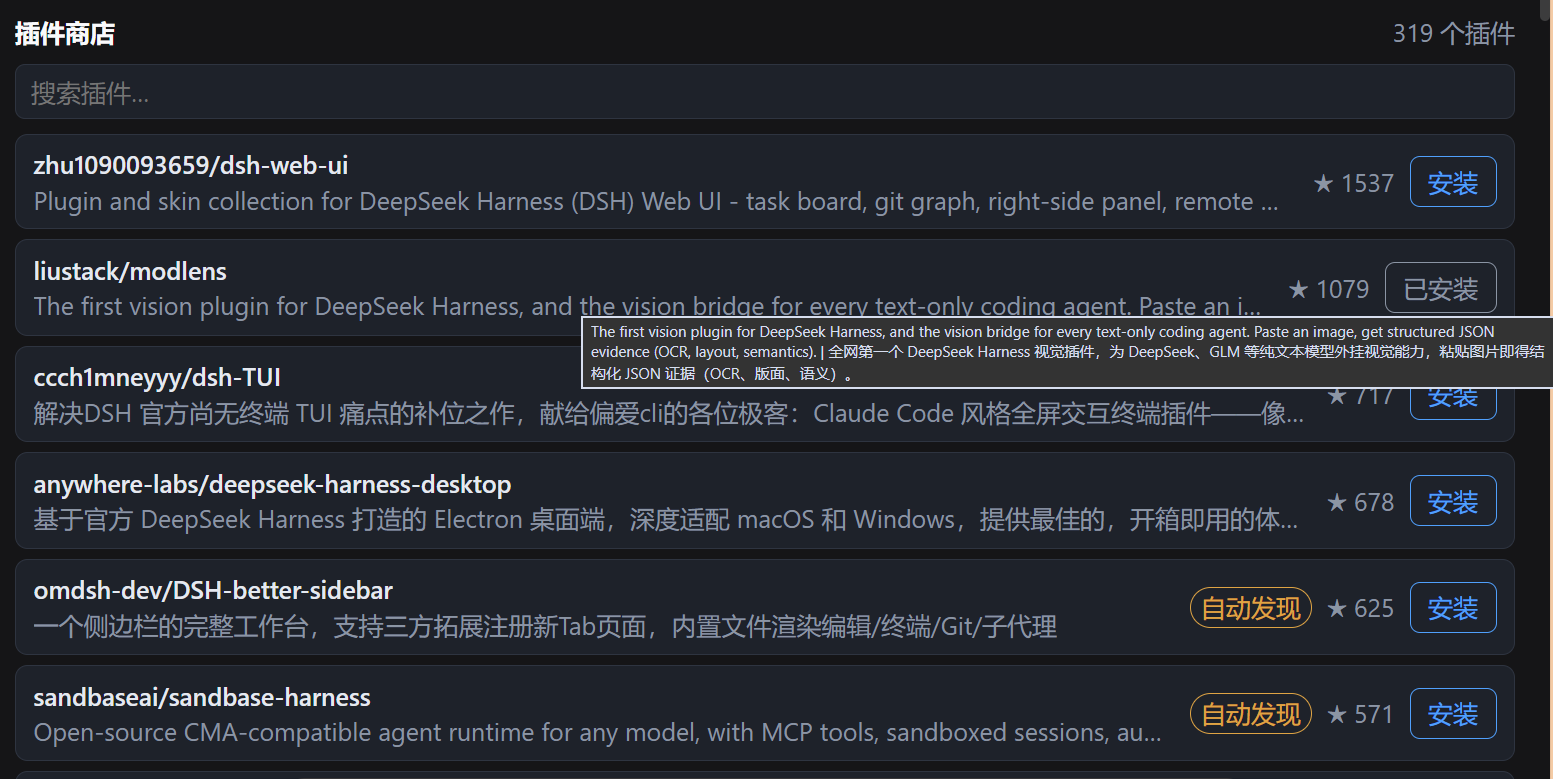
- Plugin store: a 「插件商店」 tab in the Web GUI session view ring — browse and search the plugin catalog (name / description / original link / stars); clicking 安装 asks for confirmation first, then submits the install request.
- Install assistant skill: a bundled skill the agent follows to complete an install — verify the source, pick the install path, register into the profile, verify the result. Every step is explainable and reversible.
Who it is for: anyone who wants to discover and install dsh plugins from the UI; developers who want the agent to handle installation and troubleshooting reliably.
Compatibility
| Item | Support |
|---|---|
| dsh ecosystem | 0.1.0-rc.6 (last verified 2026-08) |
| OS | Windows / macOS / Linux |
| Node | ≥ 22.19 |
| Surface | Web GUI (dsh --profile web); non-GUI profiles should use Route B (skill only) |
Install / Uninstall
Install
Route A — full plugin (store tab + skill), once published to npm:
dsh plugin --profile web add dsh-plugin-installer
Local development via link:
// ~/.dsh/profiles/web/package.json
{
  "dependencies": { "dsh-plugin-installer": "link:<repo path>" },
  "dsh": { "profile": { "bundles": ["dsh-plugin-installer"] } }
}
cd ~/.dsh/profiles/web && pnpm install
Route B — skill only (filesystem discovery, no store UI):
git clone --depth 1 https://github.com/zhang66633/dsh-plugin-installer ~/.dsh/skills/dsh-plugin-installer
Upgrade
- Route A: re-run
dsh plugin add(pin the version); for local links,git pulland rebuild. - Route B:
git pull.
Disable
Remove dsh-plugin-installer from dsh.profile.bundles (the dependency may stay).
Uninstall
Remove the dependency and the bundle entry from the profile package.json, then pnpm install; for Route B, delete ~/.dsh/skills/dsh-plugin-installer.
Quick start
- Install, then restart
dsh web. - Open any session — the plugin store tab appears in the view ring (next to chat/trajectory).
- Search for a plugin (e.g.
vision), click 安装, confirm the prompt, and the current session's agent takes over the install. - Restart
dsh webafter the install completes.
Minimal reproducible example: search modlens → click install → confirm → the agent reports success → restart → send an image to test OCR.
Refresh (two layers)
The refresh button in the store is a light refresh: it re-fetches the catalog, and the host recomputes each plugin's installed / update-available state live — after an install, one click shows 已安装 without restarting dsh. The button has a hover hint, and the store header shows "updated at
Updating the catalog data itself (new plugins, version changes) requires regenerating the snapshot:
- Maintainer: run the radar repo's
scripts/refresh-catalog.ps1(discover → normalize → l1-scan → export → repack → profile reinstall), or leave it to the daily scheduled task (02:00); - Regular user: upgrade the npm package (
dsh plugin add dsh-plugin-installer, pin the version) when the maintainer publishes — the catalog ships with the package.
Configuration
- Store data:
data/store.jsonis a catalog snapshot (name / description / original link / category / stars) shipped with the package; no network fetch at runtime. Refresh = rebuild the snapshot and reinstall. - Install request: clicking 安装 only POSTs a JSON request (plugin name + session id) to the local
/plugin-store/installroute; the actual install is performed by the current session's agent. - No other config, no environment variables, no secrets.
Permissions & data
- Host process: read-only access to the bundled
data/store.json; the catalog and install routes bind to the local web server only. - After an install is triggered, the agent runs the install commands (it may read/write your dsh profile and plugin directories, and reach npm / GitHub) — every step is visible and can be stopped.
- No telemetry, no analytics, no credential access.
Troubleshooting
| Symptom | Action |
|---|---|
| Store tab missing | Confirm dsh.profile.bundles includes dsh-plugin-installer; check dsh --profile web --dump-config; restart |
| 安装 does nothing | Confirm the session has a live agent; check the /plugin-store/install response in the browser console |
| Rollback | Remove the bundle entry and run pnpm install — the rest of the profile is untouched |
Development
npm install          # build tooling (esbuild)
npm run build        # build lib/client.js (client wire bundle)
npm run check        # script syntax/standards checks
npm test             # unit tests
npm run smoke        # smoke: load lib/index.js and print name/inject
Store snapshot refresh: update data/store.json, rebuild, and reinstall. Pull requests welcome; keep README and tests in sync with behavior changes.
License & security
MIT © 2026 zhang66633
Report security issues privately via a GitHub security advisory, not a public issue.
Related相关推荐
- dsh-tauri-desk/deepseek-harness-desktop DeepSeek Harness Tauri 桌面版 | Only 5mb installer, zero environment setup, preset plugins, Windows / macOS / Linux.
-
 PM-Shawn/Abu-Cowork
Open-source alternative to Claude Cowork — a local-first AI agent desktop app · multi-model · self-evolving skills · pri…
PM-Shawn/Abu-Cowork
Open-source alternative to Claude Cowork — a local-first AI agent desktop app · multi-model · self-evolving skills · pri…
-
 FlashingChen/dsh-desktop-hub
DSH Desktop Hub — DeepSeek Harness 桌面管理控制台(Electron + TypeScript)。多 Tab 管理 Harness / Plugin / MCP / Skills,双击即用。
FlashingChen/dsh-desktop-hub
DSH Desktop Hub — DeepSeek Harness 桌面管理控制台(Electron + TypeScript)。多 Tab 管理 Harness / Plugin / MCP / Skills,双击即用。
- songyang0603/ds-spec-loop Portable Agent Skill for repository-native Spec programming, informed by public DeepSeek Harness engineering patterns.
-
 sagirimo/BioDSH
The bioinformatics agent desktop for clinicians and wet-lab scientists — built on DeepSeek Harness. One-click installers…
sagirimo/BioDSH
The bioinformatics agent desktop for clinicians and wet-lab scientists — built on DeepSeek Harness. One-click installers…
-
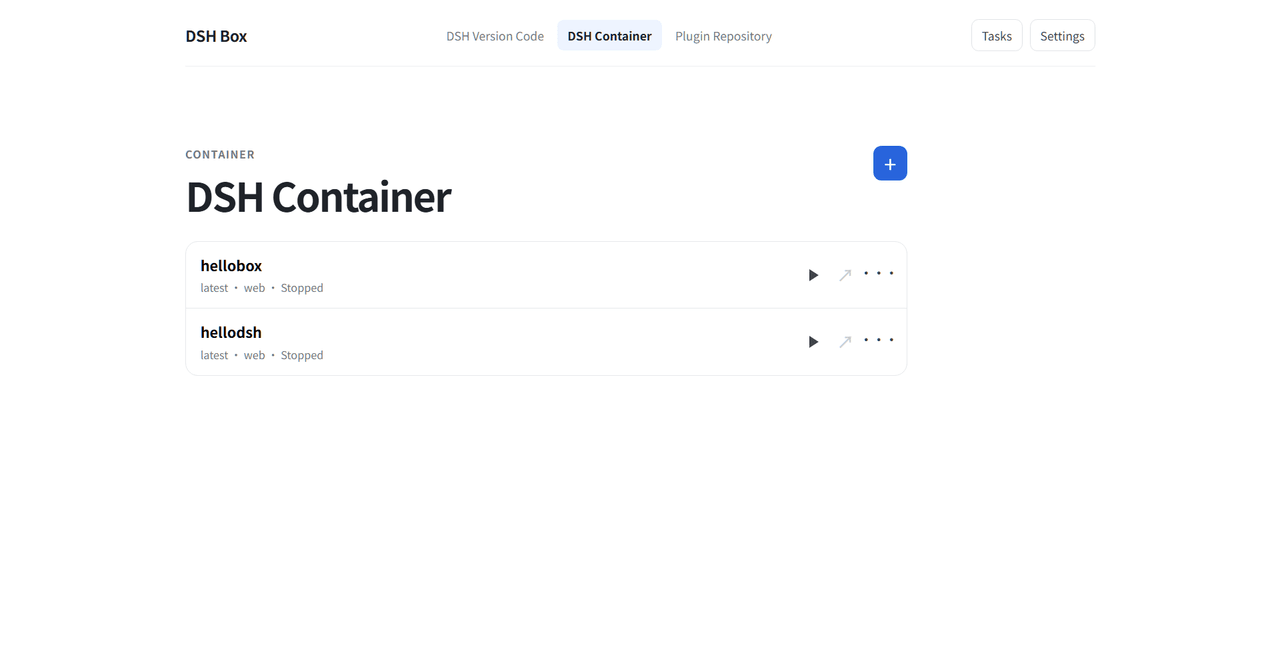 Nexus-Aethra/DSHBox
Manage DeepSeek Harness locally: run multiple DSH versions in isolated containers, open the UI in an embedded WebView, i…
Nexus-Aethra/DSHBox
Manage DeepSeek Harness locally: run multiple DSH versions in isolated containers, open the UI in an embedded WebView, i…
-
 XCNXNXNX/dsh-portable-tavern
DeepSeek Harness 的「便携酒馆」插件:RPG 式 SillyTavern V2/V3 角色卡生成器 + 酒馆角色扮演聊天。支持世界书、角色卡 JSON/PNG 导入导出、面板主题与本地音乐。独立插件,仅依赖官方 @deeps…
XCNXNXNX/dsh-portable-tavern
DeepSeek Harness 的「便携酒馆」插件:RPG 式 SillyTavern V2/V3 角色卡生成器 + 酒馆角色扮演聊天。支持世界书、角色卡 JSON/PNG 导入导出、面板主题与本地音乐。独立插件,仅依赖官方 @deeps…
-
 XMoon/dsh-pi-tui
A third-party TUI mode for DeepSeek Harness (dsh), built on a vendored fork of pi-tui
XMoon/dsh-pi-tui
A third-party TUI mode for DeepSeek Harness (dsh), built on a vendored fork of pi-tui