zuorn/Tydora
让想法自由流动——Tydora是一款现代化的桌面Markdown编辑器,集所见即所得编辑、双向链接、思维导图和无限画布于一体,助力深度思考与轻松表达。
Project Overview项目介绍
Tydora is a cross-platform desktop Markdown editor built with Tauri v2 and React 19, and it includes a DSH bundle manifest that allows it to be installed directly from the DSH marketplace. It prioritizes a clean, distraction-free immersive writing experience, with core features including WYSIWYG editing, infinite canvas support, note relationship graph visualization, one-click mind map generation, and one-click export of local knowledge bases as static websites. It runs natively on all three major desktop operating systems: Windows, macOS, and Linux.
It is designed for users who regularly engage in writing, knowledge organization, and professional documentation development. The core goal of the project is to keep the creative process smooth and free of unnecessary UI distractions. Users can write single Markdown files directly, arrange notes freely on the infinite canvas to sort out logical relationships between ideas, generate mind maps to visualize document structure at a click, and export static websites to share knowledge publicly, supporting the full workflow from personal creation to public sharing.
Tydora is released under the open-source Apache 2.0 license, so it is free for both personal and commercial use, with no locked premium features or usage limits. Pre-built installers for all supported platforms are available to download directly from the project’s GitHub Releases page, and they work out of the box with no extra setup required. To run it from source, you need Git, Node.js, and npm installed: clone the repository, install dependencies, then run the tauri dev command to launch the development build, or tauri build to compile a custom executable.
Tydora 是一款基于 Tauri 和 React 开发的跨平台桌面 Markdown 编辑器,同时它包含 DSH 原生插件清单,可通过 DSH 插件市场直接安装。它主打简洁流畅的沉浸式写作体验,核心功能包括所见即所得编辑、无限画布、笔记关系图、一键生成思维导图,还支持将本地知识库一键导出为静态网站,兼容 Windows、macOS、Linux 三大主流桌面平台。
这款编辑器面向日常写作、知识整理和文档开发用户,核心目标是让创作过程流畅无干扰。你可以用它完成单文件 Markdown 写作,也能在无限画布上自由排布笔记、梳理逻辑关系,还能一键生成思维导图直观呈现文档结构,最后可导出静态网站分享你的知识内容,满足从个人创作到公开分享的全流程需求。
Tydora 采用 Apache-2.0 开源协议,个人和企业均可免费使用。从源码运行的话需要提前安装 Git、Node.js 和 npm 依赖,步骤为克隆仓库、安装依赖后,通过 npm 命令启动开发模式或编译构建。预编译安装包可直接从 Release 页面下载,开箱即用,目前没有额外的使用限制或付费功能。
请帮我安装这个 DSH 插件。安装前先完成【兼容性检查 + 安全性检查】,检查通过再动手。

插件:Tydora(zuorn/Tydora)
仓库:https://github.com/zuorn/Tydora
本站详情页:https://www.yhbd.top/plugins/zuorn-tydora/
本站登记:类型 client · 归类 原生 DSH 插件 · 许可证 Apache-2.0 · ⭐ 197 · 最近提交 2026-09-22 · 主语言 TypeScript

按下面顺序执行,每步先把结论告诉我,再进入下一步:

【1 兼容性检查】
① 我这边:DSH 版本、Node 版本、操作系统、当前 profile(web / desktop)。
② 读它的 README、package.json、插件 manifest,列出它要求的 DSH 版本 / Node 版本 / 操作系统 / 外部依赖 / 需要另外先装的运行时。
③ 逐条比对,结论只写「满足 / 不满足 / 未知」三种;不满足的给出可行替代方案。
④ 检查是否和我已装的插件冲突:命令名重复、skill / tool 重名、端口占用、重复注册的 MCP server。

【2 安全性检查】
① 仓库可信度:和上面「本站登记」是否一致;star / fork 数、创建时间、最近提交,是否归档或长期停更。
② 安装脚本:逐行看 package.json 的 preinstall / install / postinstall,以及 install.sh、setup.ps1 之类脚本。出现 curl|bash、下载后直接执行、混淆代码、访问与插件功能无关的域名,立刻停下来告诉我,不要继续装。
③ 依赖:列出新增依赖,标出无人维护、或与知名包拼写近似的可疑包(typosquatting)。
④ 权限与副作用:它会读写哪些目录、访问哪些域名、需要哪些 DSH 权限(filesystem / network / shell / clipboard 等),以及怎么卸载和回滚。
⑤ 如果它要求 sudo / 管理员权限,或权限明显超出功能所需,先停下来问我。

【3 安装】
上面两步没有「不满足」和「高危项」时才执行;用官方推荐方式安装,不要自行提权。

【4 汇报】
用表格输出:检查项 / 结论 / 依据 / 是否需要我决策。拿不准的一律写「未知」并说明要我怎么确认——不要猜,也不要替我决定。
Send this message to DSH in your current session: it verifies compatibility and security first (answering met / not met / unknown item by item) and only installs once everything checks out — it will stop and ask you if it finds a high-risk item. The box scrolls; the copy is the full prompt. CLI install commands may not be accurate across systems, so DSH is the safer route.把上面这条消息直接发给当前会话里的 DSH:它会先核对兼容性与安全性(逐条给「满足 / 不满足 / 未知」),确认没问题再安装,有高危项会停下来问你。框内可滚动,复制到的是完整提示词;安装命令不一定准确,发给 DSH 更稳。
- Desktop client: installation downloads an executable - verify the publisher and checksums桌面客户端:安装会下载可执行文件,请核对发布者与校验和
DSH walks through these 9 checksDSH 会逐条核对这 9 项
Compatibility兼容性
- DSH, Node, OS and profile requirementsDSH 版本 / Node 版本 / 操作系统 / profile 是否满足要求
- External dependencies and runtimes (Electron / Python / Docker, ...)外部依赖与运行时(Electron / Python / Docker 等)是否齐备
- Conflicts with installed plugins: command names, skill / tool names, ports, duplicate MCP registration与已装插件是否冲突:命令名、skill / tool 重名、端口占用、重复 MCP 注册
Security安全性
- Repo matches the facts registered here; archived or abandoned?仓库是否与页面登记一致,是否归档或长期停更
- Safety of preinstall / install / postinstall and install.sh / setup.ps1preinstall / install / postinstall 与 install.sh、setup.ps1 是否安全
- curl|bash, download-then-execute, obfuscation, unrelated domains → stop immediatelycurl|bash、下载即执行、混淆代码、无关域名 → 立刻停止
- Typosquatting or unmaintained packages among the new dependencies新增依赖里有没有 typosquatting 或无人维护的包
- Requested permissions vs. what the feature actually needs申请了哪些权限、是否超出功能所需(filesystem / network / shell / clipboard)
- Any sudo / admin requirement, plus uninstall and rollback是否要求 sudo / 管理员权限,以及卸载与回滚方式
Anything uncertain must be marked unknown with a note on how to confirm it. This site's signal screen is a static snapshot, not a security audit.拿不准的必须标「未知」并说明要我怎么确认。本站的信号筛查是静态快照,不能替代安全审计。
Or use CLI install (for developers)或使用命令行安装(适合开发者)
CLI Install命令行安装
dsh plugin --profile web add github:zuorn/Tydora把 zuorn/Tydora 加入你的 DSH 配置(web profile)即可启用。
READMEREADME




English | 简体中文

I spent a long time settling into focused writing in Typora, organizing my thoughts before the graphs of Obsidian. Yet somewhere deep down, I always felt something was missing — a touch of absolute smoothness when your fingertips meet your thoughts, and the freedom to let knowledge unfold directly onto a canvas.
So I decided to build one myself. Its name is Tydora.
It's a Markdown editor I crafted alone through countless quiet nights — confident enough to stand in for Typora, ambitious enough to challenge Obsidian. It's more than a tool; it's a desk for fellow travelers — clean and quiet, yet holding a world within.
✒️ Writing Should Flow Like Breathing
The ultimate writing experience: WYSIWYG, with an interface so clean that only the words remain. Not a single unnecessary distraction; wherever the cursor lands, your thoughts land directly on the screen. I poured every ounce of my obsession with "the feel of writing" into it, letting the tool fully recede — leaving only you and the river of thought.
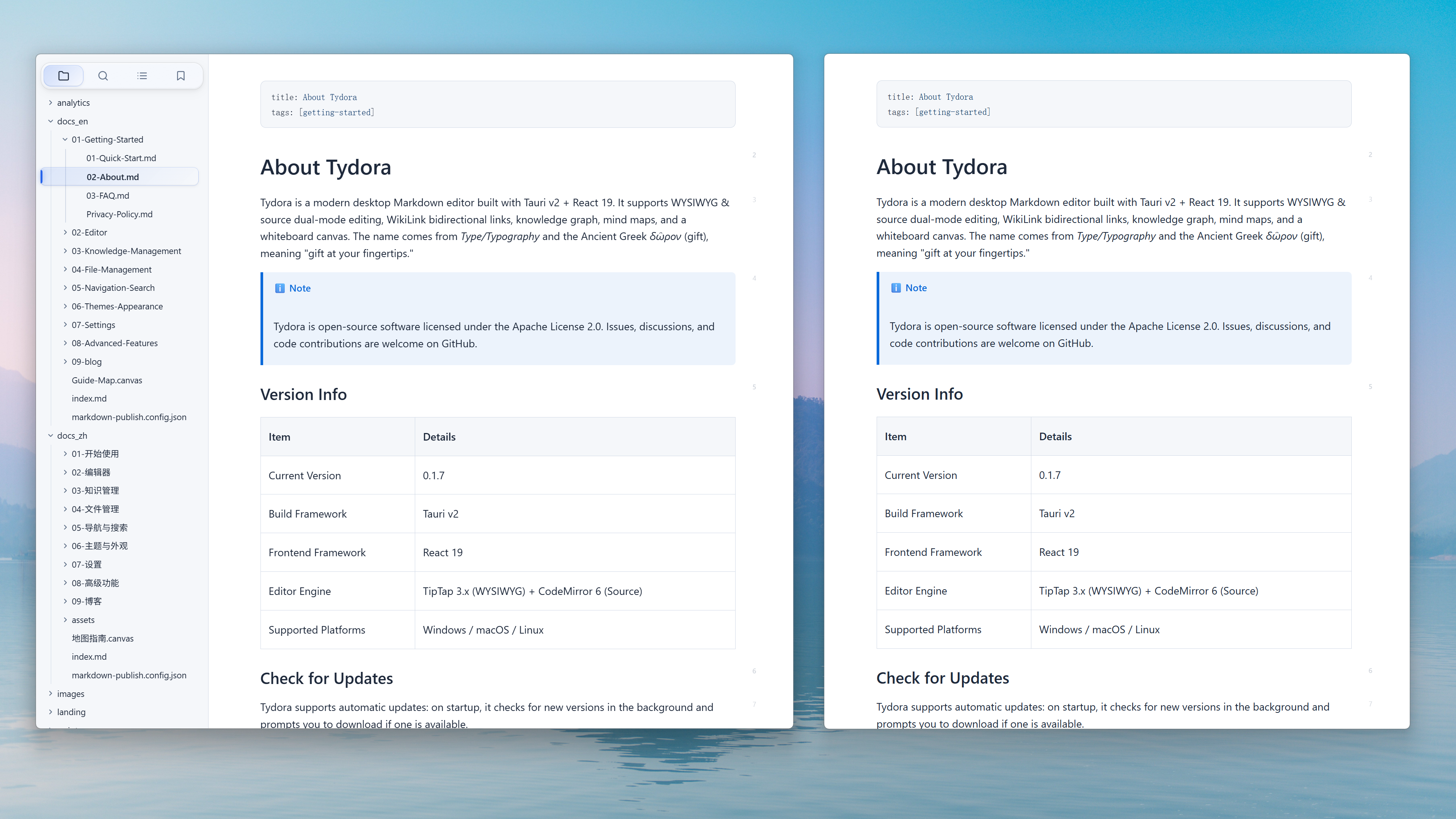
🪐 Knowledge Is Not an Island — It's a Constellation
Showing the opening section of the README — the full document lives in the repository以上为 README 开头摘要,完整文档在仓库内 · View the full README on GitHub →在 GitHub 查看完整 README →
Related相关推荐
-
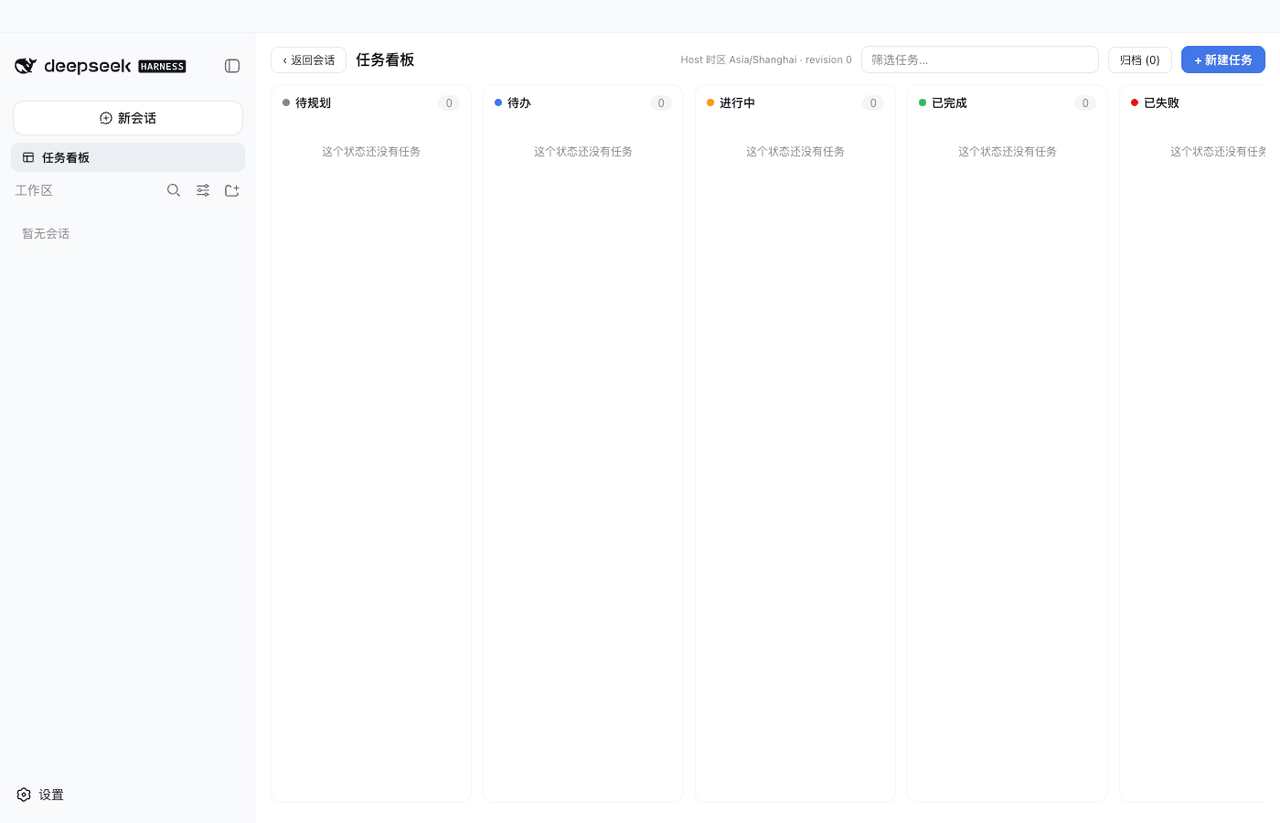 vibeinging/dsh-desktop
DeepSeek Harness Desktop App: a local AI desktop workspace for DSH Sessions, projects, files, web research, plugins, and…
vibeinging/dsh-desktop
DeepSeek Harness Desktop App: a local AI desktop workspace for DSH Sessions, projects, files, web research, plugins, and…
-
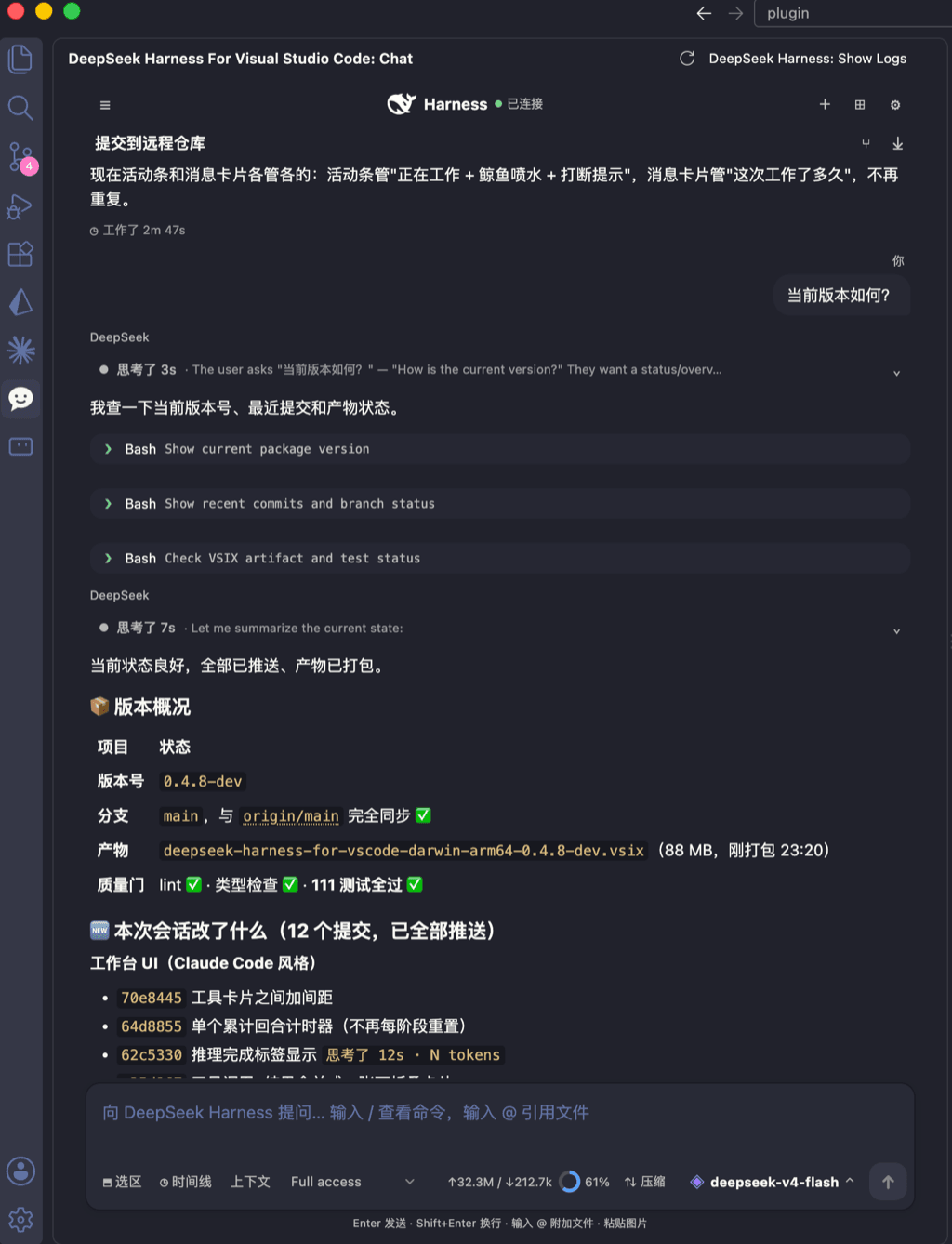 skymecode/deepseek-harness-for-vscode
deepseek-harness for vscode .A native VS Code coding-agent extension for DeepSeek Harness. Streamlined workbench with se…
skymecode/deepseek-harness-for-vscode
deepseek-harness for vscode .A native VS Code coding-agent extension for DeepSeek Harness. Streamlined workbench with se…
- ExElectron/dsh-tool-hongtou DeepSeek Harness 红头公文插件:两阶段解耦流水线(LLM 结构化提纲 + 确定性 Word 2003 XML 版式渲染)生成标准红头公文
-
 klarkxy/dsh-editor
基于 DeepSeek Harness 的桌面写作应用,提供稿纸编辑、AI 写作辅助与可选插件。
klarkxy/dsh-editor
基于 DeepSeek Harness 的桌面写作应用,提供稿纸编辑、AI 写作辅助与可选插件。
-
 Ramenne/DeepSeek-Harness-Gov
DeepSeek Harness 政务版:基于 deepseek-ai/deepseek-harness 的政务办事 WebUI 与红头公文插件
Ramenne/DeepSeek-Harness-Gov
DeepSeek Harness 政务版:基于 deepseek-ai/deepseek-harness 的政务办事 WebUI 与红头公文插件
-
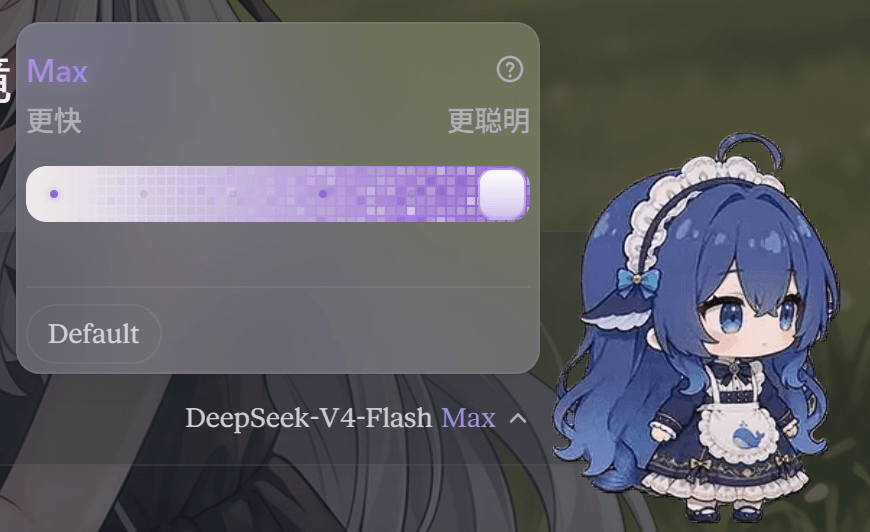 MEMZ-JZY/DSH-Claude-Style-Reasoning-Slider
DSH Claude Style Reasoning Slider is a DeepSeek Harness (DSH) client UI plugin that replaces the native model selector w…
MEMZ-JZY/DSH-Claude-Style-Reasoning-Slider
DSH Claude Style Reasoning Slider is a DeepSeek Harness (DSH) client UI plugin that replaces the native model selector w…
- c-ling/dsh-plugin-newsboard DeepSeek Harness 网页端的 AI 与科技快讯看板:内置 RSS/JSON 源驱动的可拖拽浮窗,支持双语翻译、关键词过滤和设置页。
- bwndlct/dsh-session-export Export DeepSeek Harness (DSH) sessions to portable Markdown and JSON — dsh plugin