从零开始用 AI:一份 30 分钟的新手计划Getting Started With AI: A 30-Minute Beginner's Plan
不用先上课,不用读手册,也不需要技术背景——今天就想用上 AI,你只需要半小时和一份计划。下面这份 30 分钟路线被拆成一个个标好时长的小步骤;走完之后,你会拥有一个已开通的账号、几次真实写提示词的练习,以及一件真正办完的事。
No course, no manual, no technical background required — to begin with AI today, half an hour and a plan will do. What follows lays out a 30-minute route in small steps, each with a time attached, so that when you finish you will hold a live account, some prompt-writing practice behind you, and one task from your real life already handled.
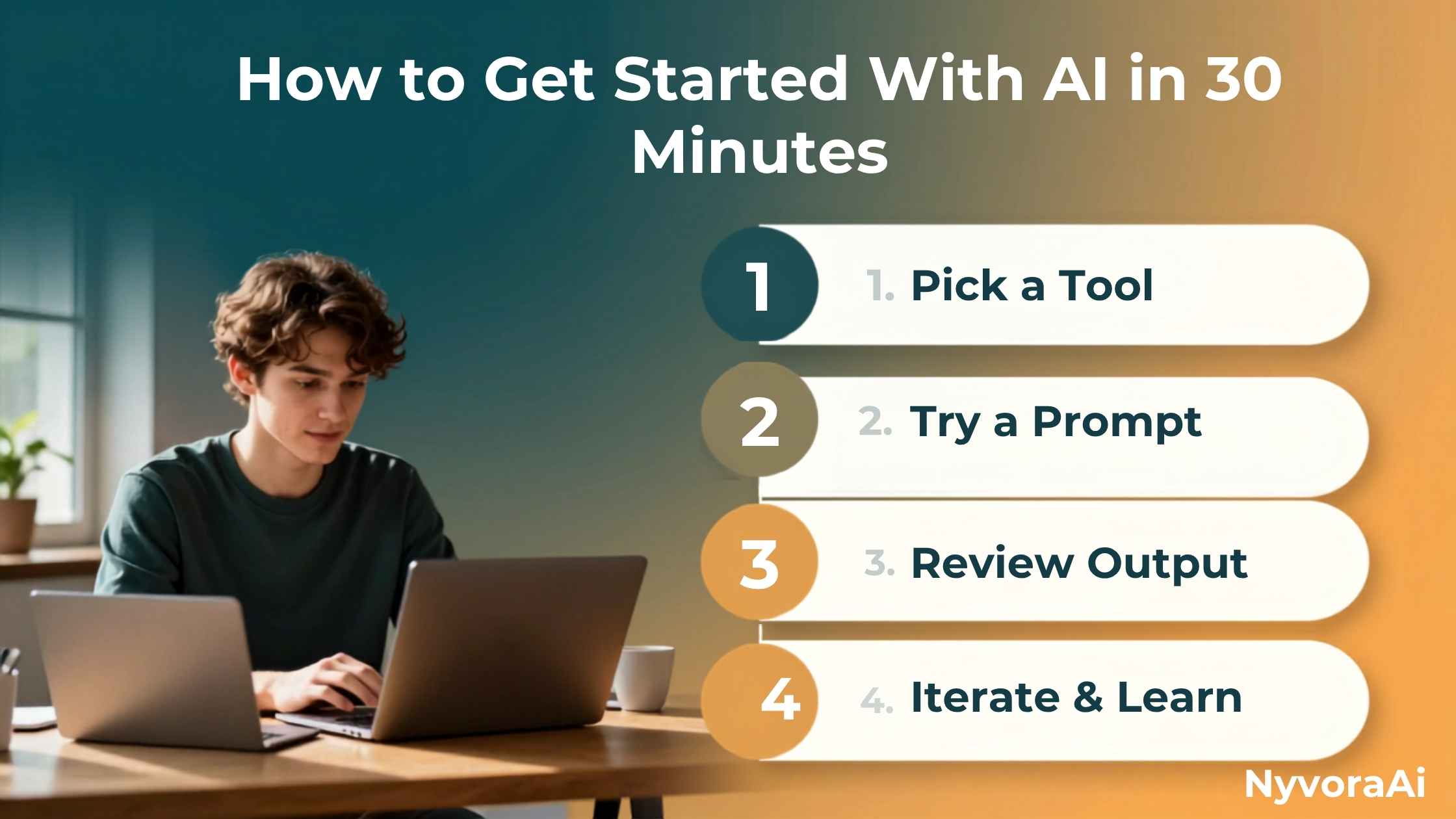
你可能一直没动手试 AI,是因为觉得它有一道陡峭的学习曲线。实情是,入门门槛低得几乎不存在。你不需要懂模型是怎么运作的,不需要装任何复杂软件,更不需要提前啃手册。你要的只是一个安排好的半小时——而这正是下面要给你的东西。
这条 30 分钟路线分成六个小段,每段只有几分钟,全程不会让人觉得吃不消。到第 30 分钟时,你不只是抽象地知道 AI 是什么,而是已经用它办成了一件事。等你配置好、又好奇这些工具还能做些什么时,我们这篇 你可以在家怎么用 AI 就是很好的下一步读物。
这份计划里的任何一步,都不要求你有经验、会编程,或者付费订阅。
01简短的回答:你需要的东西其实都已经有了
你不需要特殊硬件,不需要技术学位,甚至不需要信用卡。只要有网络和浏览器,从翻开这篇指南算起两分钟内,你就能和一个 AI 助手对话了。挡住大多数新手的从来不是能否接触到 AI,而是聊天窗口打开之后,不知道该做什么。
把猜的成分拿掉,就是下面这份计划的全部意义。你不必盯着空白的输入框发愣,而是照着一条按分钟排好的路线走,半小时内就能从零走到真正有用。如果你更想用手机而不是电脑开始,我们那份 手机端最佳 AI 应用 盘点,正适合和这份 30 分钟计划搭配使用。
02计划表:按分钟推进
计时器能帮你保持节奏就设一个,但不必卡得分秒不差。这里要的是势头,不是精确。
03互动演示:看这半小时如何展开
下面这张图把整份计划浓缩成一眼可见的样子。逐个点开各阶段,就能大致看出到那个时间点你应该走到哪里、已经完成了什么。
04可以先试的提示词
如果面对空白的输入框还是不知道第一句该打什么,就从下面挑一条,按自己的情况改一改。
| 你想要什么 | 可以照抄的提示词 |
|---|---|
| 简单提问 | “用大白话讲讲什么是信用评分,就当我是第一次听到这个词。” |
| 做总结 | “把这段话压缩成两句简单的话:[粘贴你的文字]” |
| 写点东西 | “帮我写一条两句话的生日祝福,发给同事,语气亲切一点。” |
| 真实任务 | “帮我写一封客气的邮件,让房东来修漏水的水龙头。” |
| 优化回答 | “再短一点,语气随意些,就像在给朋友发消息。” |
05先把 AI 用在哪里
基础打过之后,新手通常在这几个方向最快见到效果。
写消息
压缩文章
讲清看不懂的话题
安排一天或一周
想点子
家里的日常琐事
大致了解一下模型在给出回答时到底在做什么,整个体验就没那么神秘了。可以先把我们这篇 生成式 AI 到底是什么意思 的通俗解读存起来,等你那 30 分钟走完再读,篇幅短,也不难。
06新手要避开的坑
有几个小习惯,决定了谁能把 AI 用下去、谁试一次就放弃。
- ✗
一次想比较太多工具
✗ 还没把任何一个用熟,就在五个 AI 应用之间来回切换,只会让人更糊涂。选一个,第一次用就认准它。
- ✗
提示词含糊,只说一个词
✗ 只打一个“营销”或者“食谱”,AI 几乎无从下手。把背景、目标和你有的限制条件一并说清。
- ✗
一次回答不好就放弃
✗ 回答不太对,就让 AI 改,而不是干脆弃用。反复调整是常规操作,不代表你做错了什么。
- ✗
把敏感个人资料输进去
✗ 不要把密码、账户号码或私人医疗信息输进聊天机器人;视平台而定,你们的对话可能会被保存下来。
07这半小时之后该做什么
半小时带来的是熟悉感,不是精通,而这完全正常。这次练习要做的,是让你不再怕那个空白输入框,而不是把你变成专家。接下来最好的动作就是重复:未来一周里,每天用 AI 处理一两件真实的小事。
08常见问题
半小时真的够学 AI 基础吗?
完全零基础的人,用哪个 AI 工具最好?
开始用 AI 需要花钱吗?
第一条提示词该写什么?
把个人信息告诉 AI 聊天机器人安全吗?
只练一次,AI 实际能帮我做什么?
开始用 AI 需要技术能力吗?
09结语
30 分钟开始用 AI,不是什么营销噱头——从“从没碰过聊天机器人”到“能顺手用它处理自己的一件真事”,确实只需要这么点时间。本文这份计划要做的不是往脑子里塞尽可能多的信息,而是用几个时长短、时间点明确的小步骤把犹豫消掉:选一个工具、熟悉界面、拿真实提示词练手、对准一件真事、再打磨它的输出。
半小时之后,你会成为一个有已开通 AI 账号、有几条已经验证好用的提示词、并且从待办清单上真正划掉一件事的人。你和这个结果之间,只隔着打开一个新标签页、按下计时。现在就选一个 AI 聊天机器人,把此刻当作第 0 分钟。
Perhaps you have been delaying your first attempt at AI, assuming a steep learning curve lies in wait. The reality is that the entry barrier barely exists. Knowing how a model functions is unnecessary; so is installing anything fiddly, and so is working through a manual beforehand. A structured half hour is the whole requirement — and that is precisely what is laid out below.
Six short segments make up this 30-minute route, none of them longer than a few minutes, so nothing ever feels like too much. When minute thirty arrives, you will not merely grasp what AI is in the abstract — you will have put it to work on something concrete. Once you are set up and curious about the broader range of things these tools can handle, our guide on what you can use AI for at home makes an ideal follow-up.
Nothing in this plan asks for previous experience, coding know-how, or a paid subscription.
01The Short Answer: You Already Own Everything Required
Special hardware is not a prerequisite. Nor is a technical degree, nor even a credit card. Armed with an internet connection and a browser, you can be in conversation with an AI assistant two minutes into this guide. Access is rarely what stops beginners; the genuine hurdle is having no idea what to do once that chat window appears.
Eliminating guesswork is the whole point of what follows. Rather than gazing at an empty input field with no idea what to write, you move through a structure that is timed to the minute, carrying you from a standing start to something actually useful inside half an hour. Prefer to begin on a handset rather than a desktop? Our pick of the best AI app for your phone pairs neatly with this same 30-minute plan.
02The Plan, Minute by Minute
Set a timer if that keeps you moving — though hitting the marks exactly is not the point. Momentum matters here; precision does not.
03Interactive Demo: See the Half Hour Play Out
The graphic below gives you the plan at a glance. Move through the stages one by one to gauge where you ought to be on the clock, and what should already be behind you.
04Prompts to Try First
Should that empty input field still be defeating you, take any of the following and rework it to match your own circumstances.
| What you want | A prompt that works |
|---|---|
| A straightforward question | “Walk me through what a credit score is, in everyday words, as if this were my first time hearing the term.” |
| Condense | “Boil this paragraph down to two straightforward sentences: [paste your text]” |
| Draft something | “Draft a warm two-sentence birthday note for someone I work with.” |
| Something real | “Draft a courteous email I can send my landlord about a leaking tap.” |
| Improve an answer | “Trim that down and loosen the tone, as though I were texting a friend.” |
05Where to Point AI First
With the fundamentals behind you, these are the areas where newcomers tend to see value soonest.
Writing Messages
Condensing Articles
Untangling Confusing Topics
Planning a Day or a Week
Generating Ideas
Household Chores and Errands
A brief grasp of what the model is really doing when it produces an answer makes the whole experience less mysterious. Bookmark our plain-language explainer on what generative AI actually means — it is a short, beginner-friendly read for once your 30 minutes are done.
06Beginner Traps Worth Sidestepping
A few small habits decide who keeps using AI and who tries it once and walks away.
- ✗
Auditioning every tool at once
✗ Bouncing among five AI apps before mastering one simply breeds confusion. Choose a single option and stay with it for your opening session.
- ✗
Sending one-word, vague prompts
✗ A bare “marketing” or “recipe” leaves the AI with almost nothing to act on. Supply context, an objective, and whatever limits apply.
- ✗
Quitting after a single poor answer
✗ When the reply misses the mark, request a change instead of writing the tool off. Asking for revisions is routine, not evidence that you are doing it wrong.
- ✗
Pasting sensitive personal data
✗ Keep passwords, financial account numbers, and private health details out of a chatbot entirely; depending on the platform, your conversations may be recorded.
07Where to Go Once the Half Hour Is Up
Half an hour produces familiarity rather than expertise, and that is exactly as it should be. What this session sets out to do is take the fear out of an empty input field — not to turn you into a specialist. The right move from here is repetition: put AI to work on one or two small genuine tasks each day over the coming week.
08Common Questions
Is half an hour genuinely enough to learn the basics of AI?
Which AI tool suits a total beginner best?
Must I pay anything to begin using AI?
What ought my first prompt to be?
Can I safely share personal details with an AI chatbot?
Realistically, what can AI do for me after a single session?
Are technical skills needed to get going with AI?
09Wrapping Up
Starting with AI inside 30 minutes is no marketing trick — that really is how little time separates never having touched a chatbot from using one with ease on a real task of your own. Nothing here is about packing in the maximum amount of information. The aim is to dissolve hesitation through a handful of short, timed steps: choose a single tool, learn your way around the interface, practise on real prompts, point it at something genuine, and improve what comes back.
Half an hour from now, you will be someone with an active AI account, several prompts already proven to work, and one genuine item crossed off your list. Nothing remains between you and that outcome except opening a fresh tab and starting the clock. Choose a single AI chatbot now, and treat this moment as minute zero.