AI 新手常犯的错误:新用户到底错在哪AI Beginner Mistakes: What New Users Get Wrong
几乎每个人和聊天机器人的第一次对话都差不多:敲下一行问题,得到一个平淡的回答,心里默默想「还以为它能更聪明」。多数情况下薄弱环节不是模型,而是用法。下面梳理新用户最容易踩的坑,以及几个能让输出真正派上用场的小调整。
Nearly every first conversation with a chatbot follows the same arc: a question typed in one line, an answer that lands flat, and the quiet thought "I expected more than this." Most of the time the model isn't the weak link — the way it's being used is. Below are the habits that trip up new users, along with tiny adjustments that make the output actually earn its keep.
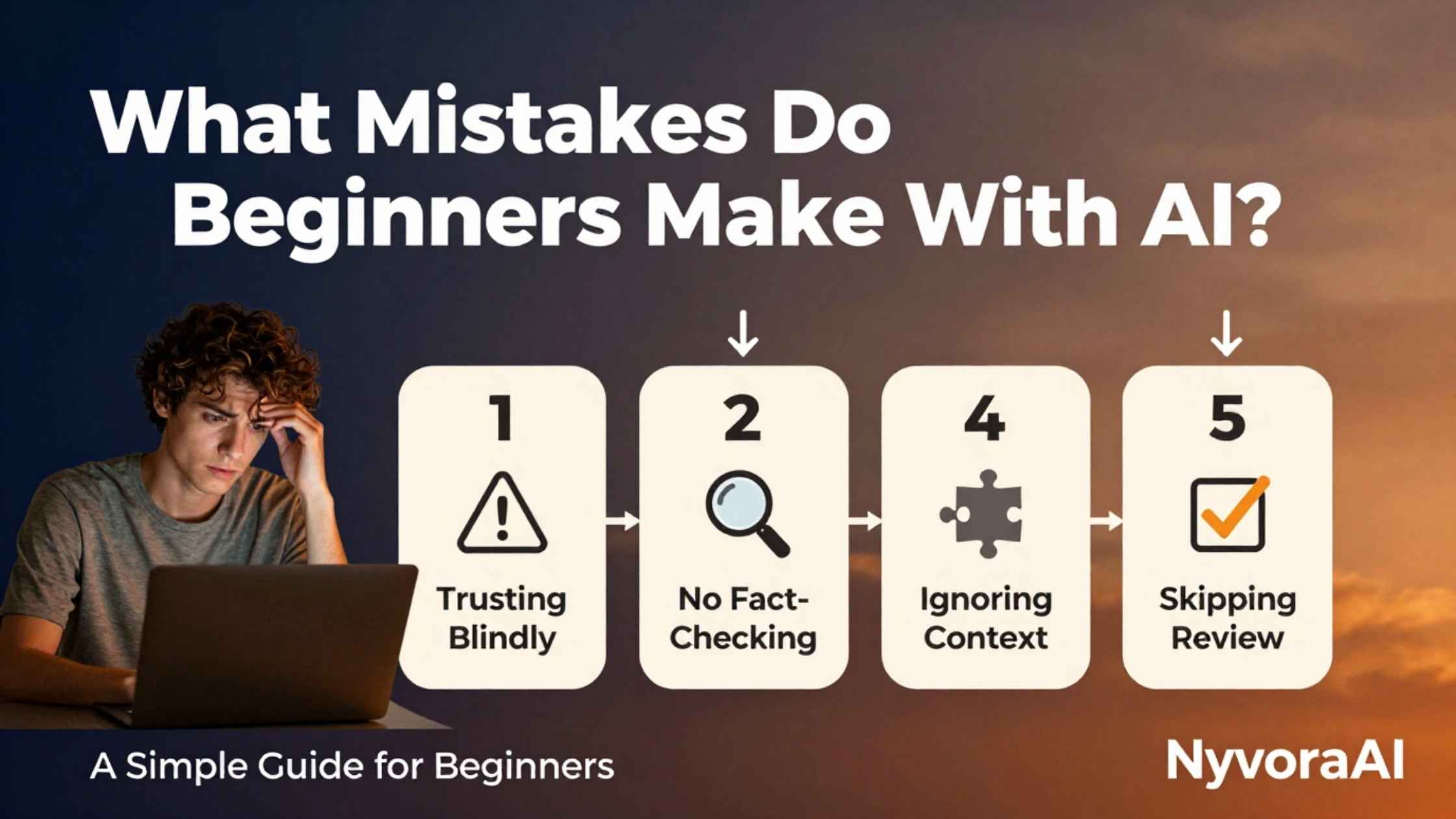
想象两个新手第一次打开同一个聊天机器人。一个输入「帮我写篇博客文章」,拿回一篇泛泛而谈、略带机器味的文字,关掉标签页就认定 AI 被高估了。另一个多写了三句背景,点名想要的语气和篇幅,最后拿到的东西可以直接投入使用。工具完全一样,结果天差地别。
那么新手到底会犯哪些错?大多是些容易修正的小习惯:只写一行、信息稀薄的提示词;对返回内容照单全收;每次开新对话都假设模型要么什么都不记得、要么无所不知;指望一款应用包揽所有任务;收到一次令人失望的回复就放弃,而不是调整方向。这些都不代表某人「不擅长技术」,只是没人讲清楚这些工具的运作机制时必然出现的结果。
如果你今天是真正意义上的第一天、想把最基础的一步走对,建议先看如何写下你的第一个 AI 提示词,再回来逐条对照下面的错误。
01核心逻辑:你说得清楚,它才答得到位
如今的工具靠生成语言工作,并不像搜索引擎那样调取已存储的事实。这一个差别几乎解释了本文列出的所有错误。一旦你把模型理解为「根据你给的输入,给出统计上最可能有用的尝试」,那么一行提示换回一个泛泛的回答就毫不奇怪了。
对新手来说,最大的一次开窍,是把旧框架——一个「知道答案」的搜索框——换成新框架:一个需要你给方向的写作搭档。如果你对文字生成背后的机制感兴趣,可以读这篇用大白话解释什么是生成式 AI,通篇没有术语堆砌。
好消息是:下面每个错误都有简单、可复制的纠正办法。不需要任何技术背景,只要下次打开聊天窗口时换一个小习惯。
02新手最常犯的九个错误
完整清单如下,大致按照新手遇到它们的先后顺序排列:
03动手试试:弱提示与强提示对照
同样的请求,用两种截然不同的方式发出。点进去就能看清:为什么一种写法换来转头就忘的回答,另一种写法则能产出真正可用的内容。
04这些错误从何而来(提示:不是你的问题)
大多数人对 AI 的第一套心智模型来自搜索引擎:输入几个词,拿回相关结果。生成式工具打破了这套模型——它不是去取回一个已经存在的答案,而是根据训练中学到的模式一个词一个词地现造。不给背景,它就只能用统计猜测填补每一处空白,而猜测很少和你心里想的一致。
这里也有学习曲线的因素,大可平常心看待。任何新技能——包括使用 AI 工具——靠有结构的练习都比靠瞎猜进步更快。这篇如何借助 AI 更快学会新技能讲的就是刻意练习的方法,用在学习 AI 本身上同样成立。
| 新手错误 | 产生原因 | 快速纠正 |
|---|---|---|
| 提示词含糊、信息不足 | 把模型当搜索引擎用 | 每次请求都写全背景、目标、语气和格式 |
| 对输出不加核对就接受 | 笃定的语气被误当成正确 | 每个事实、数字和引语都独立确认 |
| 太早放弃 | 指望第一次回答就完美无缺 | 把第一个回答当成初稿继续打磨 |
| 选错工具 | 以为各种 AI 工具都能互相替代 | 针对具体任务挑选对口工具 |
05真正管用的快速修正
纠正其中大多数错误并不需要报课。几个小习惯就能覆盖清单上的几乎每一项:
先交代背景
把它当对话来推进
凡涉事实,逐一核查
工具与任务配对
直接示范,别只靠描述
把敏感信息挡在门外
06值得避开的工具与习惯误区
提示词本身之外,新手在选工具和花钱这件事上还会踩几个习惯层面的坑:
- ✗
以为有用的东西都要花钱
✗ 不少真正能打的 AI 工具都提供慷慨的免费档。作为新手,在掏钱之前不妨先看看这份2026 年完全免费的 AI 工具盘点。
- ✗
从不调整设置或模式
✗ 许多工具内置创意、精确、简洁等不同模式,新手却从不点开,于是错过了更贴合自己用途、明显更好的结果。
- ✗
复制输出后不加修改直接用
✗ AI 输出是一个很强的起点,不是成品。少了最后一遍人工过目,套话和小错往往就这么留了下来。
- ✗
无视篇幅与格式控制
✗ 新手常常不知道自己可以直接指定字数、项目符号或结构,只能将就模型默认给出的篇幅。
- ✗
不保存已经好用的写法
✗ 一条好用的提示词值得存成模板反复用。新手却往往每次从零开始,而不是把过去的成功经验存下来再改造。
07需要留心的隐私与安全误区
有一类错误比一般的效率问题分量更重,因为它们直接牵涉隐私和安全:
说这些并不是要把 AI 讲得可怕或高不可攀——它仍然是眼下最实用的工具之一。这些习惯只是把两类人区分开来:一类能从中获得真实、持久的价值,另一类试了一次、结果平平,然后悄悄放弃。
08常见问题
AI 新手最容易犯哪些错?
为什么有些 AI 回答会让人觉得不对、像编出来的?
作为新手,怎样才能写出更好的提示词?
新手应该相信 AI 说的每句话吗?
把个人信息交给聊天机器人安全吗?
想用好 AI 工具,新手必须学编程吗?
新手最头号的错误是什么?
这里讲到的错误没有一个是改不掉的,几乎每个人在最初几周都会犯上其中一大半。从令人沮丧的第一印象,到真正好用的日常习惯,差距往往只在几个小转变:具体代替含糊、第一个回答当初稿不当下定论、要紧的事实再查一遍、工具选对口。这几样到位之后,浏览器标签页里那个一度像新鲜玩具的东西,就会变成你整天开着、随手能用的得力帮手。
Two newcomers open the identical chatbot for the first time. One enters "write me a blog post," reads back generic prose with a faint machine smell, and closes the tab convinced the technology is overhyped. The other adds three sentences of context, names the tone and length they're after, and leaves with output they can put to work. The tool never changes; only the results do.
So which slip-ups actually show up? They're mostly small habits with easy fixes: one-line prompts short on detail, accepting whatever comes back without scrutiny, opening each thread as if the model either remembers nothing or remembers everything, expecting a single app to cover every task, and walking away after one disappointing reply rather than steering the conversation differently. None of these signal that someone struggles with technology; they're simply what happens when no one has explained the machinery underneath.
If this is genuinely day one and you want the basics done properly, walk through your first AI prompt, step by step first, then come back to the mistakes that follow.
01The Core Idea: Clarity Gets Rewarded, Guesswork Doesn't
Today's tools generate language; they don't pull stored facts the way search engines do. That one difference accounts for nearly every error in this article. Once you picture the model as producing its statistically strongest attempt at being helpful from whatever you hand it, a one-line request producing a generic answer stops being surprising.
For newcomers, the single biggest unlock is swapping the old mental frame — a search box that knows answers — for a new one: a writing partner that only works well with direction. If the mechanics behind text generation interest you, generative AI explained in everyday language walks through it without the jargon.
Here's the encouraging part: a simple, repeatable correction exists for every mistake below. Technical skill isn't required; just a slightly different habit the next time a chat window opens.
02Nine Beginner Mistakes That Keep Coming Up
The full lineup, ordered roughly by when newcomers tend to encounter them:
03Try It Yourself: A Thin Prompt Next to a Strong One
The identical request, set up in two very different ways. Click through and watch precisely why one setup produces a forgettable reply while the other yields something usable.
04Where These Mistakes Come From (Hint: Not You)
Search engines teach most people their first mental model of AI: enter a few words, receive a relevant result. Generative tools break that model. Rather than fetching an answer that already exists, the system builds one word at a time from patterns it learned in training. Give it no context and every blank gets filled with its best statistical guess — rarely a match for what you pictured.
A learning curve is also part of this, and it deserves normalizing. Any new skill, AI tools included, improves faster with structured practice than with guessing. Using AI to pick up new skills more quickly describes that deliberate-practice approach, and it applies to learning the tools themselves.
| Beginner Error | What Causes It | Fast Correction |
|---|---|---|
| Thin, underspecified prompts | Treating the model as a search engine | Every request should include context, goal, tone, and format |
| Accepting output without scrutiny | A confident tone gets mistaken for correctness | Independently confirm every fact, figure, and quotation |
| Bailing out too soon | Expecting reply one to be flawless | Work the first response as a draft |
| Reaching for the wrong tool | Believing every AI tool is interchangeable | Pick the tool that fits the specific task |
05Quick Corrections That Genuinely Help
Fixing most of these doesn't require a course. A few small habits address nearly every error listed:
Lead with Context
Keep the Conversation Going
Independently Check Every Fact
Pair the Tool with the Task
Show Examples Instead of Describing
Keep Confidential Details Out
06Tool and Habit Slip-Ups to Steer Clear Of
Prompting aside, a few habit-level errors tend to catch newcomers specifically when choosing tools and managing cost:
- ✗
Assuming Anything Worthwhile Has a Price Tag
✗ Free tiers on genuinely capable products are often generous. Before paying anything as a newcomer, browse the roundup of AI tools you can use completely free in 2026.
- ✗
Leaving Every Setting and Mode Untouched
✗ Modes such as creative, precise, or concise sit inside many tools untouched by newcomers, who miss noticeably better results for their own use case.
- ✗
Pasting Output Straight Into Use
✗ Read AI output as a strong starting point rather than a finished piece. Skipping the final human pass tends to leave stock phrasing and small mistakes in place.
- ✗
Overlooking Length and Format Controls
✗ Most newcomers don't realize they can simply request a word count, bullets, or a particular structure, so they accept whatever length the model defaults to.
- ✗
Failing to Keep What Already Works
✗ A prompt that performs well deserves to live on as a template. Instead of rebuilding from scratch each time, save past wins and adapt them.
07Privacy and Safety Slip-Ups Deserving Attention
Some errors outweigh the productivity ones because privacy and safety sit directly underneath:
None of this should make AI sound scary; it remains among the most genuinely useful tools available. These habits simply mark the line between people who draw lasting value from it and people whose one mediocre session quietly ends the experiment.
08Common Questions
Which errors do AI newcomers make most?
What makes some AI responses feel wrong or invented?
As a beginner, how do I write stronger prompts?
Should newcomers believe everything the model says?
Is handing personal information to chatbots safe?
Do I need coding skills to use these tools well?
What is the number one beginner error?
Every mistake here is temporary, and most users make the majority of them during their first few weeks. The distance between a frustrating first session and a genuinely useful daily habit is usually a handful of small shifts: specificity over vagueness, reply one treated as a draft, the facts that matter double-checked, and the tool matched to the task. Lock those in and what looked like a novelty in your browser turns into one of the handiest things you keep open all day.