Anionex/dsh-computer-use
为DeepSeek Harness提供电脑控制插件:新鲜辅助功能观测、过期状态拒绝、作用域权限与安全输入(目前支持macOS)|面向DSH的辅助功能优先macOS电脑使用捆绑包,具备最新观测、过期状态拒绝、作用域权限及安全输入功能。
Project Overview项目介绍
This is a native DSH bundle built exclusively for DeepSeek Harness, delivering macOS-native desktop automation capabilities for DSH agents. It leverages macOS Accessibility permissions to enable precise process and window targeting, and follows a design that keeps the user’s native system cursor untouched and avoids interrupting the user’s active foreground application by default. When configured to do so, it can bring the target application to the foreground before sending keyboard input to ensure operation reliability. It ships with an official DSH bundle manifest and can be installed directly into DSH’s web and headless profiles via npm.
This bundle is targeted at both DSH end users and developers who need to run reliable agent-driven desktop automation on macOS. Its core workflow prioritizes semantic Accessibility-based operations first, only falling back to direct pointer, keyboard, and drag interactions when semantic actions are not available. Unlike generic computer use tools that route input globally to the entire desktop, all fallback input from this bundle is targeted strictly to the selected process, so it does not disrupt the user’s current working session. This design makes it ideal for users who want to keep working while the agent runs background tasks.
This project is released under the permissive MIT open-source license, and only supports macOS 14 and newer versions. It requires users to grant Accessibility permissions to DSH before it can function properly, and it does not capture a live continuous feed of the desktop. It has known limitations: custom canvases, games, and hardened applications may reject targeted input, and browser automation is better handled by dedicated browser tools. It can be fully removed via DSH’s built-in plugin management command, which cleans up all registered resources except leftover user-side screenshot files, and it is hosted on the public npm registry.
这是一个专为 DeepSeek Harness 开发的 macOS 原生 DSH 插件包,为 DSH 代理提供桌面控制能力。它基于 macOS 无障碍权限实现精确的进程和窗口定位,默认不移动用户系统光标、不干扰用户当前前台应用,可在输入前激活目标应用保证输入可靠性。
该插件面向需要使用 DSH 代理进行可靠 macOS 桌面自动化的开发者和普通用户,核心设计优先采用语义无障碍操作,只有在语义操作不可用时才会回退到鼠标、键盘、拖拽操作。所有回退操作都限定在目标进程内,不会影响全局桌面的输入流,保证用户操作不受干扰。
本插件采用 MIT 许可证开源,仅支持 macOS 14 及以上版本,运行需要开启系统无障碍权限。它不支持实时桌面流,自定义画布、游戏等场景可能无法正常工作,发布在公开 npm 仓库,可通过 DSH 插件管理直接安装移除。
请帮我安装这个 DSH 插件。安装前先完成【兼容性检查 + 安全性检查】,检查通过再动手。

插件:dsh-computer-use(Anionex/dsh-computer-use)
仓库:https://github.com/Anionex/dsh-computer-use
本站详情页:https://www.yhbd.top/plugins/anionex-dsh-computer-use/
本站登记:类型 bundle · 归类 原生 DSH 插件 · 许可证 MIT · ⭐ 50 · 最近提交 2026-10-03 · 主语言 TypeScript

按下面顺序执行,每步先把结论告诉我,再进入下一步:

【1 兼容性检查】
① 我这边:DSH 版本、Node 版本、操作系统、当前 profile(web / desktop)。
② 读它的 README、package.json、插件 manifest,列出它要求的 DSH 版本 / Node 版本 / 操作系统 / 外部依赖 / 需要另外先装的运行时。
③ 逐条比对,结论只写「满足 / 不满足 / 未知」三种;不满足的给出可行替代方案。
④ 检查是否和我已装的插件冲突:命令名重复、skill / tool 重名、端口占用、重复注册的 MCP server。

【2 安全性检查】
① 仓库可信度:和上面「本站登记」是否一致;star / fork 数、创建时间、最近提交,是否归档或长期停更。
② 安装脚本:逐行看 package.json 的 preinstall / install / postinstall,以及 install.sh、setup.ps1 之类脚本。出现 curl|bash、下载后直接执行、混淆代码、访问与插件功能无关的域名,立刻停下来告诉我,不要继续装。
③ 依赖:列出新增依赖,标出无人维护、或与知名包拼写近似的可疑包(typosquatting)。
④ 权限与副作用:它会读写哪些目录、访问哪些域名、需要哪些 DSH 权限(filesystem / network / shell / clipboard 等),以及怎么卸载和回滚。
⑤ 如果它要求 sudo / 管理员权限,或权限明显超出功能所需,先停下来问我。

【3 安装】
上面两步没有「不满足」和「高危项」时才执行;用官方推荐方式安装,不要自行提权。

【4 汇报】
用表格输出:检查项 / 结论 / 依据 / 是否需要我决策。拿不准的一律写「未知」并说明要我怎么确认——不要猜,也不要替我决定。
Send this message to DSH in your current session: it verifies compatibility and security first (answering met / not met / unknown item by item) and only installs once everything checks out — it will stop and ask you if it finds a high-risk item. The box scrolls; the copy is the full prompt. CLI install commands may not be accurate across systems, so DSH is the safer route.把上面这条消息直接发给当前会话里的 DSH:它会先核对兼容性与安全性(逐条给「满足 / 不满足 / 未知」),确认没问题再安装,有高危项会停下来问你。框内可滚动,复制到的是完整提示词;安装命令不一定准确,发给 DSH 更稳。
- Desktop client: installation downloads an executable - verify the publisher and checksums桌面客户端:安装会下载可执行文件,请核对发布者与校验和
DSH walks through these 9 checksDSH 会逐条核对这 9 项
Compatibility兼容性
- DSH, Node, OS and profile requirementsDSH 版本 / Node 版本 / 操作系统 / profile 是否满足要求
- External dependencies and runtimes (Electron / Python / Docker, ...)外部依赖与运行时(Electron / Python / Docker 等)是否齐备
- Conflicts with installed plugins: command names, skill / tool names, ports, duplicate MCP registration与已装插件是否冲突:命令名、skill / tool 重名、端口占用、重复 MCP 注册
Security安全性
- Repo matches the facts registered here; archived or abandoned?仓库是否与页面登记一致,是否归档或长期停更
- Safety of preinstall / install / postinstall and install.sh / setup.ps1preinstall / install / postinstall 与 install.sh、setup.ps1 是否安全
- curl|bash, download-then-execute, obfuscation, unrelated domains → stop immediatelycurl|bash、下载即执行、混淆代码、无关域名 → 立刻停止
- Typosquatting or unmaintained packages among the new dependencies新增依赖里有没有 typosquatting 或无人维护的包
- Requested permissions vs. what the feature actually needs申请了哪些权限、是否超出功能所需(filesystem / network / shell / clipboard)
- Any sudo / admin requirement, plus uninstall and rollback是否要求 sudo / 管理员权限,以及卸载与回滚方式
Anything uncertain must be marked unknown with a note on how to confirm it. This site's signal screen is a static snapshot, not a security audit.拿不准的必须标「未知」并说明要我怎么确认。本站的信号筛查是静态快照,不能替代安全审计。
Or use CLI install (for developers)或使用命令行安装(适合开发者)
CLI Install命令行安装
dsh plugin --profile web add @anionex/dsh-computer-use把 Anionex/dsh-computer-use 加入你的 DSH 配置(web profile)即可启用。
READMEREADME
DSH Computer Use




Native macOS control for DeepSeek Harness that keeps your real cursor and foreground application alone by default; the Bundle may bring the target app forward before keyboard input for reliable typing.
DSH Computer Use gives an Agent fresh Accessibility observations, exact process/window targeting, stale-state rejection, scoped application access, and verified post-action state. Semantic Accessibility comes first; mouse, drag, wheel, and keyboard fallback are routed to the selected process instead of the global desktop.
English | 中文
Why it is different
Accessibility permission lets a process inspect and operate macOS UI elements, but the permission itself does not prevent focus stealing or cursor movement. Those behaviors depend on the input route.
The default DSH Computer Use route is deliberately non-interfering:
- No system-cursor movement: the helper contains no cursor-warp path.
- No global pointer injection: click, scroll, and drag fallback use a pid/window-targeted SkyLight route, not the global HID event stream.
- No pointer-triggered activation: semantic Accessibility, process-targeted pointer input, and
keyboardPolicy: preserverun without activation;keyboardPolicy: activate(Bundle default) brings the target app forward before keyboard fallback, matching Codex Computer Use. - A separate Agent cursor: click, scroll, and drag actions animate a click-through, nonactivating software cursor while the macOS system cursor remains untouched. It appears only while the exact target application is frontmost and follows a speed/acceleration-shaped curved path. Click and scroll wait for arrival before input; drag reaches and presses at the start point, then tracks the destination while the native drag runs.
- No blind replay: every action is tied to an exact, unexpired observation and returns fresh state.
Showing the opening section of the README — the full document lives in the repository以上为 README 开头摘要,完整文档在仓库内 · View the full README on GitHub →在 GitHub 查看完整 README →
Related相关推荐
-
 hashgraph-online/hol-guard
Open-source antivirus for AI agents: block risky tools, secret access, prompt injection, malicious packages, MCP servers…
hashgraph-online/hol-guard
Open-source antivirus for AI agents: block risky tools, secret access, prompt injection, malicious packages, MCP servers…
-
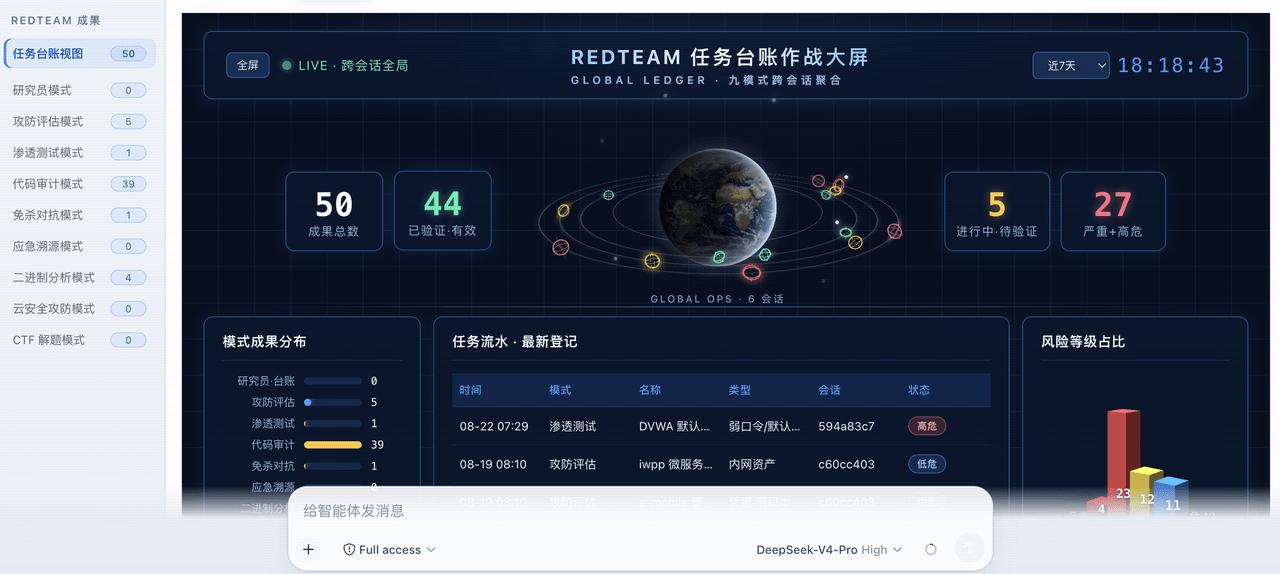 SeaOf0/dsh-redteam-model
基于dsh web实现的多种模式,目的是服务于redteam进行授权的安全研究,覆盖渗透测试、红队评估、代码审计等范围领域,请勿用于非法行为。(允许二开,赋予模块各位自己的业务逻辑,方法论只有自己熟练的才好用,好的方法论=好的生态)
SeaOf0/dsh-redteam-model
基于dsh web实现的多种模式,目的是服务于redteam进行授权的安全研究,覆盖渗透测试、红队评估、代码审计等范围领域,请勿用于非法行为。(允许二开,赋予模块各位自己的业务逻辑,方法论只有自己熟练的才好用,好的方法论=好的生态)
-
 howmp/dsh-pentest
面向 DeepSeek Harness(dsh)的渗透测试模式 @CloverSecLabs
howmp/dsh-pentest
面向 DeepSeek Harness(dsh)的渗透测试模式 @CloverSecLabs
- PerryLink/dsh-industry-research Industry and company research domain pack for DeepSeek Harness: methodology skills, industry chain mapping, public-sourc…
-
 dhicoc/dsh-reverse-skill
Complete reverse-skill (88 SKILL.md) as a DeepSeek Harness (dsh) Cordis plugin — reverse engineering, authorized pentest…
dhicoc/dsh-reverse-skill
Complete reverse-skill (88 SKILL.md) as a DeepSeek Harness (dsh) Cordis plugin — reverse engineering, authorized pentest…
-
 lire1131/dsh-undo-savepoint
DSH crash-rescue plugin: undo config & plugin-code changes, secret-safe snapshots, one-click SAFE MODE, plus offline CLI…
lire1131/dsh-undo-savepoint
DSH crash-rescue plugin: undo config & plugin-code changes, secret-safe snapshots, one-click SAFE MODE, plus offline CLI…
-
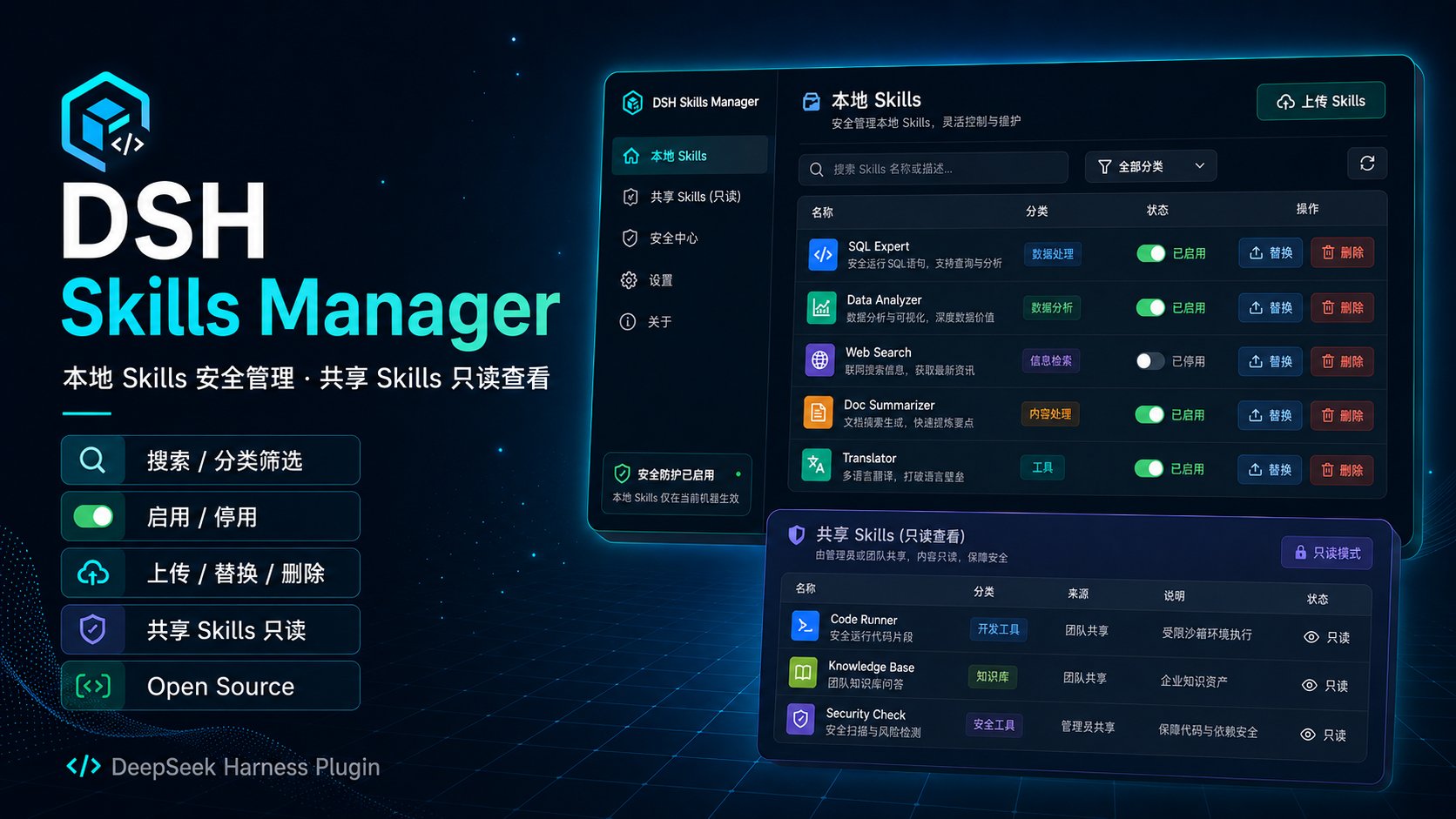 MichengAI/dsh-skills-manager
DSH Skills Manager — 在 DeepSeek Harness 中统一加载并安全管理本机 Agent Skills · Load and safely manage local Agent Skills in DSH
MichengAI/dsh-skills-manager
DSH Skills Manager — 在 DeepSeek Harness 中统一加载并安全管理本机 Agent Skills · Load and safely manage local Agent Skills in DSH
- PensiveFei/dsh-secure-audit Read-only security & compliance plugin for DeepSeek Harness: prompt-injection detection, Chinese-PII redaction, and loca…