asdf17128/dshp
管理DeepSeek Harness配置文件——列出、创建、克隆、对比,并将整个dsh设置作为一个便携式文件分享。
项目介绍Project Overview
dshp 是 DeepSeek Harness(dsh)的 CLI 与插件,用于管理 dsh profile。它能列出、创建、克隆、导出、导入、对比和删除 profile,把插件版本、bundle 顺序和 cordis 补丁打包成一个可粘贴的 .dshp 文件,便于在机器间复现或试验新插件。适合分享完整 dsh 环境和安全试错。注意:依赖 dsh 0.1.0-rc.5 的 profile 布局,dsh 改动会先破坏它;导入需要可用的 dsh 来安装。
dshp is a CLI and plugin for DeepSeek Harness (dsh) that manages dsh profiles. It lists, creates, clones, exports, imports, diffs, and removes profiles, bundling plugin versions, bundle order, and cordis patches into a single pasteable .dshp file for reproducing full dsh environments across machines or experimenting safely. Use it to share setups and try new plugins without touching a working profile. Caveat: it targets dsh 0.1.0-rc.5's profile layout, so upstream dsh changes may break it first, and import requires a working dsh on PATH.
请帮我了解并安装插件:【dshp】【https://github.com/asdf17128/dshp】把上面这条消息直接发给当前会话里的 DSH,让它帮你了解并安装。安装命令不一定准确,发给 DSH 更稳。Send this message to DSH in your current session. CLI install commands may not be accurate across systems — DSH will figure it out for you.
或使用命令行安装(适合开发者)Or use CLI install (for developers)
命令行安装CLI Install
dsh plugin --profile web add github:asdf17128/dshp把 asdf17128/dshp 加入你的 DSH 配置(web profile)即可启用。
READMEREADME
dshp
Share a whole DeepSeek Harness setup as one file.
English | 中文
npx dshp ls
Why
dsh boots profiles and forwards installs to pnpm. It cannot create an empty profile, list the ones you have, copy a working setup before you experiment on it, or hand a setup to someone else — that is all manual work under ~/.dsh/profiles today.
Which matters, because "everything is a plugin" means your setup is a stack of layers, and the useful unit to share is the whole stack, not one plugin at a time.
Share a setup
dshp export web -o my-setup.dshp
# dsh profile — reproduce with: dshp import <this-file>
dshp: 1
name: web
bundles:
  - @deepseek-ai/dsh-base
  - @deepseek-ai/dsh-web-app
  - dsh-cloudflare-browser-run
plugins:
  dsh-cloudflare-browser-run: "^0.1.1"
patch: |
  - id: session-title
    config:
      fallbackMaxWords: 12
Short enough to paste into a forum post. On the other machine:
dshp import my-setup.dshp
That writes the profile, installs the plugins through dsh's own pnpm, and you boot it with dsh --profile web. Verified end-to-end: a fresh $DSH_HOME reproduced a 132-entry tree identical to the original, patch included.
Experiment safely
dshp clone web web-试验田      # instant, keeps node_modules
dsh plugin --profile web-试验田 add some-experimental-plugin
dshp diff web web-试验田
web -> web-试验田

plugins
  + some-experimental-plugin@^0.2.0
If it goes wrong, dshp rm web-试验田 --yes. Your working profile was never touched.
Commands
dshp ls |
profiles, with bundle/plugin counts and disk size |
dshp show <name> |
bundles in load order, plugins, patch |
dshp new <name> [--web|--headless] |
create a profile — dsh itself cannot make an empty one |
dshp clone <from> <to> |
copy a working setup, node_modules and all |
dshp export <name> [-o FILE] |
portable file (stdout by default) |
dshp import <file> [--as NAME] [--no-install] |
recreate a profile |
dshp diff <a> <b> |
what differs |
dshp rm <name> --yes |
delete |
What a profile actually is
Under $DSH_HOME/profiles/<name>:
package.json—dependenciesare the plugins,dsh.profile.bundlesis the ordered layer stackcordis.patch.yml— your own id-targeted overridescordis.yml,pnpm-workspace.yaml— boilerplate, regenerated
So three things reproduce a setup: plugin versions, bundle order, and the patch. That is exactly what the portable file carries.
Bundle order is part of the format: it decides which layer patches which, so a reordering is reported by diff as a real difference.
The patch block is copied byte-for-byte rather than re-serialised, because it may hold !!js expressions (root: !!js dshHomePath('sessions')) that a YAML round-trip would mangle or evaluate. Nothing here ever evaluates your config.
Install and uninstall
As a CLI: npx dshp ls — nothing to install.
As a plugin:
dsh plugin --profile web add github:asdf17128/dshp   # install
dsh plugin --profile web remove dshp                 # uninstall
Removing it drops the list_profiles and export_profile tools. Your profiles
are untouched — the plugin only reads.
Compatibility
Verified against @deepseek-ai/dsh 0.1.0-rc.5. The profile layout it reads
(package.json with dsh.profile.bundles, cordis.patch.yml) is dsh's own; a
change there is what would break it first.
Requirements
Node 18+. import needs a working dsh (local node_modules/.bin/dsh preferred, otherwise on PATH) because it installs through dsh's own pnpm; every other command is pure filesystem work.
See also
dsh-doctor — checks a profile for patches that silently stopped applying.
License
MIT
相关推荐Related
-
 ccch1mneyyy/dsh-TUI
DSH 官方公众号收录的 TUI 补位插件:Claude Code 风,鲸鱼顶栏/实时状态/流式思考/双击 Esc 回滚/上下文进度+TPS。npm 一键装。 DSH official WeChat featured TUI plugin…
ccch1mneyyy/dsh-TUI
DSH 官方公众号收录的 TUI 补位插件:Claude Code 风,鲸鱼顶栏/实时状态/流式思考/双击 Esc 回滚/上下文进度+TPS。npm 一键装。 DSH official WeChat featured TUI plugin…
-
 ChisaAlter/Deepseek-Harness-Desktop
DSH桌面端,支持主题和背景图等多种个性化配置。Electron desktop shell for DeepSeek Harness web UI
ChisaAlter/Deepseek-Harness-Desktop
DSH桌面端,支持主题和背景图等多种个性化配置。Electron desktop shell for DeepSeek Harness web UI
-
 Hilbert-beinghappy/seektty
Pluggable DeepSeek-colored TUI for DeepSeek Harness
Hilbert-beinghappy/seektty
Pluggable DeepSeek-colored TUI for DeepSeek Harness
-
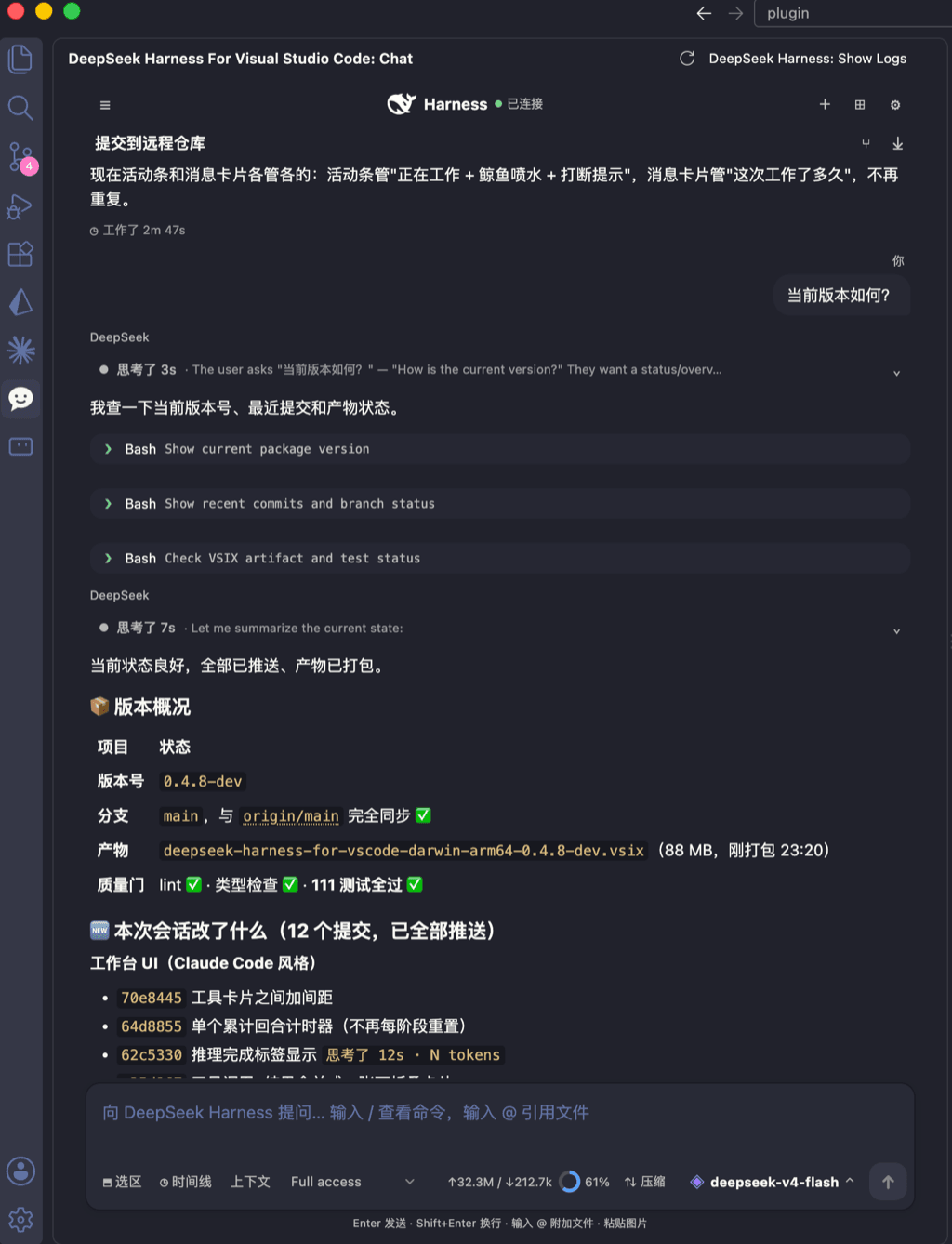 skymecode/deepseek-harness-for-vscode
deepseek-harness for vscode .A native VS Code coding-agent extension for DeepSeek Harness. Streamlined workbench with se…
skymecode/deepseek-harness-for-vscode
deepseek-harness for vscode .A native VS Code coding-agent extension for DeepSeek Harness. Streamlined workbench with se…
-
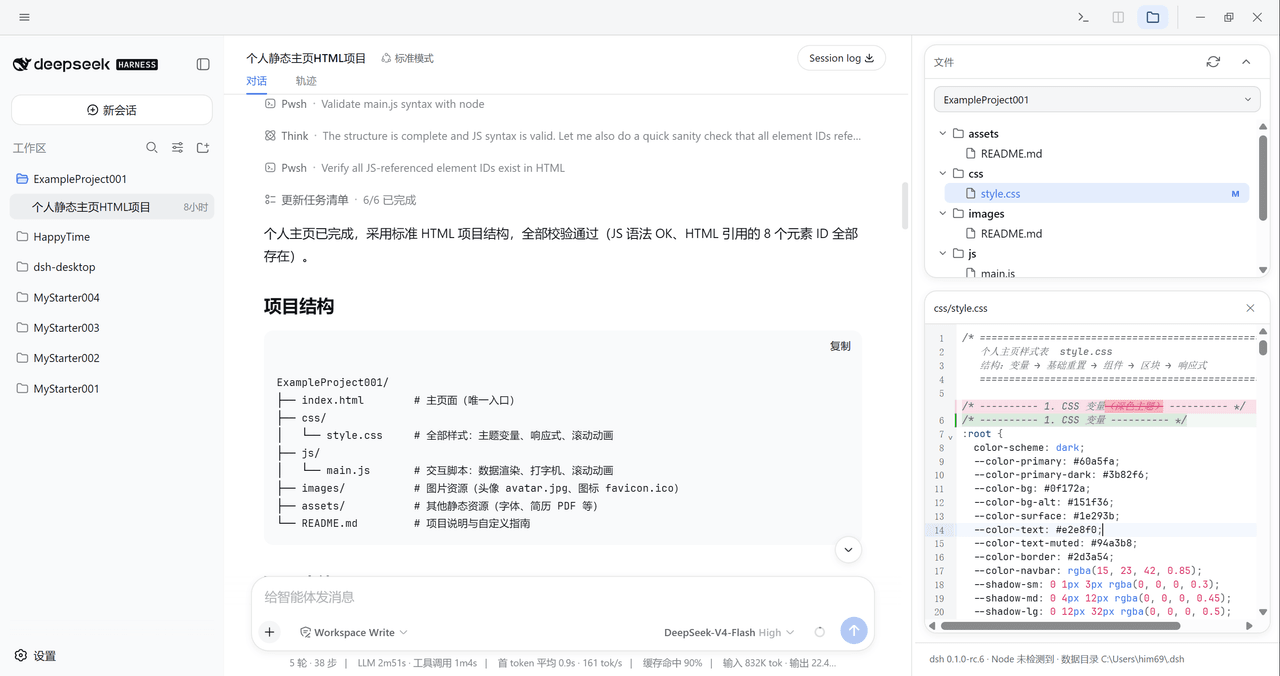 xiincs/deepseek-harness-desktop
DeepSeek Harness 原生桌面版,基于 Tauri 2,内置 Node.js 运行时,一键安装,极速启动,托盘常驻,自动更新。DeepSeek Harness native desktop version: built on T…
xiincs/deepseek-harness-desktop
DeepSeek Harness 原生桌面版,基于 Tauri 2,内置 Node.js 运行时,一键安装,极速启动,托盘常驻,自动更新。DeepSeek Harness native desktop version: built on T…
-
 rison114514/dsh-endfield-ui
Endfield-inspired industrial UI shell for DeepSeek Harness (dsh) — non-official fan theme. Install: dsh plugin --profile…
rison114514/dsh-endfield-ui
Endfield-inspired industrial UI shell for DeepSeek Harness (dsh) — non-official fan theme. Install: dsh plugin --profile…
-
 T-Auto/dsh-ecosystem-spec
deepseek-harness TUI Plugin Access and Implementation Standards / deepseek-harness终端交互生态插件准入规范与实施标准
T-Auto/dsh-ecosystem-spec
deepseek-harness TUI Plugin Access and Implementation Standards / deepseek-harness终端交互生态插件准入规范与实施标准
-
 dsh-tui/dsh-tui
Claude Code-style terminal UI for DeepSeek Harness agents, as an out-of-tree dsh plugin bundle
dsh-tui/dsh-tui
Claude Code-style terminal UI for DeepSeek Harness agents, as an out-of-tree dsh plugin bundle