busabase/busabase-dsh-plugin
Project Overview项目介绍
This plugin connects DeepSeek Harness to Busabase, enabling AI agents to read trusted knowledge and work with structured data, with all proposed changes requiring human review. Use it for long-term structured data tasks that need human control over agent writes. Agents cannot approve their own changes, all edits require human confirmation.
这是连接DeepSeek Harness与Busabase的插件,可让AI代理读取可信知识、处理结构化数据,所有修改都需要人工审核批准。适合需要长期存储结构化数据、保留人工控制权的AI任务,注意AI代理无法自行批准修改,必须经人工审核确认。
请帮我了解并安装插件:【busabase-dsh-plugin】【https://github.com/busabase/busabase-dsh-plugin】Send this message to DSH in your current session. CLI install commands may not be accurate across systems — DSH will figure it out for you.把上面这条消息直接发给当前会话里的 DSH,让它帮你了解并安装。安装命令不一定准确,发给 DSH 更稳。
Or use CLI install (for developers)或使用命令行安装(适合开发者)
CLI Install命令行安装
npx @deepseek-ai/dsh plugin --profile web add @busabase/dsh-plugin把 busabase/busabase-dsh-plugin 加入你的 DSH 配置(web profile)即可启用。
READMEREADME
English | 中文
Give DeepSeek Harness a Knowledge Base and Database
@busabase/dsh-plugin connects DeepSeek Harness to Busabase, so an Agent can read trusted knowledge, work with structured data, and submit every proposed write for human review.
It gives the Agent durable context beyond one chat without giving it permission to silently rewrite your source of truth.
See it in action
Watch DeepSeek Harness use the plugin to create a CRM AirApp, submit changes for review, and open the result in Busabase.

Quick start
Requirements
- A current DeepSeek Harness release compatible with this package's peer dependencies;
- Node.js
>=24.18.0; - pnpm available on
PATH.
Local Busabase does not need to be running before installation. In Local mode, the plugin starts busabase@latest on demand or reuses a healthy Busabase Personal Desktop or local server. Cloud mode connects to the hosted service through browser OAuth.
1. Install the plugin
npx @deepseek-ai/dsh plugin --profile web add @busabase/dsh-plugin
The package activates both the Host and Web sides automatically. Its reviewed Skills are already included in the npm package, so installation does not need lifecycle-script approval. For installation verification, updates, removal, and notes about older releases, see Install and manage the npm bundle.
2. Choose Local or Cloud
- Local is the zero-configuration default. Use it for on-device data, an account-free setup, or Busabase Personal Desktop.
- Cloud is for an existing Busabase account, team workspaces, and access across devices. Add this item to
$DSH_HOME/profiles/web/cordis.patch.yml(~/.dsh/profiles/web/cordis.patch.ymlby default):
- id: busabase
  config:
    baseUrl: https://busabase.com
    serverName: busabase
Append the item if the file already has other rows. Do not put credentials in the file; DeepSeek Harness stores the OAuth grant in its credential store after browser sign-in. See the complete Local and Cloud setup guide for updating, verification, switching modes, and troubleshooting.
3. Start DeepSeek Harness
npx @deepseek-ai/dsh --profile web
If dsh is installed globally, you can use dsh instead of npx @deepseek-ai/dsh. Open http://127.0.0.1:3080/. Local mode waits until Busabase is needed. Cloud mode opens the browser for OAuth on the first start, then reuses the stored grant later.
4. Try a first task
Create a customer follow-up Base with company, contact, stage, expected deal size,
owner, next action, and follow-up date. Submit the structure for my review.
In Local mode, call busabase_start first if the full MCP tool catalog is not visible. In Cloud mode, complete browser authorization before submitting the task. The Agent checks the existing workspace first and proposes the Base as a ChangeRequest. You inspect the diff and decide whether to approve and merge it; Cloud proposals are reviewed through their canonical Busabase links.
Why use it
Chat context is useful for the current task, but it is a poor long-term data system. Important conclusions become hard to reuse, business objects lack structure, and an Agent mistake can pollute a document or database before anyone notices.
This plugin adds four things to DeepSeek Harness:
- Trusted knowledge: search approved Docs, Files, Bases, Records, comments, and related objects;
- Structured work: turn natural-language requests into proposed Bases, Forms, AirApps, and records;
- Useful results: render Busabase entities as conversation cards with a live Inspector instead of raw JSON;
- Human control: keep Agent writes at
changeRequestpermission and, by default, require a fresh confirmation for review actions.
DeepSeek Harness understands the task and calls tools
                ↓
@busabase/dsh-plugin connects the Agent to Busabase
                ↓
Busabase stores approved knowledge and structured data
Common workflows
- Team knowledge: answer questions from approved product docs, meeting decisions, research, and FAQs with locatable sources.
- Research synthesis: extract evidence, themes, and priorities from interviews, then review the proposed records before merging.
- Business databases: describe a CRM, project tracker, inventory, recruiting pipeline, or operations ledger in natural language.
- Content operations: prepare reviewable articles, social posts, newsletters, SEO pages, and localization records.
- Data cleanup: propose deduplication, tagging, enrichment, classification, matching, or translation in batches.
- Workspace apps: build Forms and AirApps around canonical Busabase data and preview them inside the Inspector.
For example:
Look up the latest enterprise data-retention policy in our knowledge base.
Give me the source document and propose updates for any conflicting FAQ records.
The Agent can read the approved policy and prepare corrections, but it cannot approve its own changes.
Approval-first by design
A regular database
Agent ──writes directly──► official data
                           the mistake is already live

Busabase
Agent ──proposes──► ChangeRequest ──human review──► canonical data
                    the mistake is still a proposal
The MCP connection is capped at changeRequest. Busabase rejects Agent attempts to approve, reject, close, or merge, including proposals that request autoMerge: true. Inspector review actions require a new, explicit user confirmation by default, and stored workspace content is treated as data rather than instructions. Confirmation prompts can be disabled in advanced configuration, but doing so does not raise the Agent's server-enforced permission.
Configuration
The defaults connect to Busabase at http://localhost:15419, start or reuse a loopback service on demand, enable live Inspector refresh, and require confirmation for review actions.
To use another address, adjust plugin load order, or tune server and refresh behavior, see the full configuration reference.
Connecting to Busabase Cloud
Override the Bundle row by id and point baseUrl at an https:// Busabase Cloud address (a root-host deployment, optionally with spaceId, or a workspace subdomain) to connect there instead of a local server:
- id: busabase
  config:
    baseUrl: https://busabase.com
    serverName: busabase
The plugin never manages or starts a remote server. When the remote plugin loads for the first time, it opens your OS browser for a standard OAuth sign-in; DeepSeek Harness stores the resulting token through its credential store, not in this configuration. The MCP connection still sends a fixed changeRequest permission ceiling. In this release the Inspector's review, merge, live refresh, and embedded Base/AirApp previews stay local-only: use the canonical Busabase Cloud link the Inspector shows to inspect, review, and merge remotely.
Current boundaries
- The default setup targets a single local Busabase workspace;
- A non-loopback
baseUrlis treated as an external service inautomode and is never started by the plugin; - Connecting to a non-loopback
https://baseUrluses browser-based OAuth instead of the local relay, and keeps Inspector review, merge, and live refresh local-only; - The full MCP tool set becomes available after
busabase_startstarts the service and reconnects (local mode only); - The Agent can propose changes but cannot perform final review or merge;
- Base and AirApp previews require compatible same-origin and embed-origin settings;
- Disabling an iframe keeps entity metadata and the "Open in Busabase" entry available.
Documentation
- Developer Guide: source setup, architecture, configuration, security internals, build, packaging, and E2E tests;
- Busabase website;
- Busabase open-source repository;
- Busabase Skills and MCP integration;
- DeepSeek Harness.
Related相关推荐
-
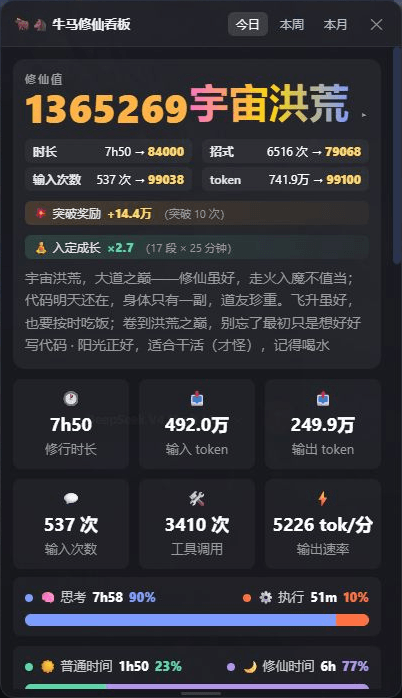 spacexun2/dsh-worktime-board
🐂🐴 牛马修仙看板:DeepSeek Harness 工时统计 × 修仙养成——把每一分钟劳动,都修成境界(日/周/月 + 学年年历,炼气→宇宙洪荒)
spacexun2/dsh-worktime-board
🐂🐴 牛马修仙看板:DeepSeek Harness 工时统计 × 修仙养成——把每一分钟劳动,都修成境界(日/周/月 + 学年年历,炼气→宇宙洪荒)
-
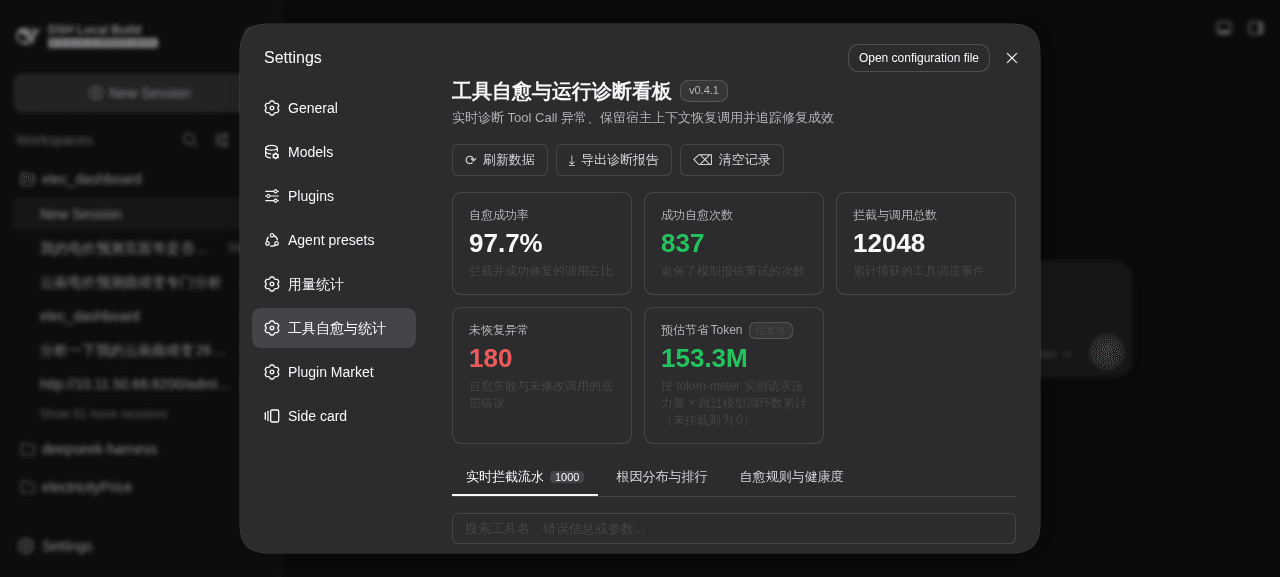 merenguesL/dsh-tool-normalizer
-
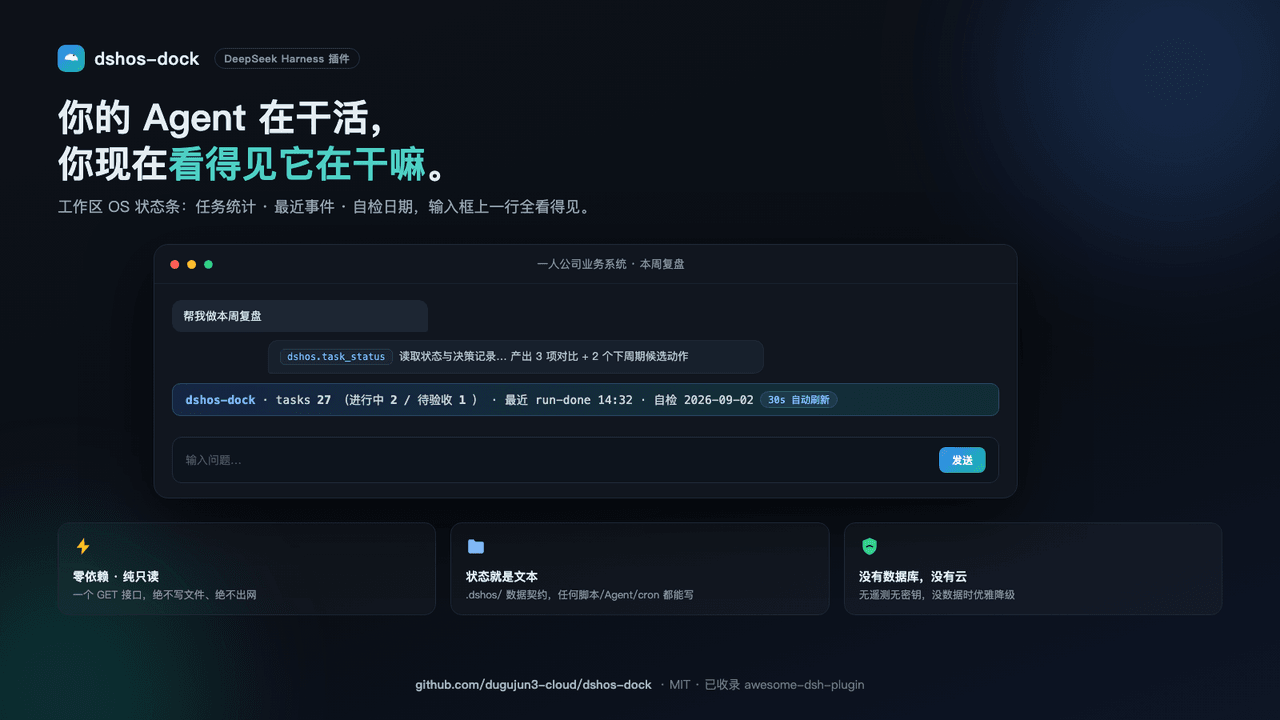 dugujun3-cloud/dshos-dock
Workspace-OS status bar for DeepSeek Harness (DSH): task counts, latest run event, checkup date. Zero deps, read-only, .…
dugujun3-cloud/dshos-dock
Workspace-OS status bar for DeepSeek Harness (DSH): task counts, latest run event, checkup date. Zero deps, read-only, .…
-
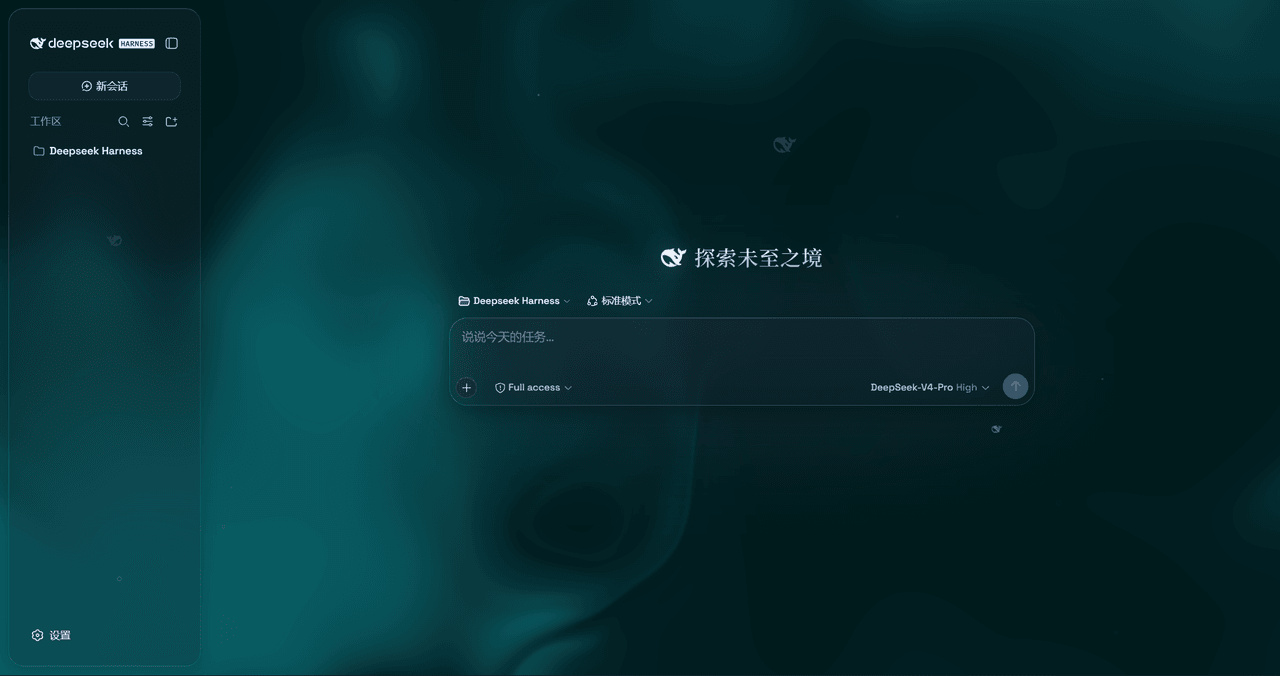 WYH66666666/DSH-Transparent-UI-Plugin
是一层高自由度的玻璃质感主题,套在 DeepSeek Harness 网页端。顶栏、侧边栏、输入框、统计行、轨迹视图都成了磨砂玻璃片。玻璃模糊度、磨砂度、背景(流体或自定义壁纸,壁纸还能单独调模糊和磨砂)全都能在设置卡片里自由调节。关掉开关…
WYH66666666/DSH-Transparent-UI-Plugin
是一层高自由度的玻璃质感主题,套在 DeepSeek Harness 网页端。顶栏、侧边栏、输入框、统计行、轨迹视图都成了磨砂玻璃片。玻璃模糊度、磨砂度、背景(流体或自定义壁纸,壁纸还能单独调模糊和磨砂)全都能在设置卡片里自由调节。关掉开关…
-
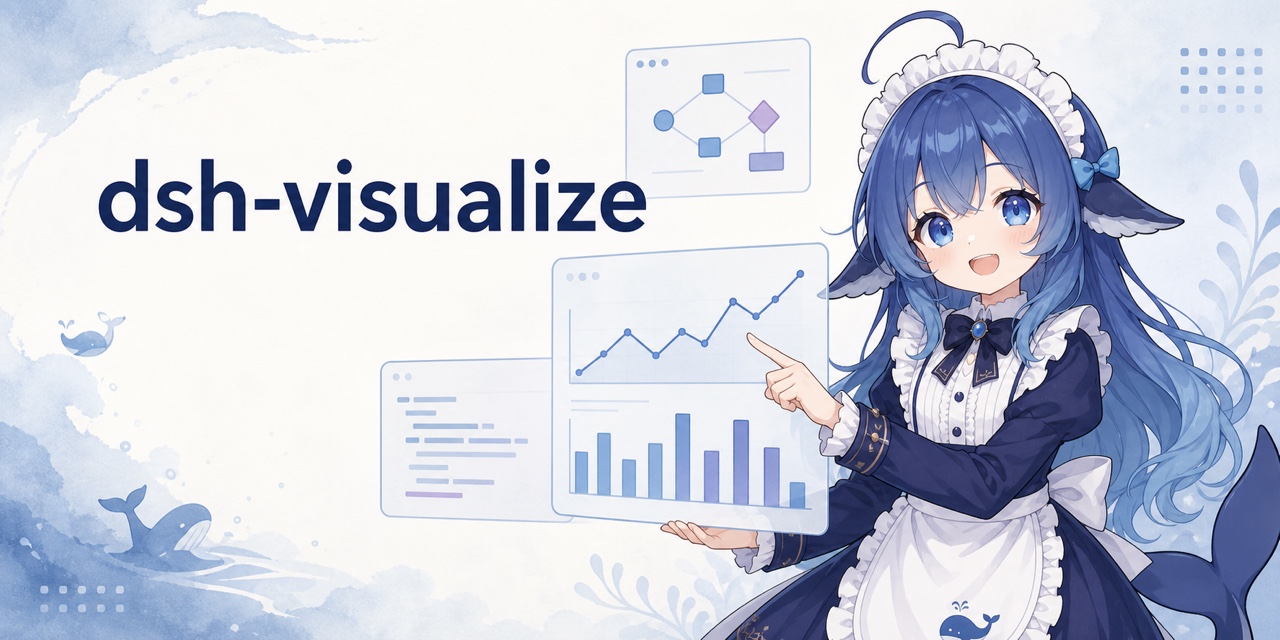 Nagi-ovo/dsh-visualize
在 DSH 对话中生成交互式可视化|Render model-generated interactive cards inside DSH conversations
Nagi-ovo/dsh-visualize
在 DSH 对话中生成交互式可视化|Render model-generated interactive cards inside DSH conversations
-
 omdsh-dev/dsh-data-agent
Connect DSH to your database for conversational data analysis and actionable business insights.
omdsh-dev/dsh-data-agent
Connect DSH to your database for conversational data analysis and actionable business insights.
-
 morluto/jacobian
Composable mathematics tools for agents
morluto/jacobian
Composable mathematics tools for agents
-
 Awu12277/dsh-stock-watch
A股自选股实时行情盯盘插件 - DeepSeek Harness Web 右上角可折叠弹窗
Awu12277/dsh-stock-watch
A股自选股实时行情盯盘插件 - DeepSeek Harness Web 右上角可折叠弹窗