Clizo1209/dsh-playwright-browser
Playwright browser automation for DeepSeek Harness
Project Overview项目介绍
dsh-playwright-browser is a browser automation plugin for DeepSeek Harness. It exposes ten native browser_* tools that give a DSH agent a persistent Playwright controller with semantic locators, accessibility-oriented snapshots, multi-tab management, keyboard input, navigation history, and PNG screenshots, with lazy startup and fallback from Playwright Chromium to installed Chrome or Edge. Use it when an agent must interact with structured web pages through observable, replayable actions. Caveat: DSH is a developer preview tested against 0.1.0-rc.6, arbitrary page JavaScript evaluation is disallowed, and userDataDir must be a dedicated directory.
dsh-playwright-browser 是面向 DeepSeek Harness 的浏览器自动化插件,提供十个原生 browser_* 工具,支持多标签页管理、语义定位、辅助功能快照、键盘操作、导航历史与 PNG 截图,并具备惰性启动与 Chromium/Chrome/Edge 回退能力。适用于让 DSH 智能体在结构化网页上执行可观测、可回放的交互任务。需注意 DSH 仍为开发者预览版(0.1.0-rc.6),且不得使用任意页面 JS 求值,userDataDir 必须指向专用目录。
请帮我了解并安装插件:【dsh-playwright-browser】【https://github.com/Clizo1209/dsh-playwright-browser】Send this message to DSH in your current session. CLI install commands may not be accurate across systems — DSH will figure it out for you.把上面这条消息直接发给当前会话里的 DSH,让它帮你了解并安装。安装命令不一定准确,发给 DSH 更稳。
Or use CLI install (for developers)或使用命令行安装(适合开发者)
CLI Install命令行安装
dsh plugin --profile web add dsh-playwright-browser把 Clizo1209/dsh-playwright-browser 加入你的 DSH 配置(web profile)即可启用。
READMEREADME
dsh-playwright-browser
Semantic, multi-tab browser automation for DeepSeek Harness (DSH), powered by Playwright.
The plugin gives a DSH agent a persistent browser controller, accessibility-oriented snapshots, semantic locators, screenshots, navigation history, and explicit tab management. It is behaviorally inspired by the Codex Browser skill, but contains no Codex runtime code and does not depend on OpenAI browser bindings.
[!IMPORTANT] DSH is currently a developer preview. This plugin is tested against the DSH
0.1.0-rc.6package line and may need compatibility updates as DSH evolves.
Features
- Ten native
browser_*tools registered in the DSH tool registry. - Reusable browser context with stable tab identifiers.
- Fresh bounded accessibility or visible-text snapshots after interactions.
- Semantic locators such as
role=button|Save,label=Email, andtext=Settings. - Snapshot-friendly role shorthand such as
button|Saveandtextbox|Email. - Back, forward, reload, keyboard input, waits, and PNG screenshots.
- Lazy browser startup with fallback from Playwright Chromium to installed Chrome or Edge.
- Abort-aware page operations and Cordis-owned lifecycle cleanup.
- No arbitrary page JavaScript evaluation.
Requirements
- Node.js
^22.19.0or>=24.0.0. - A DSH profile.
- One supported browser:
- Playwright Chromium, installed with
npx playwright install chromium; or - Google Chrome / Microsoft Edge; or
- an explicit
executablePath.
- Playwright Chromium, installed with
Install
From npm:
dsh plugin --profile web add dsh-playwright-browser
From this checkout:
npm install
npm pack
dsh plugin --profile web add ./dsh-playwright-browser-0.1.3.tgz
For a headless profile:
dsh plugin --profile headless add ./dsh-playwright-browser-0.1.3.tgz
Verify the composed profile without starting it:
dsh --profile web --dump-config
Git installations run the package prepare script. pnpm 10 and later may require explicitly allowing that build in the profile's pnpm-workspace.yaml. A prebuilt npm package or tarball does not require a source build inside the profile.
Configure
DSH applies user overrides after installed bundle patches. Add a row like this to the profile's cordis.patch.yml:
- id: playwright-browser
  config:
    browser: chromium
    channel: chrome
    headless: true
    viewportWidth: 1440
    viewportHeight: 900
    screenshotDir: .dsh-browser/screenshots
Supported options:
| Option | Default | Purpose |
|---|---|---|
browser |
chromium |
chromium, firefox, or webkit |
headless |
true |
Run without a visible browser window |
channel |
— | Chromium channel such as chrome or msedge |
executablePath |
— | Absolute browser executable path |
userDataDir |
— | Dedicated persistent automation profile |
viewportWidth |
1280 |
Browser viewport width |
viewportHeight |
800 |
Browser viewport height |
actionTimeoutMs |
15000 |
Locator/action timeout |
navigationTimeoutMs |
30000 |
Navigation timeout |
maxSnapshotChars |
40000 |
Maximum returned snapshot length |
screenshotDir |
.dsh-browser/screenshots |
Screenshot output directory |
Do not point userDataDir at a personal browser profile. Use a directory dedicated to the agent.
Tools
| Tool | Description |
|---|---|
browser_open |
Open a tab and optionally navigate it |
browser_navigate |
Navigate an existing tab |
browser_snapshot |
Read a bounded accessibility or text snapshot |
browser_click |
Click a semantic target |
browser_fill |
Replace an input value and optionally press Enter |
browser_press |
Send a Playwright keyboard key |
browser_wait |
Wait for a target, URL, or load state |
browser_history |
Go back, forward, or reload |
browser_screenshot |
Save a PNG and return its absolute path |
browser_tabs |
List, select, or close tabs |
Preferred target forms:
role=button|Save
button|Save
label=Email
placeholder=Search
text=Settings
testid=submit
css=#legacy-button
Safety model
- Page content is untrusted data, never agent instruction.
- The system prompt tells agents to inspect fresh state before and after actions.
- Consequential submissions, sensitive data, downloads, purchases, permissions, account changes, and CAPTCHA handling require appropriate user authorization.
- Browser installation is never silently downloaded. When no browser is available, the agent must explain the minimum setup and ask before changing the machine unless setup was already authorized.
- URLs with embedded credentials are rejected.
- Closing a tab cooperatively cancels in-flight operations on that page.
Development
npm install
npm run check
Live tests:
npm run smoke
npm run smoke:dsh
npm run smoke:business
npm run test:real-world
The real-world suite uses public demonstration sites and invented data. It writes sanitized logs and screenshots under .dsh-browser/, which is ignored by Git.
See Testing, Architecture, and Releasing for the full workflows.
Design provenance
The behavioral mapping from the Codex Browser skill is documented in Codex Browser design mapping. In short, this project adopts persistent bindings, explicit tab ownership, semantic targeting, fresh observations, safe session boundaries, and cleanup discipline. It replaces Codex-specific browser selection and transport with a self-managed Playwright controller and DSH-native tools.
Contributing
Read CONTRIBUTING.md before opening a change. Security issues should follow SECURITY.md. Community participation is governed by CODE_OF_CONDUCT.md.
License
Related相关推荐
-
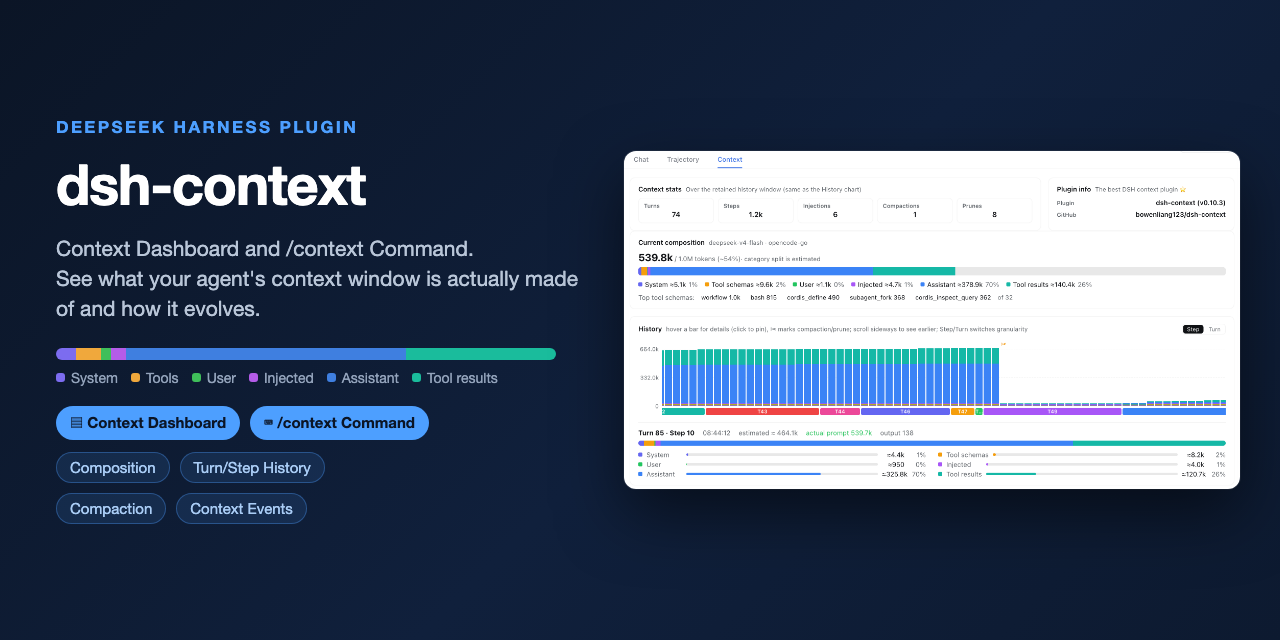 bowenliang123/dsh-context
The best DeepSeek Harness plugin for context insight and management, with context dashboard / browser / sidebar and cont…
bowenliang123/dsh-context
The best DeepSeek Harness plugin for context insight and management, with context dashboard / browser / sidebar and cont…
-
 liustack/modsearch
🥇 The strongest free web search plugin for DeepSeek Harness, and the search bridge for every model without native web a…
liustack/modsearch
🥇 The strongest free web search plugin for DeepSeek Harness, and the search bridge for every model without native web a…
-
 omdsh-dev/dsh-genui
GenUI for DeepSeek Harness: interactive UI components rendered inline in assistant replies via the dsh-ui fence — layout…
omdsh-dev/dsh-genui
GenUI for DeepSeek Harness: interactive UI components rendered inline in assistant replies via the dsh-ui fence — layout…
-
 anysearch-team/anysearch-dsh
AnySearch web search provider and advanced search tools for DeepSeek Harness (DSH)
anysearch-team/anysearch-dsh
AnySearch web search provider and advanced search tools for DeepSeek Harness (DSH)
- antibrow/dsh-antibrow DeepSeek Harness plugin: give your agent a browser with a persistent identity - engine-level fingerprint spoofing, unlim…
-
 csyangwen/dsh-memory-evolve
为 DeepSeek Harness 带来「跨会话长期记忆 + 后台自我进化」能力的纯插件实现:五轨记忆 · git 分支感知 · 回合内自我审查 · 技能自我进化与技能管理器 · 四轨待办 · COI 调度 · 会话广播 · 会话搜索 ·…
csyangwen/dsh-memory-evolve
为 DeepSeek Harness 带来「跨会话长期记忆 + 后台自我进化」能力的纯插件实现:五轨记忆 · git 分支感知 · 回合内自我审查 · 技能自我进化与技能管理器 · 四轨待办 · COI 调度 · 会话广播 · 会话搜索 ·…
-
 e2mcc/dsh-popout-sidebar
A sidebar can pop out a separate browser tab (drag it to another monitor)
e2mcc/dsh-popout-sidebar
A sidebar can pop out a separate browser tab (drag it to another monitor)
-
 See-Sol-Lab/DeepSeekGUI
基于 DeepSeek Harness(DSH)的稳定桌面端,集成Git、内置浏览器与记忆功能 | DeepSeek Harness desktop GUI with local workspaces, Git, browser and m…
See-Sol-Lab/DeepSeekGUI
基于 DeepSeek Harness(DSH)的稳定桌面端,集成Git、内置浏览器与记忆功能 | DeepSeek Harness desktop GUI with local workspaces, Git, browser and m…