
See-Sol-Lab/DeepSeekGUI
一个非官方的基于dsh的GUI。An unofficial Windows desktop workbench for DeepSeek Harness.
项目介绍Project Overview
DeepSeekGUI 是 DeepSeek Harness 的 Windows 桌面代理工作台。它将 Harness 运行时、Node.js 和 pnpm 打包为单用户安装,提供模型设置、工作区选择、代理会话、工具审批、DSH 终端与诊断功能。使用时安装后在设置中填入 DeepSeek API 密钥,选择工作区并启动会话即可。注意 V1 未进行代码签名,Windows SmartScreen 可能弹出未知发布者警告,需手动校验 SHA256 后再运行安装程序。
DeepSeekGUI is a Windows desktop agent workbench that packages DeepSeek Harness, Node.js, and pnpm into a single per-user installer. It adds a tray app, model settings, workspace selection, DSH Terminal, diagnostics, and an uninstall data choice on top of the native Harness runtime. Use it to run DeepSeek agents with explicit tool approvals, live Harness status, and recoverable profiles. Note that V1 installers are not code-signed, so Windows SmartScreen may warn; verify the SHA256 against the release manifest before running.
请帮我了解并安装插件:【DeepSeekGUI】【https://github.com/See-Sol-Lab/DeepSeekGUI】把上面这条消息直接发给当前会话里的 DSH,让它帮你了解并安装。安装命令不一定准确,发给 DSH 更稳。Send this message to DSH in your current session. CLI install commands may not be accurate across systems — DSH will figure it out for you.
或使用命令行安装(适合开发者)Or use CLI install (for developers)
命令行安装CLI Install
dsh plugin --profile web add github:See-Sol-Lab/DeepSeekGUI把 See-Sol-Lab/DeepSeekGUI 加入你的 DSH 配置(web profile)即可启用。
READMEREADME
 DeepSeekGUI
English | 中文
Use it like Codex. Inspect it like a lab. Extend it like Harness.
A DeepSeek-native Agent Workbench for Windows, powered by DeepSeek Harness.




DeepSeekGUI turns DeepSeek Harness into a complete Windows product: install it, connect DeepSeek, choose a workspace, and let an agent inspect, edit, browse, run tools, and explain its work. Harness remains the only runtime and source of session, model, credential, permission, tool, memory, compaction, and plugin state.
Unofficial product: DeepSeekGUI is not affiliated with or endorsed by DeepSeek. The upstream Harness runtime and official Web UI are DeepSeek's work.
Download
| Platform | Download | Requirements |
|---|---|---|
| Windows | Download the installer | Windows 10/11, x64 |
DeepSeekGUI installs for the current Windows user without administrator rights and includes its own Harness runtime, Node.js, and pnpm.
Or download the latest installer and checksum from PowerShell with GitHub CLI:
gh release download --repo See-Sol-Lab/DeepSeekGUI --pattern 'DeepSeekGUI-Setup-*.exe' --pattern 'SHA256SUMS.txt' --clobber
DeepSeekGUI V1 is not code-signed, so Windows SmartScreen may show an unknown-publisher warning. Download SHA256SUMS.txt from the same release and verify the installer before running it:
Get-FileHash .\DeepSeekGUI-Setup-1.0.0.exe -Algorithm SHA256
Continue only when the printed hash matches the release manifest exactly, then run Start-Process .\DeepSeekGUI-Setup-1.0.0.exe. See the installation and troubleshooting guide.
Quick start
- Install and launch DeepSeekGUI.
- Open Settings → Models and enter your DeepSeek API key.
- Select a model. Choose an image-capable model when the task includes screenshots or other visual input.
- Return to the home page and choose a workspace folder.
- Start a session and give the agent one concrete outcome.
- Review tool approvals and the resulting file changes.
The DeepSeekGUI quick-start guide walks through the complete first session.
Why DeepSeekGUI
| Harness-native | Profiles, sessions, tools, credentials, permissions, memory, compaction, hooks, and plugins stay in the native Harness composition. DeepSeekGUI does not create a second agent runtime. |
| DeepSeek-first | DeepSeek models, reasoning, image input, and Harness behavior are first-class product paths rather than compatibility afterthoughts. |
| A real Windows product | One-click current-user installation, resident tray, model settings, DSH Terminal, updates, feedback, diagnostics, and an uninstall data choice. |
| Observable and recoverable | Live Harness status, explicit targets, redacted diagnostics, last-known-good Profile recovery, and protected plugin changes make failures understandable and reversible. |
| Safer execution | Sandbox is the recommended default, approvals remain owned by Harness, Full Access always carries an explicit warning, and browser submissions require approval. |
| Programmable | Use arbitrary compatible Harness Profiles and Cordis plugins, inspect the active composition, and keep the official DSH CLI close at hand. |
Product tour
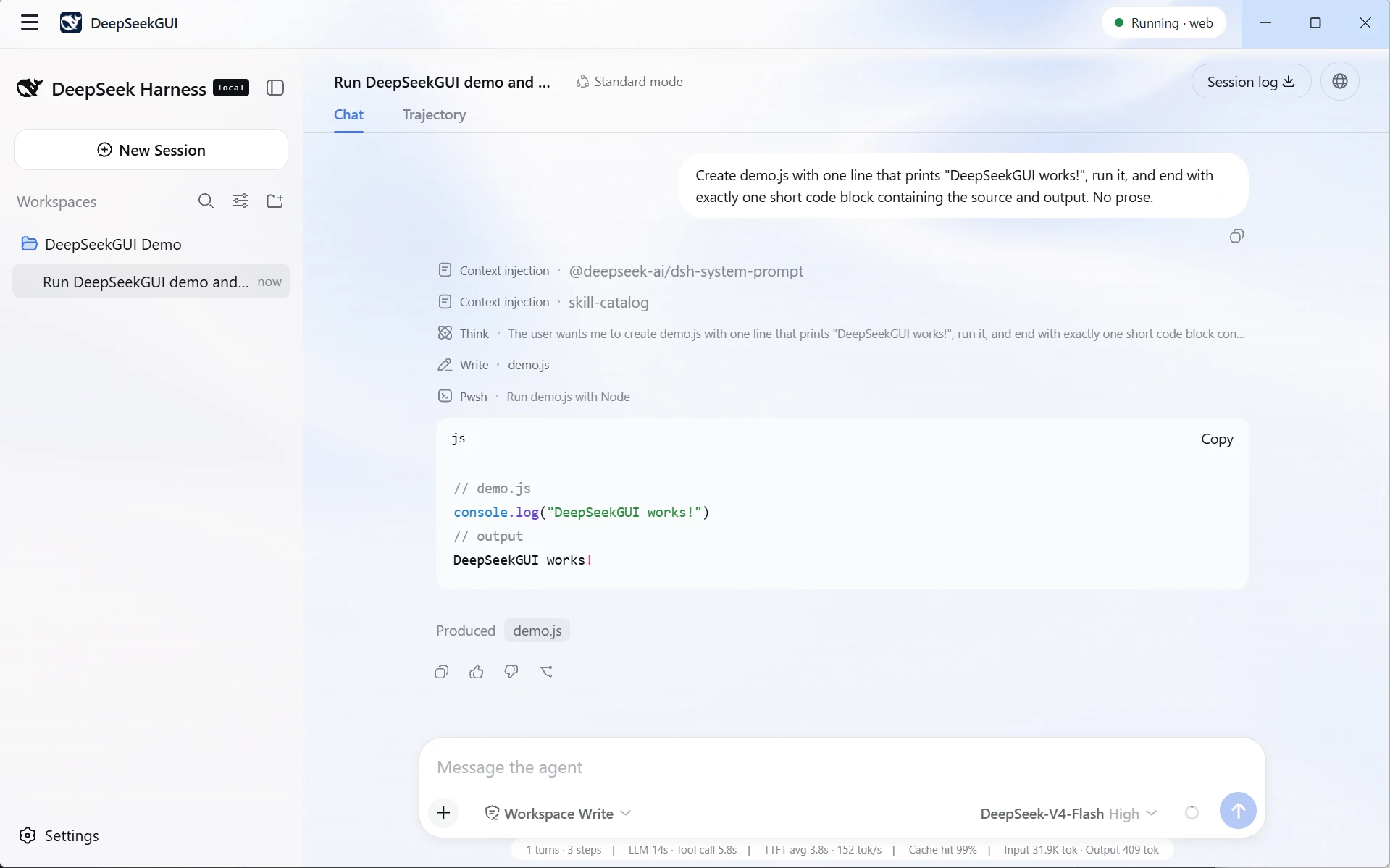
Work with code, files, and images
Choose a workspace, resume durable sessions, attach images to a vision-capable model, stream results, and review tool activity without leaving the desktop application.
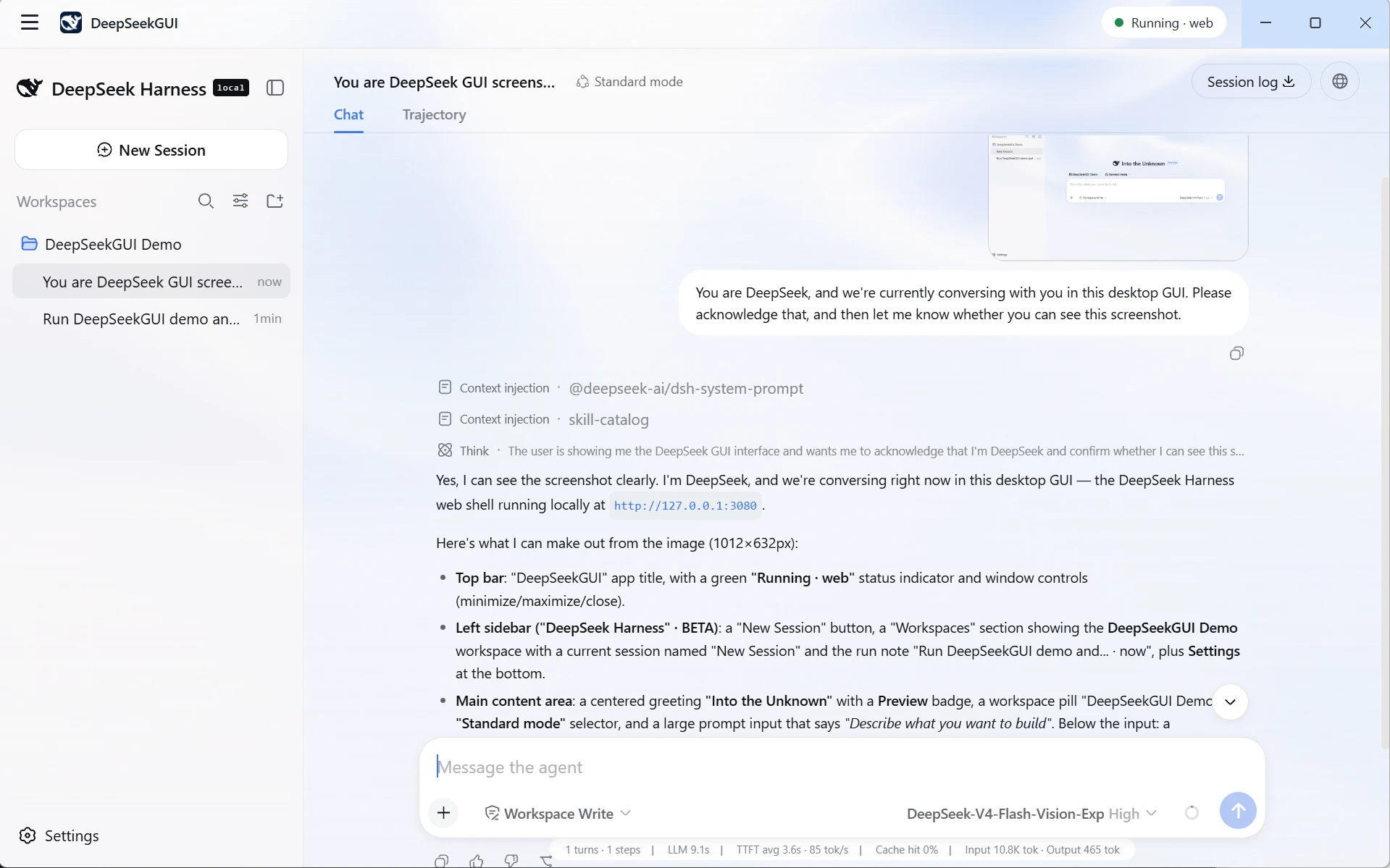
Give the agent a real browser
DeepSeekGUI's built-in browser uses visible Microsoft Edge, checks navigation targets and redirects against SSRF rules, keeps physical mouse and keyboard control with the user, and routes sensitive submissions through Harness approval.
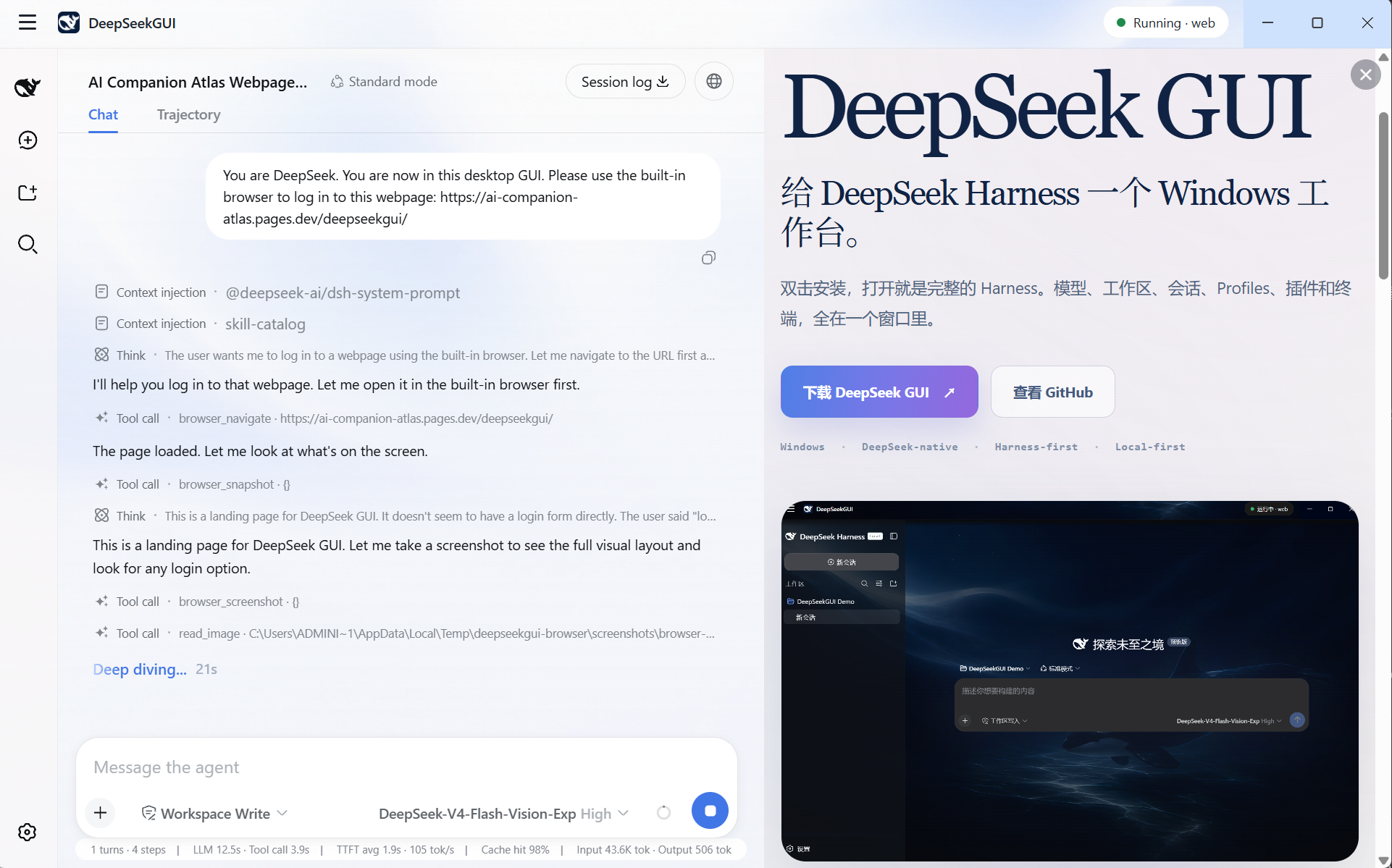
Inspect and control the Harness
Switch Managed or Existing Homes, select Profiles, inspect effective plugin state, manage compatible plugins through the official CLI path, and recover a failed change without hiding what happened.
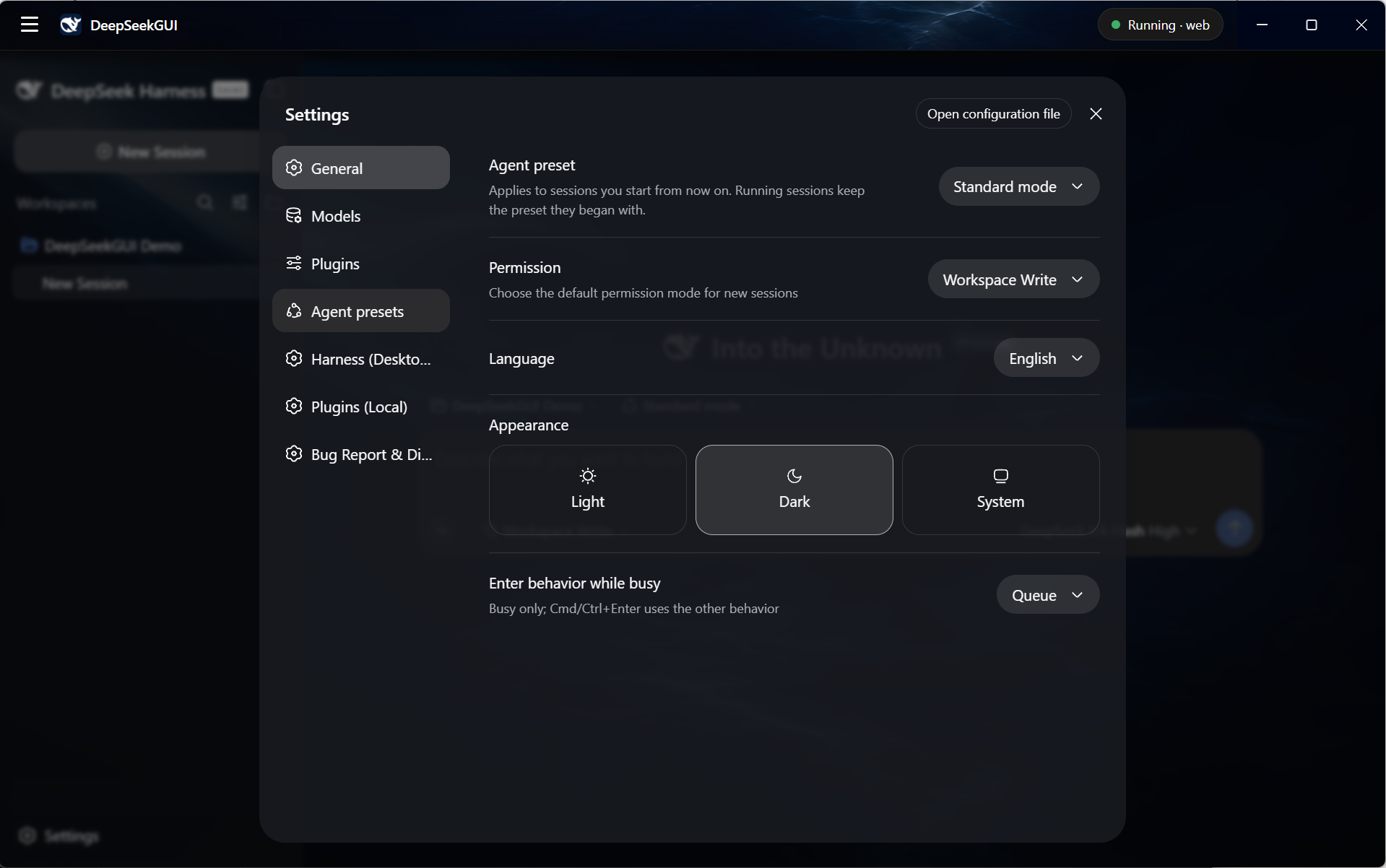
What ships in V1
- Windows 10/11 x64 installer and portable unpacked build.
- DeepSeek and custom model configuration through Harness settings.
- Text and image input for models that advertise the corresponding modality.
- Workspace-based coding sessions with native Harness tools and approvals.
- Managed and Existing Harness Homes with Profile discovery and switching.
- Plugin Manager with target confirmation, streamed output, post-checks, and protected recovery.
- Built-in real-browser tools and a visible Browser Panel.
- Sandbox, Full Access, Read-only, and Custom permission reporting.
- DSH Terminal with private runtime shims and no system PATH modification.
- Update verification, local diagnostics export, feedback, system tray, and bilingual Chinese/English desktop copy.
DeepSeekGUI V1 is tested on Windows x64. It is not code-signed and does not ship macOS or Linux builds, an account system, automatic startup, or a plugin marketplace.
Documentation
| Guide | What it covers |
|---|---|
| Quick start | Install, connect DeepSeek, choose a workspace, and finish the first session. |
| Models and vision | API keys, model selection, image input, and custom providers. |
| Workspaces and sessions | Workspace scope, durable sessions, attachments, review, and tray behavior. |
| Profiles and plugins | Managed/Existing Homes, Profile switching, plugin operations, and recovery. |
| Permissions and approvals | Sandbox, Full Access, approvals, Existing Home behavior, and browser permissions. |
| Desktop tools | Browser, DSH Terminal, updates, diagnostics, feedback, and lifecycle. |
| Data and troubleshooting | Data locations, privacy, uninstall behavior, common failures, and support. |
The documentation website also retains the upstream Harness development tutorials and reference material for plugin authors and advanced users.
Data and privacy
DeepSeekGUI stores its Managed Harness Home under %APPDATA%\DeepSeekGUI\dsh. Credentials, settings, sessions, Profiles, and plugins stay in that Home unless the configured model provider or a tool transmits content required by the task.
Service logs redact credential-shaped text. Diagnostics bundles are created locally and never uploaded automatically. Review crash dumps before sharing them because they can still contain local paths or memory fragments.
Uninstall asks whether to remove %APPDATA%\DeepSeekGUI. Keeping it preserves credentials, settings, sessions, and Profiles for a later reinstall.
Build from source
Run DeepSeekGUI Desktop from source
DeepSeekGUI development requires the Node.js version declared by the repository and pnpm:
git clone https://github.com/See-Sol-Lab/DeepSeekGUI.git
cd DeepSeekGUI
pnpm install
pnpm run build
pnpm run dev:desktop
Build the Windows distribution with:
pnpm run build:desktop-dist
See DeepSeekGUI Desktop for engineering details and packaging verification.
Run Harness from npm
Install Node.js, then start the upstream Web UI with:
npx @deepseek-ai/dsh web
The command opens http://127.0.0.1:3080 for a local launch.
Run Harness from source
The public DeepSeekGUI tree contains the upstream Harness source used by the desktop build:
pnpm install
pnpm run build
pnpm dsh web
Contributing and support
- Report DeepSeekGUI bugs and product feedback through DeepSeekGUI Issues.
- Read CONTRIBUTING.md before sending a pull request.
- Use DeepSeek Harness Discussions for questions about upstream Harness behavior.
License and upstream relationship
This repository combines two licensing scopes:
- Upstream DeepSeek Harness code and upstream-derived material remain under DeepSeek's MIT License.
- Original DeepSeekGUI desktop and product work is source-available under the PolyForm Perimeter License 1.0.1. Personal, educational, research, hobby, internal business, and other permitted uses are allowed; providing a competing product requires a separate license from See-Sol-Lab.
The root LICENSE is a scope notice, not a single repository-wide license grant. Read DeepSeekGUI licensing and third-party notices before redistributing the software.
DeepSeekGUI is the public release repository. Day-to-day development happens in a separate private repository; releases publish the product tree rather than the private development history.
相关推荐Related
-
 ccch1mneyyy/dsh-TUI
DSH 官方公众号收录的 TUI 补位插件:Claude Code 风,鲸鱼顶栏/实时状态/流式思考/双击 Esc 回滚/上下文进度+TPS。npm 一键装。 DSH official WeChat featured TUI plugin…
ccch1mneyyy/dsh-TUI
DSH 官方公众号收录的 TUI 补位插件:Claude Code 风,鲸鱼顶栏/实时状态/流式思考/双击 Esc 回滚/上下文进度+TPS。npm 一键装。 DSH official WeChat featured TUI plugin…
-
 ChisaAlter/Deepseek-Harness-Desktop
DSH桌面端,支持主题和背景图等多种个性化配置。Electron desktop shell for DeepSeek Harness web UI
ChisaAlter/Deepseek-Harness-Desktop
DSH桌面端,支持主题和背景图等多种个性化配置。Electron desktop shell for DeepSeek Harness web UI
-
 Hilbert-beinghappy/seektty
Pluggable DeepSeek-colored TUI for DeepSeek Harness
Hilbert-beinghappy/seektty
Pluggable DeepSeek-colored TUI for DeepSeek Harness
-
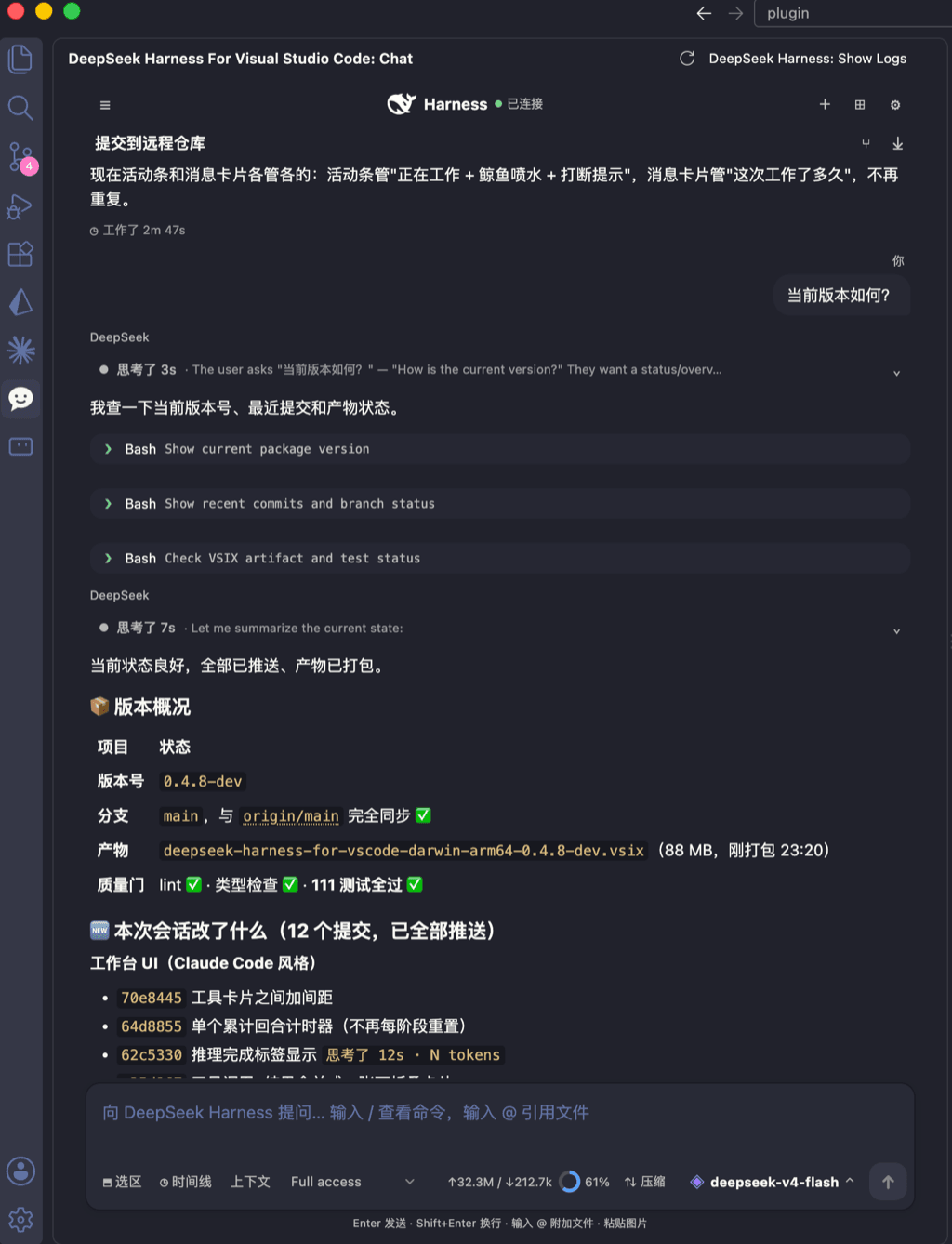 skymecode/deepseek-harness-for-vscode
deepseek-harness for vscode .A native VS Code coding-agent extension for DeepSeek Harness. Streamlined workbench with se…
skymecode/deepseek-harness-for-vscode
deepseek-harness for vscode .A native VS Code coding-agent extension for DeepSeek Harness. Streamlined workbench with se…
-
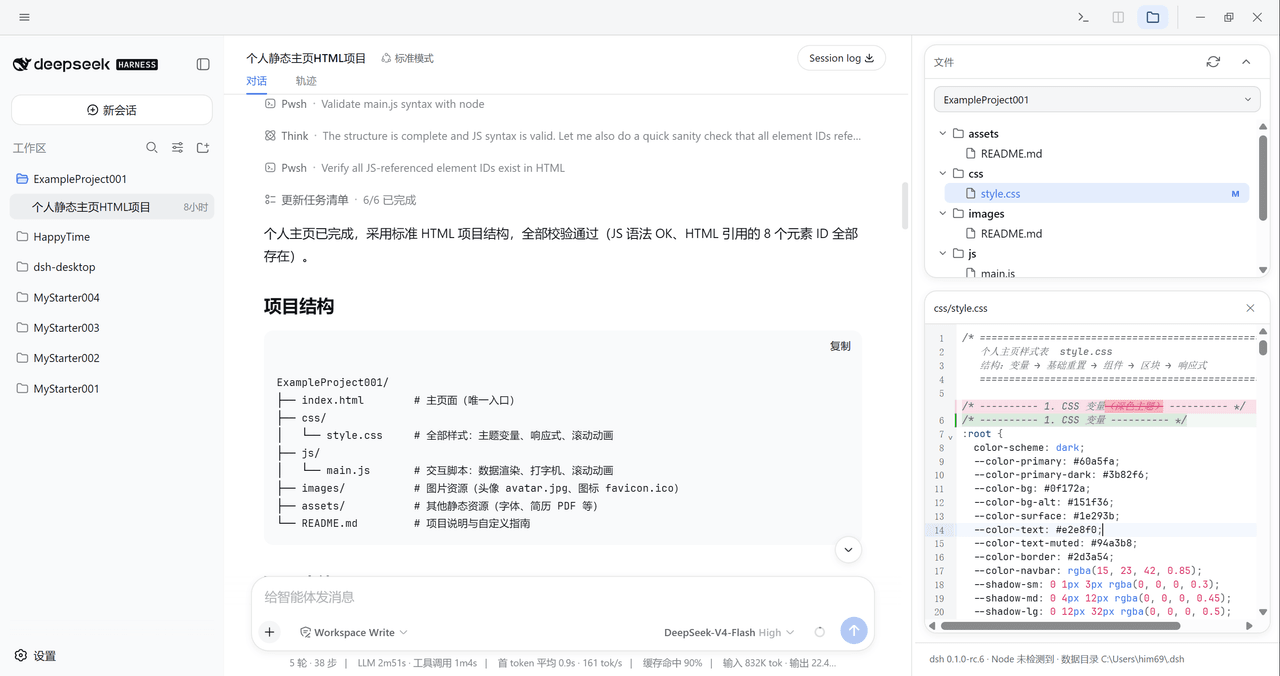 xiincs/deepseek-harness-desktop
DeepSeek Harness 原生桌面版,基于 Tauri 2,内置 Node.js 运行时,一键安装,极速启动,托盘常驻,自动更新。DeepSeek Harness native desktop version: built on T…
xiincs/deepseek-harness-desktop
DeepSeek Harness 原生桌面版,基于 Tauri 2,内置 Node.js 运行时,一键安装,极速启动,托盘常驻,自动更新。DeepSeek Harness native desktop version: built on T…
-
 rison114514/dsh-endfield-ui
Endfield-inspired industrial UI shell for DeepSeek Harness (dsh) — non-official fan theme. Install: dsh plugin --profile…
rison114514/dsh-endfield-ui
Endfield-inspired industrial UI shell for DeepSeek Harness (dsh) — non-official fan theme. Install: dsh plugin --profile…
-
 T-Auto/dsh-ecosystem-spec
deepseek-harness TUI Plugin Access and Implementation Standards / deepseek-harness终端交互生态插件准入规范与实施标准
T-Auto/dsh-ecosystem-spec
deepseek-harness TUI Plugin Access and Implementation Standards / deepseek-harness终端交互生态插件准入规范与实施标准
-
 dsh-tui/dsh-tui
Claude Code-style terminal UI for DeepSeek Harness agents, as an out-of-tree dsh plugin bundle
dsh-tui/dsh-tui
Claude Code-style terminal UI for DeepSeek Harness agents, as an out-of-tree dsh plugin bundle