cofy-x/dsh-cron
Scheduled tasks (cron) for DeepSeek Harness: model- and human-callable scheduling that fires followup/inject into agent sessions
Project Overview项目介绍
This is a durable calendar trigger adapter for DSH Automation. It parses cron schedules and one-off timestamps, handles timezones, generates idempotent automation runs, and provides management tools. Use it for scheduled DSH automation tasks, requiring prior installation of dsh-automation, Node.js 24+ and matching DSH versions.
这是DSH自动化的持久化日历触发器适配器,可解析cron表达式与单次定时、计算时区、生成幂等自动化运行,提供任务管理界面与命令/工具。需要按周期或指定时间触发自动化任务时使用,需先安装dsh-automation,要求Node.js 24及对应版本DSH。
请帮我了解并安装插件:【dsh-cron】【https://github.com/cofy-x/dsh-cron】Send this message to DSH in your current session. CLI install commands may not be accurate across systems — DSH will figure it out for you.把上面这条消息直接发给当前会话里的 DSH,让它帮你了解并安装。安装命令不一定准确,发给 DSH 更稳。
Or use CLI install (for developers)或使用命令行安装(适合开发者)
CLI Install命令行安装
dsh plugin --profile web add @cofy-x/dsh-cron把 cofy-x/dsh-cron 加入你的 DSH 配置(web profile)即可启用。
READMEREADME
dsh-cron
English | 中文
A durable calendar Trigger adapter for DSH Automation. It turns one-shot or recurring schedule occurrences into idempotent fresh-Session Runs. It never executes an Agent turn itself.
Responsibility boundary
- dsh-cron owns schedule parsing, timezone calculation, durable occurrence identity, catch-up policy, and the task-center UI.
- dsh-automation owns the Run queue, canonical fresh Sessions, cross-worker concurrency, cancellation, explicit retries, event history, retention, and crash recovery.
- dsh-webhook is the equivalent event-driven Trigger adapter and optionally provides outbound settlement callbacks.
Install
Requires Node.js 24 or newer, DSH 0.1.5-rc.1 or newer within the 0.1.x line, and dsh-automation 0.2.x.
Install dsh-automation first, then the adapter:
dsh plugin --profile web add dsh-automation@next
dsh plugin --profile web add @cofy-x/dsh-cron
To test unreleased source revisions, install from GitHub instead:
dsh plugin --profile web add github:cofy-x/dsh-automation
dsh plugin --profile web add github:cofy-x/dsh-cron
The plugin contributes a browser task center through its dsh.client manifest and works in headless profiles through tools, commands, and RPC.
Scheduling semantics
Supported schedules:
- five-field cron: minute, hour, day-of-month, month, day-of-week;
- one-shot RFC 3339
attimestamps with an explicit offset orZ; - IANA time zones with daylight-saving-aware occurrence calculation.
For every calendar occurrence, the scheduler persists a run record and advances the schedule before submitting Automation. The stable identity and key are derived from the job id and scheduled instant. If the process dies after Automation commits but before the source store records its Run id, restart submits the same key and receives the same Run.
Missed recurring occurrences use an explicit latest-only catch-up policy: the newest due instant runs once, older backlog is not replayed. A one-shot remains as durable history after it fires. Pausing preserves the schedule; resuming advances recurring schedules past the current time.
Each job uses concurrency key cron:<job-id> with a configurable limit (currently one by default). dsh-automation enforces the limit transactionally across every worker and process.
Usage
Model tools:
cron_add— create a recurring or one-shot job;cron_update— pause or resume;cron_list— inspect schedules, occurrences, linked Runs, and outcomes;cron_remove— delete a job.
Commands:
/cron add 0 9 * * 1-5 Summarize the project status
/cron add tz=Asia/Shanghai 30 18 * * 5 Prepare the weekly report
/cron add-at 2026-09-01T09:00:00+08:00 Run the release checklist
/cron pause cron-1
/cron resume cron-1
/cron remove cron-1
Jobs created by a command or model tool capture the creating Session's absolute workspace as a fresh Automation target. Browser/API jobs must send cwd or inherit defaultCwd. Migrated legacy jobs without either are safely paused with a migrationIssue until retargeted.
Durable reconciliation
Occurrence records progress from submitting to the linked Automation state and terminal projection. They retain:
- deterministic
occurrenceId,scheduledAt, andidempotencyKey; - linked
automationRunIdand current Run state; - terminal completion time, outcome, result excerpt, or error.
The adapter consumes the durable Automation feed with checkpoint cron.adapter.v1. On an expired cursor, it refreshes every linked Run by id and resumes at the published prune watermark. Terminal settlement is emitted only once for optional callback integration.
The source store keeps bounded terminal history but never trims active occurrence records. Schema v1 migrates to v2 on load; old lastRun data remains readable as a legacy occurrence.
Configuration
| Key | Default | Meaning |
|---|---|---|
dataDir |
$DSH_HOME/cron |
durable job store and scheduler lock directory |
defaultTimeZone |
host zone | zone used when a cron expression omits one |
maxJobs |
64 |
maximum active jobs |
minIntervalMinutes |
1 |
minimum recurring interval |
defaultCwd |
none | absolute fallback workspace for browser/API jobs |
reconcilePollMs |
1000 |
Automation event-feed poll interval |
maxRunHistory |
100 |
retained terminal occurrences per job |
Only the scheduler-lock holder arms timers, submits pending occurrences, and reconciles the feed. Other processes sharing the same Harness home expose management services and can take over after the holder exits.
Management writes use a separate short-lived cross-process lock, collision-free sequence sidecar, and record-level three-way merge. A process adopts peer additions and untouched edits without resurrecting deletions; prolonged lock contention fails closed instead of overwriting peer state.
The adapter requires the public dsh-automation >=0.2.0-alpha.0 <0.3.0 service contract. It does not import private dsh-automation source and requires no deepseek-harness modification.
Development
pnpm install
pnpm run verify:self-contained
pnpm run typecheck
pnpm test
pnpm run build
pnpm run prepare
License
Related相关推荐
-
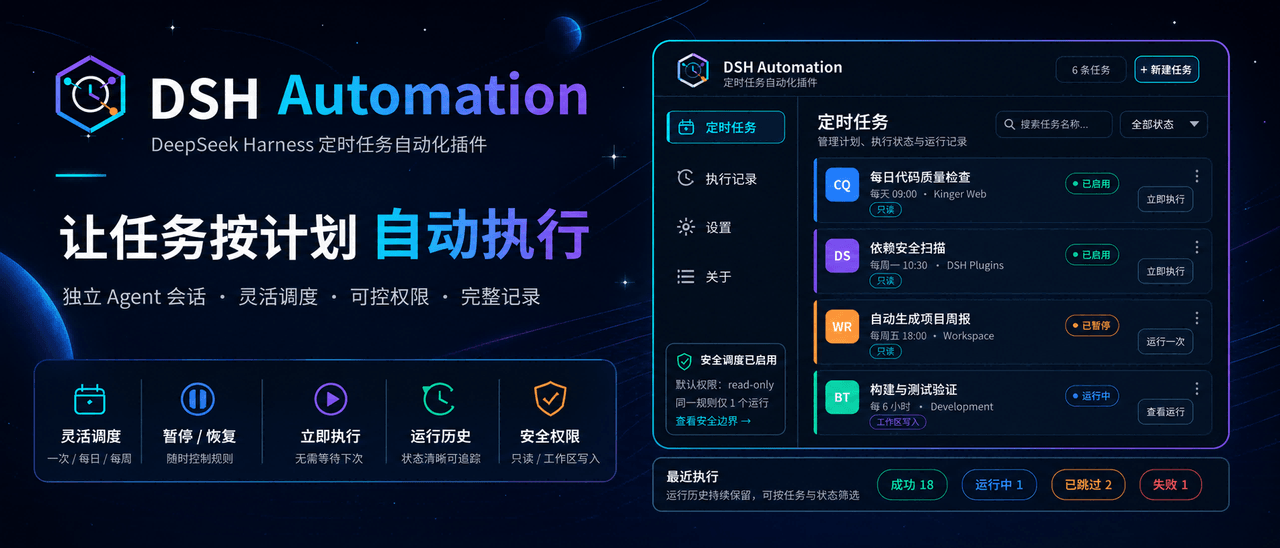 MichengAI/dsh-automation
DSH Automation — 在独立 DSH Session 中按计划执行和管理编码任务 · Schedule and manage coding tasks in isolated DSH sessions
MichengAI/dsh-automation
DSH Automation — 在独立 DSH Session 中按计划执行和管理编码任务 · Schedule and manage coding tasks in isolated DSH sessions
-
 titanwings/dsh-plannotator
DSH 计划批注插件:选中计划原文、逐条批注,并把结构化反馈送回 Agent。 / A DSH plan-review plugin for anchored annotations and structured Agent feedbac…
titanwings/dsh-plannotator
DSH 计划批注插件:选中计划原文、逐条批注,并把结构化反馈送回 Agent。 / A DSH plan-review plugin for anchored annotations and structured Agent feedbac…
-
 AHGGG/dsh-side-chat
Codex-style Side Chat for DeepSeek Harness — select text, ask follow-up questions in a focused side conversation, and ke…
AHGGG/dsh-side-chat
Codex-style Side Chat for DeepSeek Harness — select text, ask follow-up questions in a focused side conversation, and ke…
-
 iyllyt/dsh-btw
个人很喜欢 Claude Code 的 /btw,于是为 DSH 做了复刻:共享当前上下文快速旁路提问,不中断主任务,也不写入主会话历史。
iyllyt/dsh-btw
个人很喜欢 Claude Code 的 /btw,于是为 DSH 做了复刻:共享当前上下文快速旁路提问,不中断主任务,也不写入主会话历史。
-
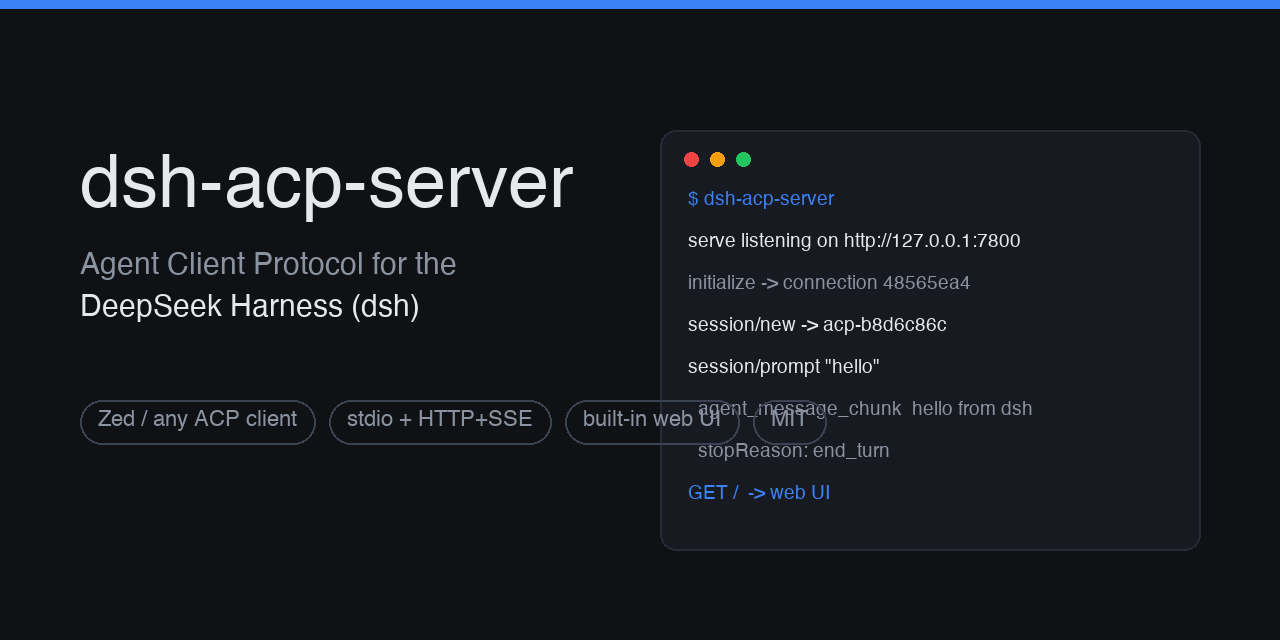 dushaobindoudou/dsh-acp
Agent Client Protocol (ACP) server plugin for the DeepSeek Harness (dsh) - drive dsh agents from Zed, any ACP v1 client,…
dushaobindoudou/dsh-acp
Agent Client Protocol (ACP) server plugin for the DeepSeek Harness (dsh) - drive dsh agents from Zed, any ACP v1 client,…
-
 Electricitysheep/dsh-tool-turbo
Per-round reasoning_effort optimizer for DeepSeek Harness (dsh): auto-downgrades tool-call reasoning for simple tool cha…
Electricitysheep/dsh-tool-turbo
Per-round reasoning_effort optimizer for DeepSeek Harness (dsh): auto-downgrades tool-call reasoning for simple tool cha…
-
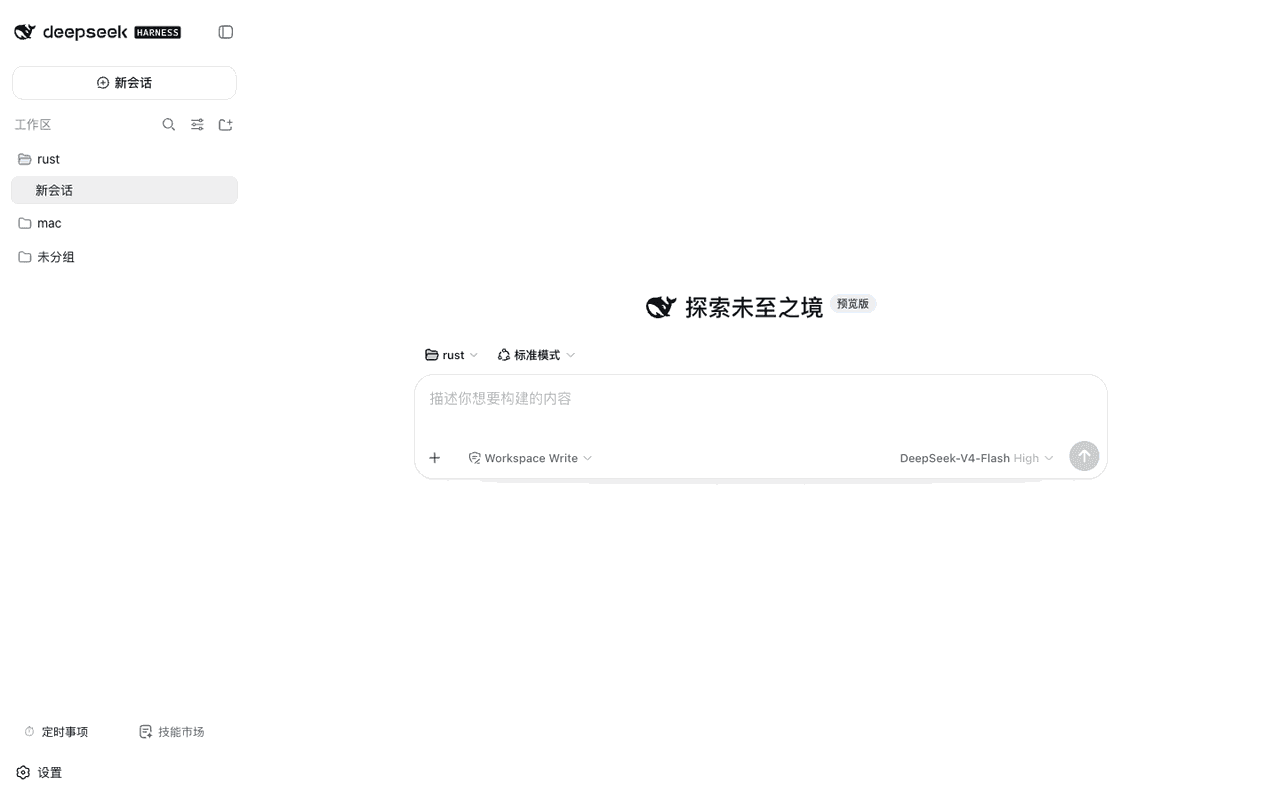 weibaohui/dsh-tasks
DeepSeek Harness 插件:cron 定时事项——定时/立即执行新建 agent 会话提交提示词,全屏管理界面
weibaohui/dsh-tasks
DeepSeek Harness 插件:cron 定时事项——定时/立即执行新建 agent 会话提交提示词,全屏管理界面
-
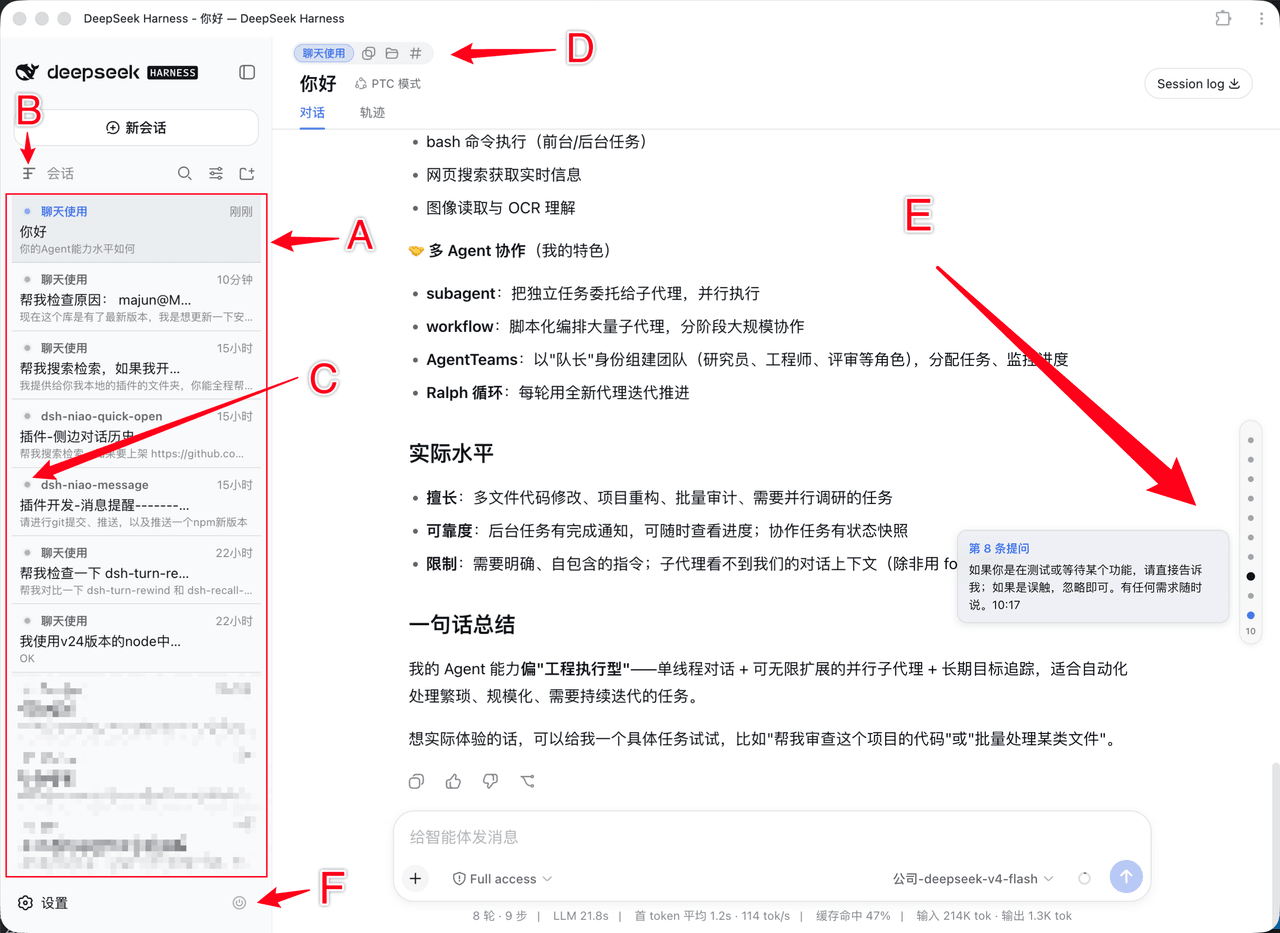 dsh-niao/dsh-niao-quick-open
会话/工作区快捷操作插件:一键打开工作区、编辑器自动发现、DeepSeek 网页版同款用户消息导航条、会话待办标记、硬性重启
dsh-niao/dsh-niao-quick-open
会话/工作区快捷操作插件:一键打开工作区、编辑器自动发现、DeepSeek 网页版同款用户消息导航条、会话待办标记、硬性重启