d3vmeh/dsh-llm-gate
Per-provider concurrency gate for DeepSeek Harness model requests
Project Overview项目介绍
dsh-llm-gate is a native cordis plugin built specifically for DeepSeek Harness (DSH) that solves the problem of provider requests being silently dropped or timing out when a backend can only serve a limited number of concurrent calls, such as a local llama.cpp server started with --parallel 1. Instead of letting the request sit at the HTTP layer until the Node default of 300 seconds elapses and a terminated error appears, the plugin parks surplus requests inside a FIFO queue before any network call is dispatched, so no timeout clock is running while a request waits. Installation is performed with dsh plugin --profile web add dsh-llm-gate, after which the operator enables per-provider gating inside ~/.dsh/profiles/web/cordis.patch.yml by listing route names from llm-pi-ai.providers (or another adapter) together with maxConcurrent, maxQueued, and queueTimeoutMs; dsh web is then restarted and the composed configuration can be inspected with dsh --profile web --dump-config.
The intended audience is anyone running DSH against a constrained local model where subagents, the main agent, compaction, and session-title generation can collide on the same provider in the same turn. The plugin attaches to the llm/stream waterfall so every model request the host issues goes through it, including agent calls, subagent calls, compaction passes, and title generation. When a request must wait, a single line is printed to the dsh terminal showing the provider, the session identifier, the queue depth, and either a queued or dispatched event with the wait time in milliseconds; an auxiliary purpose=compaction or purpose=session-title tag is added so the operator can tell those requests apart. Requests that obtain a slot immediately emit no log line at all.
Dependencies are minimal: the host must have the llm service running and an adapter such as llm-pi-ai already configured with named providers, because the gate only intercepts the provider keys explicitly listed in the patch. Operators should set maxConcurrent to match llama.cpp's --parallel slot count and, when seeking throughput rather than strict serialization, raise it together with --parallel 2 --kv-unified. Queue full and queue timeout failures end the turn immediately and are not retried by dsh-llm-retry, while waiting time inside the gate is not billed against streamIdleTimeoutMs because the adapter is not invoked until a slot is acquired; that timer must still be large enough for prompt processing. Cancellation must use the request's abort signal, otherwise a dropped stream stays queued until a slot frees, at which point it dispatches and is closed right away. The project is released under the MIT license.
dsh-llm-gate 是面向 DeepSeek Harness(DSH) 的原生 cordis 插件,专门解决本地推理后端并发能力受限导致请求被丢弃或超时的问题。它以 FIFO 队列把多余请求截留在 dsh 进程内部,在拿到真正的 HTTP 槽位之前不会发起任何网络调用,从而绕开 Node 默认 300 秒超时后产生的 terminated 报错。安装方式为 dsh plugin --profile web add dsh-llm-gate,随后在 ~/.dsh/profiles/web/cordis.patch.yml 中按 provider 路由名启用闸门,配置 maxConcurrent、maxQueued、queueTimeoutMs 三项参数后重启 dsh web 即可生效,可通过 dsh --profile web --dump-config 校验合成后的配置。
典型使用场景是单机或多代理场景下子代理、主代理、上下文压缩三者并发触发同一 provider(如 llamaccp --parallel 1)时的串行化排队。它会拦截 llm/stream 瀑布流,覆盖 host 中所有模型请求,包含普通代理、子代理、compaction 以及会话标题生成。当请求必须等待时,终端会打印形如 llm-gate: llamacpp session=... queued (depth 1) 的日志,并附上 purpose=compaction 或 purpose=session-title 标识辅助请求;即时拿到槽位的请求不产生日志。该插件面向需要在受限本地模型上保证请求不丢、避免误判为死亡的开发者。
依赖方面要求 host 已启用 llm 服务并已配置 llm-pi-ai 等 adapter 的 provider,闸门只对列入白名单的 provider 生效,未列出的 provider 不被串行化。maxConcurrent 应与 llama.cpp 的 --parallel 一致,maxQueued 默认无限,queueTimeoutMs 默认无限期等待,超出后请求以 QUEUE_FULL 或 QUEUE_TIMEOUT 失败结束本轮,且不会被 dsh-llm-retry 重试。等待时间不计入 adapter 的 streamIdleTimeoutMs,但 prompt 处理仍需保持该值足够大。中途取消请走 abort signal,否则请求会一直占用队列直至拿到槽位才立即关闭。许可证为 MIT。
请帮我安装这个 DSH 插件。安装前先完成【兼容性检查 + 安全性检查】,检查通过再动手。

插件:dsh-llm-gate(d3vmeh/dsh-llm-gate)
仓库:https://github.com/d3vmeh/dsh-llm-gate
本站详情页:https://www.yhbd.top/plugins/d3vmeh-dsh-llm-gate/
本站登记:类型 plugin · 归类 原生 DSH 插件 · 许可证 MIT · ⭐ 2 · 最近提交 2026-08-29 · 主语言 JavaScript

按下面顺序执行,每步先把结论告诉我,再进入下一步:

【1 兼容性检查】
① 我这边:DSH 版本、Node 版本、操作系统、当前 profile(web / desktop)。
② 读它的 README、package.json、插件 manifest,列出它要求的 DSH 版本 / Node 版本 / 操作系统 / 外部依赖 / 需要另外先装的运行时。
③ 逐条比对,结论只写「满足 / 不满足 / 未知」三种;不满足的给出可行替代方案。
④ 检查是否和我已装的插件冲突:命令名重复、skill / tool 重名、端口占用、重复注册的 MCP server。

【2 安全性检查】
① 仓库可信度:和上面「本站登记」是否一致;star / fork 数、创建时间、最近提交,是否归档或长期停更。
② 安装脚本:逐行看 package.json 的 preinstall / install / postinstall,以及 install.sh、setup.ps1 之类脚本。出现 curl|bash、下载后直接执行、混淆代码、访问与插件功能无关的域名,立刻停下来告诉我,不要继续装。
③ 依赖:列出新增依赖,标出无人维护、或与知名包拼写近似的可疑包(typosquatting)。
④ 权限与副作用:它会读写哪些目录、访问哪些域名、需要哪些 DSH 权限(filesystem / network / shell / clipboard 等),以及怎么卸载和回滚。
⑤ 如果它要求 sudo / 管理员权限,或权限明显超出功能所需,先停下来问我。

【3 安装】
上面两步没有「不满足」和「高危项」时才执行;用官方推荐方式安装,不要自行提权。

【4 汇报】
用表格输出:检查项 / 结论 / 依据 / 是否需要我决策。拿不准的一律写「未知」并说明要我怎么确认——不要猜,也不要替我决定。
Send this message to DSH in your current session: it verifies compatibility and security first (answering met / not met / unknown item by item) and only installs once everything checks out — it will stop and ask you if it finds a high-risk item. The box scrolls; the copy is the full prompt. CLI install commands may not be accurate across systems, so DSH is the safer route.把上面这条消息直接发给当前会话里的 DSH:它会先核对兼容性与安全性(逐条给「满足 / 不满足 / 未知」),确认没问题再安装,有高危项会停下来问你。框内可滚动,复制到的是完整提示词;安装命令不一定准确,发给 DSH 更稳。
- Only 2 stars - very few users, little community feedback星标只有 2,几乎没人在用,遇到问题缺少社区反馈
DSH walks through these 9 checksDSH 会逐条核对这 9 项
Compatibility兼容性
- DSH, Node, OS and profile requirementsDSH 版本 / Node 版本 / 操作系统 / profile 是否满足要求
- External dependencies and runtimes (Electron / Python / Docker, ...)外部依赖与运行时(Electron / Python / Docker 等)是否齐备
- Conflicts with installed plugins: command names, skill / tool names, ports, duplicate MCP registration与已装插件是否冲突:命令名、skill / tool 重名、端口占用、重复 MCP 注册
Security安全性
- Repo matches the facts registered here; archived or abandoned?仓库是否与页面登记一致,是否归档或长期停更
- Safety of preinstall / install / postinstall and install.sh / setup.ps1preinstall / install / postinstall 与 install.sh、setup.ps1 是否安全
- curl|bash, download-then-execute, obfuscation, unrelated domains → stop immediatelycurl|bash、下载即执行、混淆代码、无关域名 → 立刻停止
- Typosquatting or unmaintained packages among the new dependencies新增依赖里有没有 typosquatting 或无人维护的包
- Requested permissions vs. what the feature actually needs申请了哪些权限、是否超出功能所需(filesystem / network / shell / clipboard)
- Any sudo / admin requirement, plus uninstall and rollback是否要求 sudo / 管理员权限,以及卸载与回滚方式
Anything uncertain must be marked unknown with a note on how to confirm it. This site's signal screen is a static snapshot, not a security audit.拿不准的必须标「未知」并说明要我怎么确认。本站的信号筛查是静态快照,不能替代安全审计。
Or use CLI install (for developers)或使用命令行安装(适合开发者)
CLI Install命令行安装
dsh plugin --profile web add dsh-llm-gate把 d3vmeh/dsh-llm-gate 加入你的 DSH 配置(web profile)即可启用。
READMEREADME
dsh-llm-gate
Per-provider concurrency gate for DeepSeek Harness model requests.
If a provider can only serve a fixed number of requests at once (e.g a local llama-server with --parallel 1), every extra request is deferred by the server with nothing sent back. The client cannot tell "waiting for a slot" from "dead", and Node HTTP layer times out after 300 seconds with terminated. In practice this happens when there is overlap between a subagent and the main agent or compaction and the agent.
This plugin holds surplus requests inside dsh instead. A request waits in a FIFO queue before any HTTP request is made so no timeout is running while it waits. When a slot frees, the next request is dispatched.
Install
dsh plugin --profile web add dsh-llm-gate
Then configure the providers to gate in ~/.dsh/profiles/web/cordis.patch.yml:
- id: llm-gate
  config:
    providers:
      llamacpp:
        maxConcurrent: 1
        maxQueued: 16
        queueTimeoutMs: 3600000
The provider key is the route name from your llm-pi-ai.providers (or other adapter) settings. Providers not listed are not gated. Restart dsh web and open a new session.
Check the composed config with dsh --profile web --dump-config.
Settings
| Setting | Required | Meaning |
|---|---|---|
maxConcurrent |
yes | Requests allowed in flight to this provider. For llama.cpp, match --parallel. |
maxQueued |
no | Requests allowed to wait. Beyond this, a request fails at once with QUEUE_FULL. Default: unlimited. |
queueTimeoutMs |
no | Longest a request may wait for a slot before failing with QUEUE_TIMEOUT. Default: wait indefinitely. |
Queue failures end the turn with the code shown. They are not retried by dsh-llm-retry.
What you will see
The plugin prints a line to the dsh terminal only when a request has to wait:
llm-gate: llamacpp session=a61e6e40 queued (depth 1)
llm-gate: llamacpp session=a61e6e40 dispatched after 5730ms
purpose=compaction or purpose=session-title is added for auxiliary requests. Requests that get a slot immediately print nothing.
Notes
- This gate serializes requests so it does not make a single-slot server faster. For parallelizing, give llama.cpp more slots (
--parallel 2 --kv-unified) and raisemaxConcurrentto match. - Waiting time is not counted by the adapter's
streamIdleTimeoutMsbecause the adapter is not called until the slot is acquired. You still needstreamIdleTimeoutMslarge enough for your prompt processing time (see thellm-pi-aiprovider settings). - A queued request is cancelled through its abort signal. Dropping the stream without aborting leaves the request queued until a slot frees, at which point it dispatches and is closed immediately.
- Requires the
llmservice; hooks thellm/streamwaterfall, so it covers every model request in the host: agents, subagents, compaction, and title generation.
Showing the opening section of the README — the full document lives in the repository以上为 README 开头摘要,完整文档在仓库内 · View the full README on GitHub →在 GitHub 查看完整 README →
Related相关推荐
- voyager-crew/voyager Enhancement suite for Gemini, AI Studio, Claude, ChatGPT & DeepSeek — plus a prompt manager for any website, DeepSeek Ha…
-
 Q00/ouroboros
Agent OS: the agent gets smarter on its own. We just hold the line: Interview-gated, staged evaluation, budgeted evoluti…
Q00/ouroboros
Agent OS: the agent gets smarter on its own. We just hold the line: Interview-gated, staged evaluation, budgeted evoluti…
-
 crafter-station/petdex
A public gallery of animated pets for Codex, Claude Code, DeepSeek Harness, Hermes, OpenCode, Gemini CLI, and more.
crafter-station/petdex
A public gallery of animated pets for Codex, Claude Code, DeepSeek Harness, Hermes, OpenCode, Gemini CLI, and more.
-
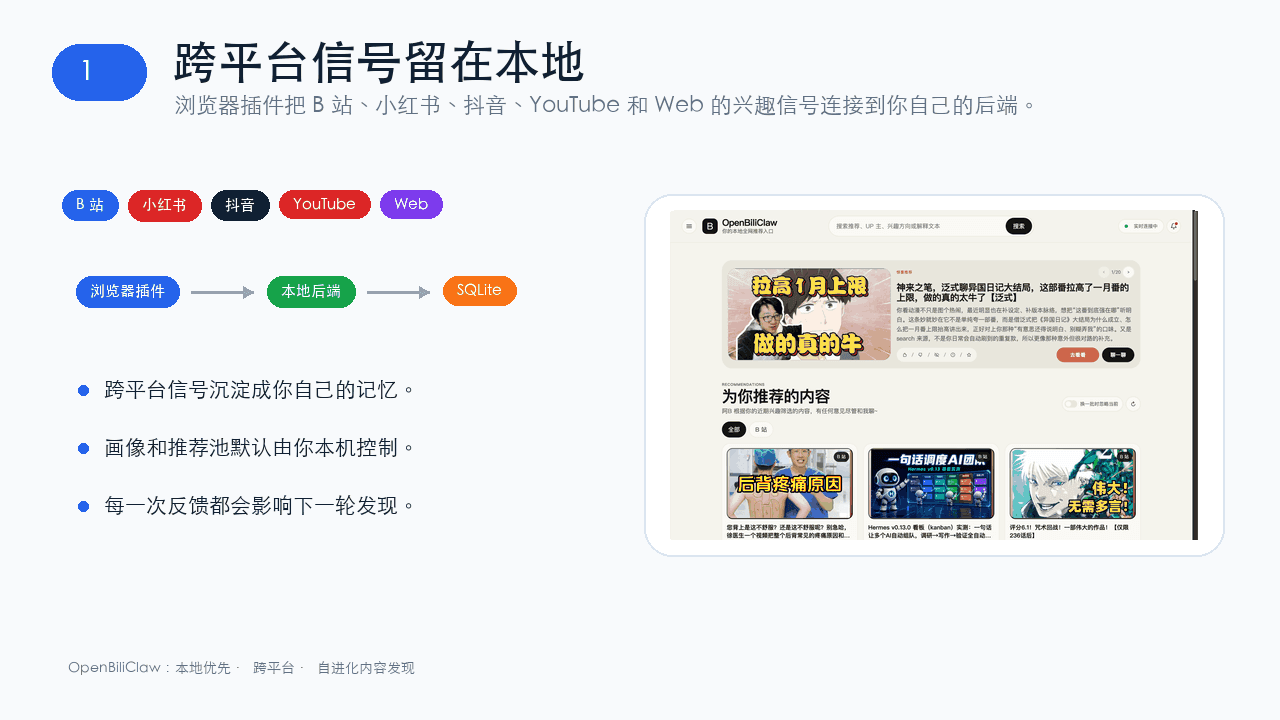 whiteguo233/OpenBiliClaw
本地私有、开源的自进化跨平台 AI 内容发现 Agent:先理解你,再主动从 B站、小红书、抖音、YouTube、X、知乎、Reddit、微博等平台与开放 Web 寻找内容。(支持 deepseek harness 插件) | Local-…
whiteguo233/OpenBiliClaw
本地私有、开源的自进化跨平台 AI 内容发现 Agent:先理解你,再主动从 B站、小红书、抖音、YouTube、X、知乎、Reddit、微博等平台与开放 Web 寻找内容。(支持 deepseek harness 插件) | Local-…
-
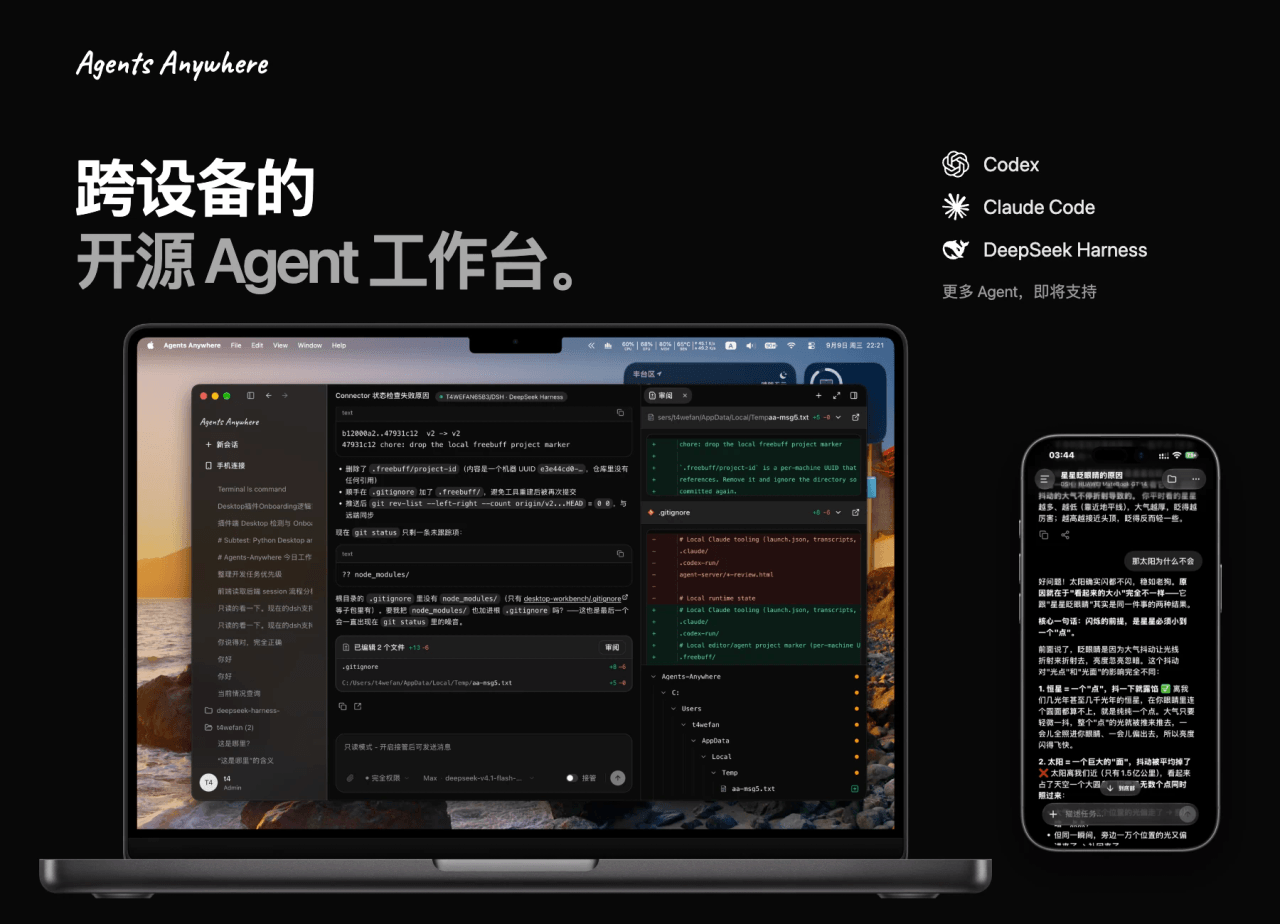 anywhere-labs/Agents-Anywhere
跨设备的开源Agent工作台
anywhere-labs/Agents-Anywhere
跨设备的开源Agent工作台
-
 agentrq/agentrq
AgentRQ: Human-in-loop realtime conversational task manager for AI Agents. Self-hosted! Control your own agents from whe…
agentrq/agentrq
AgentRQ: Human-in-loop realtime conversational task manager for AI Agents. Self-hosted! Control your own agents from whe…
-
 freestylefly/wesight
Open-source desktop AI agent workspace with one-click Claude Code, Codex, OpenClaw, Hermes Agent setup and custom LLM mo…
freestylefly/wesight
Open-source desktop AI agent workspace with one-click Claude Code, Codex, OpenClaw, Hermes Agent setup and custom LLM mo…
- zouyuxuan122/dsh-our-free-model 在 dsh 里装上这个插件即可,无需登录、注册或填 API Key,就能使用包括 Muse Spark 1.3、MiMo V2.6 在内的前沿模型——完全免费,不限量。 All you do is install this plugin i…