dxww123/dsh-alphasolve
AlphaSolve helps you work on difficult mathematics problems in DeepSeek Harness: it develops candidate proofs, checks them independently, and revises them. It follows the workflow of AlphaSolve.
catalog descriptioncatalog 简介 / catalog description:Session-scoped AlphaSolve workflow for DeepSeek Harness
Project Overview项目介绍
AlphaSolve for DSH is a native DeepSeek Harness plugin that integrates the external AlphaSolve mathematical workflow into DSH 0.2.0-rc.1 sessions. The bundle is installed through the dsh plugin --profile web add and dsh plugin --profile headless add commands for the Web and Headless profiles, or via a pnpm pack tarball loaded through DeepSeek Harness Desktop 0.2.0-rc.1's Plugin Manager. The shipped controller stays dormant by default and only activates the solver tools for a session when the user explicitly mentions AlphaSolve and asks it to solve the selected workspace's problem.md. The plugin is a DSH-only product: there is no support for Claude Code, Codex, Cursor, Gemini CLI, Copilot, OpenCode, or Cline.
A typical workflow begins with a problem.md in the current workspace. A Curator keeps one durable Session across restarts and generations, reusing a remembered wiki map and reading only relevant notes. The Main Session dispatches two helper roles, compute and numerical_experiment, each running a separate persistent Python process with its own SymPy namespace that survives ordinary exceptions but is reset on timeout, cancellation, or interpreter failure. Workers join the same preset generation as their main session, narrowed by AlphaSolve's role-specific restrictions and stripped of shell, run_code, Web, and subagent access. The target users are researchers and engineers performing symbolic derivation, numerical experimentation, and mathematical modeling inside DSH.
Dependencies require DSH 0.2.0-rc.1, Cordis 4.0.4, and a Python 3.10+ virtual environment created by node scripts/setup-python.mjs, which installs SymPy 1.14.0 and mpmath 1.3.0 under ${DSH_HOME:-~/.dsh}/runtimes/alphasolve-python with system site packages disabled. The license is MIT. Compute helpers run under Harness's read-only process policy plus an extra Python policy that blocks writes, cross-worker reads, subprocess spawning, and network use; on Windows the read-only backend is only partially enforced and the Python audit/syntax policies are not a strong sandbox against hostile code. First-run caveats include pinning the full commit SHA during gh-based installation, verifying dsh-alphasolve appears in dsh --dump-config for every custom profile, and restarting any running dsh web process after installation or upgrade because a browser refresh does not load new code.
AlphaSolve for DSH 是面向 DeepSeek Harness 的原生插件,将外部 AlphaSolve 数学求解工作流整合进 DSH 0.2.0-rc.1 会话环境。插件以 bundle 形式通过 dsh plugin --profile web add 或 dsh plugin --profile headless add 命令安装到 Web 与 Headless 配置,也可通过 pnpm pack 生成的本地 tarball 在 DeepSeek Harness Desktop 0.2.0-rc.1 的插件管理器内加载。安装后控制器默认休眠,仅当用户在当前工作区的 problem.md 中显式提及 AlphaSolve 并请求求解时,对应会话才加载求解工具。
典型使用流程是用户在工作区编写 problem.md,由 Curator 维护跨会话的持久会话与 wiki 映射,Main Session 调度 compute 与 numerical_experiment 两个 helper 角色调用 Python/SymPy 完成符号计算,并将结果回传主会话整理。每个 helper 拥有独立的 SymPy 命名空间与持久进程,异常、超时或取消都会重置该进程。该插件面向需要在 DSH 内做数学建模、符号推导与数值实验的研究者与工程师。
依赖方面要求 DSH 0.2.0-rc.1、Cordis 4.0.4,并需通过 node scripts/setup-python.mjs 创建 Python 3.10+ 虚拟环境,安装 SymPy 1.14.0 与 mpmath 1.3.0。License 为 MIT。计算 helper 受 Harness 只读进程策略及 Python 策略约束,无法写项目文件、读其他 worker 草稿、启动子进程或访问网络;Windows 下的只读后端仅提供部分强制执行,Python 审计策略并非针对恶意代码的强沙箱。首次运行请先 dsh --version 确认版本,再用 dsh --dump-config 校验 dsh-alphasolve 条目已注入目标配置,并在升级后重启 dsh web 进程。
请帮我安装这个 DSH 插件。安装前先完成【兼容性检查 + 安全性检查】,检查通过再动手。

插件:dsh-alphasolve(dxww123/dsh-alphasolve)
仓库:https://github.com/dxww123/dsh-alphasolve
本站详情页:https://www.yhbd.top/plugins/dxww123-dsh-alphasolve/
本站登记:类型 plugin · 归类 原生 DSH 插件 · 许可证 MIT · ⭐ 5 · 最近提交 2026-10-01 · 主语言 TypeScript

按下面顺序执行,每步先把结论告诉我,再进入下一步:

【1 兼容性检查】
① 我这边:DSH 版本、Node 版本、操作系统、当前 profile(web / desktop)。
② 读它的 README、package.json、插件 manifest,列出它要求的 DSH 版本 / Node 版本 / 操作系统 / 外部依赖 / 需要另外先装的运行时。
③ 逐条比对,结论只写「满足 / 不满足 / 未知」三种;不满足的给出可行替代方案。
④ 检查是否和我已装的插件冲突:命令名重复、skill / tool 重名、端口占用、重复注册的 MCP server。

【2 安全性检查】
① 仓库可信度:和上面「本站登记」是否一致;star / fork 数、创建时间、最近提交,是否归档或长期停更。
② 安装脚本:逐行看 package.json 的 preinstall / install / postinstall,以及 install.sh、setup.ps1 之类脚本。出现 curl|bash、下载后直接执行、混淆代码、访问与插件功能无关的域名,立刻停下来告诉我,不要继续装。
③ 依赖:列出新增依赖,标出无人维护、或与知名包拼写近似的可疑包(typosquatting)。
④ 权限与副作用:它会读写哪些目录、访问哪些域名、需要哪些 DSH 权限(filesystem / network / shell / clipboard 等),以及怎么卸载和回滚。
⑤ 如果它要求 sudo / 管理员权限,或权限明显超出功能所需,先停下来问我。

【3 安装】
上面两步没有「不满足」和「高危项」时才执行;用官方推荐方式安装,不要自行提权。

【4 汇报】
用表格输出:检查项 / 结论 / 依据 / 是否需要我决策。拿不准的一律写「未知」并说明要我怎么确认——不要猜,也不要替我决定。
Send this message to DSH in your current session: it verifies compatibility and security first (answering met / not met / unknown item by item) and only installs once everything checks out — it will stop and ask you if it finds a high-risk item. The box scrolls; the copy is the full prompt. CLI install commands may not be accurate across systems, so DSH is the safer route.把上面这条消息直接发给当前会话里的 DSH:它会先核对兼容性与安全性(逐条给「满足 / 不满足 / 未知」),确认没问题再安装,有高危项会停下来问你。框内可滚动,复制到的是完整提示词;安装命令不一定准确,发给 DSH 更稳。
- Only 5 stars - very few users, little community feedback星标只有 5,几乎没人在用,遇到问题缺少社区反馈
DSH walks through these 9 checksDSH 会逐条核对这 9 项
Compatibility兼容性
- DSH, Node, OS and profile requirementsDSH 版本 / Node 版本 / 操作系统 / profile 是否满足要求
- External dependencies and runtimes (Electron / Python / Docker, ...)外部依赖与运行时(Electron / Python / Docker 等)是否齐备
- Conflicts with installed plugins: command names, skill / tool names, ports, duplicate MCP registration与已装插件是否冲突:命令名、skill / tool 重名、端口占用、重复 MCP 注册
Security安全性
- Repo matches the facts registered here; archived or abandoned?仓库是否与页面登记一致,是否归档或长期停更
- Safety of preinstall / install / postinstall and install.sh / setup.ps1preinstall / install / postinstall 与 install.sh、setup.ps1 是否安全
- curl|bash, download-then-execute, obfuscation, unrelated domains → stop immediatelycurl|bash、下载即执行、混淆代码、无关域名 → 立刻停止
- Typosquatting or unmaintained packages among the new dependencies新增依赖里有没有 typosquatting 或无人维护的包
- Requested permissions vs. what the feature actually needs申请了哪些权限、是否超出功能所需(filesystem / network / shell / clipboard)
- Any sudo / admin requirement, plus uninstall and rollback是否要求 sudo / 管理员权限,以及卸载与回滚方式
Anything uncertain must be marked unknown with a note on how to confirm it. This site's signal screen is a static snapshot, not a security audit.拿不准的必须标「未知」并说明要我怎么确认。本站的信号筛查是静态快照,不能替代安全审计。
Or use CLI install (for developers)或使用命令行安装(适合开发者)
CLI Install命令行安装
dsh plugin --profile web add github:dxww123/dsh-alphasolve把 dxww123/dsh-alphasolve 加入你的 DSH 配置(web profile)即可启用。
READMEREADME
AlphaSolve for DSH
AlphaSolve helps you work on difficult mathematics problems in DeepSeek Harness: it develops candidate proofs, checks them independently, and revises them. It follows the workflow of AlphaSolve.
Install
- Install DeepSeek Harness Desktop 0.2.0-rc.2 and configure a working model connection.
- Open the plugin manager, choose Add plugin, enter
dsh-alphasolve, and install. Choose Enable now and restart if prompted. - Complete the one-time Python/SymPy setup. Desktop includes Python, but installing the plugin does not install SymPy.
No GitHub account or source build is needed. If you have the older @dsh-external/dsh-alphasolve package, replace it before installing this one.
Solve a problem
Create a folder and put your question in
problem.md. You may addhint.mdfor ideas, references, or approaches to try.Open that folder as a workspace in DSH and start a conversation in standard mode.
Send:
Use AlphaSolve to solve the problem in problem.md.
Click AlphaSolve at the top of the conversation to see progress and open each participant's working transcript. When the workflow accepts a solution, it writes solution.md in your folder.
Start with a small problem. Repeated checking can take a long time and incur substantial model charges; the default is two parallel solving tasks. Automated checks do not guarantee a correct proof—review the mathematics yourself.
npm package · Advanced usage and development · Compatibility · Report a problem
Related相关推荐
-
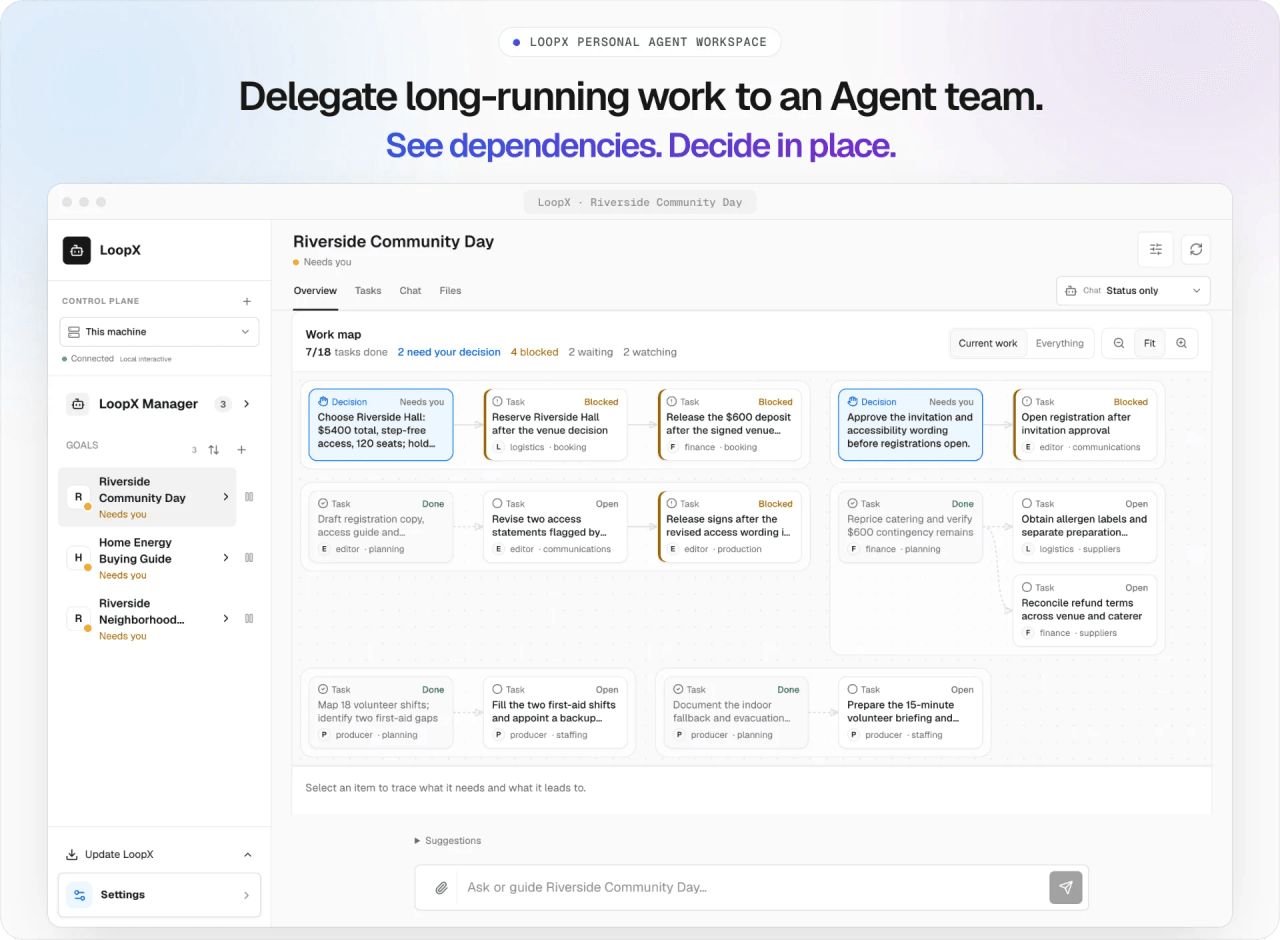 loopx-project/loopx
A control plane with a durable state kernel for long-horizon agents and teams. Keep work moving and improving across ses…
loopx-project/loopx
A control plane with a durable state kernel for long-horizon agents and teams. Keep work moving and improving across ses…
-
 omdsh-dev/DSH-better-sidebar
开放的侧边栏底座,支持三方拓展注册新侧边栏页面。内置文件渲染编辑/终端/侧边对话/Git/子代理页面 | Open sidebar foundation, supports third-party extensions to registe…
omdsh-dev/DSH-better-sidebar
开放的侧边栏底座,支持三方拓展注册新侧边栏页面。内置文件渲染编辑/终端/侧边对话/Git/子代理页面 | Open sidebar foundation, supports third-party extensions to registe…
- chenxiachan/thoughtdag Your thinking deserves a map: an infinite canvas where LLM conversations grow into an editable thought graph. Wires are …
-
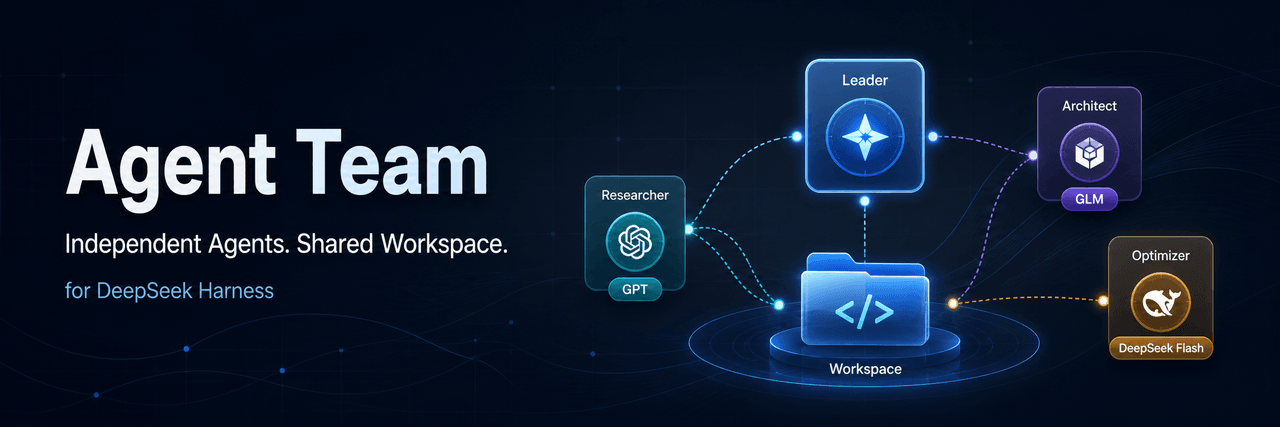 limuyang2/agent-team
Multi-agent team collaboration for DeepSeek Harness, with independent models, skills, MCP tools, contexts, and a shared …
limuyang2/agent-team
Multi-agent team collaboration for DeepSeek Harness, with independent models, skills, MCP tools, contexts, and a shared …
-
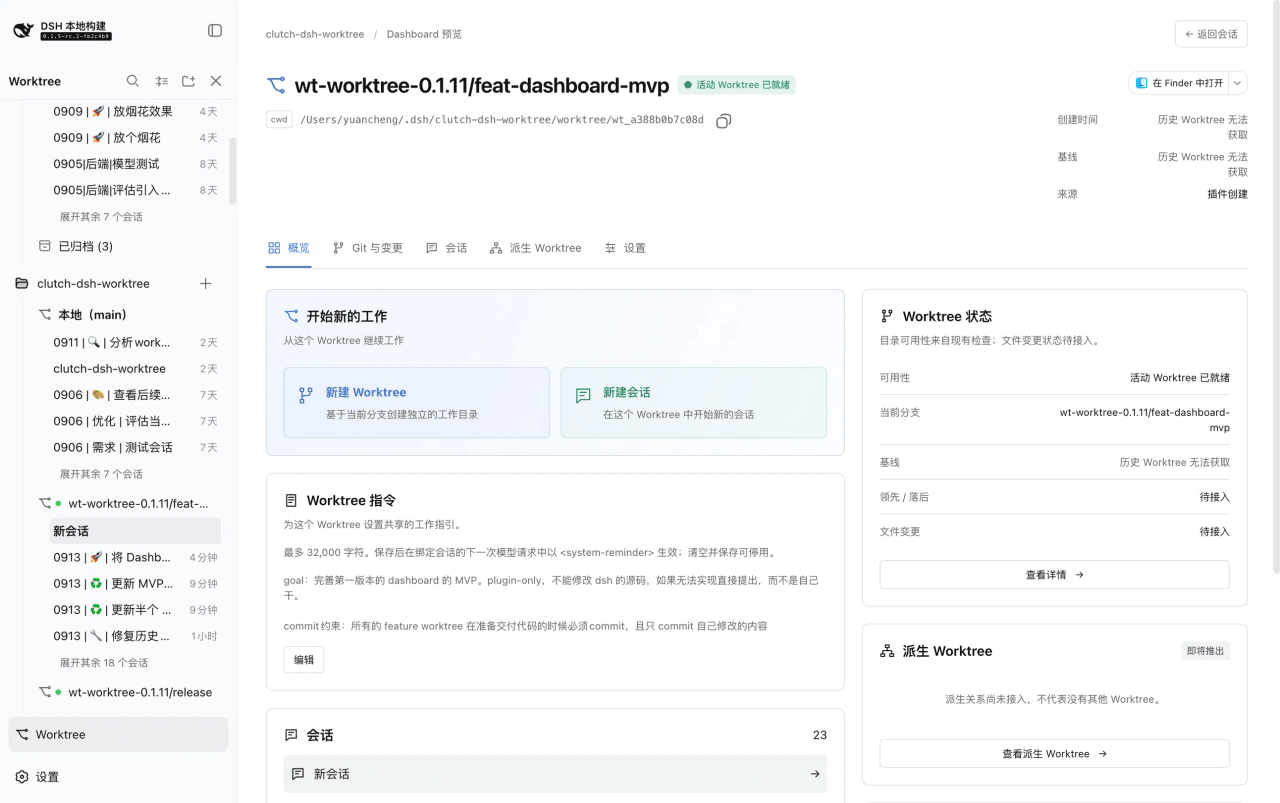 Cerbur/clutch-dsh
Open-source DSH plugins for DeepSeek Harness:Git Worktree session management(会话管理)、Session Title(会话标题)与 Fireworks(庆祝特效),…
Cerbur/clutch-dsh
Open-source DSH plugins for DeepSeek Harness:Git Worktree session management(会话管理)、Session Title(会话标题)与 Fireworks(庆祝特效),…
-
 LoserFox/distill
自动对话蒸馏:后台 subagent 反省 + 技能 create/update
LoserFox/distill
自动对话蒸馏:后台 subagent 反省 + 技能 create/update
-
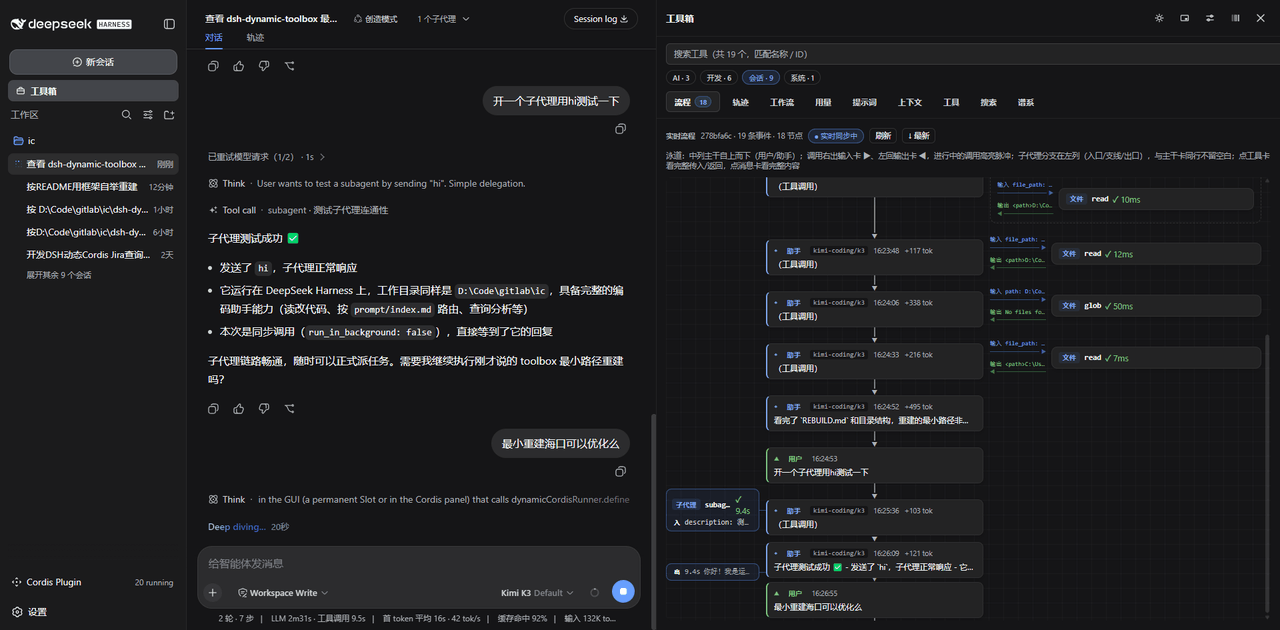 Iwctwbh/dsh-flowglass
流镜 Flowglass — DeepSeek Harness session flowgraph,实时可视化消息、工具组、子代理分支与步骤详情。
Iwctwbh/dsh-flowglass
流镜 Flowglass — DeepSeek Harness session flowgraph,实时可视化消息、工具组、子代理分支与步骤详情。
-
 PerryLink/dsh-background-agents
Interactive long-session background agents for DeepSeek Harness: start a durable continuable child agent, watch its prog…
PerryLink/dsh-background-agents
Interactive long-session background agents for DeepSeek Harness: start a durable continuable child agent, watch its prog…