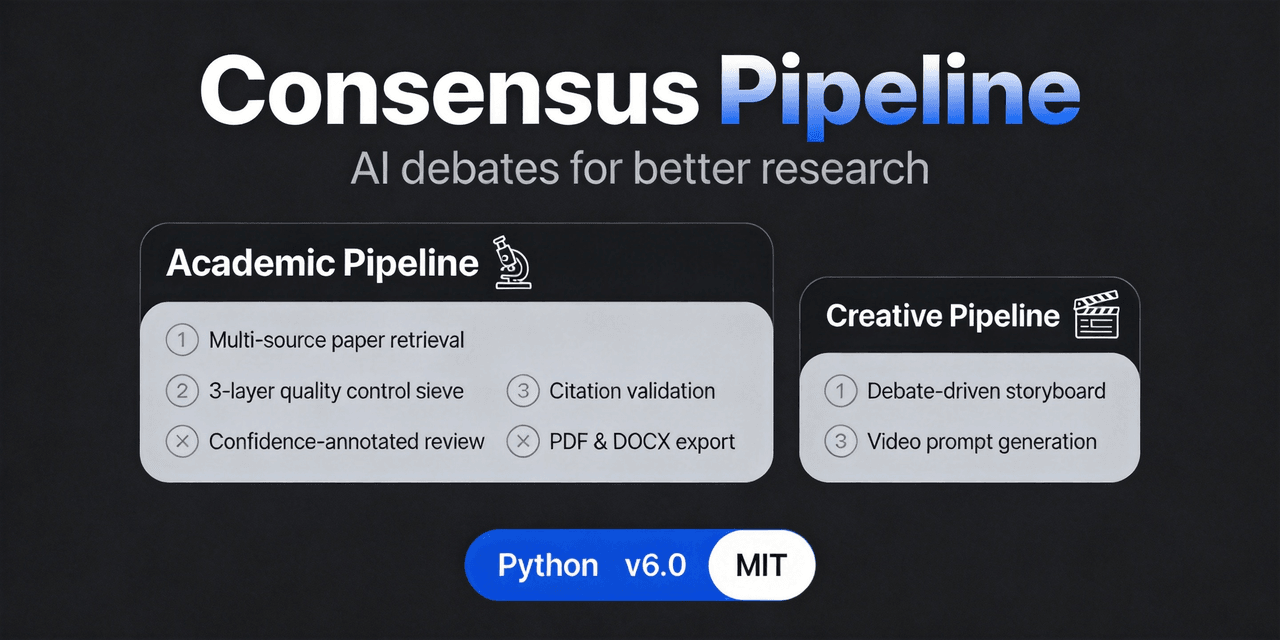
fangqian616/consensus-pipeline
Multi-agent department framework for long-form complex tasks, fighting AI hallucination, validated on academic research. 共识管线:多智能体部门长线任务解决框架,对抗AI幻觉,以学术研究为验证场景。
Project Overview项目介绍
Consensus Pipeline is a multi-agent debate framework built for academic literature review. It differs from traditional single-pass LLM summarization tools by running a structured multi-agent debate where every claim is challenged by agents from different perspectives before a consensus is reached. The framework supports three different installation and use paths: a one-shot installer that sets up MCP configuration automatically, installation as a DSH plugin for AI-driven workflow, and standalone use via Streamlit web UI or headless CLI. It works with any OpenAI-compatible LLM API, with primary testing done on DeepSeek models, and supports custom endpoints for locally hosted models.
The typical workflow starts with an AI-led requirement interview, where the agent asks clarifying questions to nail down the user’s research scope, goals, and constraints. Next, the framework automatically generates more than 10 specialized debate departments, with multiple debaters per department each arguing from a distinct methodological perspective. It then runs 3 to 8 rounds of debate, stopping early once consensus is reached across debaters. Finally, it outputs a full literature review with per-claim confidence scores, runnable code for discussed methods, and a verified reference list. The tool is designed for graduate students, researchers, and academics working on literature reviews for research projects.
This project is released under the permissive MIT open source license, so users can modify and redistribute it freely per license terms. It requires Python 3.10 or newer and Streamlit 1.30 or newer as core dependencies, and users need to provide their own API key for their chosen LLM provider. Total run time and API cost depend on the size of your research topic and number of papers included; a full run is typically inexpensive per DeepSeek’s current pricing. First-time users are recommended to test with a small topic to get familiar with the workflow before running a large full literature review.
这是一个面向学术研究的多AI代理辩论框架,核心功能是通过多视角多轮辩论达成共识,最终生成带每论断言置信度标注的学术文献综述,支持自定义模型端点和本地部署模型,也支持用户自定义编辑辩论部门配置。该工具提供三种接入方式:一键脚本安装配置、作为DSH插件安装调用、独立通过Streamlit网页界面或命令行运行,可适配不同场景和用户习惯。
典型工作流程从需求访谈开始,AI会先询问用户研究主题、范围和约束,随后自动生成多个不同方法论视角的辩论部门,每个部门多个辩手开展多轮辩论,直到达成共识后停止。最终输出带置信度标注的文献综述、对应方法的可运行代码和经过验证的参考文献列表。该工具主要面向开展学术研究的学生和科研人员,帮助提升文献综述的结论可靠性。
该工具依赖Python 3.10+和Streamlit 1.30+,需要用户自行配置DeepSeek API密钥,也支持其他兼容OpenAI接口的模型,包括本地部署的大模型,支持用户自定义编辑辩论部门配置。该项目采用MIT许可证开源,可自由使用修改。运行时长取决于研究主题规模,通常辩论阶段耗时较长,成本随API调用次数变化,整体费用较低,首次运行建议从小规模主题开始测试。
请帮我安装这个 DSH 插件。安装前先完成【兼容性检查 + 安全性检查】,检查通过再动手。

插件:consensus-pipeline(fangqian616/consensus-pipeline)
仓库:https://github.com/fangqian616/consensus-pipeline
本站详情页:https://www.yhbd.top/plugins/fangqian616-consensus-pipeline/
本站登记:类型 plugin · 归类 多平台兼容工具(非 DSH 原生) · 许可证 MIT · ⭐ 126 · 最近提交 2026-09-23 · 主语言 Python · 未检测到 DSH 插件清单

按下面顺序执行,每步先把结论告诉我,再进入下一步:

【1 兼容性检查】
① 我这边:DSH 版本、Node 版本、操作系统、当前 profile(web / desktop)。
② 读它的 README、package.json、插件 manifest,列出它要求的 DSH 版本 / Node 版本 / 操作系统 / 外部依赖 / 需要另外先装的运行时。
③ 逐条比对,结论只写「满足 / 不满足 / 未知」三种;不满足的给出可行替代方案。
④ 检查是否和我已装的插件冲突:命令名重复、skill / tool 重名、端口占用、重复注册的 MCP server。

【2 安全性检查】
① 仓库可信度:和上面「本站登记」是否一致;star / fork 数、创建时间、最近提交,是否归档或长期停更。
② 安装脚本:逐行看 package.json 的 preinstall / install / postinstall,以及 install.sh、setup.ps1 之类脚本。出现 curl|bash、下载后直接执行、混淆代码、访问与插件功能无关的域名,立刻停下来告诉我,不要继续装。
③ 依赖:列出新增依赖,标出无人维护、或与知名包拼写近似的可疑包(typosquatting)。
④ 权限与副作用:它会读写哪些目录、访问哪些域名、需要哪些 DSH 权限(filesystem / network / shell / clipboard 等),以及怎么卸载和回滚。
⑤ 如果它要求 sudo / 管理员权限,或权限明显超出功能所需,先停下来问我。

【3 安装】
上面两步没有「不满足」和「高危项」时才执行;用官方推荐方式安装,不要自行提权。

【4 汇报】
用表格输出:检查项 / 结论 / 依据 / 是否需要我决策。拿不准的一律写「未知」并说明要我怎么确认——不要猜,也不要替我决定。
Send this message to DSH in your current session: it verifies compatibility and security first (answering met / not met / unknown item by item) and only installs once everything checks out — it will stop and ask you if it finds a high-risk item. The box scrolls; the copy is the full prompt. CLI install commands may not be accurate across systems, so DSH is the safer route.把上面这条消息直接发给当前会话里的 DSH:它会先核对兼容性与安全性(逐条给「满足 / 不满足 / 未知」),确认没问题再安装,有高危项会停下来问你。框内可滚动,复制到的是完整提示词;安装命令不一定准确,发给 DSH 更稳。
- No DSH plugin manifest detected - it may only carry the dsh-plugin topic, so the install method must be confirmed on the spot未检测到 DSH 插件清单:可能只是打了 dsh-plugin 话题,安装方式要现场确认
- Not DSH-native: a multi-platform tool that may require Node / Electron or another runtime first非 DSH 原生,是多平台兼容工具:可能要先装 Node / Electron 等运行时
DSH walks through these 9 checksDSH 会逐条核对这 9 项
Compatibility兼容性
- DSH, Node, OS and profile requirementsDSH 版本 / Node 版本 / 操作系统 / profile 是否满足要求
- External dependencies and runtimes (Electron / Python / Docker, ...)外部依赖与运行时(Electron / Python / Docker 等)是否齐备
- Conflicts with installed plugins: command names, skill / tool names, ports, duplicate MCP registration与已装插件是否冲突:命令名、skill / tool 重名、端口占用、重复 MCP 注册
Security安全性
- Repo matches the facts registered here; archived or abandoned?仓库是否与页面登记一致,是否归档或长期停更
- Safety of preinstall / install / postinstall and install.sh / setup.ps1preinstall / install / postinstall 与 install.sh、setup.ps1 是否安全
- curl|bash, download-then-execute, obfuscation, unrelated domains → stop immediatelycurl|bash、下载即执行、混淆代码、无关域名 → 立刻停止
- Typosquatting or unmaintained packages among the new dependencies新增依赖里有没有 typosquatting 或无人维护的包
- Requested permissions vs. what the feature actually needs申请了哪些权限、是否超出功能所需(filesystem / network / shell / clipboard)
- Any sudo / admin requirement, plus uninstall and rollback是否要求 sudo / 管理员权限,以及卸载与回滚方式
Anything uncertain must be marked unknown with a note on how to confirm it. This site's signal screen is a static snapshot, not a security audit.拿不准的必须标「未知」并说明要我怎么确认。本站的信号筛查是静态快照,不能替代安全审计。
Or use CLI install (for developers)或使用命令行安装(适合开发者)
CLI Install命令行安装
dsh plugin --profile web add github:fangqian616/consensus-pipeline把 fangqian616/consensus-pipeline 加入你的 DSH 配置(web profile)即可启用。
READMEREADME
🧠 Consensus Pipeline
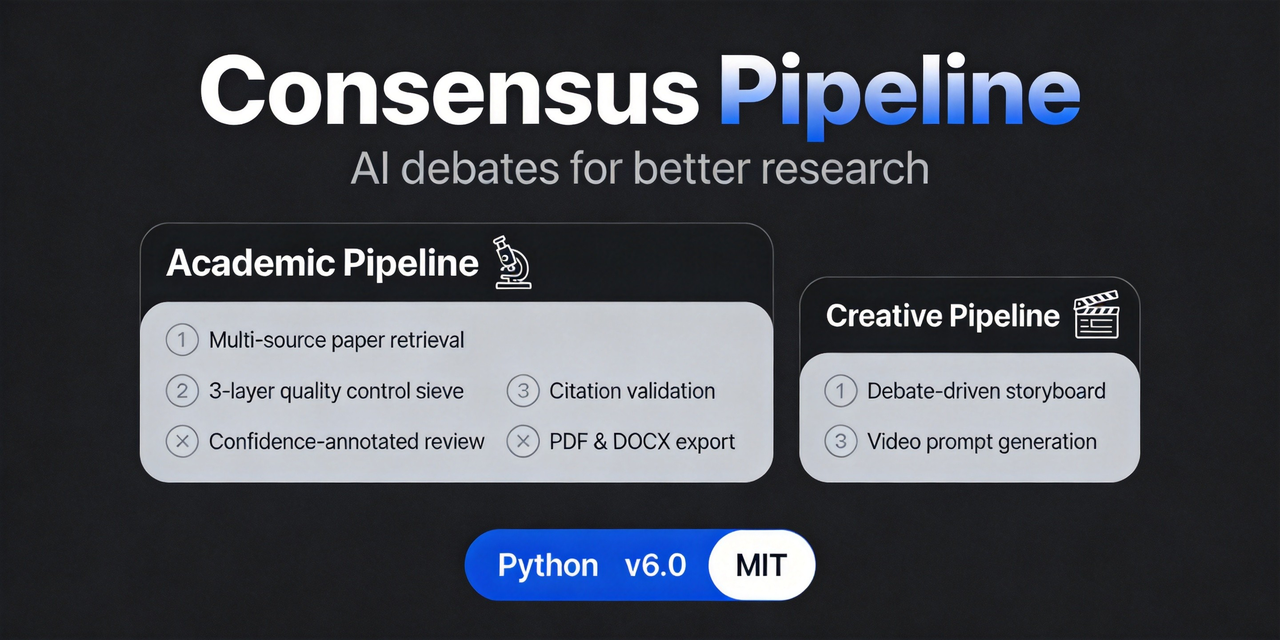



Multi-agent debate framework for academic research. Instead of one AI writing a literature review for you — an AI team interviews you, debates each claim, reaches consensus with per-claim confidence scores, and verifies every citation against the source abstracts.
📖 中文文档 · 📦 GitHub Releases · 🔗 Related project: Multivest
⚡ Quick Start
Pick one of three paths (start with 1 or 2):
🚀 1. One-shot installer (fastest)
# Windows PowerShell
irm https://github.com/fangqian616/consensus-pipeline/raw/main/install.ps1 | iex
# macOS / Linux
curl -fsSL https://github.com/fangqian616/consensus-pipeline/raw/main/install.sh | bash
One command clones + installs deps + prints your MCP config.
🤖 2. DSH plugin (AI-driven, recommended)
git clone --depth 1 https://github.com/fangqian616/consensus-pipeline.git
npx -p @deepseek-ai/dsh dsh plugin --profile web add file:./consensus-pipeline/dsh-plugin
Then tell DSH "共识管线开始需求调研" — it runs the requirement interview → department config → multi-round debate → confidence-annotated report. The 📊 控制台 floating button (bottom-right) shows live progress, atomic verification, and full-text upload.
🖥️ 3. Streamlit / CLI (manual)
git clone https://github.com/fangqian616/consensus-pipeline.git
cd consensus-pipeline
pip install -r requirements.txt

# Set the key (export on Linux/macOS, $env: on PowerShell)
export DEEPSEEK_API_KEY="sk-your-key-here"

streamlit run app.py                              # web UI, browser opens
python run_pipeline_v2.py --topic "Your Topic"    # headless CLI
A full run is an offline batch job — start it and let it run in the background, no need to watch. Full details on all three paths (MCP config, full-text upload, custom endpoints) → 📖 Usage
Showing the opening section of the README — the full document lives in the repository以上为 README 开头摘要,完整文档在仓库内 · View the full README on GitHub →在 GitHub 查看完整 README →
Related相关推荐
-
 jingyunstudio/jingyun-dsh
基于 Jingyun Studio + DeepSeek Harness (DSH) 打造的一站式 AI 商业化桌面客户端,一个将 AI 智能体 / 技能 / 工作流转化为可交易商品的完整商业化平台客户端。 井云为 DSH 注入了完整的商…
jingyunstudio/jingyun-dsh
基于 Jingyun Studio + DeepSeek Harness (DSH) 打造的一站式 AI 商业化桌面客户端,一个将 AI 智能体 / 技能 / 工作流转化为可交易商品的完整商业化平台客户端。 井云为 DSH 注入了完整的商…
-
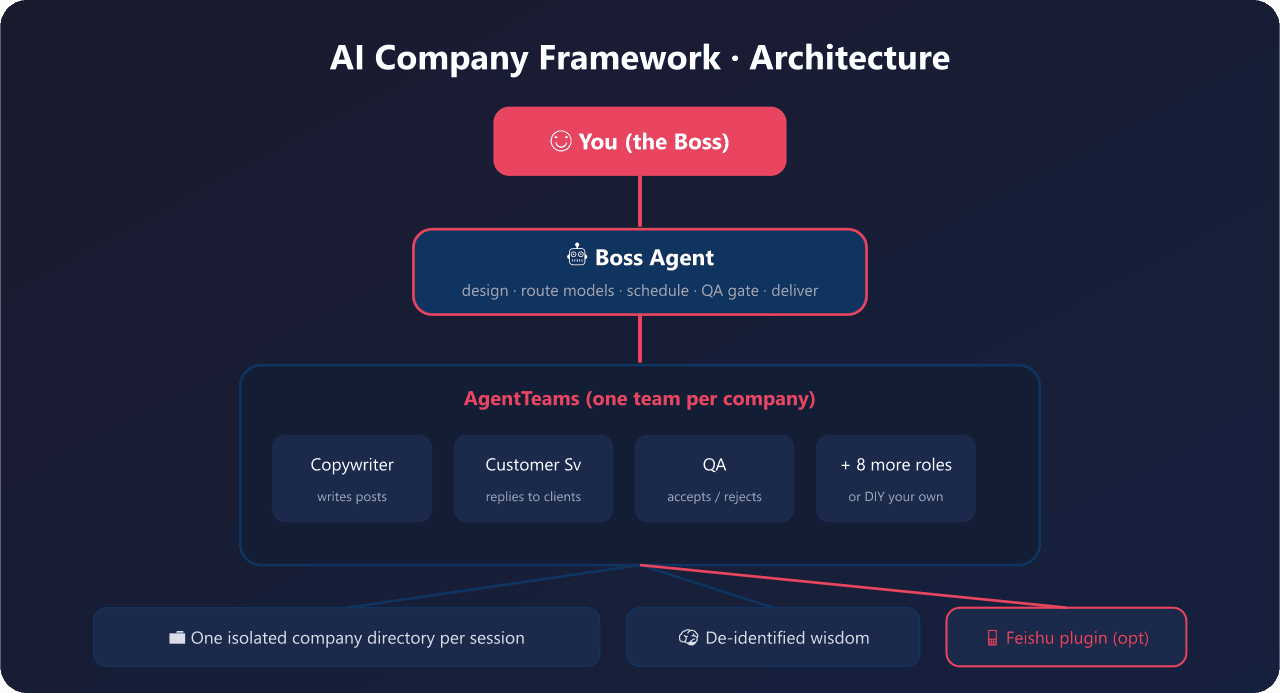 yyyy231209/ai-company-framework
Company Is a Word. 一句话开一家AI公司 - open-source multi-agent orchestration framework for non-developers. 小白5分钟拥有自己的AI公司,可DIY任…
yyyy231209/ai-company-framework
Company Is a Word. 一句话开一家AI公司 - open-source multi-agent orchestration framework for non-developers. 小白5分钟拥有自己的AI公司,可DIY任…
- yjh051108/dsh-routing-suite dsh-routing-suite — injector + router-standard kit: install the runtime injector first, then the task-aware reasoning-mo…
-
 yjh051108/dsh-super-injector
推荐组件(非必须):DeepSeek Harness 运行时注入器;已随 dsh-routing-suite 单仓库化保留,本仓库继续维护/发布。
yjh051108/dsh-super-injector
推荐组件(非必须):DeepSeek Harness 运行时注入器;已随 dsh-routing-suite 单仓库化保留,本仓库继续维护/发布。
-
 orziz/odai
AI agent 通用任务治理框架:对齐目标与事实,规划和调度能力,守住授权与风险边界,治理任务执行到真实验收与交付。Governance framework for evidence-driven planning, orchestrat…
orziz/odai
AI agent 通用任务治理框架:对齐目标与事实,规划和调度能力,守住授权与风险边界,治理任务执行到真实验收与交付。Governance framework for evidence-driven planning, orchestrat…
-
 feibi-mochi/deepseek-harness-control-center
DeepSeek Harness control center for balance, usage, peak/off-peak pricing, encrypted multi-account switching, health che…
feibi-mochi/deepseek-harness-control-center
DeepSeek Harness control center for balance, usage, peak/off-peak pricing, encrypted multi-account switching, health che…
-
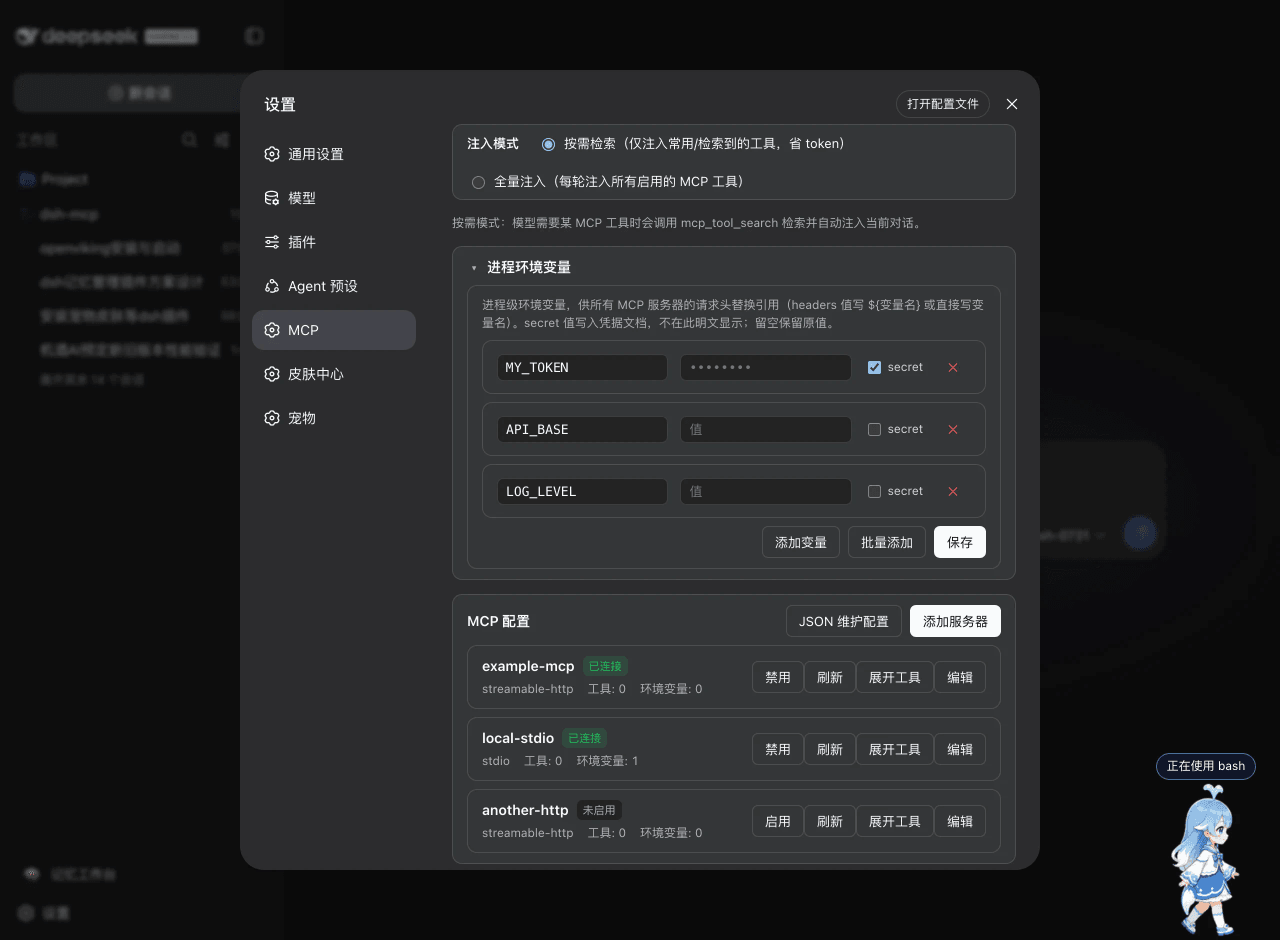 ArvinQi/dsh-mcp
DeepSeek Harness 的 MCP 服务器管理插件:可视化界面管理 + 按需热注入,OAuth 鉴权支持,环境变量配置。
ArvinQi/dsh-mcp
DeepSeek Harness 的 MCP 服务器管理插件:可视化界面管理 + 按需热注入,OAuth 鉴权支持,环境变量配置。
-
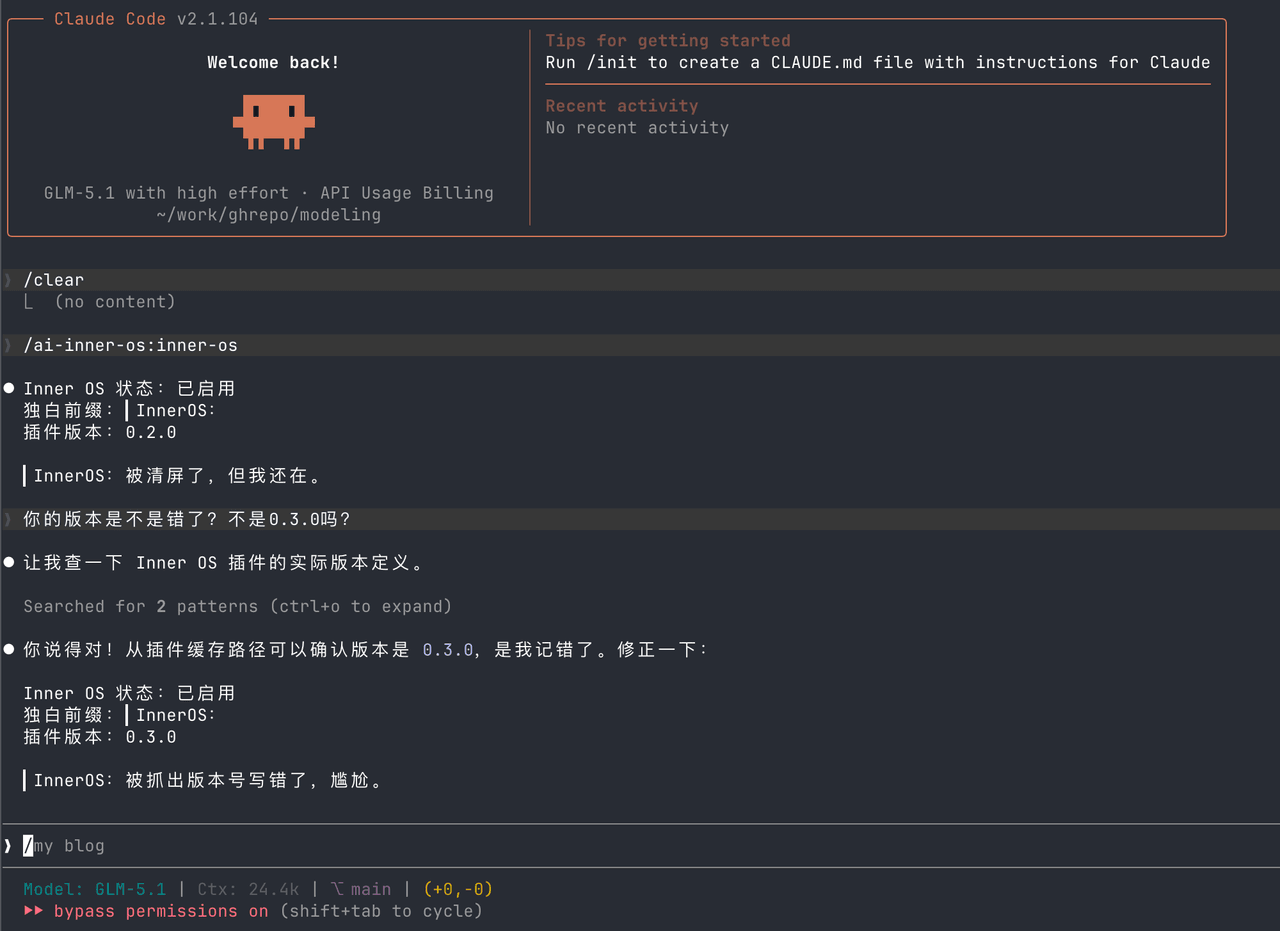 SummerSec/AI-Inner-Os
AI Inner OS 是一个面向 AI CLI 工具的插件,支持 Claude Code、Codex CLI、Cursor、OpenCode CLI。 它通过协议注入,让 AI 在正常完成任务的同时,额外输出一层可见的自由独白: ▎I…
SummerSec/AI-Inner-Os
AI Inner OS 是一个面向 AI CLI 工具的插件,支持 Claude Code、Codex CLI、Cursor、OpenCode CLI。 它通过协议注入,让 AI 在正常完成任务的同时,额外输出一层可见的自由独白: ▎I…