heartmove/dsh-side-chat
一个 DSH 网页插件,Codex 式侧边聊天的强化版本: 在右侧面板提供按主会话隔离的独立聊天,具备 Codex 式的智能体能力——继承主会话的 工具集、模型、思考难度与权限预设,能感知所在工作目录;选中对话内容即可提问,AI 回复 也能带回主会话(直接带回或摘要后带回,写入草稿或注入为折叠提示行)。 在 Codex 式能力之上,它额外支持:当主会话的智能体弹出问题弹框向你提问时,可以 把问题与各个选项带入侧边聊天、让 AI 帮你分析,不必打断当前流程——想清楚后把答案 带回,再回答弹框即可。
Project Overview项目介绍
dsh-side-chat is a native plugin built exclusively for DeepSeek Harness (DSH) that delivers an enhanced Codex-style side chat experience. It adds a dedicated agentic chat panel to the right side of the DSH interface, which is bound to the main conversation that spawned it and inherits the main conversation’s toolset, model, thinking effort, and permission presets by default. After selecting any text in the main conversation, a floating button appears to let users quickly start a side chat query, and AI replies from the side chat can be brought directly back to the main conversation, with options to insert verbatim text or a summarized version to either the main composer or a collapsed context row.
A standard workflow starts with selecting text in the main conversation, clicking the “Ask in side chat” floating button, which automatically loads the selected text into the side chat composer. Users can adjust model, permission and other settings before sending their query, then once they get a reply they can select the content they need and bring it back to the main conversation in one click. When the main conversation shows a question dialog, the side panel automatically lists the question and all its options, letting users analyze the question without interrupting the main flow, then bring the answer back to respond once ready.
This plugin follows DSH’s language settings and supports both Chinese and English. All configuration options are stored in the DSH settings namespace dsh-side-chat, and users can adjust preferences like the default workspace lookup switch, send mode, default prompt, bring-back target, and panel docking position directly in DSH’s settings menu. It is released under the open-source MIT license with no cost to use. The panel width can be dragged to resize between 280 and 720 pixels, and the width is automatically capped at 40% of the window to keep the main chat area usable, with all preferences saved across reloads.
这是一款专为DSH开发的原生插件,提供增强版Codex风格侧边聊天功能,在DSH界面右侧开辟专属的代理会话面板,绑定启动它的主会话,默认继承主会话的工具集、模型、思考强度和权限预设。用户选中主会话的任意内容后,会弹出浮动按钮可快速发起侧边询问,侧边聊天的AI回复可以直接带回主会话,支持插入原文或生成摘要后插入,可配置插入位置到主输入框或作为折叠上下文行。
典型使用流程为,选中主会话文本后点击「在侧边聊天询问」,选中内容自动带入,调整模型、权限等设置后发送提问,获取回复后选中需要的内容一键带回主会话。当主会话弹出问题对话框时,侧边面板会自动列出问题和所有选项,用户可以先在侧边聊天分析思考,不用打断主会话流程,得到结论后再带回回答主对话框。这款插件面向日常使用DSH进行开发、咨询等任务,需要对主会话内容做分支分析的用户。
该插件遵循DSH的语言设置,支持中英文切换,所有配置项存储在DSH设置的dsh-side-chat命名空间下,用户可在设置面板调整默认查找开关、发送模式、默认提示、带回内容位置、面板停靠方式等偏好。它采用MIT开源许可证,不需要付费使用,面板宽度支持拖拽调整,范围在280-720像素之间,宽度会自动限制不超过窗口的40%,保证主聊天区域可用,所有设置会在重启后保留。
请帮我安装这个 DSH 插件。安装前先完成【兼容性检查 + 安全性检查】,检查通过再动手。

插件:dsh-side-chat(heartmove/dsh-side-chat)
仓库:https://github.com/heartmove/dsh-side-chat
本站详情页:https://www.yhbd.top/plugins/heartmove-dsh-side-chat/
本站登记:类型 client · 归类 原生 DSH 插件 · 许可证 MIT · ⭐ 11 · 最近提交 2026-09-24 · 主语言 TypeScript

按下面顺序执行,每步先把结论告诉我,再进入下一步:

【1 兼容性检查】
① 我这边:DSH 版本、Node 版本、操作系统、当前 profile(web / desktop)。
② 读它的 README、package.json、插件 manifest,列出它要求的 DSH 版本 / Node 版本 / 操作系统 / 外部依赖 / 需要另外先装的运行时。
③ 逐条比对,结论只写「满足 / 不满足 / 未知」三种;不满足的给出可行替代方案。
④ 检查是否和我已装的插件冲突:命令名重复、skill / tool 重名、端口占用、重复注册的 MCP server。

【2 安全性检查】
① 仓库可信度:和上面「本站登记」是否一致;star / fork 数、创建时间、最近提交,是否归档或长期停更。
② 安装脚本:逐行看 package.json 的 preinstall / install / postinstall,以及 install.sh、setup.ps1 之类脚本。出现 curl|bash、下载后直接执行、混淆代码、访问与插件功能无关的域名,立刻停下来告诉我,不要继续装。
③ 依赖:列出新增依赖,标出无人维护、或与知名包拼写近似的可疑包(typosquatting)。
④ 权限与副作用:它会读写哪些目录、访问哪些域名、需要哪些 DSH 权限(filesystem / network / shell / clipboard 等),以及怎么卸载和回滚。
⑤ 如果它要求 sudo / 管理员权限,或权限明显超出功能所需,先停下来问我。

【3 安装】
上面两步没有「不满足」和「高危项」时才执行;用官方推荐方式安装,不要自行提权。

【4 汇报】
用表格输出:检查项 / 结论 / 依据 / 是否需要我决策。拿不准的一律写「未知」并说明要我怎么确认——不要猜,也不要替我决定。
Send this message to DSH in your current session: it verifies compatibility and security first (answering met / not met / unknown item by item) and only installs once everything checks out — it will stop and ask you if it finds a high-risk item. The box scrolls; the copy is the full prompt. CLI install commands may not be accurate across systems, so DSH is the safer route.把上面这条消息直接发给当前会话里的 DSH:它会先核对兼容性与安全性(逐条给「满足 / 不满足 / 未知」),确认没问题再安装,有高危项会停下来问你。框内可滚动,复制到的是完整提示词;安装命令不一定准确,发给 DSH 更稳。
- 11 stars - an early-stage project星标 11,属于早期项目
- Desktop client: installation downloads an executable - verify the publisher and checksums桌面客户端:安装会下载可执行文件,请核对发布者与校验和
DSH walks through these 9 checksDSH 会逐条核对这 9 项
Compatibility兼容性
- DSH, Node, OS and profile requirementsDSH 版本 / Node 版本 / 操作系统 / profile 是否满足要求
- External dependencies and runtimes (Electron / Python / Docker, ...)外部依赖与运行时(Electron / Python / Docker 等)是否齐备
- Conflicts with installed plugins: command names, skill / tool names, ports, duplicate MCP registration与已装插件是否冲突:命令名、skill / tool 重名、端口占用、重复 MCP 注册
Security安全性
- Repo matches the facts registered here; archived or abandoned?仓库是否与页面登记一致,是否归档或长期停更
- Safety of preinstall / install / postinstall and install.sh / setup.ps1preinstall / install / postinstall 与 install.sh、setup.ps1 是否安全
- curl|bash, download-then-execute, obfuscation, unrelated domains → stop immediatelycurl|bash、下载即执行、混淆代码、无关域名 → 立刻停止
- Typosquatting or unmaintained packages among the new dependencies新增依赖里有没有 typosquatting 或无人维护的包
- Requested permissions vs. what the feature actually needs申请了哪些权限、是否超出功能所需(filesystem / network / shell / clipboard)
- Any sudo / admin requirement, plus uninstall and rollback是否要求 sudo / 管理员权限,以及卸载与回滚方式
Anything uncertain must be marked unknown with a note on how to confirm it. This site's signal screen is a static snapshot, not a security audit.拿不准的必须标「未知」并说明要我怎么确认。本站的信号筛查是静态快照,不能替代安全审计。
Or use CLI install (for developers)或使用命令行安装(适合开发者)
CLI Install命令行安装
dsh plugin --profile web add github:heartmove/dsh-side-chat把 heartmove/dsh-side-chat 加入你的 DSH 配置(web profile)即可启用。
READMEREADME
dsh-side-chat — 侧边聊天 (Side chat)
Targets DSH 0.1.7-rc.1. See compatibility changes.
An enhanced version of a Codex-style side chat for DSH: a dedicated, agentic chat in a right-side panel, scoped to the conversation it was started from and aware of its workspace. Select part of a conversation and ask about it in the side chat; the side chat inherits the main conversation's toolset, model, and permission preset, and its AI replies can be brought back to the main conversation (directly or as a summary, into the composer draft or as a collapsed context row).
On top of the Codex-style base, it adds one extra capability: when the main agent asks you a question dialog, you can side-chat about the question and its options without interrupting the flow — let the AI help you think it through first, then bring the answer back and answer the dialog.
中文文档见 README.zh.md.
What it does
- Select text → ask in a side chat. Select any part of a message and a floating button "Ask in side chat" appears. The selected text is carried into the side chat automatically.
- Per-conversation isolation. Each side chat is a hidden ordinary DSH
session (
meta.parentSessionlinks it to the conversation that started it, and the session is archived so it stays out of the main session list). DSH 0.1.7 refuses a model step to an archived session, so the archive is lifted for exactly as long as a side-chat turn is running and restored when it settles. A host-created session is never accounted to a Workspace, so even in that window it can only surface under the sidebar's Ungrouped bucket, never under the workspace it was started from. Every conversation gets its own side chat. - Inherits main-conversation context. The side chat is aware of the conversation it was started from and its working directory, and inherits the main conversation's toolset, model, thinking effort, and permission preset by default — so it can act on the same workspace as the main conversation.
- Model / effort / permission are adjustable. A two-level model menu (provider → model → effort) and a permission menu are copied from the main conversation, so each side chat can be tuned independently.
- "Look up workspace / parent when needed" switch (default off). When on, the side chat may read files from the workspace and the parent conversation when it needs more information.
- Normal conversation capabilities. Markdown replies, thinking/reasoning display, image attachments (paste / drag-and-drop), send/stop controls, and thinking-duration display — all reuse the same UI primitives as the main conversation.
- Bring AI replies back to the main conversation. Every assistant reply in the side chat can be brought into the current main conversation: select part of it with the mouse, or insert the whole reply in one click. Either way you can choose "Insert directly" (verbatim) or "Summarize & insert" (the side chat's inherited model summarizes it first). Where it lands is configurable: into the composer draft, or as a collapsed context row (injected as context — not into the composer, never sent).
- Ask about the current question dialog — without interrupting the flow. When the main conversation shows a question dialog (the agent asking you something), the side panel automatically lists the question and each option (no manual text selection needed). Each question has "Bring all" and each option has "Bring", both offering to continue an existing side chat or start a new one. The list can be collapsed / expanded, and items can be deleted individually or all at once (deleted items stay gone).
- Deletable side chats. Each entry in the side-chat list can be deleted individually, or all of them at once via "Delete all".
- Resolution-aware, resizable, collapsible panel. Drag to resize (280–720 px); the width is automatically capped to keep the panel within ~40% of the window and to leave the main chat usable, re-adapts when the window is resized (different monitor, zoom), and is remembered across reloads. Collapse and expand; no close button.
- Language-aware. The plugin follows DSH's language setting (Chinese / English).
Showing the opening section of the README — the full document lives in the repository以上为 README 开头摘要,完整文档在仓库内 · View the full README on GitHub →在 GitHub 查看完整 README →
Related相关推荐
-
 jingyunstudio/jingyun-dsh
基于 Jingyun Studio + DeepSeek Harness (DSH) 打造的一站式 AI 商业化桌面客户端,一个将 AI 智能体 / 技能 / 工作流转化为可交易商品的完整商业化平台客户端。 井云为 DSH 注入了完整的商…
jingyunstudio/jingyun-dsh
基于 Jingyun Studio + DeepSeek Harness (DSH) 打造的一站式 AI 商业化桌面客户端,一个将 AI 智能体 / 技能 / 工作流转化为可交易商品的完整商业化平台客户端。 井云为 DSH 注入了完整的商…
-
 Unclecheng-li/DeepSec
DeepSec — AI Security Offense & Defense Platform. Shield audits AI-generated code for hallucinated packages, missing saf…
Unclecheng-li/DeepSec
DeepSec — AI Security Offense & Defense Platform. Shield audits AI-generated code for hallucinated packages, missing saf…
-
 fangqian616/consensus-pipeline
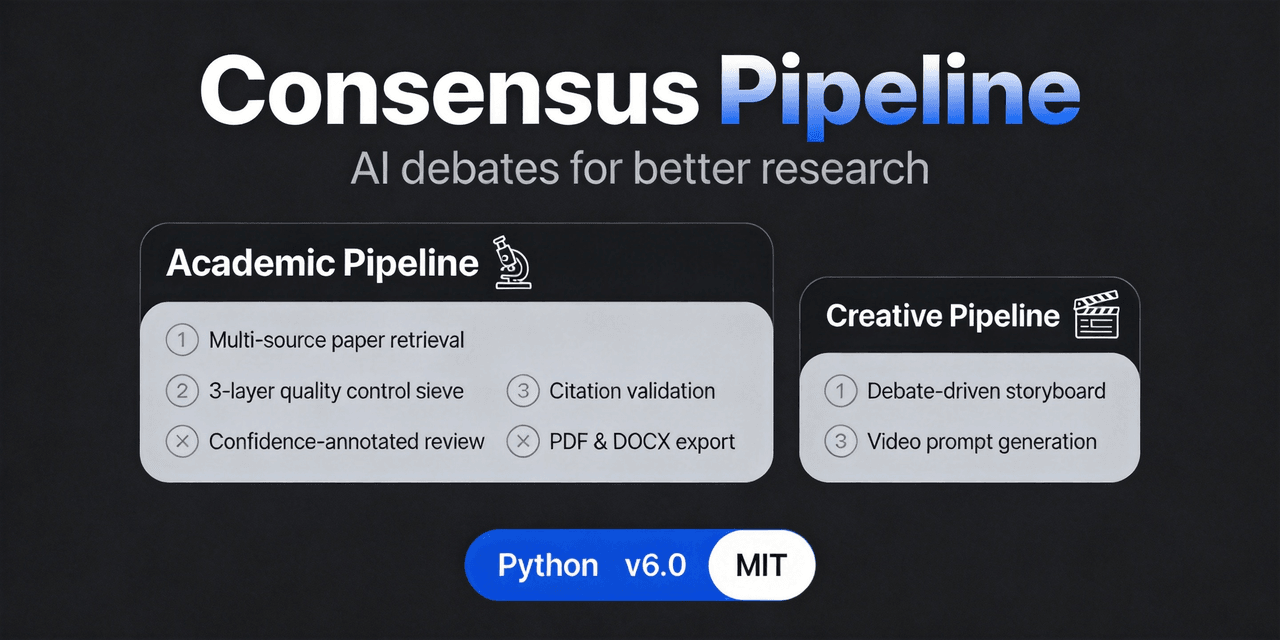
Multi-agent department framework for long-form complex tasks, fighting AI hallucination, validated on academic research.…
fangqian616/consensus-pipeline
Multi-agent department framework for long-form complex tasks, fighting AI hallucination, validated on academic research.…
-
 orziz/odai
AI agent 通用任务治理框架:对齐目标与事实,规划和调度能力,守住授权与风险边界,治理任务执行到真实验收与交付。Governance framework for evidence-driven planning, orchestrat…
orziz/odai
AI agent 通用任务治理框架:对齐目标与事实,规划和调度能力,守住授权与风险边界,治理任务执行到真实验收与交付。Governance framework for evidence-driven planning, orchestrat…
-
 WestFox-AwA/dsh-prompt-optimizer
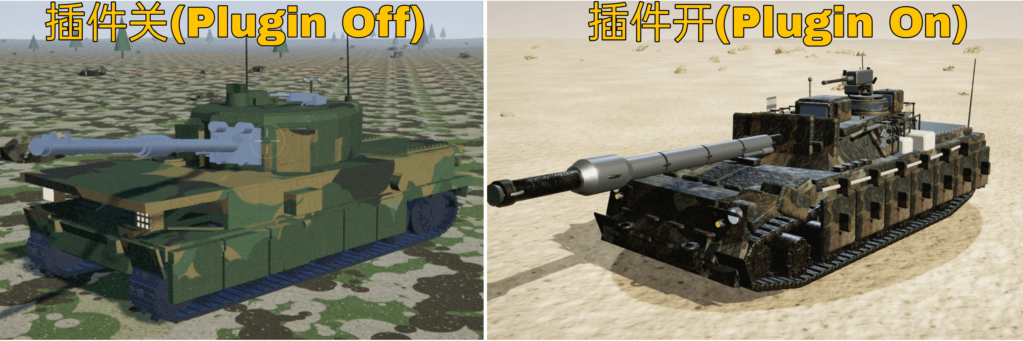
DSH 插件 · 注入式优化器 0.7(主线):你照常说话,它在你发送后,AI接收前把"这一轮到底要什么"理清楚,再把这份理解交给工作 AI(上下文注入) —— 原话不改写,条条带逐字依据。含控制界面(档位/权限/模型/上下文/只读工具)、…
WestFox-AwA/dsh-prompt-optimizer
DSH 插件 · 注入式优化器 0.7(主线):你照常说话,它在你发送后,AI接收前把"这一轮到底要什么"理清楚,再把这份理解交给工作 AI(上下文注入) —— 原话不改写,条条带逐字依据。含控制界面(档位/权限/模型/上下文/只读工具)、…
-
 Noob-stupid/dsh-plugin-gating-hub
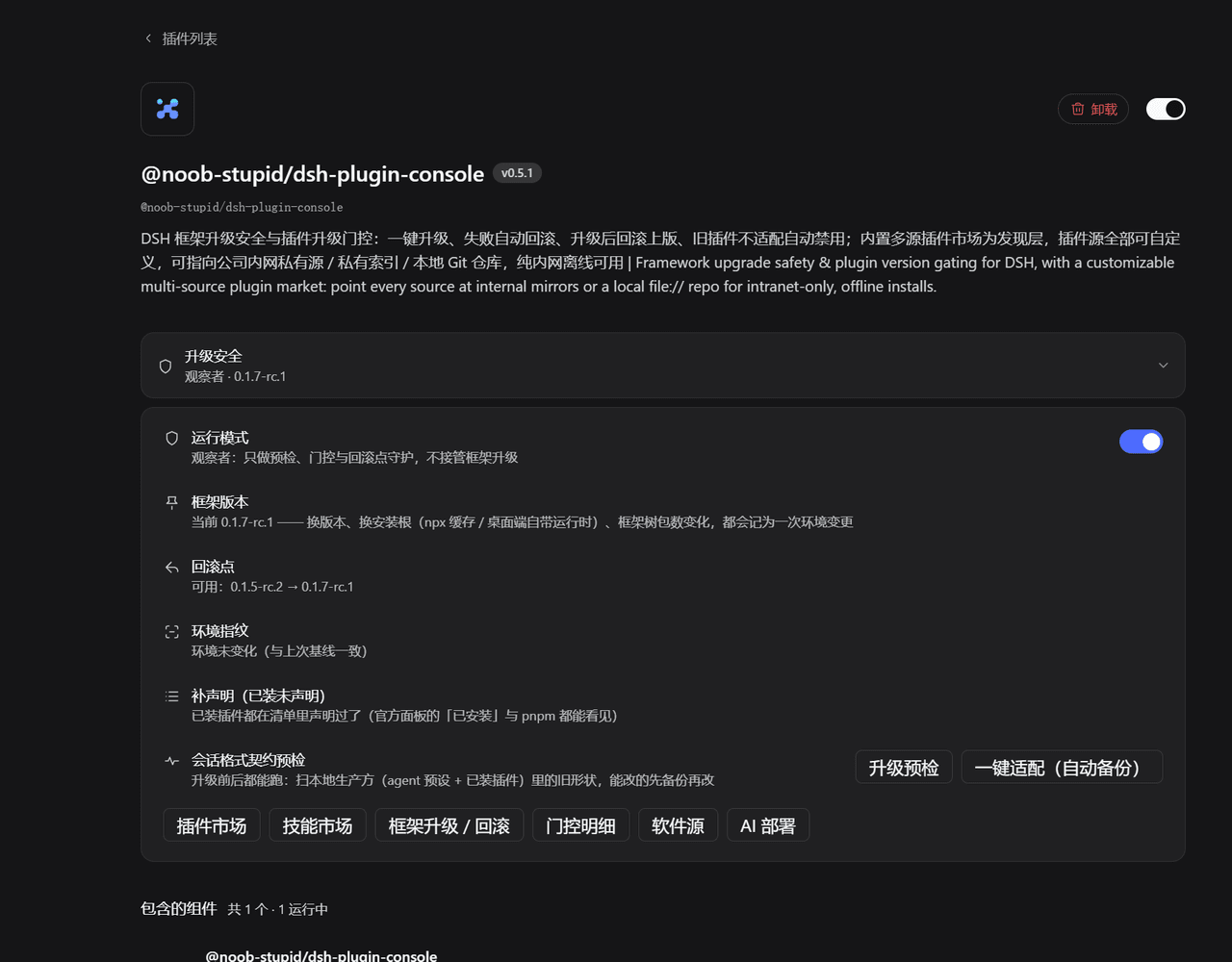
DSH plugin - framework upgrade safety & plugin gating: contract pre-check, rollback point, auto-rollback on failure, evi…
Noob-stupid/dsh-plugin-gating-hub
DSH plugin - framework upgrade safety & plugin gating: contract pre-check, rollback point, auto-rollback on failure, evi…
-
 Zhenyu98/dsh-context-doctor
DSH 上下文注入审计插件:统计 AGENTS.md 指令链/技能目录/工具 schema 的 token 成本,检测重复与冲突;Web UI 圆环面板 + context_audit 工具。Context Doctor for DeepS…
Zhenyu98/dsh-context-doctor
DSH 上下文注入审计插件:统计 AGENTS.md 指令链/技能目录/工具 schema 的 token 成本,检测重复与冲突;Web UI 圆环面板 + context_audit 工具。Context Doctor for DeepS…
-
 chenw2759-wq/dsh-plugin-healthcheck
害怕插件装了就崩溃?用这个插件帮你检测插件是否正常/是否含木马!
chenw2759-wq/dsh-plugin-healthcheck
害怕插件装了就崩溃?用这个插件帮你检测插件是否正常/是否含木马!