JohnXu22786/computer-control
dsh plugin: desktop control - screen capture, pointer/keyboard injection, accessibility-tree semantic actions, with emergency stop, allow/deny rules, confirmation flow and idle standby
Install
computer-control/
├── manifest.json            # dsh plugin manifest (tools/events/entry/transport)
├── pyproject.toml           # packaging metadata and dependency declarations
├── requirements.txt         # core dependencies (Pillow only)
├── requirements-optional.txt# optional capability deps (UIA/mss/hotkey)
├── README.md
├── docs/                    # integration / protocol / actions / configuration
├── examples/                # config examples, session examples, demo scripts
├── computer_control/        # plugin implementation (Python package)
│   ├── cli.py __main__.py   # entry: serve / check / list
│   ├── session.py           # session lifecycle and serial action execution
│   ├── engine.py            # action execution engine (coordinate mapping, events)
│   ├── policy.py            # safety gate: rules/confirmation/panic/watchdog
│   ├── actions.py           # action registry and argument validation
│   ├── geometry.py          # model canvas <-> physical pixel mapping
│   ├── protocol.py server.py# JSON-RPC routing and stdio/HTTP transports
│   ├── client.py            # client for harness/scripts
│   ├── overlay.py           # emergency-stop visual banner (optional, tkinter)
│   ├── drivers/             # execution-layer abstraction + windows impl + dry-run driver
│   └── a11y/                # accessibility-tree summaries + Windows UIA bridge
└── tests/                   # pure-logic and protocol tests (no real hardware)
Add JohnXu22786/computer-control to your DSH config (web profile) to enable.
README
Expand full README Collapse
README is empty.
Related Plugins
-
 anywhere-labs/deepseek-harness-desktop
为 DeepSeek Harness (DSH) 插件生态打造的现代化桌面端解决方案。万物皆「插件」,桌面本身也是「插件」。
anywhere-labs/deepseek-harness-desktop
为 DeepSeek Harness (DSH) 插件生态打造的现代化桌面端解决方案。万物皆「插件」,桌面本身也是「插件」。
-
 liustack/modlens
The first vision plugin for DeepSeek Harness, and the vision bridge for every text-only coding agent. Paste an image, ge…
liustack/modlens
The first vision plugin for DeepSeek Harness, and the vision bridge for every text-only coding agent. Paste an image, ge…
-
 ccch1mneyyy/dsh-TUI
DSH 官方公众号收录的 TUI 补位插件:Claude Code 风,鲸鱼顶栏/实时状态/流式思考/双击 Esc 回滚/上下文进度+TPS。npm 一键装。 DSH official WeChat featured TUI plugin…
ccch1mneyyy/dsh-TUI
DSH 官方公众号收录的 TUI 补位插件:Claude Code 风,鲸鱼顶栏/实时状态/流式思考/双击 Esc 回滚/上下文进度+TPS。npm 一键装。 DSH official WeChat featured TUI plugin…
-
 alvinunreal/openpets
Local first, desktop companion platform with animated pets, plugin SDK and coding-agent integrations.
alvinunreal/openpets
Local first, desktop companion platform with animated pets, plugin SDK and coding-agent integrations.
-
 agentrq/agentrq
AgentRQ: Human-in-loop realtime conversational task manager for AI Agents. Self-hosted! Control your own agents from whe…
agentrq/agentrq
AgentRQ: Human-in-loop realtime conversational task manager for AI Agents. Self-hosted! Control your own agents from whe…
-
 ccch1mneyyy/working-activity
Lively Working-line extension for pi CLI and DSH
ccch1mneyyy/working-activity
Lively Working-line extension for pi CLI and DSH
-
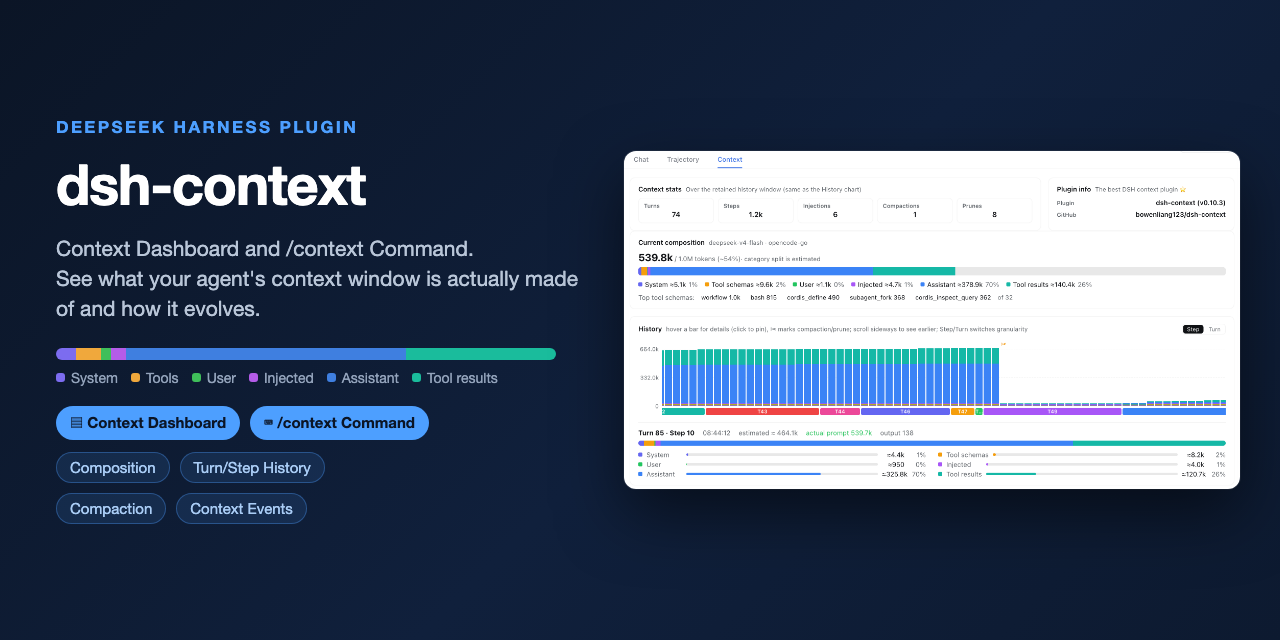 bowenliang123/dsh-context
Best DeepSeek Harness plugin for context insight and management, with context dashboard / browser and context command, f…
bowenliang123/dsh-context
Best DeepSeek Harness plugin for context insight and management, with context dashboard / browser and context command, f…
-
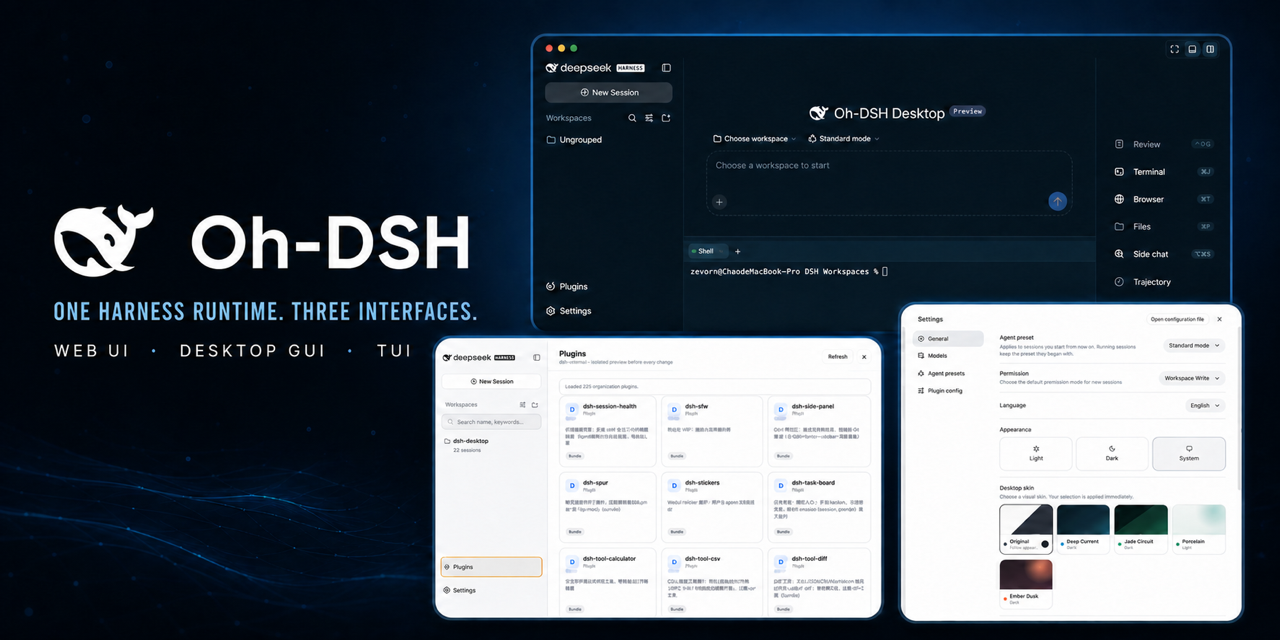 hust-open-atom-club/oh-dsh
一套 DSH runtime,Desktop、Web 与 TUI 三种开发体验。
hust-open-atom-club/oh-dsh
一套 DSH runtime,Desktop、Web 与 TUI 三种开发体验。