Juryorca/dsh-custom-theme-import
Project Overview项目介绍
DSH custom theme import is a DSH Web skin manager that imports, previews, applies, and manages mainstream DSH skin packages. It supports local paths, GitHub repositories, and scan of installed skins in the web profile's node_modules, with thumbnail previews and optional managed copies. Use it to consolidate skins from multiple sources without replacing DSH's native plugin system. Caveat: local imports are referenced in place by default and only copied into the managed themes directory when explicitly opted in.
DSH 自定义主题导入插件,用于在 DSH Web 端导入、预览、使用与管理主流 DSH 皮肤包格式。它支持从本地路径或 GitHub 批量导入,扫描 node_modules 中已安装的皮肤,并提供缩略图预览与管理副本。适用场景:用户希望在不替换 DSH 原生插件系统的前提下,跨来源集中管理多套皮肤。注意:宿主端默认按原位引用本地路径,仅在显式开启后才复制为受管副本。
请帮我了解并安装插件:【dsh-custom-theme-import】【https://github.com/Juryorca/dsh-custom-theme-import】Send this message to DSH in your current session. CLI install commands may not be accurate across systems — DSH will figure it out for you.把上面这条消息直接发给当前会话里的 DSH,让它帮你了解并安装。安装命令不一定准确,发给 DSH 更稳。
Or use CLI install (for developers)或使用命令行安装(适合开发者)
CLI Install命令行安装
dsh plugin --profile web add -w github:Juryorca/dsh-custom-theme-import把 Juryorca/dsh-custom-theme-import 加入你的 DSH 配置(web profile)即可启用。
READMEREADME
dsh-custom-theme-import
English | 中文
A DSH Web skin manager for mainstream DSH skin package format. It imports, previews, uses, and manages skins without replacing DSH's native plugin system.
Features
- Import mainstream DSH skin package format from local paths or GitHub.
- Also import DSH theme plugins without
skin.jsonwhen they are standard web client packages (dsh.client.platform: "web"+lib/client.js). - Scan installed skins from the web profile's
node_modules. - Preview, use, refresh, and manage skins.
- Skin preview thumbnails when the package ships
skin.jsonpreview images. - Host-side persistence with optional managed copies.
- UI language follows DSH automatically (Chinese / English).
Build
node build.mjs
node build.mjs --check
Install
From GitHub:
dsh plugin --profile web add -w github:Juryorca/dsh-custom-theme-import
From a local checkout:
dsh plugin --profile web add -w link:/path/to/dsh-custom-theme-import
Restart:
dsh --profile web
Open:
Settings → My Themes
Supported skin format
Mainstream DSH skin package format:
skin-package/
├── package.json
├── cordis.patch.yml
├── skin.json
├── lib/index.js
└── lib/client.js
Requirements:
package.jsonmust declaredsh.bundle.skin.jsonmust exist.lib/client.jsmust be a DSH ModuleLoader bundle exportingapply(ctx).
Collection repository
A GitHub repository or local path can contain multiple mainstream skins. Common layouts are scanned automatically:
repo-root/
├── themes/<skin-id>/...
├── skins/<skin-id>/...
└── packages/*/skins/<skin-id>/...
Each <skin-id>/ is a full skin package (package.json, cordis.patch.yml,
skin.json, lib/index.js, lib/client.js).
Storage
- Library file:
~/.dsh/dsh-custom-theme-import/library.json - Local path imports reference in place by default; you can opt in to copy
them into
~/.dsh/dsh-custom-theme-import/themes/<id>/as a managed copy. - GitHub/remote imports are cloned/downloaded into:
~/.dsh/dsh-custom-theme-import/themes/<id>/
Related相关推荐
-
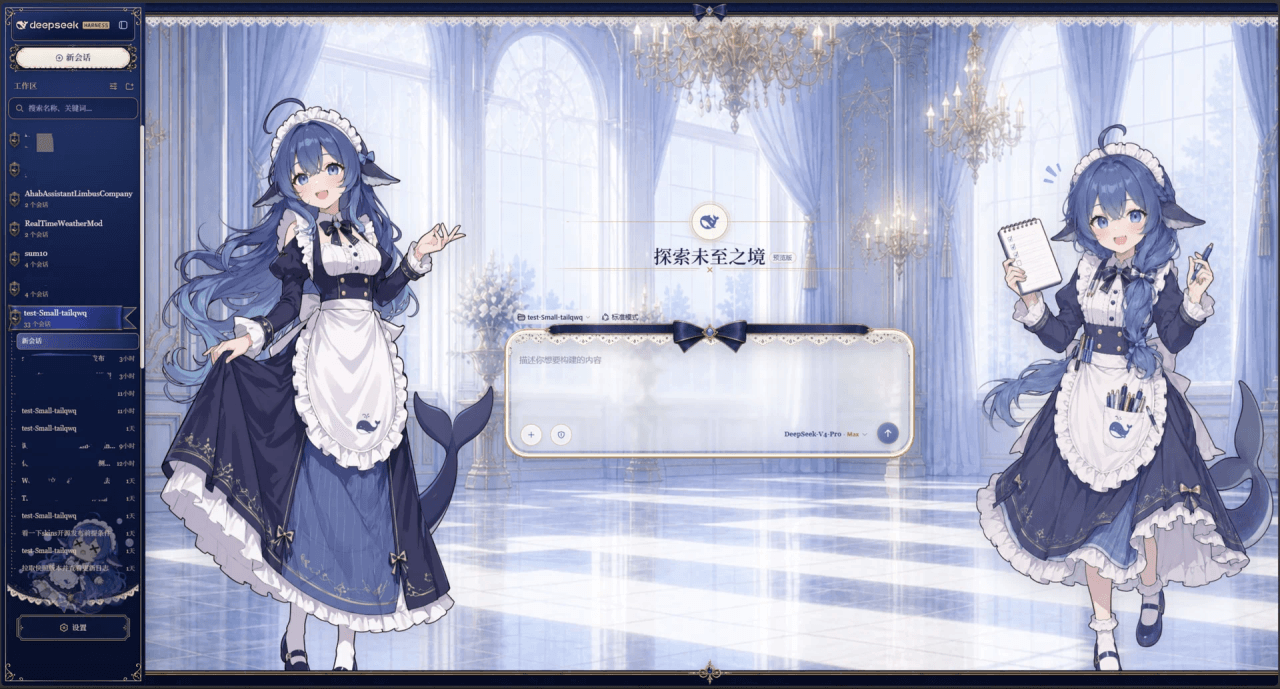 Small-tailqwq/dsh-deep-whale
Whale Girl skin series for DeepSeek Harness. 适用于 DeepSeek Harness 的,鲸鱼娘系列皮肤。
Small-tailqwq/dsh-deep-whale
Whale Girl skin series for DeepSeek Harness. 适用于 DeepSeek Harness 的,鲸鱼娘系列皮肤。
-
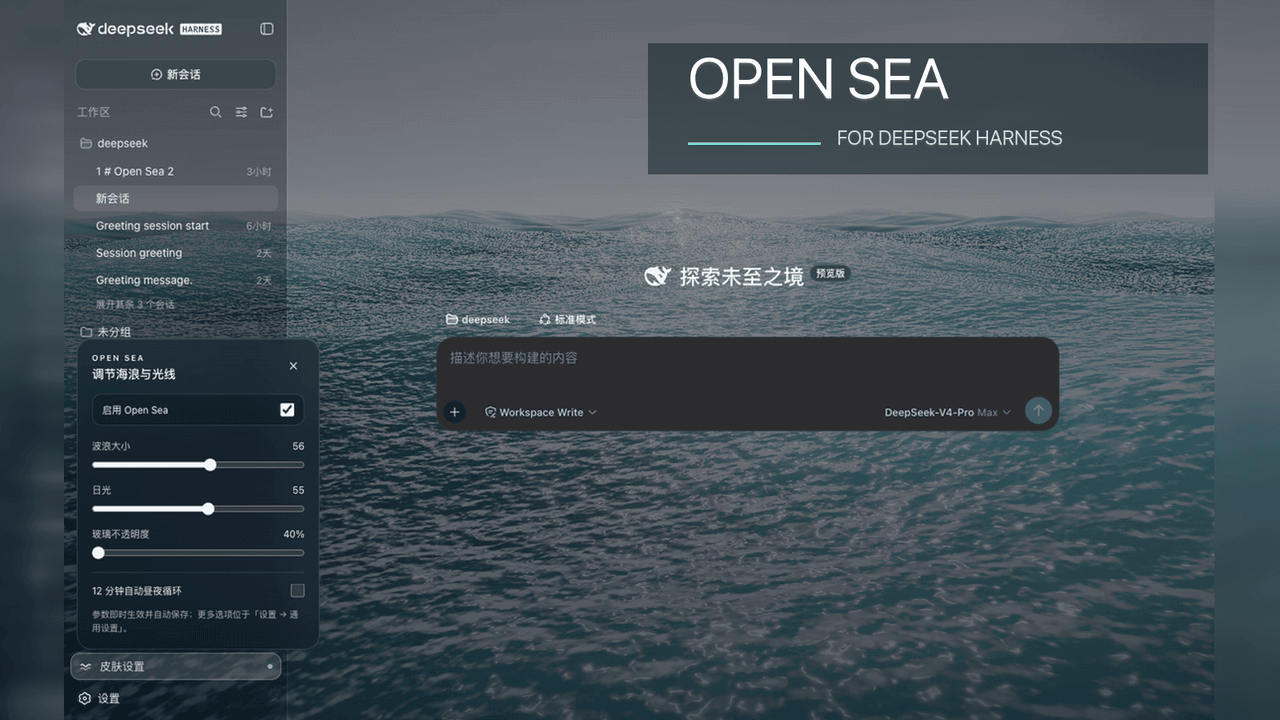 d-dev0101/open-sea-skin
🌊 DeepSeek Harness 海洋皮肤与动态主题 | Real-time ocean theme with adjustable waves, sunset & glass opacity. DSH plugin + Chrome…
d-dev0101/open-sea-skin
🌊 DeepSeek Harness 海洋皮肤与动态主题 | Real-time ocean theme with adjustable waves, sunset & glass opacity. DSH plugin + Chrome…
-
 kingOfSoySauce/dsh-liang-skin
DeepSeek Harness 滑动变阻器皮肤
kingOfSoySauce/dsh-liang-skin
DeepSeek Harness 滑动变阻器皮肤
-
 RevolutionLA/dsh-dream-skin
DeepSeek Harness 换肤 / 壁纸 / 主题包插件 (dsh-plugin) — 8 套 Mirage 主题、每用户强调色、壁纸2.0、主题包导入导出/分享链接、收藏与随机,纯原生 token 系统实现。
RevolutionLA/dsh-dream-skin
DeepSeek Harness 换肤 / 壁纸 / 主题包插件 (dsh-plugin) — 8 套 Mirage 主题、每用户强调色、壁纸2.0、主题包导入导出/分享链接、收藏与随机,纯原生 token 系统实现。
-
 Fishquito7/dsh-skill-mcp-panel
DSH Web UI plugin: skill and MCP management(Web界面的skill/MCP管理工具)
Fishquito7/dsh-skill-mcp-panel
DSH Web UI plugin: skill and MCP management(Web界面的skill/MCP管理工具)
-
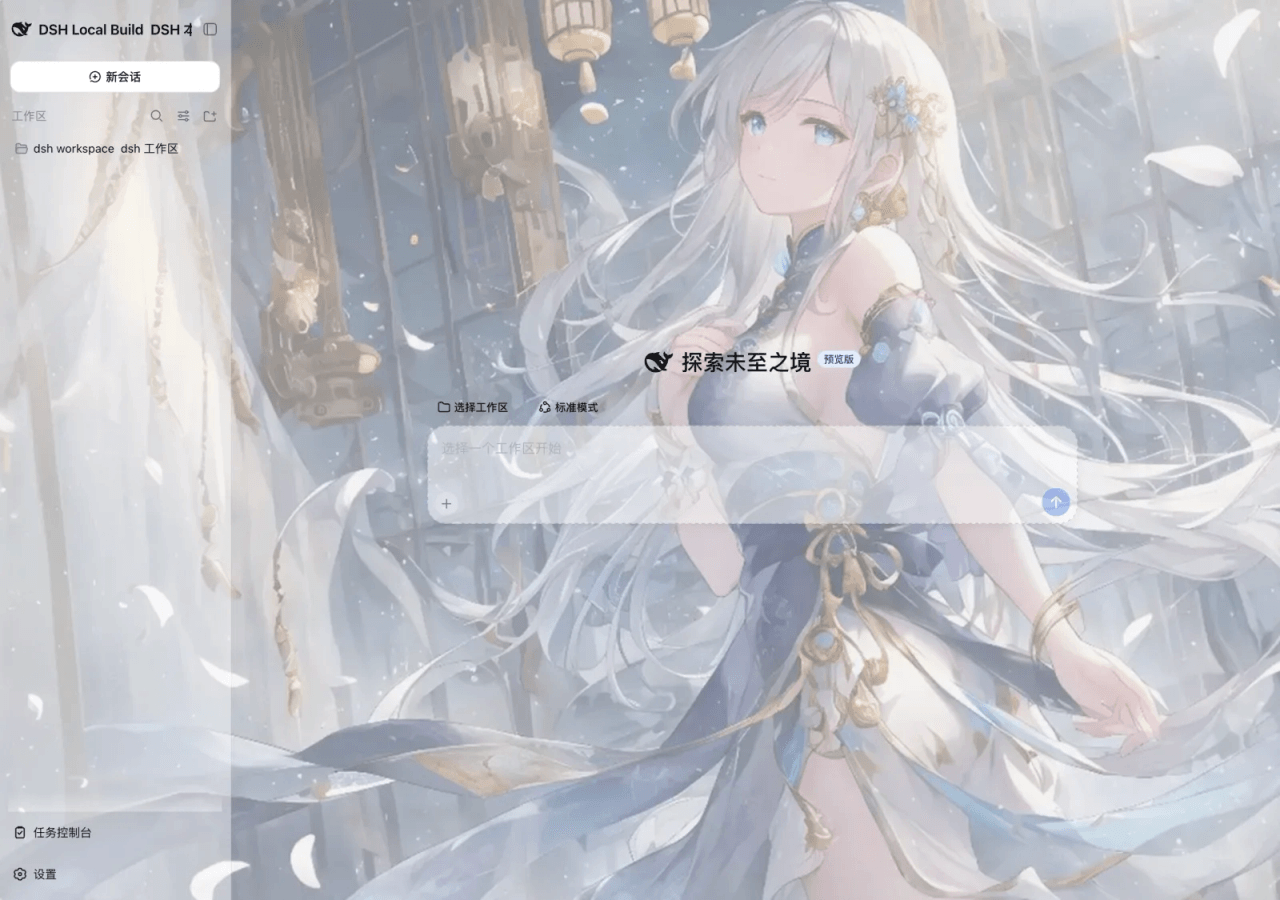 SLin-code/dsh-custom-skin
DSH自定义壁纸/皮肤插件——Custom wallpapers and translucent skins for DeepSeek Harness Web
SLin-code/dsh-custom-skin
DSH自定义壁纸/皮肤插件——Custom wallpapers and translucent skins for DeepSeek Harness Web
-
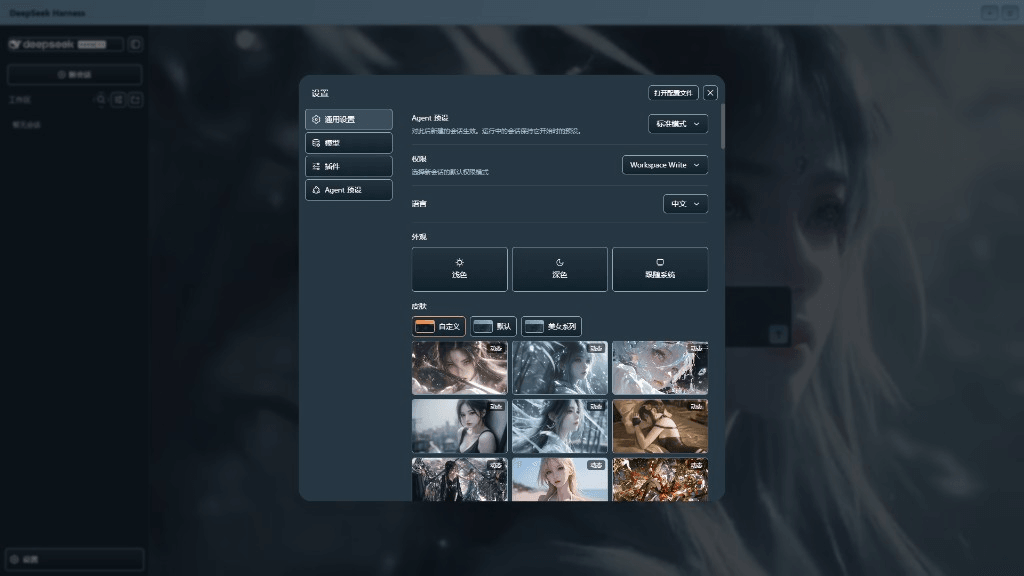 XieRW/dsh-beauty-skins
给 DeepSeek Harness 用的美女系列皮肤:设置里从 哲风壁纸 拉预览网格,点一张即应用,配色从壁纸提取。支持动态壁纸,也保留自定义选图。
XieRW/dsh-beauty-skins
给 DeepSeek Harness 用的美女系列皮肤:设置里从 哲风壁纸 拉预览网格,点一张即应用,配色从壁纸提取。支持动态壁纸,也保留自定义选图。
- ymh0000123/dsh-theme-endfield 终末地官网风格的 DSH Web 主题:奶油纸底、墨黑文字、信号黄强调、全直角工业编辑风。