katsos/dsh-claude-cli
DeepSeek Harness LLM 提供程序,将你已安装的 Claude Code CLI 作为模型后端运行——无需 API 密钥。
Project Overview项目介绍
dsh-claude-cli is an LLM provider plugin for DeepSeek Harness that runs the local Claude Code CLI as a backend model. It spawns claude --print as a subprocess, streams output through the harness's LLM seam, and disables the CLI's own agent loop, tools, settings, and MCP so only the model call remains, driven by the harness's prompt and history. No API key is needed; requests authenticate as the existing claude login. Use it when you want to reuse your subscription login for harness-driven sessions. Caveat: images are dropped, prior reasoning is not replayed, and subscription terms restrict automated, non-interactive use.
dsh-claude-cli 是 DeepSeek Harness 的 LLM 提供者插件,把本地已安装的 Claude Code CLI 作为后端模型调用。无需 API Key,通过子进程运行 claude --print 并将流式输出接入 harness 的 LLM 通道。CLI 自带的 agent 循环、工具与 MCP 被关闭,仅保留模型调用,由 harness 驱动。适合在不愿接入 API 时复用既有 Claude Code 登录。注意:图像不转发、历史推理不重放,且订阅条款对自动化访问存在限制,请先核对计划条款。
请帮我了解并安装插件:【dsh-claude-cli】【https://github.com/katsos/dsh-claude-cli】Send this message to DSH in your current session. CLI install commands may not be accurate across systems — DSH will figure it out for you.把上面这条消息直接发给当前会话里的 DSH,让它帮你了解并安装。安装命令不一定准确,发给 DSH 更稳。
Or use CLI install (for developers)或使用命令行安装(适合开发者)
CLI Install命令行安装
dsh plugin --profile web add github:katsos/dsh-claude-cli把 katsos/dsh-claude-cli 加入你的 DSH 配置(web profile)即可启用。
READMEREADME
dsh-claude-cli
Use the Claude Code CLI you already have installed as a DeepSeek Harness LLM provider.
No API key. The plugin runs claude as a subprocess and streams its output back through the harness's LLM seam, so requests authenticate as whatever claude is already logged in as — a login you should check your plan's usage terms against before automating.
The harness stays the agent. The CLI's own agent loop, tools, settings, memory files, and MCP servers are all switched off; what is left is the model call, driven by the harness's system prompt, history, and tools.
Install
Requires a working claude on PATH (Claude Code), Node ^22.19 || >=24, and a harness with @deepseek-ai/dsh-llm.
Install it into the profile you actually run, pointing at your checkout of this repository. The package declares dsh.bundle, so it joins that profile's layer stack and the anthropic-claude-cli route is composed on every start:
dsh plugin --profile web add ../dsh-claude-cli
A path relative to where you run the command is fine here. This plugin is not on npm, so the directory is the only way to install it today.
Restart the harness afterwards — a profile's layer stack is read at startup, so a running server keeps the composition it booted with. The models then appear under Claude Code CLI in the model picker.
Invoking dsh
The commands here assume dsh resolves. How you reach it depends on how the harness is installed:
| Harness install | Command |
|---|---|
| Global | dsh … |
| Source checkout | pnpm dsh … |
| Neither | npx @deepseek-ai/dsh … |
Use the scoped name with npx. Unscoped dsh on npm is an unrelated JavaScript shell, last published in 2022.
That said, the third row is the odd one: this is a plugin for a harness, so a profile to install it into has to exist already. If you have never run dsh, install the harness first rather than reaching for npx.
Without installing — run it once from a --patch overlay
cordis.yml is a standalone --patch overlay for trying the plugin in one run, or for a profile you would rather not modify. Replace the placeholder path in it with this directory's absolute path — plugin paths in a patch must be absolute, because a patch contributes configuration without changing the directory the loader resolves module paths from.
dsh --profile headless --patch /absolute/path/to/dsh-claude-cli/cordis.yml "your task"
Unlike the bundle layer, that overlay also repoints agent-default-model at anthropic-claude-cli, so the one-shot run uses it without a model picker.
How tool calls work
The CLI has no "here are some tools, hand their calls back to me" mode, so the plugin declares the harness's tools to it as an MCP server (bridge.mjs). The model then emits real tool_use blocks with provider-validated arguments, which the plugin translates into harness tool-call chunks.
The bridge never executes anything. The harness owns tool execution. The plugin ends the request the moment the model's message ends, so the CLI process is gone before it could dispatch a call of its own.
harness request ──▶ claude --print ──▶ model
                         │                │
                    bridge.mjs ◀──────────┘  (tool schemas only)
                         │
harness chunks ◀─────────┘  tool_use → tool-call → the harness runs the tool
Configuration
| Field | Default | Meaning |
|---|---|---|
providers |
['anthropic-claude-cli'] |
Provider routes this adapter serves. |
executable |
'claude' |
Path or command name of the CLI. |
cwd |
harness cwd | Working directory for the CLI process. |
streamIdleTimeoutMs |
300000 |
Maximum gap between CLI output lines before the request fails as TIMEOUT. |
unsupportedFields |
'error' |
error rejects request fields the CLI cannot honor; ignore drops them. |
defaultEffort |
— | low | medium | high | xhigh | max, used when a request selects none. |
extraArgs |
[] |
Extra arguments for CLI flags this plugin does not model. |
extraArgs is passed before the plugin's own flags, and an entry naming one of
them is rejected when the plugin loads. Both matter: the CLI keeps the last
occurrence of a repeated flag, so appended arguments would otherwise win. A
single --tools default was enough to restore the CLI's full tool set — Bash
and Edit included — inside the harness's working directory. Use extraArgs for
flags the plugin leaves alone, such as --betas.
Models are whatever the CLI accepts: the aliases fable, opus, sonnet, haiku, or a full id such as claude-sonnet-5. The catalog is advisory — an unlisted id is passed to --model unchanged.
Limits
These follow from driving a CLI rather than an HTTP API, and are worth knowing before you switch a long session over to it.
- No prompt caching between turns. The harness is the source of truth for history — it compacts, edits, and replays messages the CLI never sees — so each request renders the harness history into one fresh turn. The model's view always equals the harness log, at the cost of re-reading the conversation every turn. Expect this to matter on long sessions and to count against your Claude usage limits.
temperature,maxTokens, andstopcannot be honored. The CLI exposes no flag for any of them. They are reported asUNSUPPORTEDby default rather than dropped silently; setunsupportedFields: ignoreif your agent preset sets them for every route.- Images are not sent. An image block renders as a visible placeholder in the transcript.
- Prior reasoning is not replayed. The provider discards unsigned thinking from history, so replaying it as text would only spend context.
- No app-attribution header. The harness's
attributionHeaders()cannot reach requests the CLI makes on its own behalf. - Rate limits are the account's. A subscription login is shared with your interactive Claude Code sessions. See Usage terms.
Usage terms
Nothing here bypasses authentication. Requests run through the official CLI, as whatever claude is already logged in as, using the same documented --print mode Claude Code ships for non-interactive use.
What this plugin adds is different in kind: it makes a subscription login the model backend for another agent framework. Anthropic's Consumer Terms reserve programmatic access for API keys, saying you may not reach the services "through automated or non-human means, whether through a bot, script, or otherwise". Whether driving the CLI this way falls inside that sentence is Anthropic's call to make, not this README's.
Treat your own plan's terms and the Usage Policy as the authority over anything written here. In particular:
- Prefer an API key and an HTTP provider for unattended, high-volume, or production traffic. This plugin suits work you would otherwise have run by hand in Claude Code.
- Reselling access, serving other people's requests, and evaluating the models to build a competing product are each separately prohibited, whichever credential you use.
Development
npm test          # unit tests, no CLI or tokens needed
npm run test:e2e  # real CLI, spends real tokens
npm run typecheck
npm run build     # emit lib/ so the plugin loads under a released dsh
src/ is what a source launch (pnpm dsh, which runs through tsx) loads; lib/ is what a released dsh running plain Node loads. npm run build emits the second from the first, and prepare runs it on install.
The e2e suite self-skips when claude is not installed. It covers text streaming with usage ordering, a native tool call with valid JSON arguments, caller abort, and unsupported-field rejection.
| Module | Responsibility |
|---|---|
src/index.ts |
Plugin entry: config schema, adapter registration. |
src/adapter.ts |
LlmAdapter implementation, invocation assembly, model metadata. |
src/cli.ts |
Process lifecycle: line framing, idle watchdog, abort, teardown. |
src/protocol.ts |
The CLI's stream-json vocabulary, as parsed at the process boundary. |
src/translate.ts |
Wire events → harness StreamChunk protocol. |
src/render.ts |
Harness history → one CLI user turn. |
src/tools.ts |
Tool schemas → MCP bridge spec, and tool names back. |
src/models.ts |
Advisory model catalog and reasoning efforts. |
src/failure.ts |
CLI failures → provider-neutral LlmFailure codes. |
bridge.mjs |
The stdio MCP server the CLI launches. |
License
MIT
Related相关推荐
-
 crafter-station/petdex
A public gallery of animated pets for Codex, Claude Code, DeepSeek Harness, Hermes, OpenCode, Gemini CLI, and more.
crafter-station/petdex
A public gallery of animated pets for Codex, Claude Code, DeepSeek Harness, Hermes, OpenCode, Gemini CLI, and more.
-
 edison7009/EchoBird
One-click install + model switch:Claude Code,Codex CLI (OpenAI), Grok Build (xAI), DeepSeek Harness, Kimi Code (Moonshot…
edison7009/EchoBird
One-click install + model switch:Claude Code,Codex CLI (OpenAI), Grok Build (xAI), DeepSeek Harness, Kimi Code (Moonshot…
-
 Nwflower/dsh-chat-import
Import 14+ external agent chat histories (Claude Code, Codex, ChatGPT, Cursor, Gemini, Reasonix, opencode, ZCode, Grok B…
Nwflower/dsh-chat-import
Import 14+ external agent chat histories (Claude Code, Codex, ChatGPT, Cursor, Gemini, Reasonix, opencode, ZCode, Grok B…
-
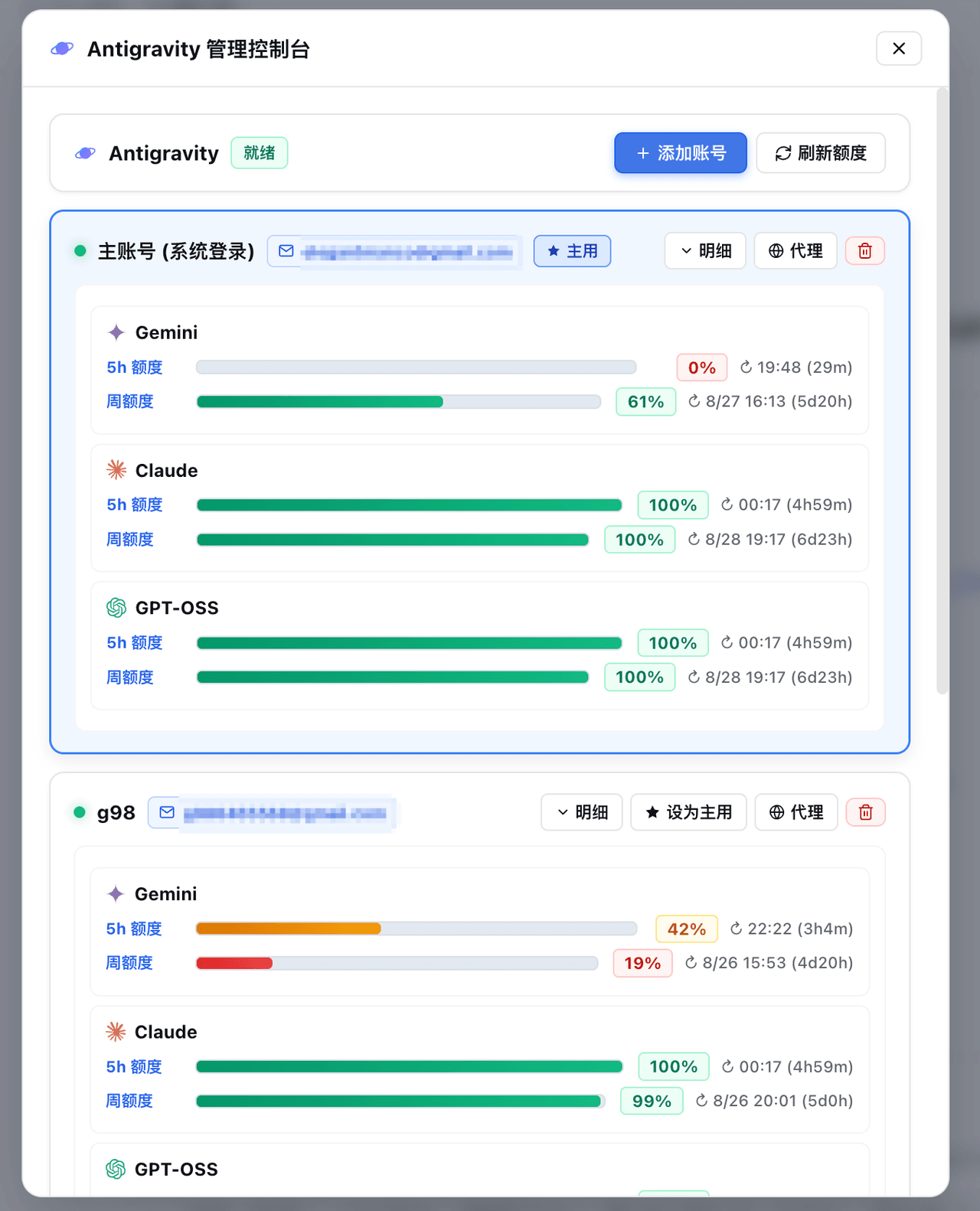 amlyczz/dsh-agy-link
Google Antigravity (agy CLI) models for DeepSeek Harness — streaming chat, thinking, tool activity, usage, in-GUI Google…
amlyczz/dsh-agy-link
Google Antigravity (agy CLI) models for DeepSeek Harness — streaming chat, thinking, tool activity, usage, in-GUI Google…
-
 opencues/opencues
The open standard for omnipresent AI. Claude Code, OpenCode, Gemini CLI, Shell, Chrome, DeepSeek Harness. Model-agnostic
opencues/opencues
The open standard for omnipresent AI. Claude Code, OpenCode, Gemini CLI, Shell, Chrome, DeepSeek Harness. Model-agnostic
-
 skyf0xx/hedgehog
HEDGEHOG codes Cleaner, Faster and with Fewer Tokens. Hedgehog's AI-driven development builds a task dependency graph fr…
skyf0xx/hedgehog
HEDGEHOG codes Cleaner, Faster and with Fewer Tokens. Hedgehog's AI-driven development builds a task dependency graph fr…
-
 chaos-03x/dsh-agy
Google Antigravity (agy) OAuth auth + model access plugin for DeepSeek Harness: multi-account pool, 429 rotation, device…
chaos-03x/dsh-agy
Google Antigravity (agy) OAuth auth + model access plugin for DeepSeek Harness: multi-account pool, 429 rotation, device…
-
 AnkoCD/dsh-server-deployment
DeepSeek Harness 多用户服务器部署:登录门户 / 每用户独立实例与 OS 级隔离 / 独立 API Key / 交付文件抽屉;文件访问经 sudo 助手降权执行(修复 issue #1 TOCTOU)。非本机工具。
AnkoCD/dsh-server-deployment
DeepSeek Harness 多用户服务器部署:登录门户 / 每用户独立实例与 OS 级隔离 / 独立 API Key / 交付文件抽屉;文件访问经 sudo 助手降权执行(修复 issue #1 TOCTOU)。非本机工具。