
opencues/opencues
将任何文本字段变成双向LLM通道:它读取你输入的内容,并填充你所请求的信息。边打字边标记错误,并以_结尾回答任何问题。支持Claude Code、OpenCode、Gemini CLI、shell、Chrome、DeepSeek Harness。模型无关,开放标准,无需聊天窗口。
Project Overview项目介绍
OpenCues is an open-source, platform- and model-agnostic inline AI framework that turns any standard text input field into a two-way LLM interaction channel. It supports automatic inline suggestions that fix typos or refine existing text as you type, without requiring you to switch to a separate chat window. It also offers on-demand text completion: end a line with an underscore, and the LLM will fill in the rest of your thought directly inline. It natively integrates with multiple AI agent tools including Claude Code, OpenCode, Gemini CLI, your shell, Chrome, and DeepSeek Harness (DSH).
Unlike most AI agent tools that require a dedicated chat interface for interactions, OpenCues keeps all your work in the text buffer you are already editing. Every AI-generated output is inserted directly into your working document, so you can review, edit, or reject any change before you submit your final text. This design eliminates context switching and copy-pasting between a chat window and your working file. It is built for developers and creators who want lightweight AI assistance embedded directly into their existing workflow.
OpenCues is released under the permissive Apache 2.0 open source license, with no associated cost or mandatory binding to a specific LLM provider. It includes a robust multi-layer security model that has closed off 23 out of 27 tracked attack classes, with protections including sandbox isolation for third-party code, capability access gates, resource quotas, and output sanitization. Users can run the built-in opencues review command to scan untrusted OpenCues extension packs before installing them. The project welcomes community contributions for new integrations and features.
OpenCues 是一个与模型和平台无关的内嵌AI开发框架,能够将任意文本输入框转换为双向大语言模型交互通道,它可以自动检测输入文本中的问题并提供修复建议,也支持用户在行末输入下划线来触发按需补全。它原生支持 Claude Code、OpenCode、Gemini CLI、Shell 和 Chrome,同时也可以集成到 DSH 中使用。
OpenCues 不需要独立的AI聊天窗口,所有AI输出都会直接插入到用户当前正在编辑的文本缓冲区中,用户可以在最终提交内容前随时审查、修改AI生成的输出,完全避免了跨窗口复制粘贴和工作流上下文切换。它适合希望在现有工作流中嵌入轻量AI辅助,不想切换到专门AI聊天界面的开发者与普通创作者。
OpenCues 采用 Apache 2.0 开源协议,内置多层安全防护机制,包括第三方代码沙箱隔离、能力访问门控、资源调用配额和输出内容净化,目前已经封堵了23类可追踪攻击,用户还可以通过内置命令检查不信任的扩展包。它完全开源免费,不强制绑定任何特定的大模型提供商。
请帮我安装这个 DSH 插件。安装前先完成【兼容性检查 + 安全性检查】,检查通过再动手。

插件:opencues(opencues/opencues)
仓库:https://github.com/opencues/opencues
本站详情页:https://www.yhbd.top/plugins/opencues-opencues/
本站登记:类型 plugin · 归类 多平台兼容工具(非 DSH 原生) · 许可证 Apache-2.0 · ⭐ 61 · 最近提交 2026-09-26 · 主语言 TypeScript · 未检测到 DSH 插件清单

按下面顺序执行,每步先把结论告诉我,再进入下一步:

【1 兼容性检查】
① 我这边:DSH 版本、Node 版本、操作系统、当前 profile(web / desktop)。
② 读它的 README、package.json、插件 manifest,列出它要求的 DSH 版本 / Node 版本 / 操作系统 / 外部依赖 / 需要另外先装的运行时。
③ 逐条比对,结论只写「满足 / 不满足 / 未知」三种;不满足的给出可行替代方案。
④ 检查是否和我已装的插件冲突:命令名重复、skill / tool 重名、端口占用、重复注册的 MCP server。

【2 安全性检查】
① 仓库可信度:和上面「本站登记」是否一致;star / fork 数、创建时间、最近提交,是否归档或长期停更。
② 安装脚本:逐行看 package.json 的 preinstall / install / postinstall,以及 install.sh、setup.ps1 之类脚本。出现 curl|bash、下载后直接执行、混淆代码、访问与插件功能无关的域名,立刻停下来告诉我,不要继续装。
③ 依赖:列出新增依赖,标出无人维护、或与知名包拼写近似的可疑包(typosquatting)。
④ 权限与副作用:它会读写哪些目录、访问哪些域名、需要哪些 DSH 权限(filesystem / network / shell / clipboard 等),以及怎么卸载和回滚。
⑤ 如果它要求 sudo / 管理员权限,或权限明显超出功能所需,先停下来问我。

【3 安装】
上面两步没有「不满足」和「高危项」时才执行;用官方推荐方式安装,不要自行提权。

【4 汇报】
用表格输出:检查项 / 结论 / 依据 / 是否需要我决策。拿不准的一律写「未知」并说明要我怎么确认——不要猜,也不要替我决定。
Send this message to DSH in your current session: it verifies compatibility and security first (answering met / not met / unknown item by item) and only installs once everything checks out — it will stop and ask you if it finds a high-risk item. The box scrolls; the copy is the full prompt. CLI install commands may not be accurate across systems, so DSH is the safer route.把上面这条消息直接发给当前会话里的 DSH:它会先核对兼容性与安全性(逐条给「满足 / 不满足 / 未知」),确认没问题再安装,有高危项会停下来问你。框内可滚动,复制到的是完整提示词;安装命令不一定准确,发给 DSH 更稳。
- No DSH plugin manifest detected - it may only carry the dsh-plugin topic, so the install method must be confirmed on the spot未检测到 DSH 插件清单:可能只是打了 dsh-plugin 话题,安装方式要现场确认
- Not DSH-native: a multi-platform tool that may require Node / Electron or another runtime first非 DSH 原生,是多平台兼容工具:可能要先装 Node / Electron 等运行时
DSH walks through these 9 checksDSH 会逐条核对这 9 项
Compatibility兼容性
- DSH, Node, OS and profile requirementsDSH 版本 / Node 版本 / 操作系统 / profile 是否满足要求
- External dependencies and runtimes (Electron / Python / Docker, ...)外部依赖与运行时(Electron / Python / Docker 等)是否齐备
- Conflicts with installed plugins: command names, skill / tool names, ports, duplicate MCP registration与已装插件是否冲突:命令名、skill / tool 重名、端口占用、重复 MCP 注册
Security安全性
- Repo matches the facts registered here; archived or abandoned?仓库是否与页面登记一致,是否归档或长期停更
- Safety of preinstall / install / postinstall and install.sh / setup.ps1preinstall / install / postinstall 与 install.sh、setup.ps1 是否安全
- curl|bash, download-then-execute, obfuscation, unrelated domains → stop immediatelycurl|bash、下载即执行、混淆代码、无关域名 → 立刻停止
- Typosquatting or unmaintained packages among the new dependencies新增依赖里有没有 typosquatting 或无人维护的包
- Requested permissions vs. what the feature actually needs申请了哪些权限、是否超出功能所需(filesystem / network / shell / clipboard)
- Any sudo / admin requirement, plus uninstall and rollback是否要求 sudo / 管理员权限,以及卸载与回滚方式
Anything uncertain must be marked unknown with a note on how to confirm it. This site's signal screen is a static snapshot, not a security audit.拿不准的必须标「未知」并说明要我怎么确认。本站的信号筛查是静态快照,不能替代安全审计。
Or use CLI install (for developers)或使用命令行安装(适合开发者)
CLI Install命令行安装
dsh plugin --profile web add github:opencues/opencues把 opencues/opencues 加入你的 DSH 配置(web profile)即可启用。
READMEREADME







Turn any text field into a two-way LLM channel. It reads what you write and fills what you ask: catching a slip as you type, or answering the moment you end a line with _. A drop-in for Claude Code, OpenCode, Gemini CLI, your shell, and Chrome. Model-agnostic, output you review before it sends, an open standard with no chat window.
The model comes to your cursor, both ways. Cues react to what you've already written and surface a fix or a sharper line inline, unprompted. Blanks act on demand: end a line with _ and the model fills in the rest. No chat window, no copy-paste, no context switch.

OpenCues is platform, model, and provider agnostic, engineered from the ground up to enable native inline AI.
| You type | You get |
|---|---|
| i keep having to approve every single git command | ↳ 💡 Tired of approving? /permissions allow rules like Bash(git *), or Shift+Tab to auto mode |
| ok this is a mess, let's start over on the auth stuff | ↳ 💡 Starting over? /clear wipes the conversation, CLAUDE.md stays |
| let's ship it Thursday the 19th | ↳ ⚠ the 19th is a Friday |
| we should probably go ahead and refactor this | ↳ we should refactor this |
| hey can u send me that report when u get a sec make this formal _ | Could you please send me that report at your earliest convenience? |
| hello world translate to japanese _ | こんにちは世界 |
| draft an email to my landlord asking for a rent reduction _ | (the email, written) |
| ffmpeg command to convert a video to web-ready mp4 _ | ffmpeg -i input.mov -vcodec libx264 -crf 23 -pix_fmt yuv420p -acodec aac output.mp4 |
Showing the opening section of the README — the full document lives in the repository以上为 README 开头摘要,完整文档在仓库内 · View the full README on GitHub →在 GitHub 查看完整 README →
Related相关推荐
-
 Q00/ouroboros
Agent OS: the agent gets smarter on its own. We just hold the line: Interview-gated, staged evaluation, budgeted evoluti…
Q00/ouroboros
Agent OS: the agent gets smarter on its own. We just hold the line: Interview-gated, staged evaluation, budgeted evoluti…
-
 crafter-station/petdex
A public gallery of animated pets for Codex, Claude Code, DeepSeek Harness, Hermes, OpenCode, Gemini CLI, and more.
crafter-station/petdex
A public gallery of animated pets for Codex, Claude Code, DeepSeek Harness, Hermes, OpenCode, Gemini CLI, and more.
-
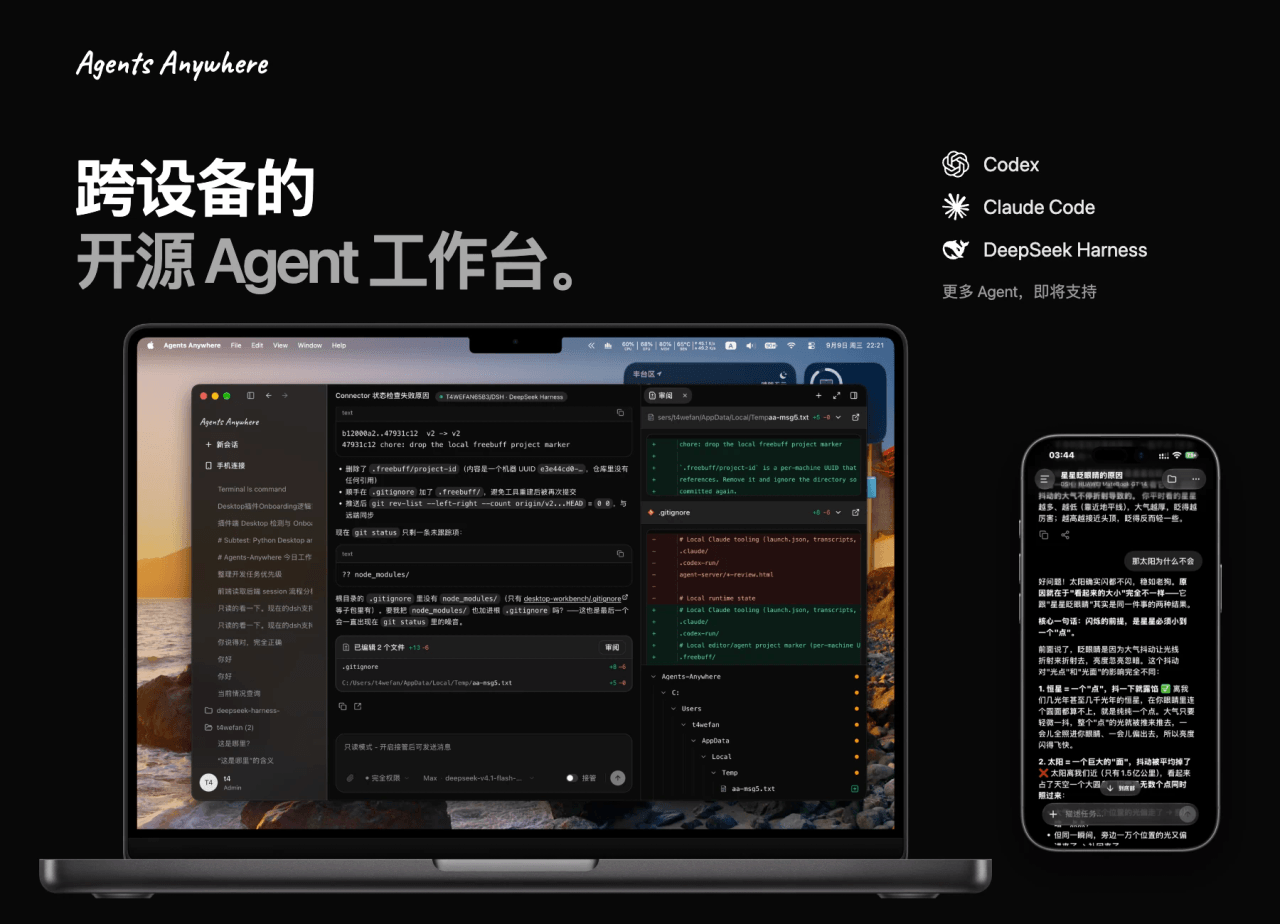 anywhere-labs/Agents-Anywhere
跨设备的开源Agent工作台
anywhere-labs/Agents-Anywhere
跨设备的开源Agent工作台
- PerryLink/jevcore TypeSafe Jev for DeepSeek Harness, the Model Context Protocol, and plain Node: typed judgments instead of prose, offline…
-
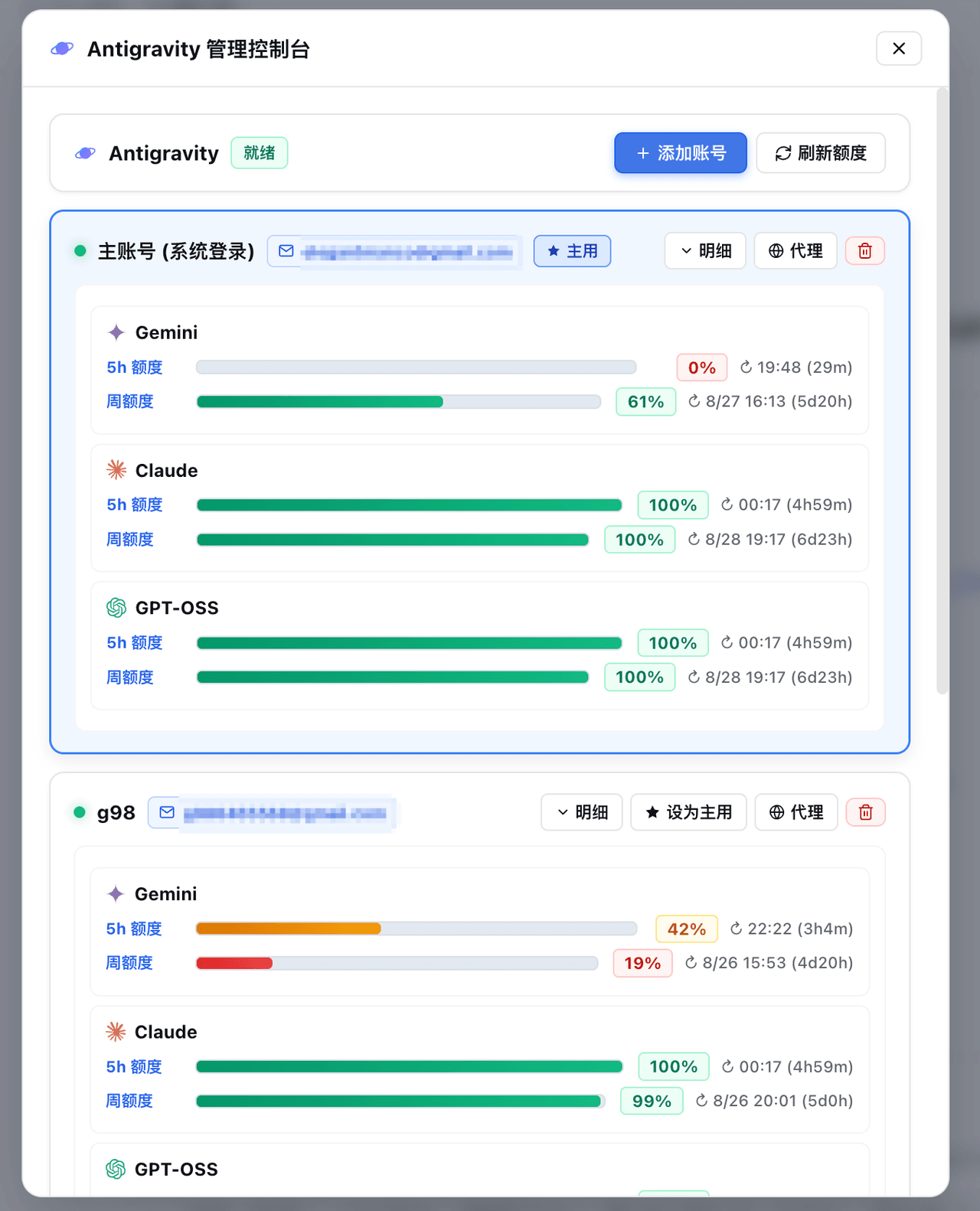 amlyczz/dsh-agy-link
Google Antigravity (agy CLI) models for DeepSeek Harness — streaming chat, thinking, tool activity, usage, in-GUI Google…
amlyczz/dsh-agy-link
Google Antigravity (agy CLI) models for DeepSeek Harness — streaming chat, thinking, tool activity, usage, in-GUI Google…
-
 chaos-03x/dsh-agy
Google Antigravity (agy) OAuth auth + model access plugin for DeepSeek Harness: multi-account pool, 429 rotation, device…
chaos-03x/dsh-agy
Google Antigravity (agy) OAuth auth + model access plugin for DeepSeek Harness: multi-account pool, 429 rotation, device…
- aa2246740/dsh-model-fusion Fusion for DeepSeek Harness: a frontier Lead plans and reviews, a much cheaper Sidekick writes the code — frontier resul…
-
 skyf0xx/hedgehog
HEDGEHOG codes Cleaner, Faster and with Fewer Tokens. Hedgehog's AI-driven development builds a task dependency graph fr…
skyf0xx/hedgehog
HEDGEHOG codes Cleaner, Faster and with Fewer Tokens. Hedgehog's AI-driven development builds a task dependency graph fr…